




New Trade Zone
Trade Zone is now live
Use the new Trade Zone for auctions and instant-price trades so Pokemon and item offers are easy to find.


Ryuusenka
Registered User
-
Joined
-
Last visited
Everything posted by Ryuusenka
-
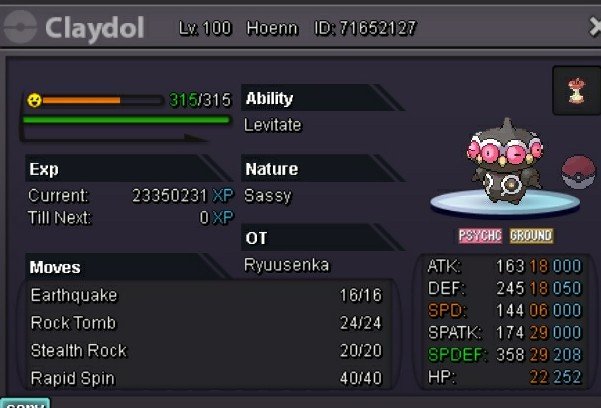
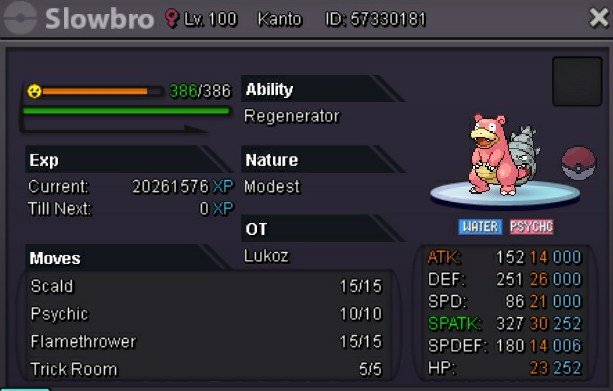
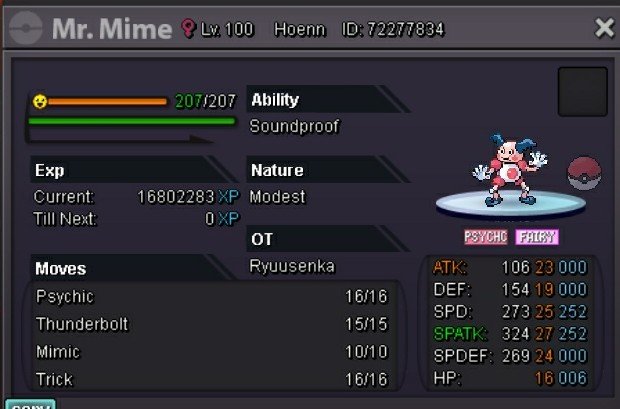
here is not s.o, you can buy if you want, it's insta
-
-
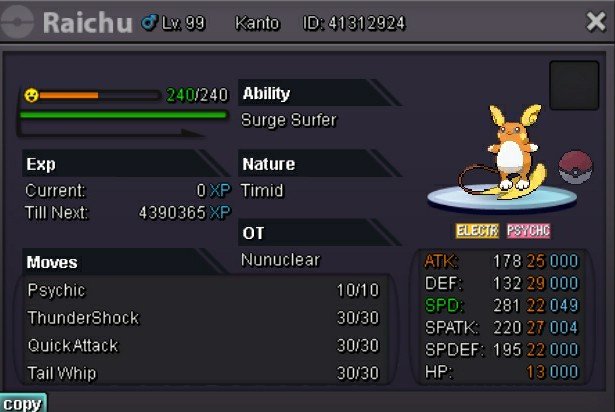
150k200k 200k 300k 200k

-
S.O : 350k BY azio000 Min bid : 100k Insta:2m Time : 24H after first bid
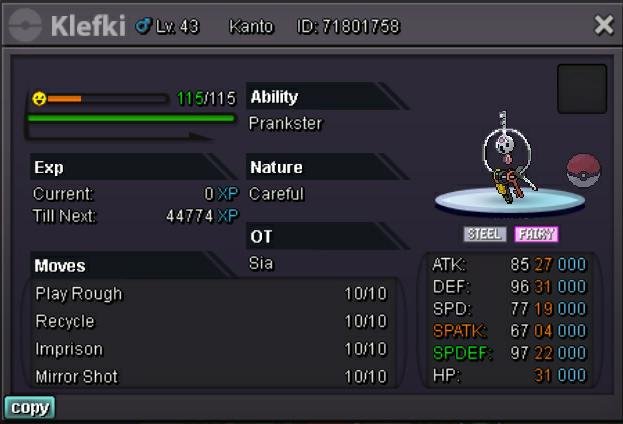 I will be more careful and save some time just for that, thanks and it won't happen again @Haruyukio, I apologize to the buyer @Edgyseller, I have little time to play lately.BumpBump1m or offer
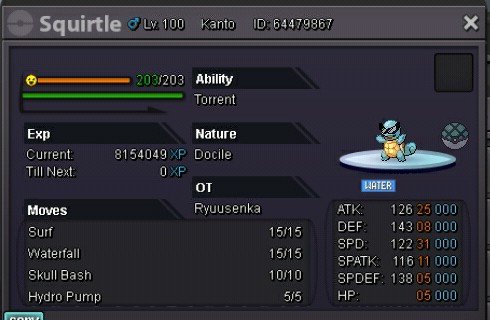 BumpIn my opinion, giratina is a pokemon that deserves to receive a form and be on halloween, as much as we can't use it in pvp, it's the face of halloween, it's a dark pokemon that is always in the shadows, its wings must be exchanged for bones in the original form, something similar to what was done with garchomp, his face in a darker tone characterizing halloween, in addition to his body being darker in both forms.BUMPBumpforgot to mention but a trash with no wrong nature/ability is around 15-20m, thanks for your offer.BumpBumpBumpNoI would be happy with 1.5mI would be happy with 2m 🙂I don't accept Trade ,CASH RR CC ONLY. I'm looking for offers, I'll ignore low offers or trolls DISCORD:BabyRyuu#0756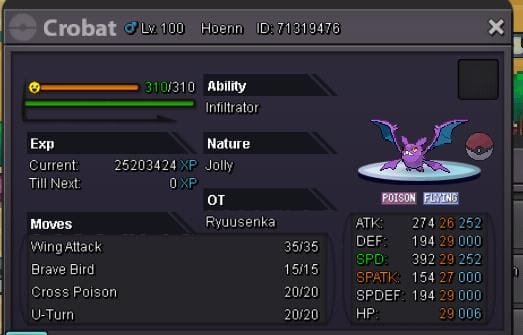
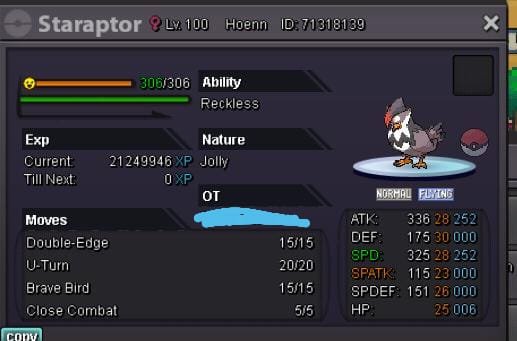
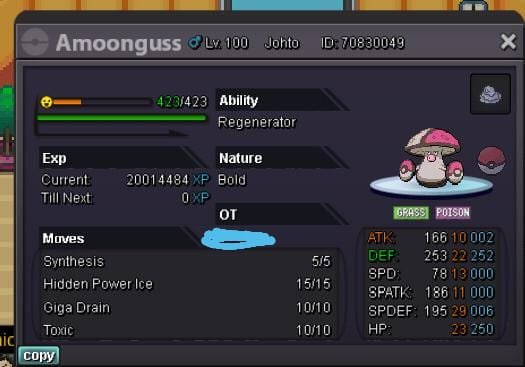
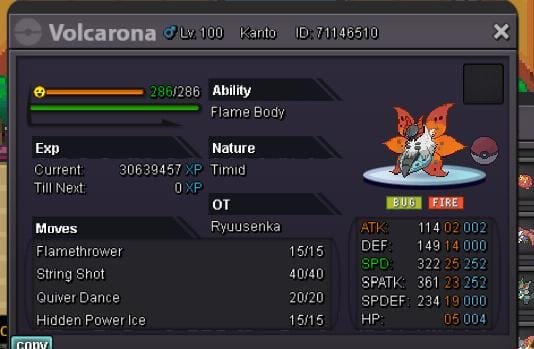

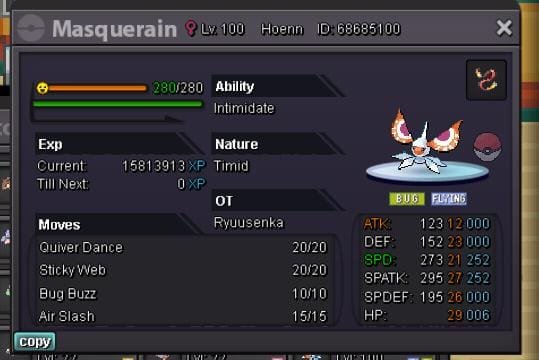
.jpeg.3dba634ff4ec0cee247a3e3578392d0c.jpeg) Tyranitar sold
Tyranitar sold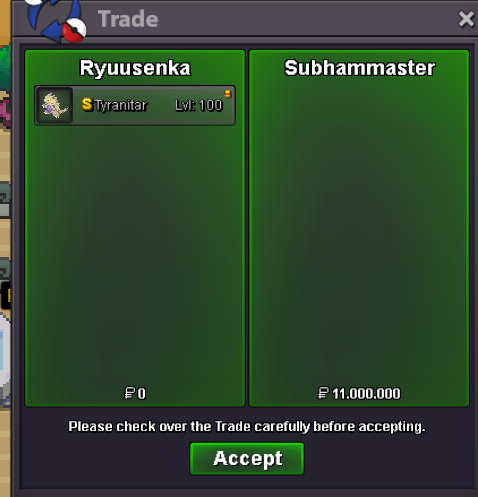 I would be happy with 12m 🙂

.jpeg.a440ee55cd2b843dc1d8169a118082c5.jpeg)