New Trade Zone
Trade Zone is now live
Use the new Trade Zone for auctions and instant-price trades so Pokemon and item offers are easy to find.

Younique
Registered User
-
Joined
-
Last visited
Everything posted by Younique
-
Rotom 500k
-
Hi, me and chaoseth7 did trade evo...he trade me 1 poke and so did i,but i forgot that my poke was a hoenn region poke and he is still on sinnoh story...and my poke is now stuck on his pc...can u help us out please
-
Closed due to no bids
-
Buying timburr within this stats range 30-31/17-31/1-5/--/17-31/29-31 For both adamant and brave nature Guts/sheerforce Pm me here on ingame Younique
-
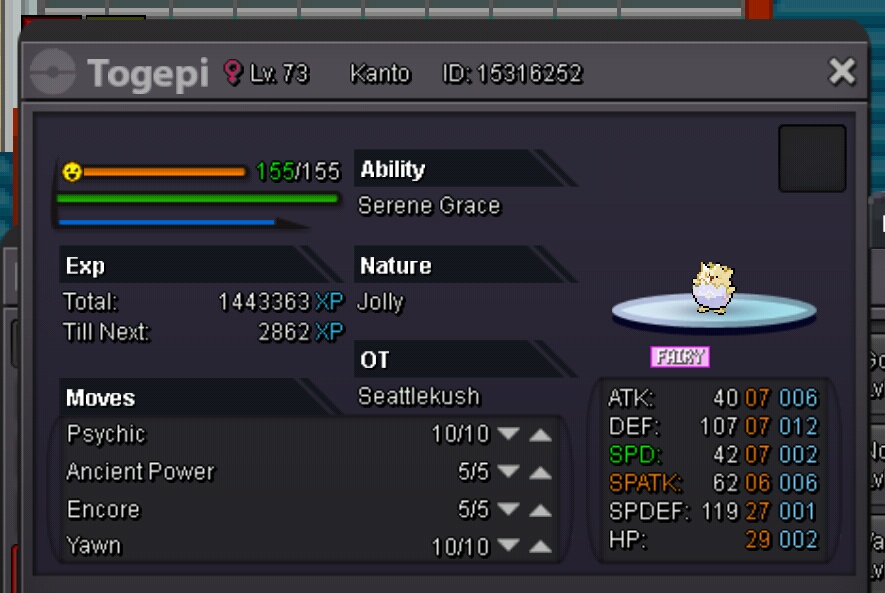
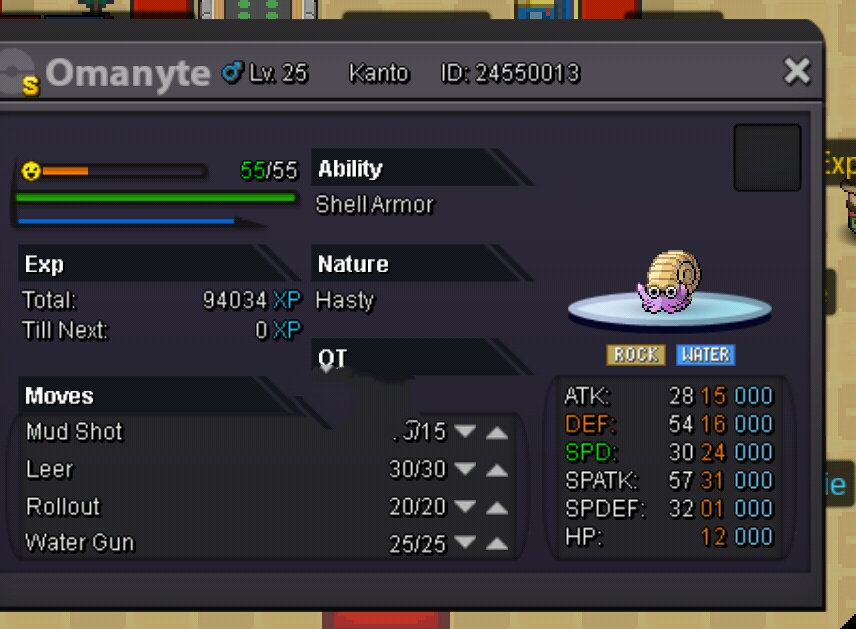
S.o 600k, insta 1.5m Minuimum bid 50k Auction will start after first bid with a time period of 3 days Offer i get in-game will be screenshotted, fake offer will be reported

-
-
Jupiter bought it...sold
-
Sounds like a good idea
-
He's still not online... Wondering if i should report or not
-
Last call
-
Oh those....yes, i can accept them,sorry i didnt post it beforehand....
-
Bump
-
Can be closed, i make a new auction with 1 day only
-
S.o is 400k by jjupitar, auction will end 24hrs from now
-
S.O 400k, auction will start when S.O reach that and timespan will be 1day after 1st bid Insta 600k Bid increment 50k Fake/cancelled bid will be reported

-
S.O = 400k,insta 800k auction will begin when S.O is met with timeline of 2days fake/cancel bid will be reported bid increment = 50k