Skip to content
View in the app

A better way to browse. Learn more.

Pokemon Revolution Online

A full-screen app on your home screen with push notifications, badges and more.

To install this app on iOS and iPadOS
  1. Tap the Share icon in Safari
  2. Scroll the menu and tap Add to Home Screen.
  3. Tap Add in the top-right corner.
To install this app on Android
  1. Tap the 3-dot menu (⋮) in the top-right corner of the browser.
  2. Tap Add to Home screen or Install app.
  3. Confirm by tapping Install.
New Trade Zone
Trade Zone is now live
Use the new Trade Zone for auctions and instant-price trades so Pokemon and item offers are easy to find.

Open Trade Zone

Chroxler

Registered User
  • Joined

  • Last visited

Everything posted by Chroxler

  1. bump
  2. bump
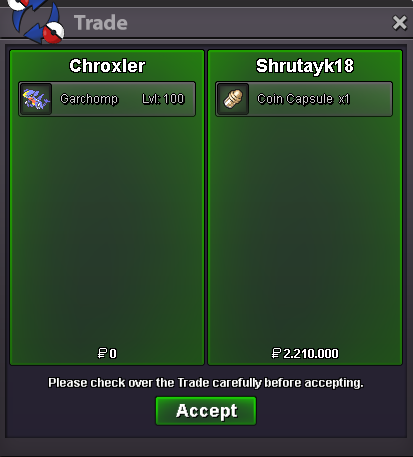
  3. Garchomp Sold, Removed from Shop
  4. bump
  5. bump
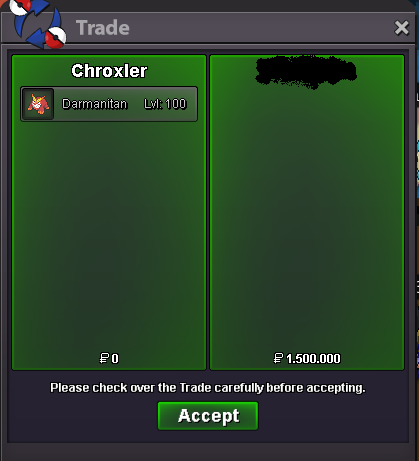
  6. Darmanitan Sold, Removed from Shop
  7. bump
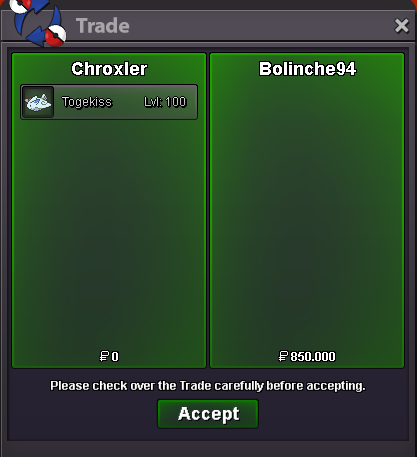
  8. Togekiss Sold, Removed from Shop
  9. Updated
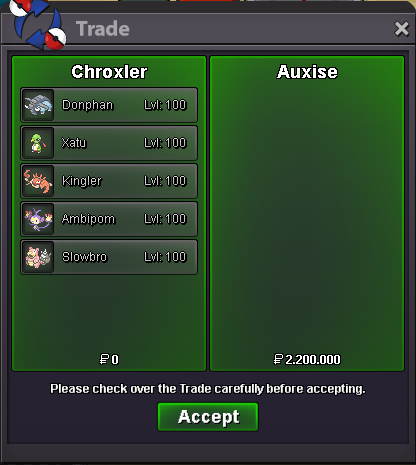
  10. Many mons Sold, Removed from Shop
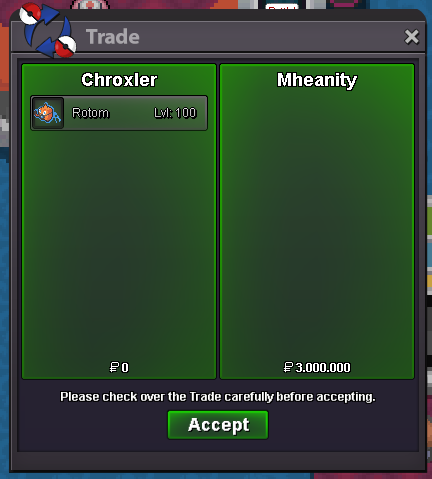
  11. Rotom-Wash Sold, Removed from Shop
  12. Mienshao and Ninetales Sold, Removed from Shop
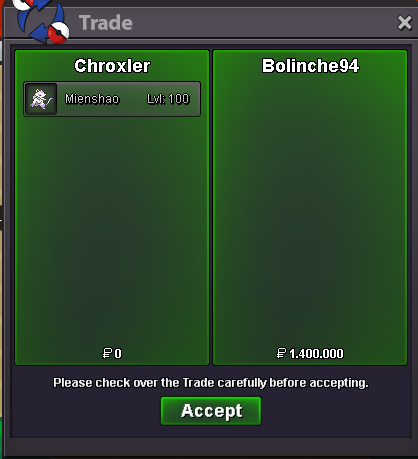
  13. It's in PRO Trade Rules you can't cancel your offer otherwise this will be considered a fake offer.
  14. Your Banned from Shop for Lowballing And I will report you for fake offer, Enjoy it.
  15. bump
  16. Pelipper Sold , Removed from Shop
  17. bump
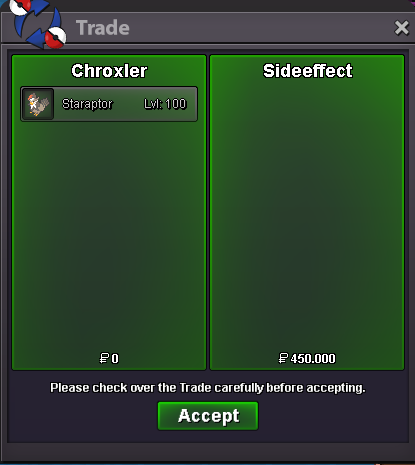
  18. Gengar and Staraptor Sold, Removed from Shop
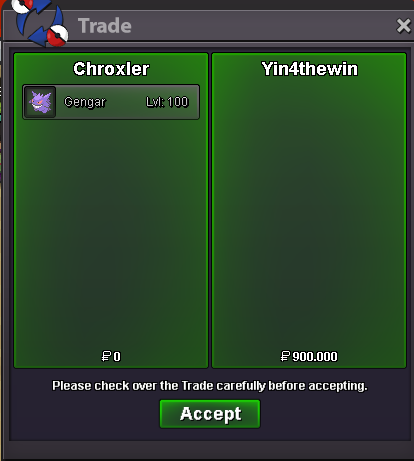
  19. bump
  20. Cloyster Sold, Removed from Shop
  21. Scizor Sold, Removed from Shop
  22. Aerodactyl Sold, Removed from Shop
  23. Goodra Sold, Removed from Shop
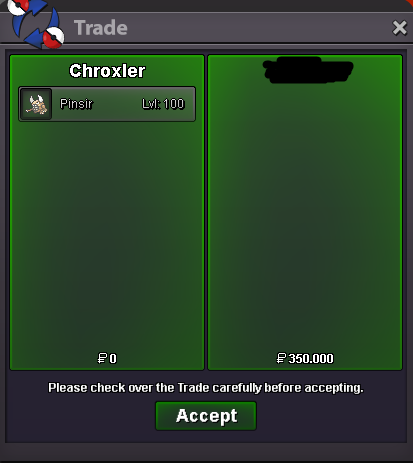
  24. Nidoking and Pinsir Sold, Removed from Shop
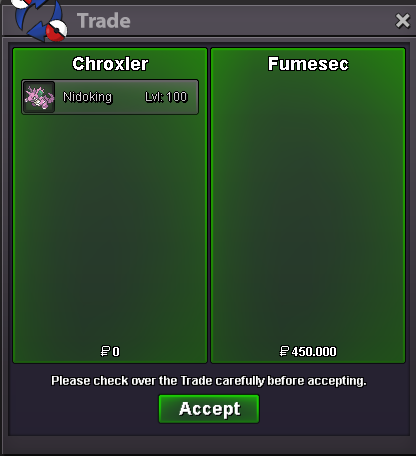
  25. Jellicent and Excadrill Sold , Removed from Shop

Account

Navigation

Search

Search

Configure browser push notifications

Chrome (Android)
  1. Tap the lock icon next to the address bar.
  2. Tap Permissions → Notifications.
  3. Adjust your preference.
Chrome (Desktop)
  1. Click the padlock icon in the address bar.
  2. Select Site settings.
  3. Find Notifications and adjust your preference.