New Trade Zone
Trade Zone is now live
Use the new Trade Zone for auctions and instant-price trades so Pokemon and item offers are easy to find.


Chroxler
Registered User
-
Joined
-
Last visited
Everything posted by Chroxler
-
Bump
-
-
instant oddish bold and 250k nidoran m
-
2.1m for elekid
-
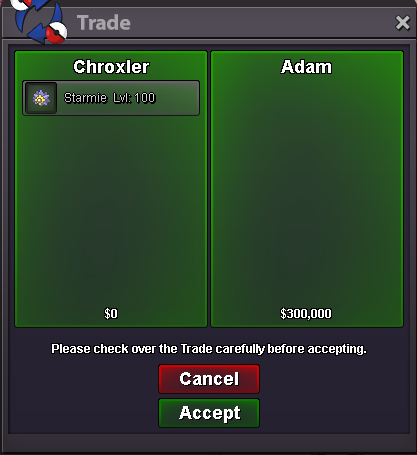
Someone offered me instant price in game and i sold it. I didn't take ss Also do i have to prove it to you? Are you founder of PRO or director of Nintendo ? I put an instant price and you saw it but u preferred it to start bid , so don't cry about that and learn rules. Trade Rules: 13. Regarding insta/fixed prices for Pokémon/Items on the trade forums, the user who bids the insta first will be the winner. Any bids made after this point for the same mon will be voided, and the seller must respect the sale to the first player who met the insta price
-