New Trade Zone
Trade Zone is now live
Use the new Trade Zone for auctions and instant-price trades so Pokemon and item offers are easy to find.

Delos29
Registered User
-
Joined
-
Last visited
Everything posted by Delos29
-
Start
-
You tried to use a poke with the mov sing?I don't remember how a topic was closedHello, sorry for not closing the thread, I completely forgotWell, the quest is fixed, i can talk with Brawly and Jhon thank you and apologies for the inconvenience
 Not yet
 The first picture The second picture
 First capture Second capture
 HI, thanks I can talk with Jhon, but, Brawly and medicham s brawly isnt here, I can talk with Jhon
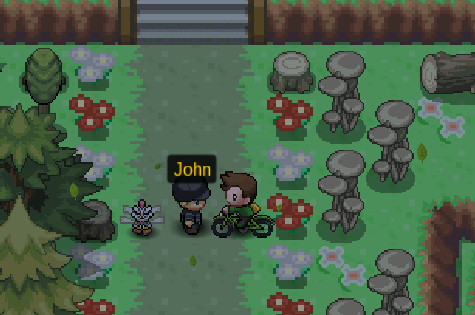
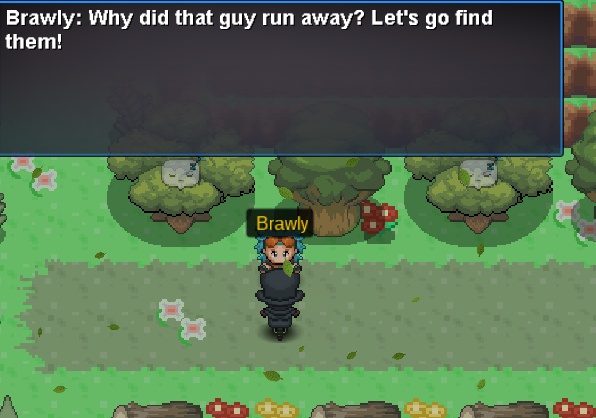
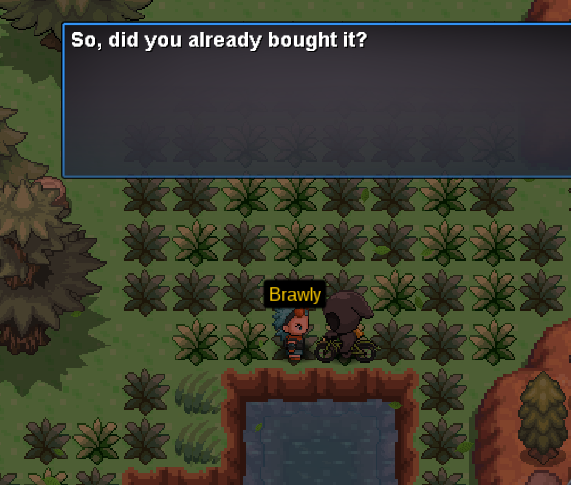
 Hello you see, I proposed to do the quest of mega medicham to get the megapiedra but it does not work properly, when I went to talk to brawly for the first time it was fine but when I wanted to follow the quest ponia something like this "error script contact staff".Here I started to scare myself if I did something wrong or if the npc were already up at the mt pyre summit, when I went there, there was no one from the quest of medicham. Sorry for the inconvenience. In the first picture I can speak to medicham only The second picture i cant talk with Jhon The 3 picture i wanna talk with Brawly but i cant. In the fourth image, I went up to the mt pyre to see if the npc were there, I saw jhon and medicham running from below. In the fifth image, I stopped John to see if he could interact with him, but not. I don't know if I did something wrong in this quest but I don't know how to solve it.