




New Trade Zone
Trade Zone is now live
Use the new Trade Zone for auctions and instant-price trades so Pokemon and item offers are easy to find.

Onetrickpony
Registered User
-
Joined
-
Last visited
Everything posted by Onetrickpony
-
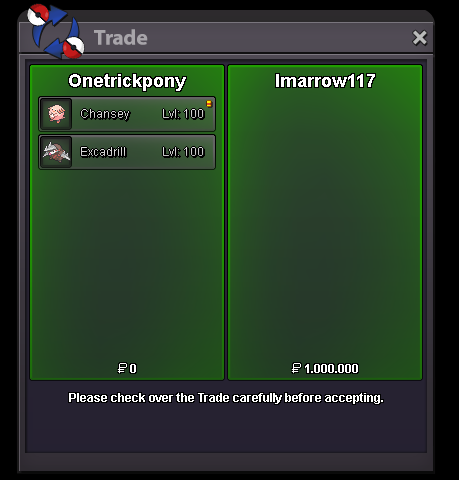
Dragonite / chansey / Excadrill sold in game

-
im back at home , auction is over won by Boobik with 12m bid ,thanks everyone for joining!
-
bump 7hrs 41mins left
-
time left 42 hrs 47 mins
-
🅰🅲🅲🅴🅿🆃🅴🅳 🅿🅰🆈🅼🅴🅽🆃 🅼🅴🆃🅷🅾🅳🆂 𝙿𝚘𝚔è𝚍𝚘𝚕𝚕𝚊𝚛 𝙲𝚘𝚒𝚗 𝙲𝚊𝚙𝚜𝚞𝚕𝚎 = 350k 𝚁𝚎𝚛𝚘𝚕𝚕 𝚝𝚒𝚌𝚔𝚎𝚝 = 700k 𝙽𝚊𝚝𝚞𝚛𝚎 𝚁𝚎𝚛𝚘𝚕𝚕 = 350k 𝚁𝚊𝚛𝚎 𝙲𝚊𝚗𝚍𝚢 = 7k 🅲🅾🅽🆃🅰🅲🆃 IGN = Onetrickpony DIscord = Onetrickpony#3732 🆃🆁🅰🅸🅽🅴🅳



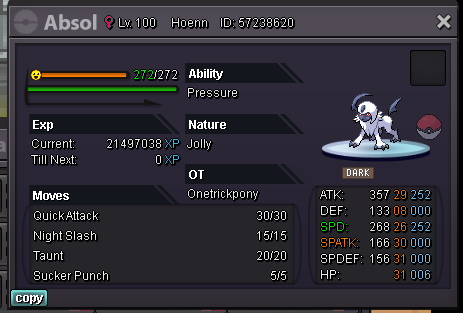



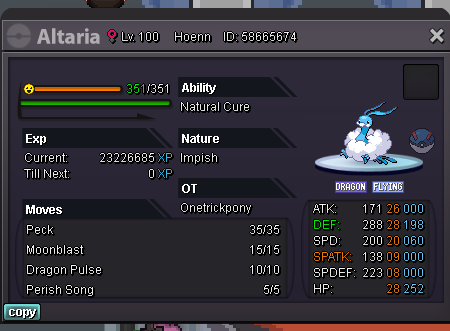



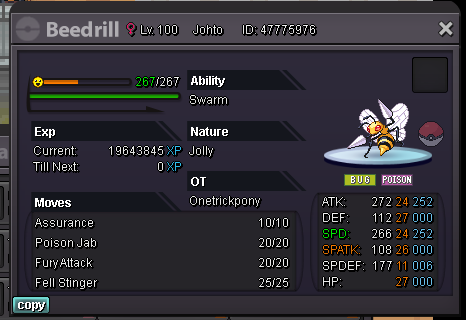

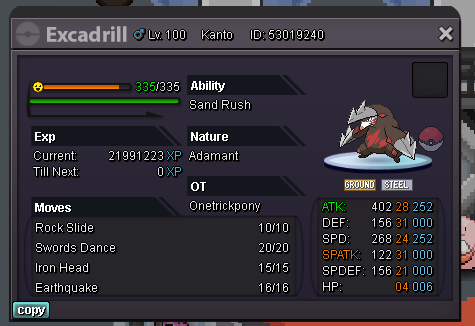

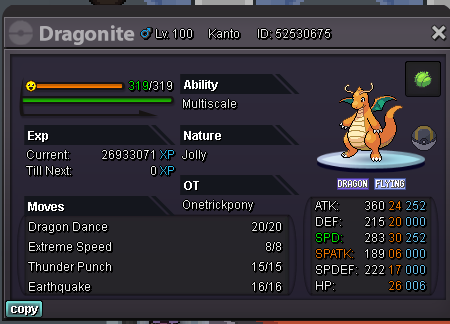

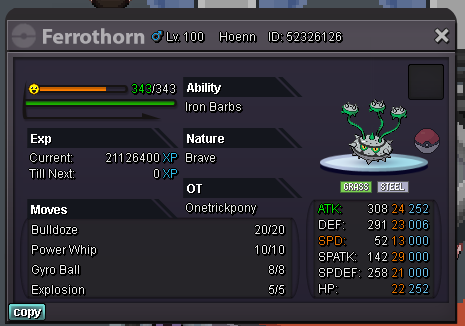

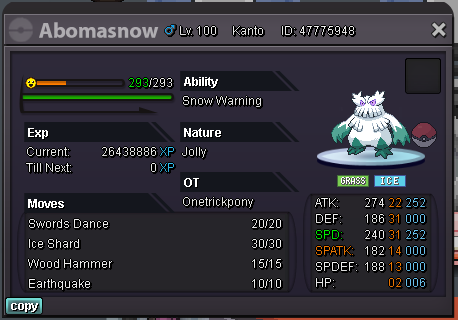

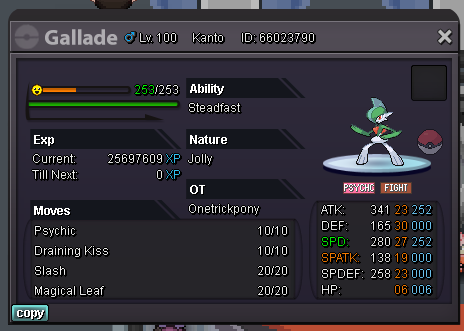

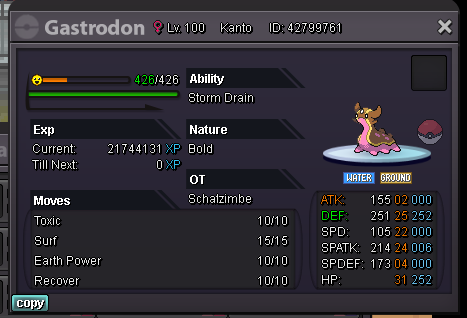

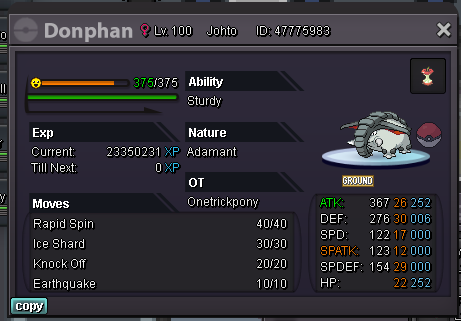

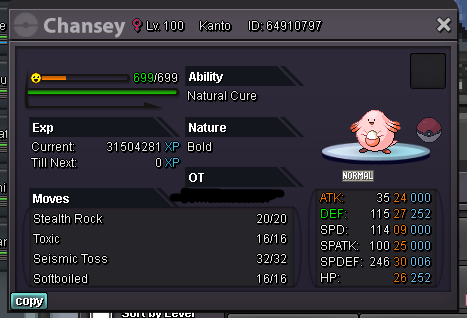

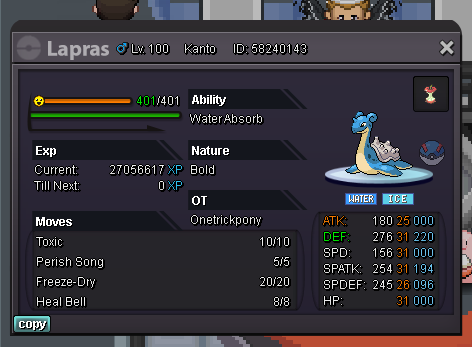


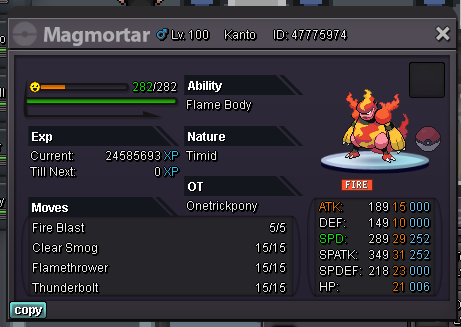






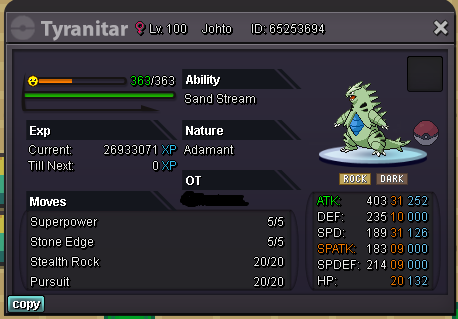
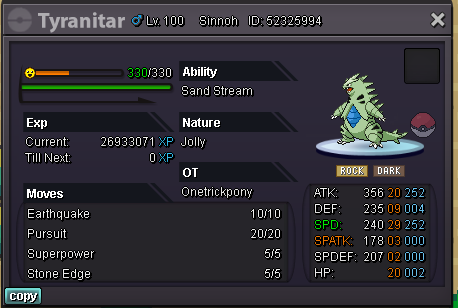
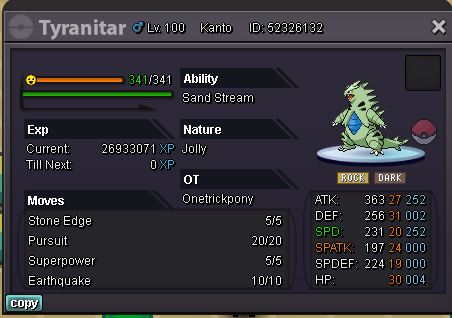
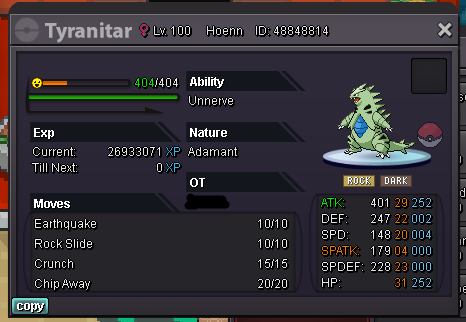


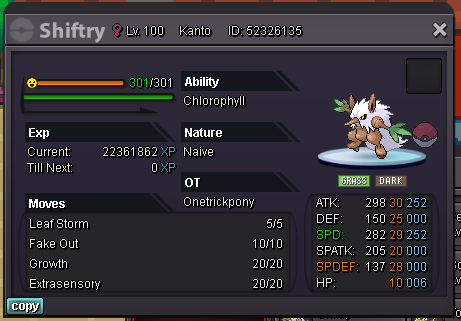
-
sorry i had no internet didnt see last bids im out.
-
current highest bid by Pasokoss with 9m time left 67h 29 mins
-
200k slowpoke
-
Payment methods : pokedollars mainly / cc 350k / rr 700k Starting offer : 5m mid bid 500k insta 25m The auction will least 72 hrs after the first bid is done

-
150k beldum and slowpoke
-
bump "lowered starting offer"
-
bump
-
350k
-
hi , what could be the price for this?

-
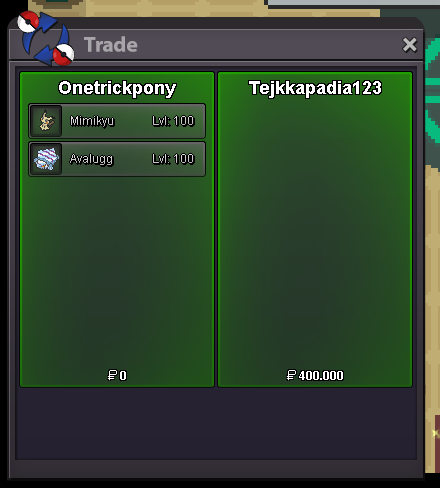
mimikyu and avalugg sold
-
start crobat
-
yes im online
-
yo mate im online atm , dont you have any friend in game who can make the trade for us? if thats allowed
-
im going to sleep mate , ill try to reach you tomorrow! 🙂
-
im online atm ign Onetrickpony
-
bump^ added new pokemons
-
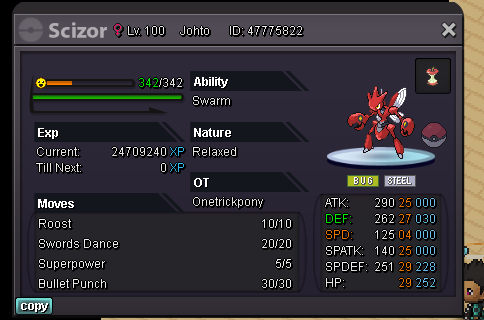
Hi everyone im making this auction for this pokemon S.o 300k / min bid 100k / no insta 72 hr auction after first bid!
-
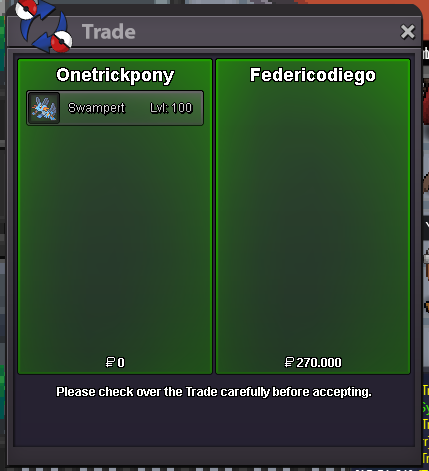
swampert sold
-
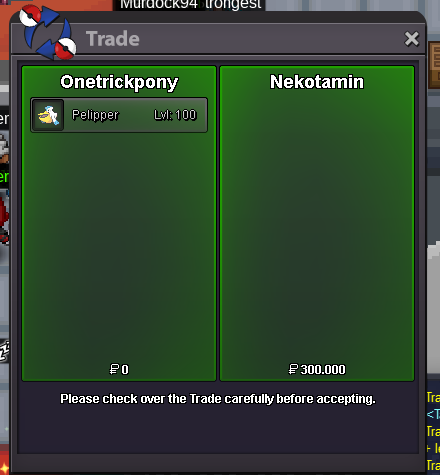
pelipper sold
-
hi im online atm

