New Trade Zone
Trade Zone is now live
Use the new Trade Zone for auctions and instant-price trades so Pokemon and item offers are easy to find.


Potato2
Registered User
-
Joined
-
Last visited
Everything posted by Potato2
-
-
are you online now?
-
sure, are you available right now?
-
48 hours after the first bid
-
are you online right now?
-
-
increments are a minimum of 50k, so your bid has to be 350k
-
-
sure, im online right now
-
Shinies Other If you want, you can visit my other shop!
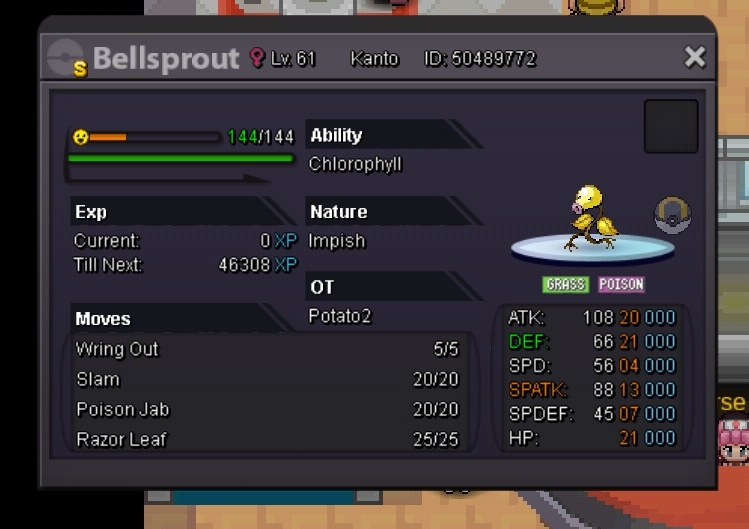
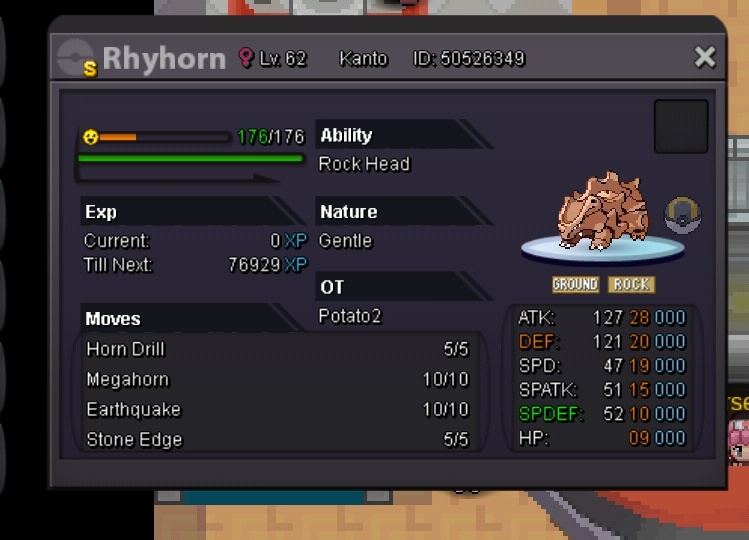
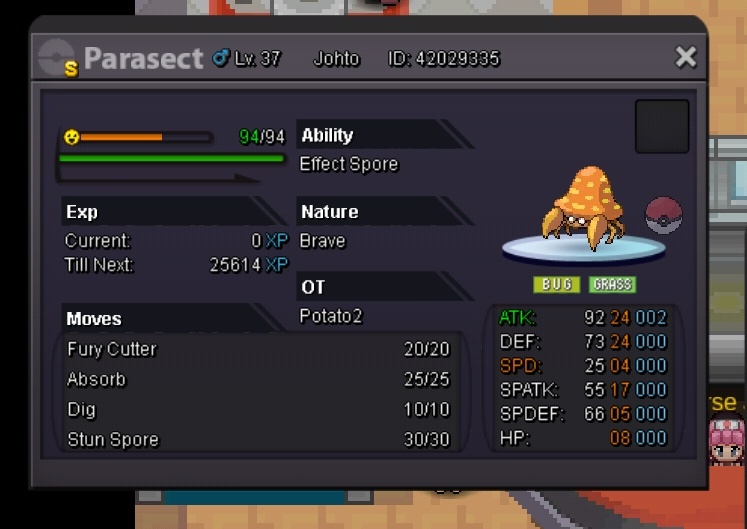
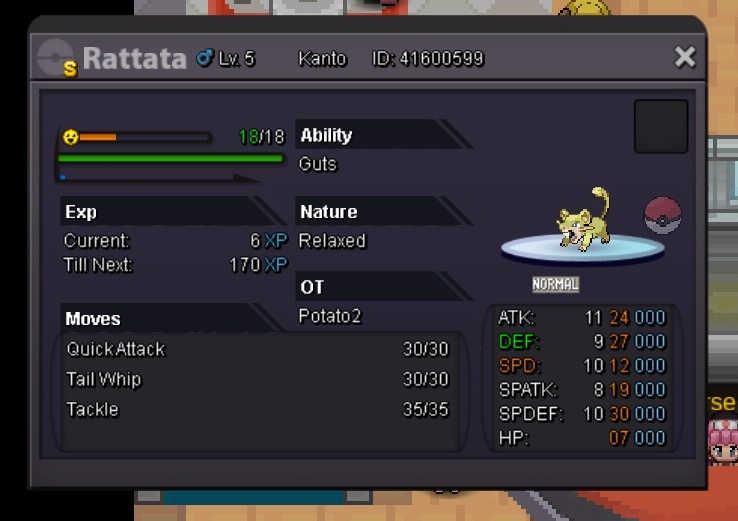
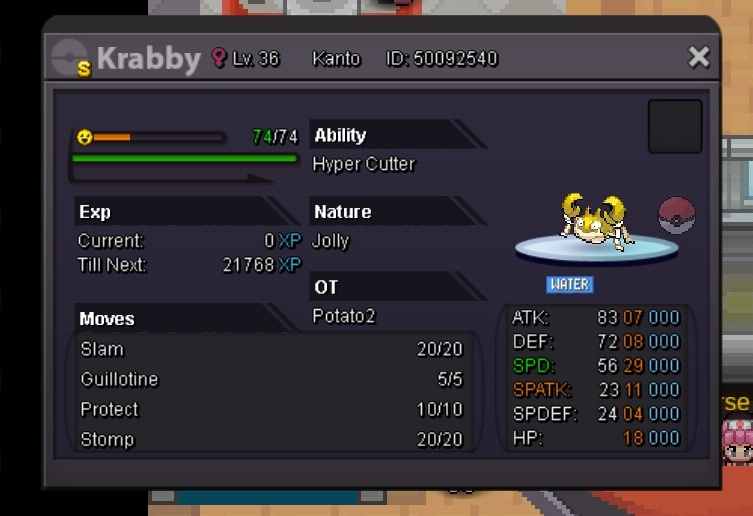
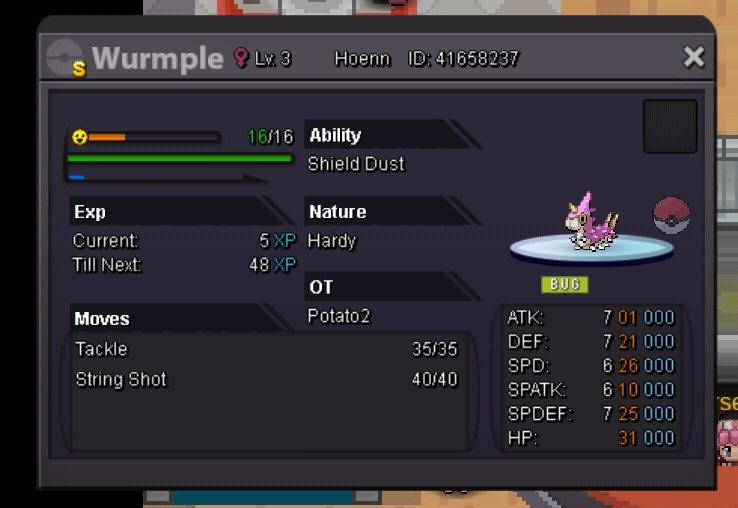
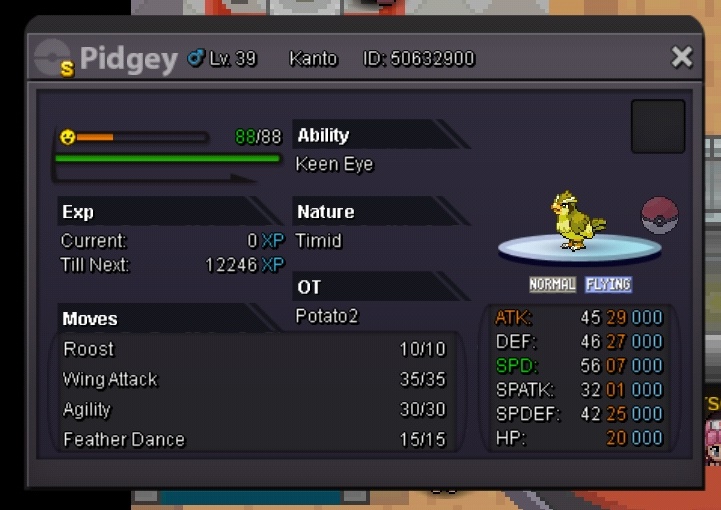
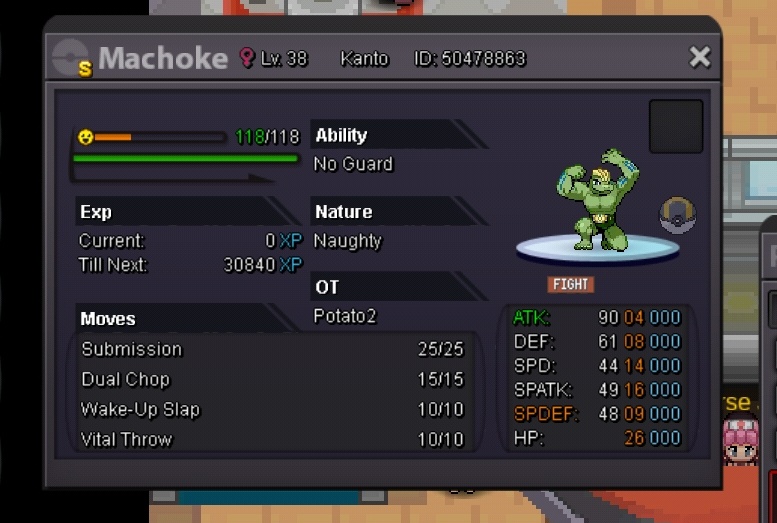
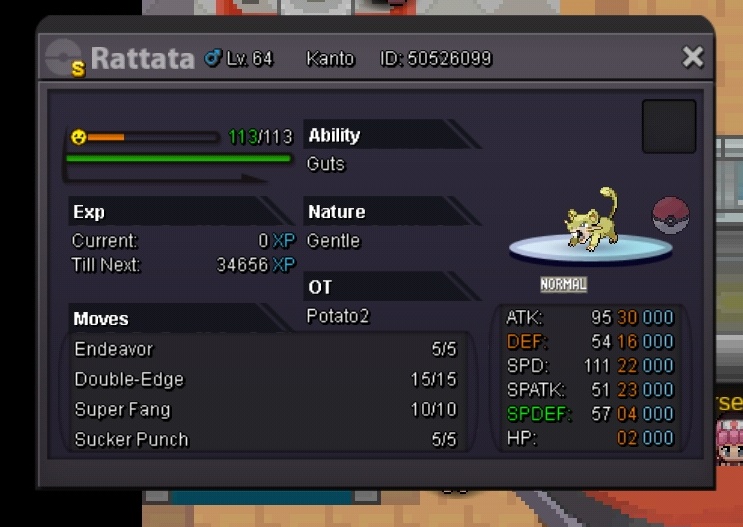
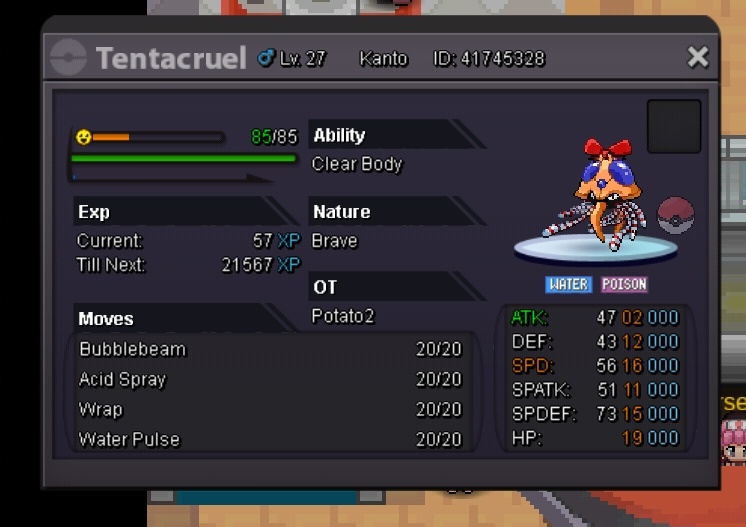
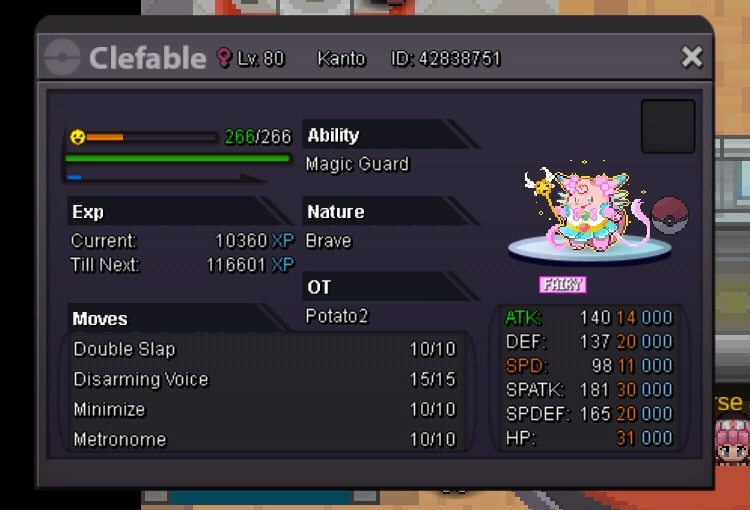
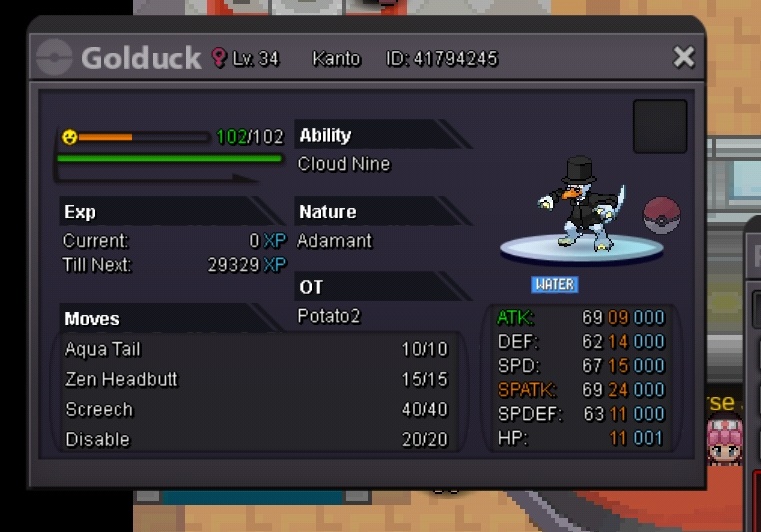
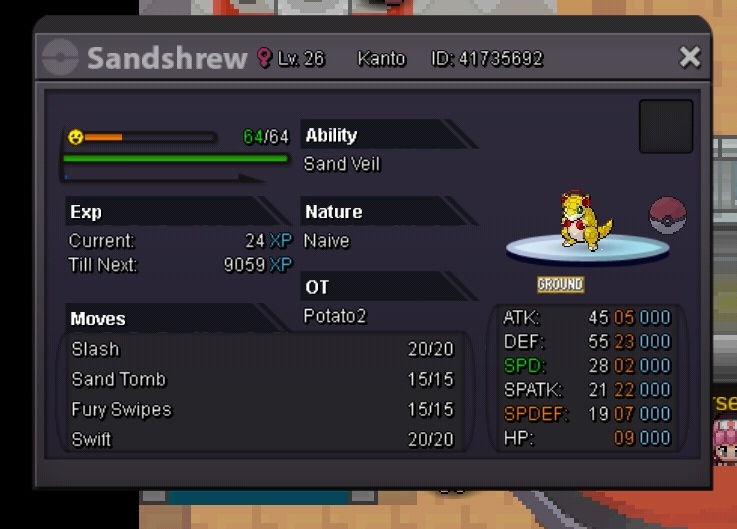
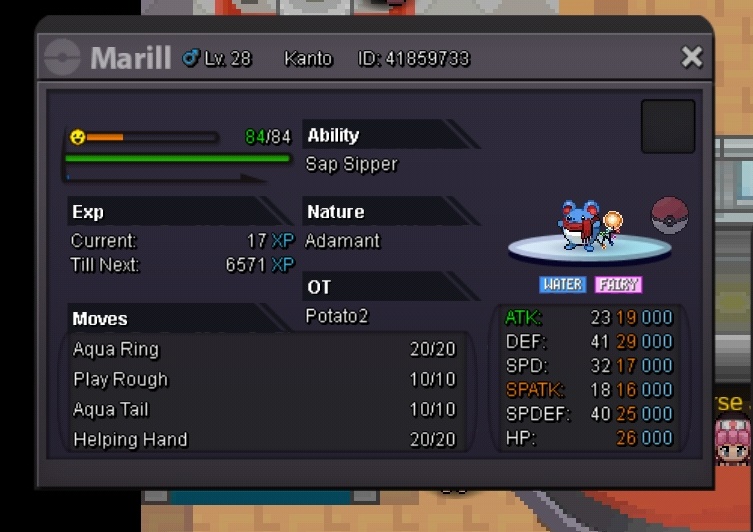
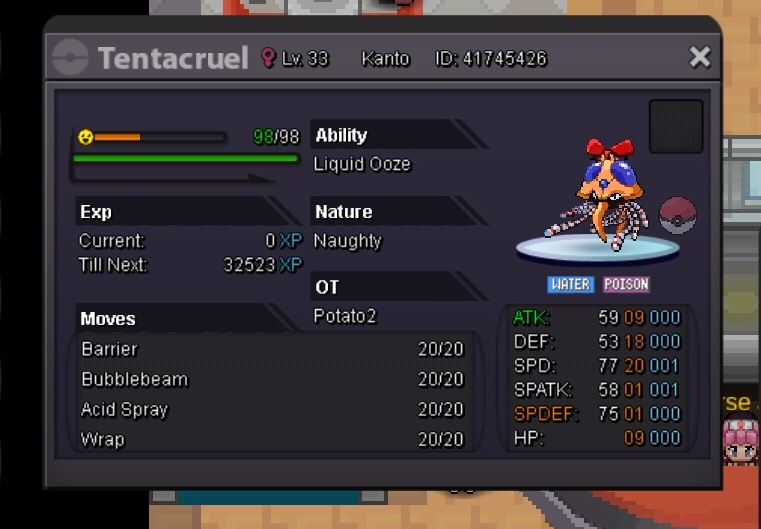
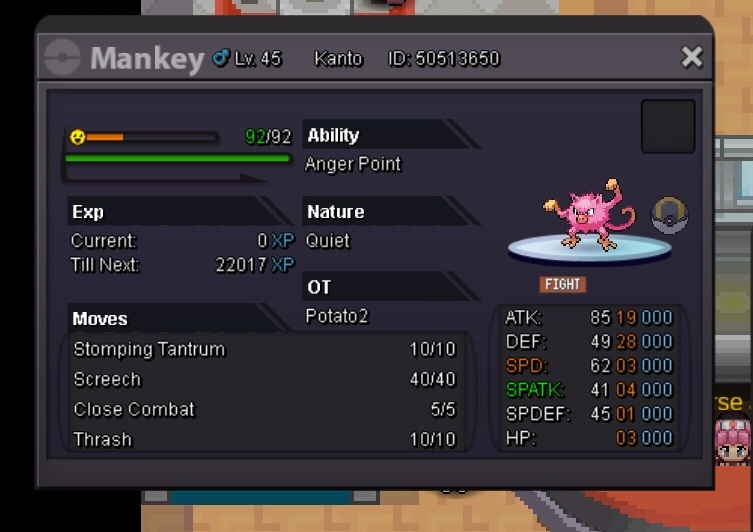
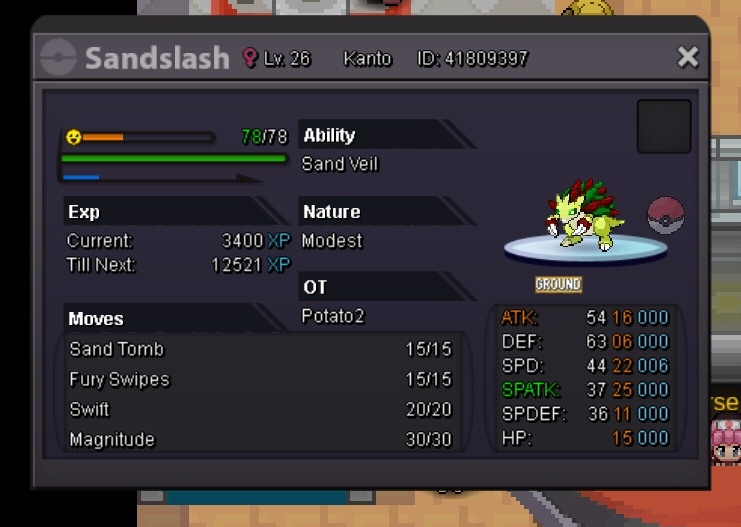
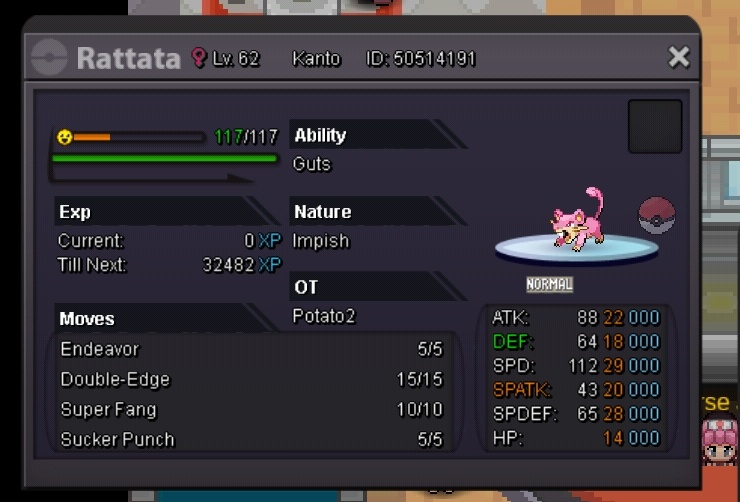
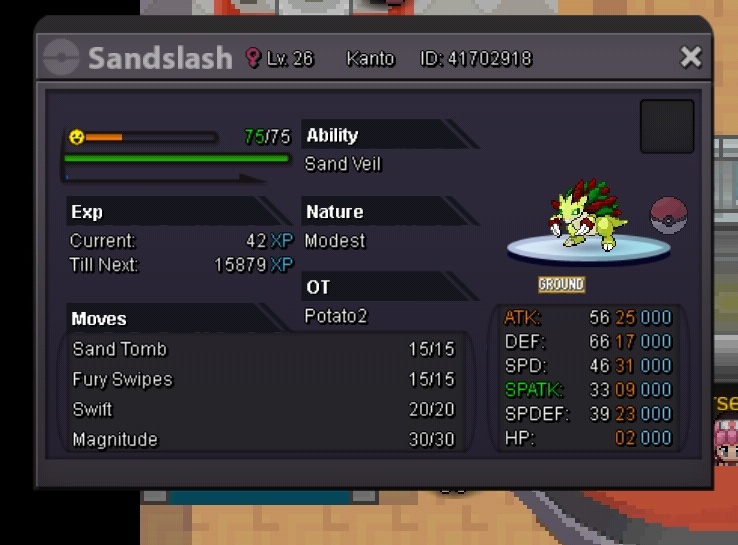
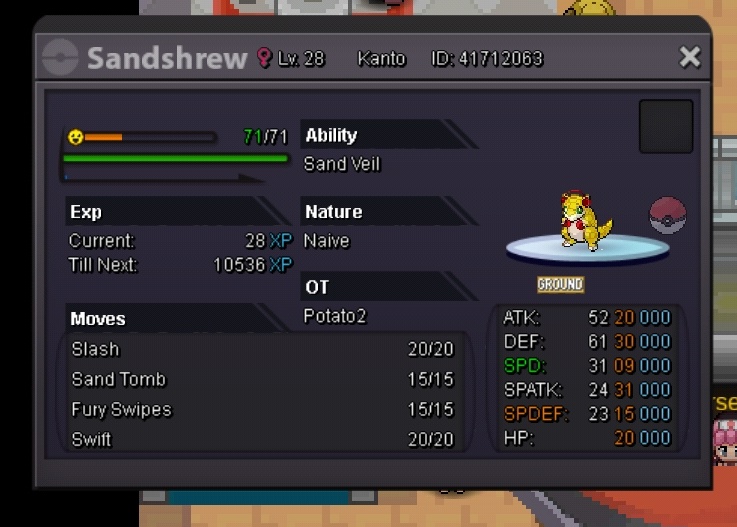


-
-
riolu sold to jumplebow for 170k
-
updated, 8 mins left
-
48 hours after first bid, 9/13/20 10:50pm EST
-
-
-
-
-
Due to the forum downtime, I've extended the auction by two days. In case you're still interested in riolu, you were outbid.
-
Due to the forum downtime, I've extended the auction by two days.
-
the ones that say s.o are auctions, and did you change your mind about the alolan vulpixs?
-
just updated it
-
-
-
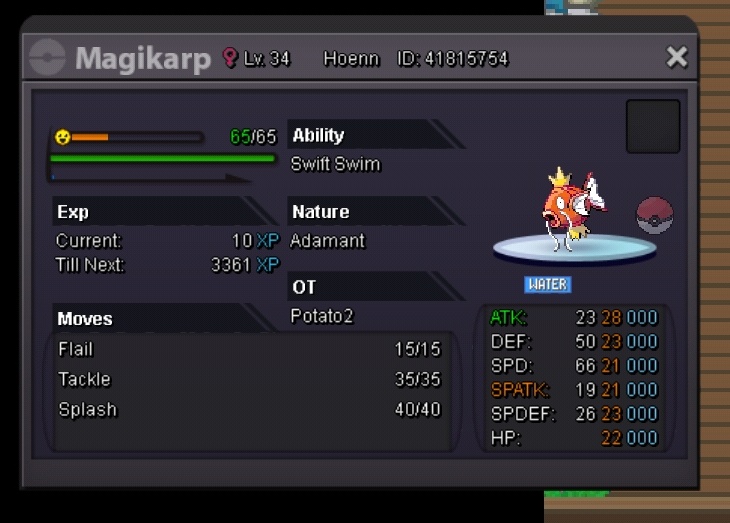
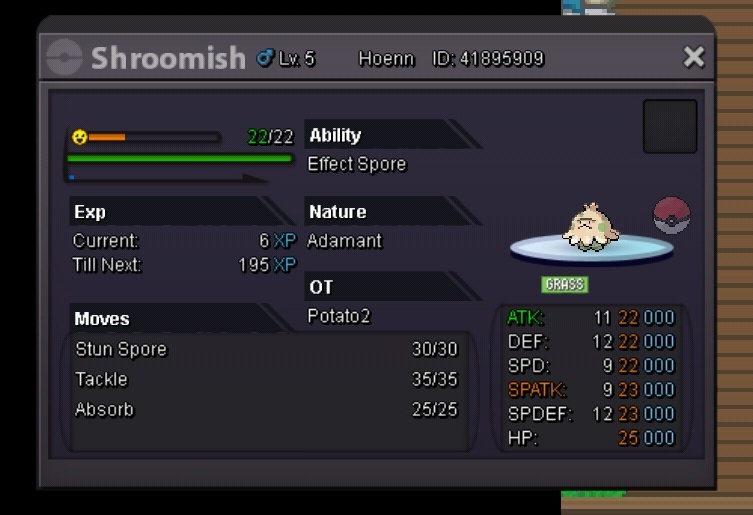
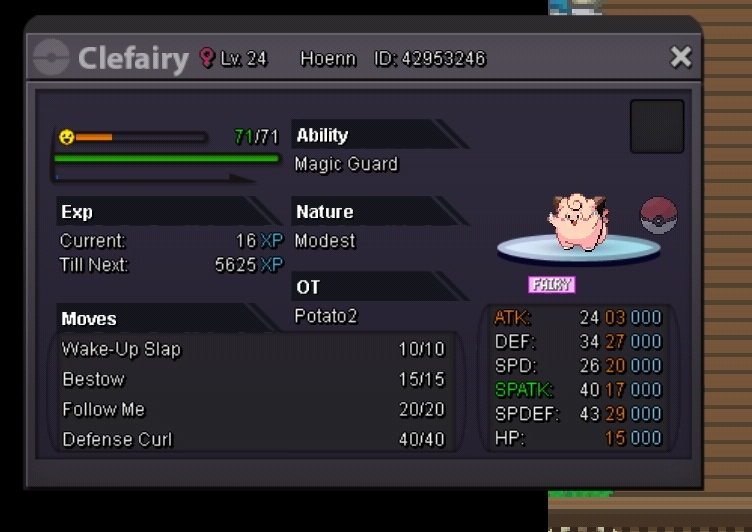
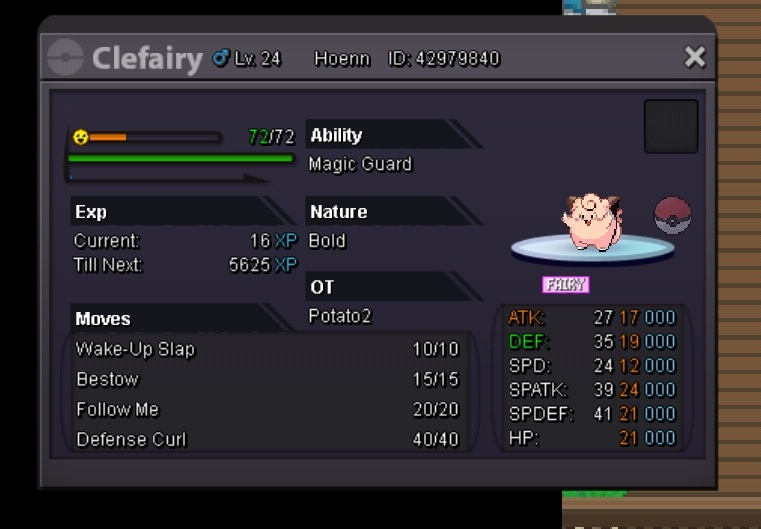
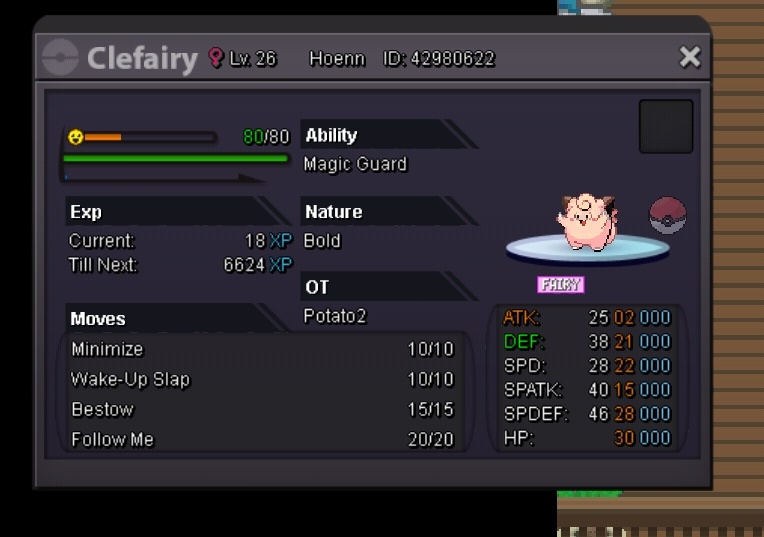
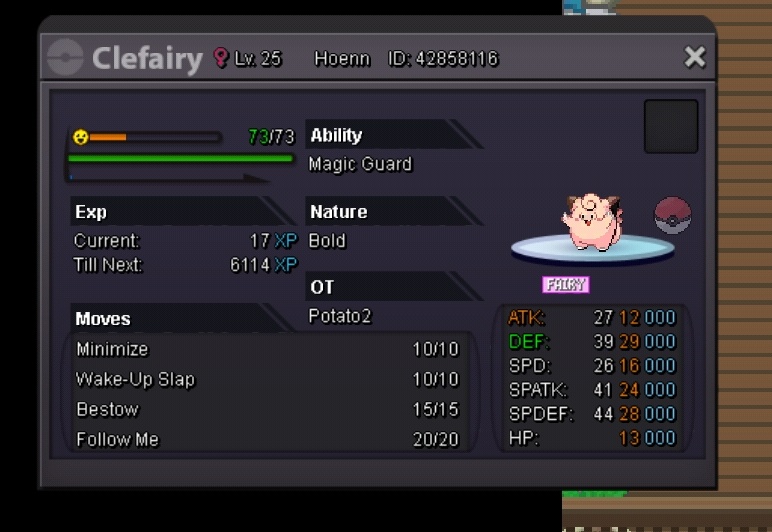
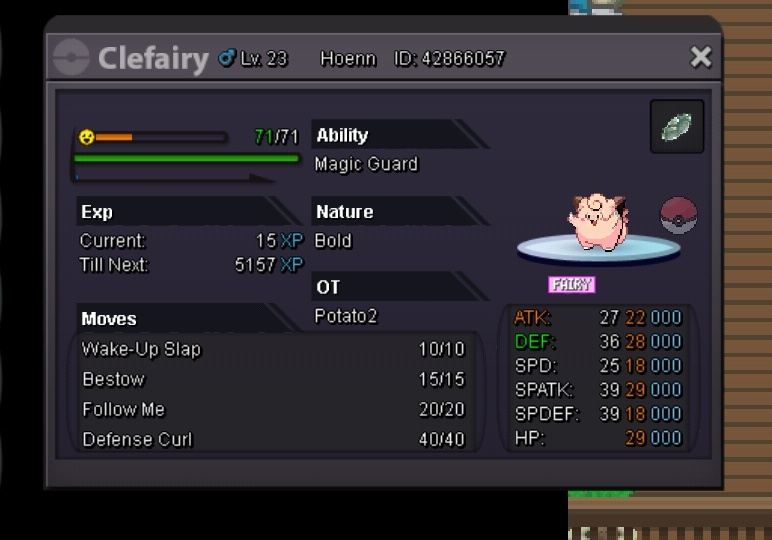
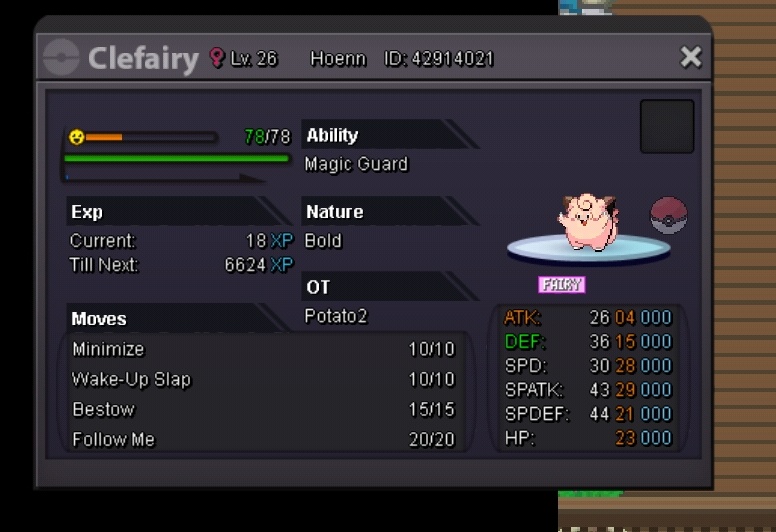
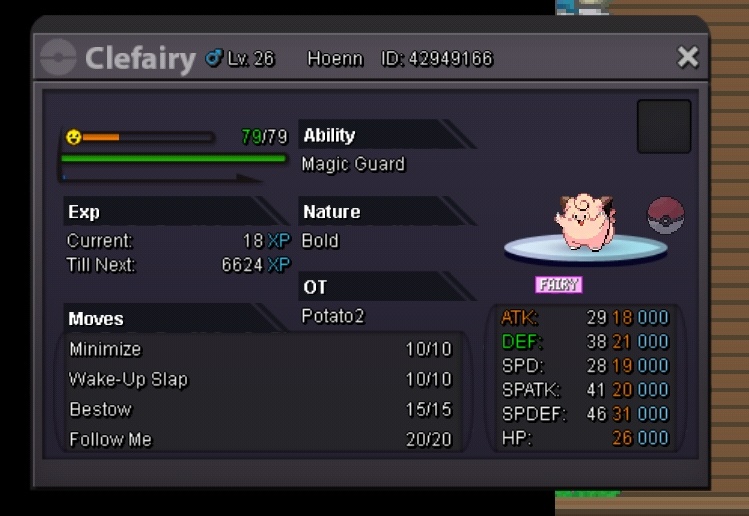
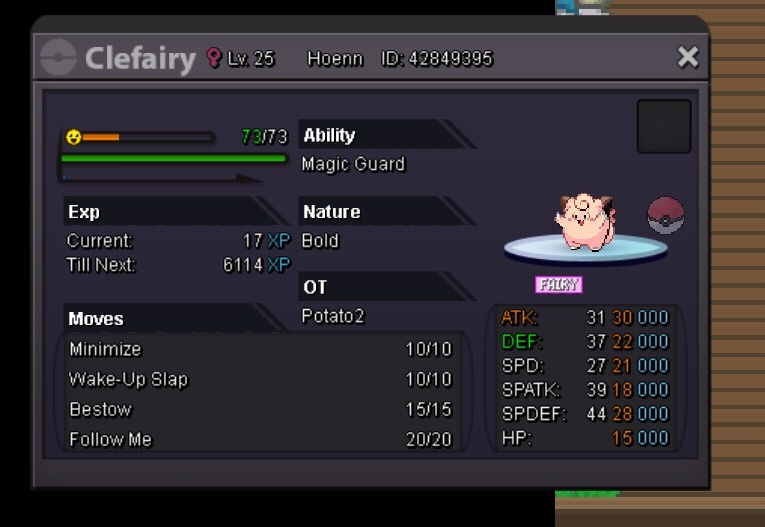
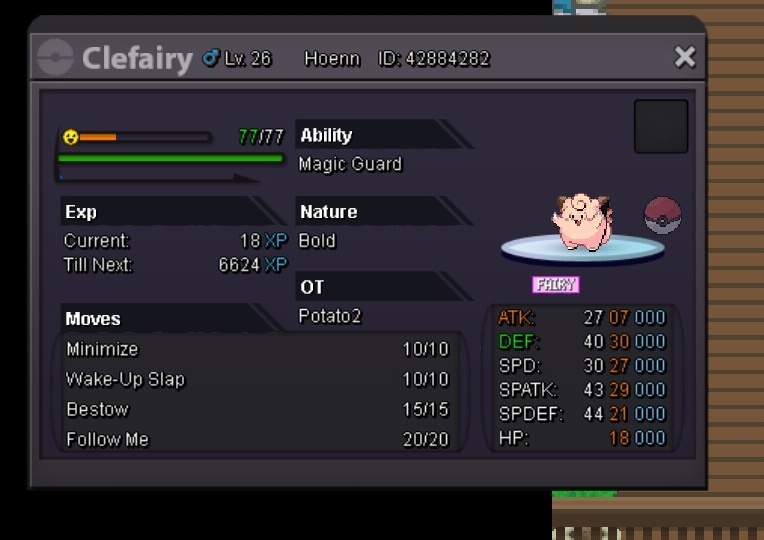
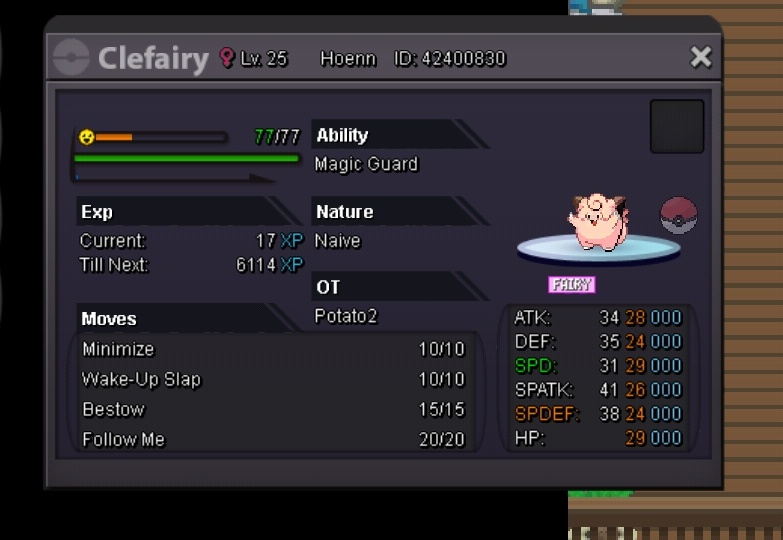
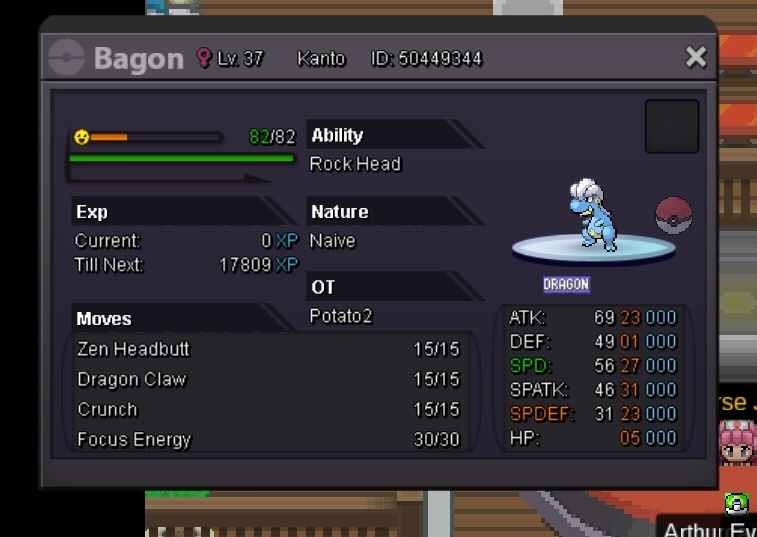
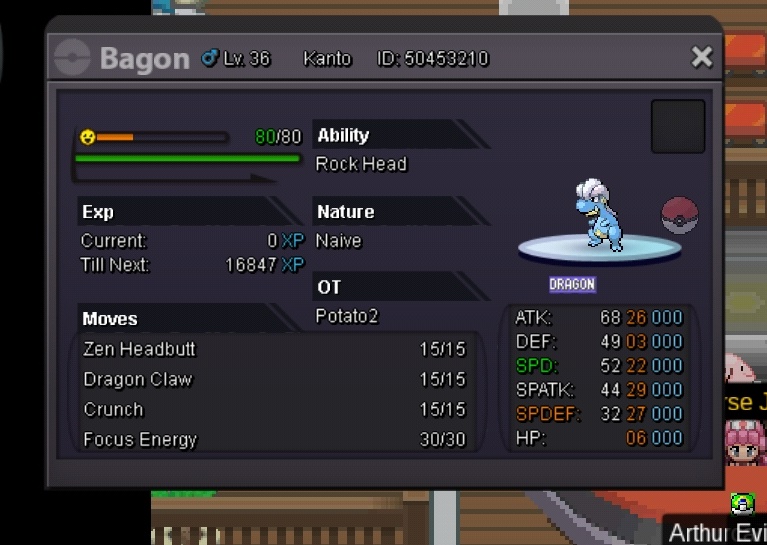
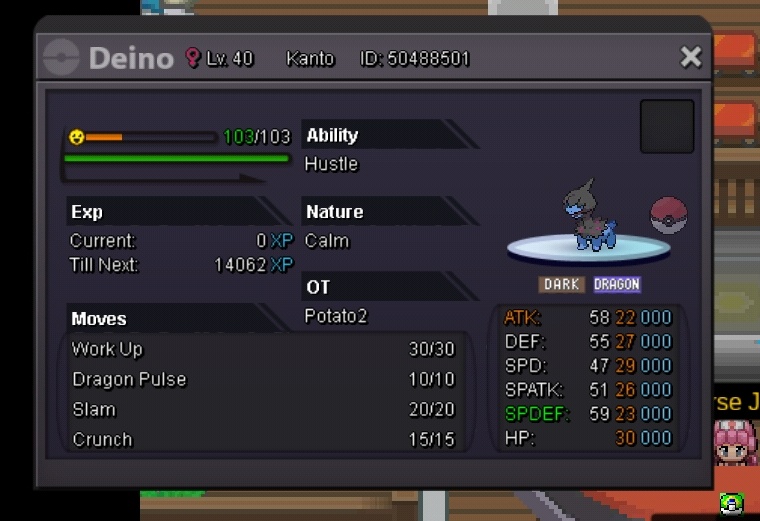
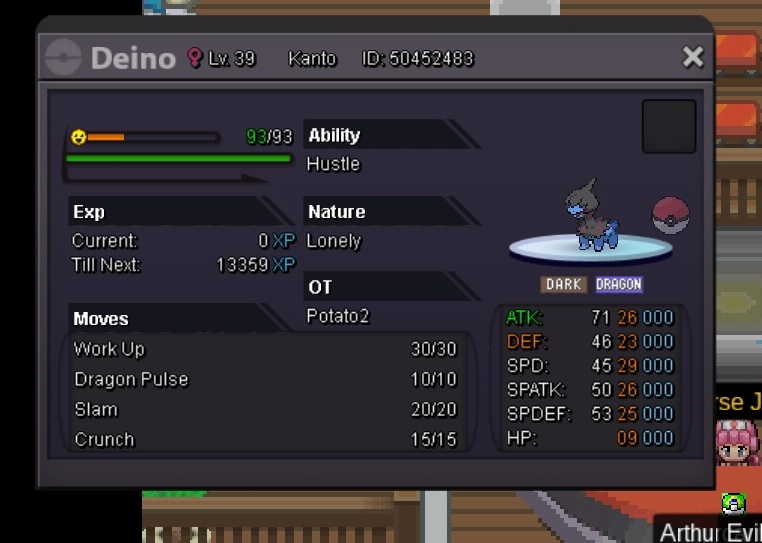
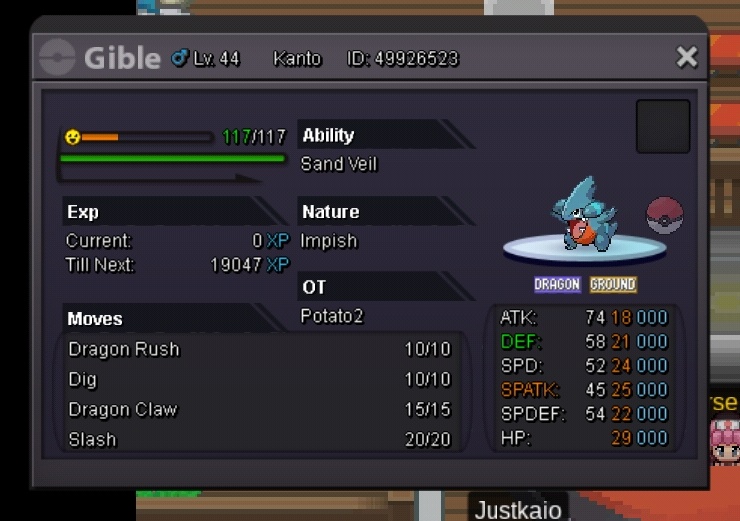
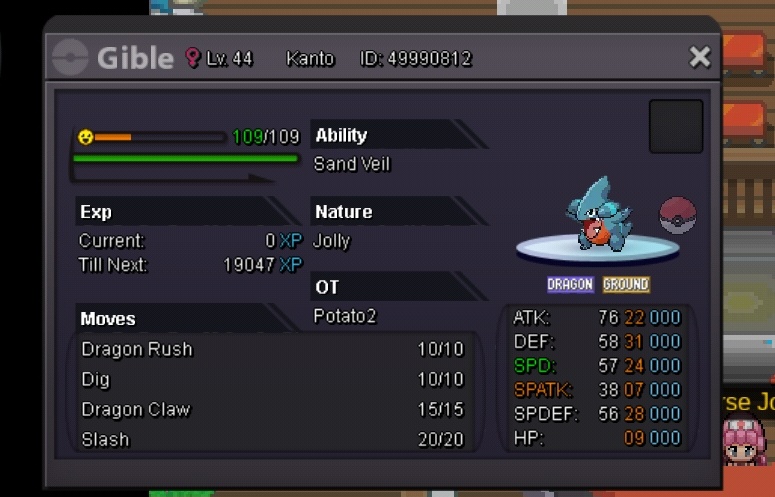
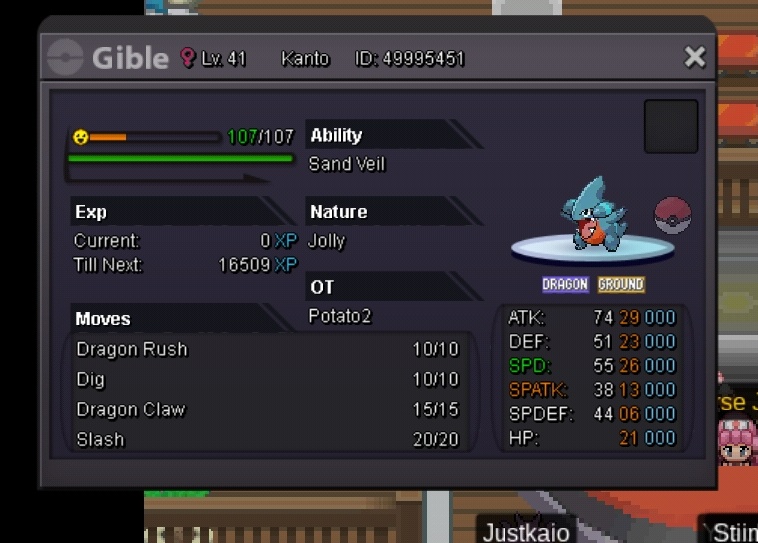
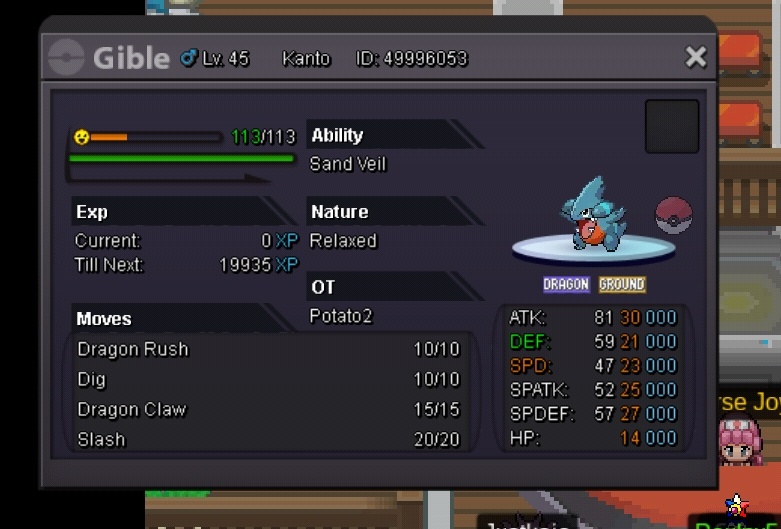
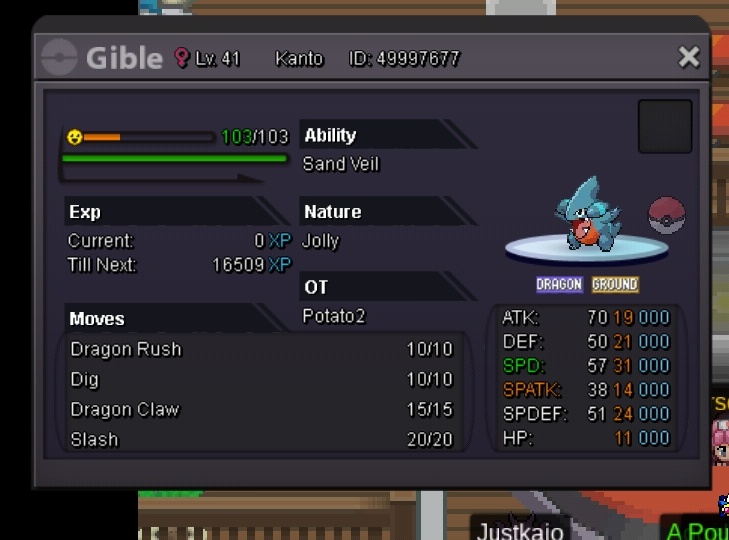
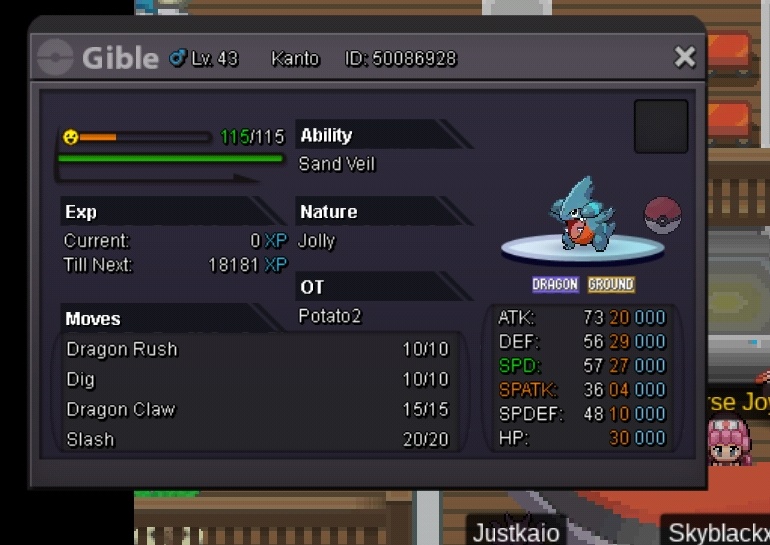
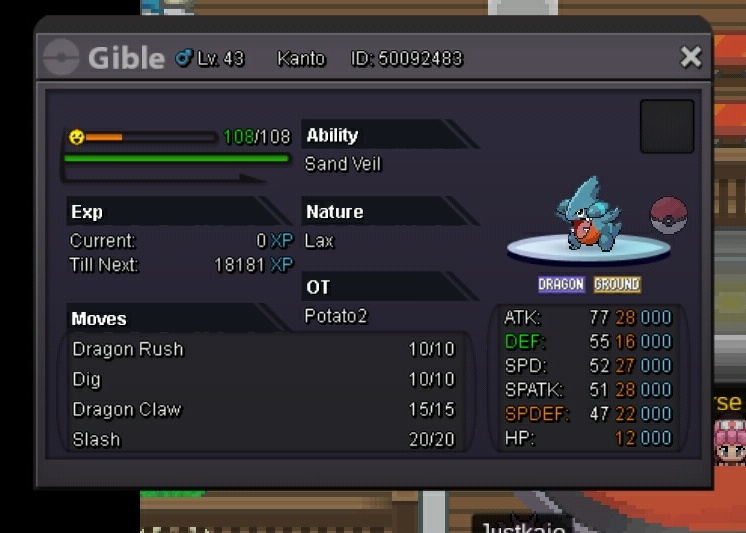
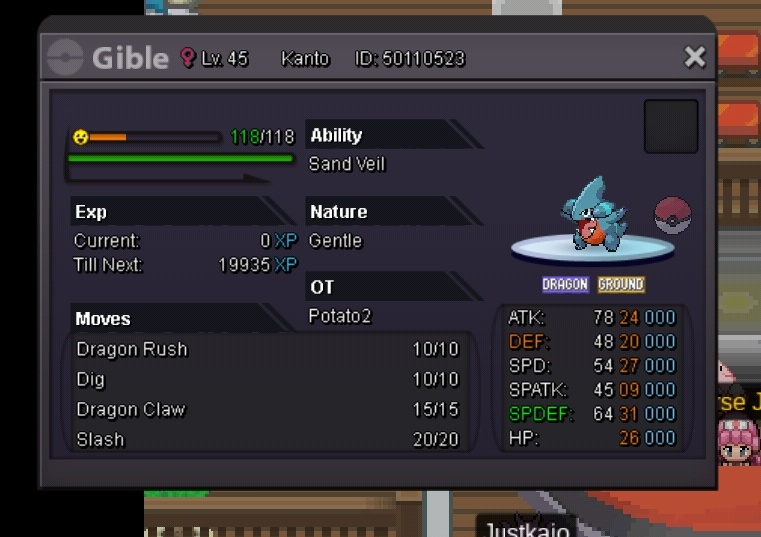
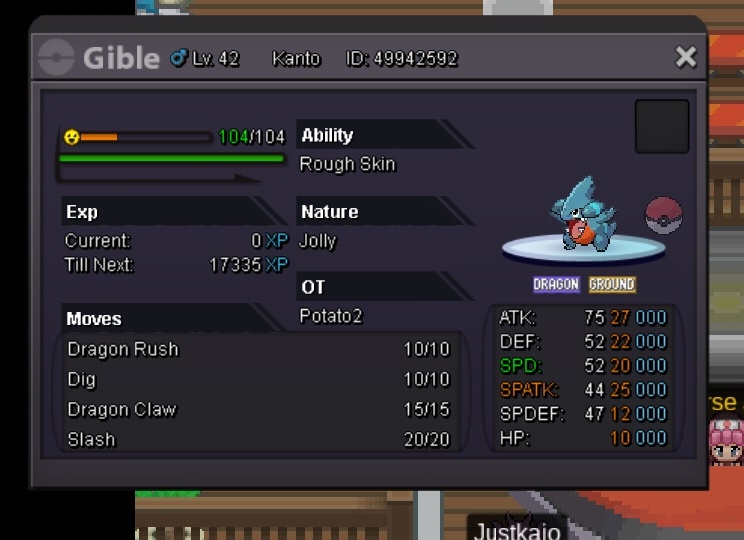
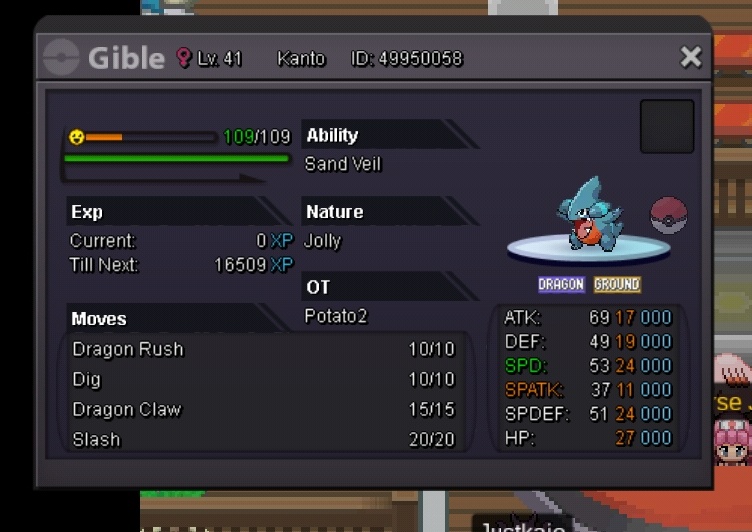
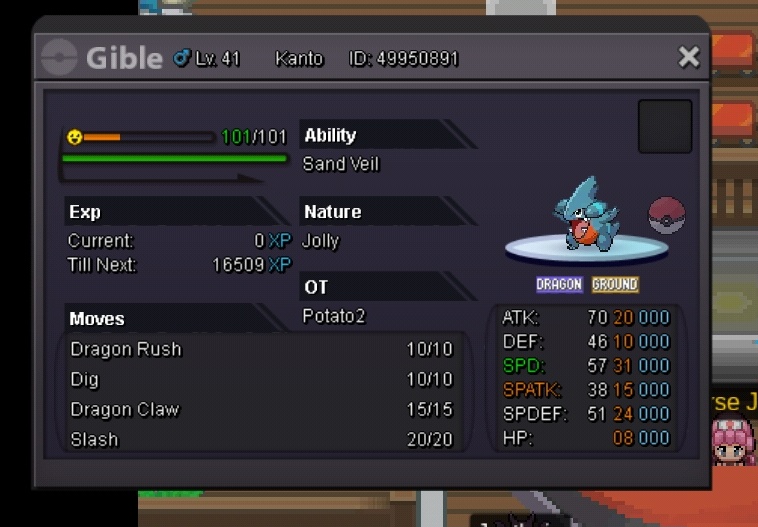
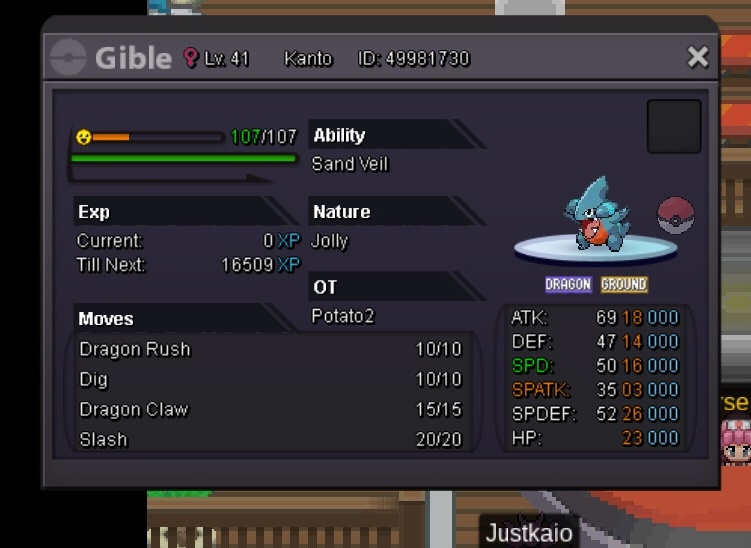
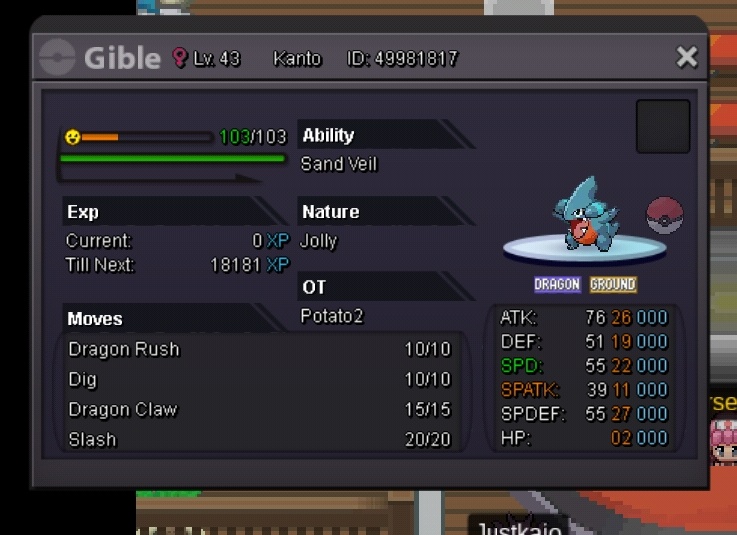
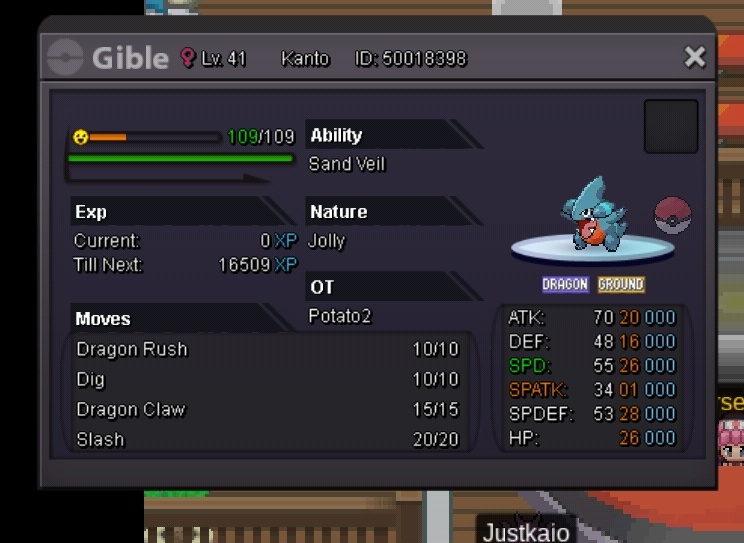
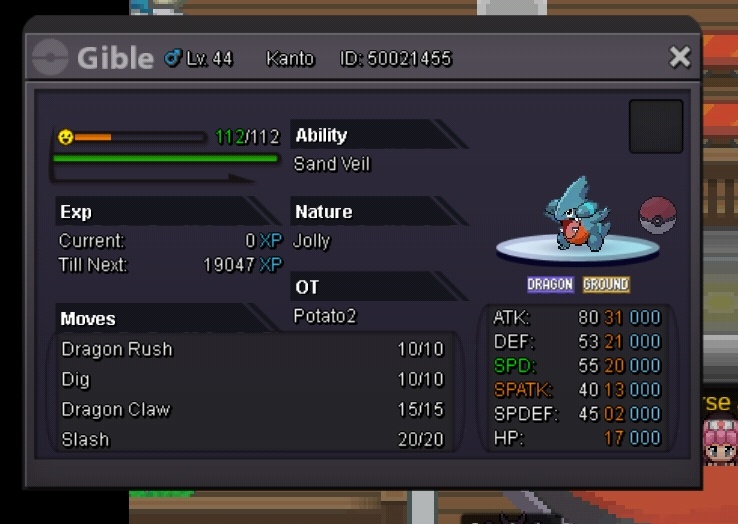
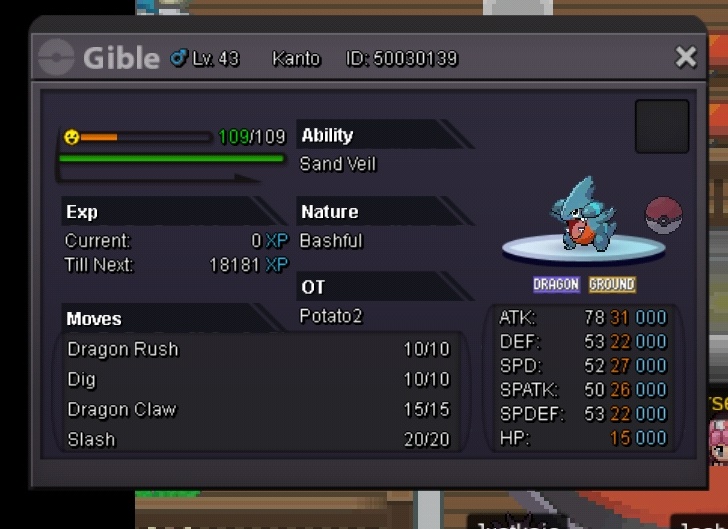
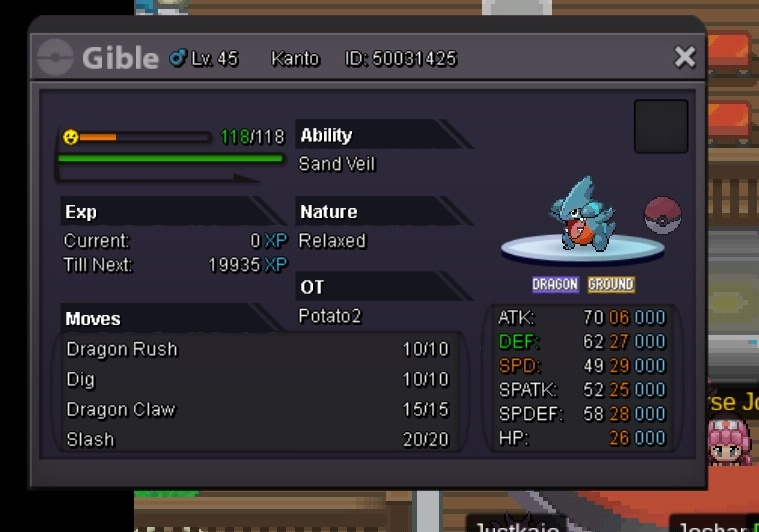
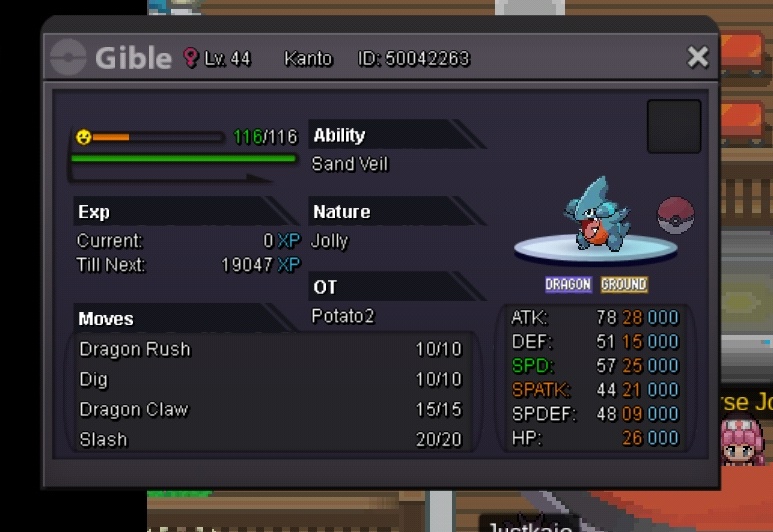
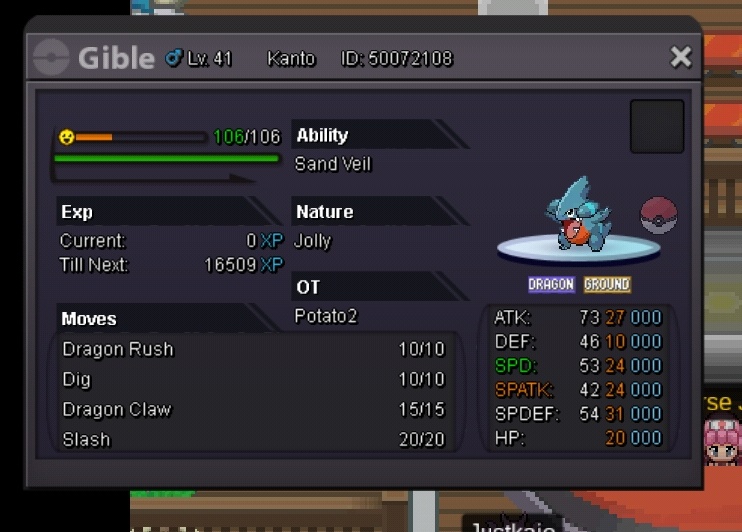
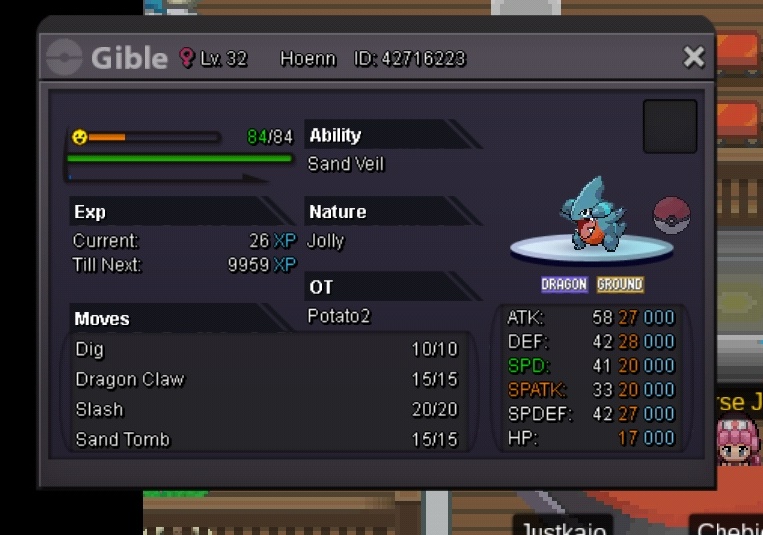
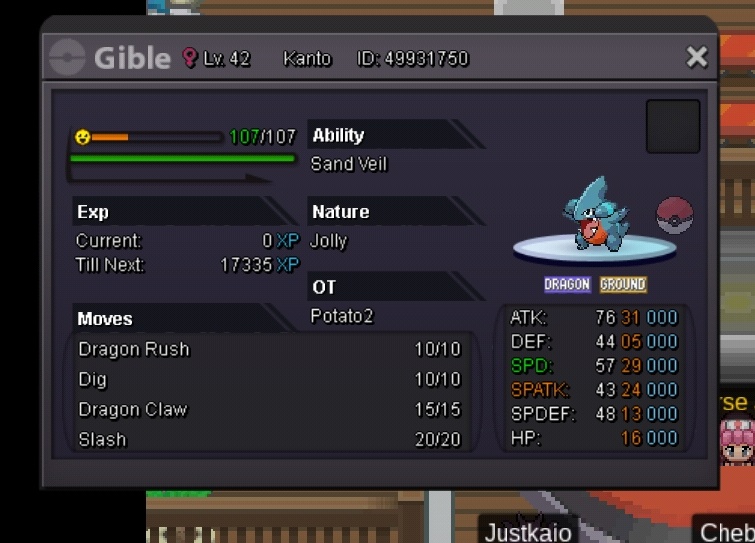
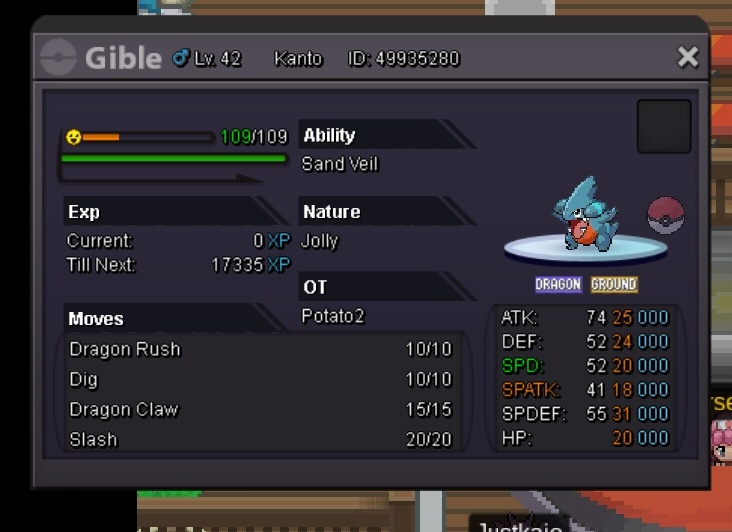
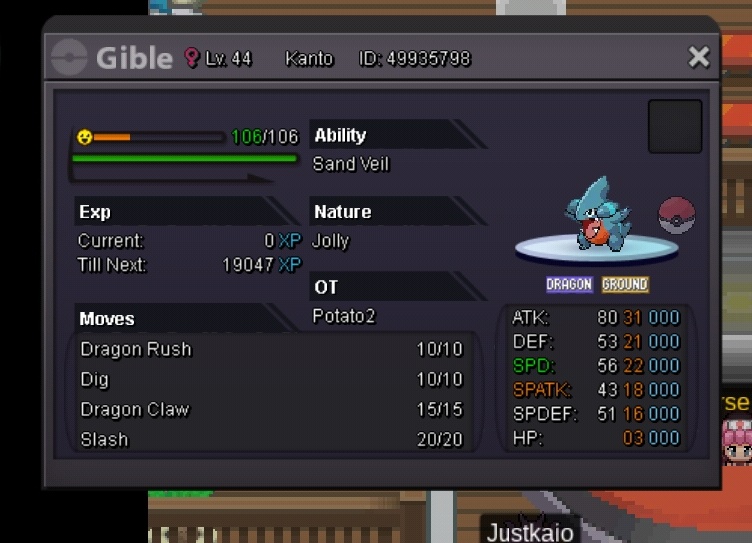
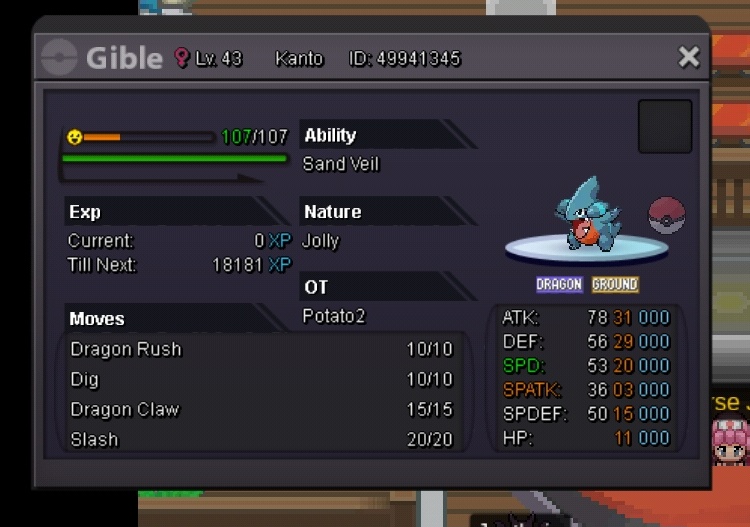
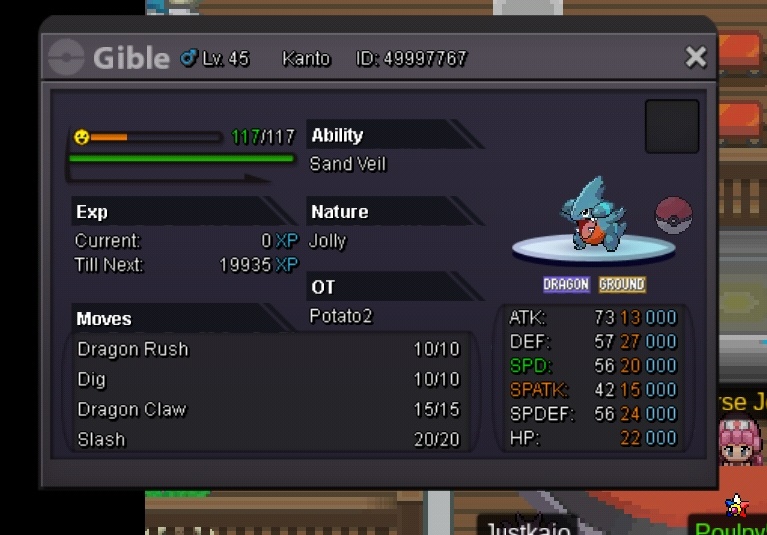
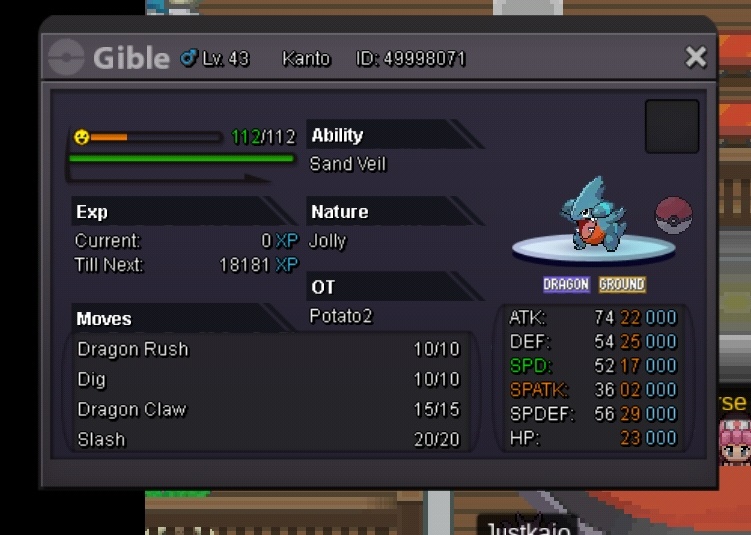
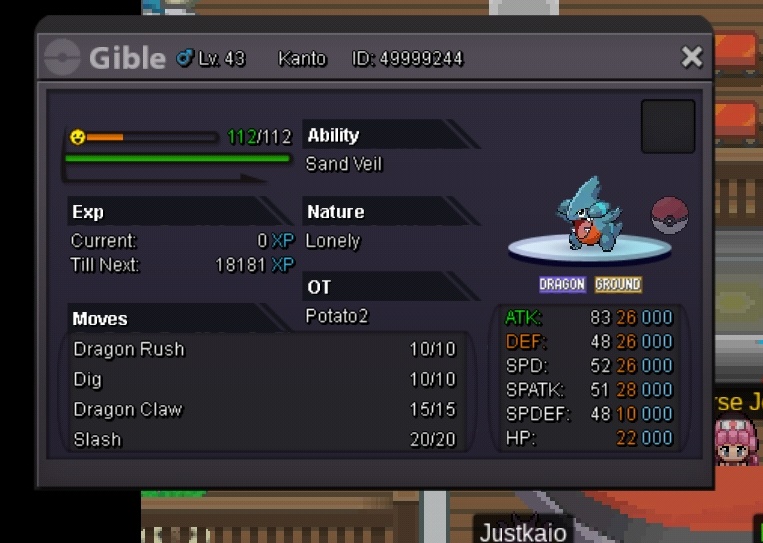
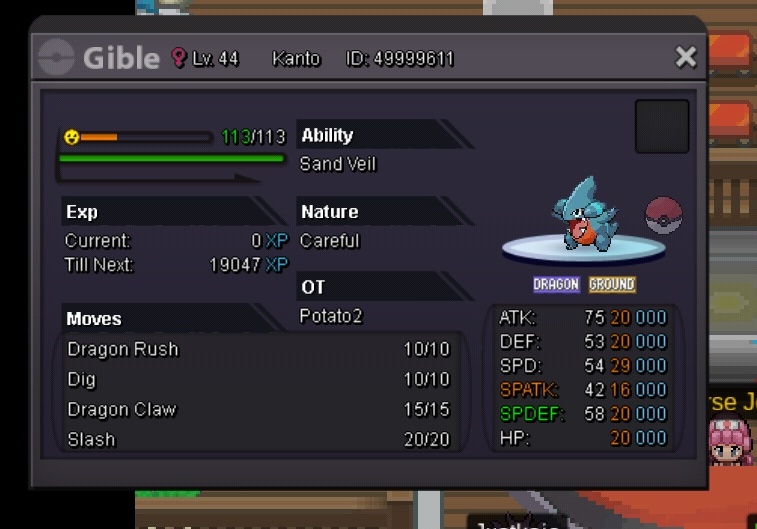
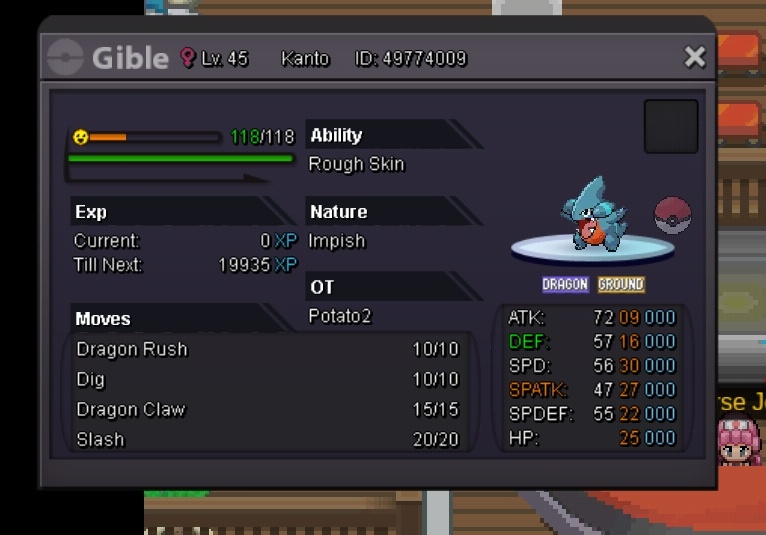
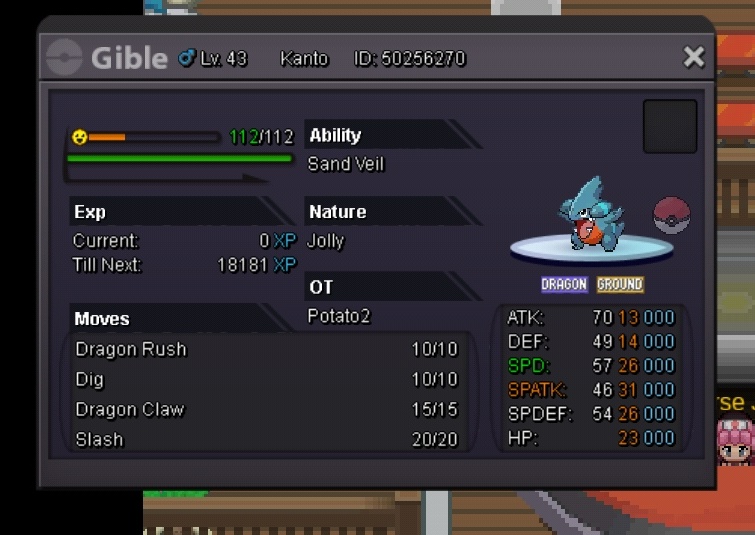
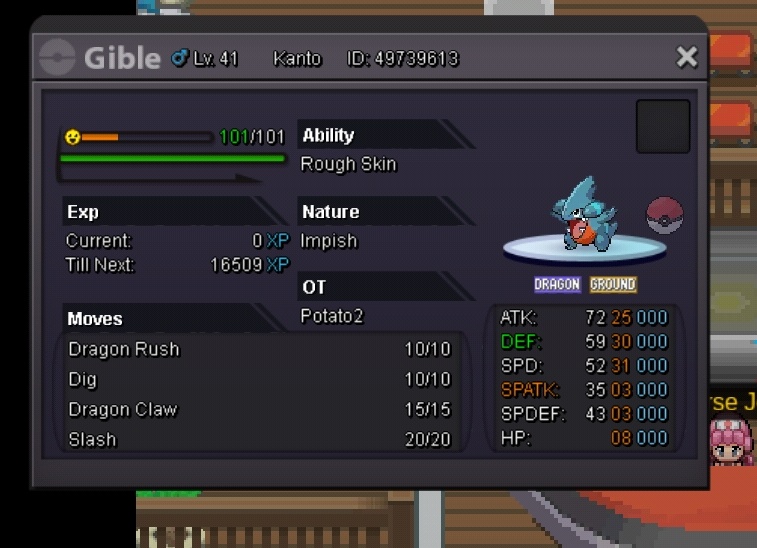
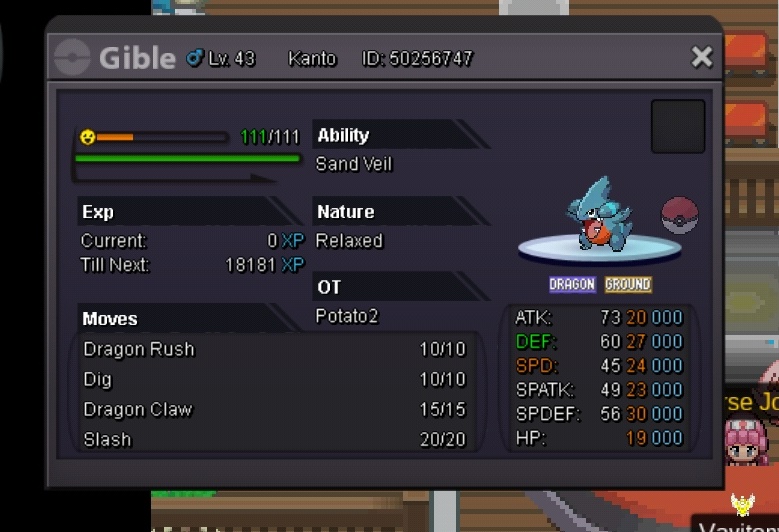
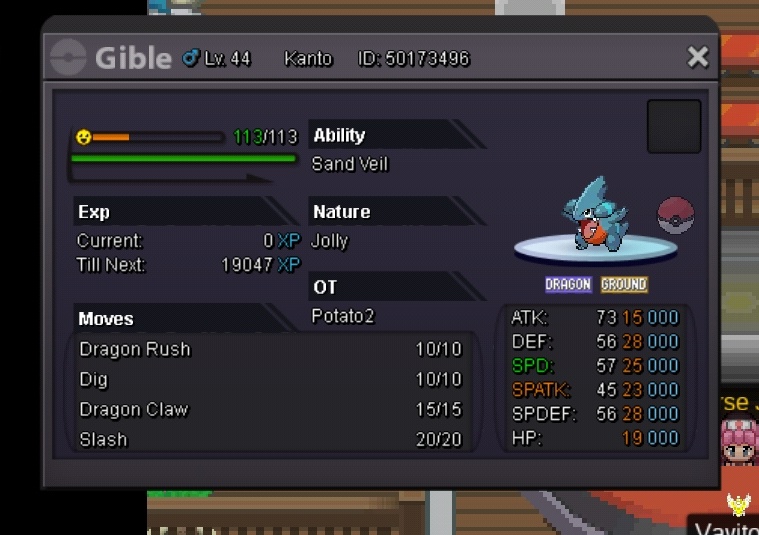
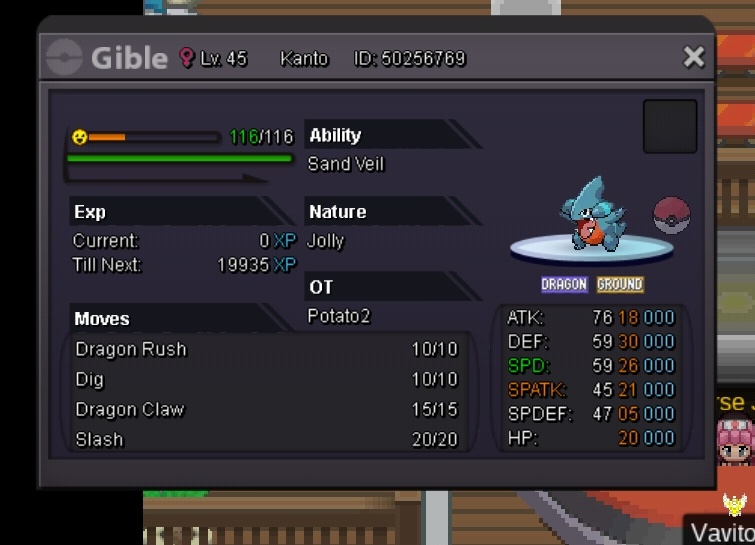
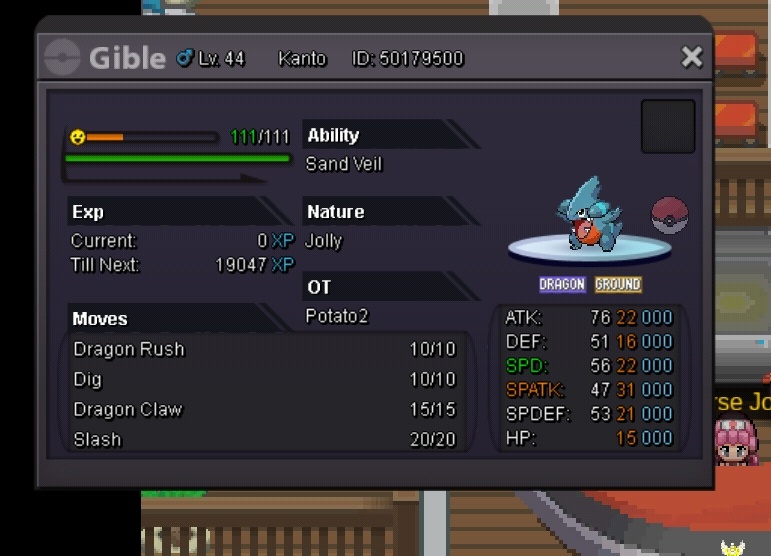
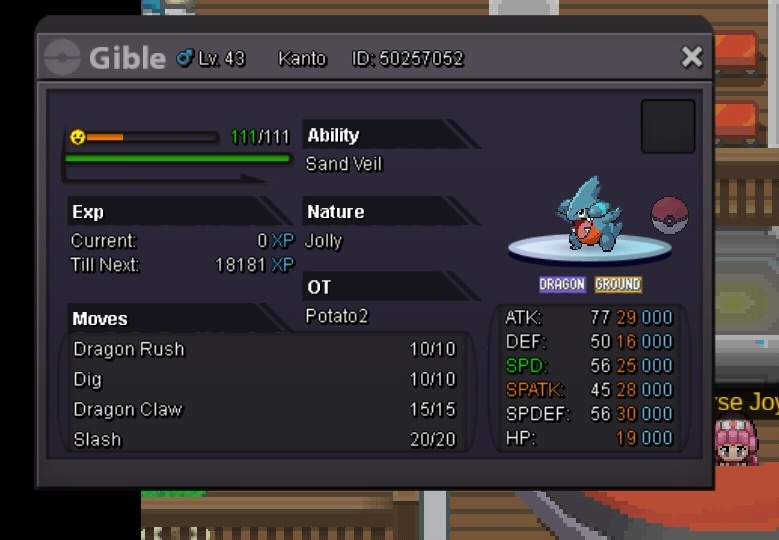
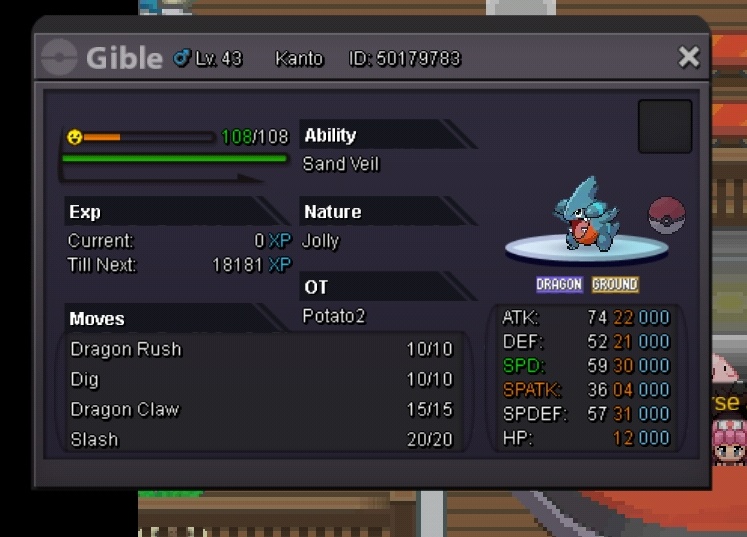
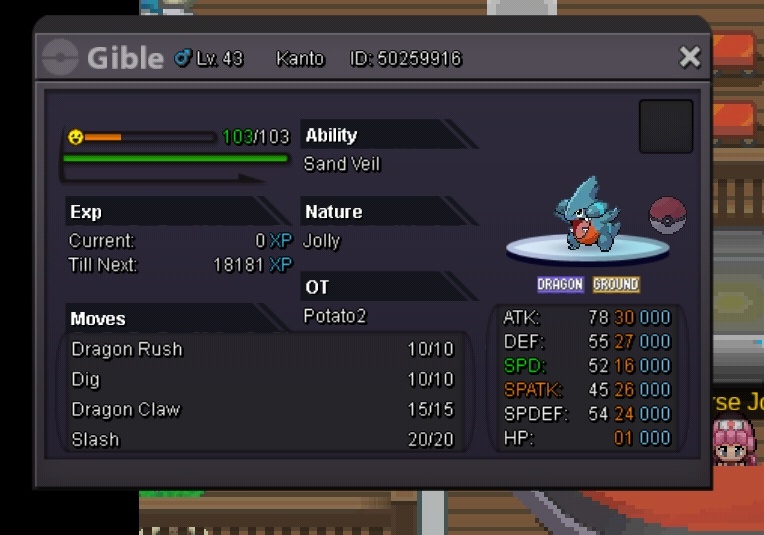
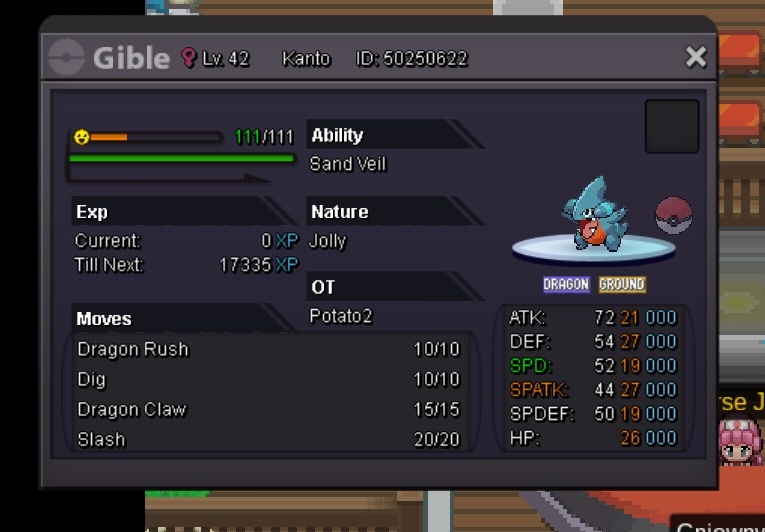
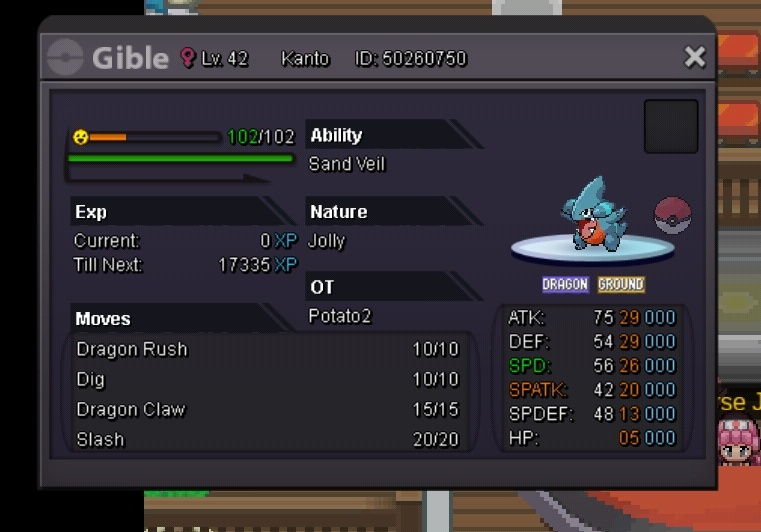
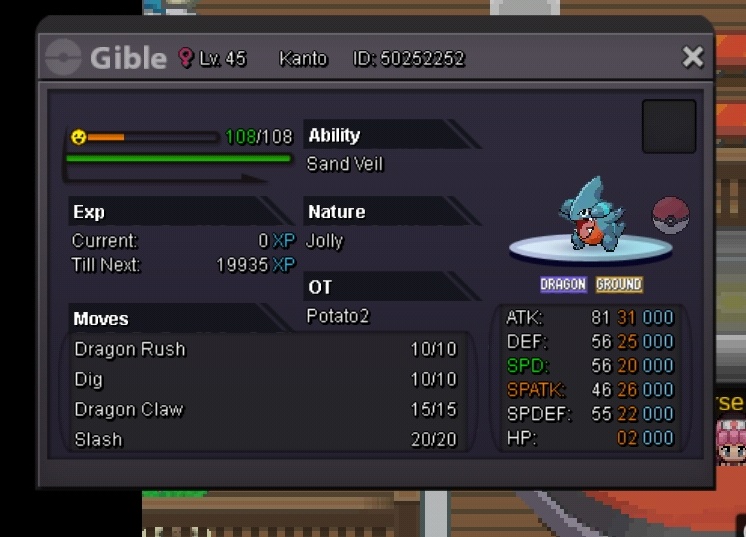
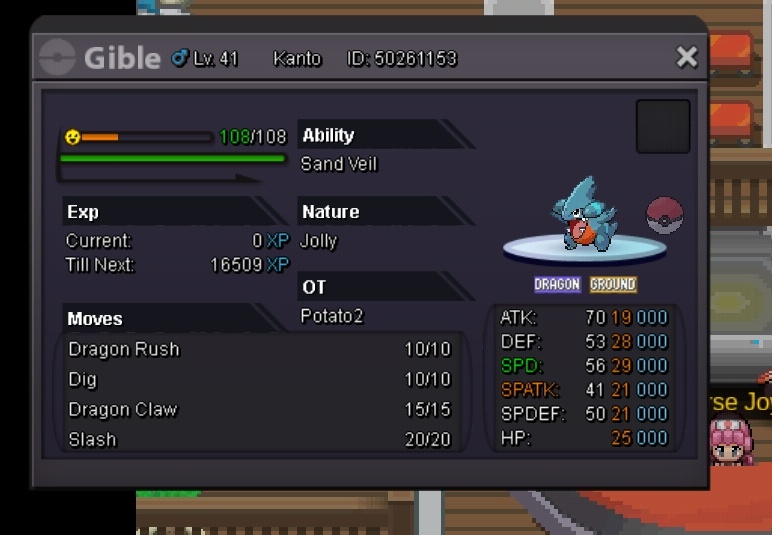
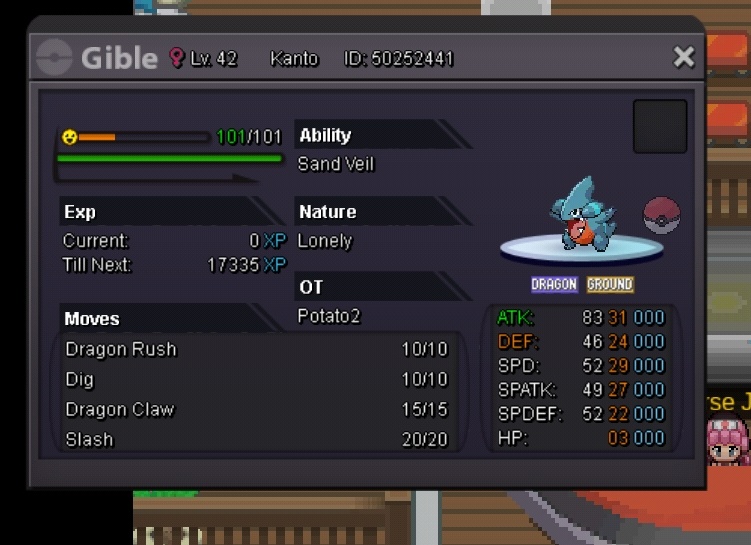
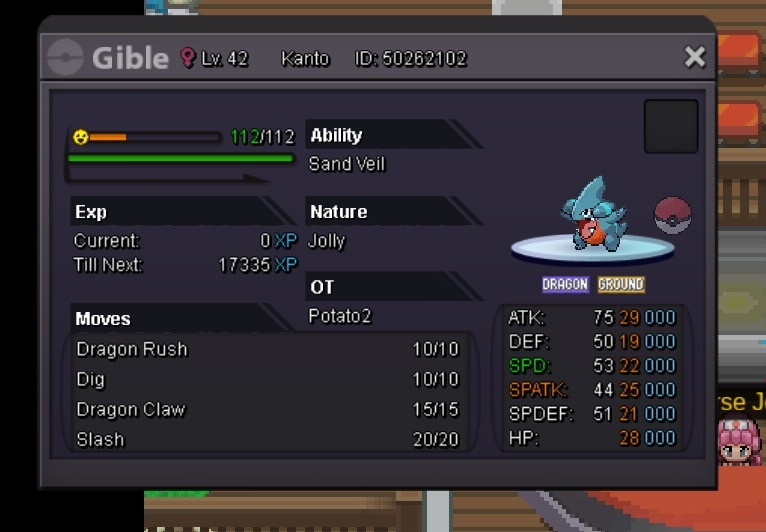
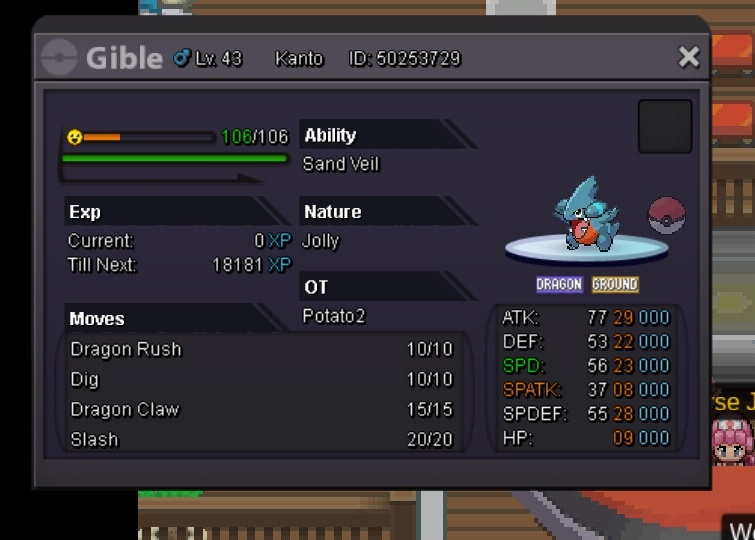
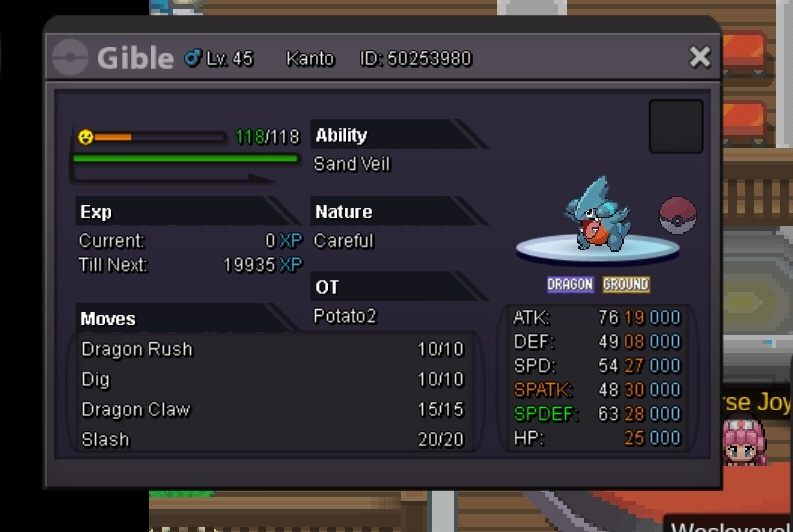
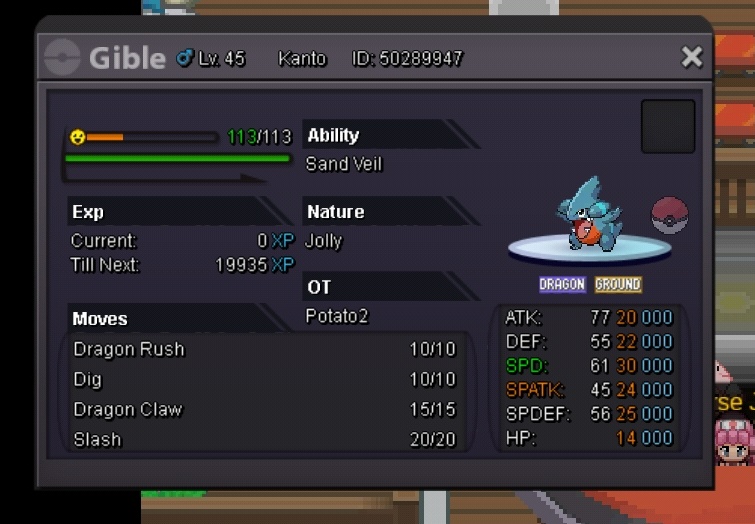
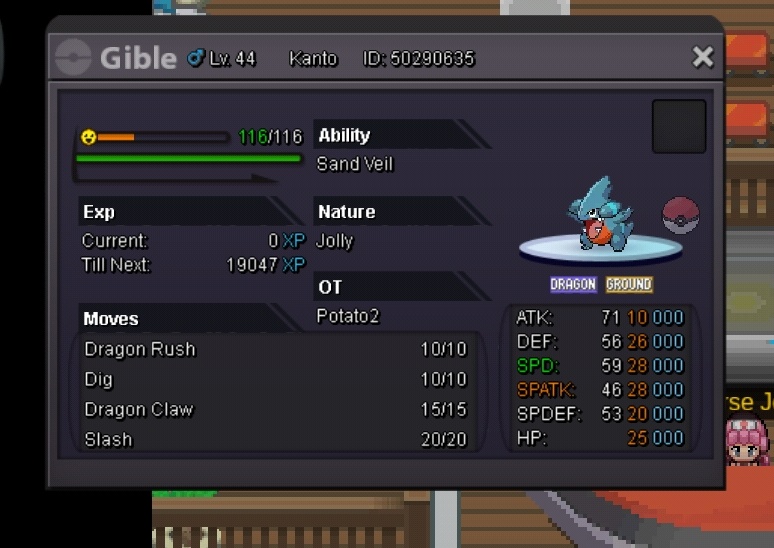
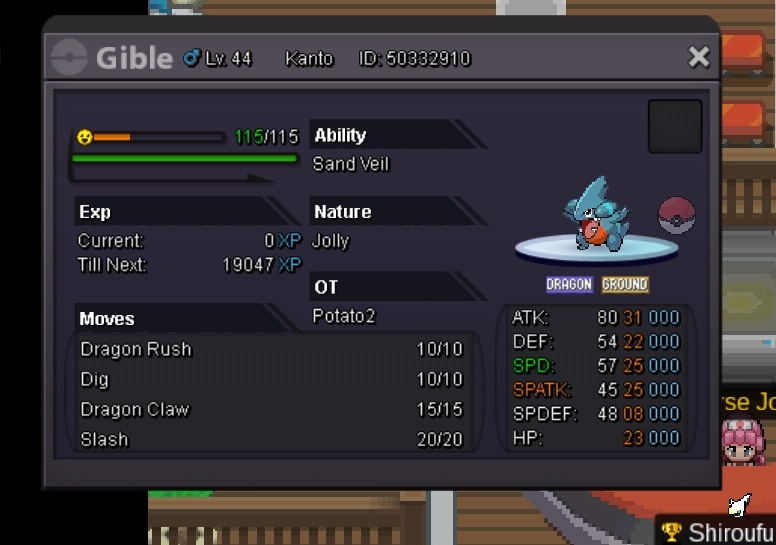
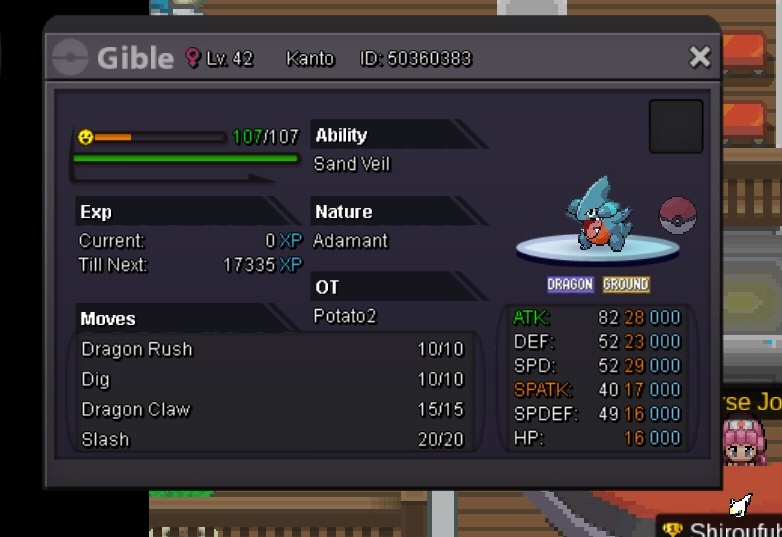
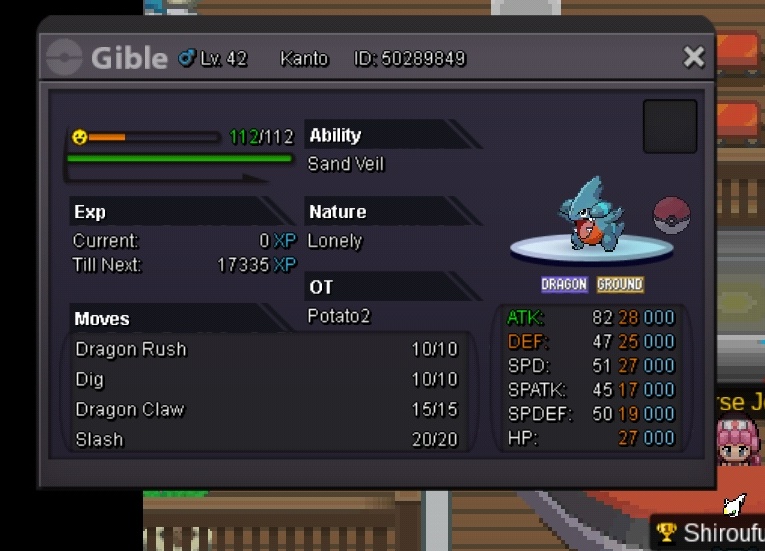
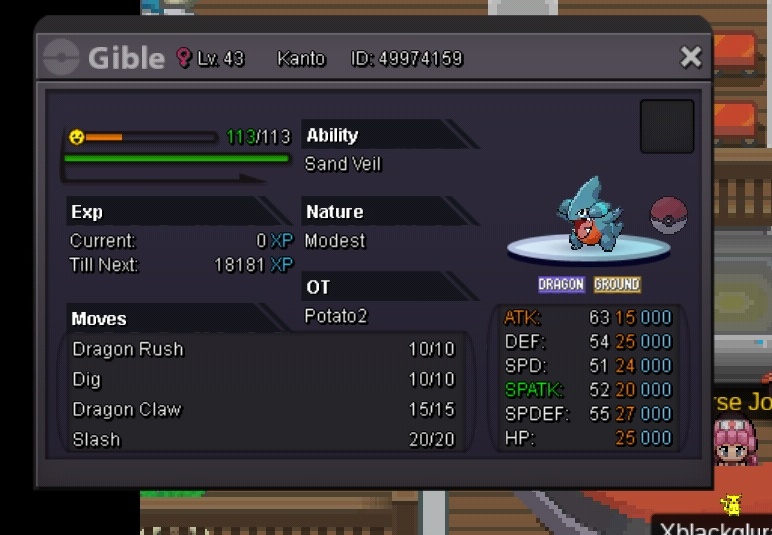
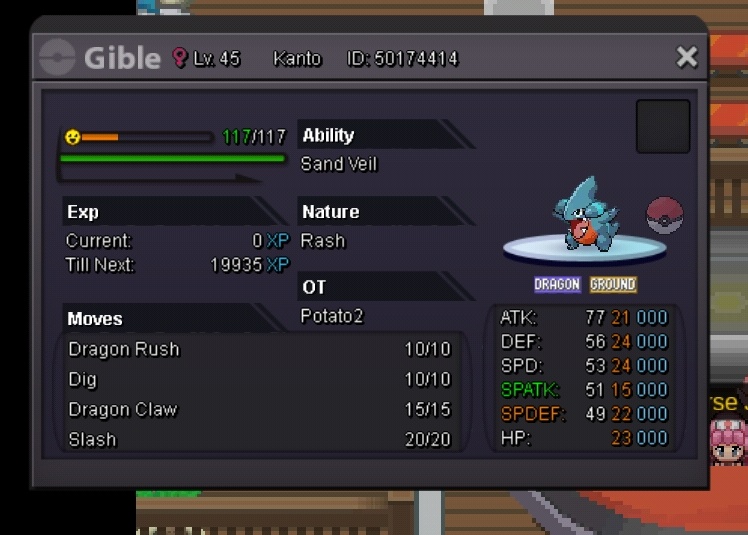
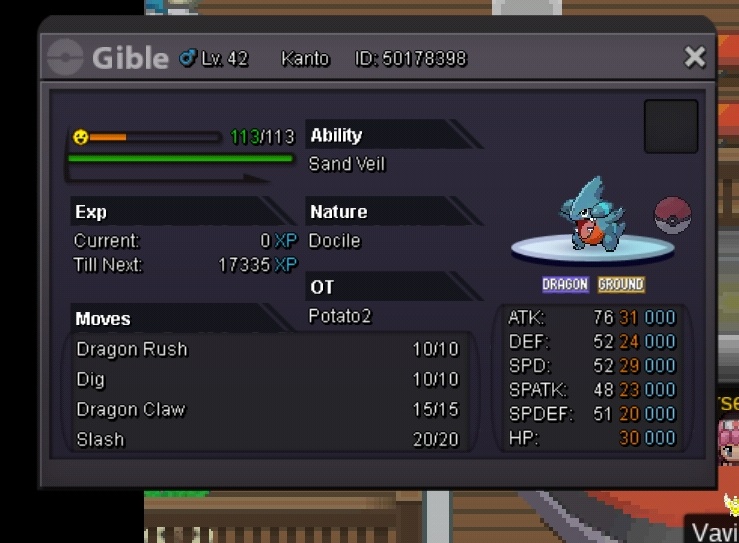
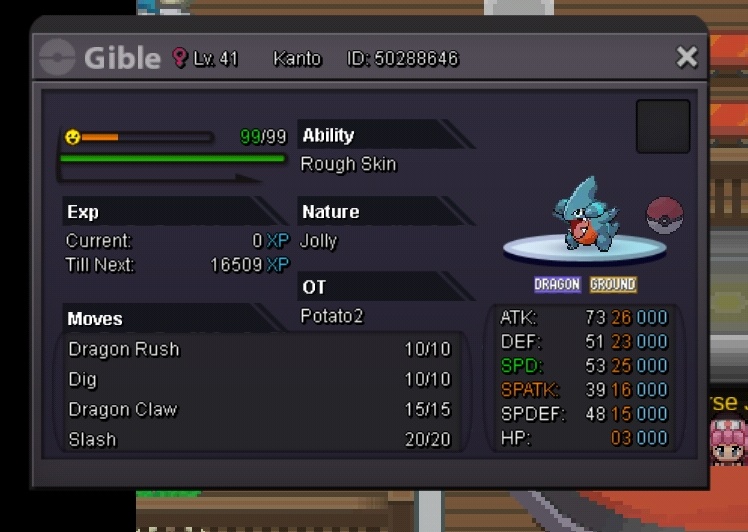
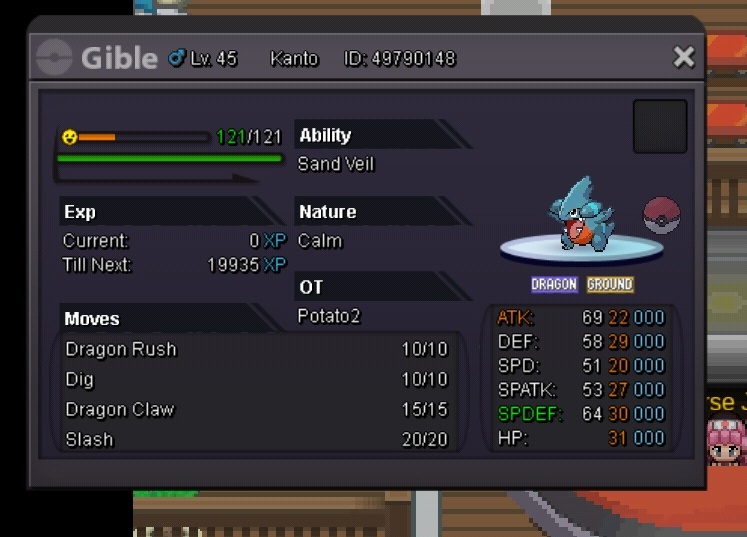
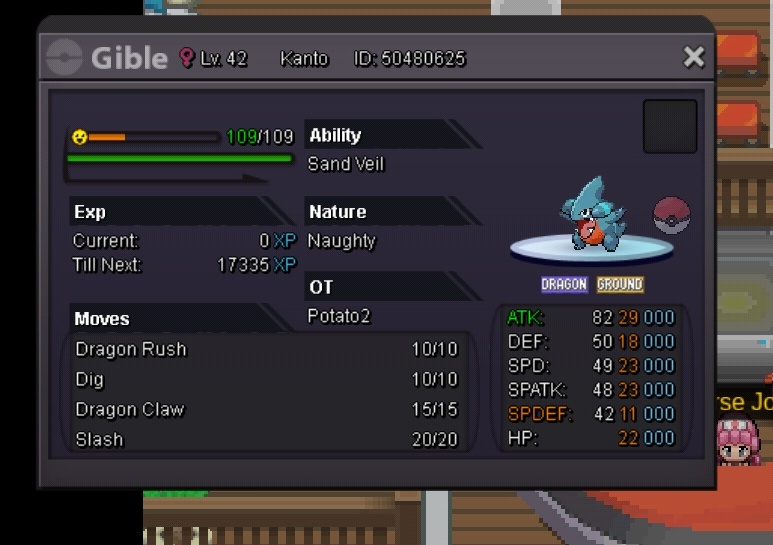
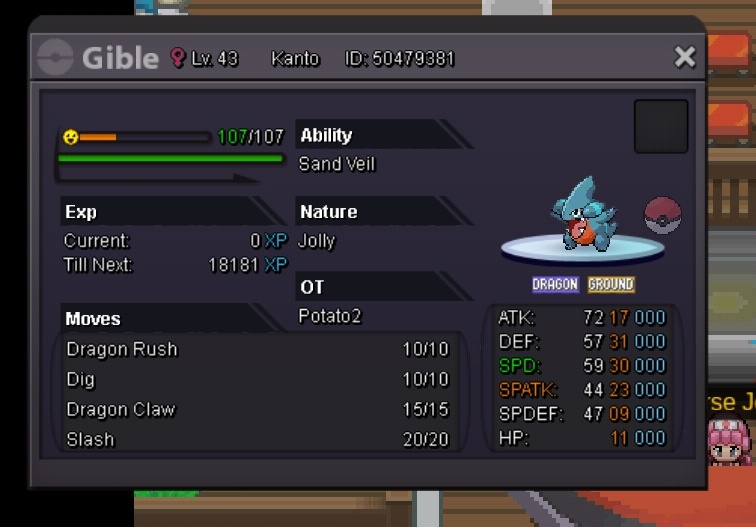
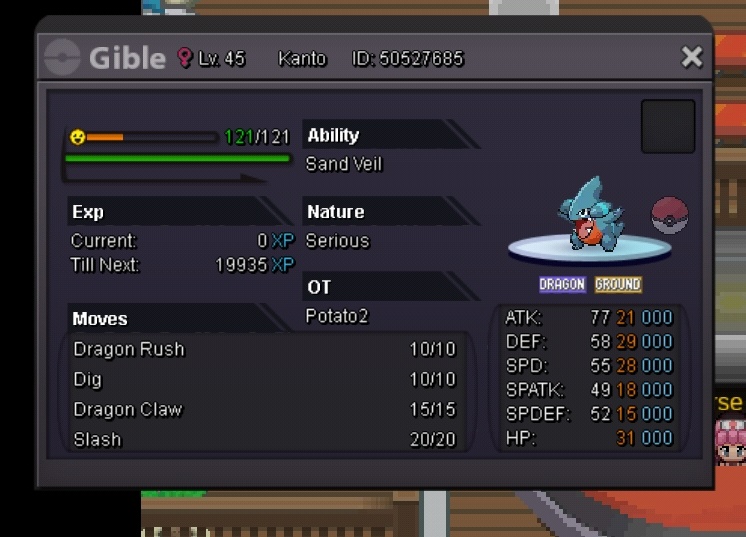
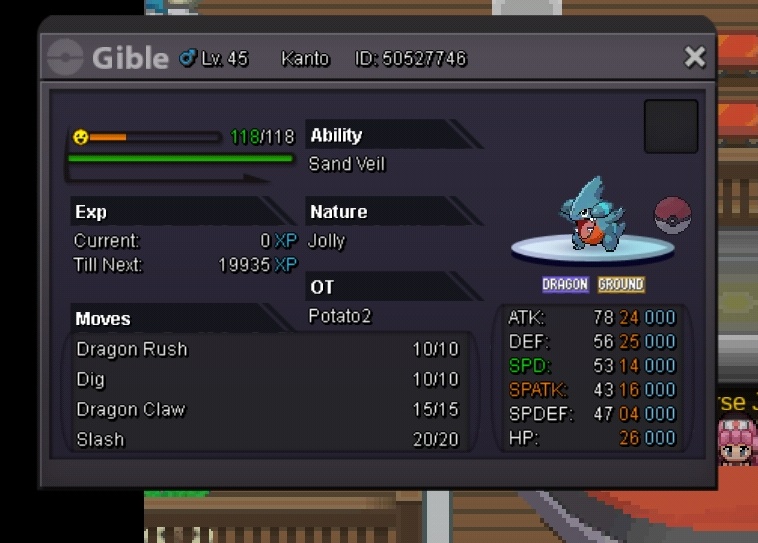
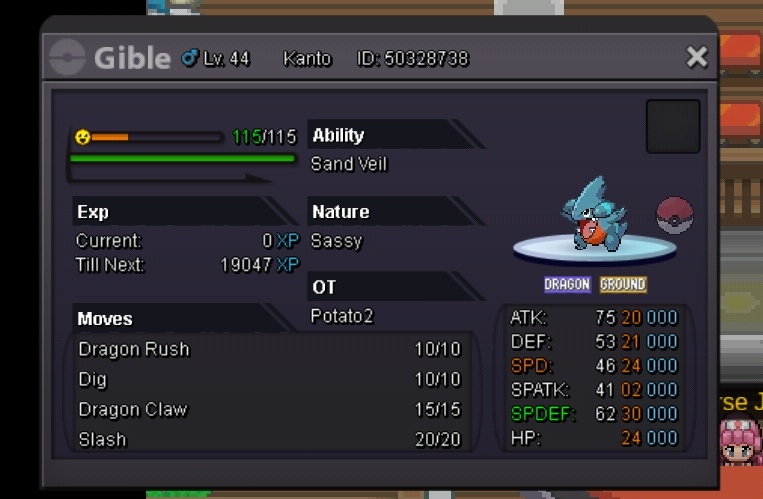
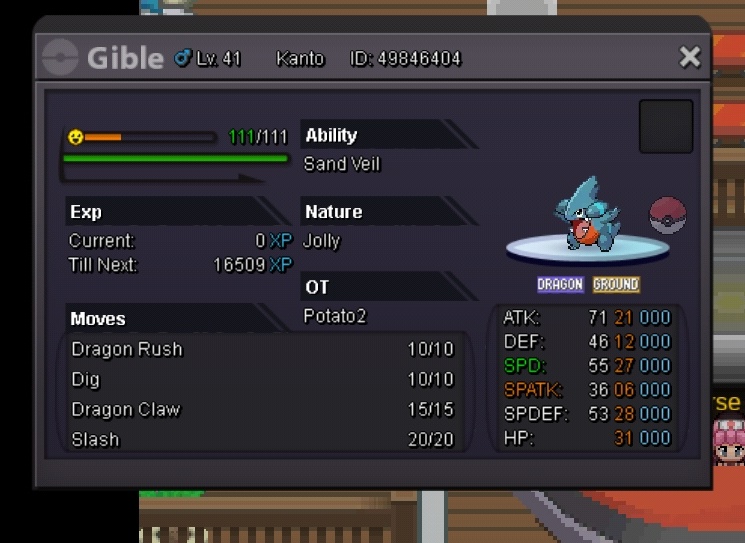
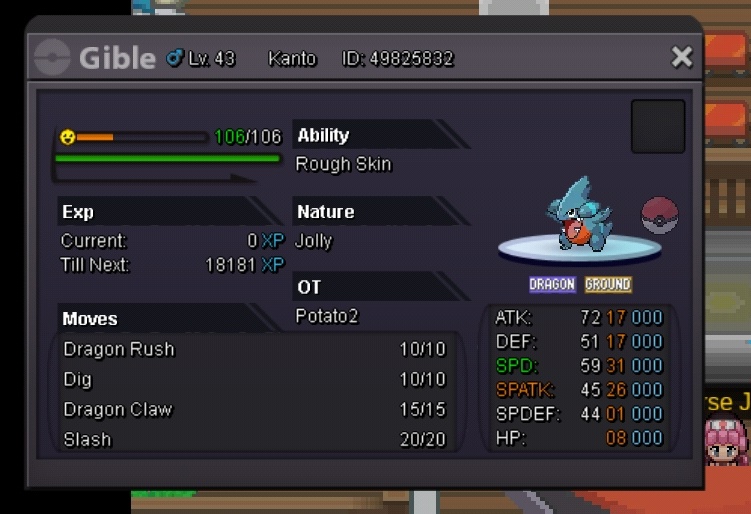
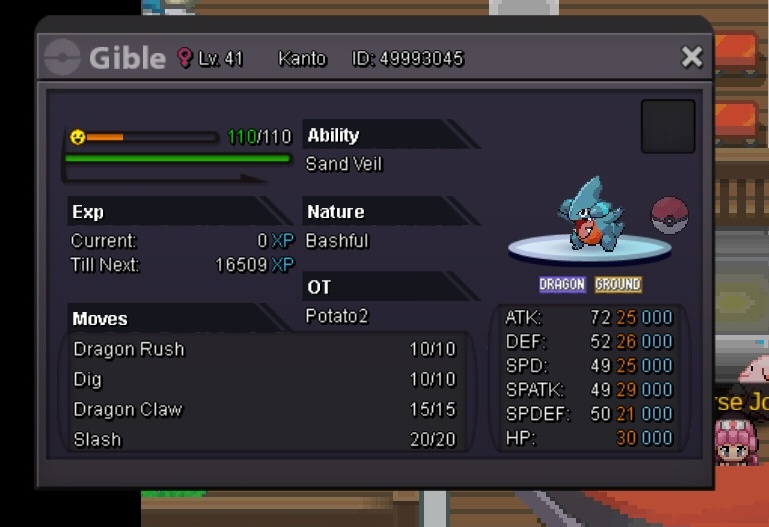
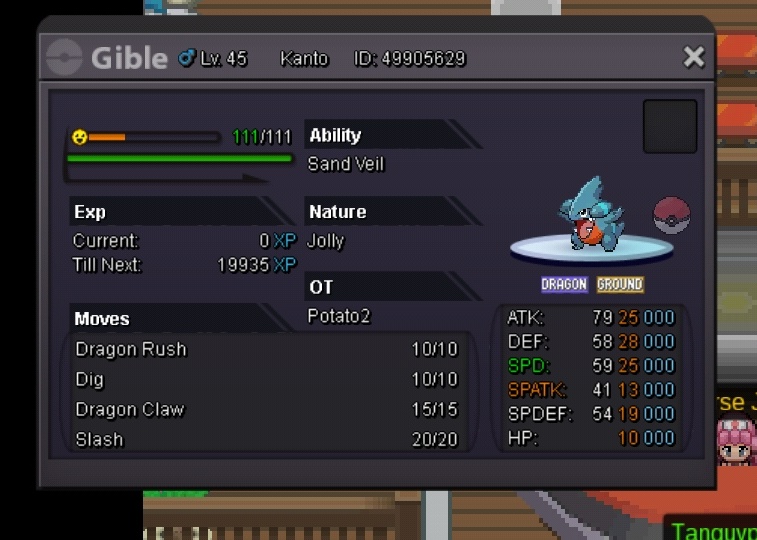
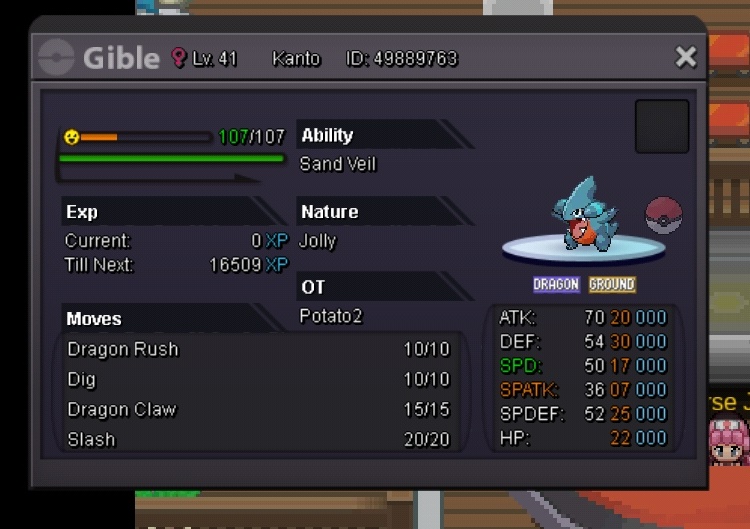
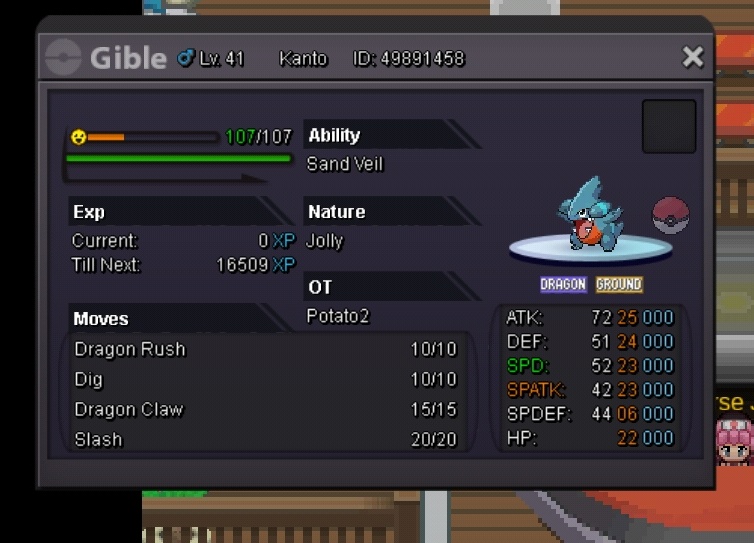
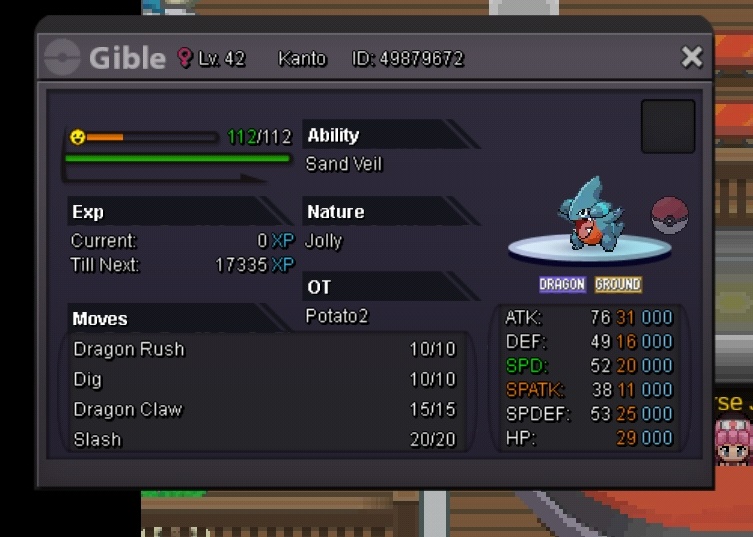
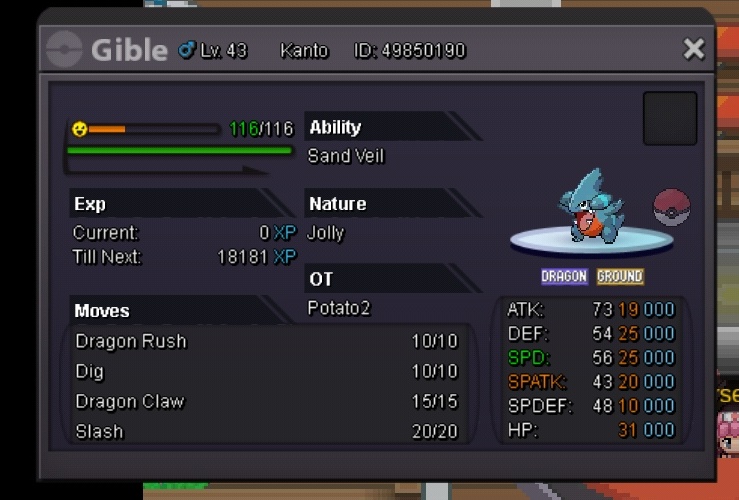
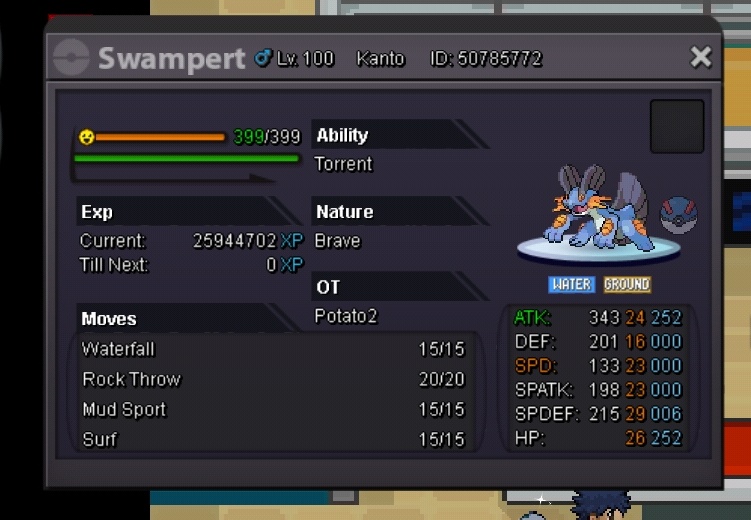
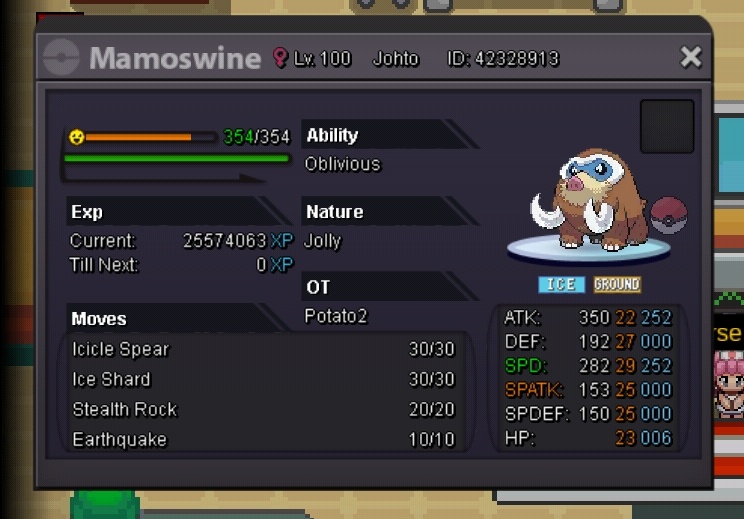
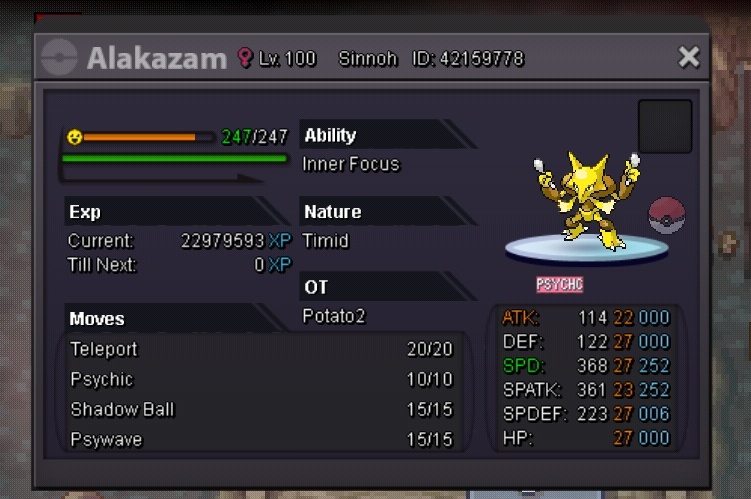
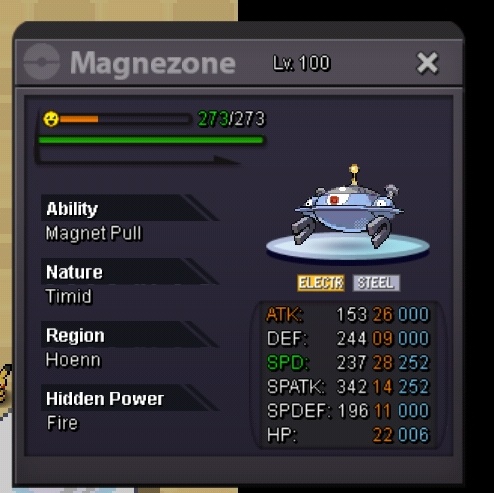
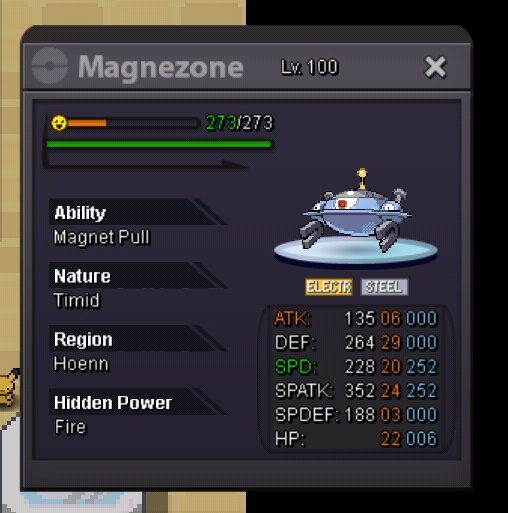
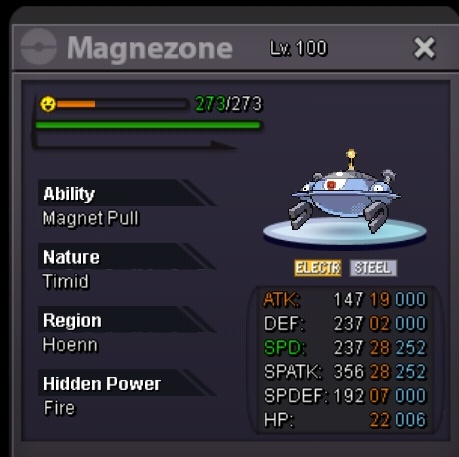
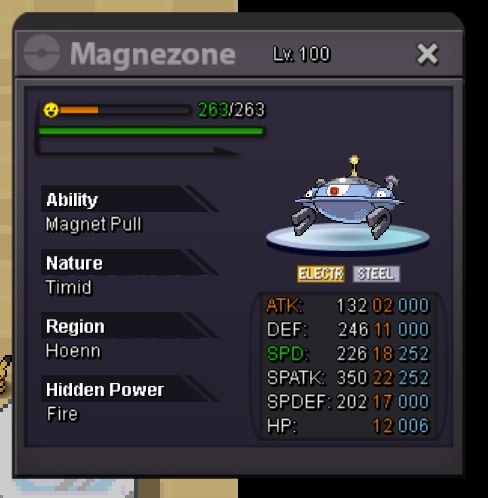
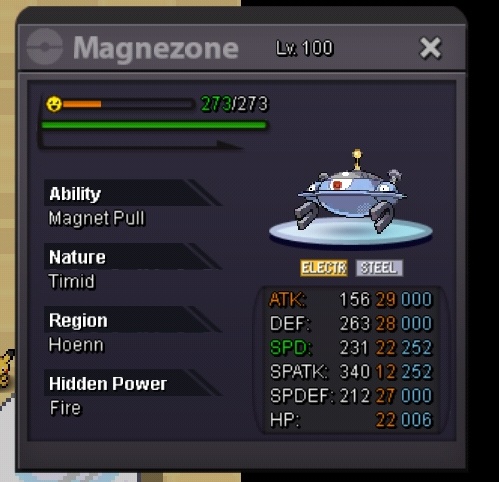
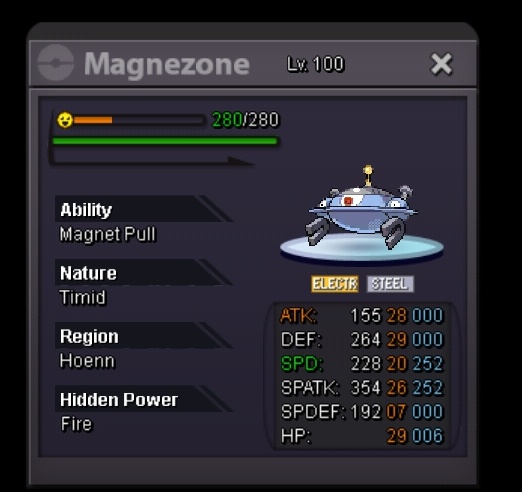
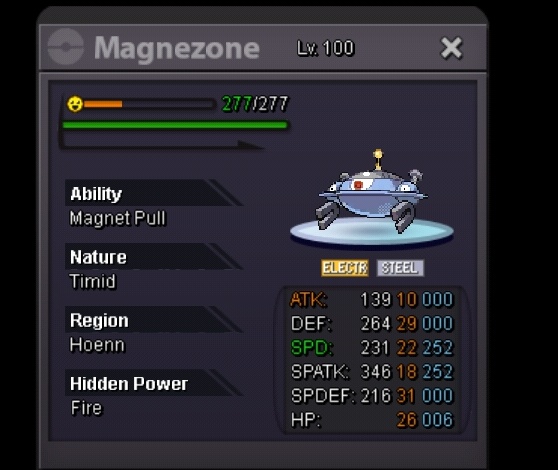
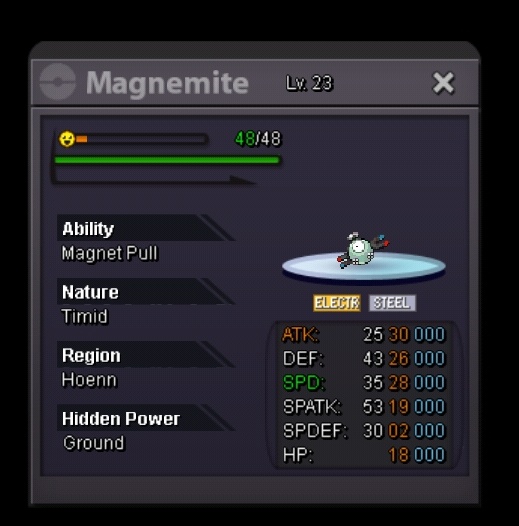
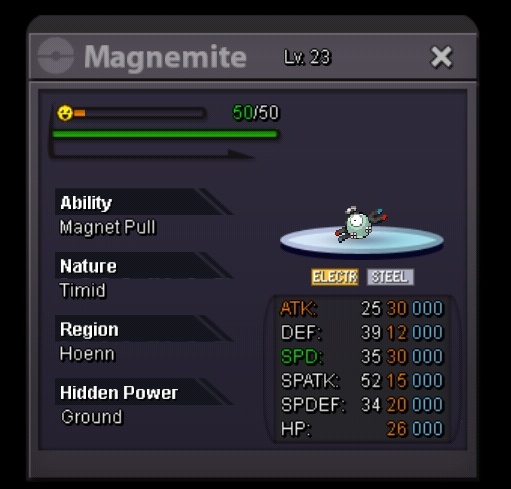
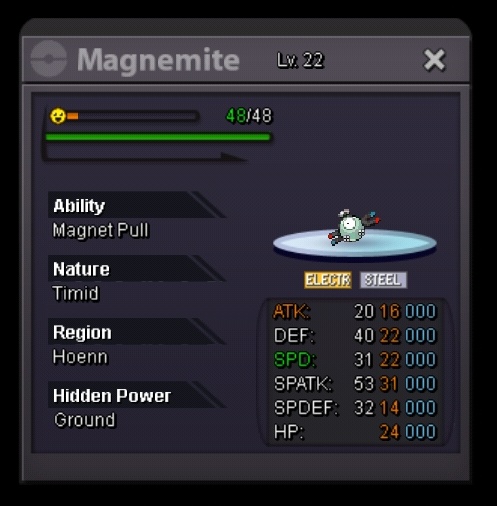
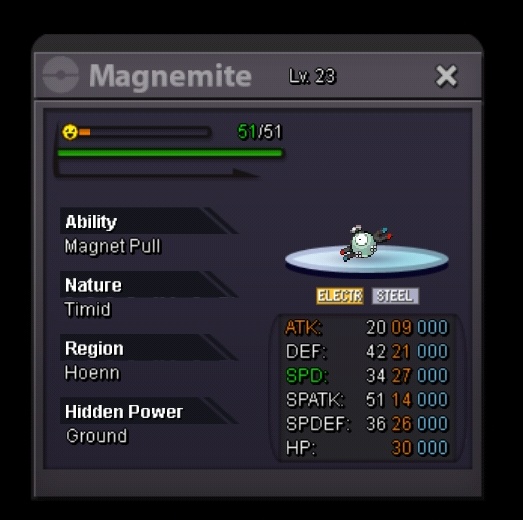
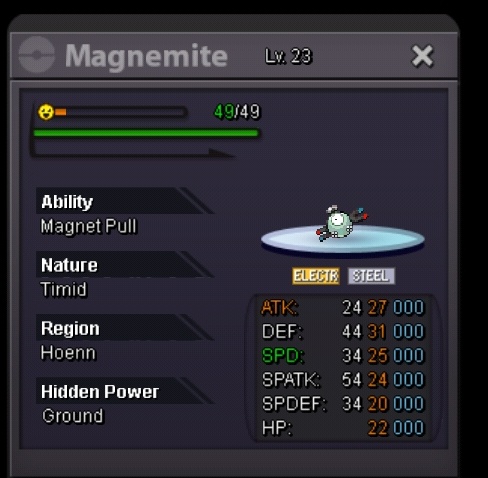
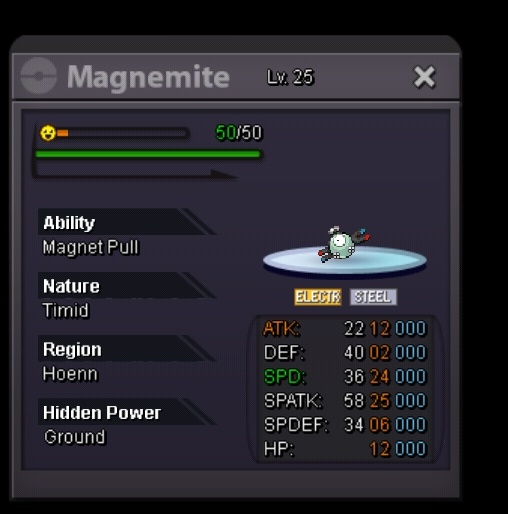
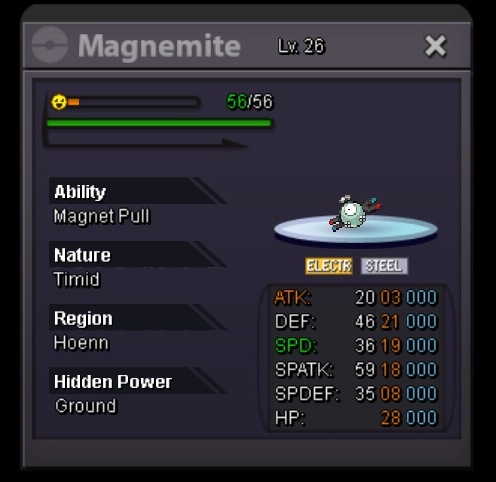
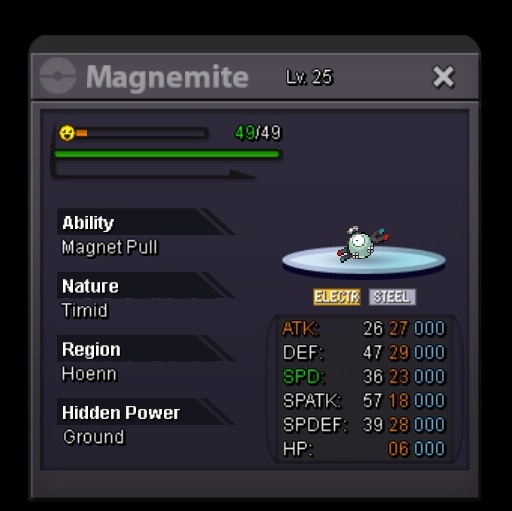
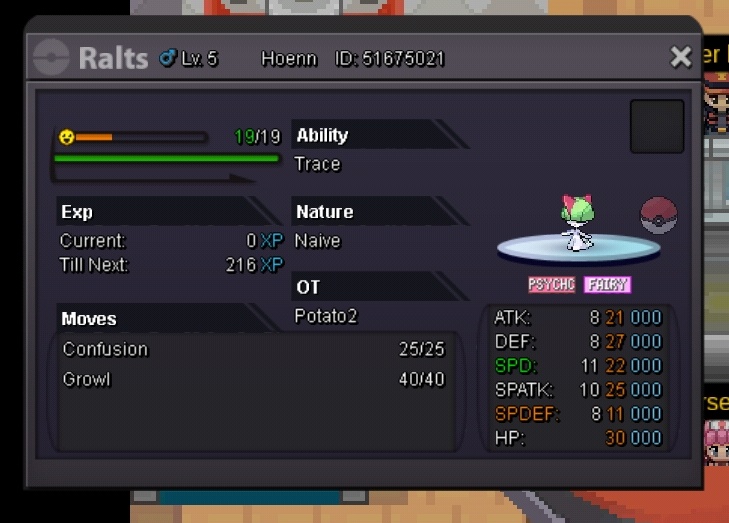
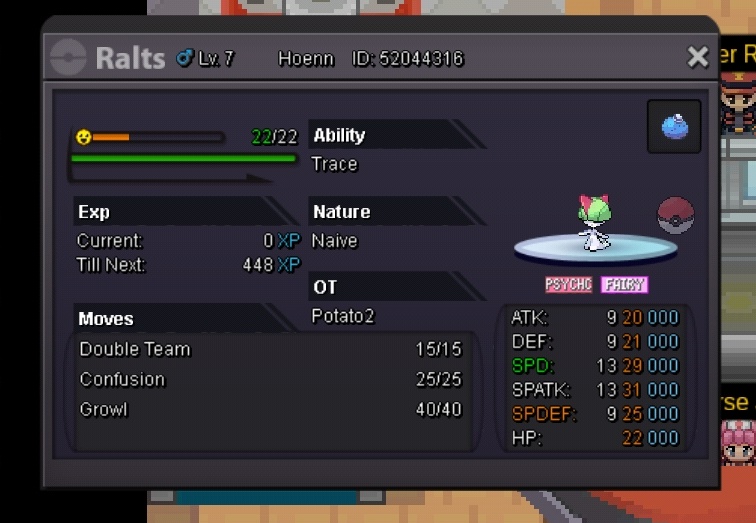
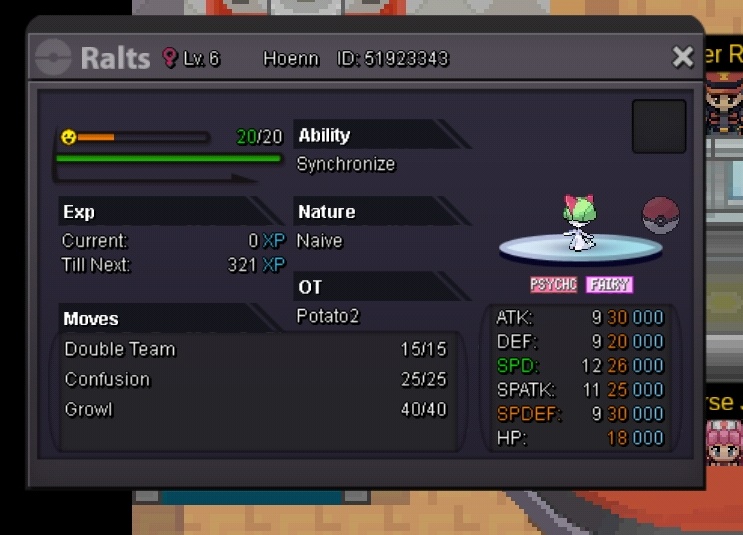
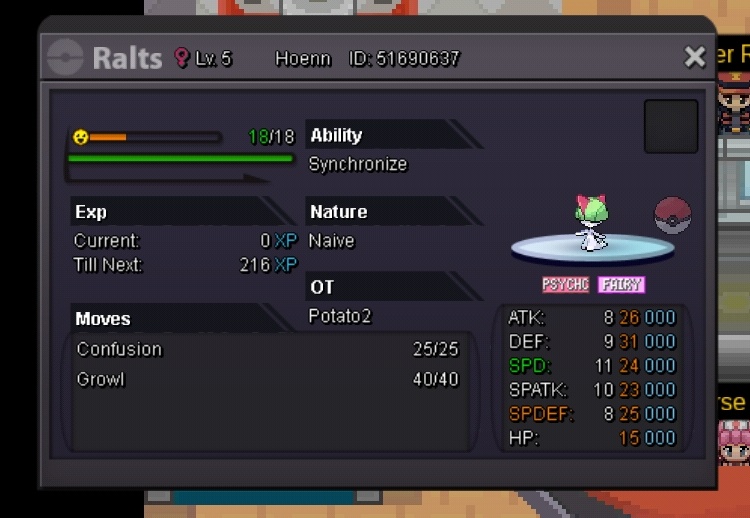
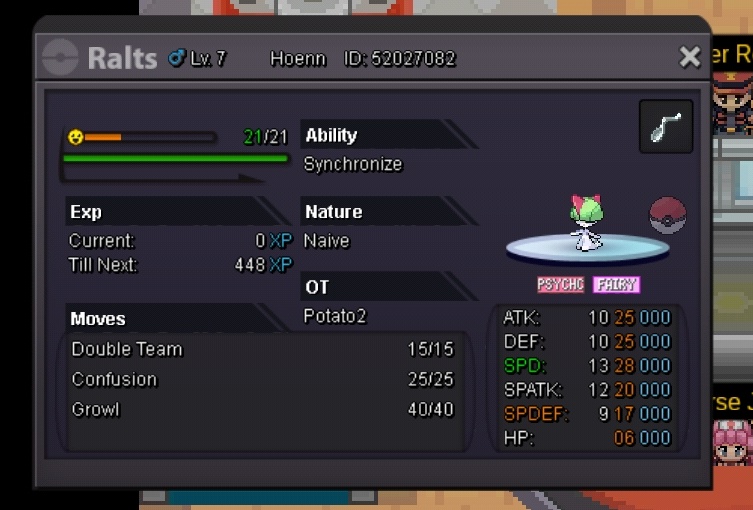
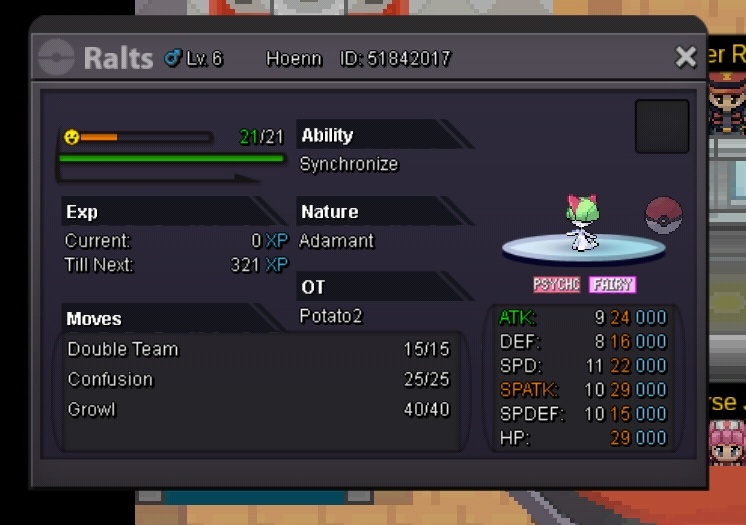
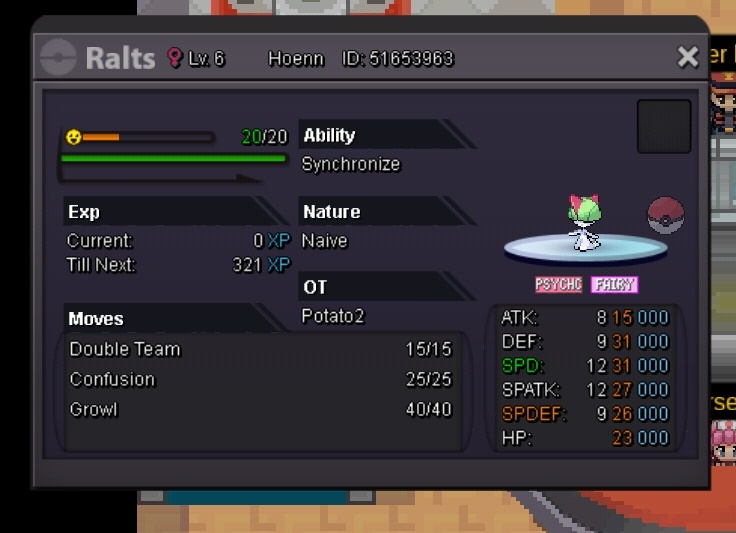
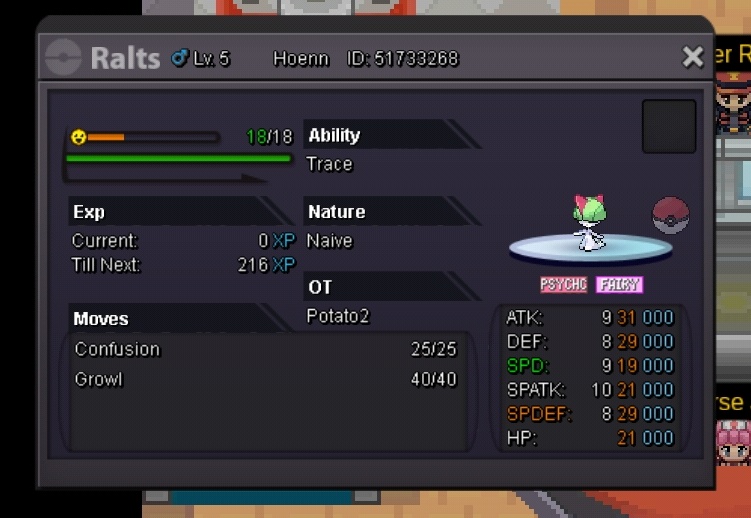
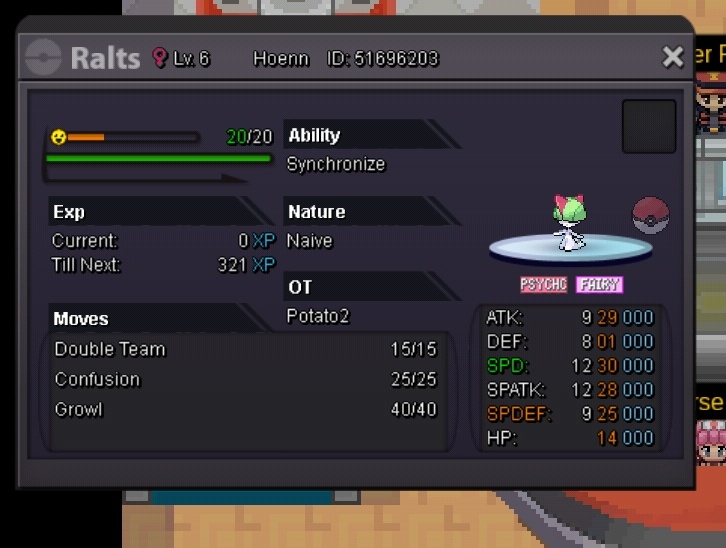
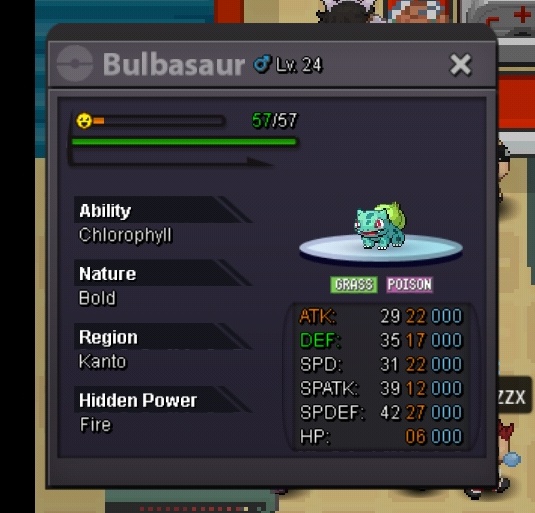
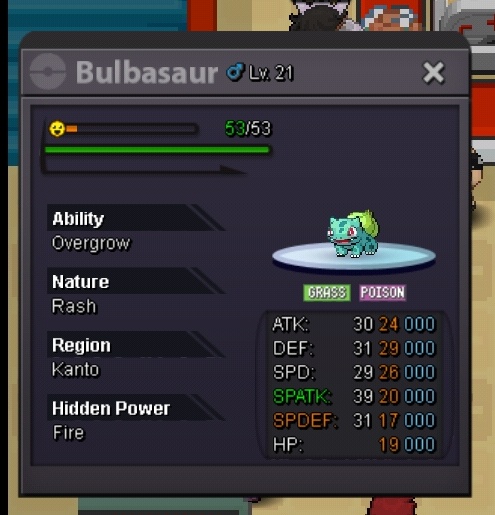
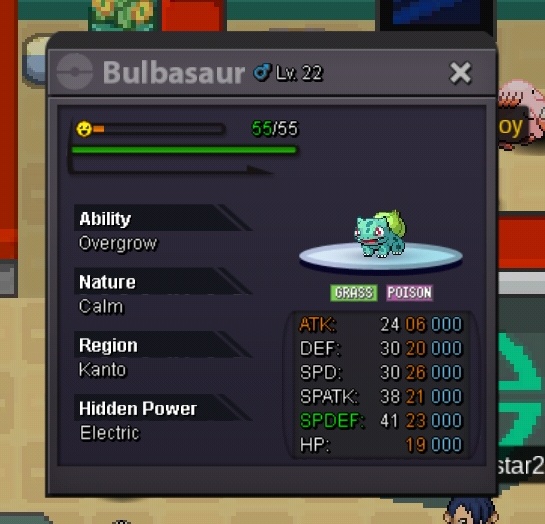
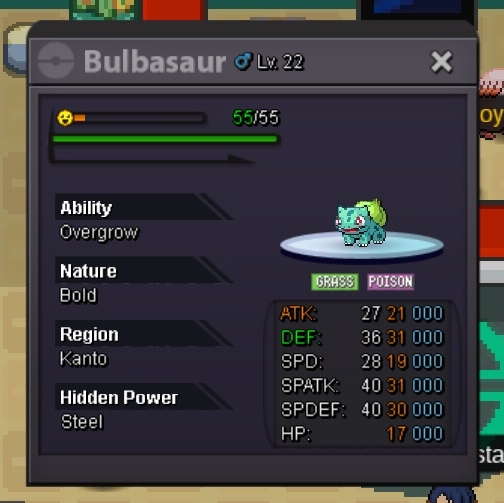
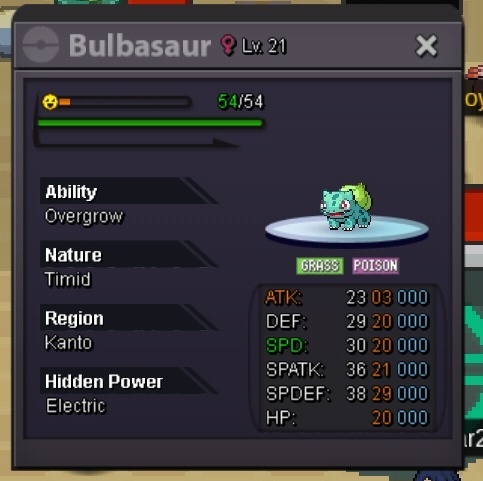
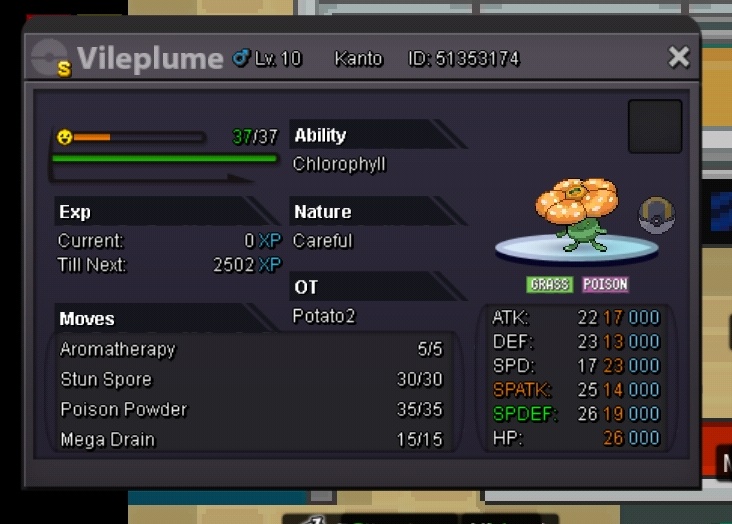
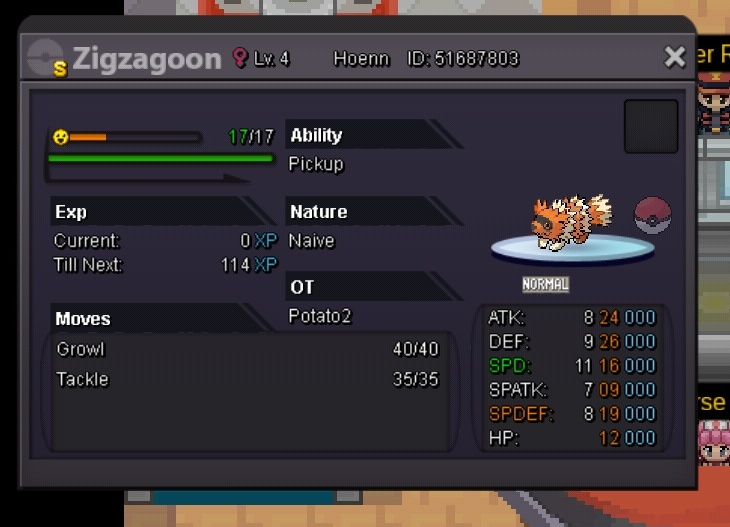
Welcome to my shop! Each Pokemon has its corresponding price above it, feel free to browse around or ask any questions. By default, every auction will last 24 hours after the first offer, and minimum increments are 50k, unless stated otherwise. Trained Pokes (more coming sometime in the future) All Pokes Mags Bulbasaur Ralts Clefairy Gible You can also contact me on discord: @Potato2.0#3387