




New Trade Zone
Trade Zone is now live
Use the new Trade Zone for auctions and instant-price trades so Pokemon and item offers are easy to find.

Swarnim
Registered User
-
Joined
-
Last visited
Everything posted by Swarnim
-
bump
-
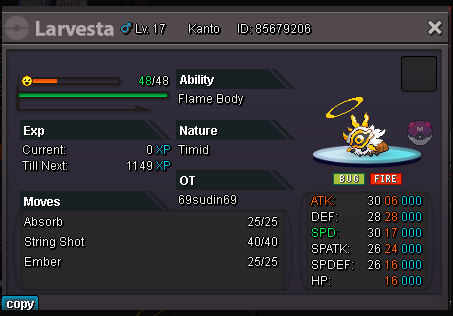
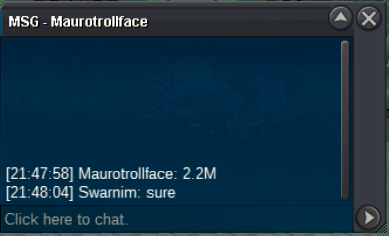
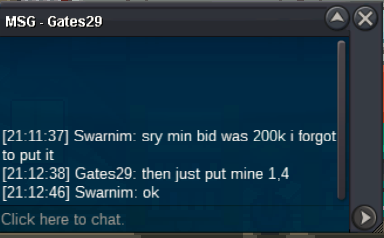
notedS.O-1M MIN BID-200K ACCEPT POKE DOLLARS AND {IV REROLL 500k} ONLY TIME-2 DAYS (48 HOURS AFTER FIRST BID) TIMER-https://www.tickcounter.com/countdown/4497432/my-countdown U CAN CONTACT ME HERE ON DISCORD rajchal
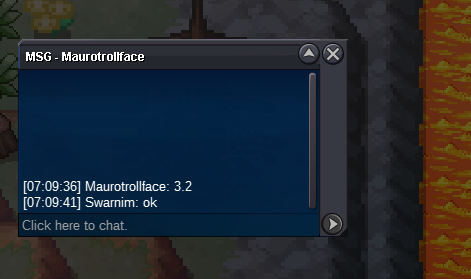
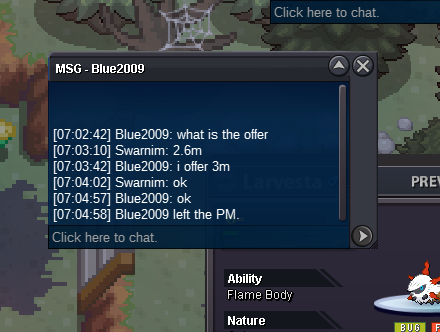
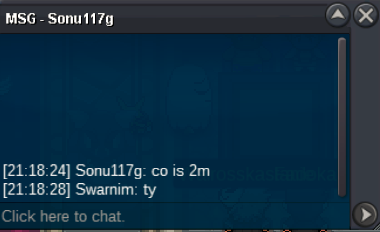
 how much time leftnow gonna sleepalso my apologies for late reply i wasnt as much active cause of my school assignmenti am online in silveri am available nowokey dm me in discord p.pperi wonn200kstart 900ksilver or gold@Yeetdoerprice of joker set brother360ksay again when u online. i went to sleep yesterday@Nexii said first check time stamp as well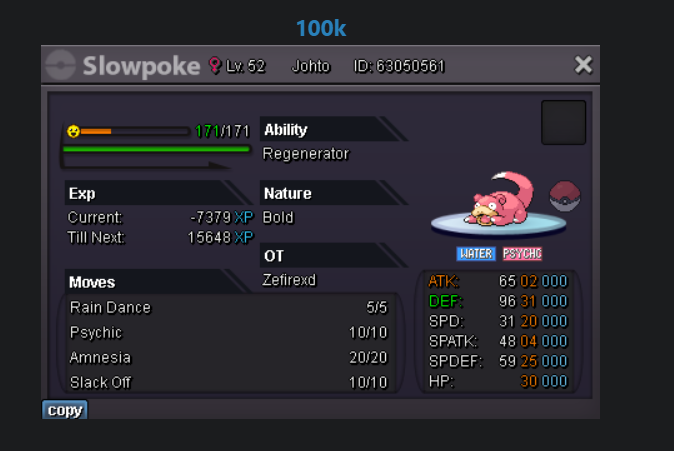


Account
Navigation
Search
Configure browser push notifications
Chrome (Android)
- Tap the lock icon next to the address bar.
- Tap Permissions → Notifications.
- Adjust your preference.
Chrome (Desktop)
- Click the padlock icon in the address bar.
- Select Site settings.
- Find Notifications and adjust your preference.
Safari (iOS 16.4+)
- Ensure the site is installed via Add to Home Screen.
- Open Settings App → Notifications.
- Find your app name and adjust your preference.
Safari (macOS)
- Go to Safari → Preferences.
- Click the Websites tab.
- Select Notifications in the sidebar.
- Find this website and adjust your preference.
Edge (Android)
- Tap the lock icon next to the address bar.
- Tap Permissions.
- Find Notifications and adjust your preference.
Edge (Desktop)
- Click the padlock icon in the address bar.
- Click Permissions for this site.
- Find Notifications and adjust your preference.
Firefox (Android)
- Go to Settings → Site permissions.
- Tap Notifications.
- Find this site in the list and adjust your preference.
Firefox (Desktop)
- Open Firefox Settings.
- Search for Notifications.
- Find this site in the list and adjust your preference.