




New Trade Zone
Trade Zone is now live
Use the new Trade Zone for auctions and instant-price trades so Pokemon and item offers are easy to find.

Munmun
Registered User
-
Joined
-
Last visited
Everything posted by Munmun
-
Start smeargle
-
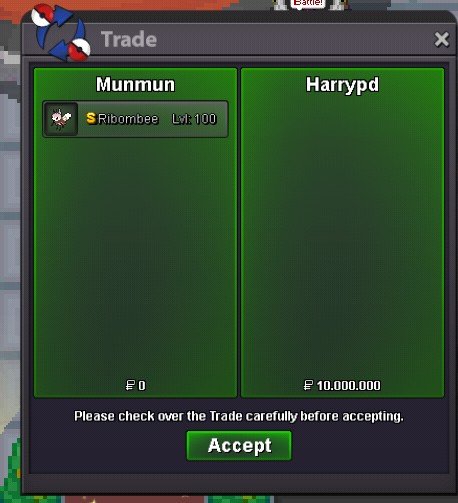
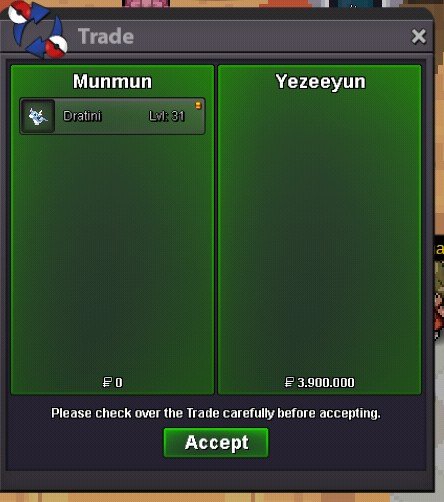
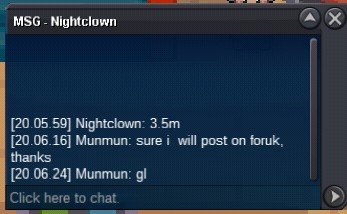
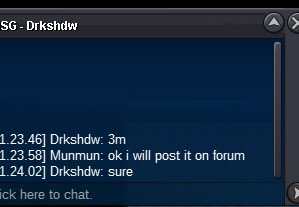
Congrats to Harrypd and thanks
-
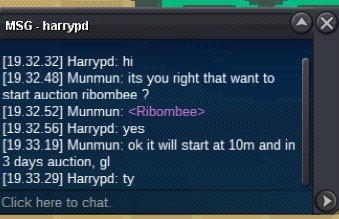
C.o 10m by harrypd
-
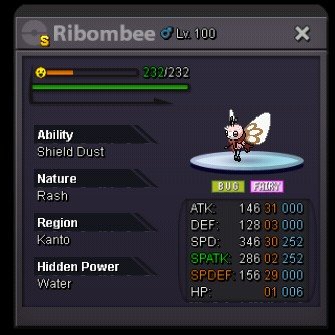
Hello, i will start the auction my shiny ribombee here since i got first bid. C.o 10m Min bid 500k Insta 14m Duration 3 days after the first bid Gl
-
Hello, im looking for epic h.a 25 + def,sp def, hp and rest 20 + h.a sassy/calm lillep and h.a impish scraggy or its evo. If you have and want to sell it, just pm me with the price
-
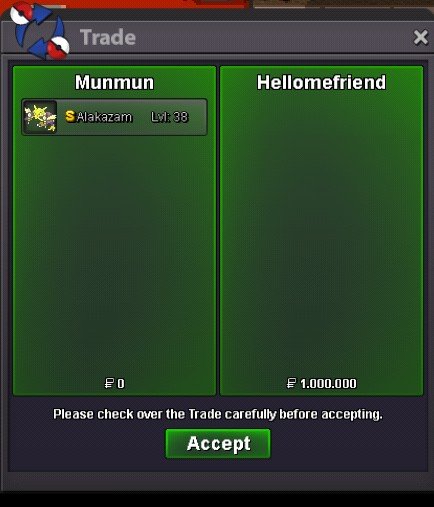
Congrats and thanks hellomefriend
 Bump, 6 hours and 59 minutes leftStart volcaHello i want to auction this worm S.o : 2.5 m min bid 200k No insta duration 3 days after first bid accept : cc : 400k Iv reroll: 700k
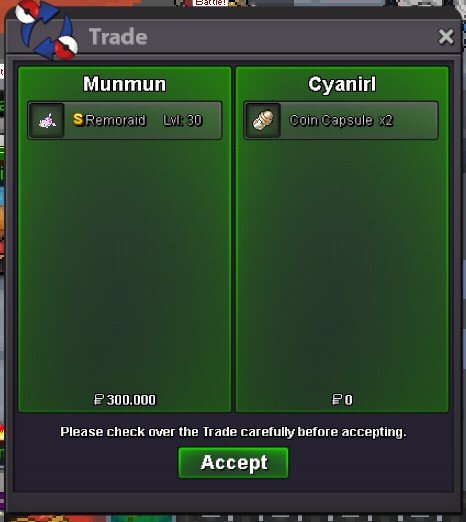
 Thanks and congrats for cyanirl
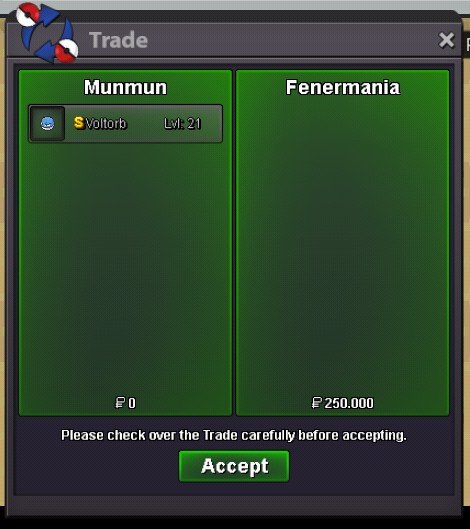
 Congrats and thanks to fenermania
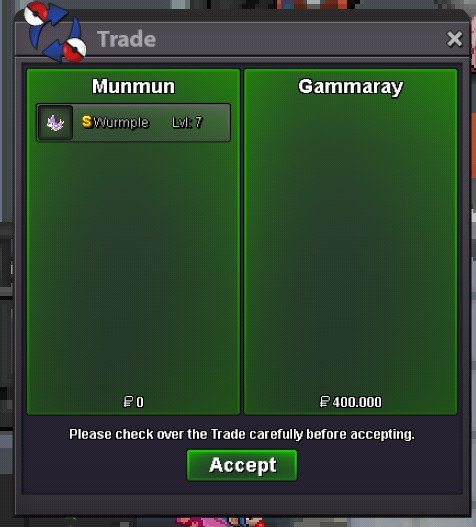
 Congrats to gammaray, shiny wurmple has been insta by him
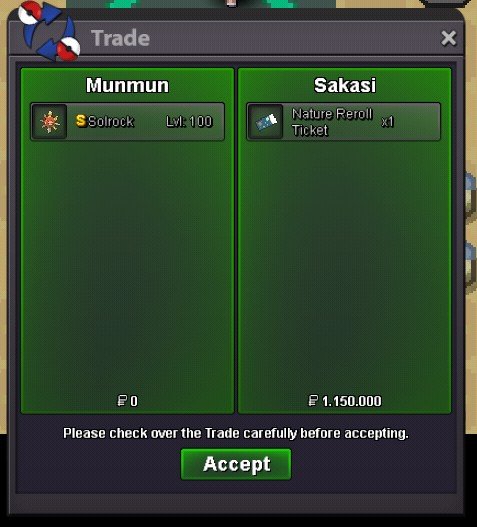
 Congrats sakasi and thanks
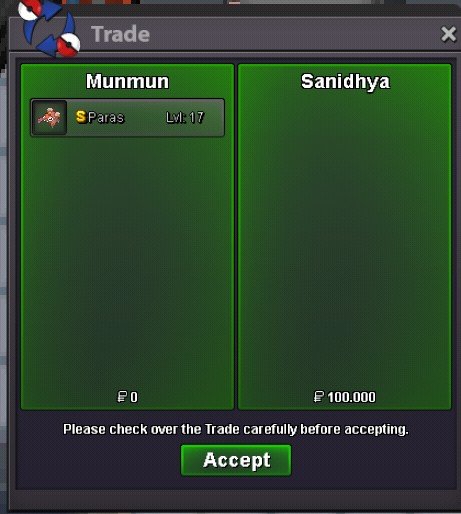
 Congrats to sanidhya amd thanks
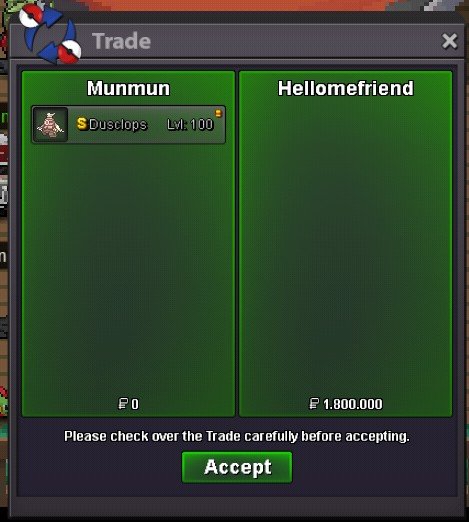
 congrats for hellomefriend, thanks for participating
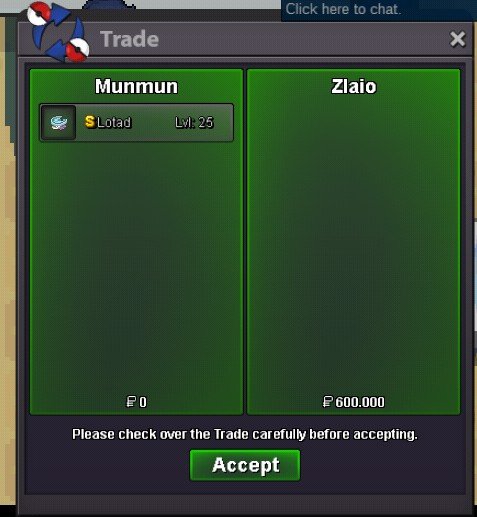
 sry, i dont have plan to reduce it but thanks for offerUse mysterious candy. You can obtain from pve shopCongrats and thanks to zlaio for participating
 Bump
Bump


Account
Navigation
Search
Configure browser push notifications
Chrome (Android)
- Tap the lock icon next to the address bar.
- Tap Permissions → Notifications.
- Adjust your preference.
Chrome (Desktop)
- Click the padlock icon in the address bar.
- Select Site settings.
- Find Notifications and adjust your preference.
Safari (iOS 16.4+)
- Ensure the site is installed via Add to Home Screen.
- Open Settings App → Notifications.
- Find your app name and adjust your preference.
Safari (macOS)
- Go to Safari → Preferences.
- Click the Websites tab.
- Select Notifications in the sidebar.
- Find this website and adjust your preference.
Edge (Android)
- Tap the lock icon next to the address bar.
- Tap Permissions.
- Find Notifications and adjust your preference.
Edge (Desktop)
- Click the padlock icon in the address bar.
- Click Permissions for this site.
- Find Notifications and adjust your preference.
Firefox (Android)
- Go to Settings → Site permissions.
- Tap Notifications.
- Find this site in the list and adjust your preference.
Firefox (Desktop)
- Open Firefox Settings.
- Search for Notifications.
- Find this site in the list and adjust your preference.