




New Trade Zone
Trade Zone is now live
Use the new Trade Zone for auctions and instant-price trades so Pokemon and item offers are easy to find.

Vermilionz
Suspended
-
Joined
-
Last visited
Everything posted by Vermilionz
-
-
-
congrats mate 🙂
-
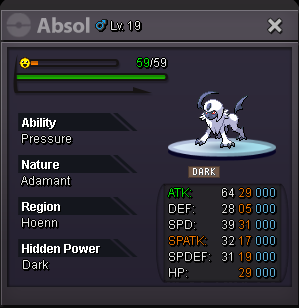
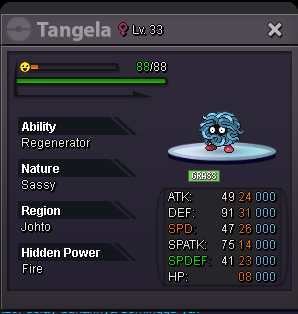
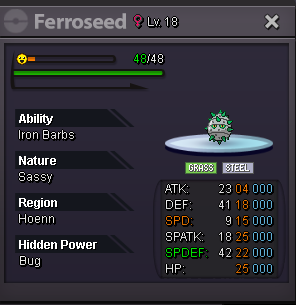
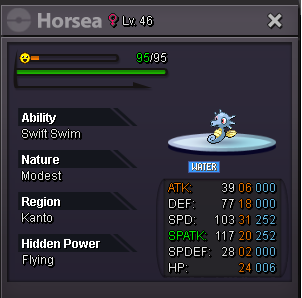
winner b/o 250k by GeoMine @Hawluchaamate, need help for force trade. cause we have different timeplay i think
-
i think you late 11 min mate.
-
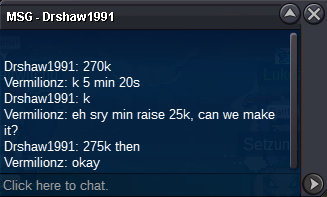
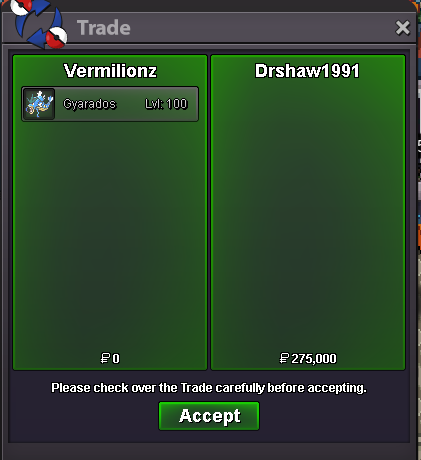
b/o 275k 4min left for gyara traded @DMallow
-
Sold insta ty guys
-
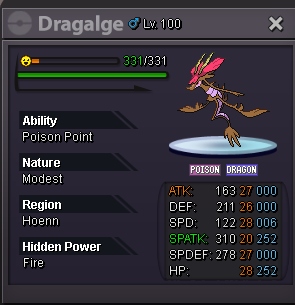
you win dgalge mate
-
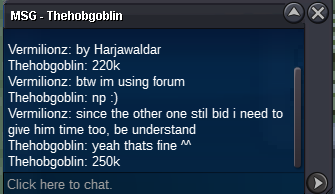
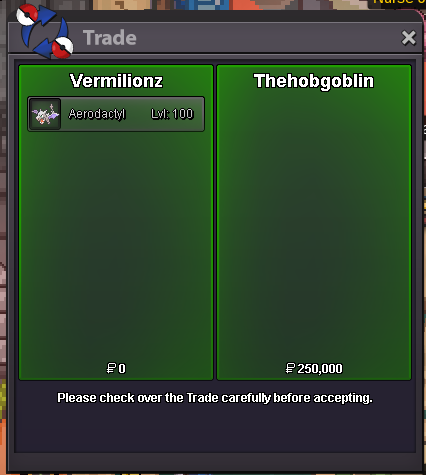
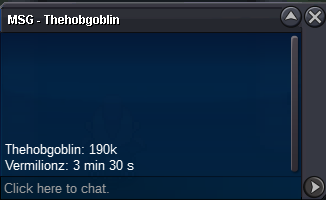
Thehobgoblin win, since no other bid its after 15 min after extend
-
-
-
noted, and added countdown
-
-
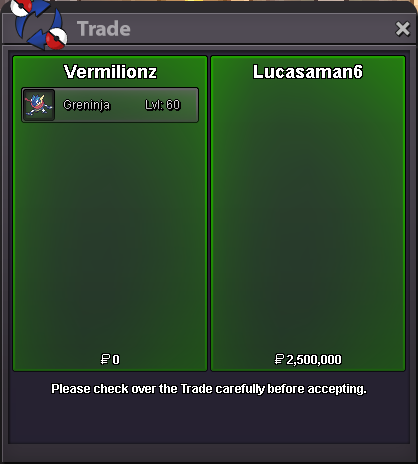
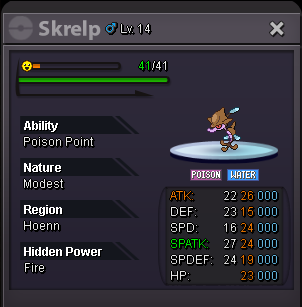
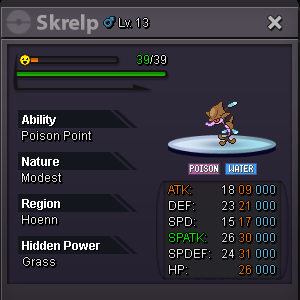
sold insta 2.5m b/o 18 hour Left min raise 100k Log : omnipone : 1m 1.3m limewire123 : 1.2m lucasaman6 : 2.5m insta https://www.timeanddate.com/countdown/generic?iso=20201021T0235&p0=561&msg=Gren+BB+Timid%2C+27+23&font=cursive

-
-
-
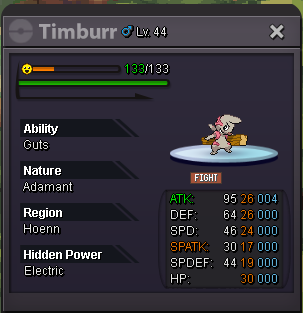
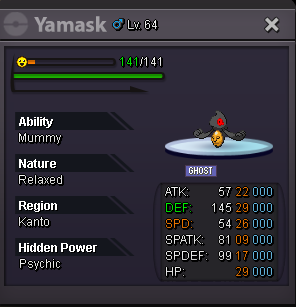
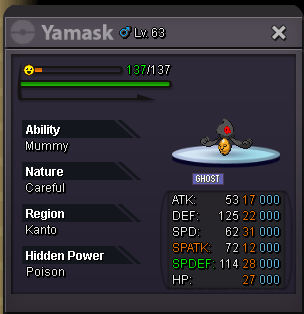
@kiles100congrats you win mate.bump, 6 hour left,bump, 6 hour leftstart by @kiles100@700k insta 2m. end in 24 hour min raise 100k https://www.timeanddate.com/countdown/generic?iso=20201018T0020&p0=561&msg=Timbur+Ada+Gut+24+26&font=cursive
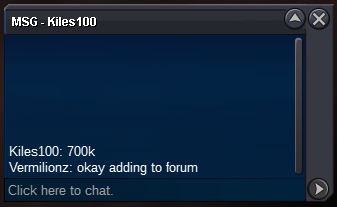 @tianjaiyou won mate, im on now if you ready to tradebump 4 min left

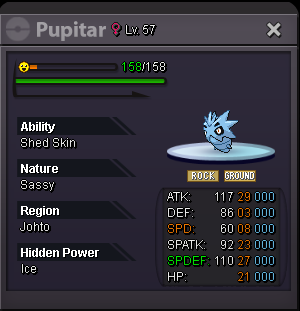
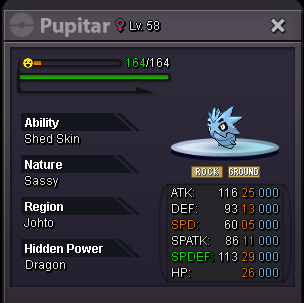
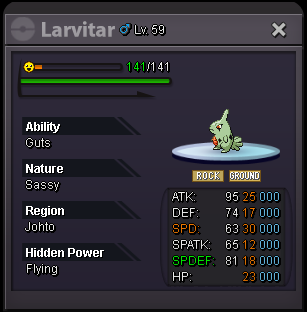
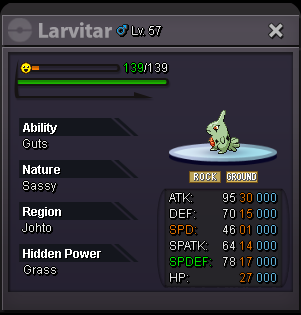
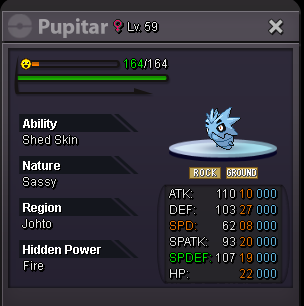

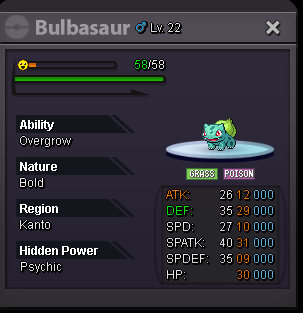
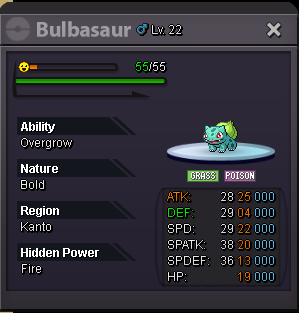

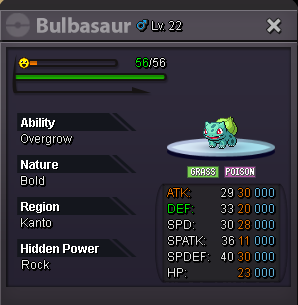
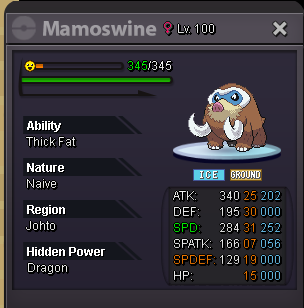
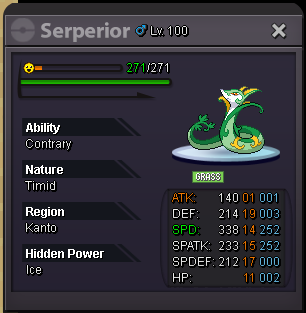
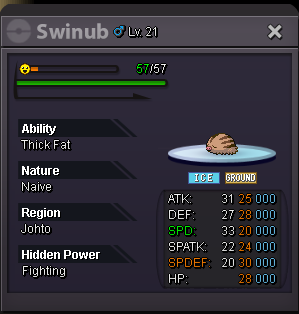
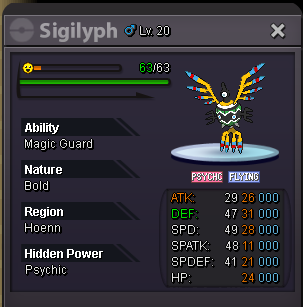
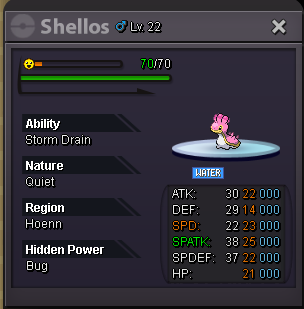
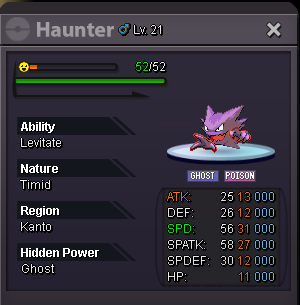
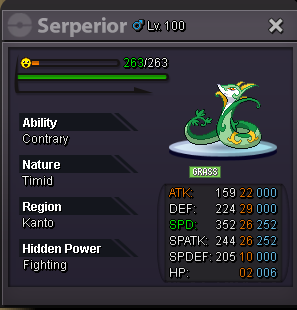
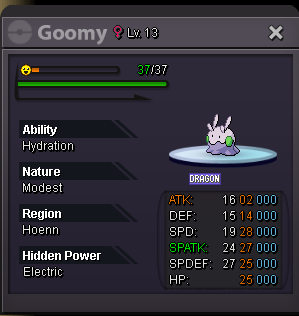
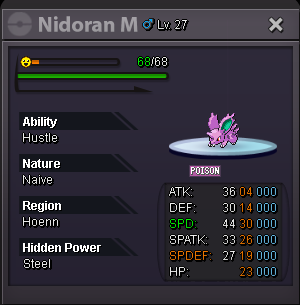
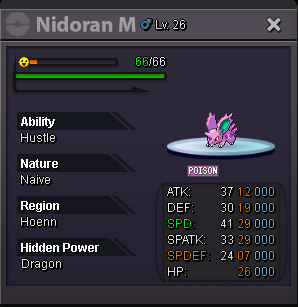
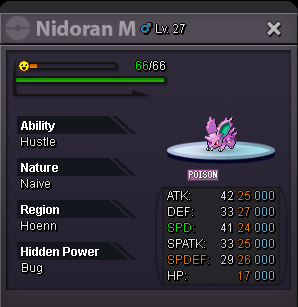
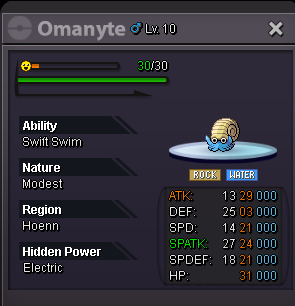
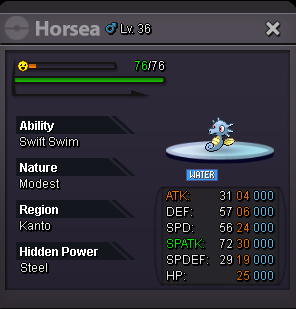
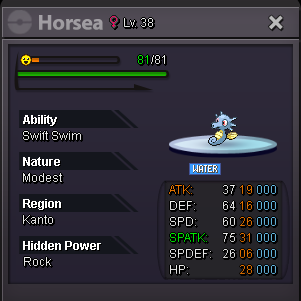


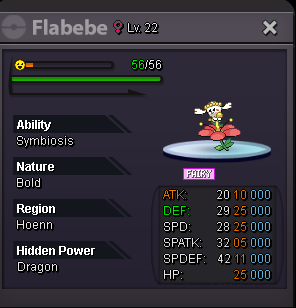
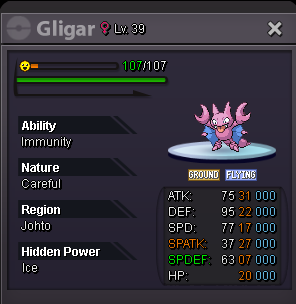


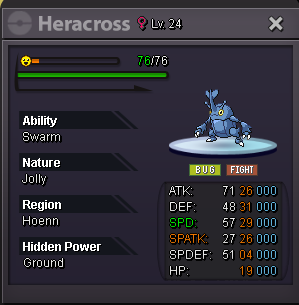
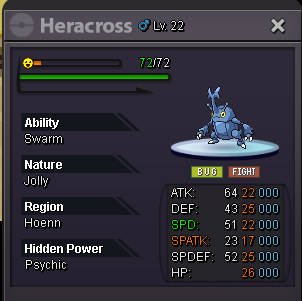
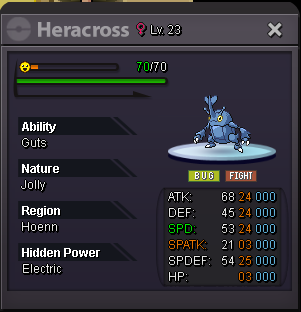
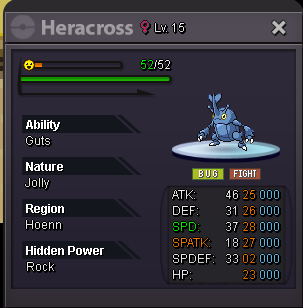
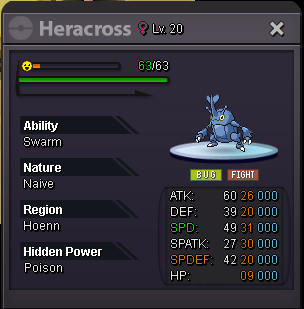

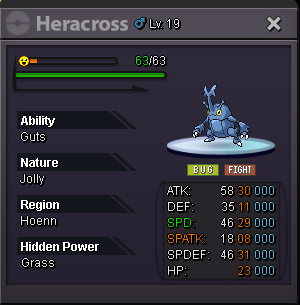


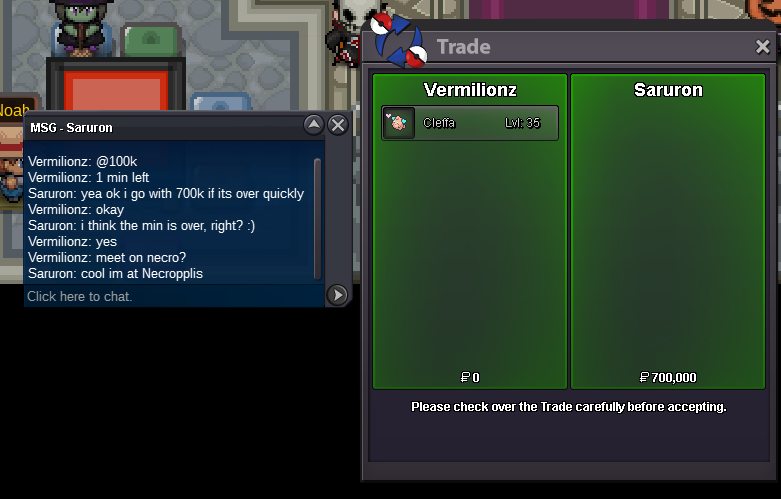
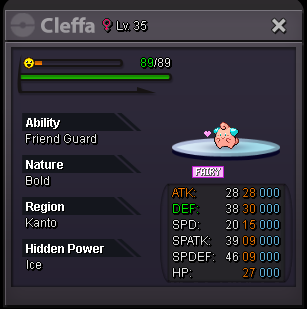
Account
Navigation
Search
Configure browser push notifications
Chrome (Android)
- Tap the lock icon next to the address bar.
- Tap Permissions → Notifications.
- Adjust your preference.
Chrome (Desktop)
- Click the padlock icon in the address bar.
- Select Site settings.
- Find Notifications and adjust your preference.
Safari (iOS 16.4+)
- Ensure the site is installed via Add to Home Screen.
- Open Settings App → Notifications.
- Find your app name and adjust your preference.
Safari (macOS)
- Go to Safari → Preferences.
- Click the Websites tab.
- Select Notifications in the sidebar.
- Find this website and adjust your preference.
Edge (Android)
- Tap the lock icon next to the address bar.
- Tap Permissions.
- Find Notifications and adjust your preference.
Edge (Desktop)
- Click the padlock icon in the address bar.
- Click Permissions for this site.
- Find Notifications and adjust your preference.
Firefox (Android)
- Go to Settings → Site permissions.
- Tap Notifications.
- Find this site in the list and adjust your preference.
Firefox (Desktop)
- Open Firefox Settings.
- Search for Notifications.
- Find this site in the list and adjust your preference.