




New Trade Zone
Trade Zone is now live
Use the new Trade Zone for auctions and instant-price trades so Pokemon and item offers are easy to find.


Leeluckya
Registered User
-
Joined
-
Last visited
Everything posted by Leeluckya
-
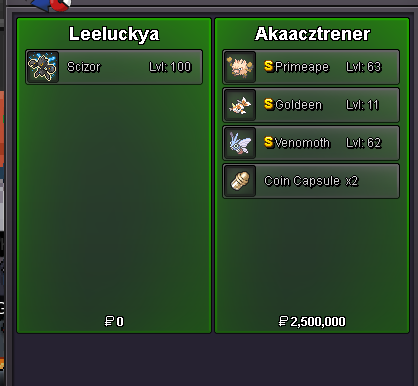
insta 500k need tomorrow trade
-
-
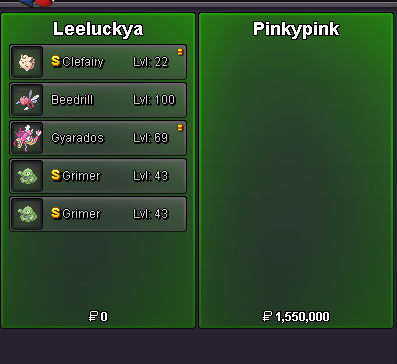
insta 1m but i need tomorrow can trade
-
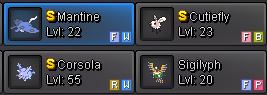
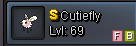
lend can Keep the level unchanged and then use it multiple times1 gyar with 5 trash monsbecause have 2 siglyph and 2 cutiefly , lvl 20 sigilyhp spd+hp lvl 21 def +hp lvl 69 cutiefly spd +spatk lvl 23 cutiefly spd+hp all 33mons all spd All over 40 15 mons all atk +spd 252 +6 hp 7 mons all spd+spatk+6 hp 4 mons all spd +hp +6def 4 mons all def+hp +6 spdef 2 mons all atk +hp+6 def 1 mon spatk +hp +6def
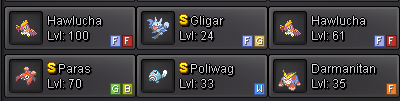
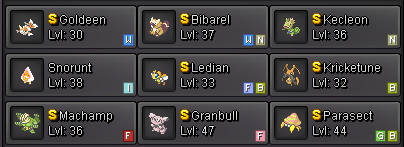
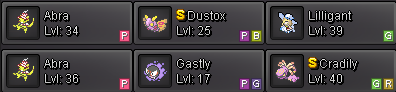
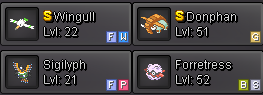


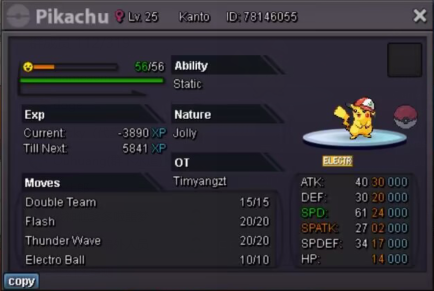
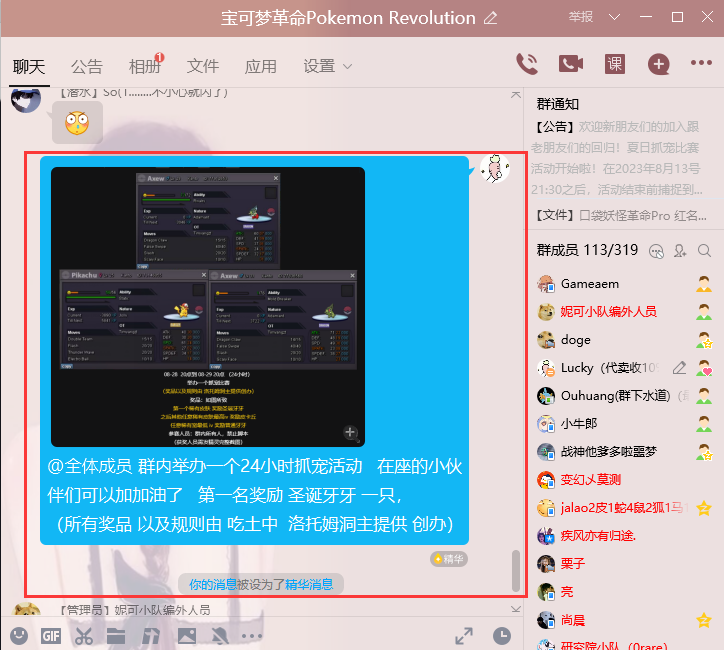
 looking good offer ,08-28 20点到 08-29 20点 (24小时) 举办一个抓宠比赛 (奖品以及规则由 洛托姆洞主提供创办) 奖品:如图所致 第一个稀有皮肤 奖励圣诞牙牙 之后其他任意稀有皮肤最高iv 奖励皮卡丘 任意稀有宠最低 iv 奖励普通牙牙 参赛人员:群内所有人,禁止脚本 (获奖人员需发精灵完整截图)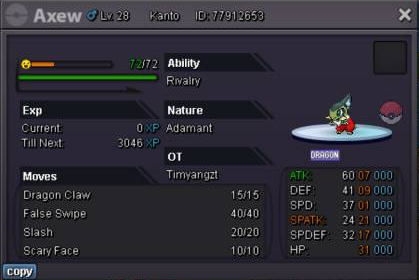
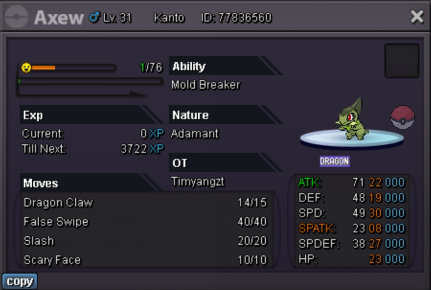
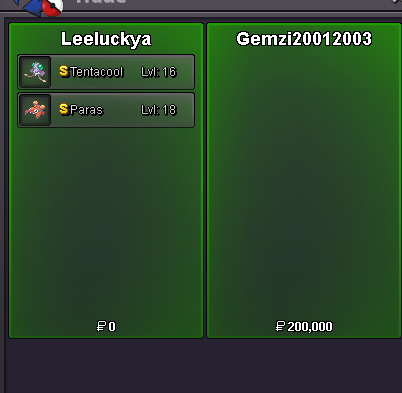
 no thanks ralts sync don't sell nowbumpshiny tentacool shiny paras
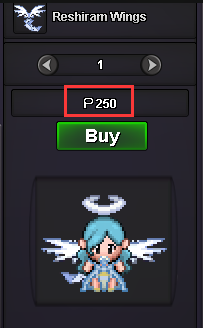
 thanks too muchi want know , pvp wings ,Can transactions be made in specific months ? for example PVE mount, or can never trade, can only obtain it yourself through PVP because i want buy reshiram wings, if who know , please tell me
 shiny aerodactyl
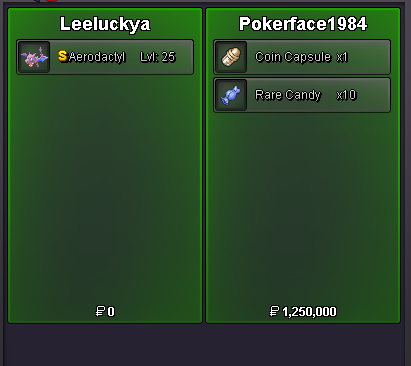 don't need thanksstart mimiq 20k vol 500kyou can tell me you monok ^ ^if you play game tell me
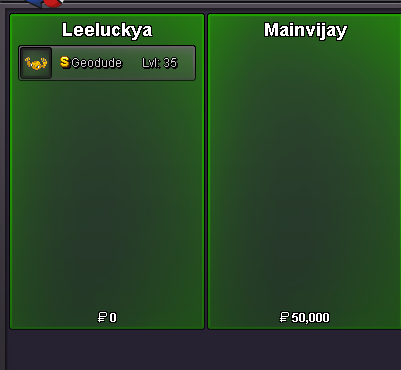

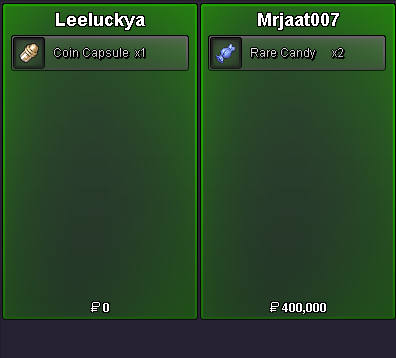

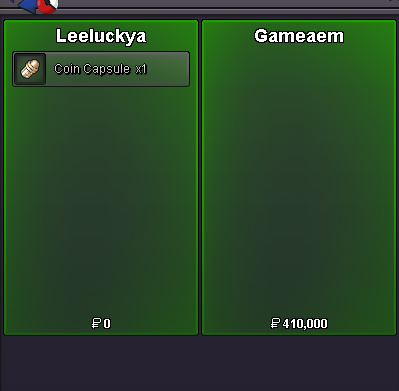
Account
Navigation
Search
Configure browser push notifications
Chrome (Android)
- Tap the lock icon next to the address bar.
- Tap Permissions → Notifications.
- Adjust your preference.
Chrome (Desktop)
- Click the padlock icon in the address bar.
- Select Site settings.
- Find Notifications and adjust your preference.
Safari (iOS 16.4+)
- Ensure the site is installed via Add to Home Screen.
- Open Settings App → Notifications.
- Find your app name and adjust your preference.
Safari (macOS)
- Go to Safari → Preferences.
- Click the Websites tab.
- Select Notifications in the sidebar.
- Find this website and adjust your preference.
Edge (Android)
- Tap the lock icon next to the address bar.
- Tap Permissions.
- Find Notifications and adjust your preference.
Edge (Desktop)
- Click the padlock icon in the address bar.
- Click Permissions for this site.
- Find Notifications and adjust your preference.
Firefox (Android)
- Go to Settings → Site permissions.
- Tap Notifications.
- Find this site in the list and adjust your preference.
Firefox (Desktop)
- Open Firefox Settings.
- Search for Notifications.
- Find this site in the list and adjust your preference.