




New Trade Zone
Trade Zone is now live
Use the new Trade Zone for auctions and instant-price trades so Pokemon and item offers are easy to find.


Everything posted by Leeluckya
-
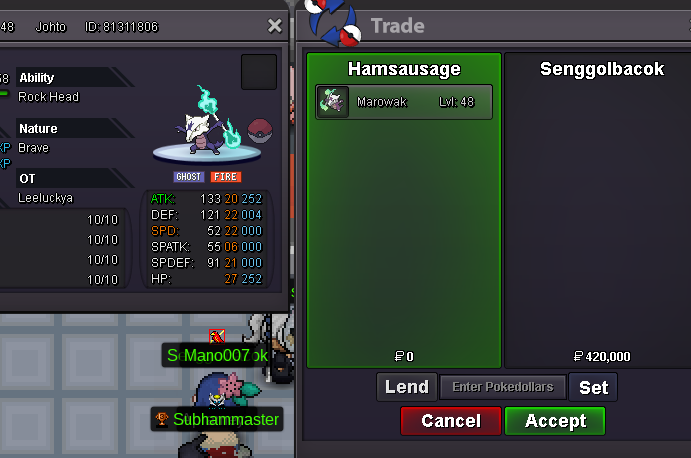
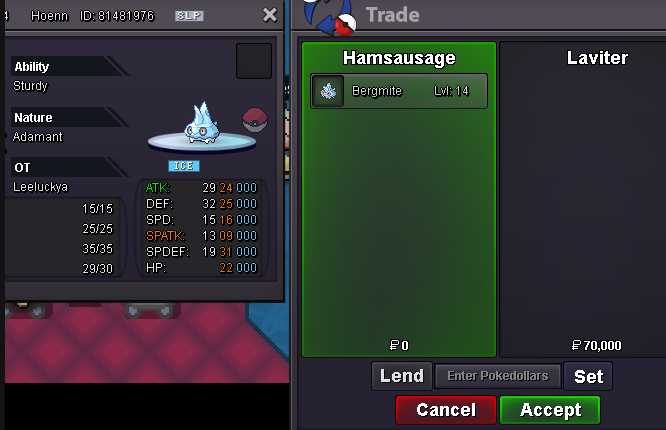
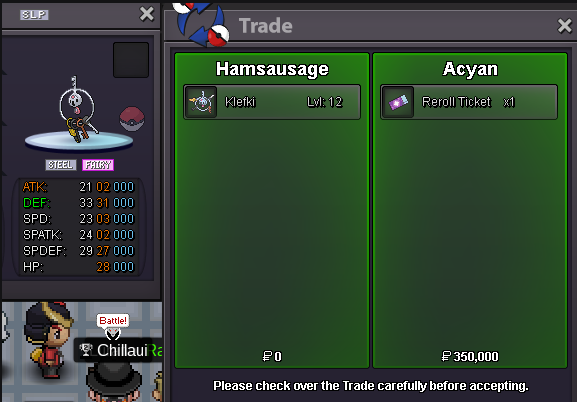
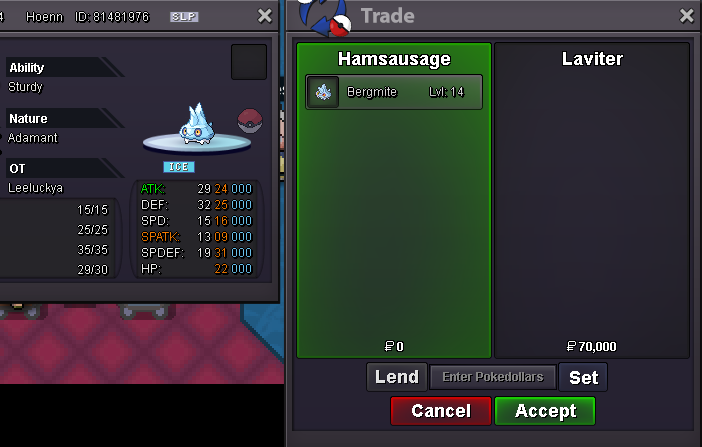
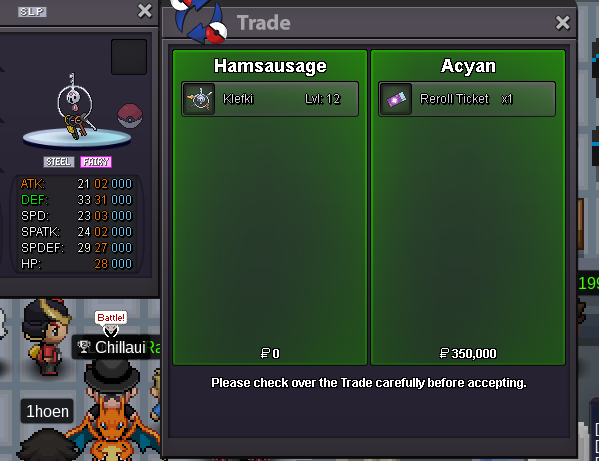
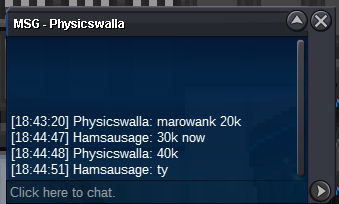
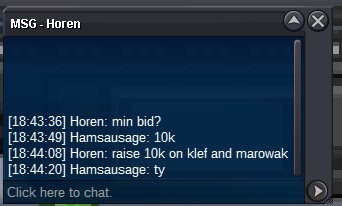
lar end time 5mins If there is a new price, recount from 15 minutesyou won ber i can trade now pm gamemar c.o 420k ber c.o 70k lar c.o 110k kle c.o 850k
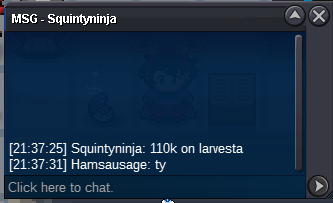
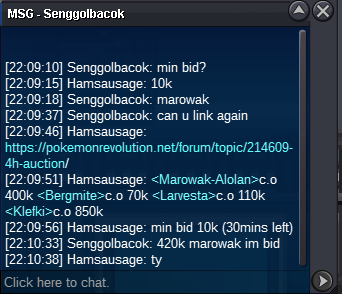 mar c.o 400k end 55mins ber c.o 70k end 59mins lar c.o 110k end 59mins kle c.o 850k end 52minsmar c.o 400k ber c.o 70k lar c.o 110k kle c.o 850k
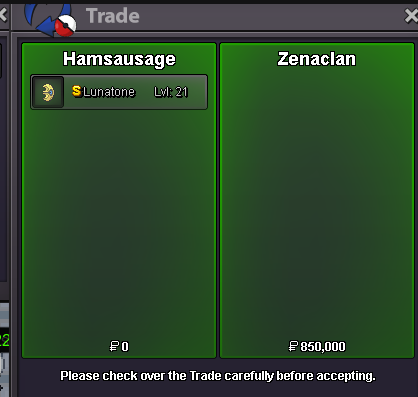
 sheshiny lunatone
 mar c.o 400k ber c.o 30k lar c.o 50k kle c.o 850k
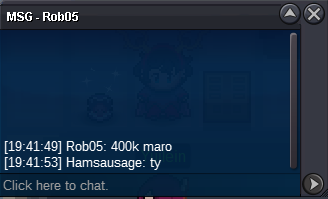 mar c.o 300k ber c.o 30k lar c.o 30k kle c.o 720k
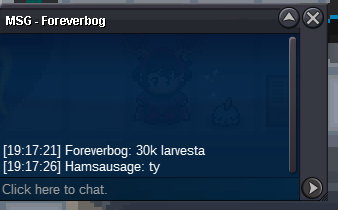 mar c.o 300k ber c.o 30k lar c.o 20k kle c.o 720k
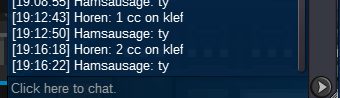 mar c.o 300k ber c.o 30k lar c.o 20k kle c.o 500k
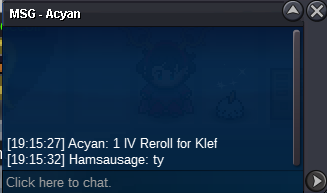 mar c.o 300k ber c.o 30k lar c.o 20k kle c.o 360k
 mar c.o 300k ber c.o 30k lar c.o 20k kle c.o 250k
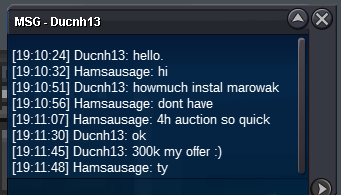 mar c.o 80k ber c.o 30k lar c.o 20k kle c.o 250k
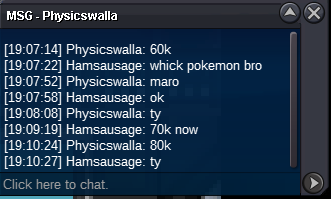 mar c.o 70k ber c.o 30k lar c.o 20k kle c.o 250k
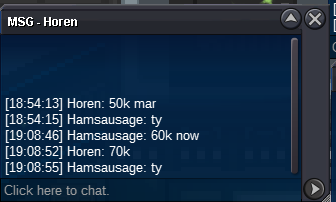 mar c.o 60k ber c.o 30k lar c.o 20k kle c.o 250k
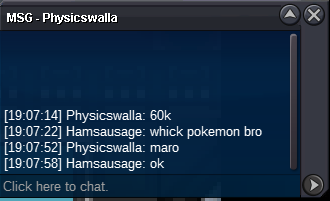 mar c.o 50k ber c.o 30k lar c.o 20k kle c.o 250k
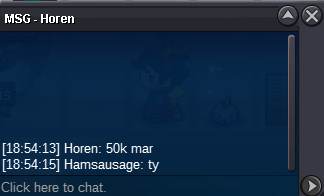 mar c.o 40k ber c.o 30k lar c.o 20k kle c.o 90k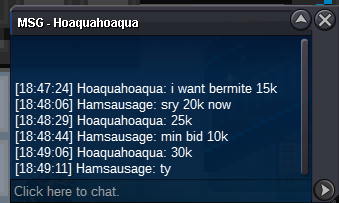
Account
Navigation
Search
Configure browser push notifications
Chrome (Android)
- Tap the lock icon next to the address bar.
- Tap Permissions → Notifications.
- Adjust your preference.
Chrome (Desktop)
- Click the padlock icon in the address bar.
- Select Site settings.
- Find Notifications and adjust your preference.
Safari (iOS 16.4+)
- Ensure the site is installed via Add to Home Screen.
- Open Settings App → Notifications.
- Find your app name and adjust your preference.
Safari (macOS)
- Go to Safari → Preferences.
- Click the Websites tab.
- Select Notifications in the sidebar.
- Find this website and adjust your preference.
Edge (Android)
- Tap the lock icon next to the address bar.
- Tap Permissions.
- Find Notifications and adjust your preference.
Edge (Desktop)
- Click the padlock icon in the address bar.
- Click Permissions for this site.
- Find Notifications and adjust your preference.
Firefox (Android)
- Go to Settings → Site permissions.
- Tap Notifications.
- Find this site in the list and adjust your preference.
Firefox (Desktop)
- Open Firefox Settings.
- Search for Notifications.
- Find this site in the list and adjust your preference.