New Trade Zone
Trade Zone is now live
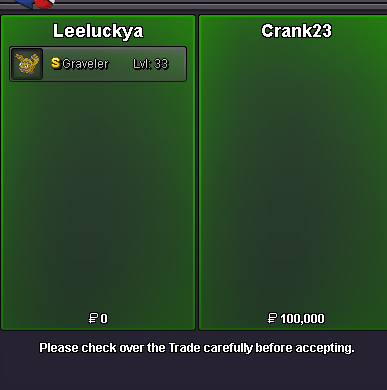
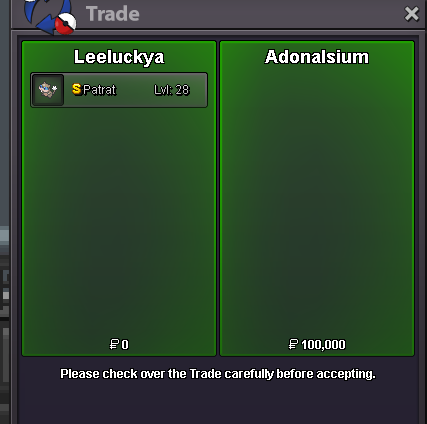
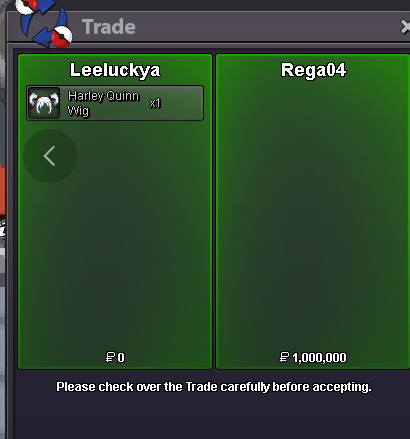
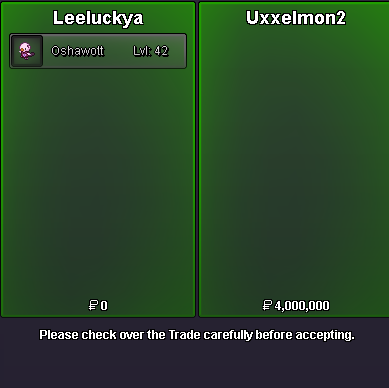
Use the new Trade Zone for auctions and instant-price trades so Pokemon and item offers are easy to find.


Leeluckya
Registered User
-
Joined
-
Last visited
Everything posted by Leeluckya
-
Discord : Leeluckya Game : Leeluckya .
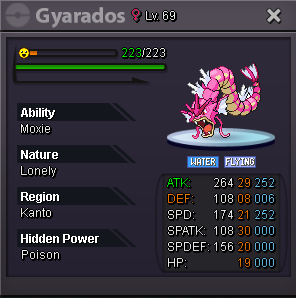
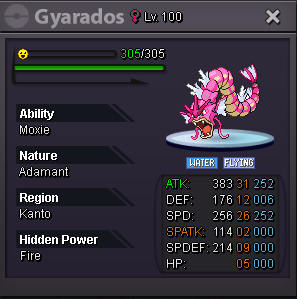
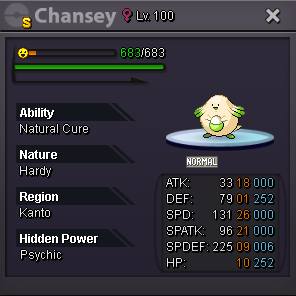
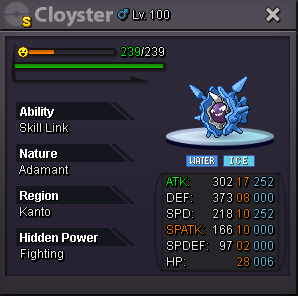
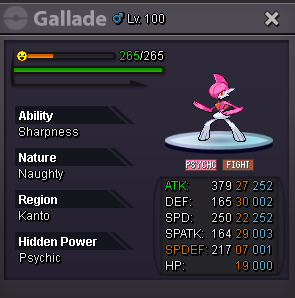
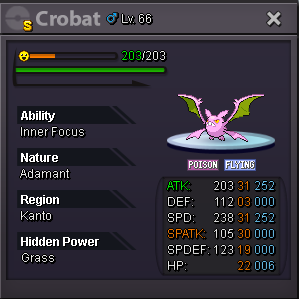
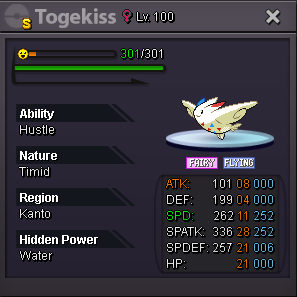
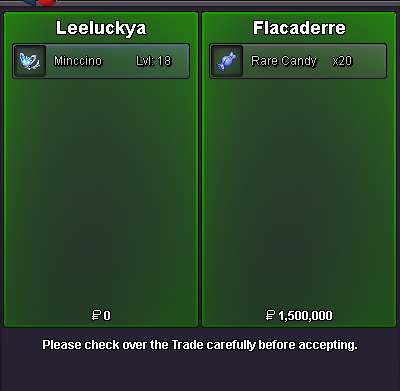
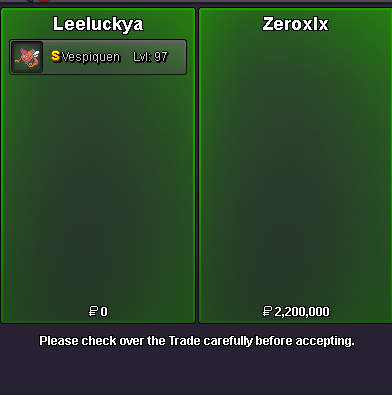
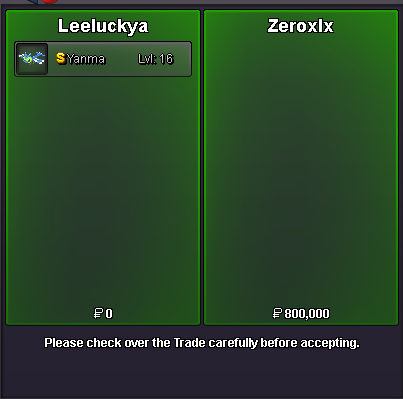
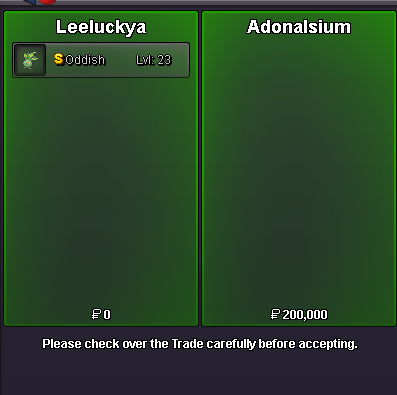
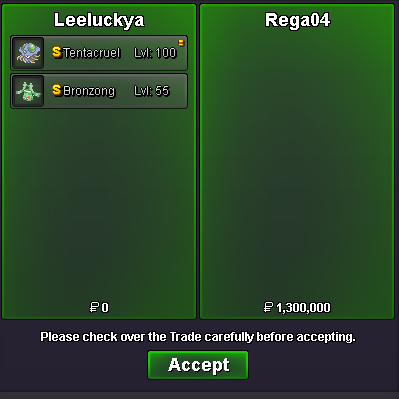
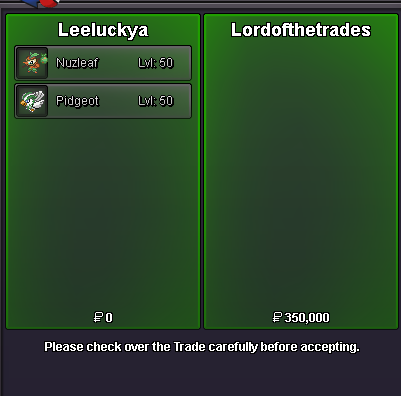
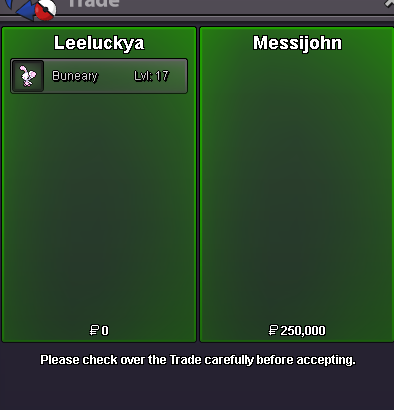
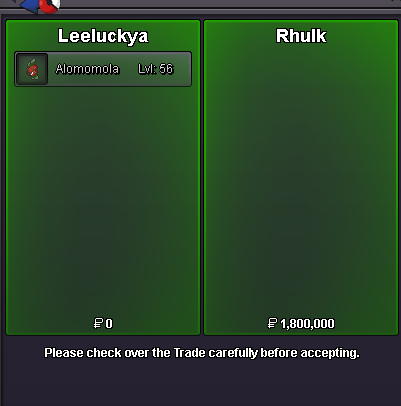
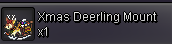
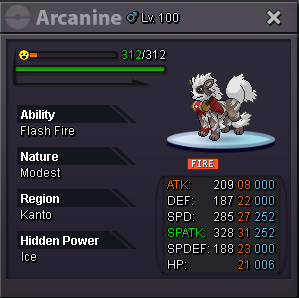 bubble gum 200k each delibird bag 400k doublade 380k dragonair mount 180k sold exeggcute 300k flower crown 300k girafarig 400k froslass both 300k hlw plusle both 500k sold iron man suit 1m sold liepard mount 150k medical mask black 120k pnk headphones 100k s blasoise mount 350k summer clothes 150k each vday gastly mount 500k sold xmas deerling mount 500k sold xmas stantler headband 500k 400k magic mirror pokeball 3000 each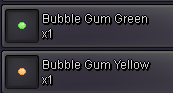













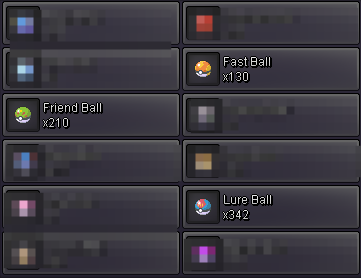
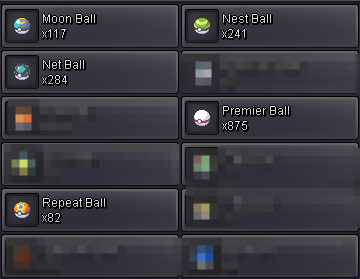 you won when time you can tradeshiny ninjask nice ball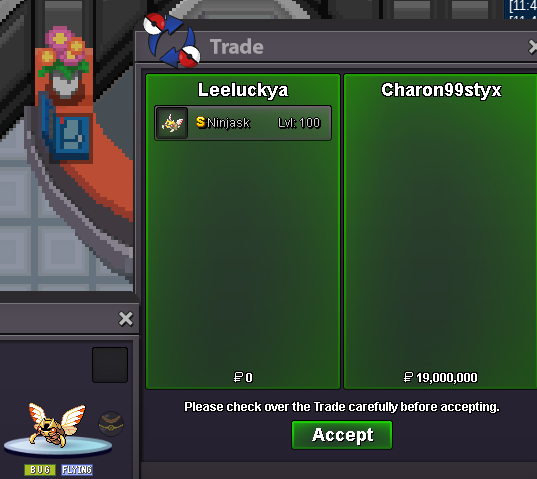
Account
Navigation
Search
Configure browser push notifications
Chrome (Android)
- Tap the lock icon next to the address bar.
- Tap Permissions → Notifications.
- Adjust your preference.
Chrome (Desktop)
- Click the padlock icon in the address bar.
- Select Site settings.
- Find Notifications and adjust your preference.
Safari (iOS 16.4+)
- Ensure the site is installed via Add to Home Screen.
- Open Settings App → Notifications.
- Find your app name and adjust your preference.
Safari (macOS)
- Go to Safari → Preferences.
- Click the Websites tab.
- Select Notifications in the sidebar.
- Find this website and adjust your preference.
Edge (Android)
- Tap the lock icon next to the address bar.
- Tap Permissions.
- Find Notifications and adjust your preference.
Edge (Desktop)
- Click the padlock icon in the address bar.
- Click Permissions for this site.
- Find Notifications and adjust your preference.
Firefox (Android)
- Go to Settings → Site permissions.
- Tap Notifications.
- Find this site in the list and adjust your preference.
Firefox (Desktop)
- Open Firefox Settings.
- Search for Notifications.
- Find this site in the list and adjust your preference.