New Trade Zone
Trade Zone is now live
Use the new Trade Zone for auctions and instant-price trades so Pokemon and item offers are easy to find.


Areskhan007
Registered User
-
Joined
-
Last visited
Everything posted by Areskhan007
-
-
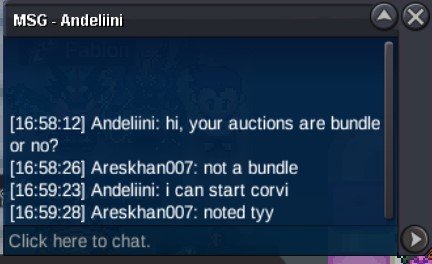
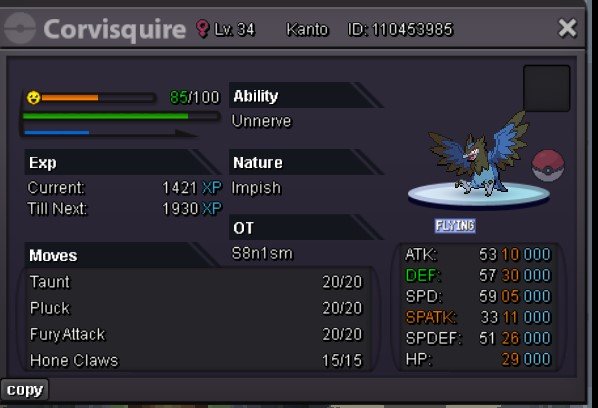
bumpS.O FOR ALL - 10K EACH MIN RAISE- 10K INSTA- N/A TIME LIMIT - 30HR AFTER S.O ACCEPTED PAYMENT - MARKET PRICES AND RC(6K)
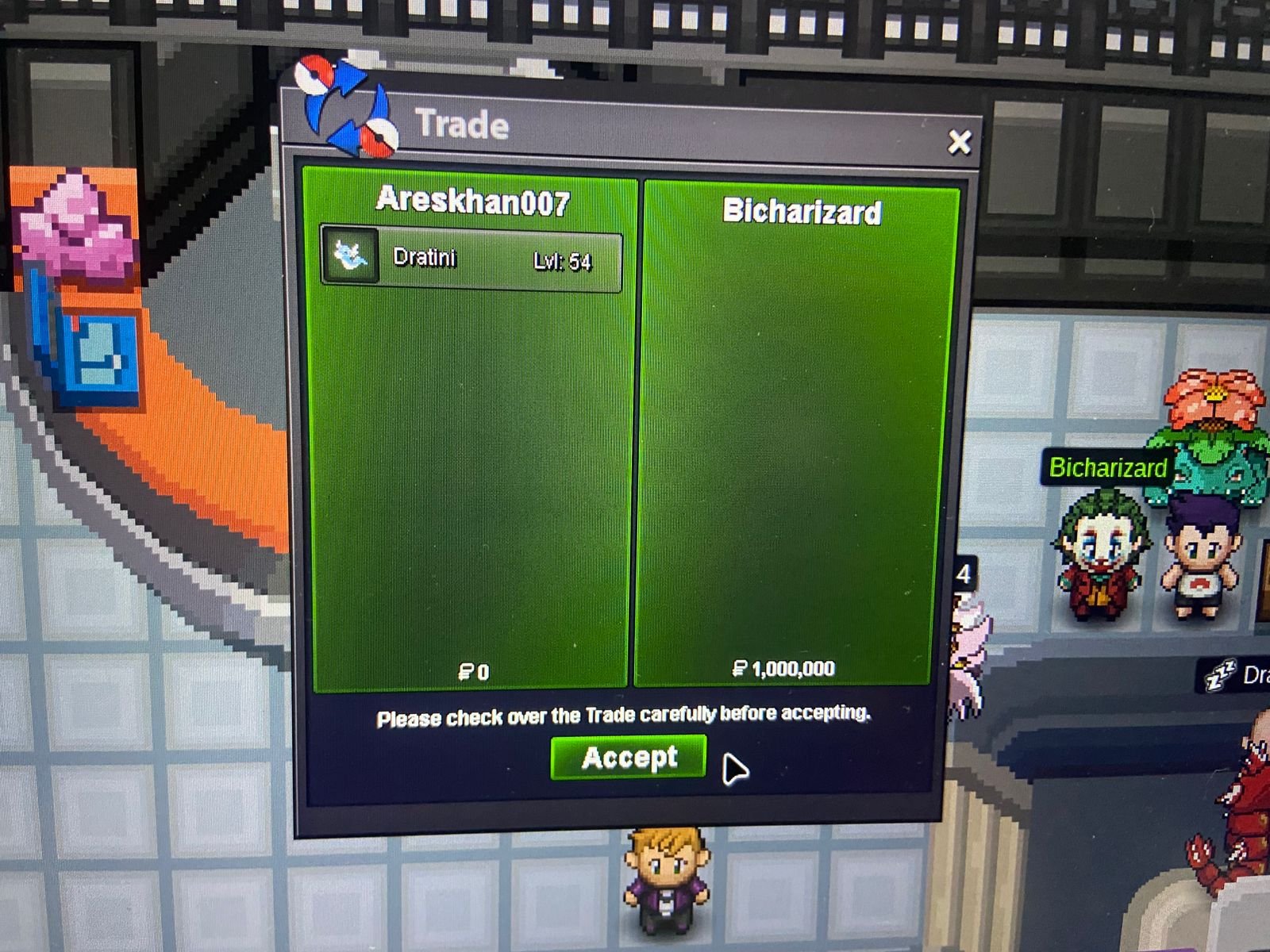
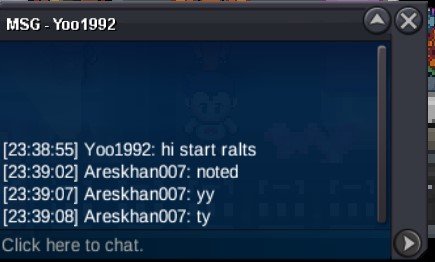
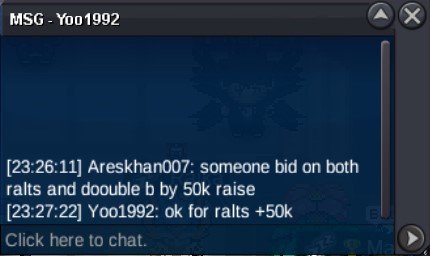
 @Bicharizard and @Blacktortoise lemme know when ur online for further trades THE ralts is done i did take a ss but i think i forgot to save it , Thankyou for participating in the auction hope u guys will participate in further auction too=15min rules (ralts will end 15min aftet this post)
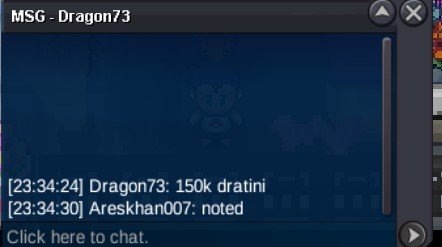
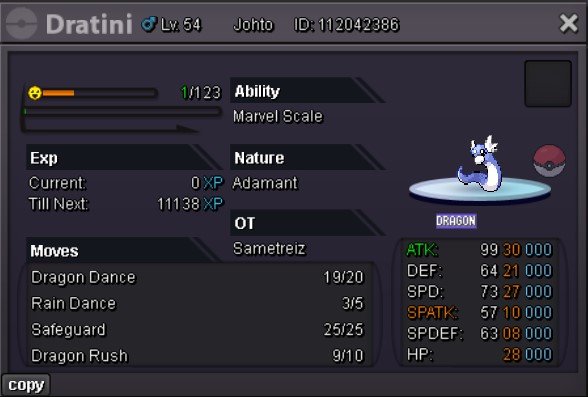
 ony 1hr left for dratini
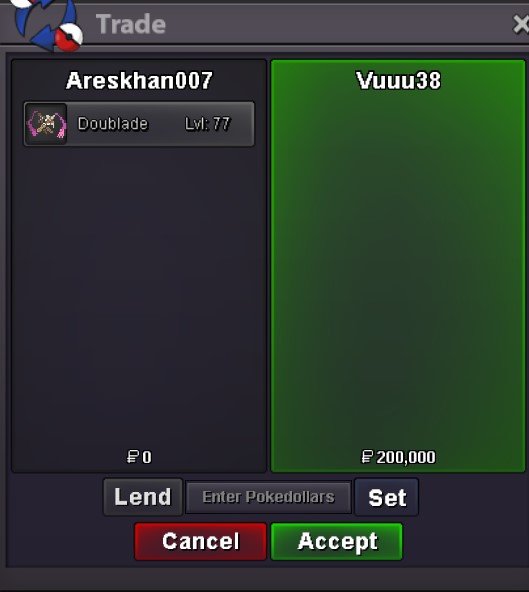
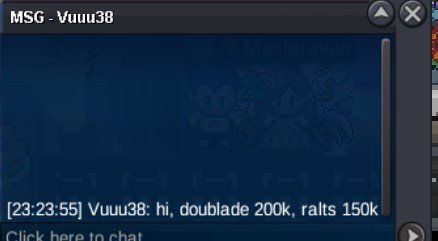
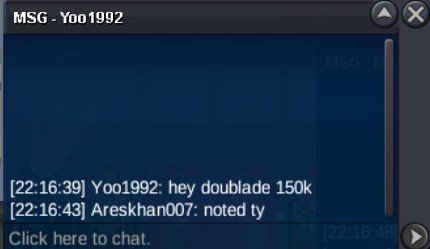
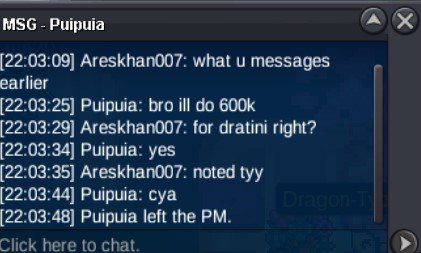
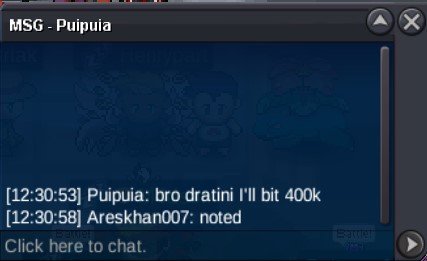
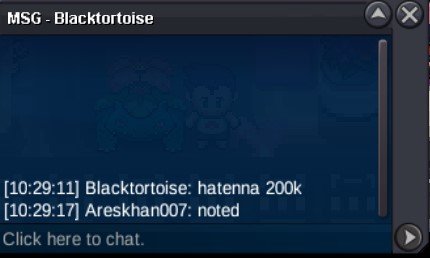
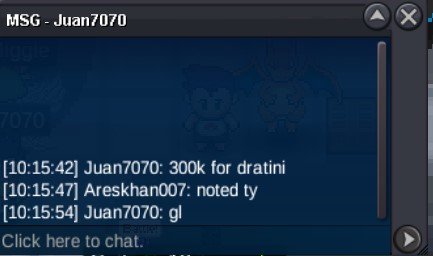
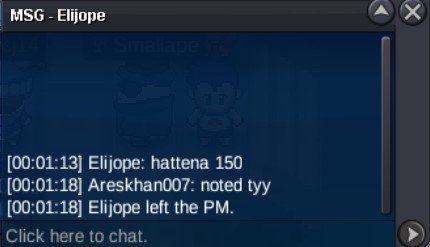
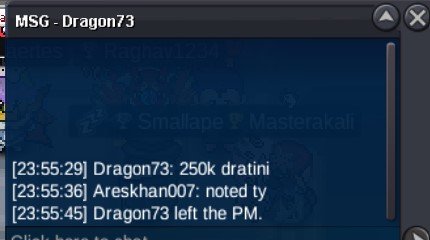
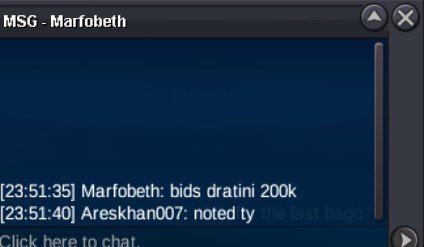
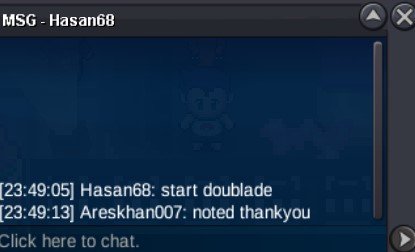
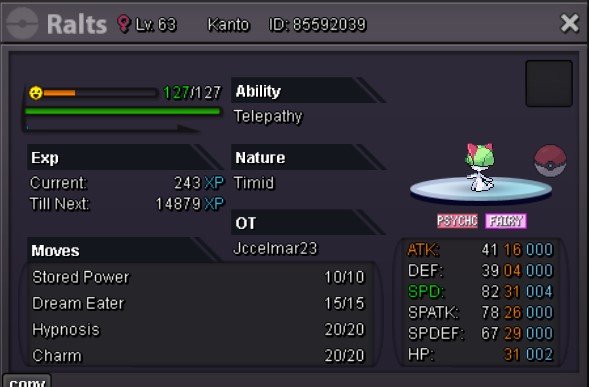
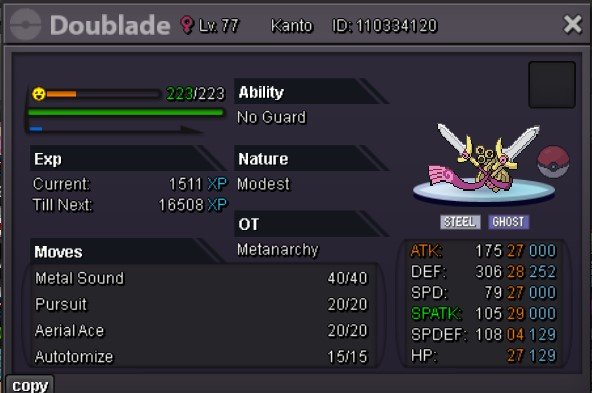
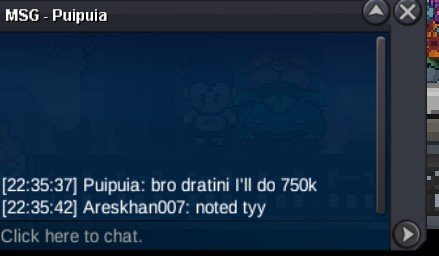 bumpBump Dratini- 250k Hattena- 150k Doubleblade - 100k Ralts- 100k Vena- not startedS.O - 100K EACH MIN RAISE- 50K TIME LIMIT - 24HR AFTER S.O INSTA FOR RALTS AND DOUBLEBLADE IS 1.5M EACH INSTA FOR DRATINI - 3M AND INSTA FOR HATENNA H ICE IS 5M ACCEPTED PAYMENTS- CC(500K), RR-750K, RC-6K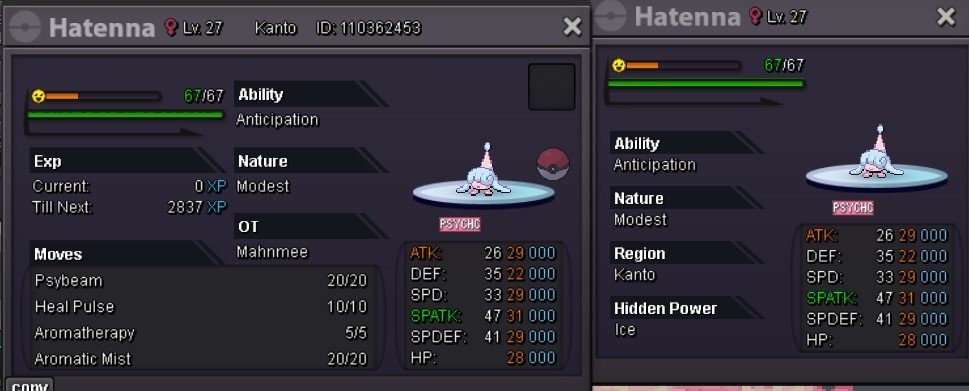
Account
Navigation
Search
Configure browser push notifications
Chrome (Android)
- Tap the lock icon next to the address bar.
- Tap Permissions → Notifications.
- Adjust your preference.
Chrome (Desktop)
- Click the padlock icon in the address bar.
- Select Site settings.
- Find Notifications and adjust your preference.
Safari (iOS 16.4+)
- Ensure the site is installed via Add to Home Screen.
- Open Settings App → Notifications.
- Find your app name and adjust your preference.
Safari (macOS)
- Go to Safari → Preferences.
- Click the Websites tab.
- Select Notifications in the sidebar.
- Find this website and adjust your preference.
Edge (Android)
- Tap the lock icon next to the address bar.
- Tap Permissions.
- Find Notifications and adjust your preference.
Edge (Desktop)
- Click the padlock icon in the address bar.
- Click Permissions for this site.
- Find Notifications and adjust your preference.
Firefox (Android)
- Go to Settings → Site permissions.
- Tap Notifications.
- Find this site in the list and adjust your preference.
Firefox (Desktop)
- Open Firefox Settings.
- Search for Notifications.
- Find this site in the list and adjust your preference.