New Trade Zone
Trade Zone is now live
Use the new Trade Zone for auctions and instant-price trades so Pokemon and item offers are easy to find.

Everything posted by Ownaz
-
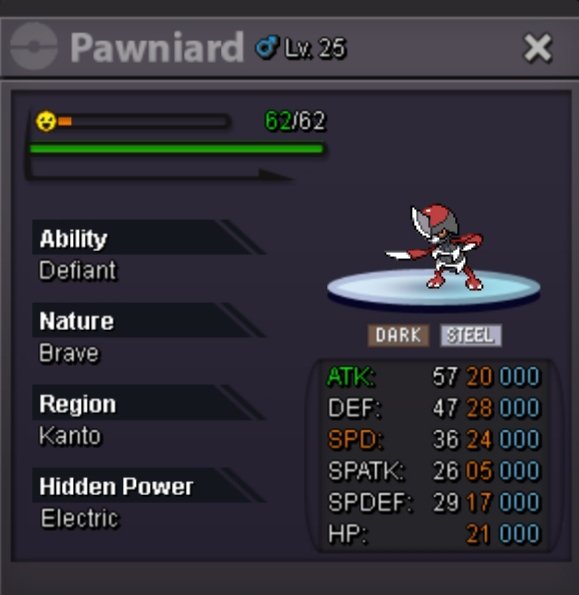
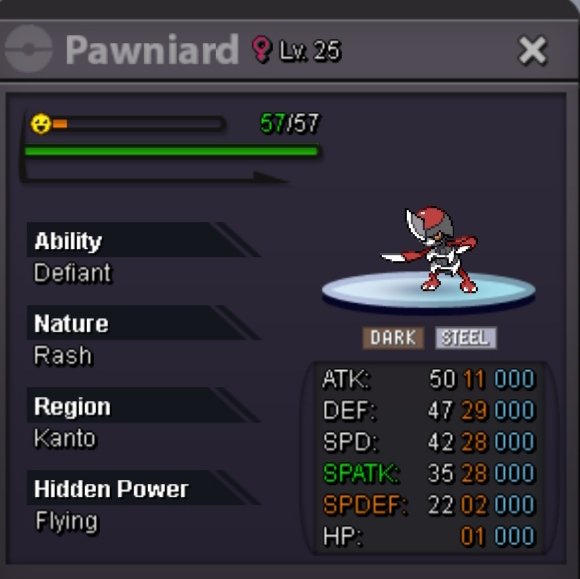
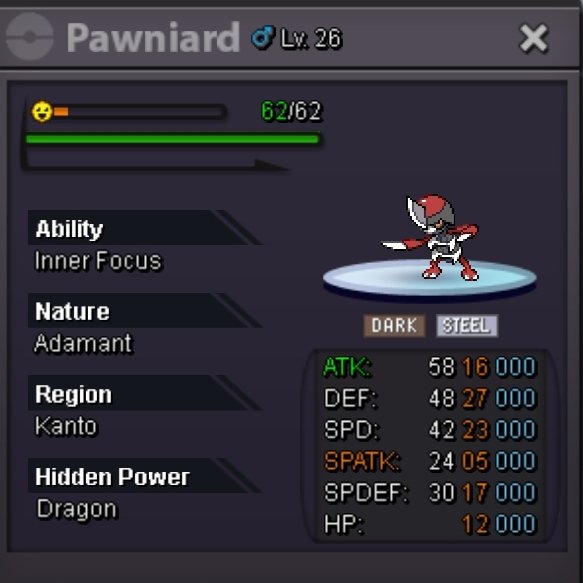
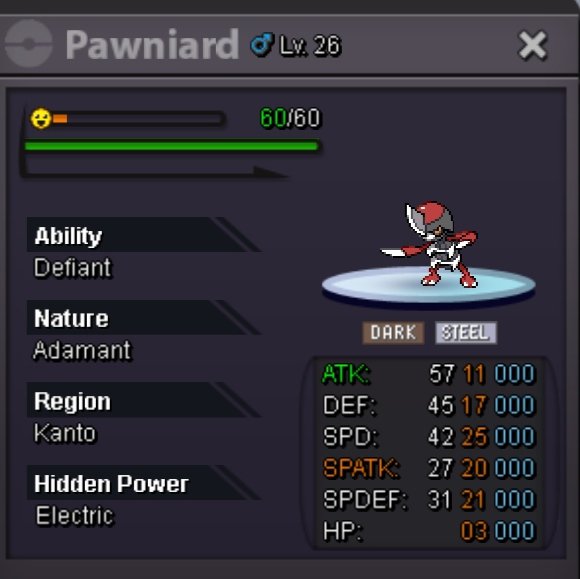
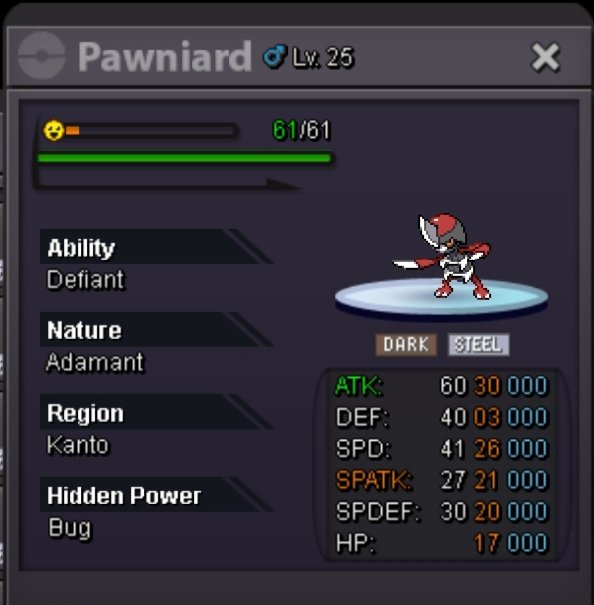
PAWNIARD PVPABLE [AUCTION CAN BE CLOSED]
U won First bro
-
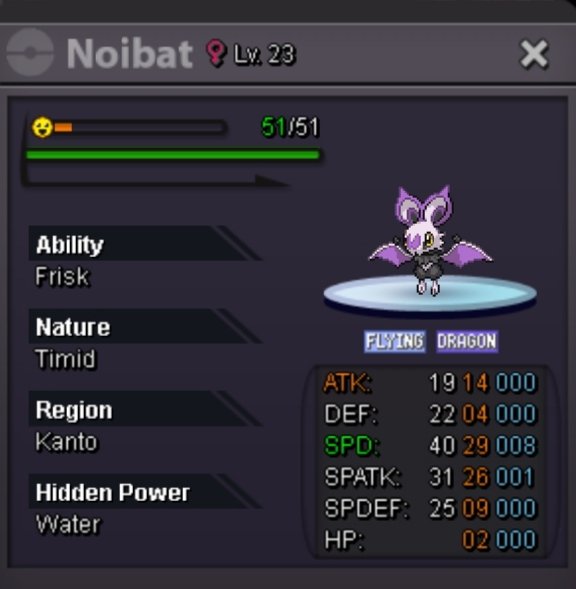
Auction 31x3 Chandelure (auction over, can be closed)
-
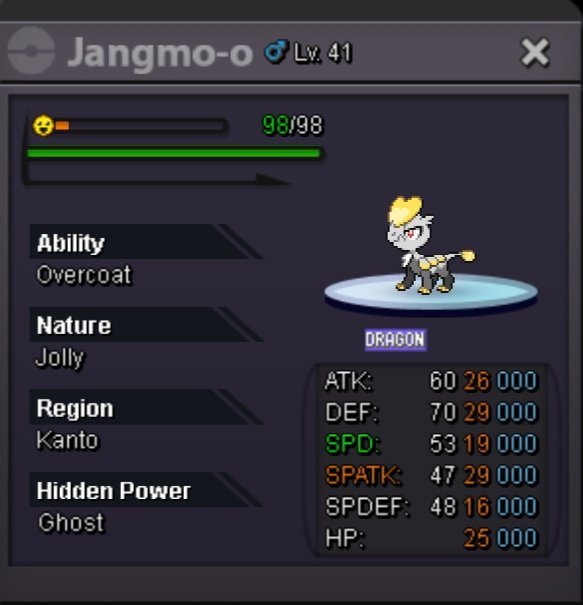
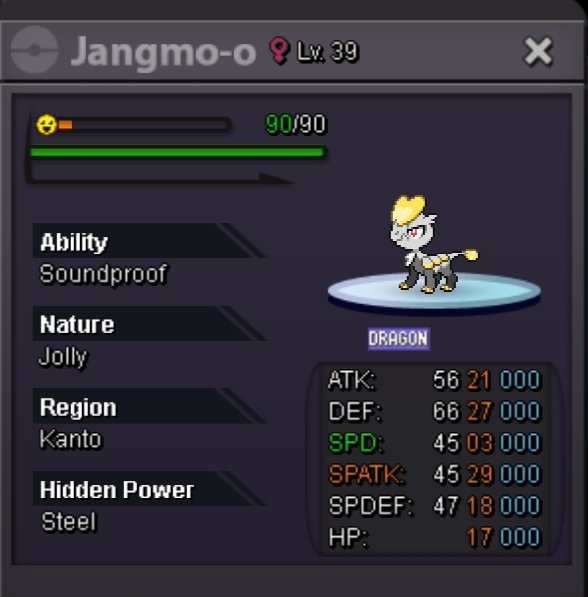
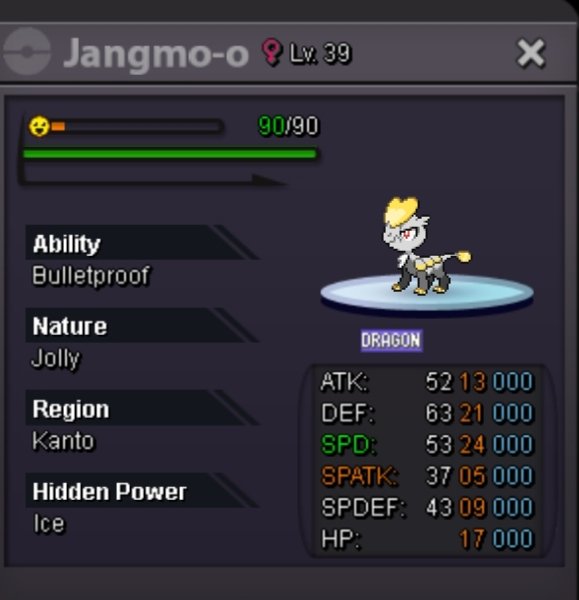
Auction 2 kommo-o (naive and careful)
-
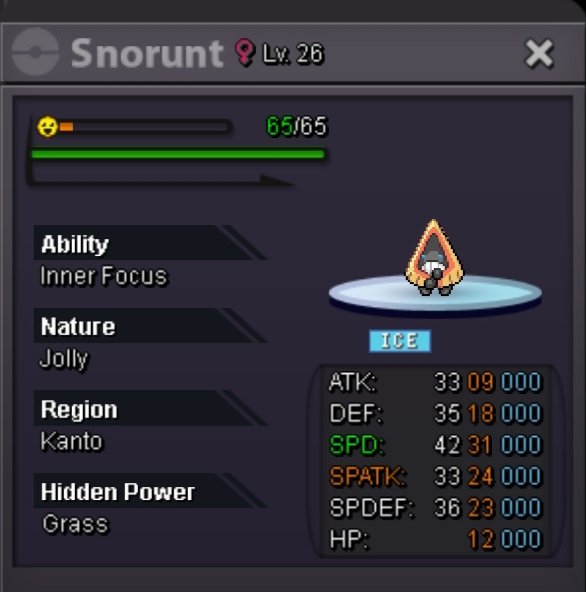
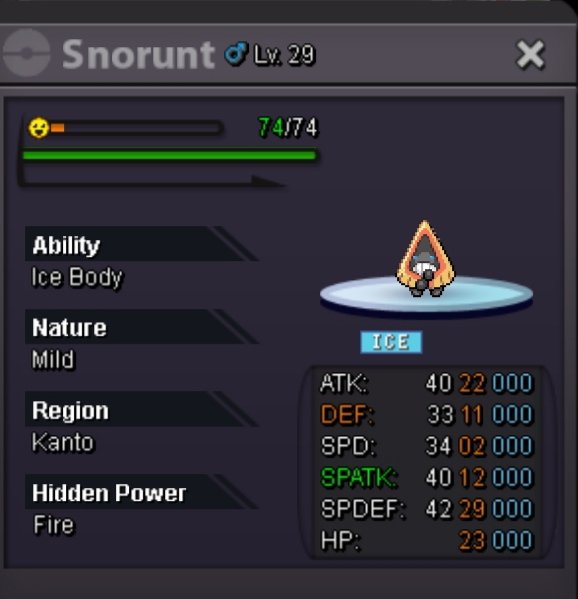
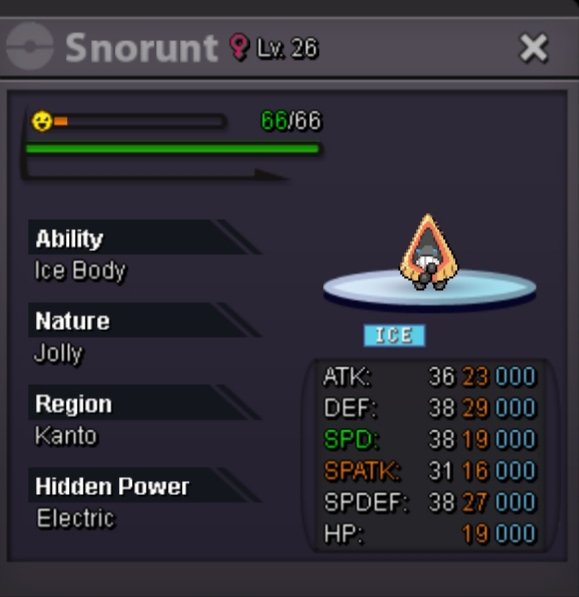
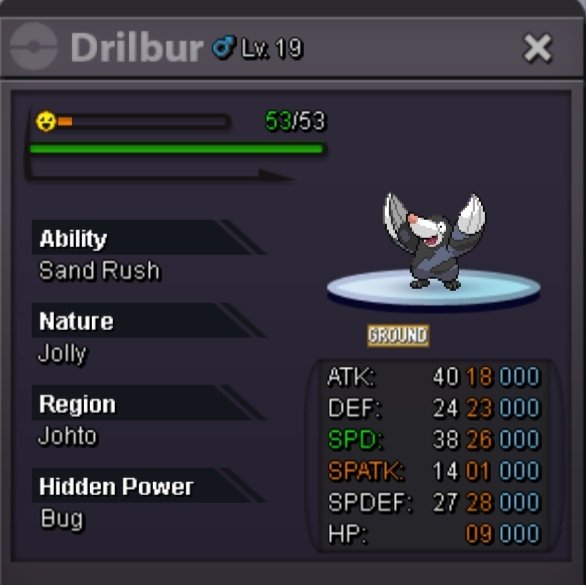
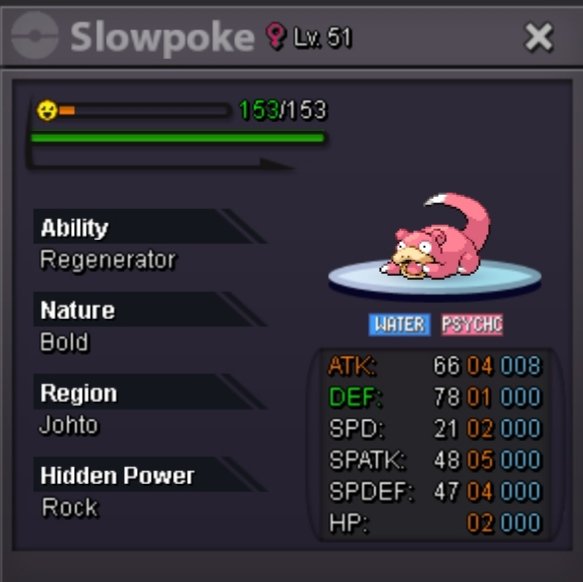
SLOWPOKE 05 IVS
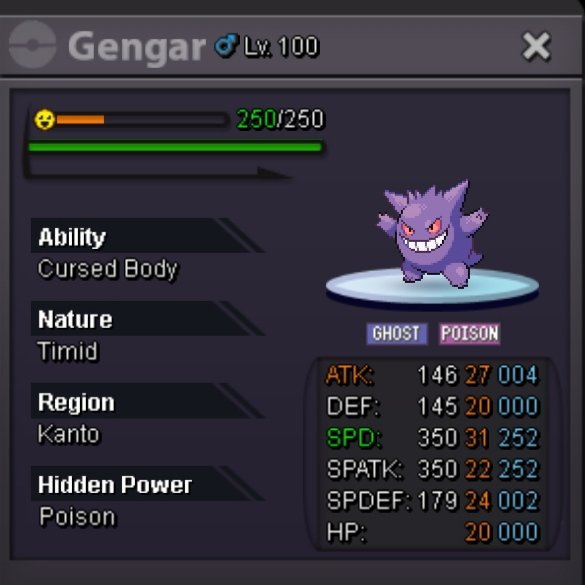
GENGAR AUCTION [SOLD] (31spd / 22 Spatk) START OFFER 100k MIN BID. 30k AUCTION END 24HRS AFTER FIRST BID NO INSTA
-
SLOWPOKE 05 IVS
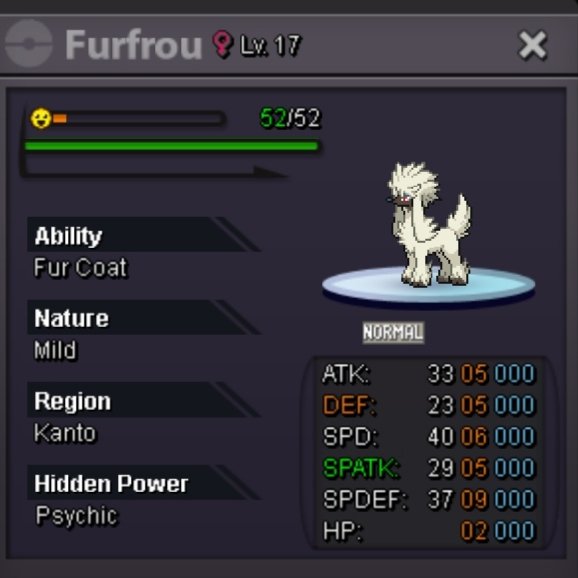
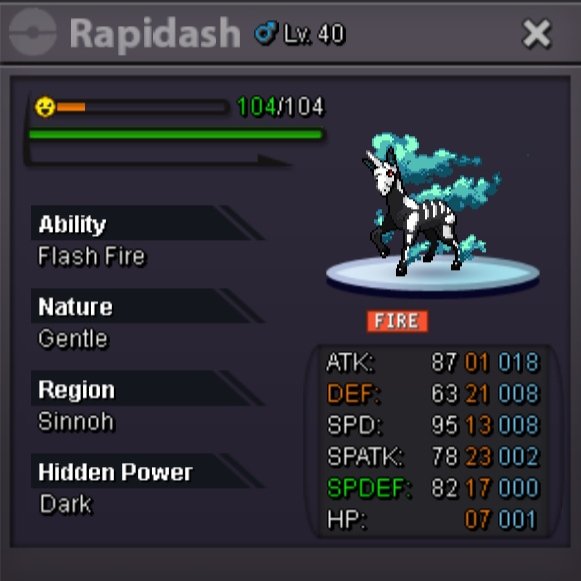
SLOWPOKE AND FURFROU VERY LOW EVS FURFROU [SOLD] S.O 100K EACH MIN BID 10K DURATION 12HRS AFTER FIRST BID INSTA 500k BOTH
-
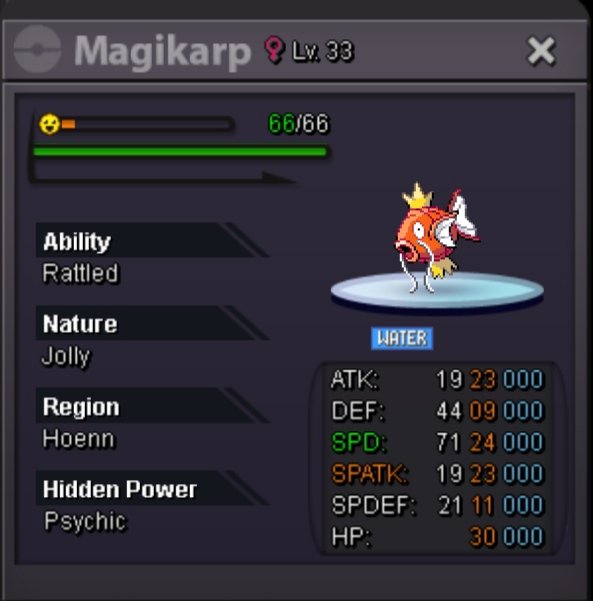
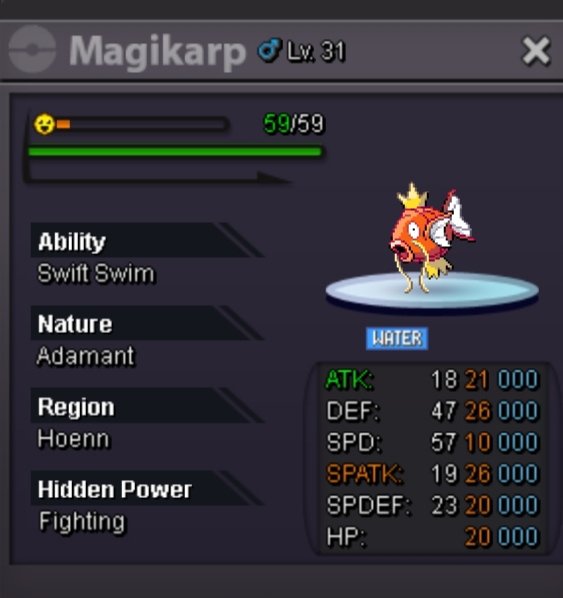
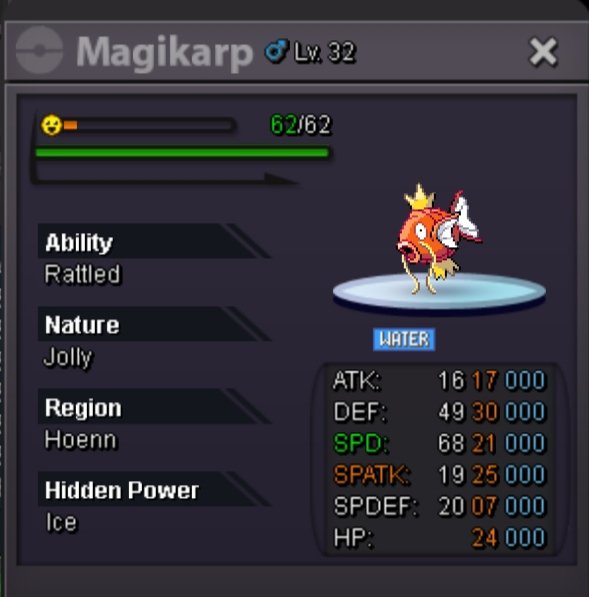
SERI Magikarp for sell.
- WTB FEMALE RALTS HALLOWEEN
-
Ownaz Pokemon Shop | New Open - Added Poke>(11/01/2025) *EPIC*
-
PAWNIARD PVPABLE [AUCTION CAN BE CLOSED]
BUMP
-
Ownaz Pokemon Shop | New Open - Added Poke>(11/01/2025) *EPIC*
-
Ownaz Pokemon Shop | New Open - Added Poke>(11/01/2025) *EPIC*
Oh thanks so much :3
-
Ownaz Pokemon Shop | New Open - Added Poke>(11/01/2025) *EPIC*
- Ownaz Pokemon Shop | New Open - Added Poke>(11/01/2025) *EPIC*
Im online- PAWNIARD PVPABLE [AUCTION CAN BE CLOSED]
PAWINARD /AUCTION [SOLD] [ MALE 30atk 26spd ] START OFFER 100K EACH MIN BID. 50K NO INSTA AUCTION TIME : 48hrs AFTER FIRST BID- Ownaz Pokemon Shop | New Open - Added Poke>(11/01/2025) *EPIC*
Can we do It tomorrow?- Ownaz Pokemon Shop | New Open - Added Poke>(11/01/2025) *EPIC*
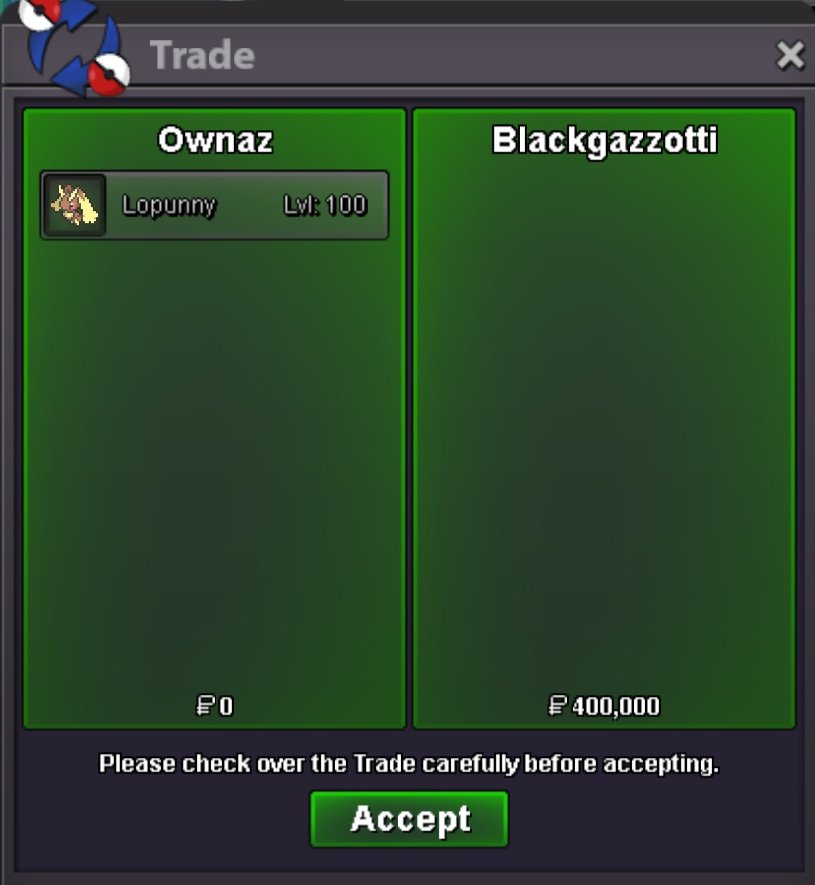
Yeah no problem, are u online?- PVPABLE BUNEARY AND LOPUNNY [AUCTION]
Can be closed, ty- PVPABLE BUNEARY AND LOPUNNY [AUCTION]
- WTB FEMALE RALTS HALLOWEEN
IM LOOKING FOR A HALLOWEEN RALTS OR EVO FEMALE > TRACE > ANY NATURE 2019 FORM LIKE IN THE PHOTO ↙️ IF YOU HAVE IT FOR SALE PLS CONTACT ME HERE OR IN GAME > Ownaz- CAN DELETE THIS

- Decent Gyarados CAN BE CLOSED
U win this gyara Bro my name Ownaz pm me in game- Ownaz Pokemon Shop | New Open - Added Poke>(11/01/2025) *EPIC*
- Ownaz Pokemon Shop | New Open - Added Poke>(11/01/2025) *EPIC*
Account
Navigation
Search
Configure browser push notifications
Chrome (Android)
- Tap the lock icon next to the address bar.
- Tap Permissions → Notifications.
- Adjust your preference.
Chrome (Desktop)
- Click the padlock icon in the address bar.
- Select Site settings.
- Find Notifications and adjust your preference.
Safari (iOS 16.4+)
- Ensure the site is installed via Add to Home Screen.
- Open Settings App → Notifications.
- Find your app name and adjust your preference.
Safari (macOS)
- Go to Safari → Preferences.
- Click the Websites tab.
- Select Notifications in the sidebar.
- Find this website and adjust your preference.
Edge (Android)
- Tap the lock icon next to the address bar.
- Tap Permissions.
- Find Notifications and adjust your preference.
Edge (Desktop)
- Click the padlock icon in the address bar.
- Click Permissions for this site.
- Find Notifications and adjust your preference.
Firefox (Android)
- Go to Settings → Site permissions.
- Tap Notifications.
- Find this site in the list and adjust your preference.
Firefox (Desktop)
- Open Firefox Settings.
- Search for Notifications.
- Find this site in the list and adjust your preference.