




New Trade Zone
Trade Zone is now live
Use the new Trade Zone for auctions and instant-price trades so Pokemon and item offers are easy to find.


Profsmoove
Registered User
-
Joined
-
Last visited
Everything posted by Profsmoove
-
Bump
-
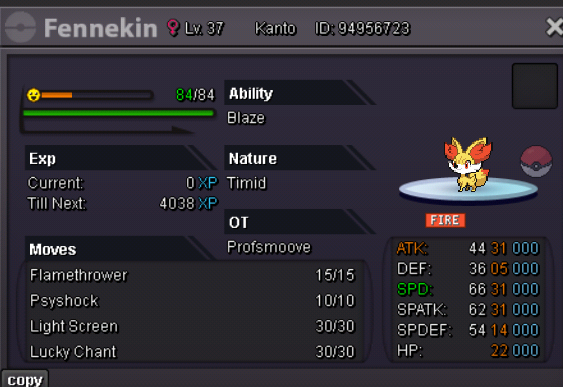
Starting Price : 500k Min Raise : 50k No Insta Time Duration : 48 hours/ 2 days. The Auction will begin when the starting price is met Accepted Payment : Pokedollars, Coin Capsule(470k), IV Reroll Ticket(550k) May the RNG-Gods be upon y’all! 🙏
-
Updating the Shop, more Pokemon will be posted soon.
-
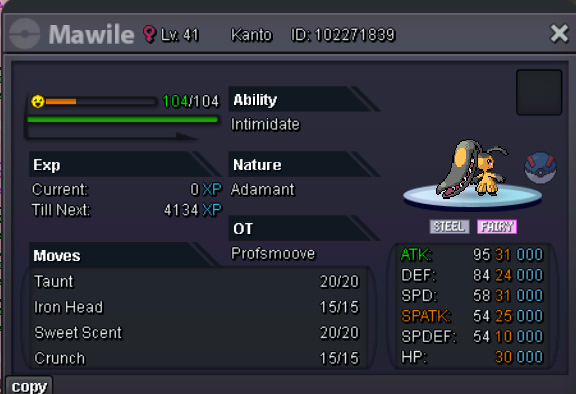
The Auction has ended and the Winner is @Leo1019!BumpStarting Price : 1m Min Raise : 100k No Insta Accepted Payments - Pokedollars, Coin Capsule (500k), IV Reroll Ticket(500k) Time Duration : 72 hours/ 3 days. The Auction will begin when the starting price is met. Goodluck, have fun! May the RNG-Gods be upon y’all 🙏
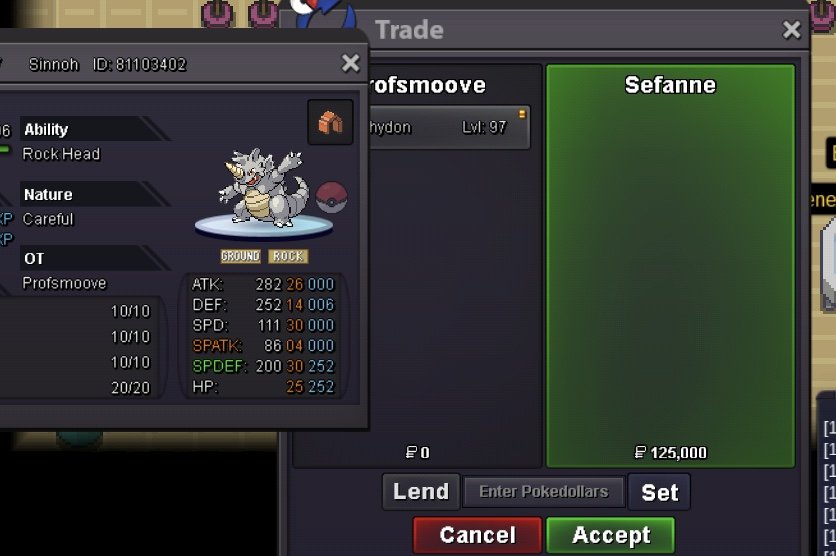
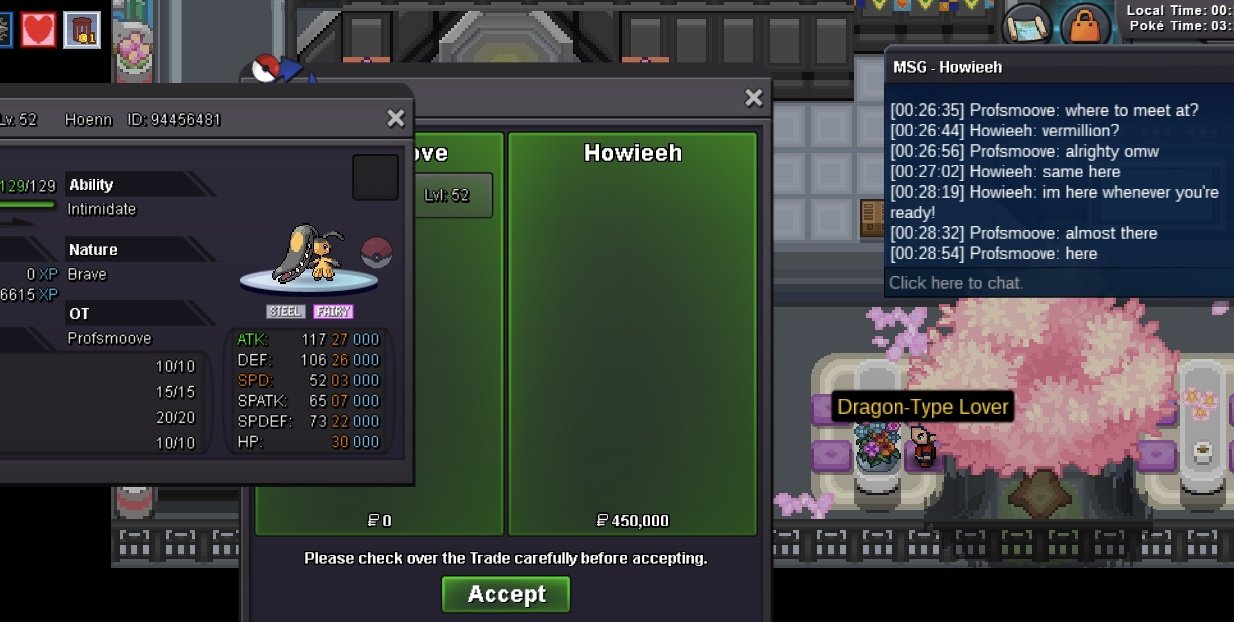
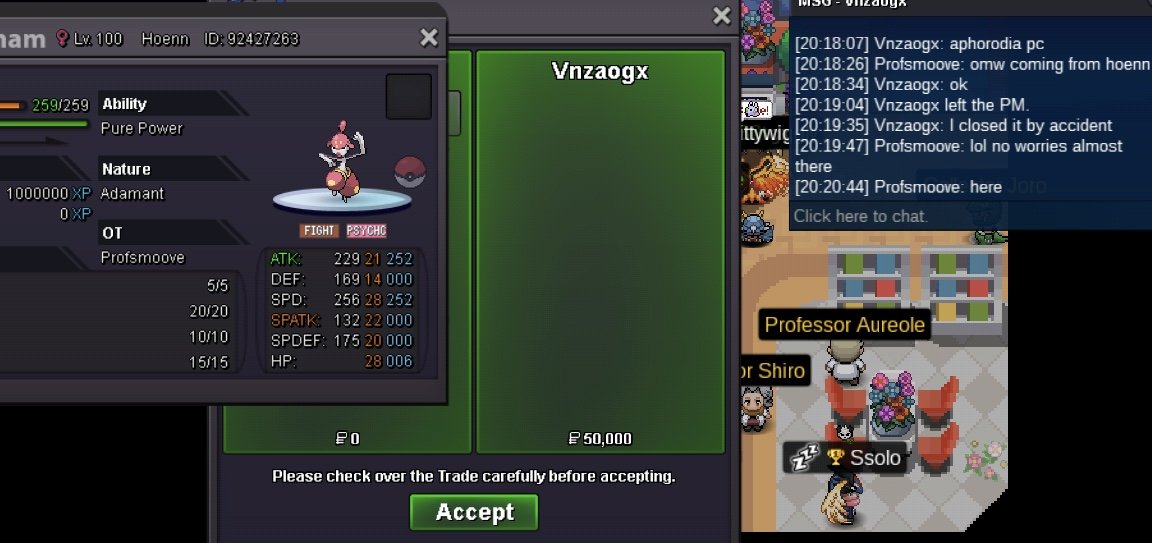
 BumpSweet and I'm available in game and for the next 5-6hours nowBumpTrade Completed
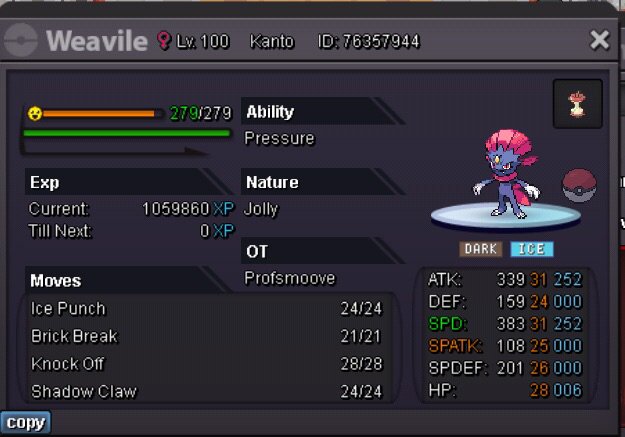
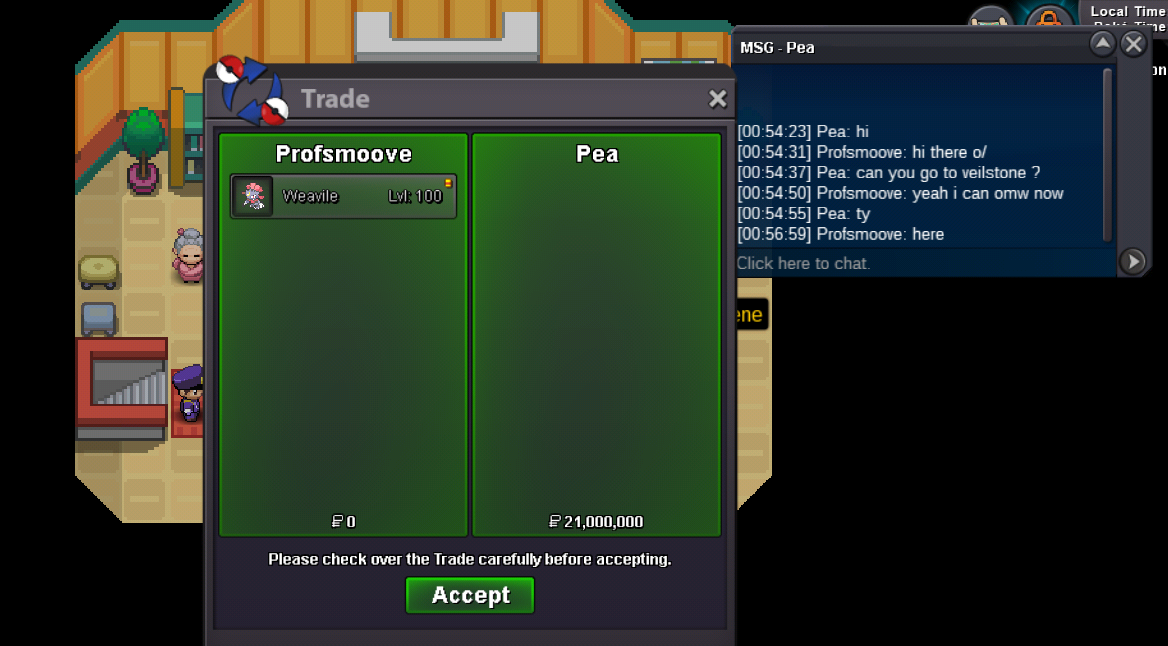 The auction has ended and the winner is @Pea! Please pm me via inbox so we can establish the trade when you are available and transferred from gold to sliver.1 hour remainingBumpBumpStarting Price - 5m - Current Bid : 21m by Pea Min Raise - 100k No Insta Accepted Payments - Pokedollars, Coin Capsule - 500k, IV Reroll Ticket - 500k End Point - 72hrs after the first bid. Goodluck y’all! May the RNG-Gods be upon y’all ✌️🙏
 More Pokémon added to the shop for now with an untrained Pokemon section listed
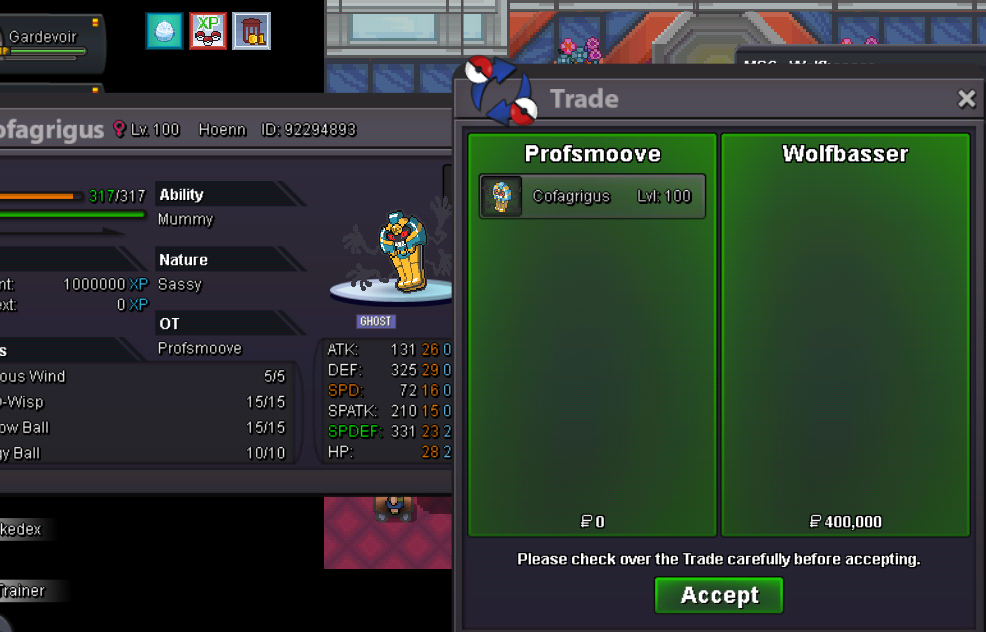
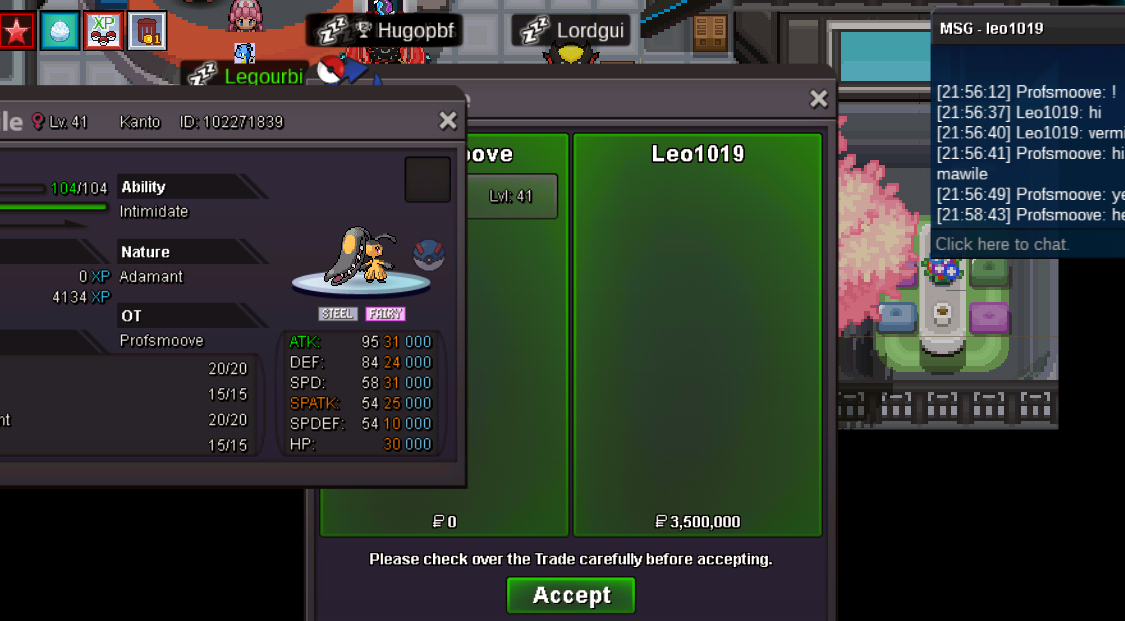

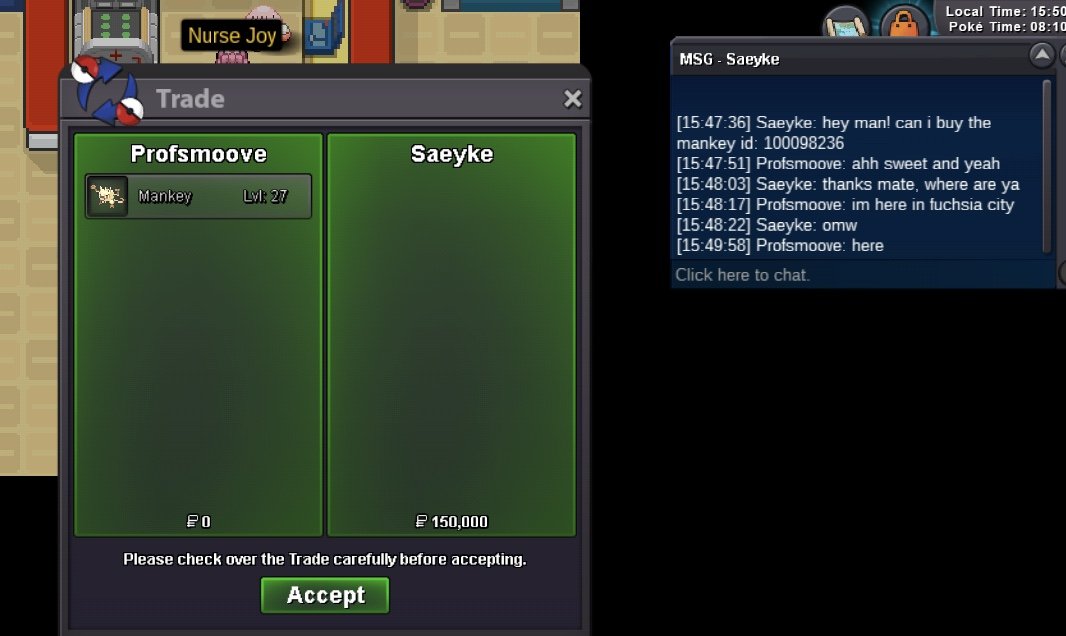
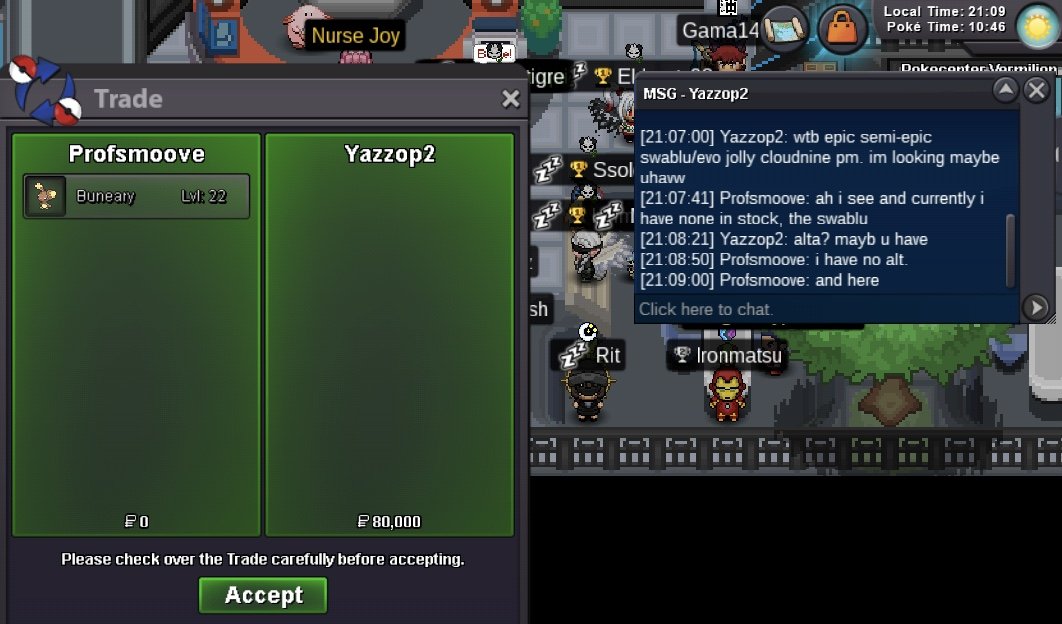

Account
Navigation
Search
Configure browser push notifications
Chrome (Android)
- Tap the lock icon next to the address bar.
- Tap Permissions → Notifications.
- Adjust your preference.
Chrome (Desktop)
- Click the padlock icon in the address bar.
- Select Site settings.
- Find Notifications and adjust your preference.
Safari (iOS 16.4+)
- Ensure the site is installed via Add to Home Screen.
- Open Settings App → Notifications.
- Find your app name and adjust your preference.
Safari (macOS)
- Go to Safari → Preferences.
- Click the Websites tab.
- Select Notifications in the sidebar.
- Find this website and adjust your preference.
Edge (Android)
- Tap the lock icon next to the address bar.
- Tap Permissions.
- Find Notifications and adjust your preference.
Edge (Desktop)
- Click the padlock icon in the address bar.
- Click Permissions for this site.
- Find Notifications and adjust your preference.
Firefox (Android)
- Go to Settings → Site permissions.
- Tap Notifications.
- Find this site in the list and adjust your preference.
Firefox (Desktop)
- Open Firefox Settings.
- Search for Notifications.
- Find this site in the list and adjust your preference.