New Trade Zone
Trade Zone is now live
Use the new Trade Zone for auctions and instant-price trades so Pokemon and item offers are easy to find.


Sirluffytoro
Registered User
-
Joined
-
Last visited
Everything posted by Sirluffytoro
-
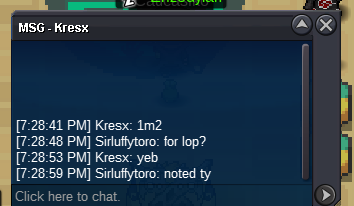
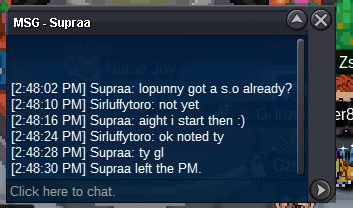
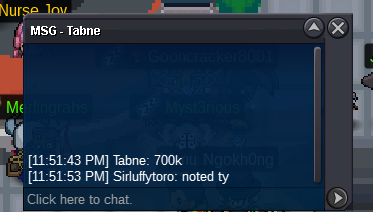
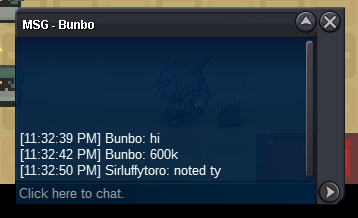
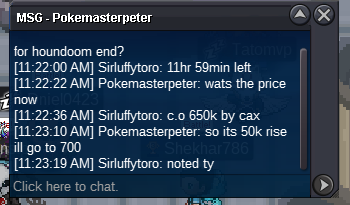
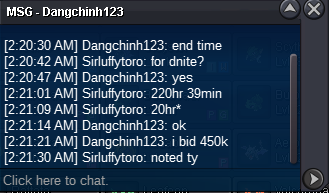
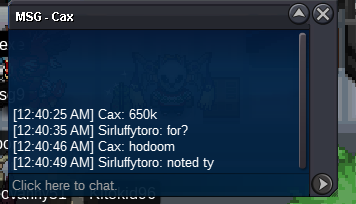
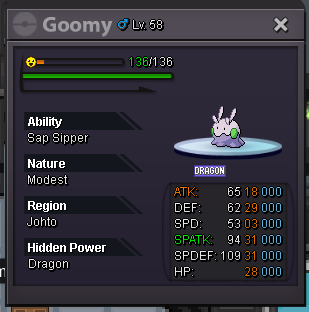
bumpwinner smeargle @Regabi contact me in game or discord Sir-goon#1398 goomy auction added (didnt wanna start a new thread until smeargle was sold so added goomy here)bumpbump48hr auction s.o 500k min bid 100k no insta c.o ~ 1.1m by ludwig1609 end time ~ 2/14/2022 @ 4:39pm gmt-5 accepted payment method - pokedollars and/or cc's only, cc=400k (smeargle is sold waiting on buyer) 24hour auction s.o 100k min bid 50k no insta winner ~ 150k by @Regabi end time ~ 2/12/2022 @ 10:20am gmt-5
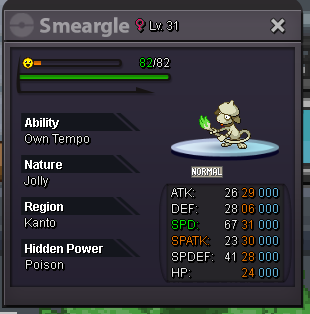
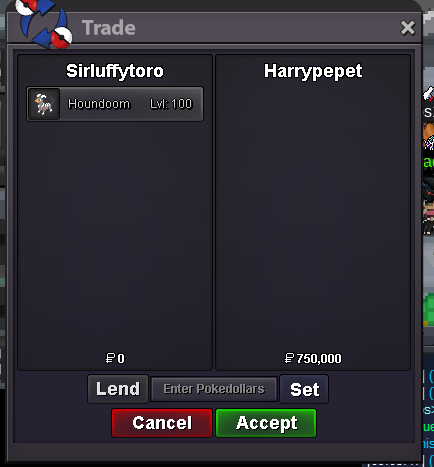
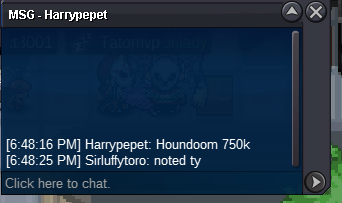
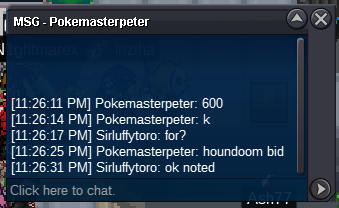
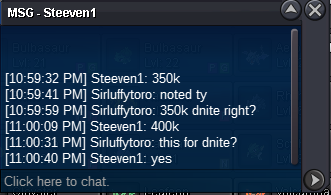
 bumpupdated ~ sold, dropped prices, and added more mons bump24hr auction s.o 500k min bid 50k no insta winner ~ 750k by harrypepet end time ~ 02/10/22 11:20pm gmt-5 24hr auction s.o 300k min bid 50k no insta winner ~ 500k by laplase end time ~ 02/10/22 10:59pm gmt-5 accepted payment method - pokedollars and/or cc's only, cc=400k ***please when bidding be sure to include the name of the pokemon that you are bidding on to avoid confusion***Heracrosss ~ insta price 3m not an auction Bronzong ~ insta price 2m not an auction Tentacool ~ insta price 500k not an auction lopunny sold **accepted payment method - pokedollars and/or cc's only, cc=400k **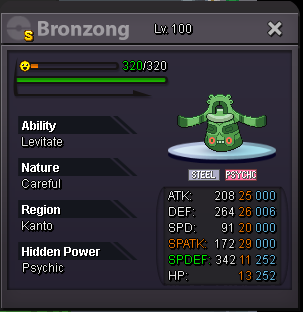

 sold ty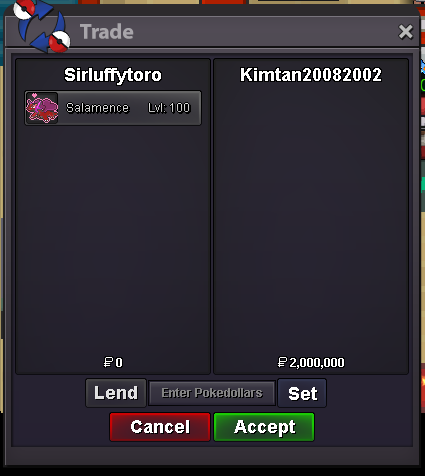
Account
Navigation
Search
Configure browser push notifications
Chrome (Android)
- Tap the lock icon next to the address bar.
- Tap Permissions → Notifications.
- Adjust your preference.
Chrome (Desktop)
- Click the padlock icon in the address bar.
- Select Site settings.
- Find Notifications and adjust your preference.
Safari (iOS 16.4+)
- Ensure the site is installed via Add to Home Screen.
- Open Settings App → Notifications.
- Find your app name and adjust your preference.
Safari (macOS)
- Go to Safari → Preferences.
- Click the Websites tab.
- Select Notifications in the sidebar.
- Find this website and adjust your preference.
Edge (Android)
- Tap the lock icon next to the address bar.
- Tap Permissions.
- Find Notifications and adjust your preference.
Edge (Desktop)
- Click the padlock icon in the address bar.
- Click Permissions for this site.
- Find Notifications and adjust your preference.
Firefox (Android)
- Go to Settings → Site permissions.
- Tap Notifications.
- Find this site in the list and adjust your preference.
Firefox (Desktop)
- Open Firefox Settings.
- Search for Notifications.
- Find this site in the list and adjust your preference.