




New Trade Zone
Trade Zone is now live
Use the new Trade Zone for auctions and instant-price trades so Pokemon and item offers are easy to find.

Glitches
Registered User
-
Joined
-
Last visited
Everything posted by Glitches
-
@Fatty69 u won, meet me at dreadtown
-
Bump
-
Bump
-
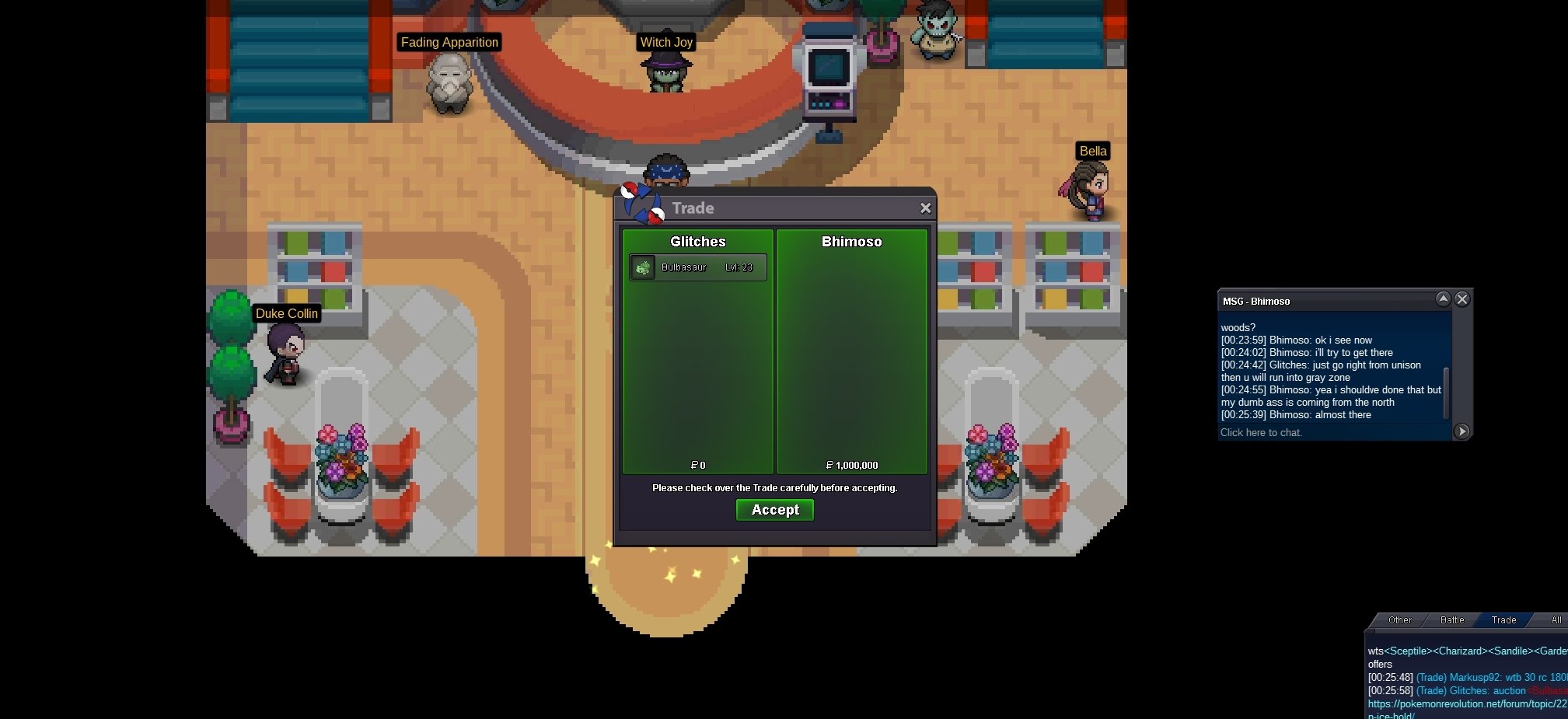
Trade done, can be closed
-
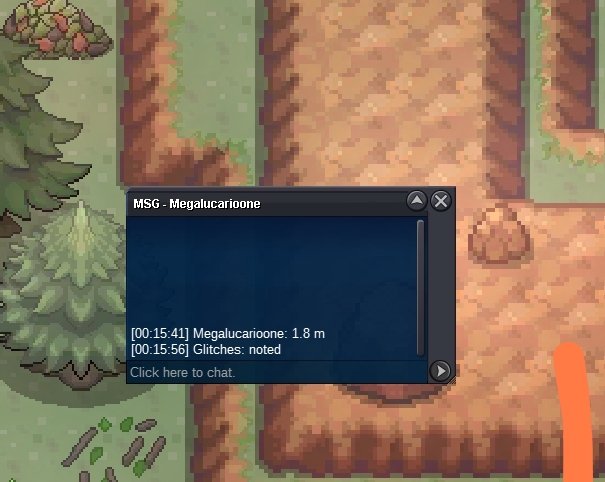
C.o 1.8m
-
@Bhimoso won, let me know when u got in game, we will trade at dreadtown
-
1h 50mins till the end
-
c.o 1m

-
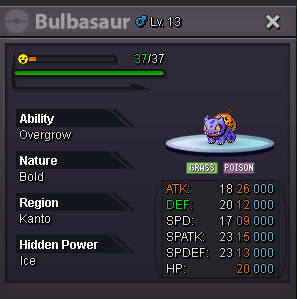
Start 500k Min bid 100k Auction ends in 48hrs after the first bid. Accept: cc 400k
-
-
-
-
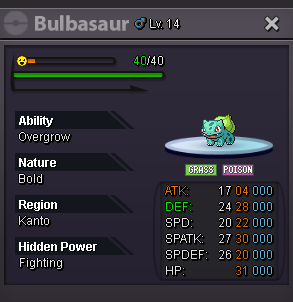
Start 500k Min bid 100k Auction ends in 48hrs after the first bid. Accept: cc 400k
-
-
lol sold to who exactly?
-
700k
-
TMods force trade...
-
Ironlady won.
-
Bump
-
2.8m
-
START
-
S.o 2m Min bid 100k 24h after First bid No insta Accept cc 400k

-
Gz Suncity u won,im in game (same nick) in dreadtown.
-
1h left, be prepared to take your poke...
-

