New Trade Zone
Trade Zone is now live
Use the new Trade Zone for auctions and instant-price trades so Pokemon and item offers are easy to find.

pinklazeee
Registered User
-
Joined
-
Last visited
Everything posted by pinklazeee
-
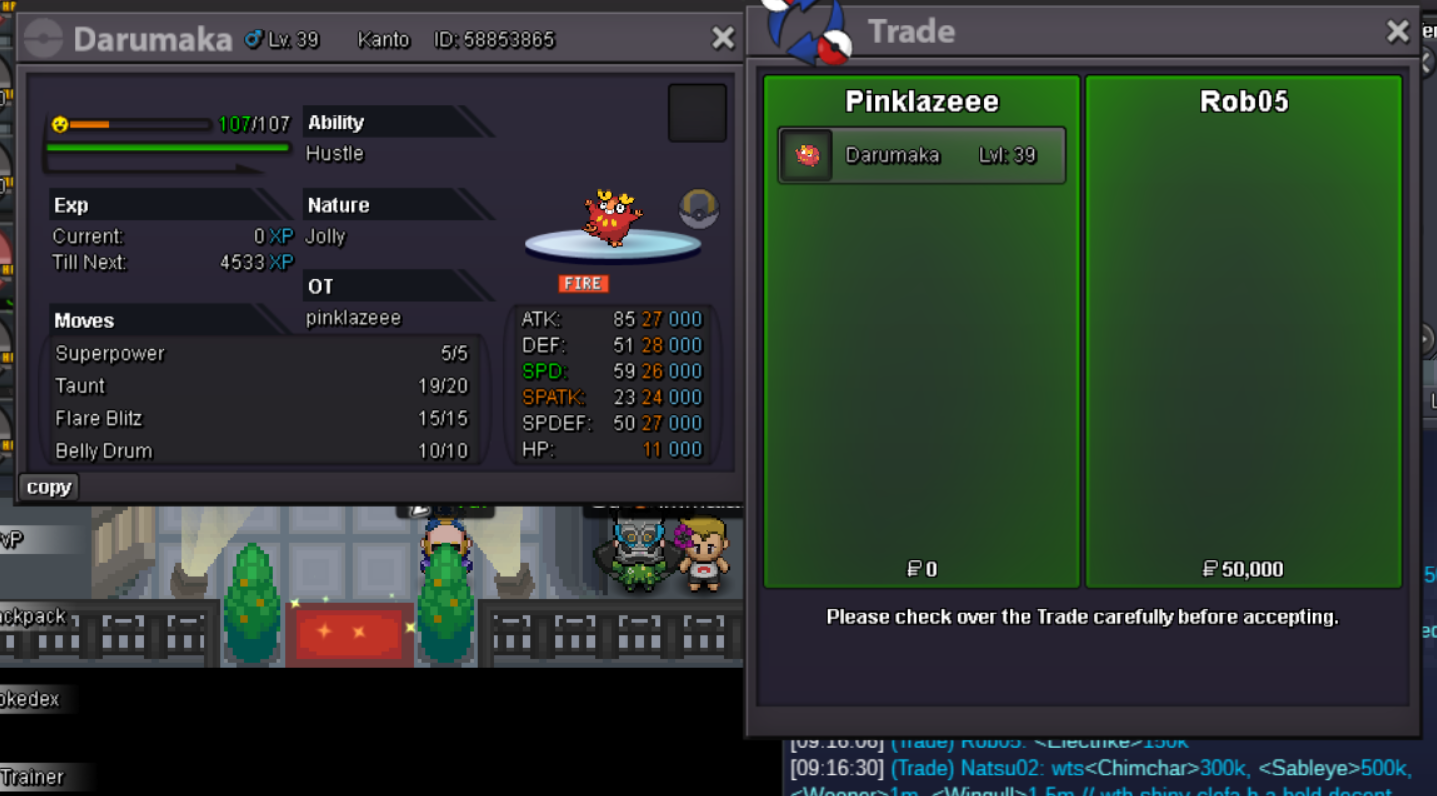
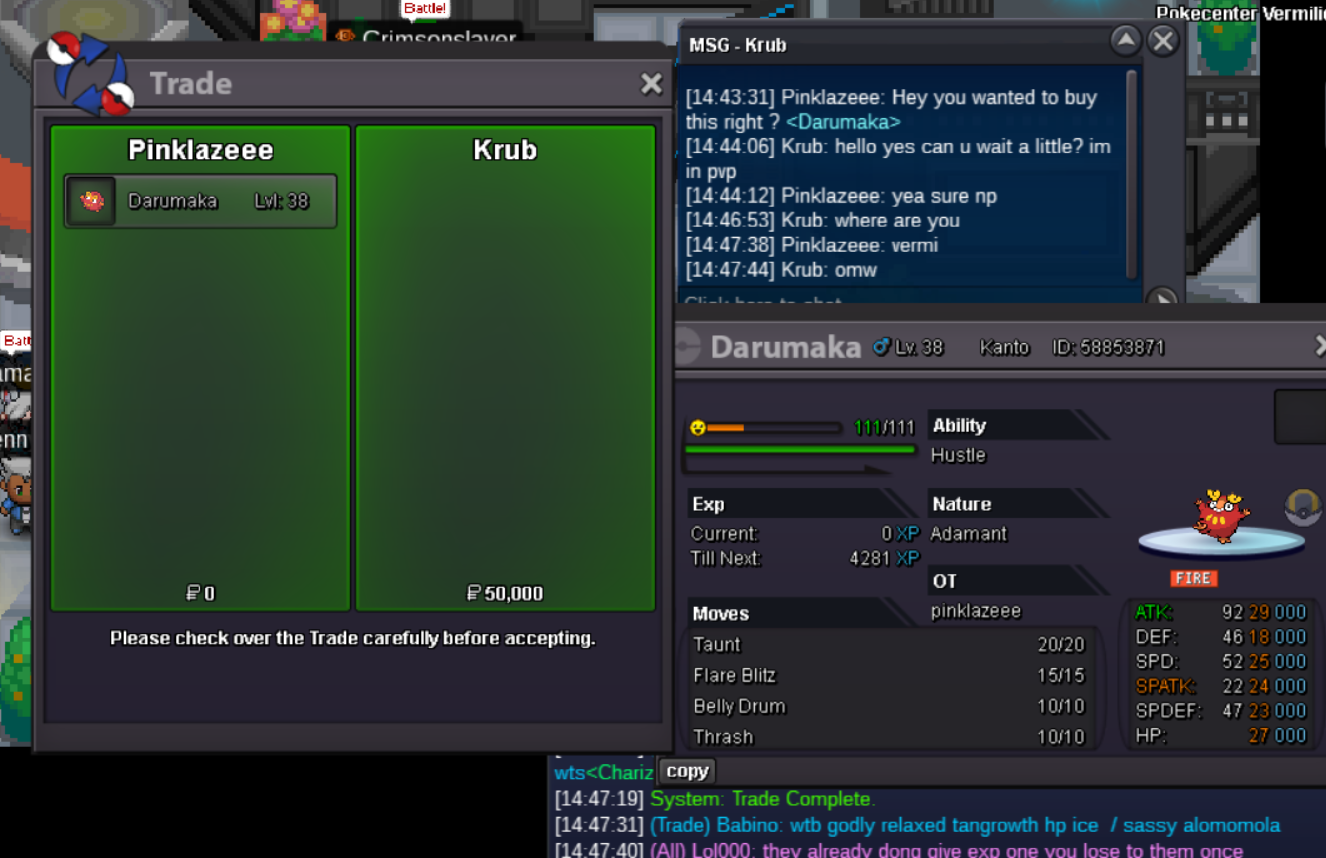
2.2m
-
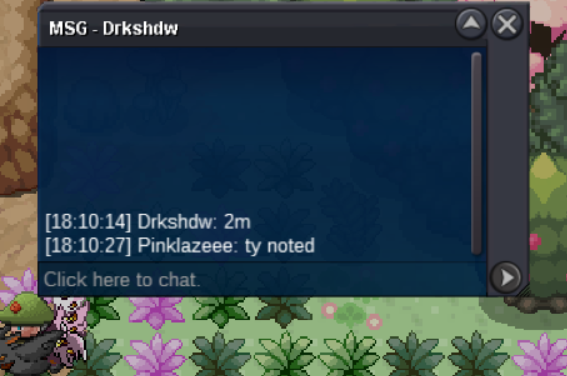
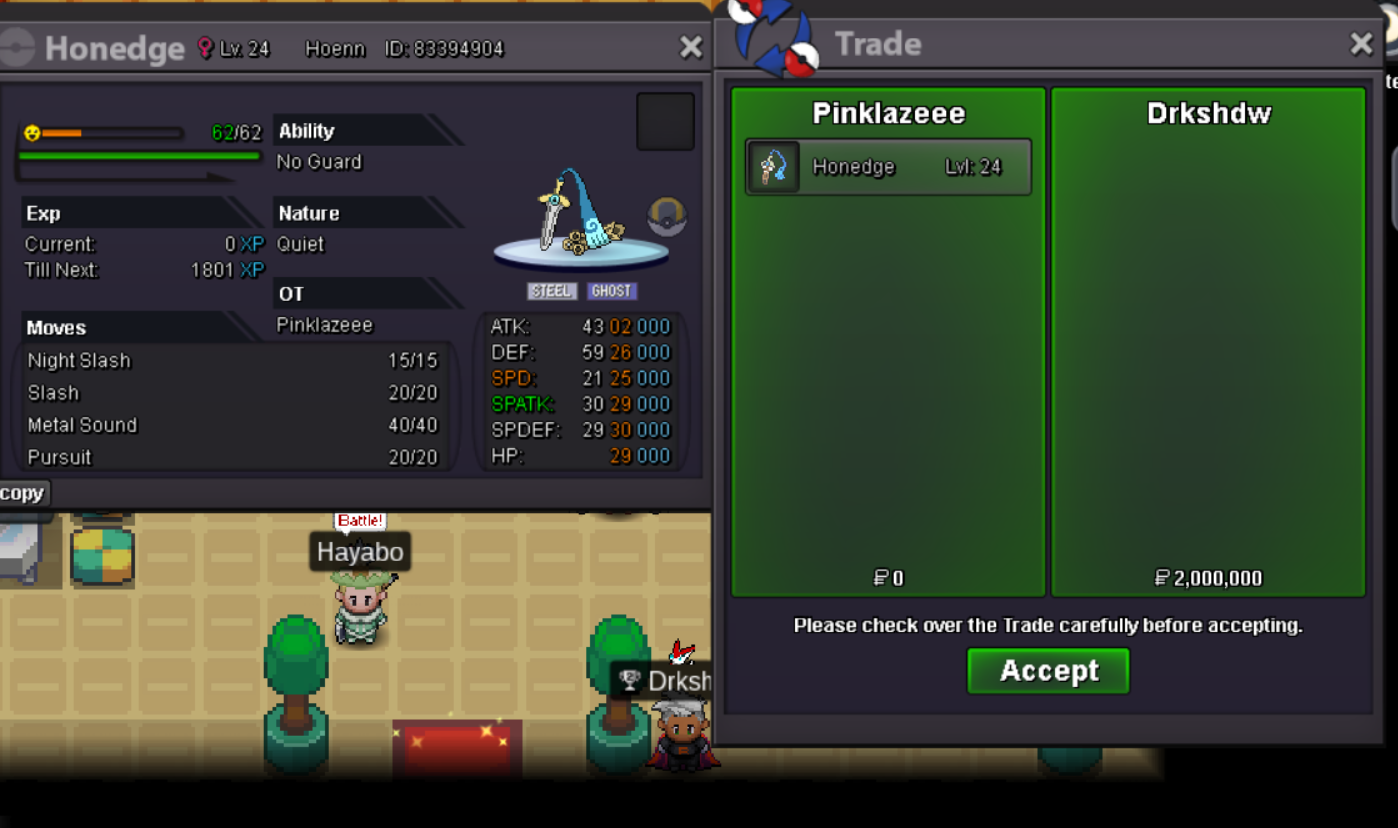
Trade done - gzz Drkshdw
-
1hr left ... gl
-
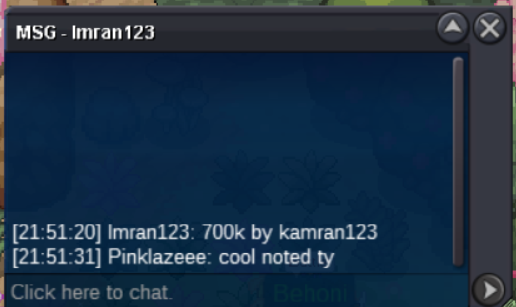
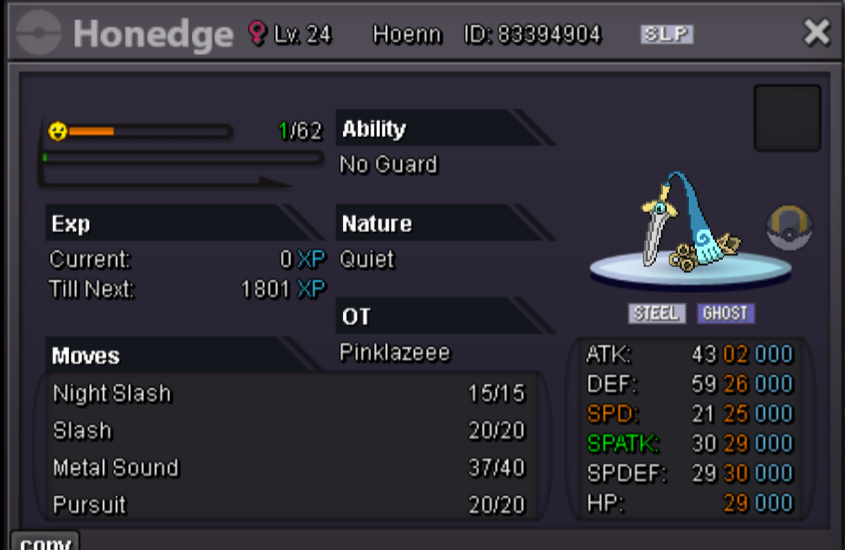
approx 24hr leftStarting Bid: 100k Min Bid: 50k Insta: No Insta Duration: 48hr after first bid is met If a winner is from **silver server** they have to transfer the server to receive. Accepted items Coin Capsule -480k Iv Reroll ticket - 680k Countdown timer - https://www.tickcounter.com/countdown/7573042/my-countdown
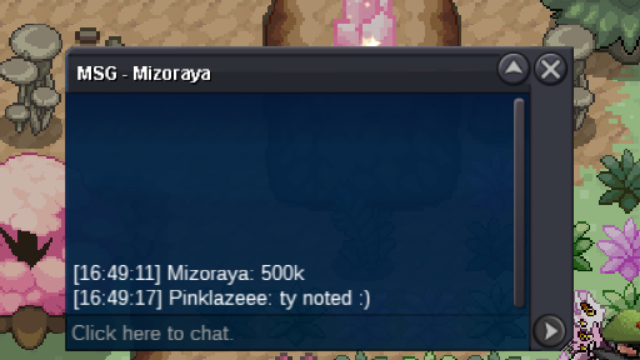
 Ty i sold the mount by contact through this post, can be closed.WTS Shiny Yveltal prestige mount 14m or Want to trade this with S Kyurem-W prestige Accepted Payment: Pokedollar reroll iv ( 690k ea ) cc ( 500k ea ) Contact: ign: pinklazeee discord: pinklazeee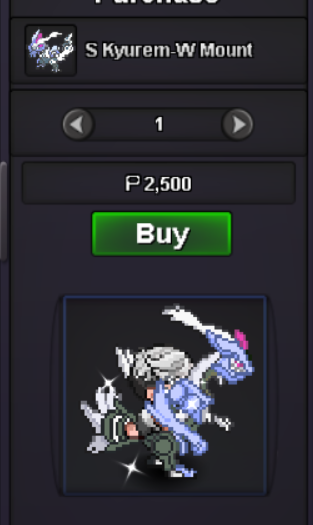

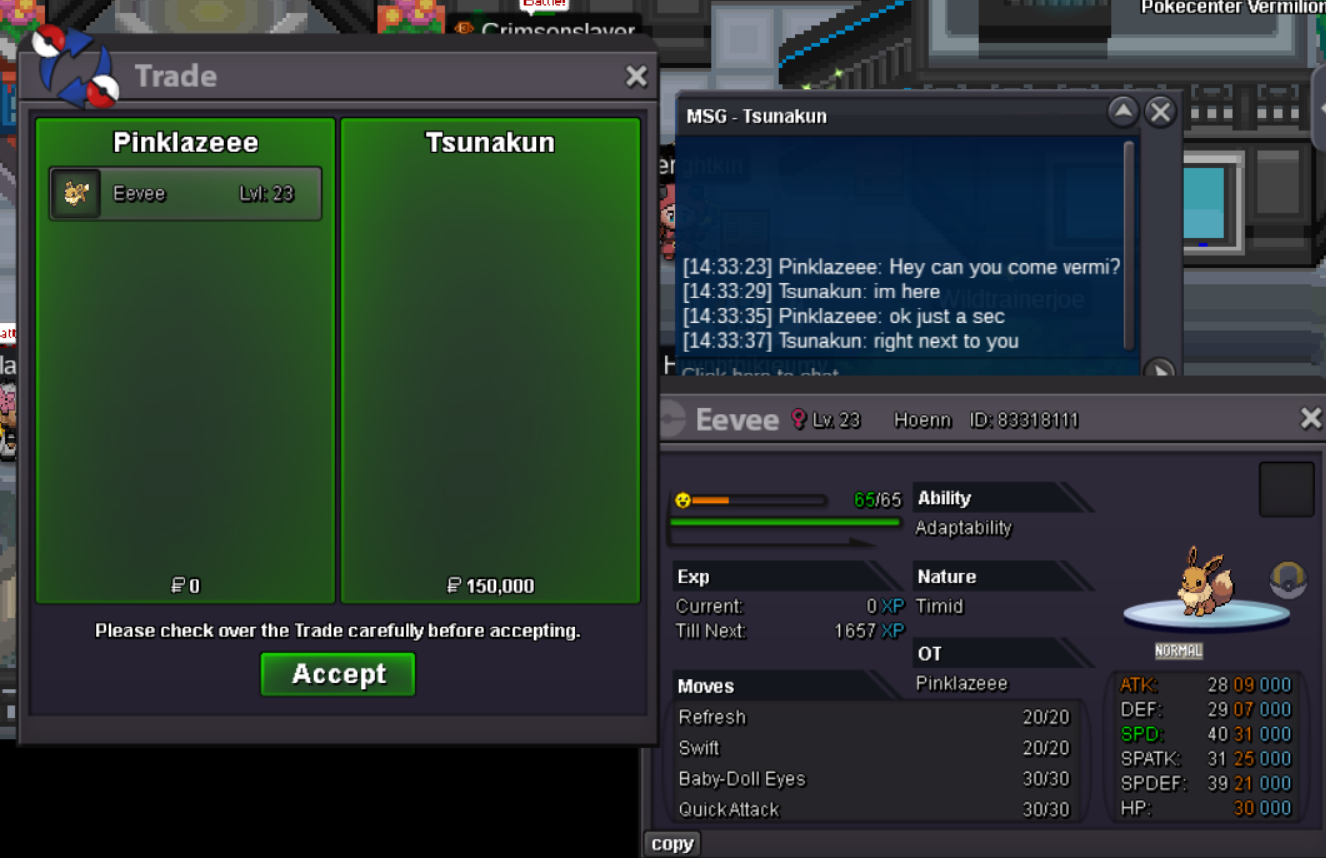
 Ty and gzz Tsunakun - deal done ty @Kimew for confirming, this post can be closed
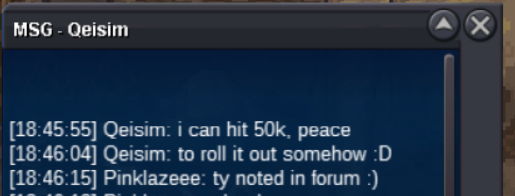
 1. Hp grass summer serperior sold 2. Timid max speed sold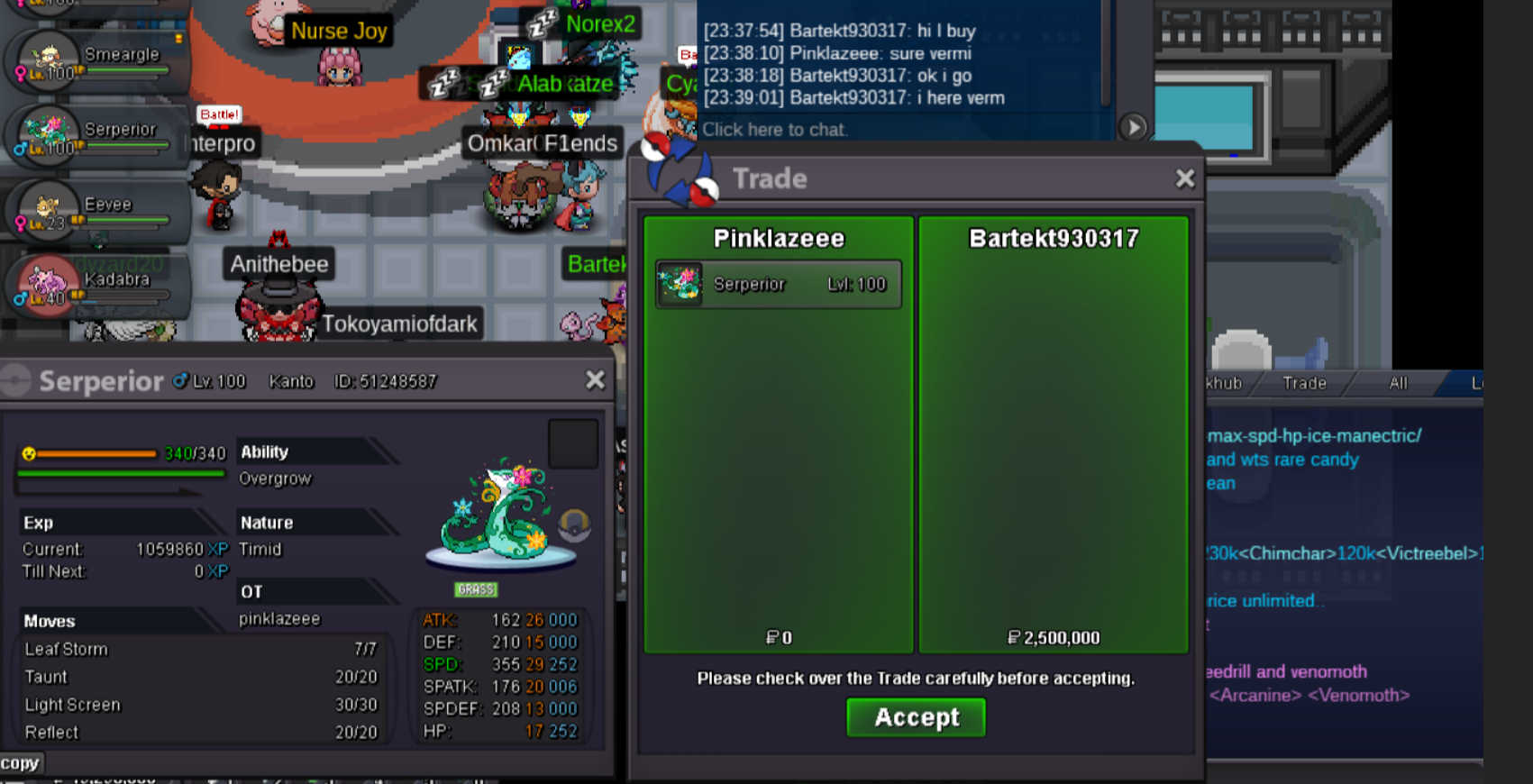
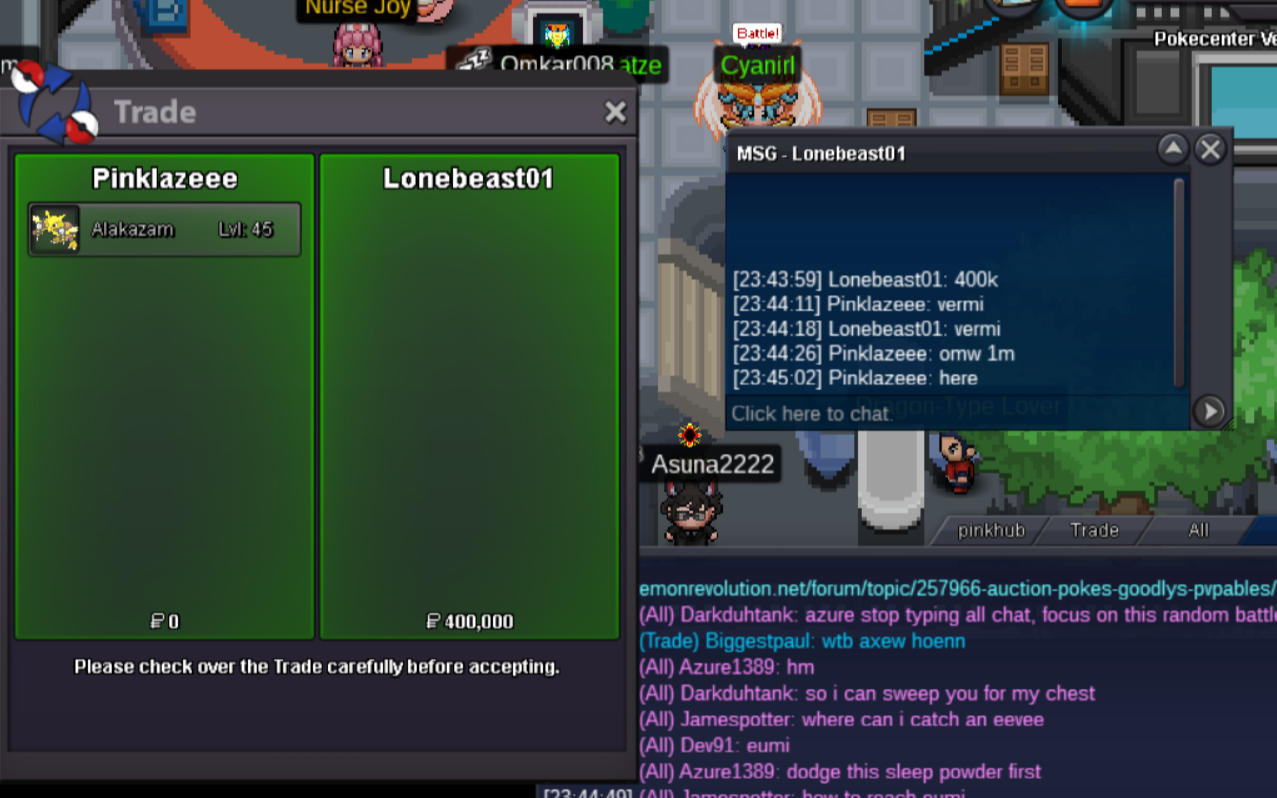
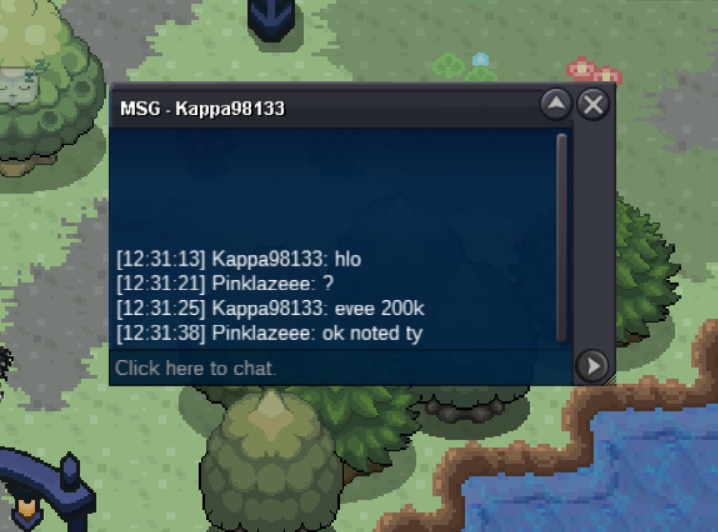
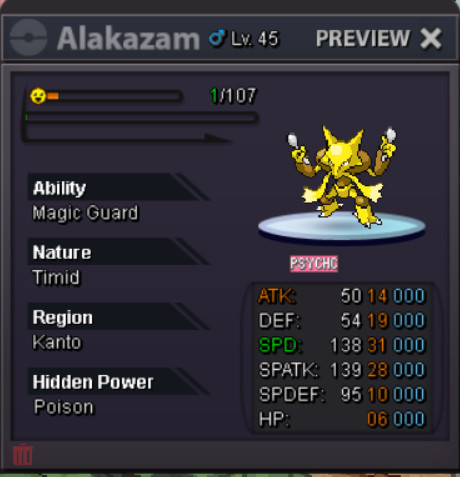 Auction ended @Kappa98133 won with final bid, let me know when u are available to trade ingame or discord.2hr left6hr 43min left
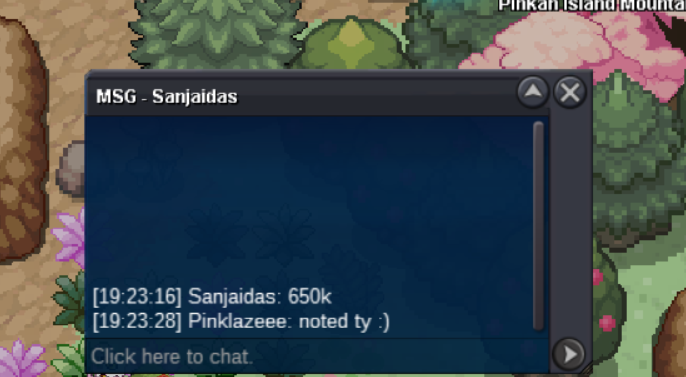
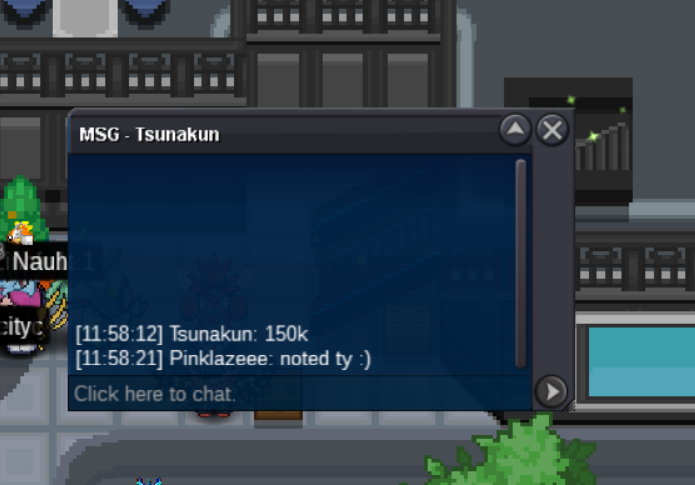 Starting Bid: 50k Min Bid: 50k Insta: No Insta Duration: 24hr after first bid is met Accepted items Coin Capsule -480k Iv Reroll ticket - 680k countdown timer - https://www.tickcounter.com/countdown/7547284/my-countdown
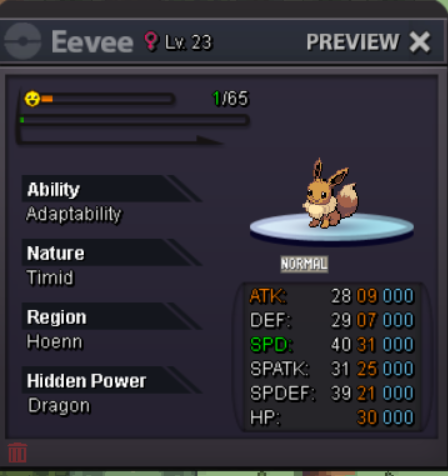 Jivitesh won with the final bid gzz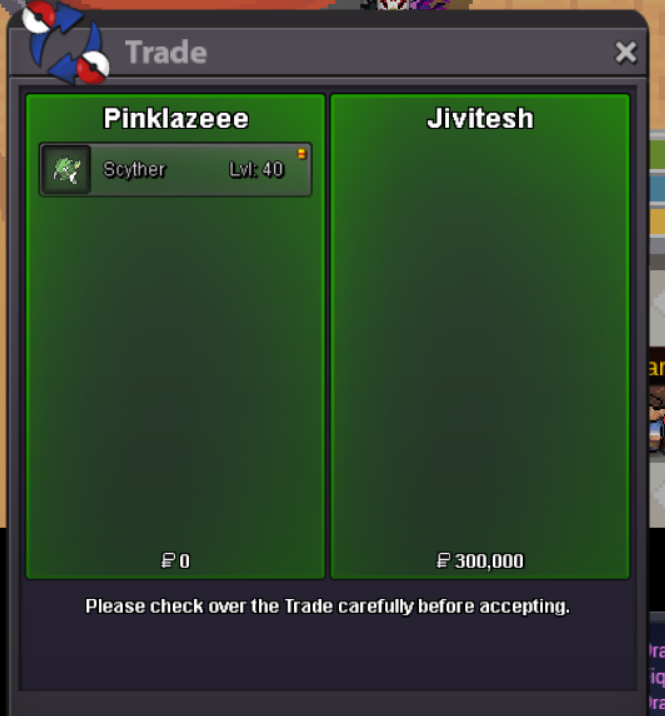
Account
Navigation
Search
Configure browser push notifications
Chrome (Android)
- Tap the lock icon next to the address bar.
- Tap Permissions → Notifications.
- Adjust your preference.
Chrome (Desktop)
- Click the padlock icon in the address bar.
- Select Site settings.
- Find Notifications and adjust your preference.
Safari (iOS 16.4+)
- Ensure the site is installed via Add to Home Screen.
- Open Settings App → Notifications.
- Find your app name and adjust your preference.
Safari (macOS)
- Go to Safari → Preferences.
- Click the Websites tab.
- Select Notifications in the sidebar.
- Find this website and adjust your preference.
Edge (Android)
- Tap the lock icon next to the address bar.
- Tap Permissions.
- Find Notifications and adjust your preference.
Edge (Desktop)
- Click the padlock icon in the address bar.
- Click Permissions for this site.
- Find Notifications and adjust your preference.
Firefox (Android)
- Go to Settings → Site permissions.
- Tap Notifications.
- Find this site in the list and adjust your preference.
Firefox (Desktop)
- Open Firefox Settings.
- Search for Notifications.
- Find this site in the list and adjust your preference.