New Trade Zone
Trade Zone is now live
Use the new Trade Zone for auctions and instant-price trades so Pokemon and item offers are easy to find.
.jpeg.5eee4f15a242a5bd466c8adf98bd5024.jpeg)

Mandaloriany
Registered User
-
Joined
-
Last visited
Everything posted by Mandaloriany
-
-
-
-
Approx 9 hrs left
-
@Taki02has won the auction by 560k bid.
-
6 mins left (15 min rule) Co. 560k by @Taki02 ign will post, not able to clear older images
-
Last 20 minsss;!!!
-
Actually had bided ingame, was not able to post it, ty! @Nissemand @Puffinja15 @Elnaaz Last 4 hrs to go. ( we will follow 15 min rule)
-
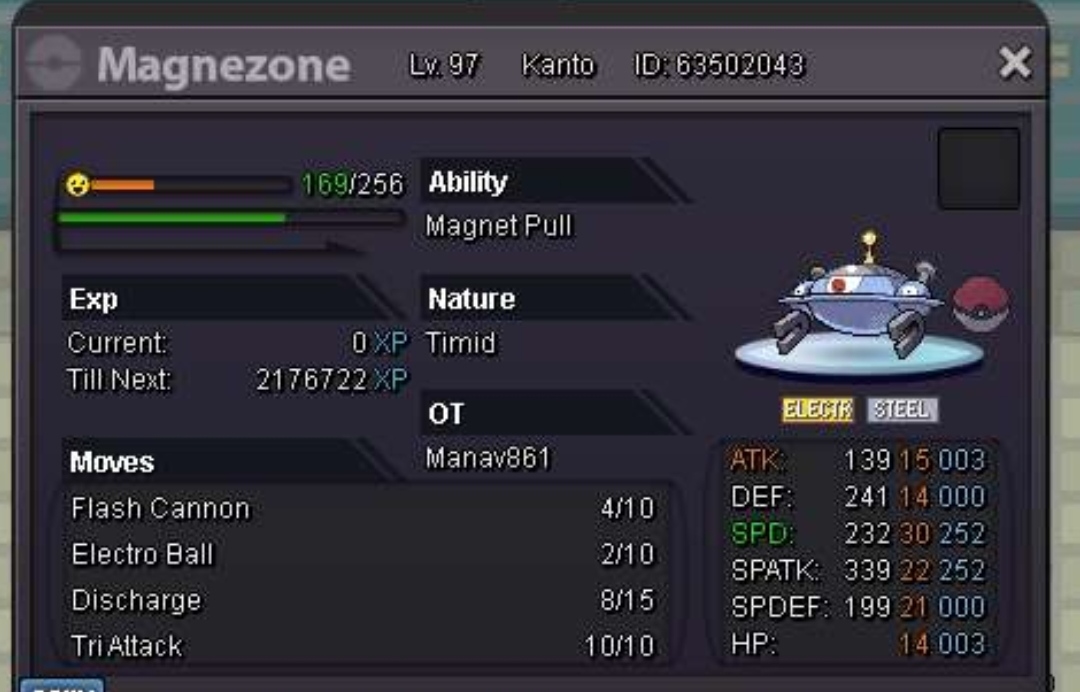
Hp fire
-
Bump 27 hrs left!
-
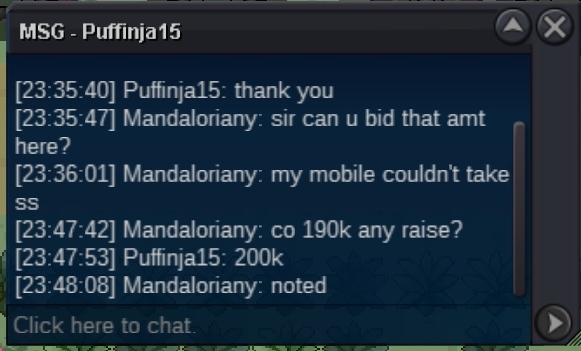
Noted sir but co. 200k now ty Co 200k
-
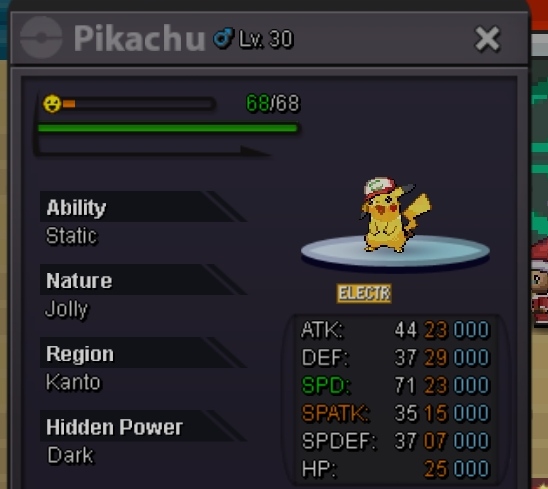
So. 150k Min raise 10k No insta Time 24 hrs from first bid.
-
Noted! Co. 14k ( 7k x 2) started 8:56 gmt +5:30
-
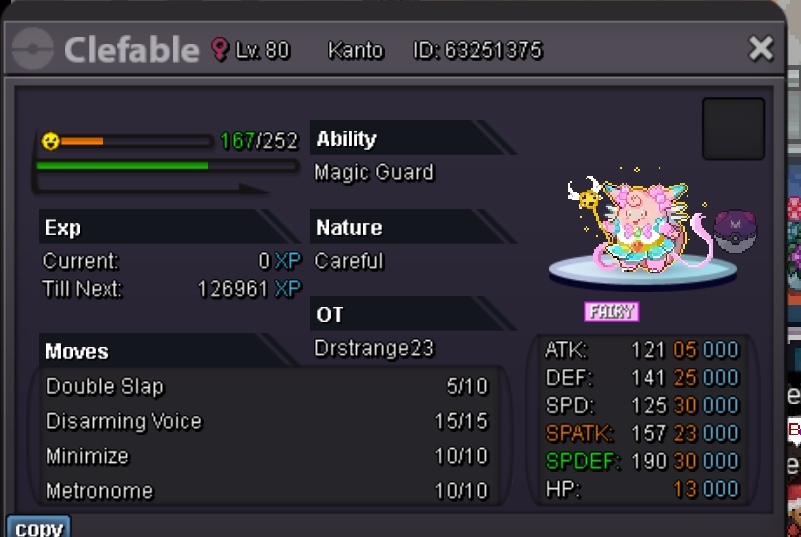
So. 1k Raise 50k No insta 48 hrs from first bid! CC= 350k Rr= 600k Rc= 7k Pokedollars
-
Won by @Zorgea pm me Or dm on TUSHAR#5564 discord
-
2 hrs left!!!
-
Noted sir. 21 hrs left
-
So. 50k Min raise 10k No insta 24 hrs from first bid
-
So. 450k Min raise 50k No insta 48 from first bid.
-
Lul
-
Price 250k Price 600k
-
@Joncar9 @Manbat Sir can force trade? The person isn't online since a day.
-
You have won the auction , Discord : TUSHAR#5564 Add me
-
+1 , More people will get involved in xp training , even if pro has lesser player base than past years it will balance it by the interest of people in this service. More the human capital and lesser the work with more efficiency it will help reduce cost of training for mons like which are really hard to train, eg: happiny. This will also help newbies in their economy, not greatly but some what difference can surely be witnessed.
-
Noted! Co 250k Time left: 11hours