New Trade Zone
Trade Zone is now live
Use the new Trade Zone for auctions and instant-price trades so Pokemon and item offers are easy to find.


Vatevuoktliek
Registered User
-
Joined
-
Last visited
Everything posted by Vatevuoktliek
-
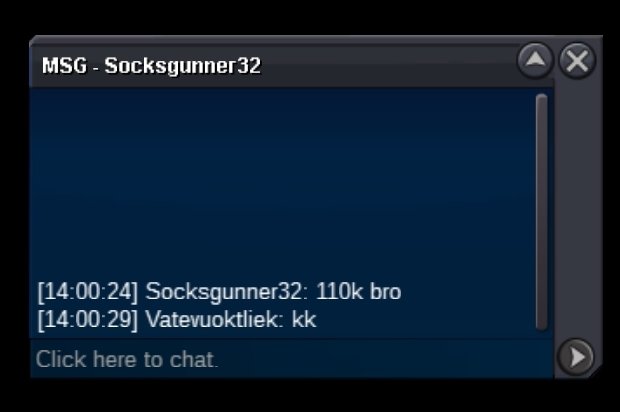
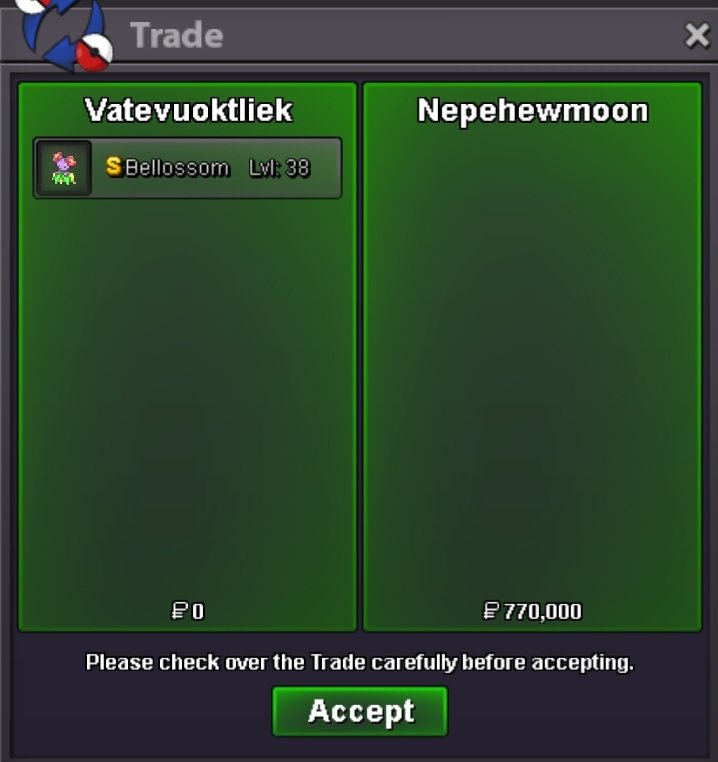
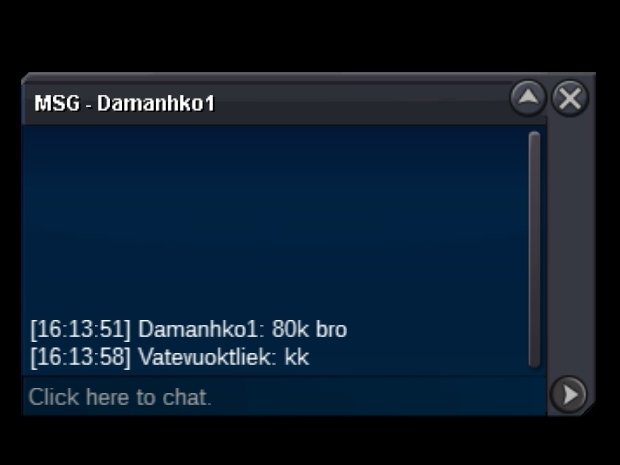
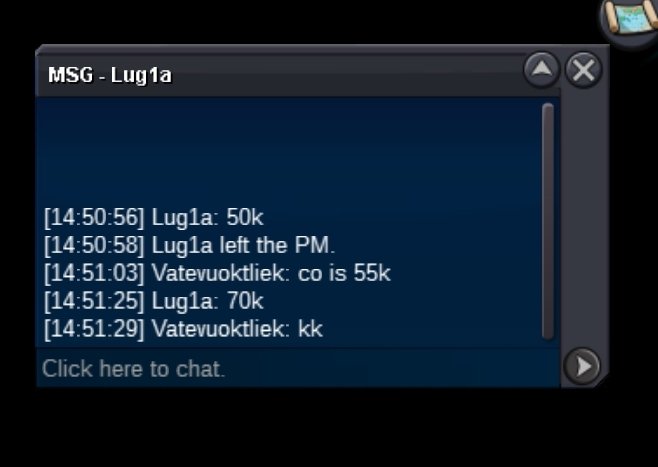
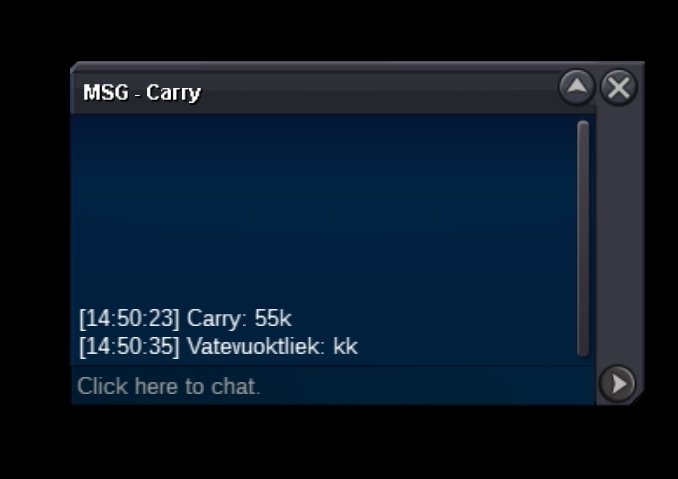
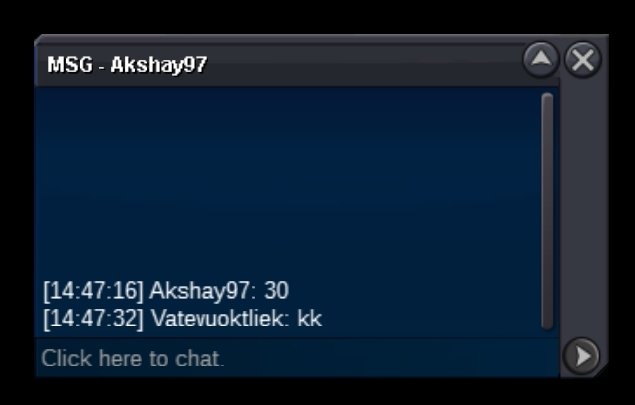
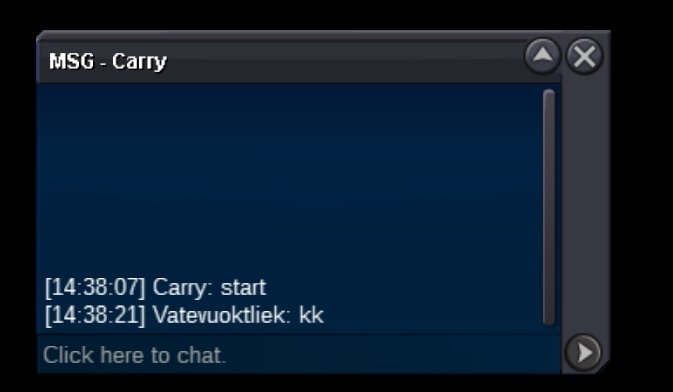
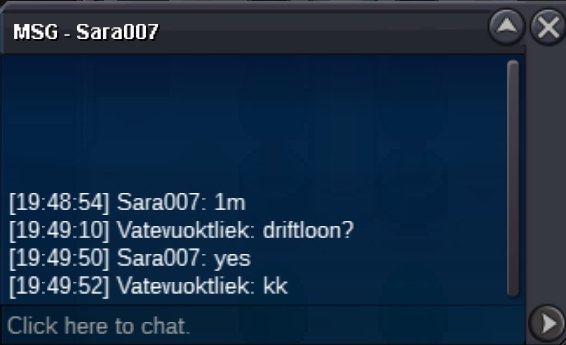
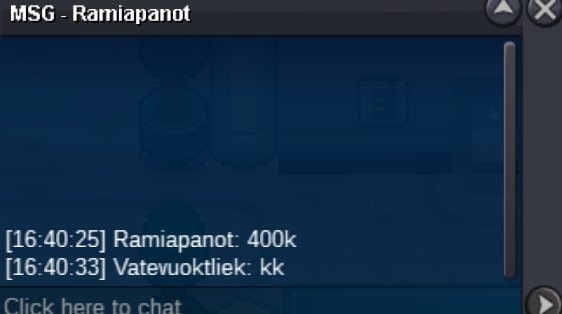
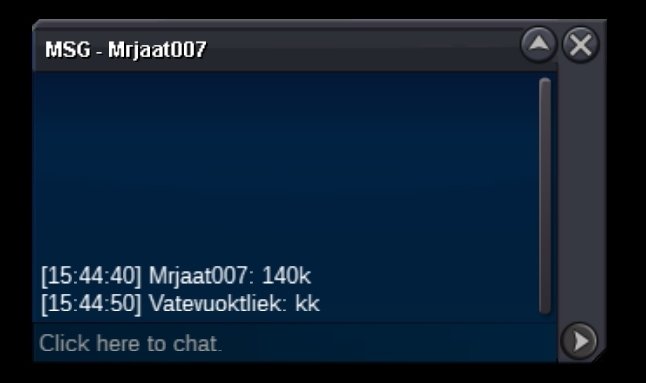
@Nepehewmoonalright, I'm online nowOkay... When can u be online?If the winner has not contacted me in the next 12 hours and if the trade has not been forced, then the second highest bid of 2ccs by In3vanable will be considered the winning bid. @NepehewmoonModerators can you please force trade? The winner has not contacted me in 24 hours.@Nepehewmoonplease respond or i will ask a mod to force trade.Starting offer 10k Minimum offer 10k Auction ends 48 hours after first bid Payment exchange rate: Rare candies @8k Coin Capsule @400k Nature Reroll Tickets @300k Reroll Tickets @600k
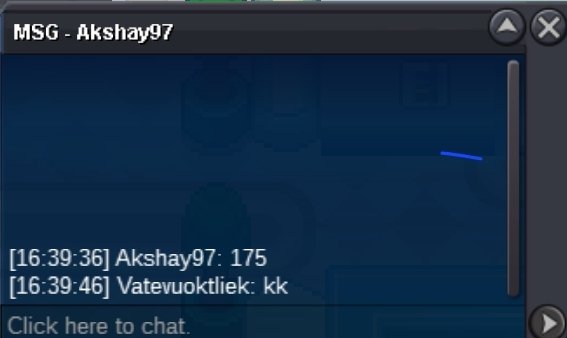
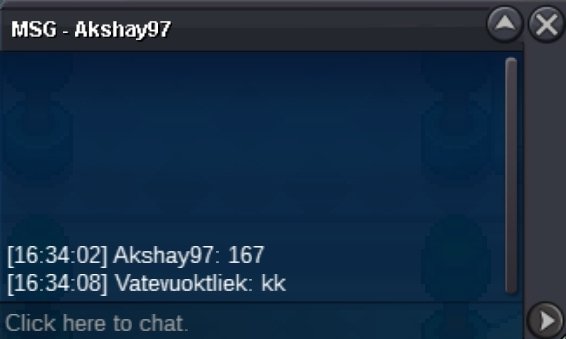
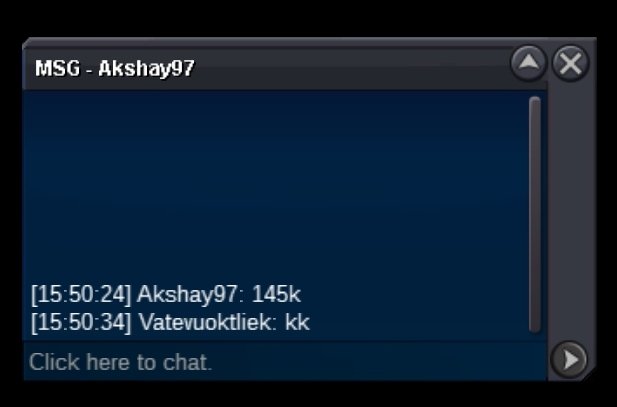
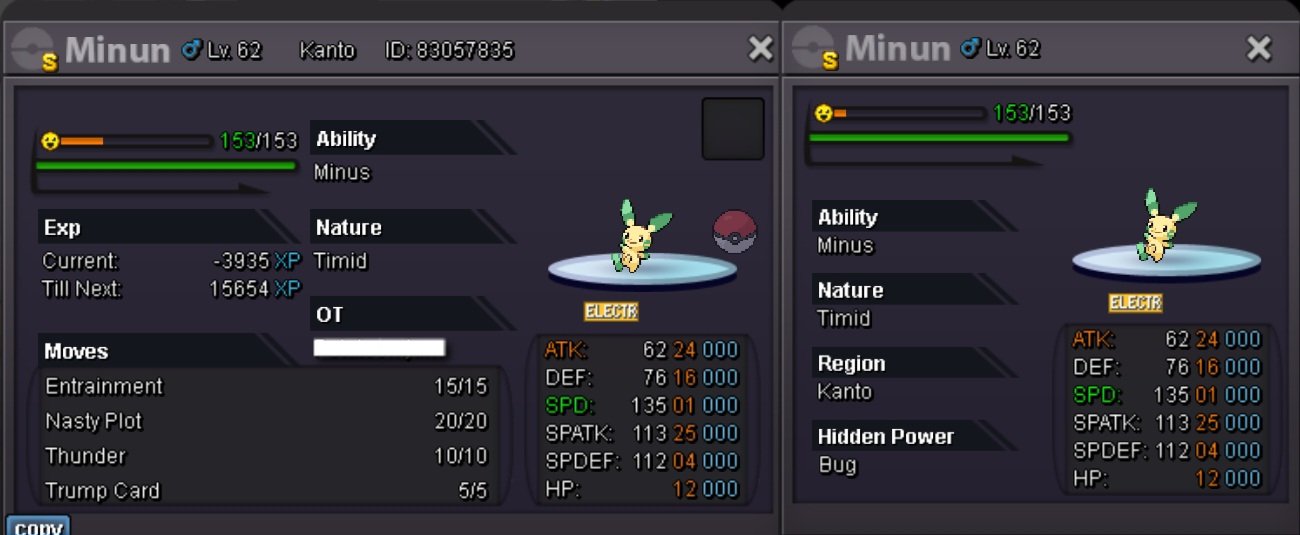 Auction ended. Winner @Nepehewmoon pm me ingame when available.Start lucarioI am aware of that, which is why I'm ASKING to bid in multiples of 1kRounded up to 556k, please bid in multiples of 1000 next time.Current offerWill be rounded down to 165k, please bid in multiples of 1000 next time.
Account
Navigation
Search
Configure browser push notifications
Chrome (Android)
- Tap the lock icon next to the address bar.
- Tap Permissions → Notifications.
- Adjust your preference.
Chrome (Desktop)
- Click the padlock icon in the address bar.
- Select Site settings.
- Find Notifications and adjust your preference.
Safari (iOS 16.4+)
- Ensure the site is installed via Add to Home Screen.
- Open Settings App → Notifications.
- Find your app name and adjust your preference.
Safari (macOS)
- Go to Safari → Preferences.
- Click the Websites tab.
- Select Notifications in the sidebar.
- Find this website and adjust your preference.
Edge (Android)
- Tap the lock icon next to the address bar.
- Tap Permissions.
- Find Notifications and adjust your preference.
Edge (Desktop)
- Click the padlock icon in the address bar.
- Click Permissions for this site.
- Find Notifications and adjust your preference.
Firefox (Android)
- Go to Settings → Site permissions.
- Tap Notifications.
- Find this site in the list and adjust your preference.
Firefox (Desktop)
- Open Firefox Settings.
- Search for Notifications.
- Find this site in the list and adjust your preference.