New Trade Zone
Trade Zone is now live
Use the new Trade Zone for auctions and instant-price trades so Pokemon and item offers are easy to find.

Bluerise22
Registered User
-
Joined
-
Last visited
Everything posted by Bluerise22
-
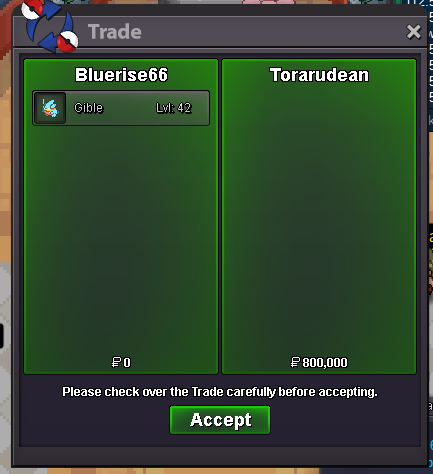
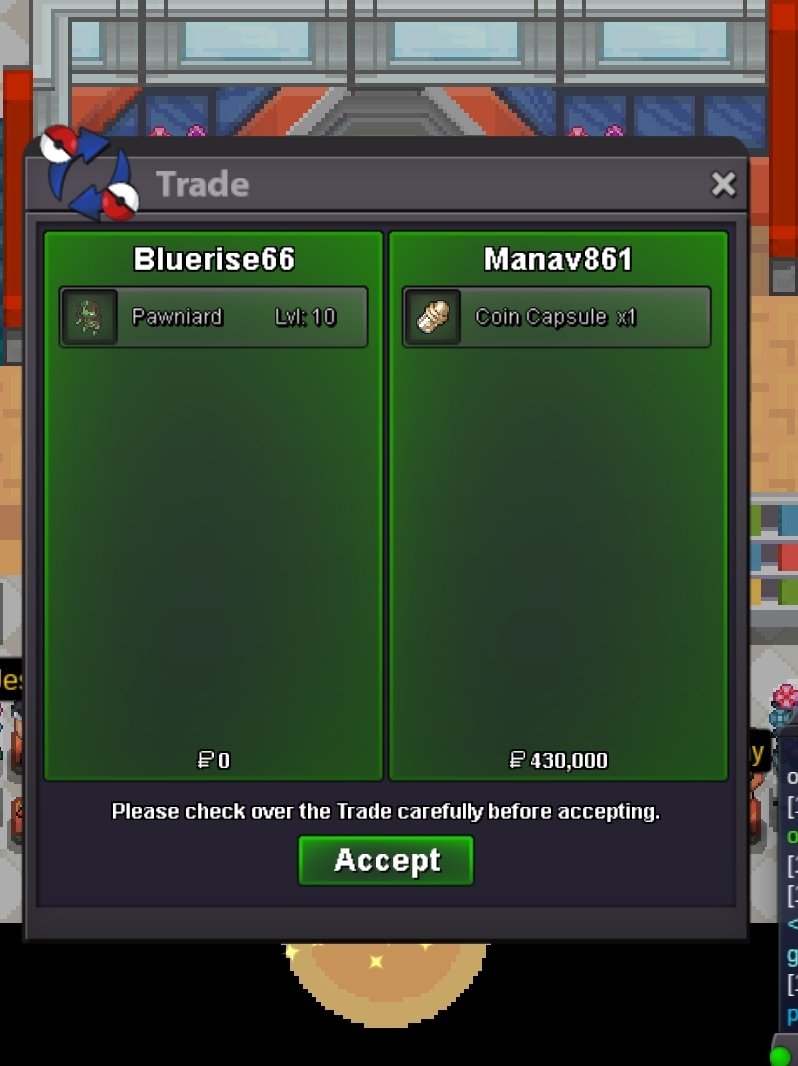
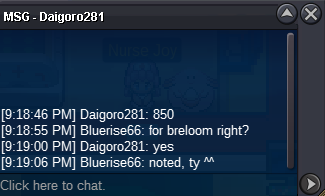
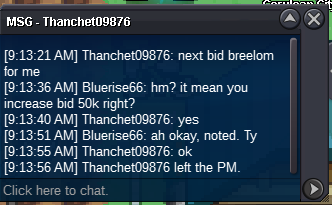
Auction end. @Manav861 @Torarudean ping me when u guys up Cancel Staraptor auctionNoted. Tynoted. Ty ^^Starting Bid: 800k each Min Bid: 100k No instant Accept: CC - 370k Ivs Reroll - 520k Auction End: 48hrs from Now SO: 800k SO: 800k SO: 800k


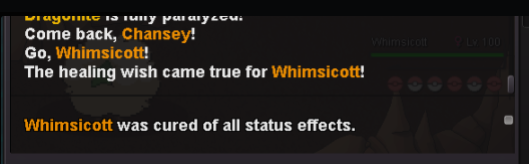
 Hi, There may be a bug by swtiching/memento/baton pass. When i try to switch to my pokemon in slot 5, it somehow switch to my whimsicott (slot 1), which already dead. Here are screenshot (Whimsicott already dead buy being able to switch out) It happen the same when i used baton pass or memento. Hope you can check these case. Thanks,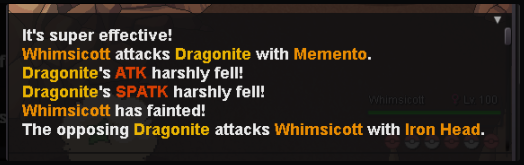
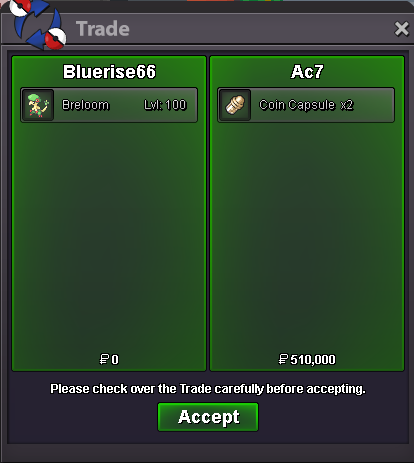
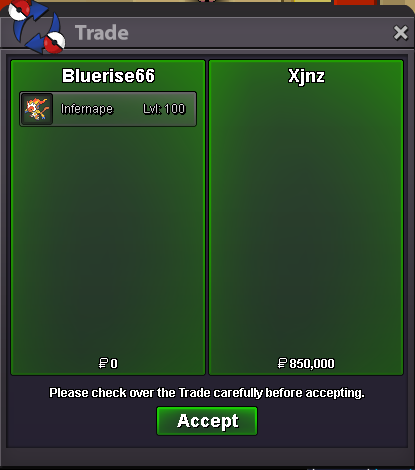
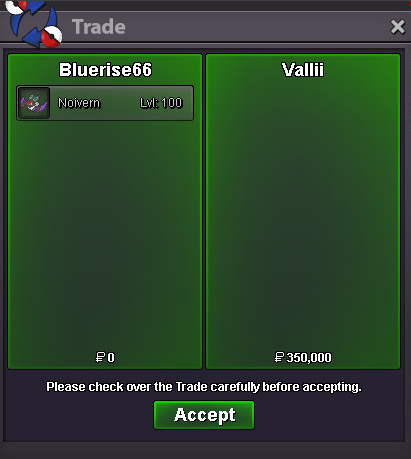
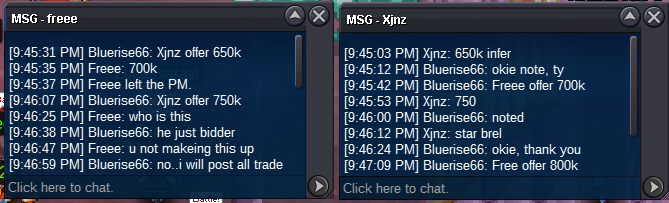
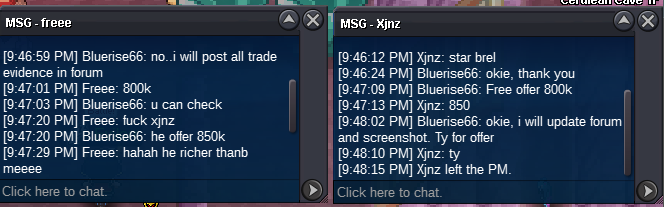
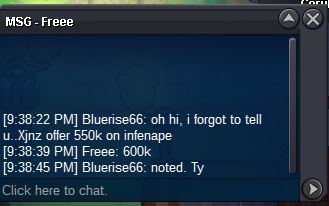
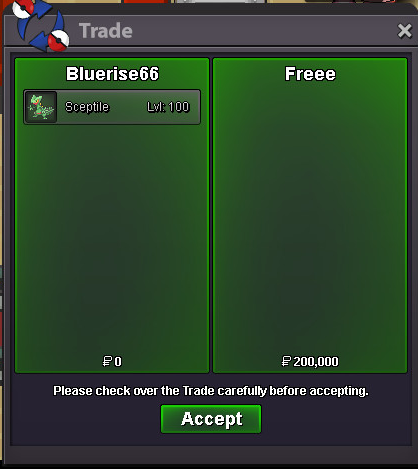
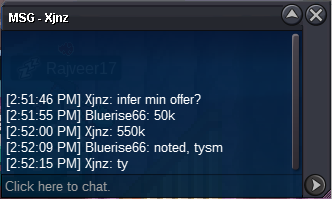
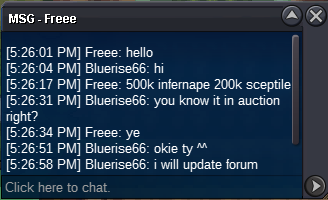
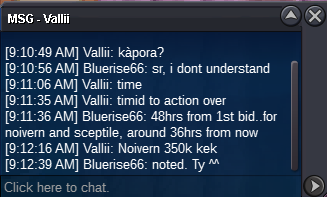
 Im sorry, but auction End at 11:48, it mean bid are valid till 11:47:59 sec (As auction start in 11:48). So your bid not valid @Ac7 you won with 2cc + 510kNoted, tynoted. Ty@free won sceptile @vallii won noivernTy for offer but no, sr.Noted. TyThis is NOT a bundle auction. Auction end 48hrs after 1st bid of each mon. Accept: CC - 370k RR - 550k. Min bid: 50k for each mon. Starting bid: 700k - C.O: 1.25m - - End: 11:48pm 31.07 Starting bid: 200k - CO: Starting bid: 500k - CO: 850k - - End: 7:27pm 30.07 - End Starting bid: 100k CO: 200k - - End 11:14pm 29.07 - Sold Starting bid: 200k - CO: 350k - - End 11:14pm 29.07 - Sold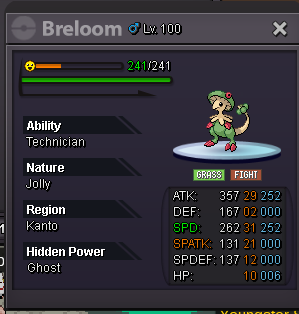
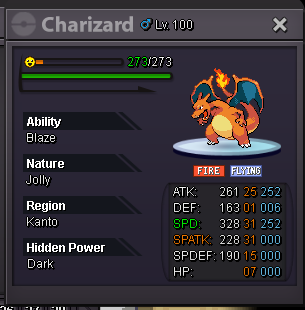
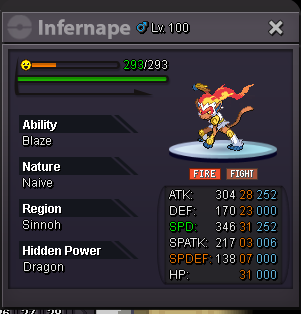
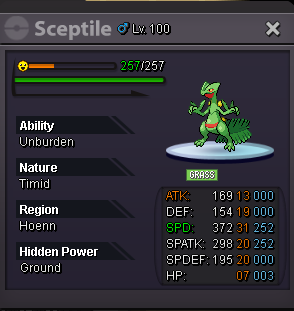
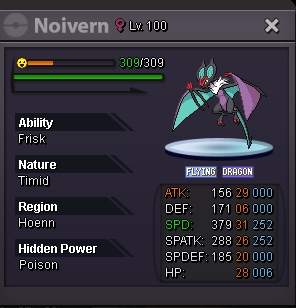 650k
650kAccount
Navigation
Search
Configure browser push notifications
Chrome (Android)
- Tap the lock icon next to the address bar.
- Tap Permissions → Notifications.
- Adjust your preference.
Chrome (Desktop)
- Click the padlock icon in the address bar.
- Select Site settings.
- Find Notifications and adjust your preference.
Safari (iOS 16.4+)
- Ensure the site is installed via Add to Home Screen.
- Open Settings App → Notifications.
- Find your app name and adjust your preference.
Safari (macOS)
- Go to Safari → Preferences.
- Click the Websites tab.
- Select Notifications in the sidebar.
- Find this website and adjust your preference.
Edge (Android)
- Tap the lock icon next to the address bar.
- Tap Permissions.
- Find Notifications and adjust your preference.
Edge (Desktop)
- Click the padlock icon in the address bar.
- Click Permissions for this site.
- Find Notifications and adjust your preference.
Firefox (Android)
- Go to Settings → Site permissions.
- Tap Notifications.
- Find this site in the list and adjust your preference.
Firefox (Desktop)
- Open Firefox Settings.
- Search for Notifications.
- Find this site in the list and adjust your preference.