




New Trade Zone
Trade Zone is now live
Use the new Trade Zone for auctions and instant-price trades so Pokemon and item offers are easy to find.

Varun9696
Registered User
-
Joined
-
Last visited
Everything posted by Varun9696
-
I got skarmory and breloom let me know on discord iivarun I will send u the ss
-
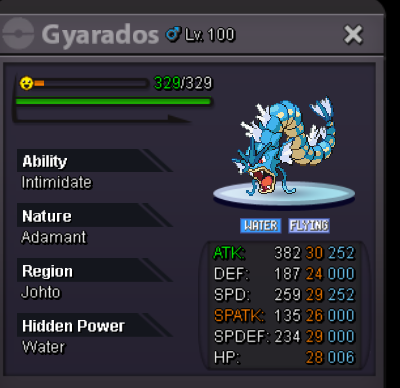
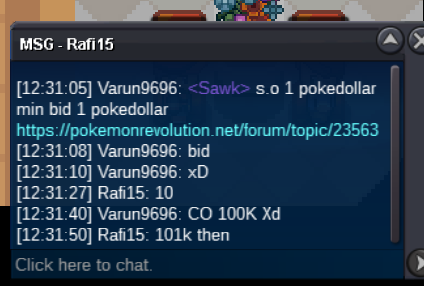
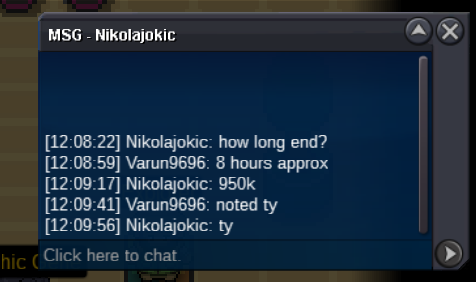
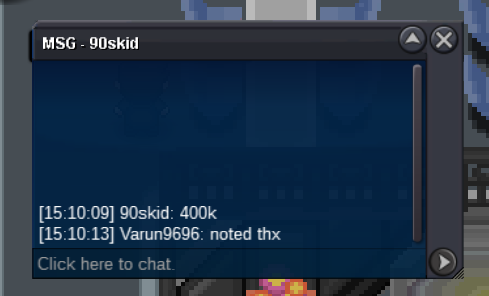
S.O 1 POKEDOLLAR MIN BID 1 POKEDOLLAR TIME : 48 HOURS ACCEPT CC 400K IV RR 500K CONTACT iivarun on dc // varun9696 in gold gl ppl 🙂
-
Bump
-
I think i won ? @Tyche0nline
-
S.O 1 POKEDOLLAR MIN BID 1 POKEDOLLAR TIME : 44 HOURS ACCEPT CC 400K IV RR 500K CONATACT VARUN9696 IN GAME OR iivarun on discord gl ppl
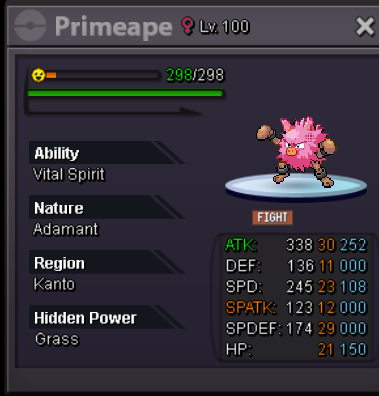 750k drago 🙂Start dragoBumpS.O 1 POKEDOLLAR MIN BID 1 POKEDOLLAR TIME : 30 HOURS AFTER START ACCEPT CC 400K RR 500K GL PPL
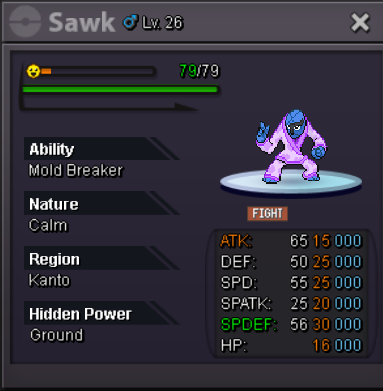 @Gal1leo xD WE WILL BE WAITING
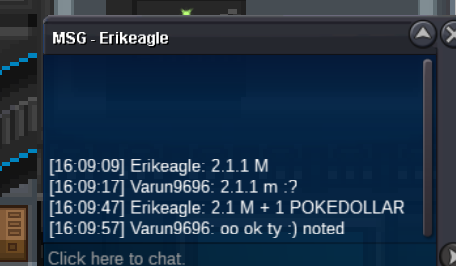 bump few hours leftS.O 1 POKEDOLLAR MIN BID 1 POKEDOLLAR TIME : 40 HOURS AFTER START ACCEPT CC 400K RR 500K CONTACT : iivarun on discord //// varun9696 / pokeattack3 in game INSTANT : N/A GL PPL 🙂
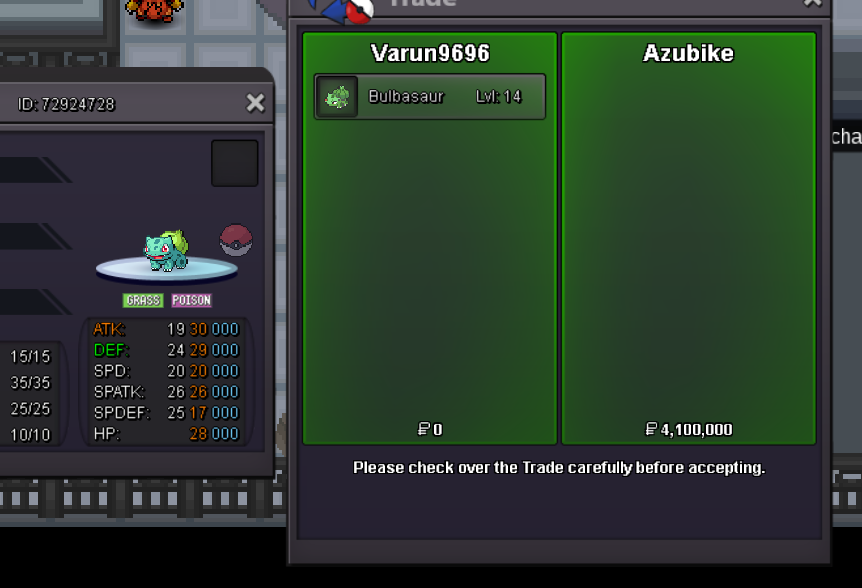
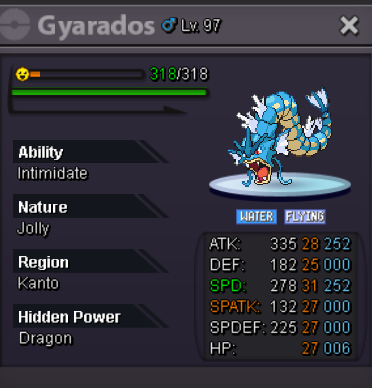 @Alexammyr @Jkysan and everyone who bid after 1.61m u are late sorry auction has ended and trade has been madeBumpS.o 500k Min bid 100k Instant N/A Accept cc 400k iv rr 500k Time : 44 hours after start Contact iivarun on discord for more details Or varun9696 / Pokeattack3 in game This is and auction which is done on behalf of @Azubike
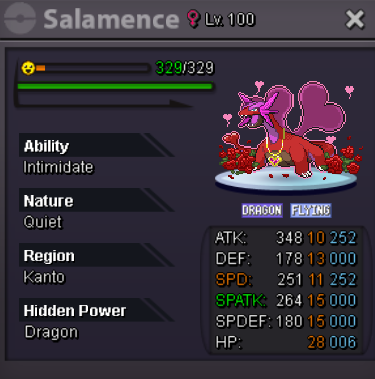 S.O OF 50K MIN BID 1 POKEDOLLARS TIME : 34 HOUR'S ACCEPT CC 400K IV RR 500K CONTACT: iivarun on discord Or varun9696 / Pokeattack3
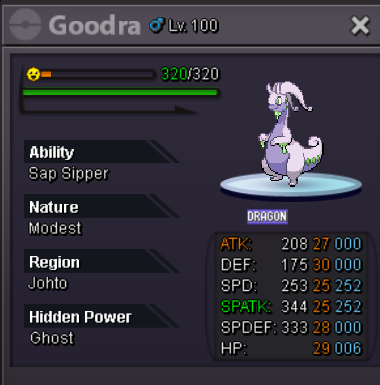 @Azubikeyes sir you won the auction so please contact me on discord iivarunBumppppBumpp
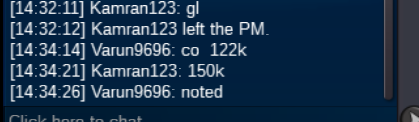

Account
Navigation
Search
Configure browser push notifications
Chrome (Android)
- Tap the lock icon next to the address bar.
- Tap Permissions → Notifications.
- Adjust your preference.
Chrome (Desktop)
- Click the padlock icon in the address bar.
- Select Site settings.
- Find Notifications and adjust your preference.
Safari (iOS 16.4+)
- Ensure the site is installed via Add to Home Screen.
- Open Settings App → Notifications.
- Find your app name and adjust your preference.
Safari (macOS)
- Go to Safari → Preferences.
- Click the Websites tab.
- Select Notifications in the sidebar.
- Find this website and adjust your preference.
Edge (Android)
- Tap the lock icon next to the address bar.
- Tap Permissions.
- Find Notifications and adjust your preference.
Edge (Desktop)
- Click the padlock icon in the address bar.
- Click Permissions for this site.
- Find Notifications and adjust your preference.
Firefox (Android)
- Go to Settings → Site permissions.
- Tap Notifications.
- Find this site in the list and adjust your preference.
Firefox (Desktop)
- Open Firefox Settings.
- Search for Notifications.
- Find this site in the list and adjust your preference.