




New Trade Zone
Trade Zone is now live
Use the new Trade Zone for auctions and instant-price trades so Pokemon and item offers are easy to find.

Gigicuccu
Registered User
-
Joined
-
Last visited
Everything posted by Gigicuccu
-
2.4
-
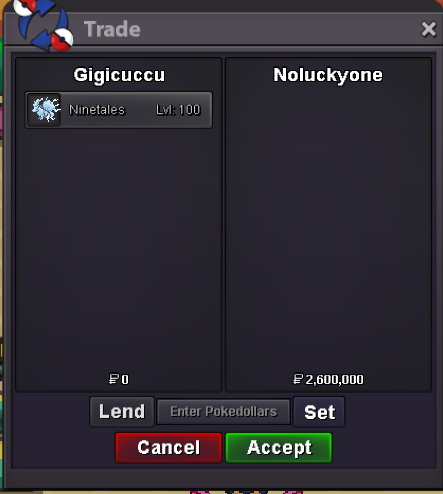
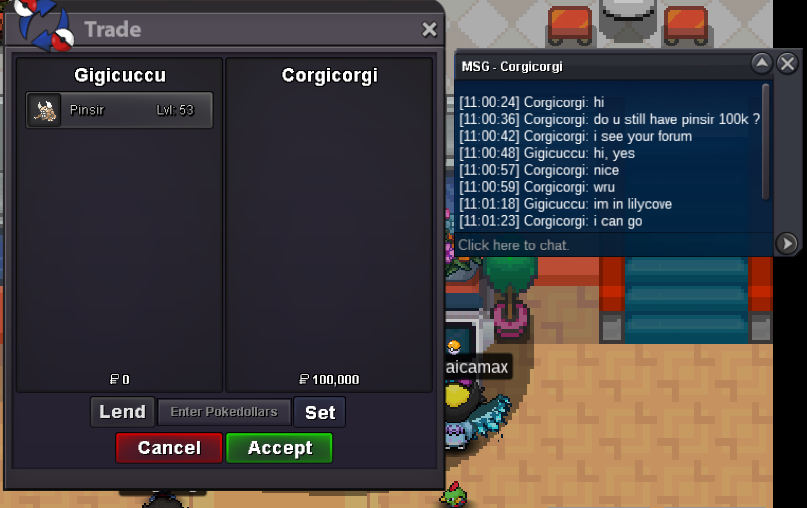
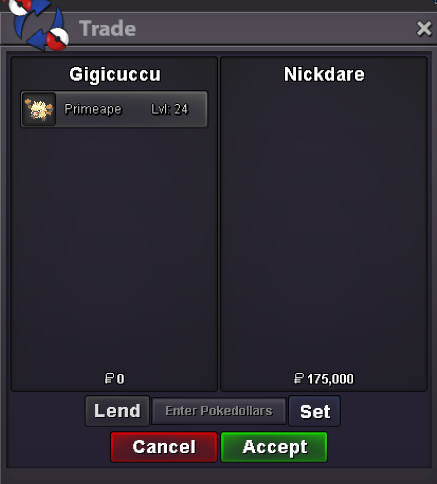
Both sold forgot to take screenshot of the trade . Here the wheel results : 1) Registrazione dello schermo 2025-06-05 172359.mp4 2) Registrazione dello schermo 2025-06-05 172453.mp4
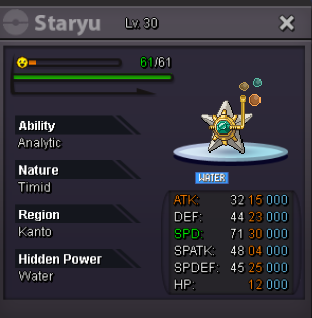
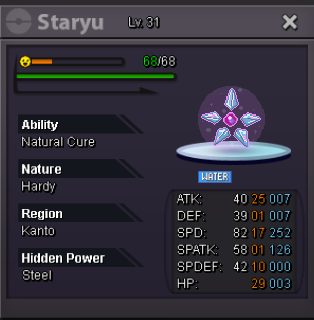
-
2m
-
hi i buy modest blacephalon
-
550 shedinja
-
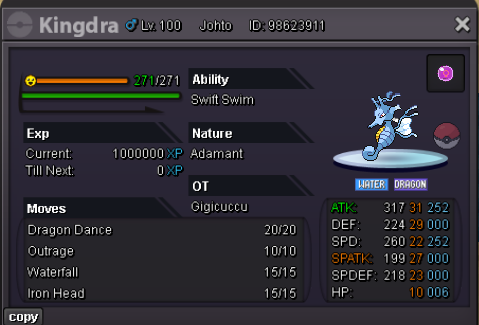
PvP ada kingdra perfect to bait clefable Start: 100k Min bid:50k End: 1 day after first bid submitted Reminders: Kingdra has the same ATK and SPATK base stat As u can see mine has Iron Head and Dragon Dance , after 1 dragon dance , you have 94% chance to kill magic guard 31 defence bold clefable (55% usage) with 2 iron heads after clefable's leftovers recovery. The strategy is clearly to deploy Kingdra against an opposing Pokemon that is weak to water to bait out the opponent's Clefable gaining 1 turn to set up dragon dance.


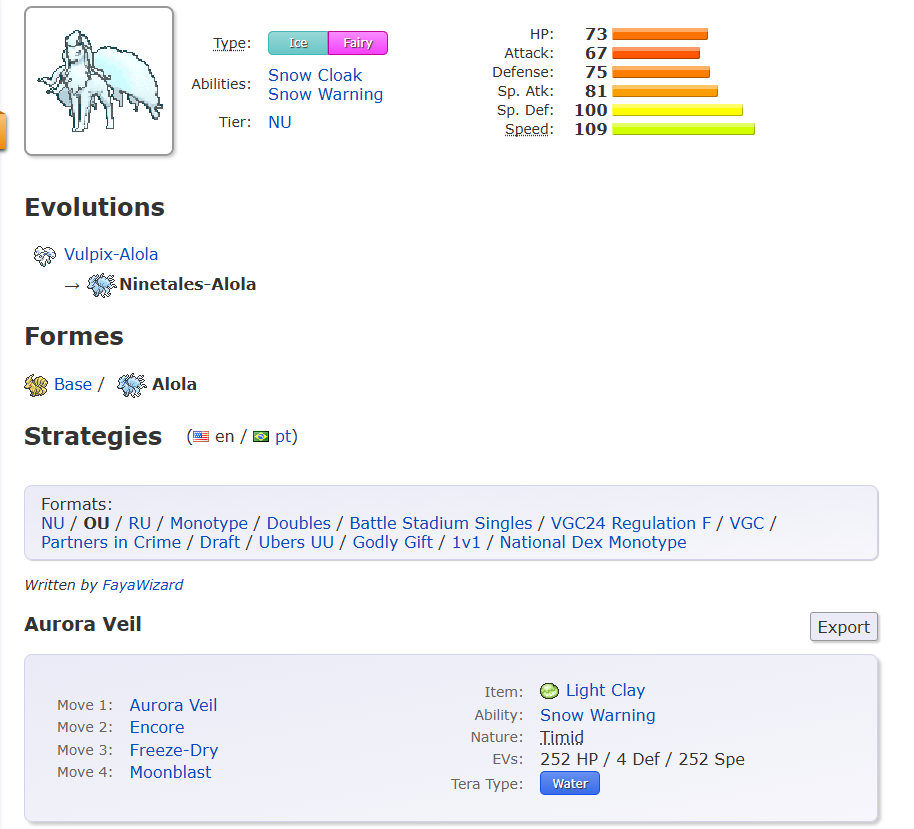
 around 12 hours left.bumpAlolan-Ninetales max speed pvp ready with moves Here the smogon (gen 9 OU) : 👇 Start: 1M Min-bid: 100k Insta: 11,111,111 $ End: 48 Hours after first bid submitted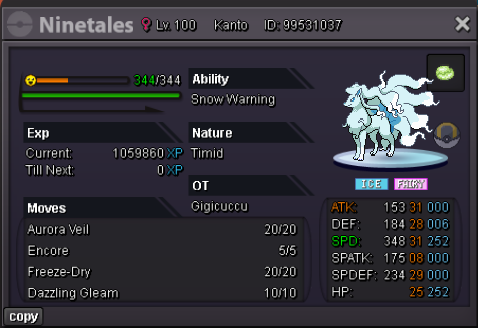
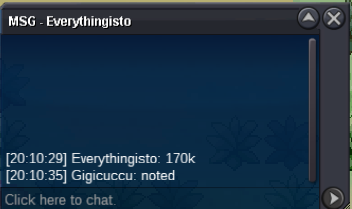
 items wheels added.550400k300k200100kGot insta. thanks everyone
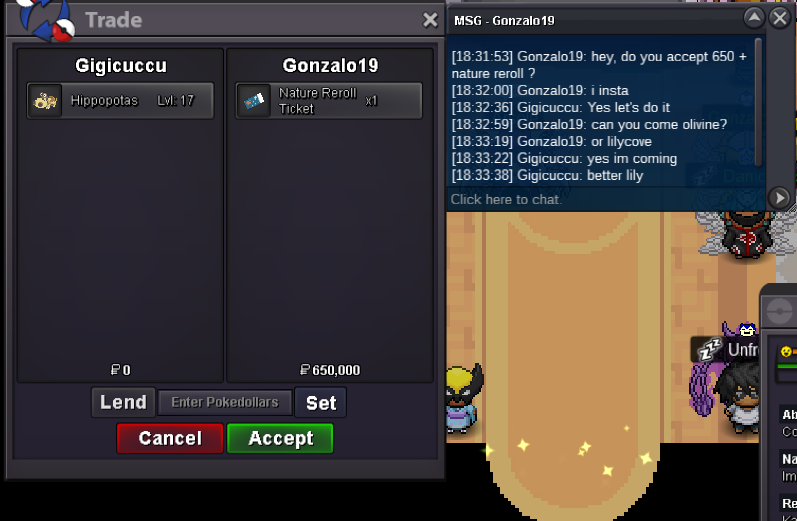 Start: 150k Min-bid: 50k Insta: 1M End: 24 hours after first-bid submitted
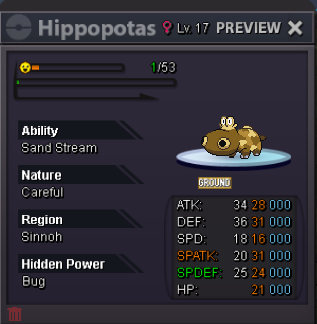 hlw ursaring sold !500k by Eunia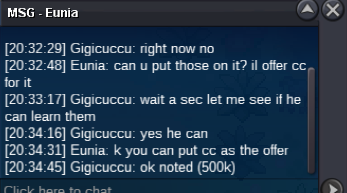

Account
Navigation
Search
Configure browser push notifications
Chrome (Android)
- Tap the lock icon next to the address bar.
- Tap Permissions → Notifications.
- Adjust your preference.
Chrome (Desktop)
- Click the padlock icon in the address bar.
- Select Site settings.
- Find Notifications and adjust your preference.
Safari (iOS 16.4+)
- Ensure the site is installed via Add to Home Screen.
- Open Settings App → Notifications.
- Find your app name and adjust your preference.
Safari (macOS)
- Go to Safari → Preferences.
- Click the Websites tab.
- Select Notifications in the sidebar.
- Find this website and adjust your preference.
Edge (Android)
- Tap the lock icon next to the address bar.
- Tap Permissions.
- Find Notifications and adjust your preference.
Edge (Desktop)
- Click the padlock icon in the address bar.
- Click Permissions for this site.
- Find Notifications and adjust your preference.
Firefox (Android)
- Go to Settings → Site permissions.
- Tap Notifications.
- Find this site in the list and adjust your preference.
Firefox (Desktop)
- Open Firefox Settings.
- Search for Notifications.
- Find this site in the list and adjust your preference.