




New Trade Zone
Trade Zone is now live
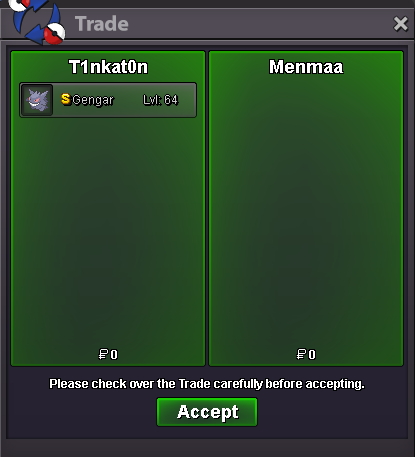
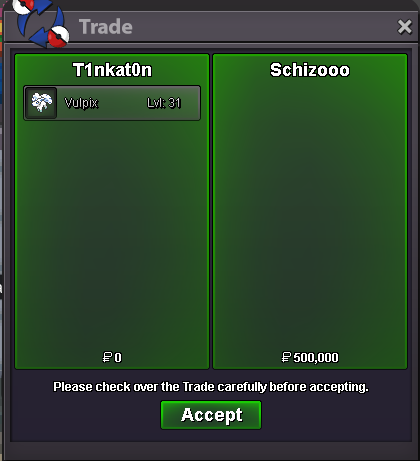
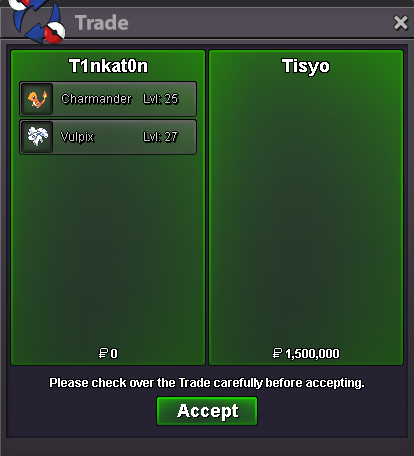
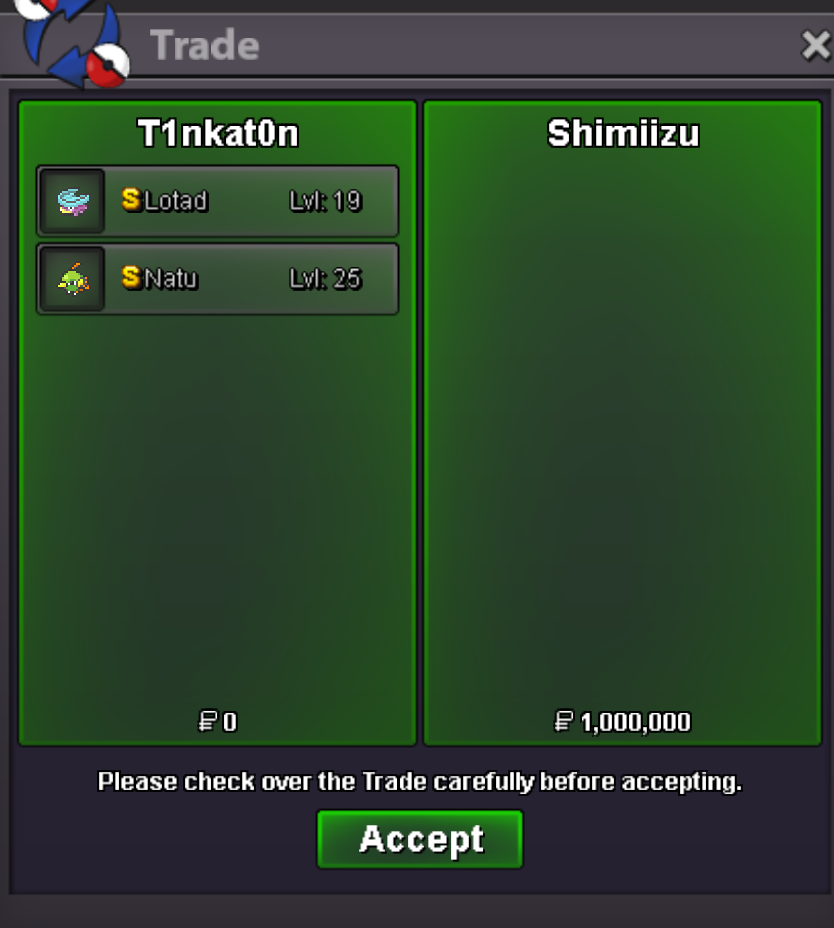
Use the new Trade Zone for auctions and instant-price trades so Pokemon and item offers are easy to find.

T1nkat0n
Registered User
-
Joined
-
Last visited
Everything posted by T1nkat0n
-
Silver plz
-
2.2
-
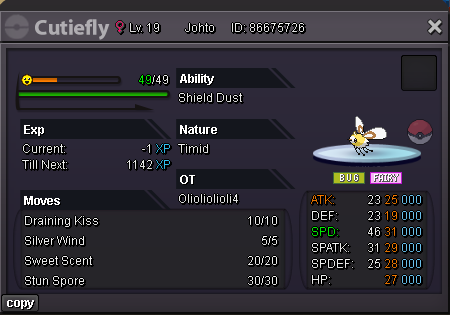
already trade done by my alt acc, tysm
-
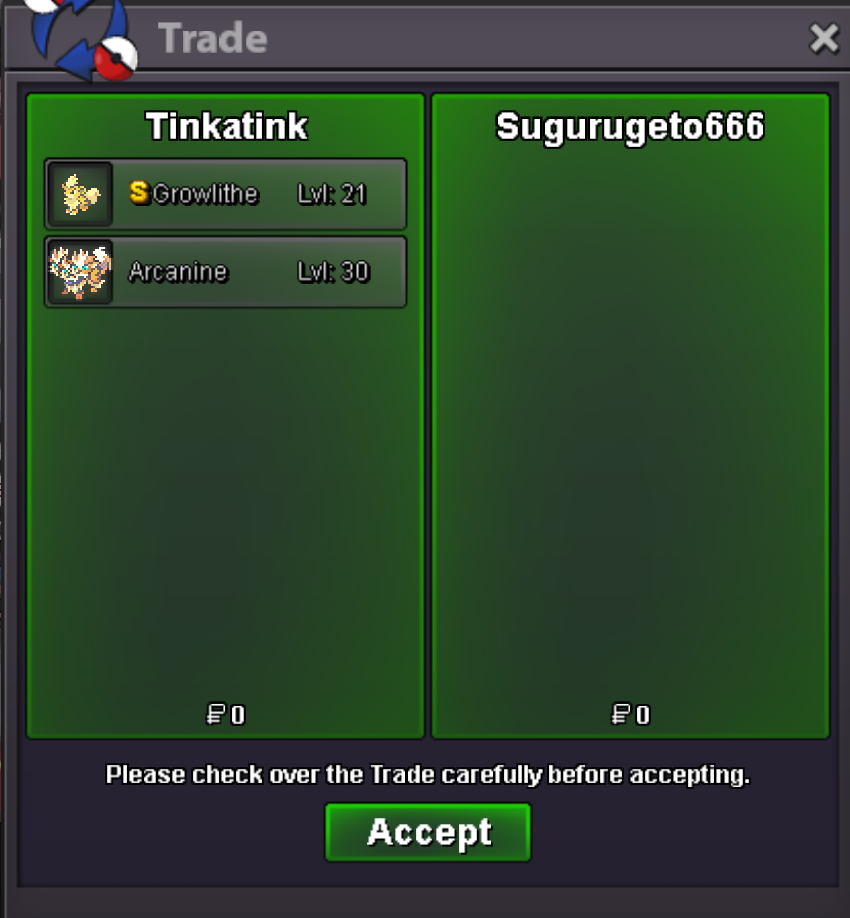
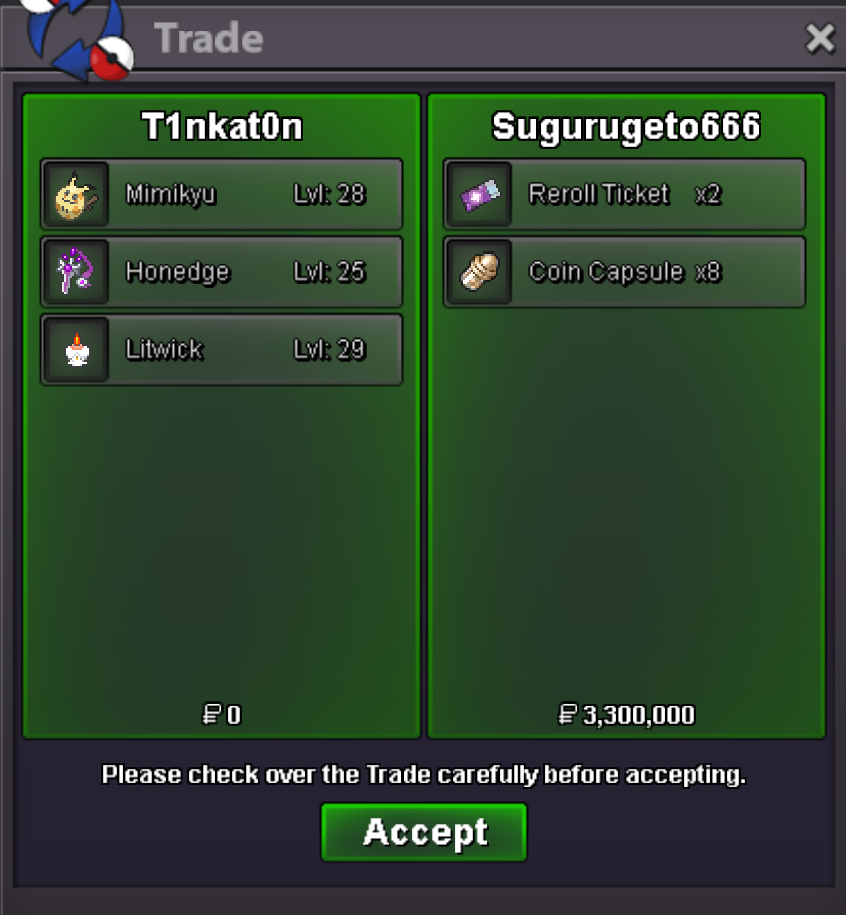
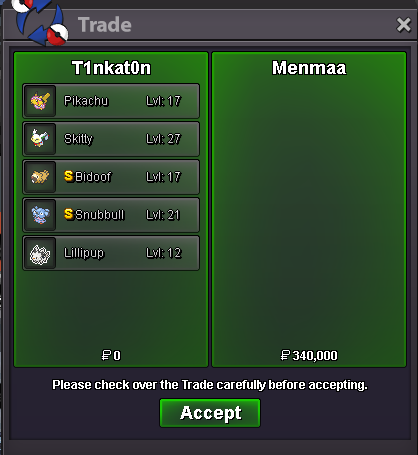
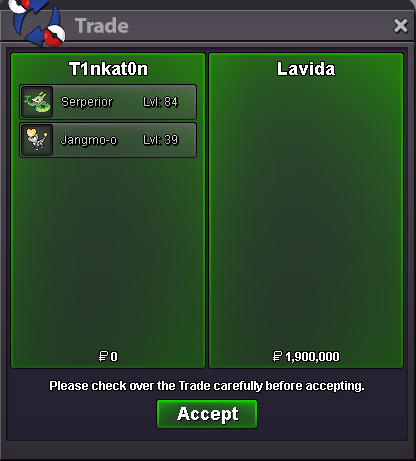
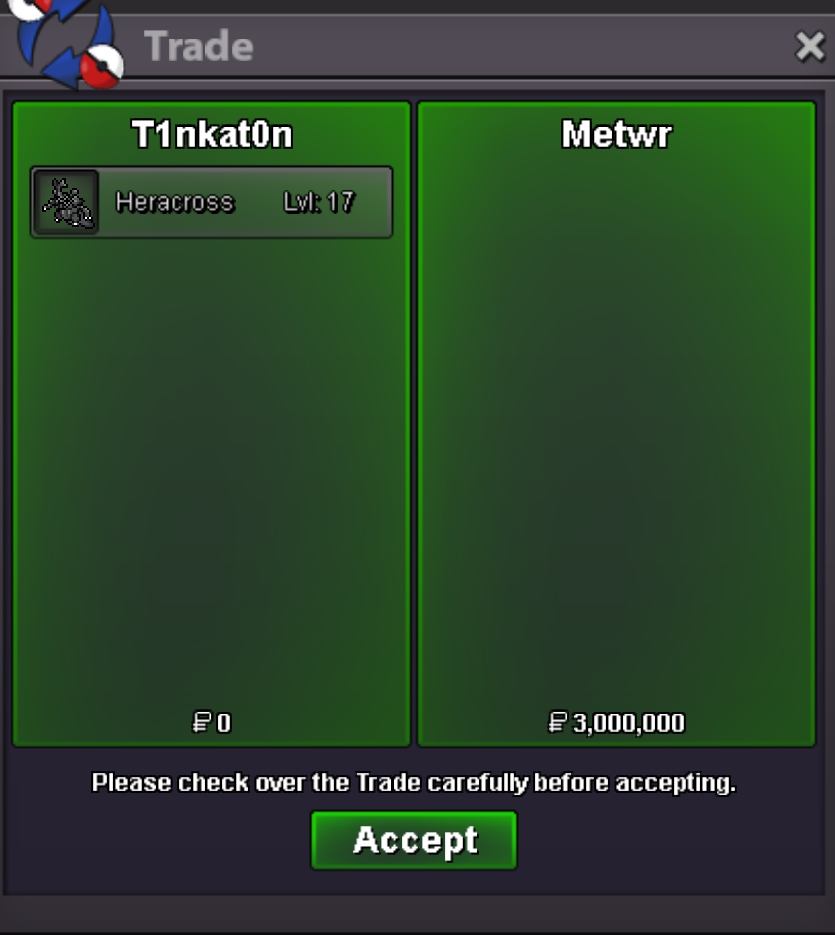
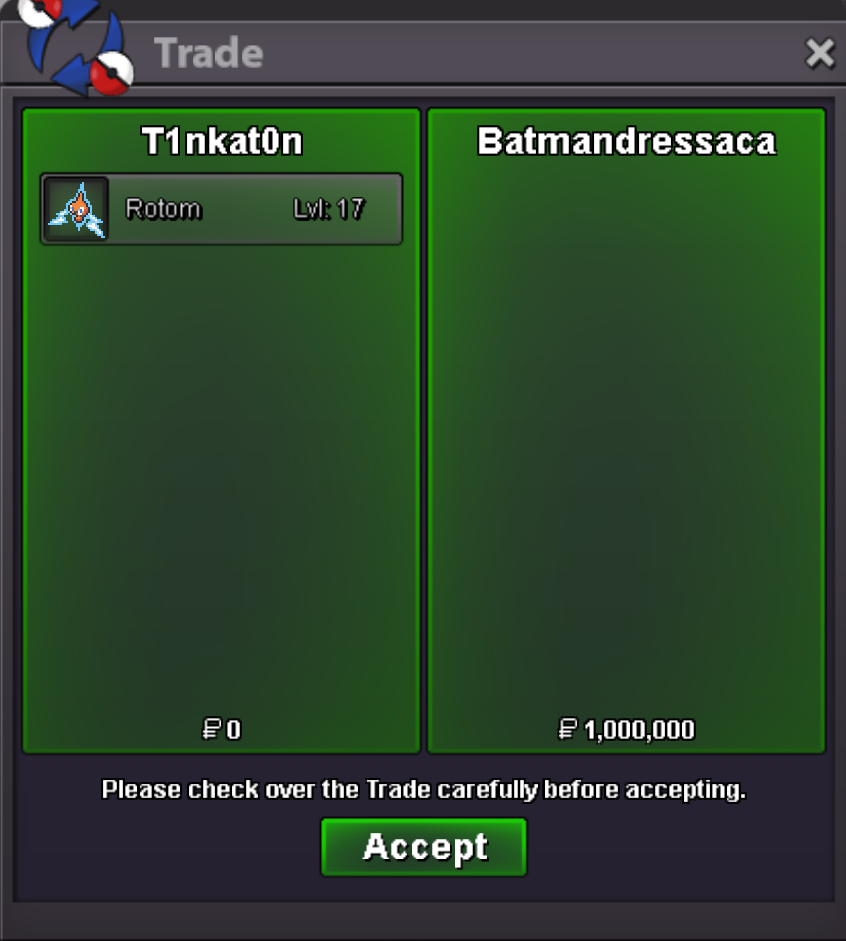
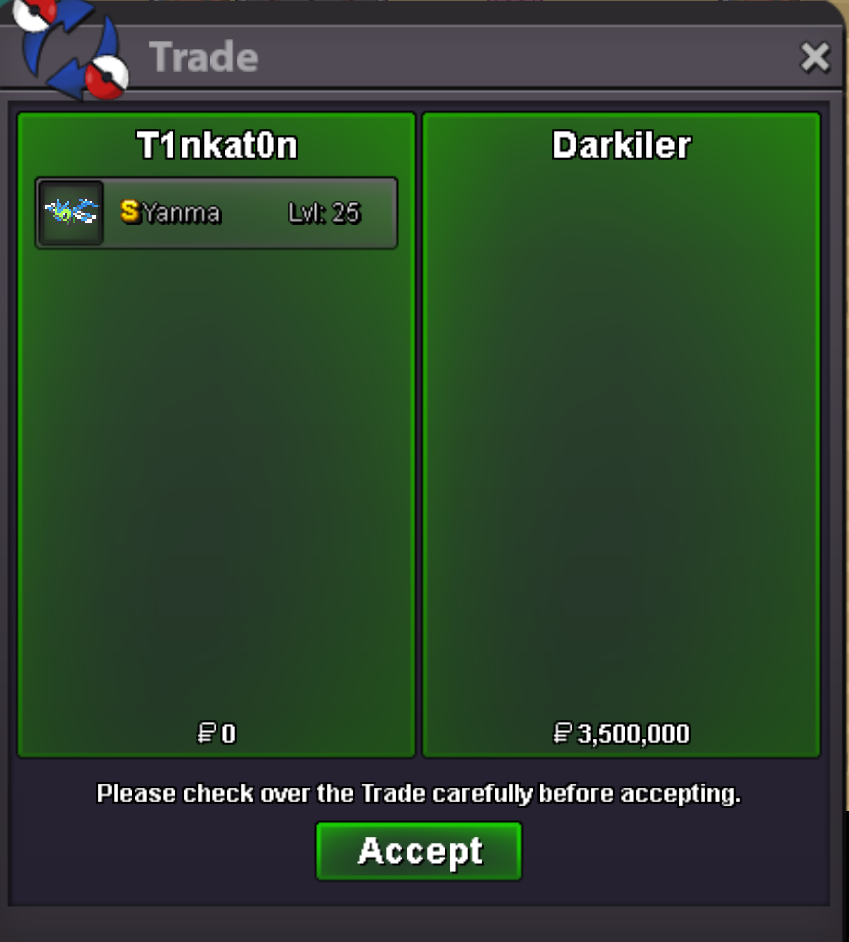
150k each i can doyea still available, msg me when u online2.1m32m30mHi there! A few hours ago, I was purchasing RC. Before my final trade, I already had 474 RC in my account. I then traded with another player who offered 900 RC, but after the transaction concluded, my total RC only reached 999 instead of the expected amount. From what I recall, I ended up losing 375 RC in total due to this issue. I think there might be a bug, so I’m requesting to have the 375 RCS restored to my account.Hi, i can do 300k if u wantStartYea of cuzStart


Account
Navigation
Search
Configure browser push notifications
Chrome (Android)
- Tap the lock icon next to the address bar.
- Tap Permissions → Notifications.
- Adjust your preference.
Chrome (Desktop)
- Click the padlock icon in the address bar.
- Select Site settings.
- Find Notifications and adjust your preference.
Safari (iOS 16.4+)
- Ensure the site is installed via Add to Home Screen.
- Open Settings App → Notifications.
- Find your app name and adjust your preference.
Safari (macOS)
- Go to Safari → Preferences.
- Click the Websites tab.
- Select Notifications in the sidebar.
- Find this website and adjust your preference.
Edge (Android)
- Tap the lock icon next to the address bar.
- Tap Permissions.
- Find Notifications and adjust your preference.
Edge (Desktop)
- Click the padlock icon in the address bar.
- Click Permissions for this site.
- Find Notifications and adjust your preference.
Firefox (Android)
- Go to Settings → Site permissions.
- Tap Notifications.
- Find this site in the list and adjust your preference.
Firefox (Desktop)
- Open Firefox Settings.
- Search for Notifications.
- Find this site in the list and adjust your preference.