




New Trade Zone
Trade Zone is now live
Use the new Trade Zone for auctions and instant-price trades so Pokemon and item offers are easy to find.

Shiroa
Registered User
-
Joined
-
Last visited
Everything posted by Shiroa
-
180k by Chrisxnenz

-
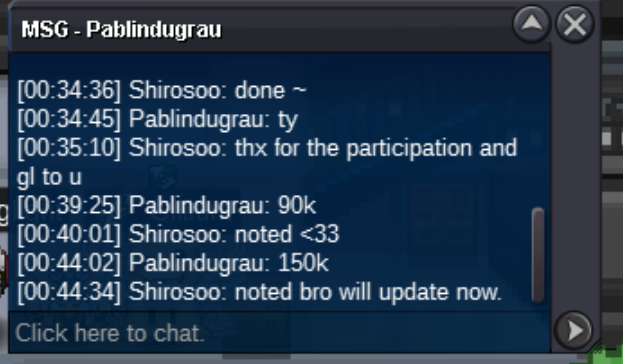
150k by Pablindugrau
-
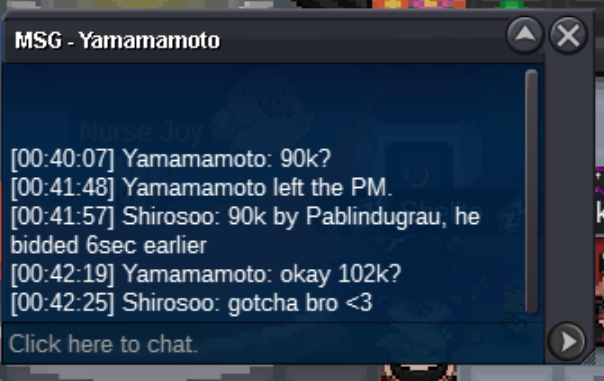
102k by Yamamamoto
-
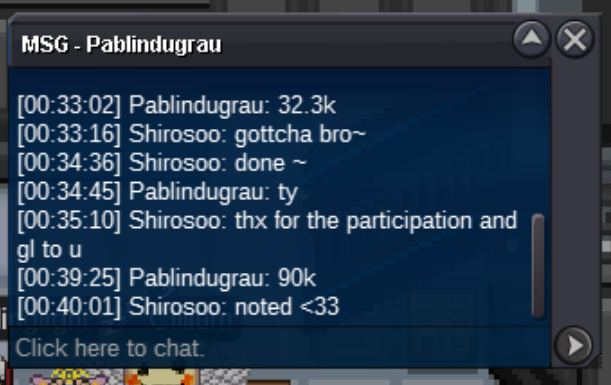
90k by Pablindugrau
-
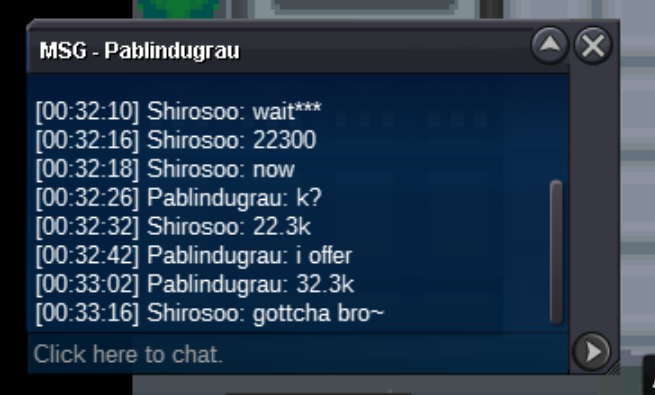
32.3k by Pablindugrau
-
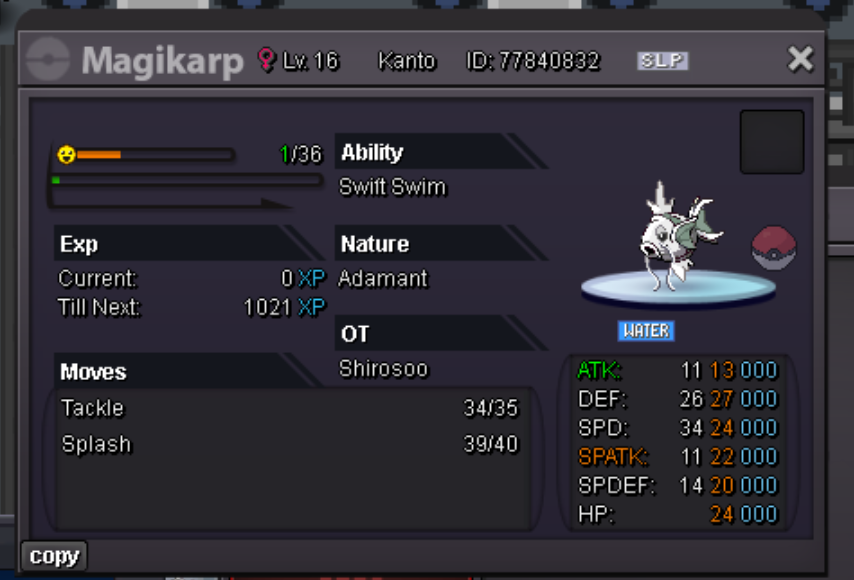
Start Price: $1 Min Raise: 10k End Point: 24hrs (after start bid) Payment: Pokedollars / IV reroll (1x 500k each) / Coin Capsules(1x 400k each) No insta - If you intend to purchase with an alternate account, specify the account alongside your bid. - 15mins delay rule applies at the end point.
-
-
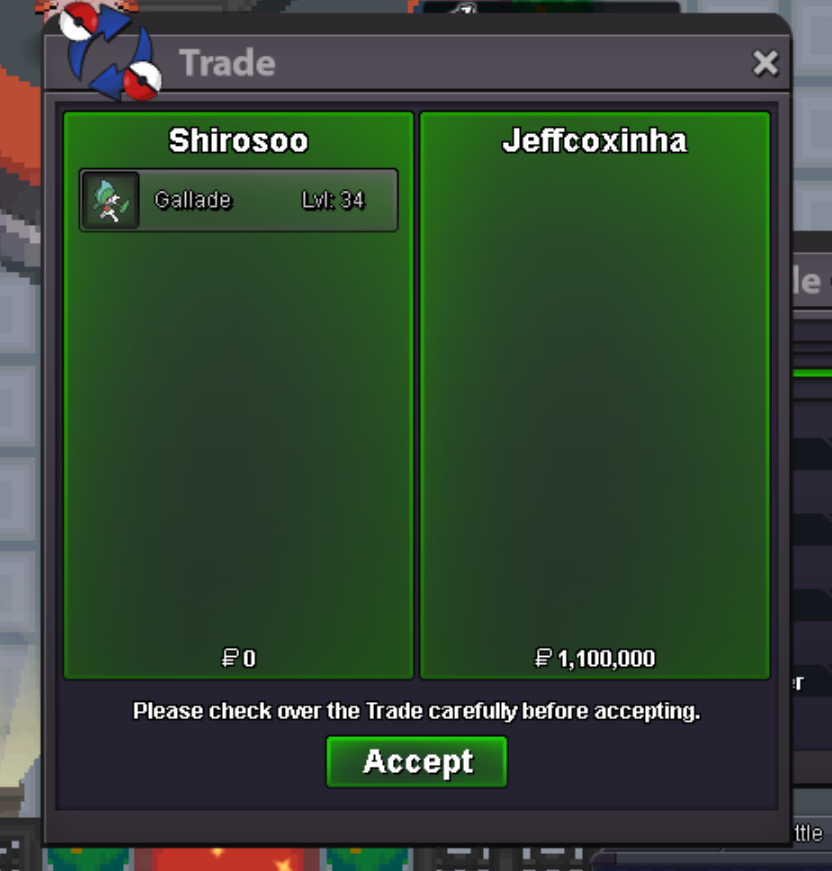
winner @Jeffcoxinha
-
Congrats @Jeffcoxinha on winning the auction ❤️ and those that supported this auction, thank-you ❤️
-
1.1m by Jeffcoxinha

-
1m50k by Jimmm2

-
1m by Jeffcoxinha

-
700k by Lukasjed

-
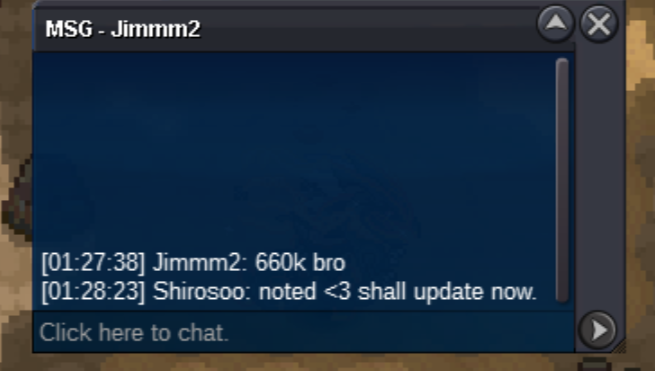
660k by Jimmm2
-
@Jimmm2 the current bid is 640k by Jahtiyar
-
@Jimmm2 approximately 7hrs 46mins left and 15mins delay rules applies ❤️
-
640k by Jahtiyar

-
600k by Jeffcoxinha

-
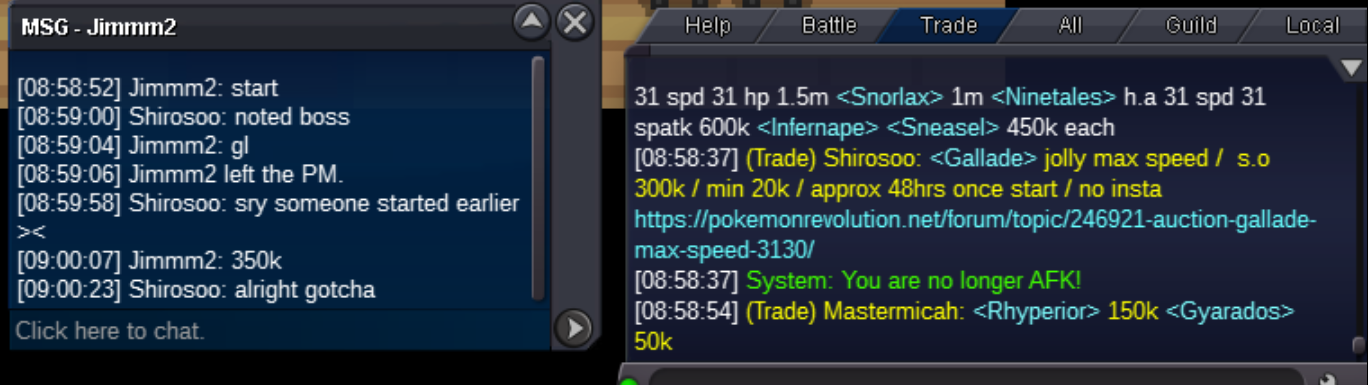
350k by Jimmm2
-
Start Price: 300k Min Raise: 20k End Point: 48hrs (after start bid) Payment: Pokedollars / IV reroll (1x 500k each) / Coin Capsules(1x 400k each) No insta - If you intend to purchase with an alternate account, specify the account alongside your bid. - 15mins delay rule applies at the end point.

-
wtb - 13m or able to trade plenty of rare forms for it too.
-
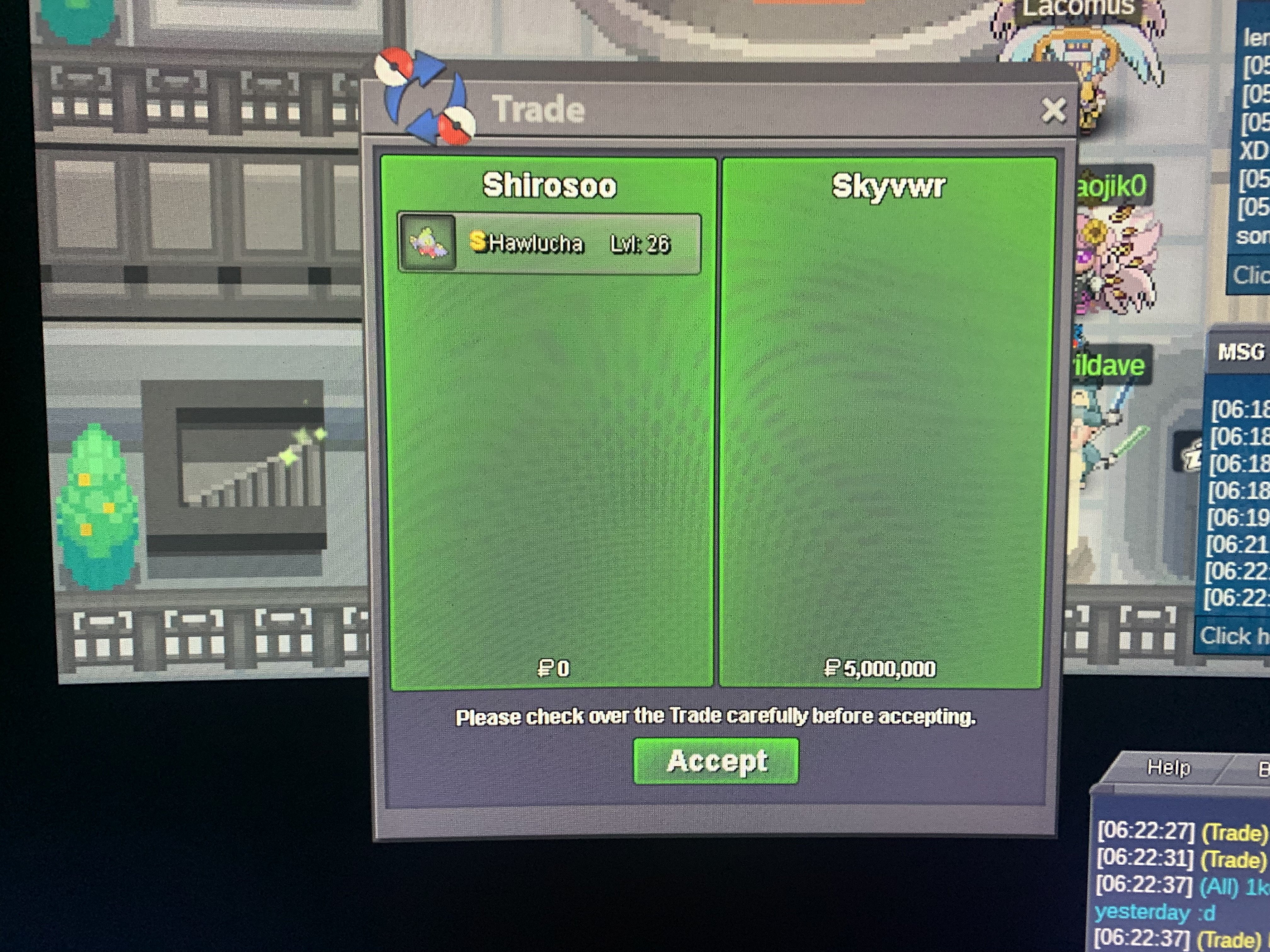
Winner @Skyvr
-
4.1m
-
hi @Skyvr, congrats on winning the auction ❤️ do let me know once you ready to deal.
-
Start Price: 4m Min Raise: 10k End Point: 72hrs (after start bid) Payment: Pokedollars / IV reroll (1x 500k each) / Coin Capsules(1x 400k each) - If you intend to purchase with an alternate account, specify the account alongside your bid. - 15mins delay rule applies at the end point.

