New Trade Zone
Trade Zone is now live
Use the new Trade Zone for auctions and instant-price trades so Pokemon and item offers are easy to find.

0ptimusprime
Suspended
-
Joined
-
Last visited
Everything posted by 0ptimusprime
-
trash work too sturdy must pm with priceif no trade within 12 hours ,i will report for ban /discord shinytree7214
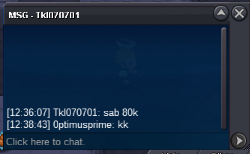
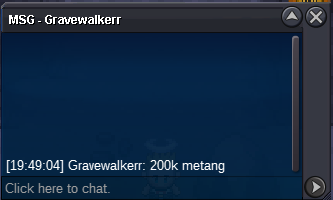
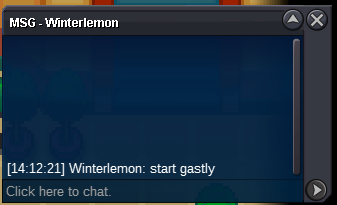
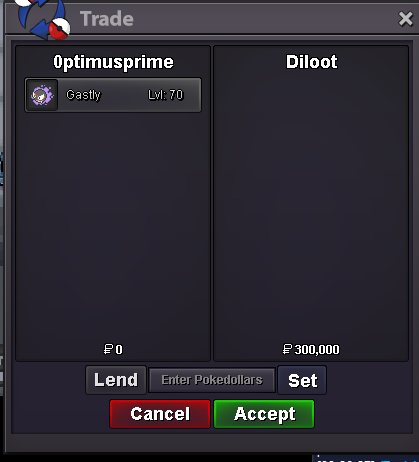 if no trade within 12 hours ,i will report for ban /discord shinytree7214message me in game when online /pm 0ptimusprimewaiting for trademetang s.o 100k min 20k sableye s.o 50k min 10k fle ada s.o 400k min 20k gastly s.o 100k min 20k pawn s.o 100k min 10k fle calm s.o 100k min 20k time 24hrs after the forum created..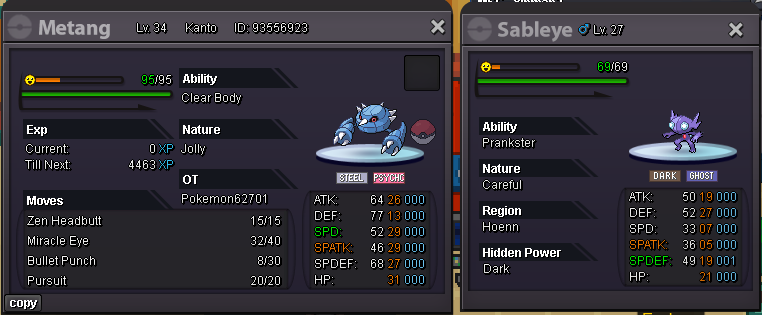

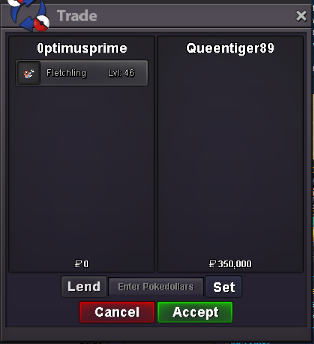
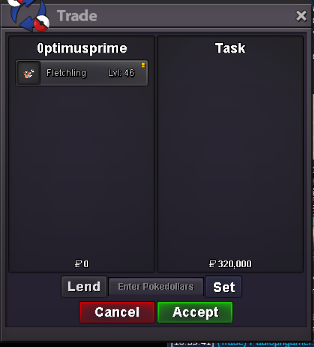
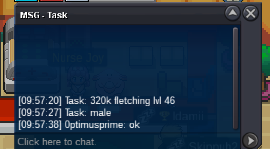
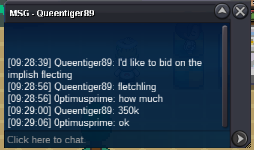
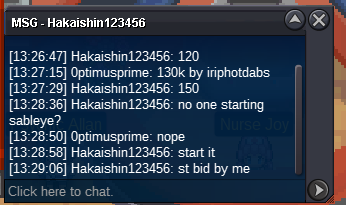
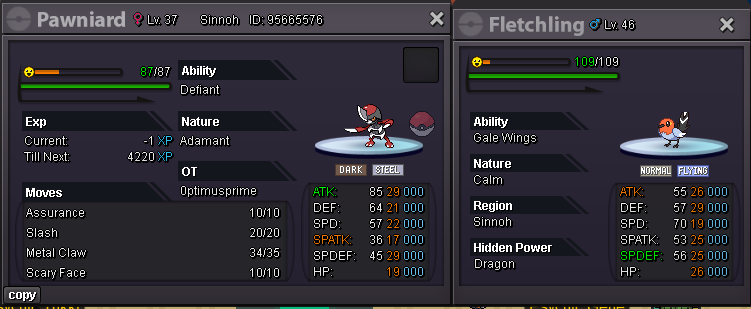 still offline the last biddersada flet s.o 250k with extend time 30minsimpis fle c.o 350kgastly won by hakaishin wait for trade , fletchling s.o change to 300k and added 1 hoursgastly 120k c.ogastly s.o 100k min 20k <sold> fle ada - s.o 300k min 20k fle jolly -s.o 300k min 20k fle impish -s.o 300k min 20k time-1 hours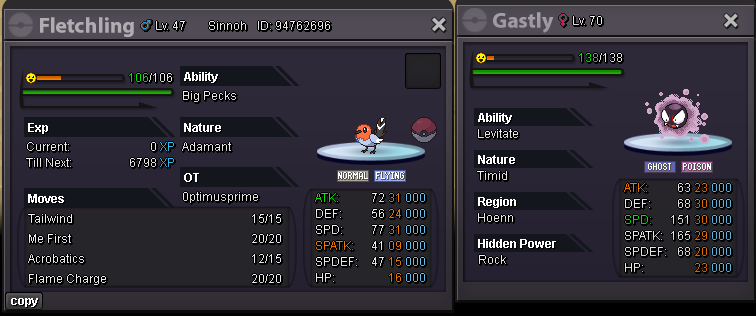
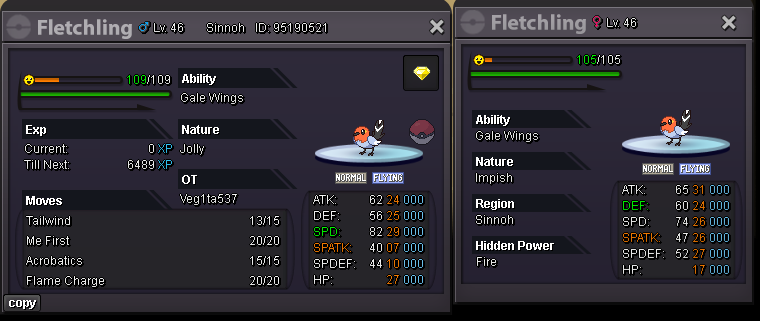 fletchling c.o 50k by 1cloudzs.o -50k min bid- 10k time-6hrs insta -1m
Account
Navigation
Search
Configure browser push notifications
Chrome (Android)
- Tap the lock icon next to the address bar.
- Tap Permissions → Notifications.
- Adjust your preference.
Chrome (Desktop)
- Click the padlock icon in the address bar.
- Select Site settings.
- Find Notifications and adjust your preference.
Safari (iOS 16.4+)
- Ensure the site is installed via Add to Home Screen.
- Open Settings App → Notifications.
- Find your app name and adjust your preference.
Safari (macOS)
- Go to Safari → Preferences.
- Click the Websites tab.
- Select Notifications in the sidebar.
- Find this website and adjust your preference.
Edge (Android)
- Tap the lock icon next to the address bar.
- Tap Permissions.
- Find Notifications and adjust your preference.
Edge (Desktop)
- Click the padlock icon in the address bar.
- Click Permissions for this site.
- Find Notifications and adjust your preference.
Firefox (Android)
- Go to Settings → Site permissions.
- Tap Notifications.
- Find this site in the list and adjust your preference.
Firefox (Desktop)
- Open Firefox Settings.
- Search for Notifications.
- Find this site in the list and adjust your preference.