New Trade Zone
Trade Zone is now live
Use the new Trade Zone for auctions and instant-price trades so Pokemon and item offers are easy to find.


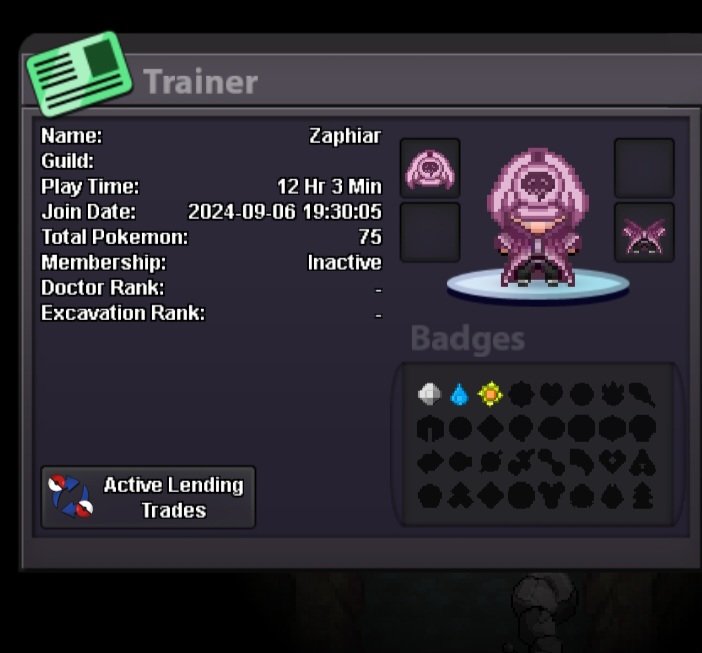
Zaphiar
Suspended
-
Joined
-
Last visited
Everything posted by Zaphiar
-
Bump. C.O. 1,3 mil by Mijori
-
400k
-
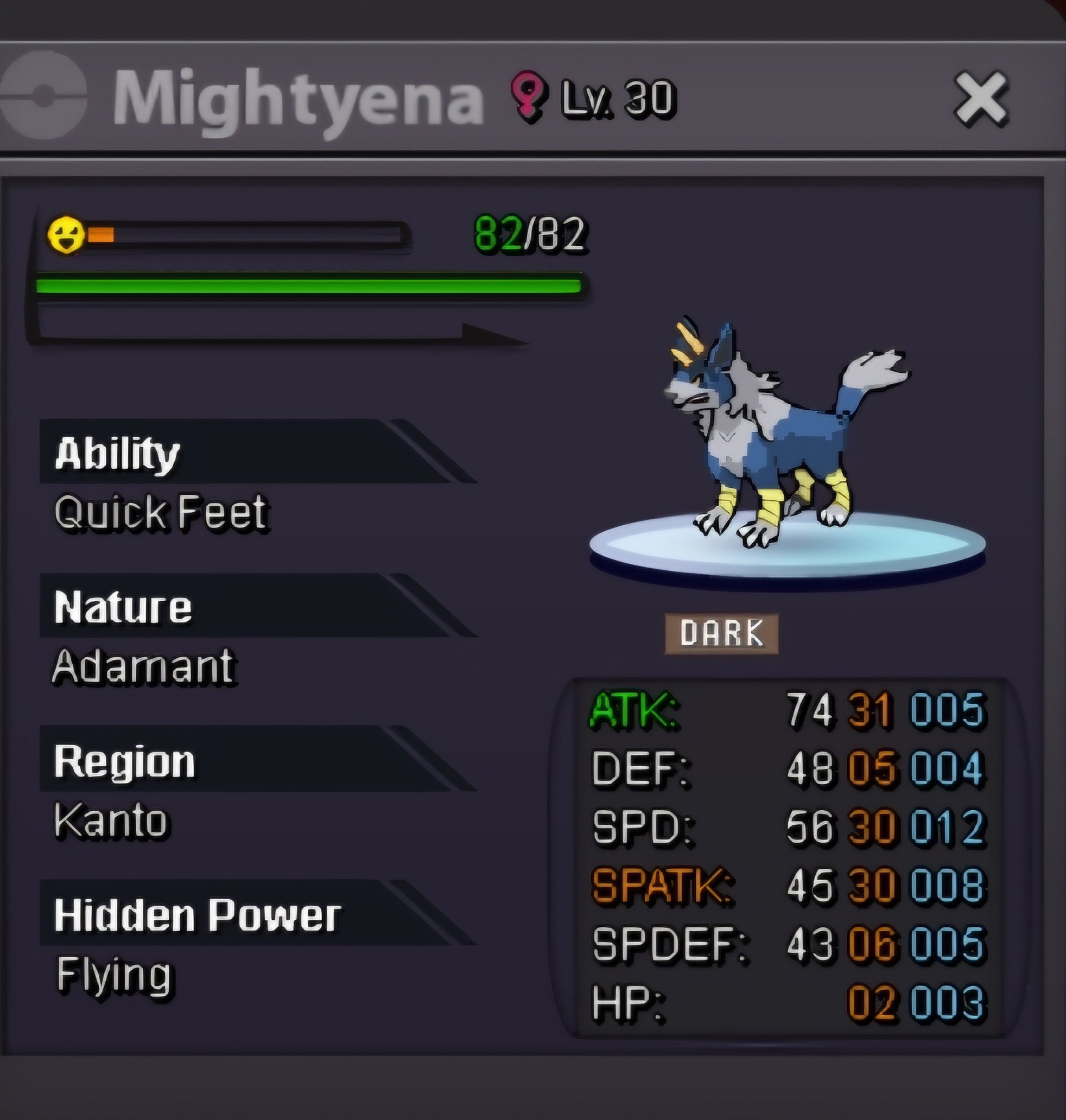
Accepted payments : -Pokedollars -CC = 450k IGN : Zaphiar Discord : xaphiar. Starting bid: 500k Min bid: 50k Auction time: 2 days (After first bid)
-
-
Contacted u on discord
-
Bump. 52h left
-
Bump
-
Accepted payments : -Pokedollars -CC = 400k IGN : Zaphiar Discord : xaphiar. Starting bid: 1 Mil Min bid: 100k Auction time: 3 days (After first bid) Buy Out : 2 Mil

-
Hello, Welcome to the Z Shop! I’ll be updating the shop as much as I can. Feel free to browse Trough. Sry about the bad Image links i am still new to this. Contact Info: IGN : Zaphiar Discord : xaphiar. Timezone: Gmt+2 Availability : Usually 22:00-00:00 Note: My Preference Contact Method is through discord. I also recommend posting here, on this forum page about what Pokémon you would like to purchase before contacting me on discord. Payment Methods: - Pokedollars - Coin Capsules (CCs) - 400k - IV Reroll Tickets - 500k - Nature Reroll Tickets - 250k - Rare Candies - 6k Trained Pokes Untrained Pokes Shiny/Event Pokes Cosmetic & Mounts
-
Ok sry my mistake. Contacted Taelfan.
-
1 hour left
-
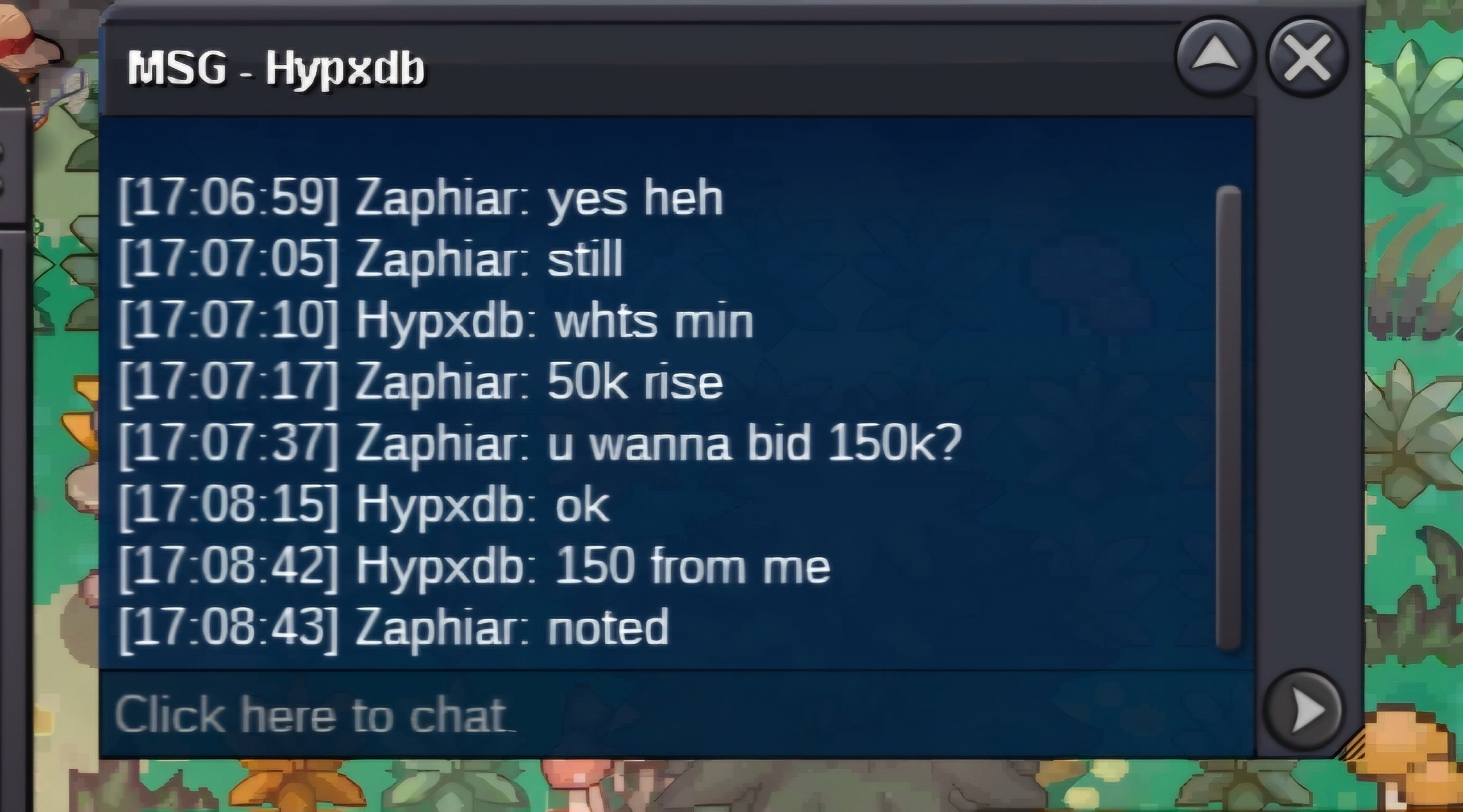
Bid ingame. 4 hours left
-
Bump
-
Bump
-
Bump
-
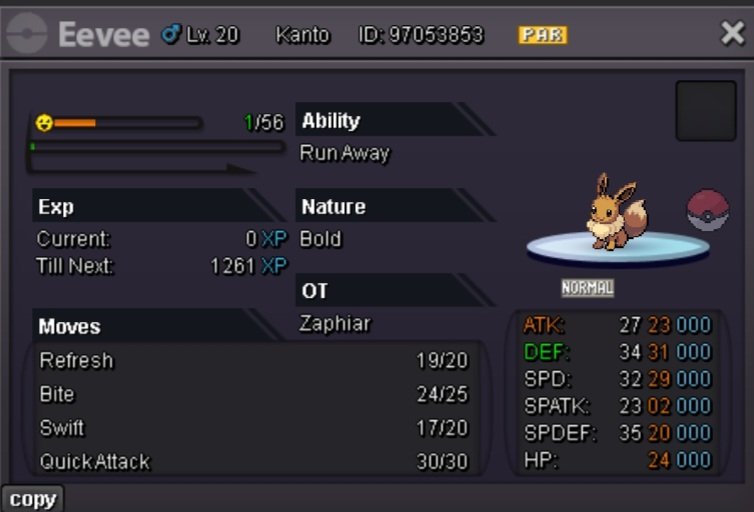
Starting Price: 100k Minimum Bid: 50k No Insta Duration: 48h After first bid
-
Hello i am Zaphiar. I know based on my info i am actualy a newbie but in fact a returning player. Played the game 3 years ago until my account got compromised. So yeah i hope u give me a place to have fun. Thanks - Zaphiar - 37 - Germany - Discord info: Coming soon