




New Trade Zone
Trade Zone is now live
Use the new Trade Zone for auctions and instant-price trades so Pokemon and item offers are easy to find.


Phungminhanhh
Registered User
-
Joined
-
Last visited
Everything posted by Phungminhanhh
-
460
-
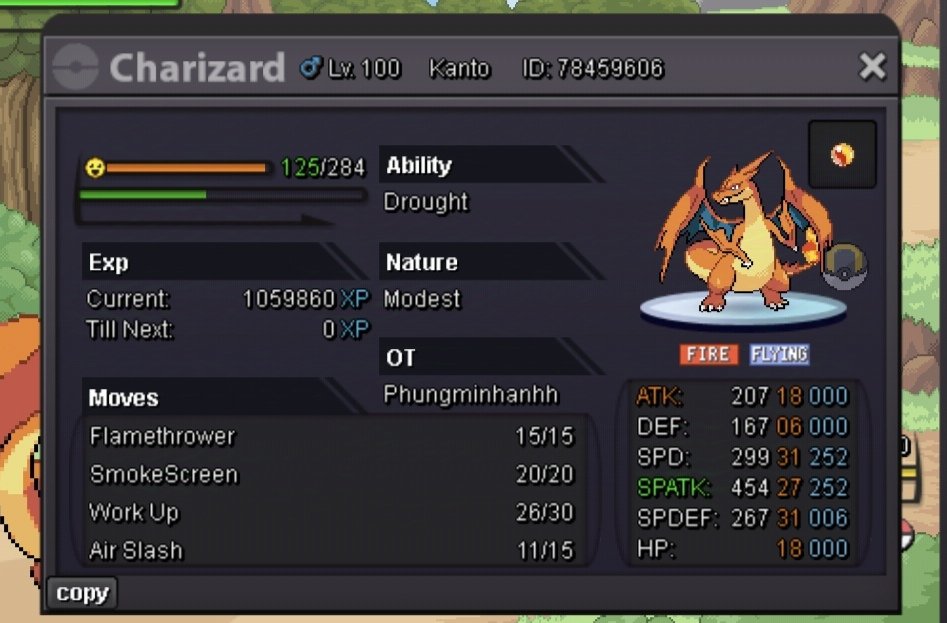
vậy = 1m / insta 6m giá thấp tối thiểu 100k đấu giá 72h sau khi bắt đầu Char 31/27 hp băng ( WTT POKEMON FROM )
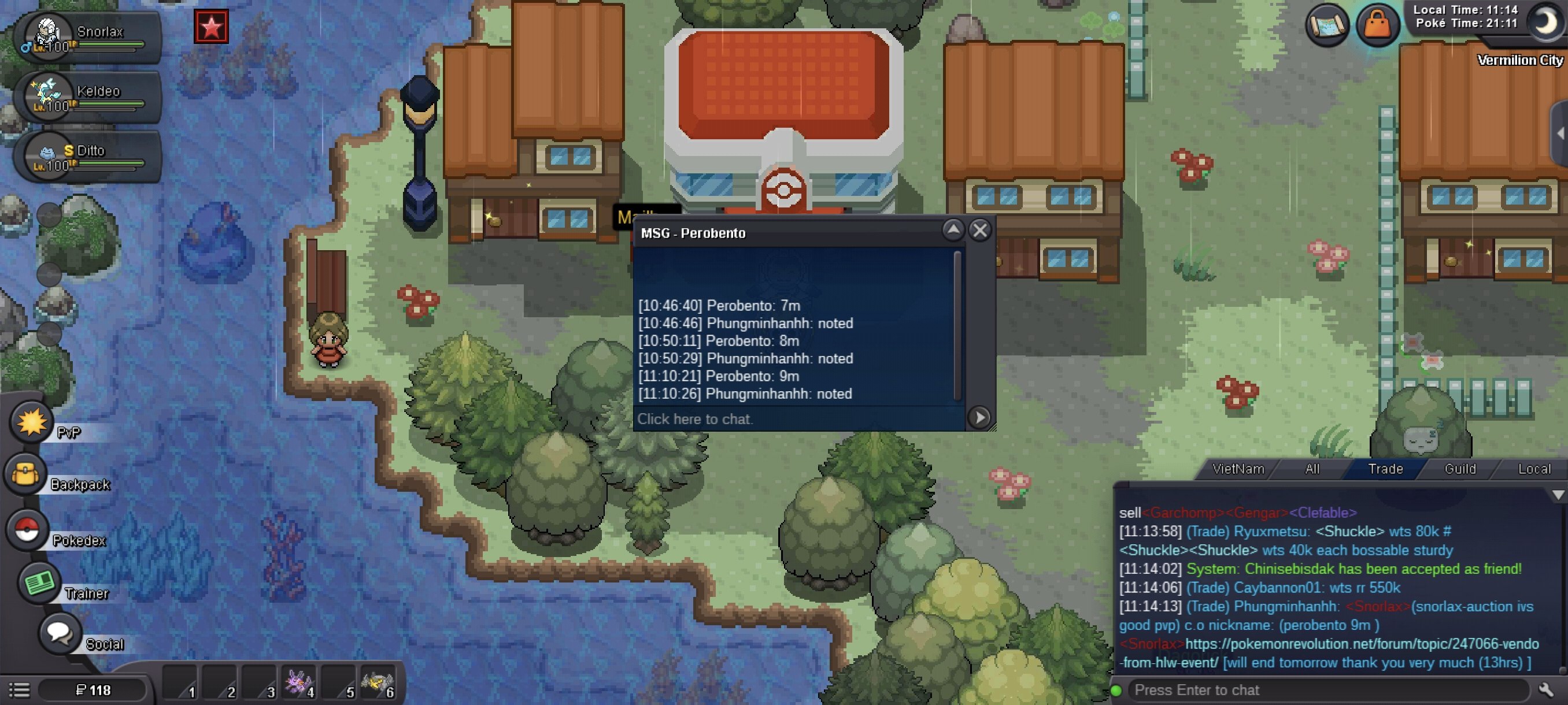
 The auction ended and the winner was perobento.Thanks everyoneI must thank you for my mistake and give me a chance to correct it.Thanks everyonefew minutes leftsorry everyone i will fix itsorry for the inconveniencethank you very much graI take back the item, let's continue the auction.give me time to fixthere are some mistakes i will fixThis is my first time bidding.how much time left to finishI was confused about the timeI will send a request to the publisher.Looks like I was wrong I accept the punishment









Account
Navigation
Search
Configure browser push notifications
Chrome (Android)
- Tap the lock icon next to the address bar.
- Tap Permissions → Notifications.
- Adjust your preference.
Chrome (Desktop)
- Click the padlock icon in the address bar.
- Select Site settings.
- Find Notifications and adjust your preference.
Safari (iOS 16.4+)
- Ensure the site is installed via Add to Home Screen.
- Open Settings App → Notifications.
- Find your app name and adjust your preference.
Safari (macOS)
- Go to Safari → Preferences.
- Click the Websites tab.
- Select Notifications in the sidebar.
- Find this website and adjust your preference.
Edge (Android)
- Tap the lock icon next to the address bar.
- Tap Permissions.
- Find Notifications and adjust your preference.
Edge (Desktop)
- Click the padlock icon in the address bar.
- Click Permissions for this site.
- Find Notifications and adjust your preference.
Firefox (Android)
- Go to Settings → Site permissions.
- Tap Notifications.
- Find this site in the list and adjust your preference.
Firefox (Desktop)
- Open Firefox Settings.
- Search for Notifications.
- Find this site in the list and adjust your preference.