New Trade Zone
Trade Zone is now live
Use the new Trade Zone for auctions and instant-price trades so Pokemon and item offers are easy to find.

Laudam
Registered User
-
Joined
-
Last visited
Everything posted by Laudam
-
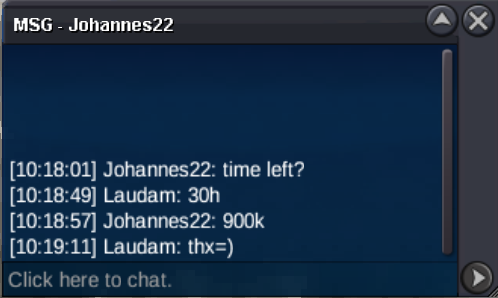
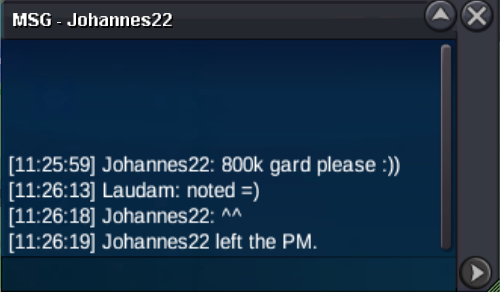
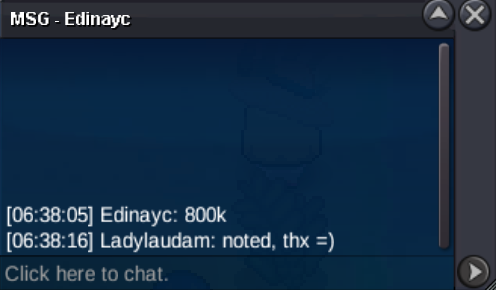
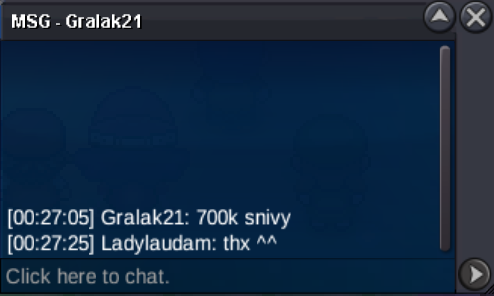
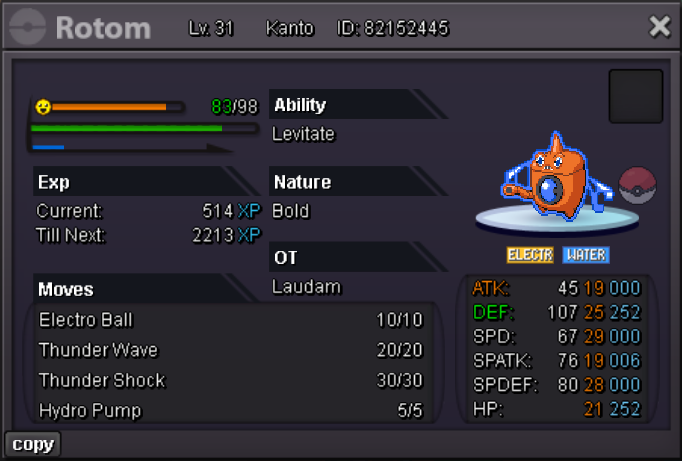
Rotom Wash Lets wash your troubles away Starting Price : 800k Min. Bid : 100k cc = 450k iv rr = 500k auction will end 48h after fist bid, if someone bids in the last 15 minutes, we will add 15 minutes more to the timer accordingly to auction rules, Thank you and happy biding ❤️
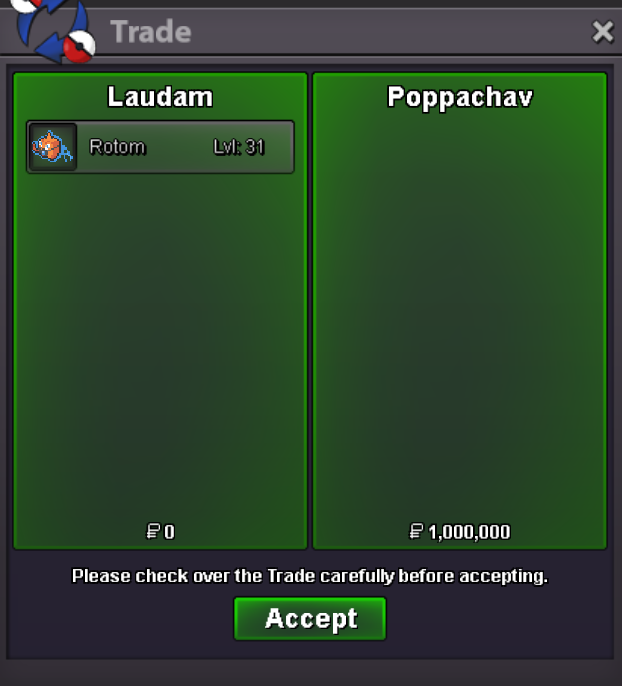
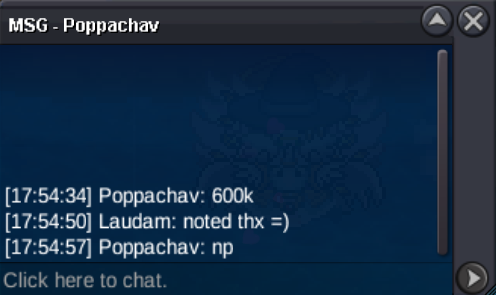
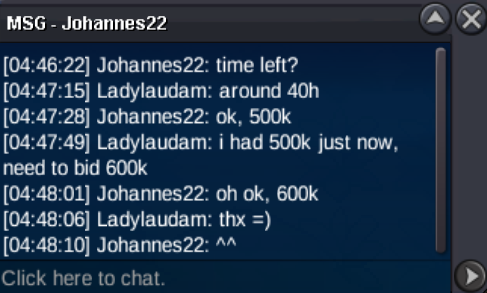
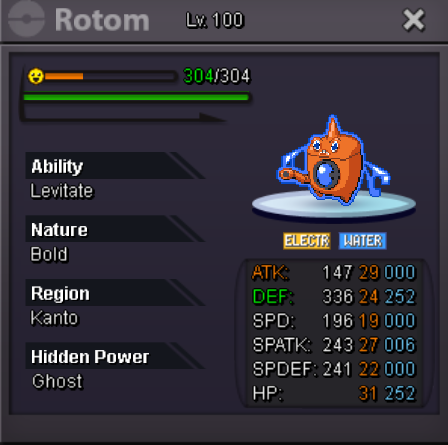 Congratulations @Poppachav Tell me when you can come and get your new washing machine 😉Rotom Wash Tired of washing your own clothes ? don't worry, rotom is here for you ! Starting Price : 500k Min. Bid : 100k cc = 450k iv rr = 500k auction will end 48h after fist bid, if someone bids in the last 15 minutes, we will add 15 minutes more to the timer accordingly to auction rules, Thank you and happy biding ❤️
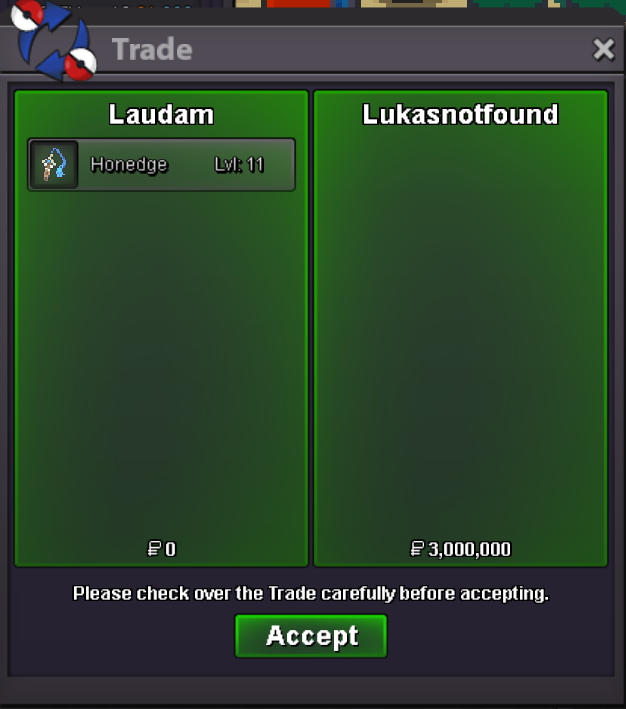
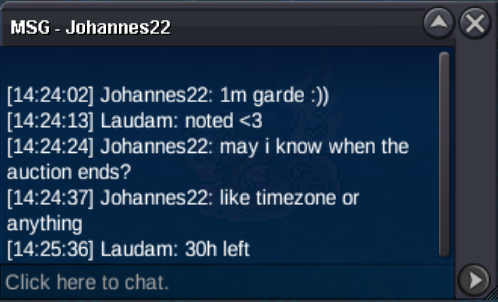
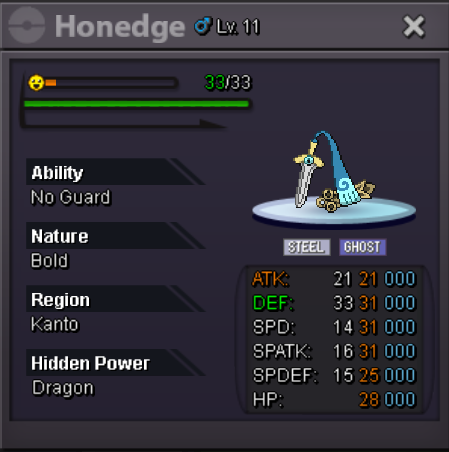
 Cloyster Starting Price : 400k Min. Bid : 100k cc = 450k iv rr = 500k auction will end 24h after fist bid, if someone bids in the last 15 minutes, we will add 15 minutes more to the timer accordingly to auction rules, Thank you and happy biding ❤️No problem, as long as you keep me informed 😃@Sametreiz i'm sorry you'r to late, @Lukasnotfound is the winnerHonedge Starting Price : 400k Min. Bid : 100k cc = 450k iv rr = 500k auction will end 48h after fist bid, if someone bids in the last 15 minutes, we will add 15 minutes more to the timer accordingly to auction rules, Thank you and happy biding ❤️
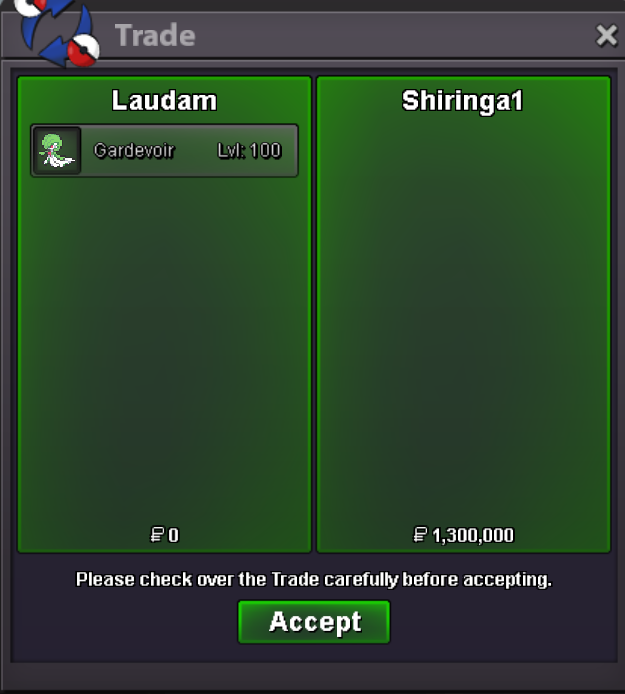
 congratulation @Shiringa ! meet me in vermi when you can 😉Gardevoir Starting Price : 400k Min. Bid : 100k cc = 450k iv rr = 500k auction will end 48h after fist bid, if someone bids in the last 15 minutes, we will add 15 minutes more to the timer accordingly to auction rules, Thank you and happy biding ❤️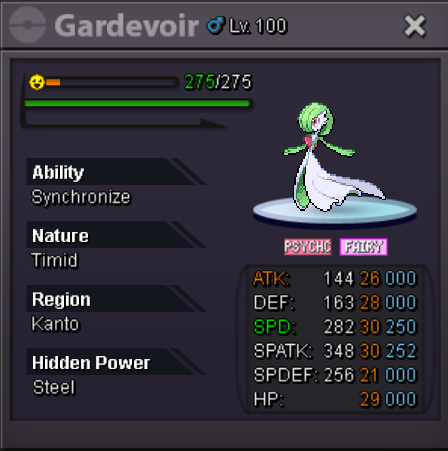
Account
Navigation
Search
Configure browser push notifications
Chrome (Android)
- Tap the lock icon next to the address bar.
- Tap Permissions → Notifications.
- Adjust your preference.
Chrome (Desktop)
- Click the padlock icon in the address bar.
- Select Site settings.
- Find Notifications and adjust your preference.
Safari (iOS 16.4+)
- Ensure the site is installed via Add to Home Screen.
- Open Settings App → Notifications.
- Find your app name and adjust your preference.
Safari (macOS)
- Go to Safari → Preferences.
- Click the Websites tab.
- Select Notifications in the sidebar.
- Find this website and adjust your preference.
Edge (Android)
- Tap the lock icon next to the address bar.
- Tap Permissions.
- Find Notifications and adjust your preference.
Edge (Desktop)
- Click the padlock icon in the address bar.
- Click Permissions for this site.
- Find Notifications and adjust your preference.
Firefox (Android)
- Go to Settings → Site permissions.
- Tap Notifications.
- Find this site in the list and adjust your preference.
Firefox (Desktop)
- Open Firefox Settings.
- Search for Notifications.
- Find this site in the list and adjust your preference.