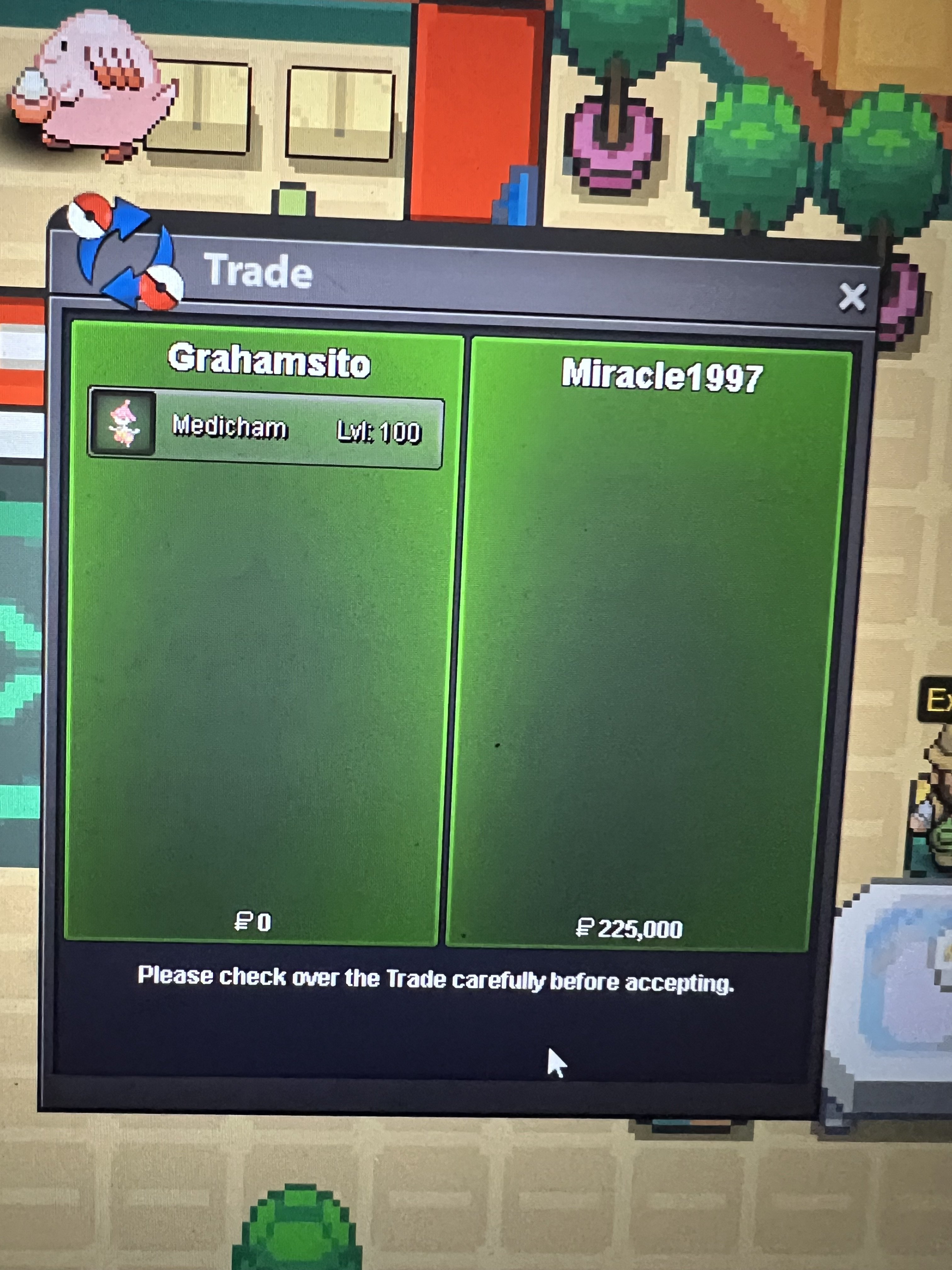
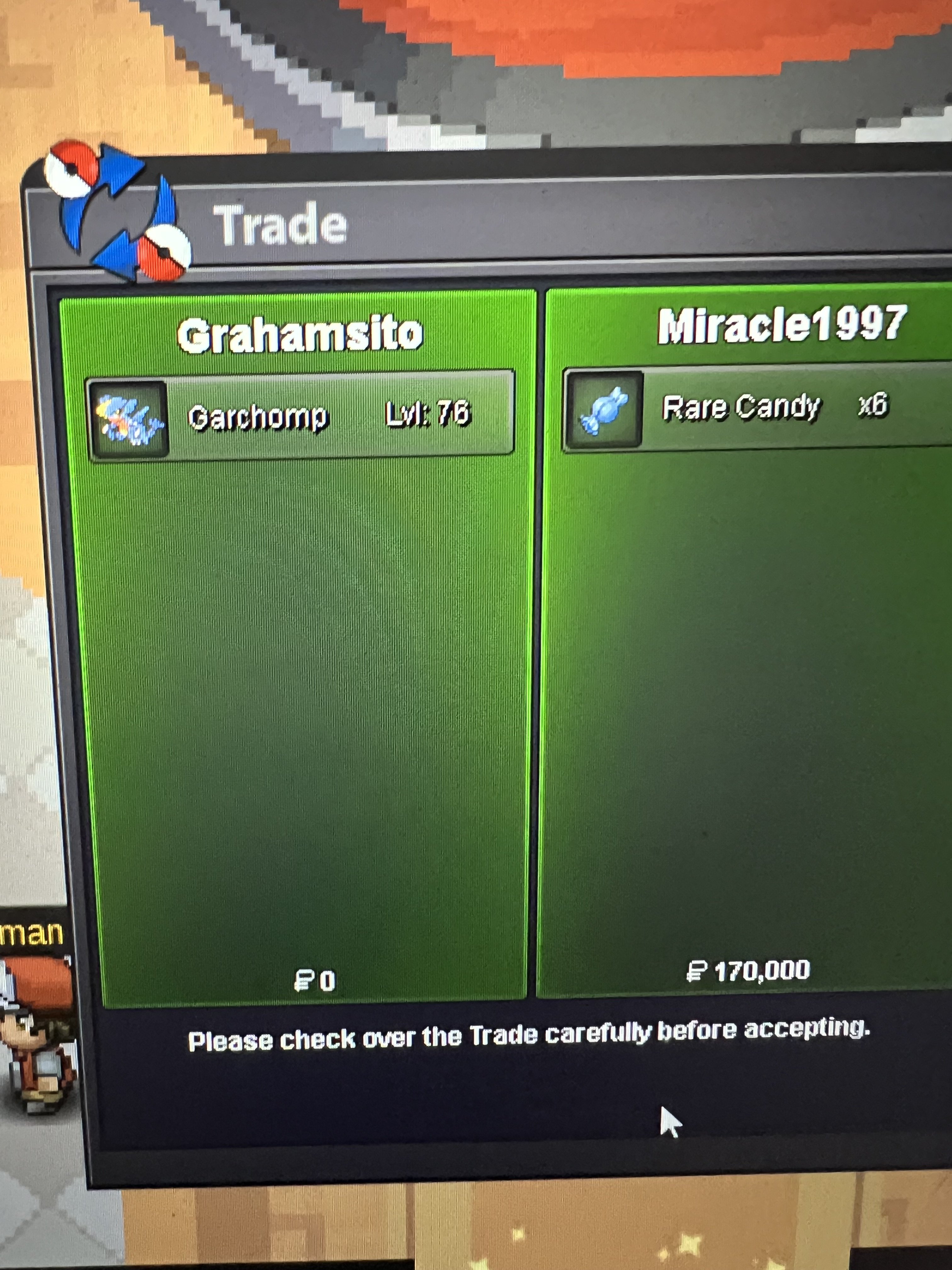
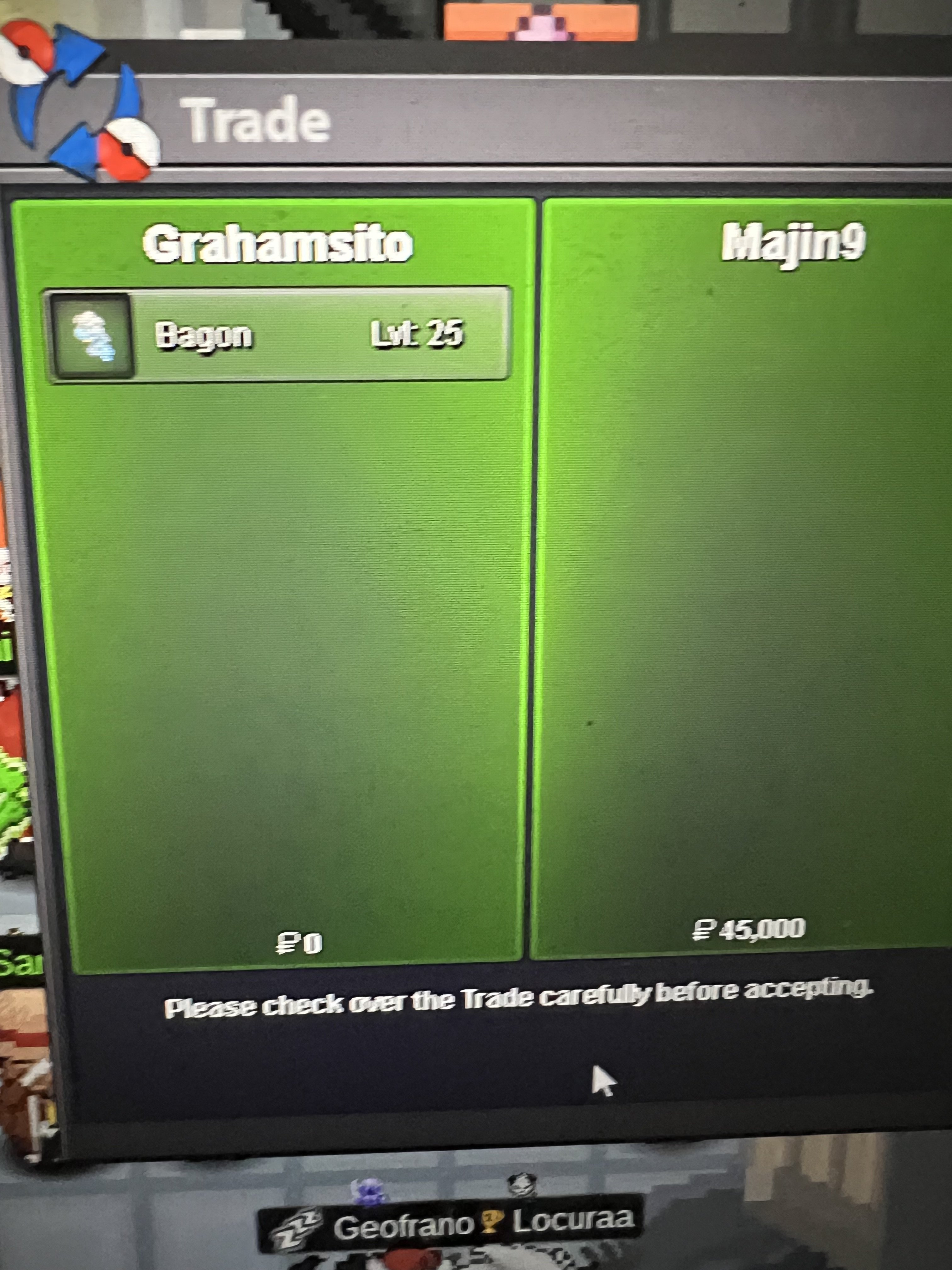
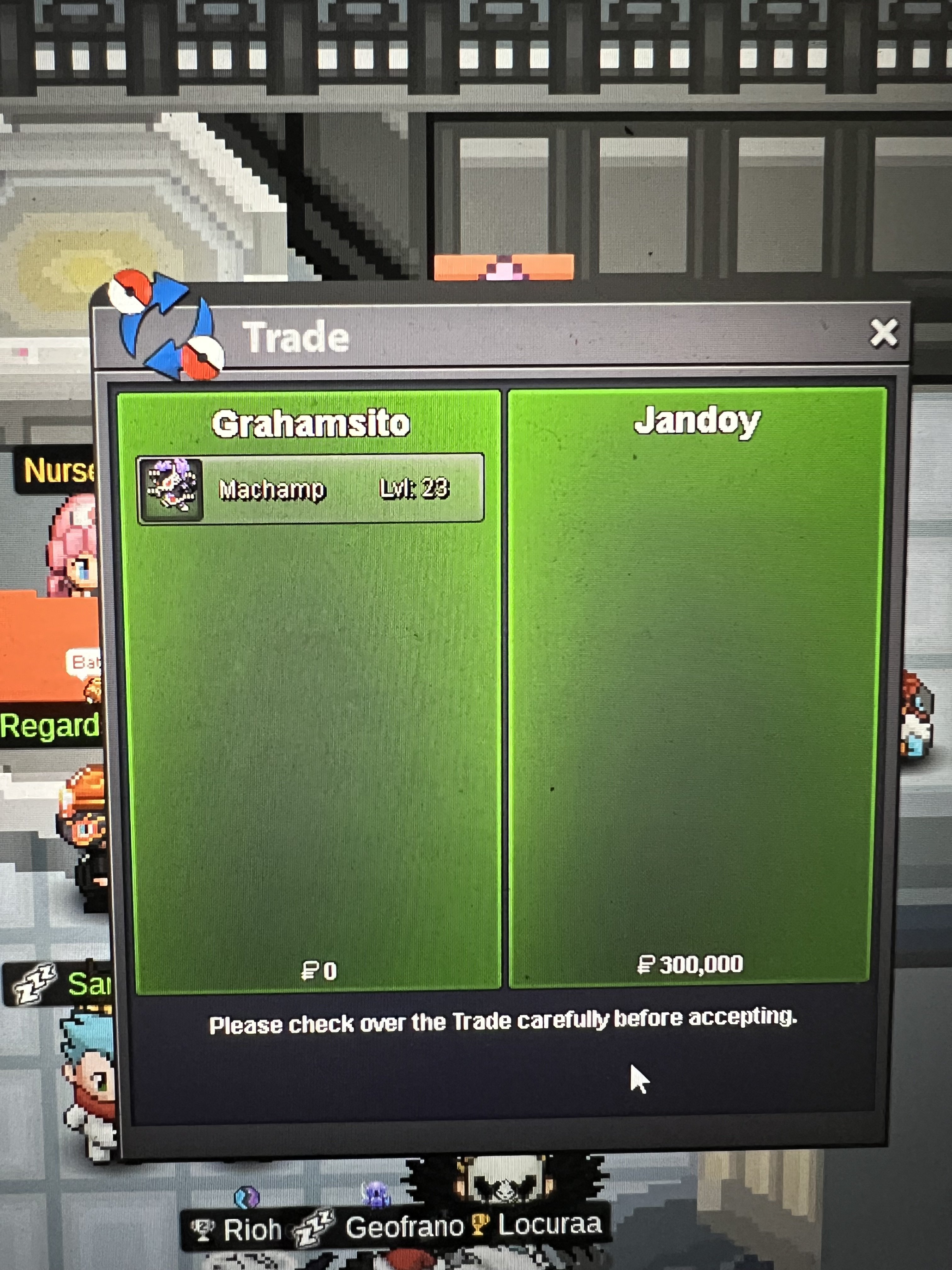
New Trade Zone
Trade Zone is now live
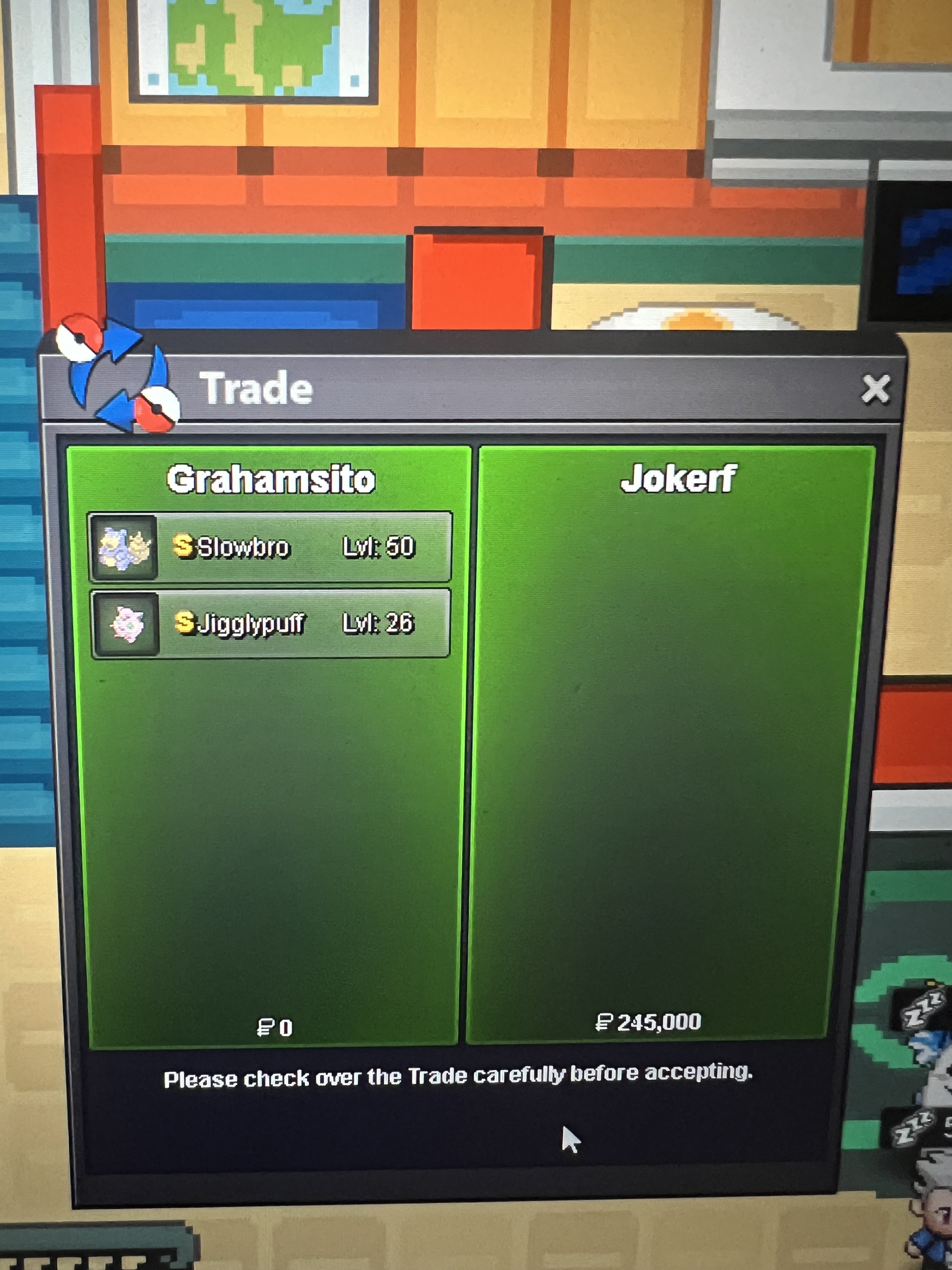
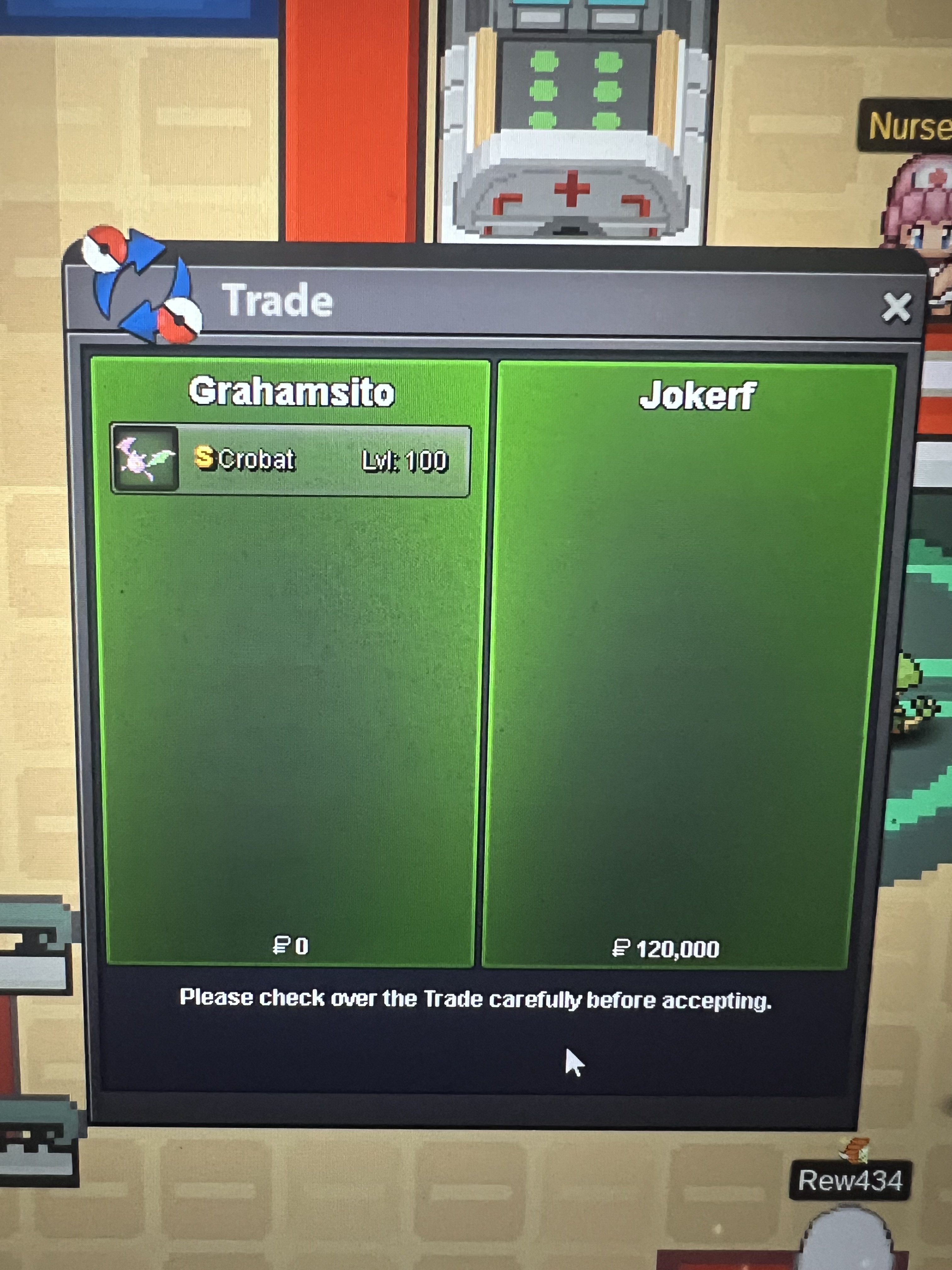
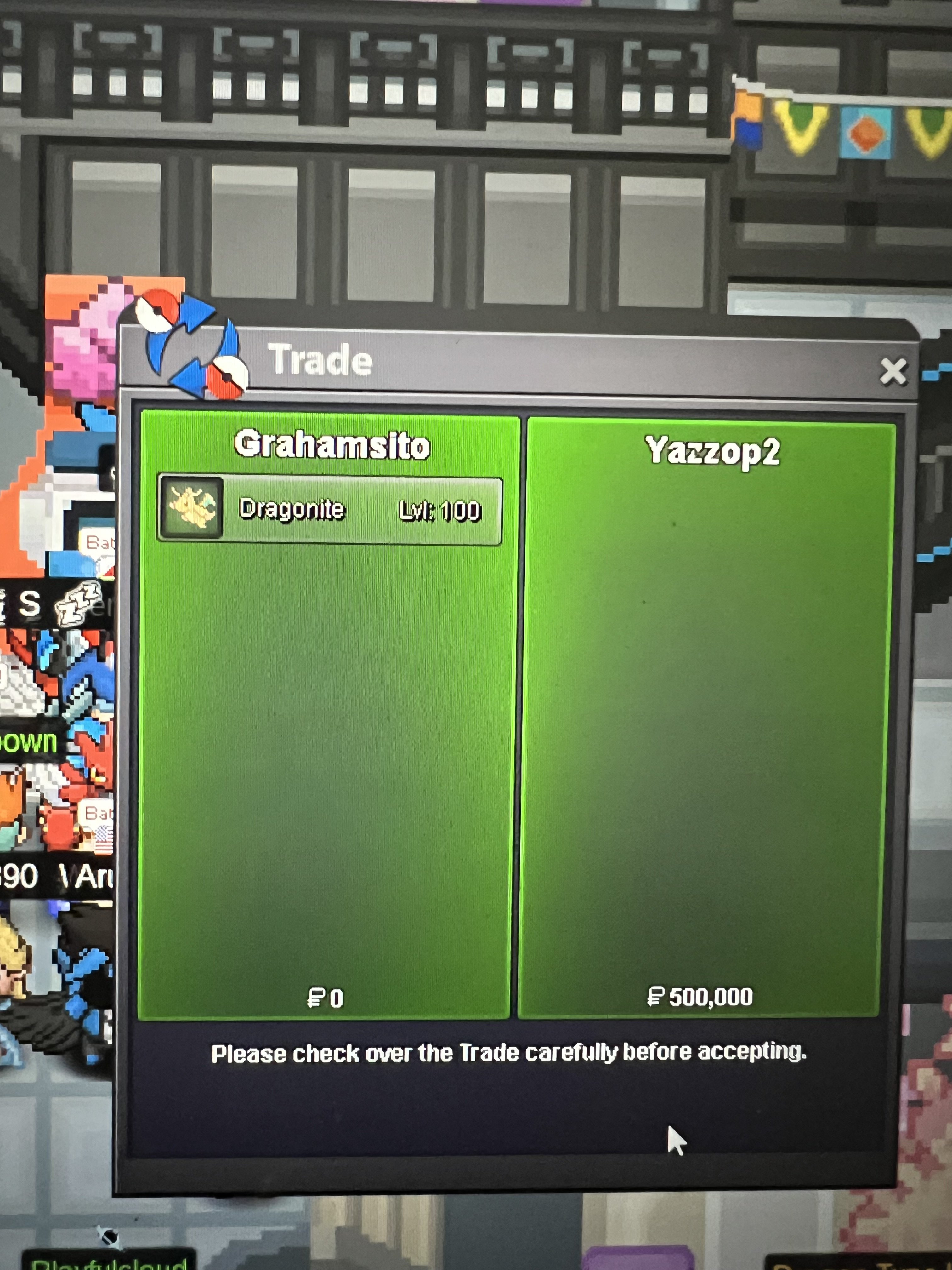
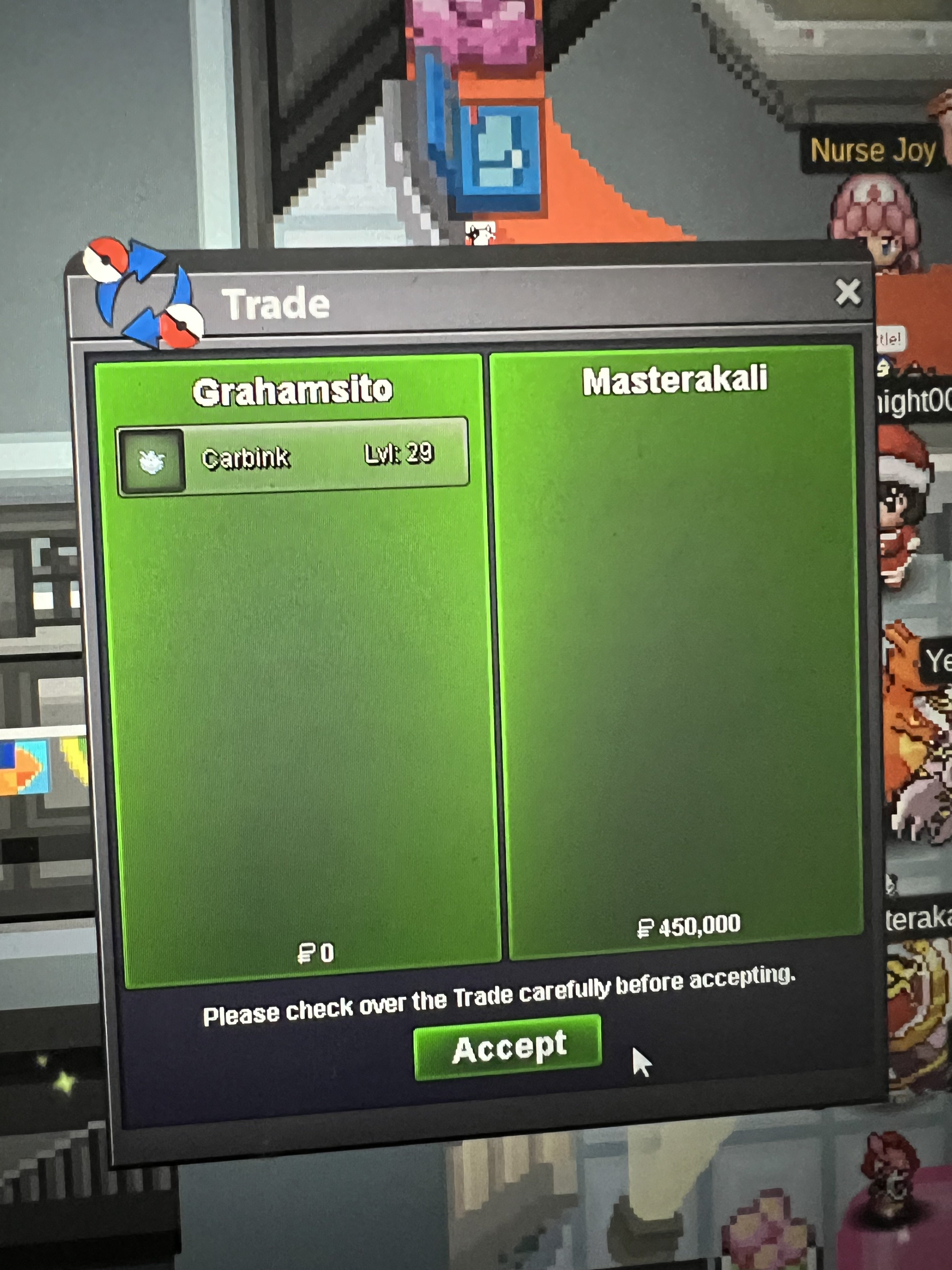
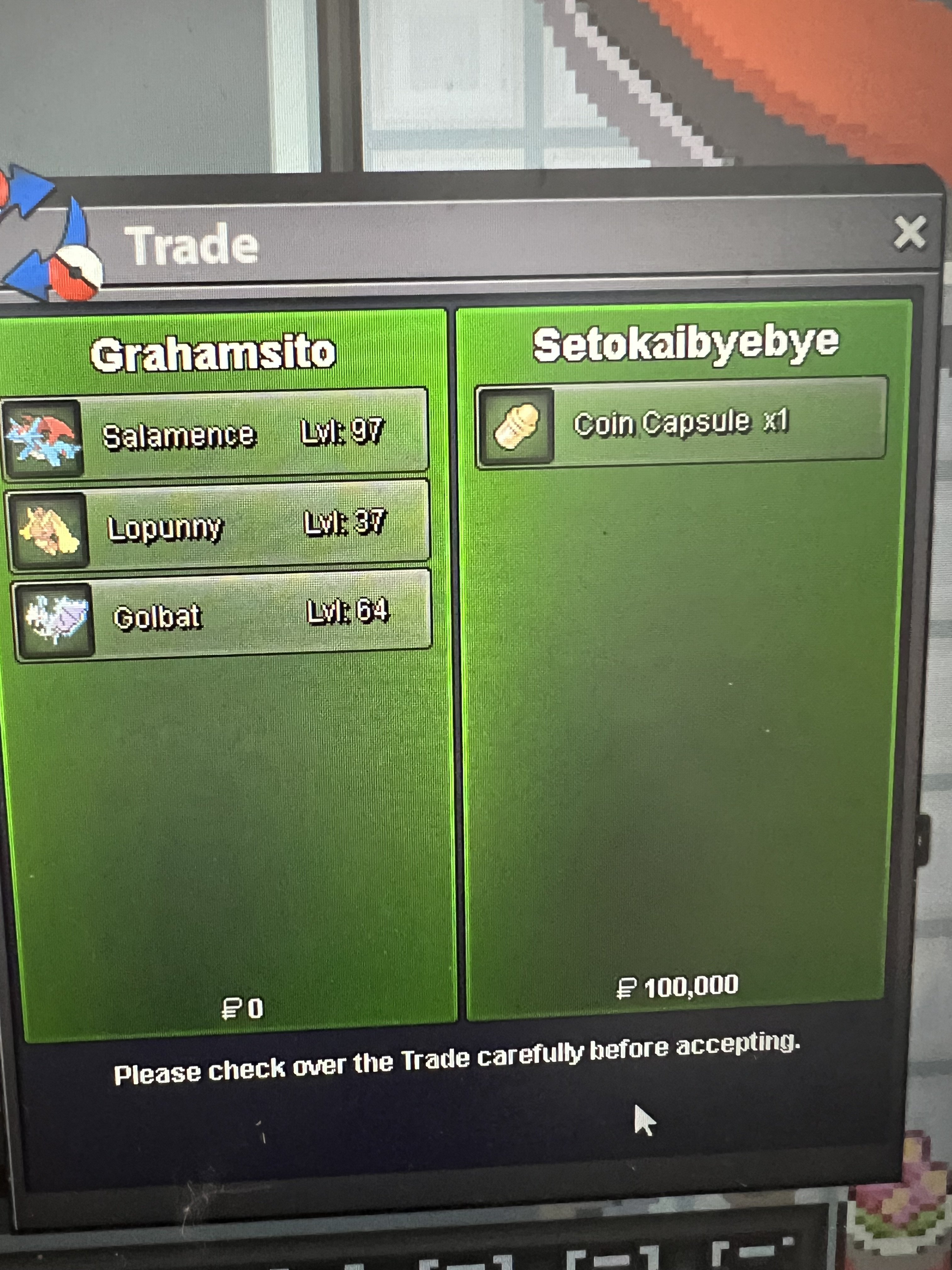
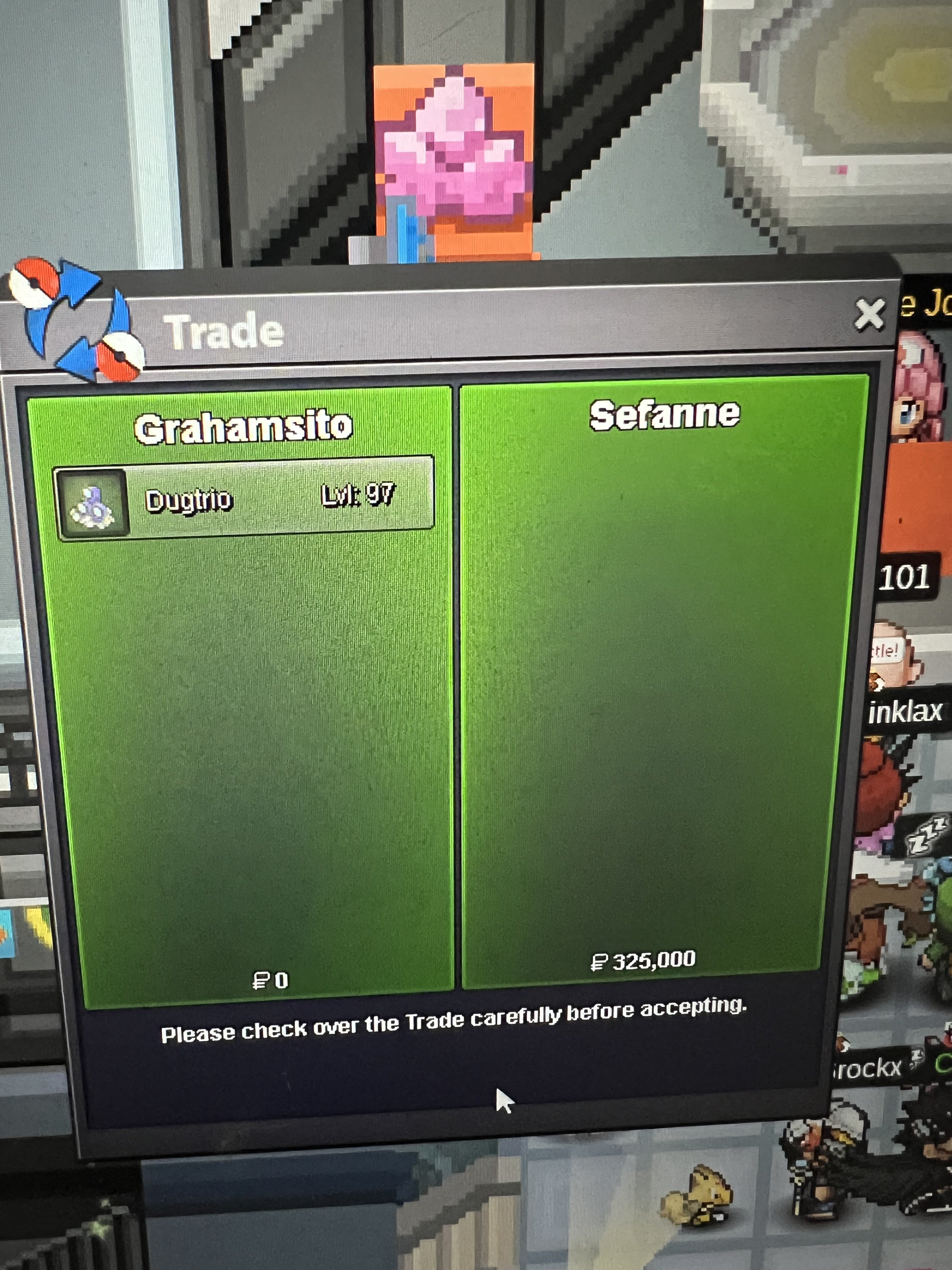
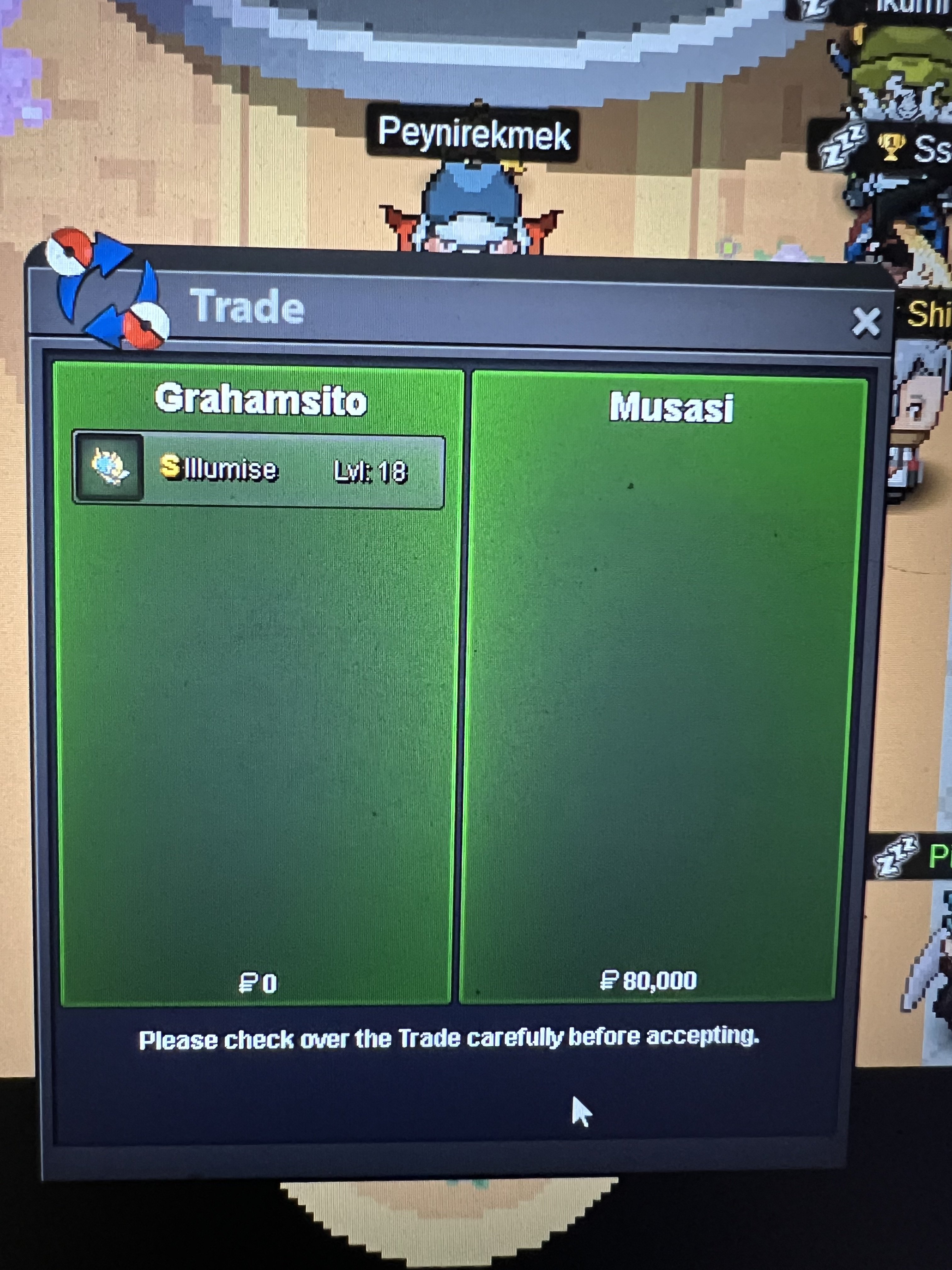
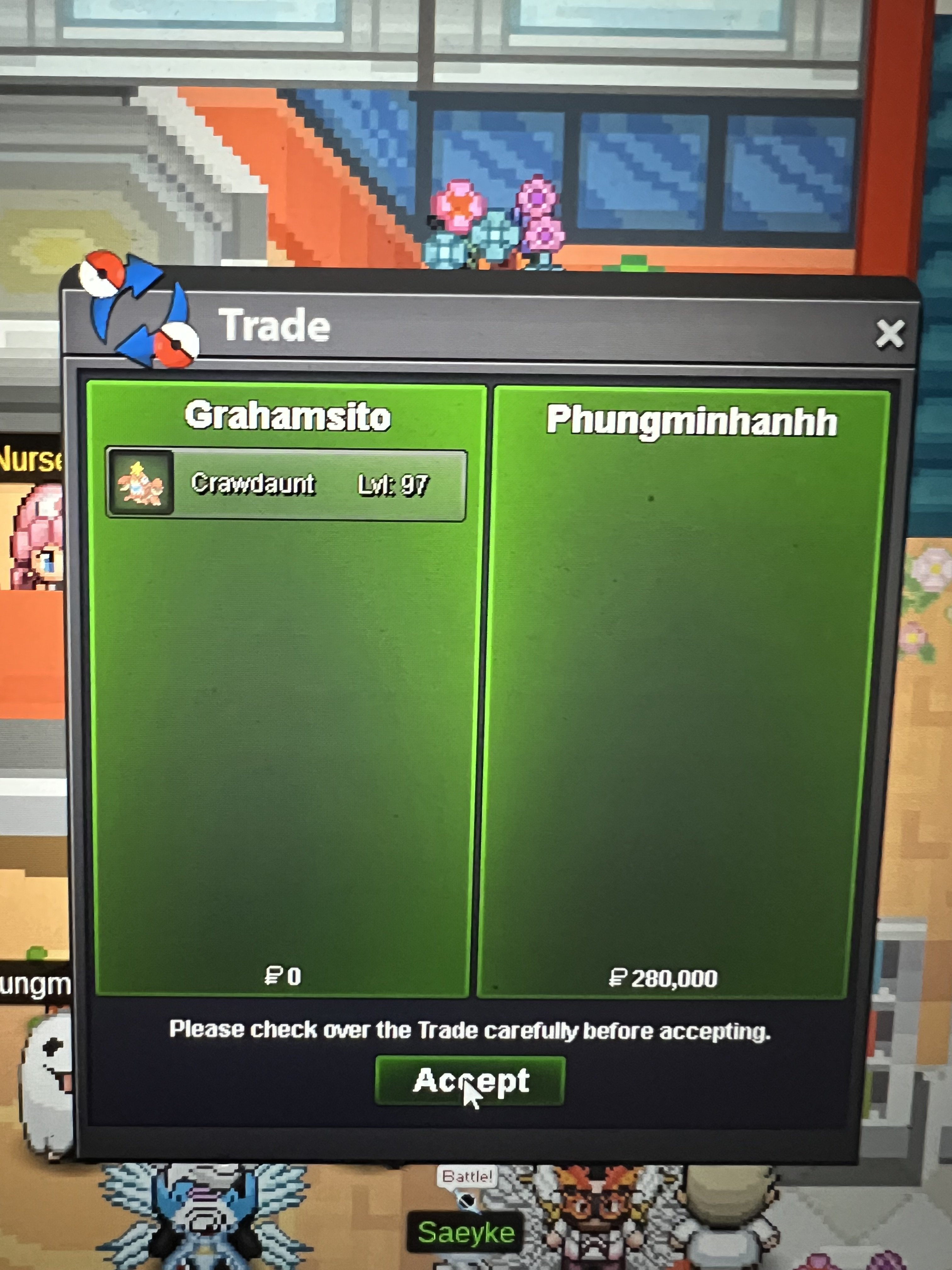
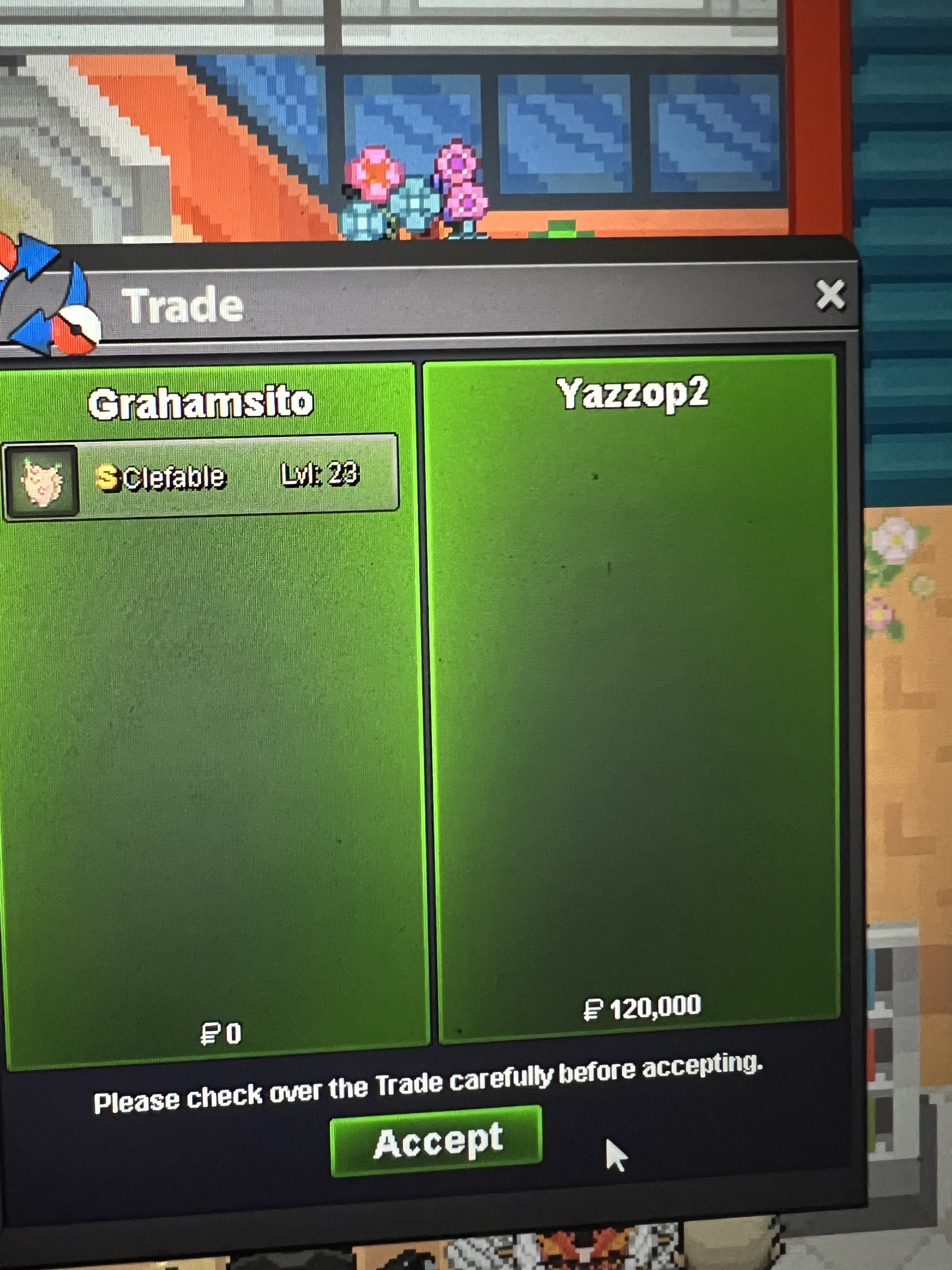
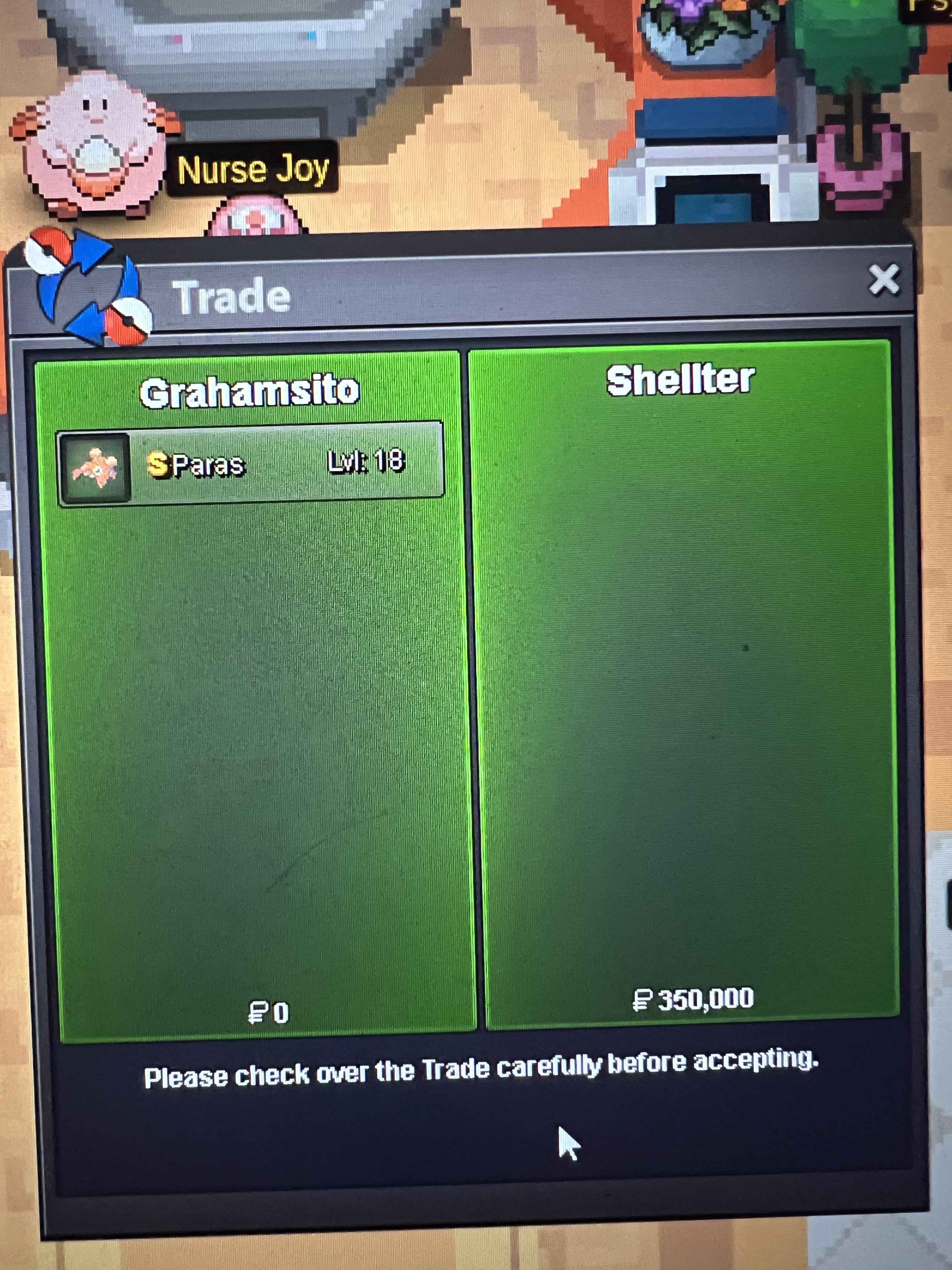
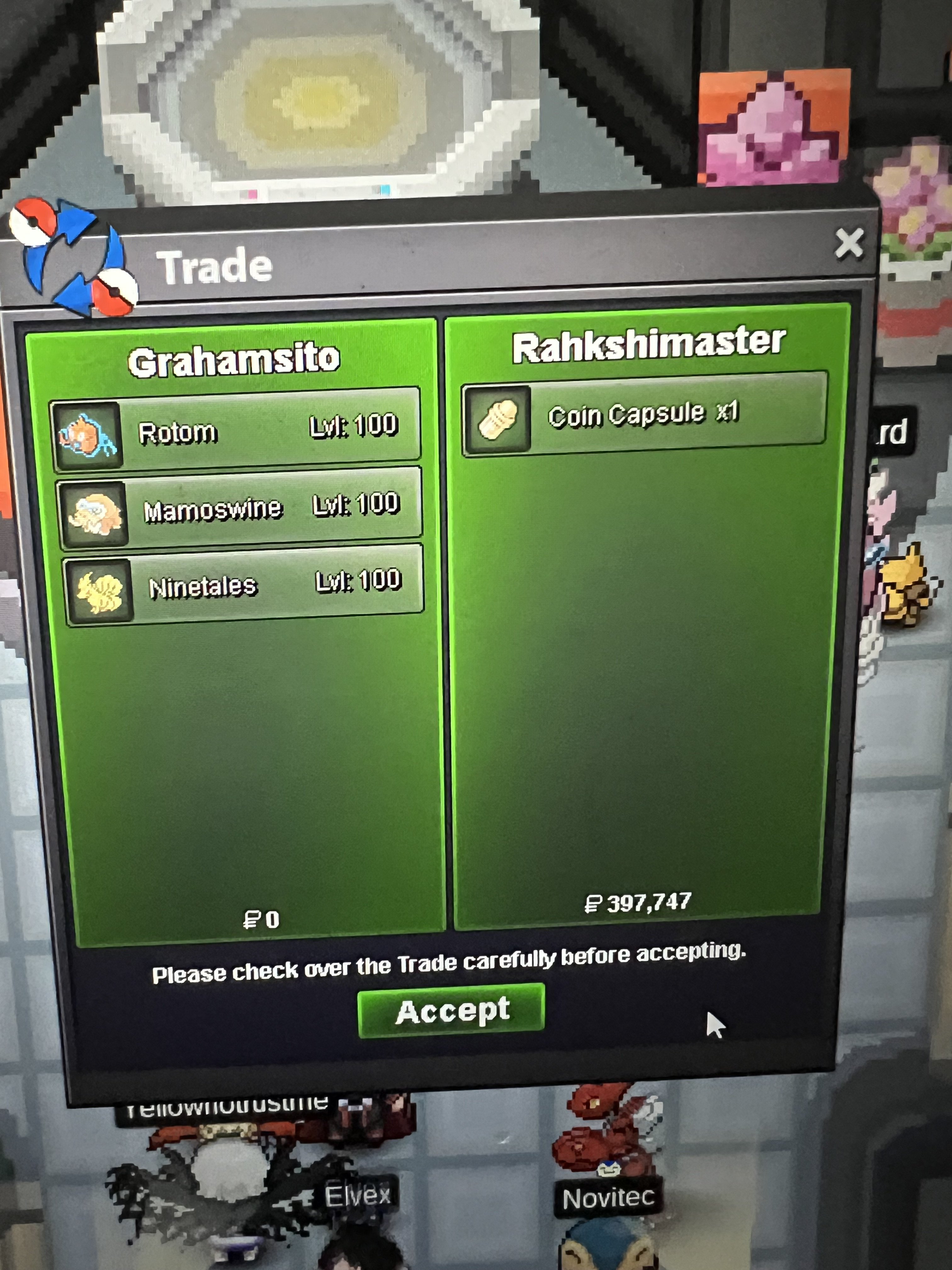
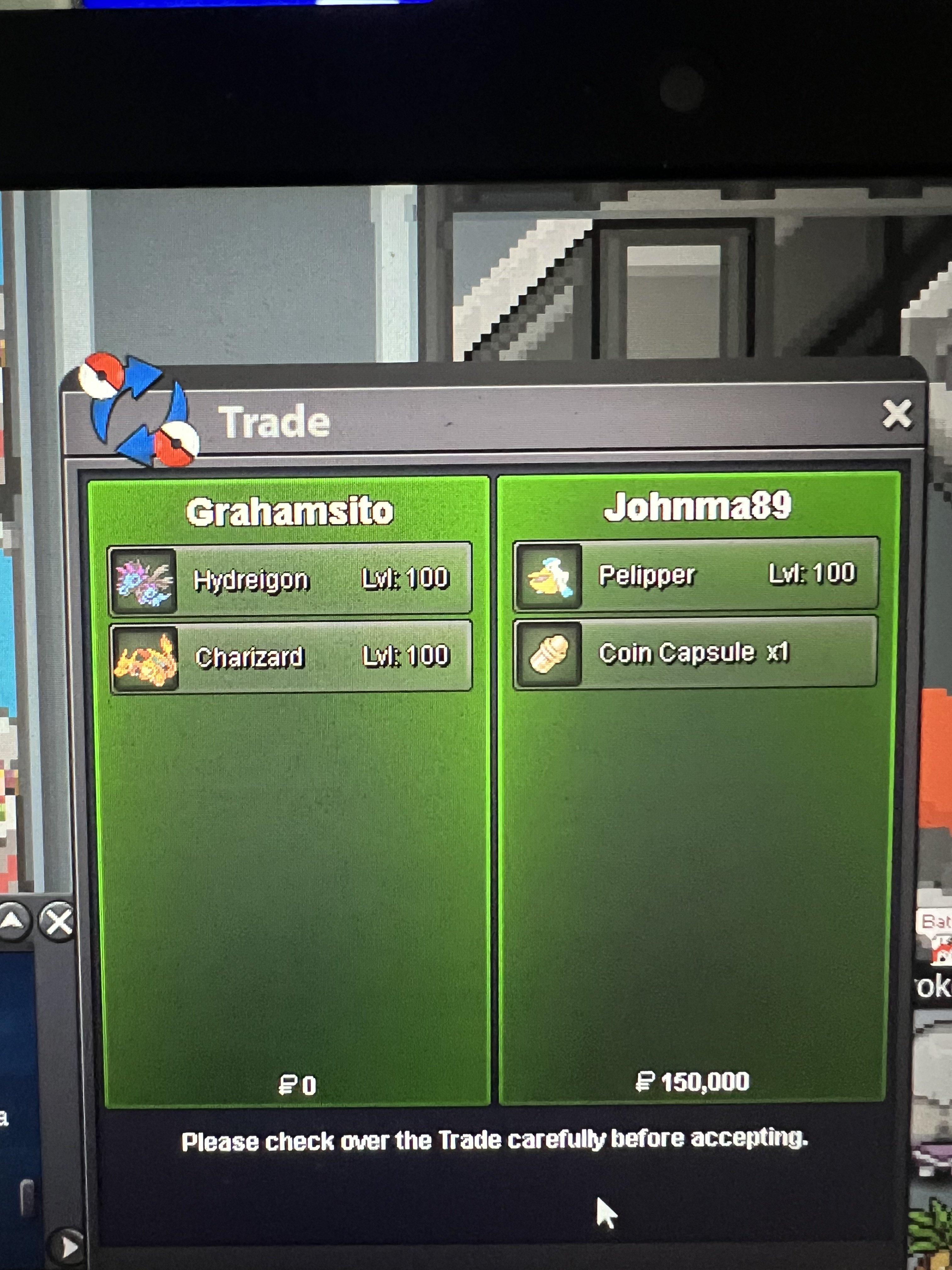
Use the new Trade Zone for auctions and instant-price trades so Pokemon and item offers are easy to find.

Grahamsitox
Registered User
-
Joined
-
Last visited
Everything posted by Grahamsitox
-
Hi, we accept cc as payment with a value of 450k, we do not sell ccs. 🙂
-
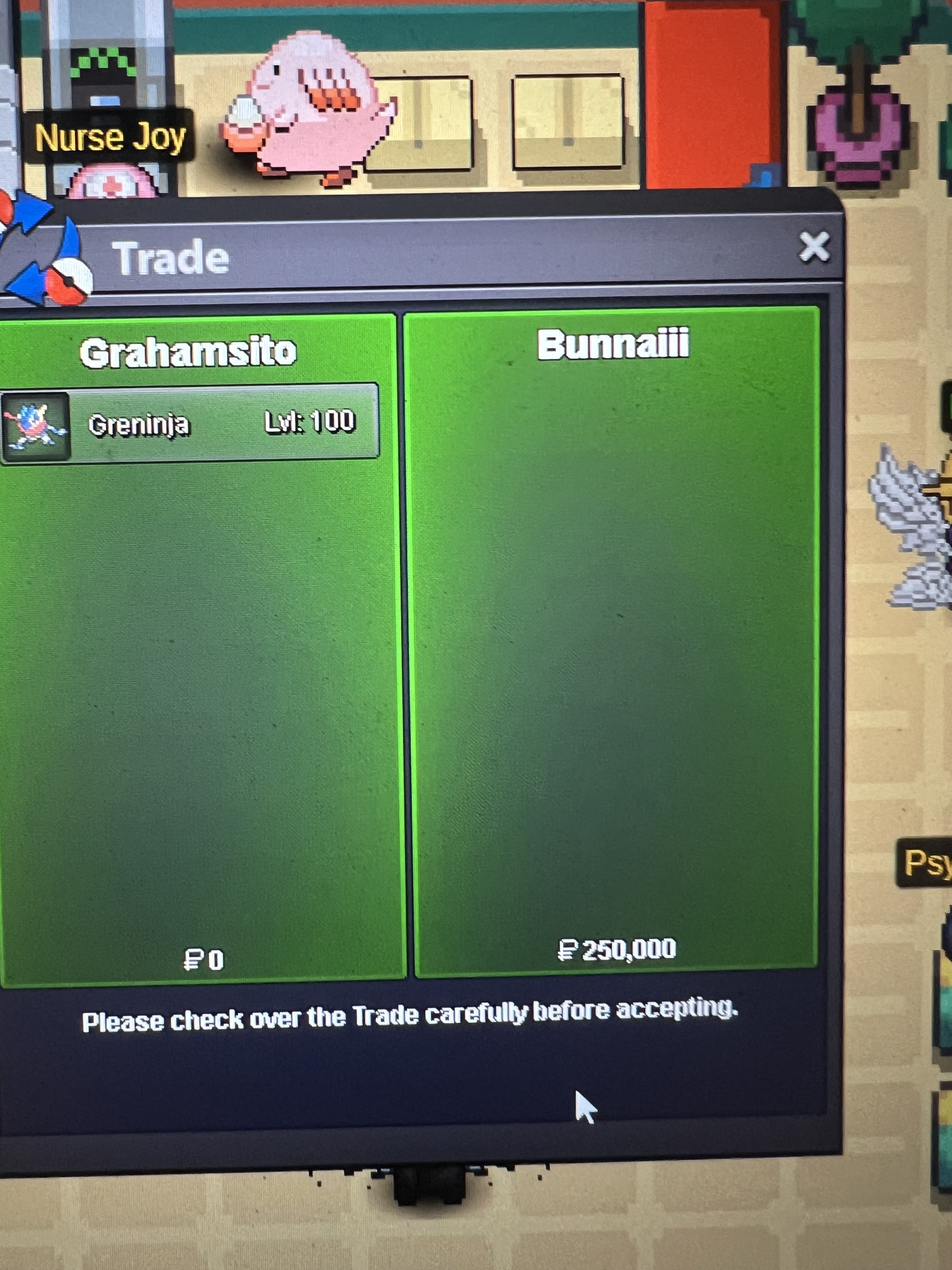
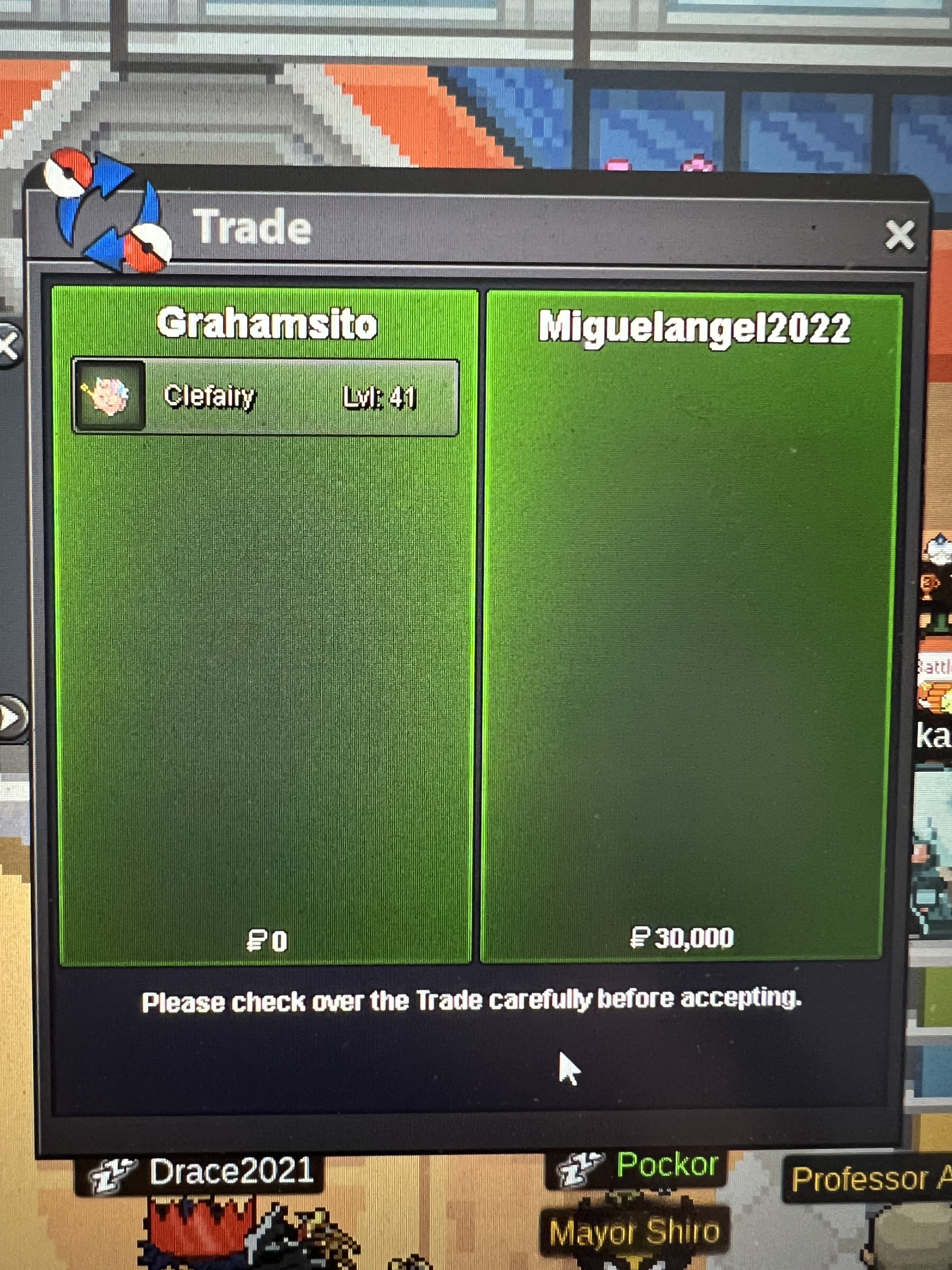
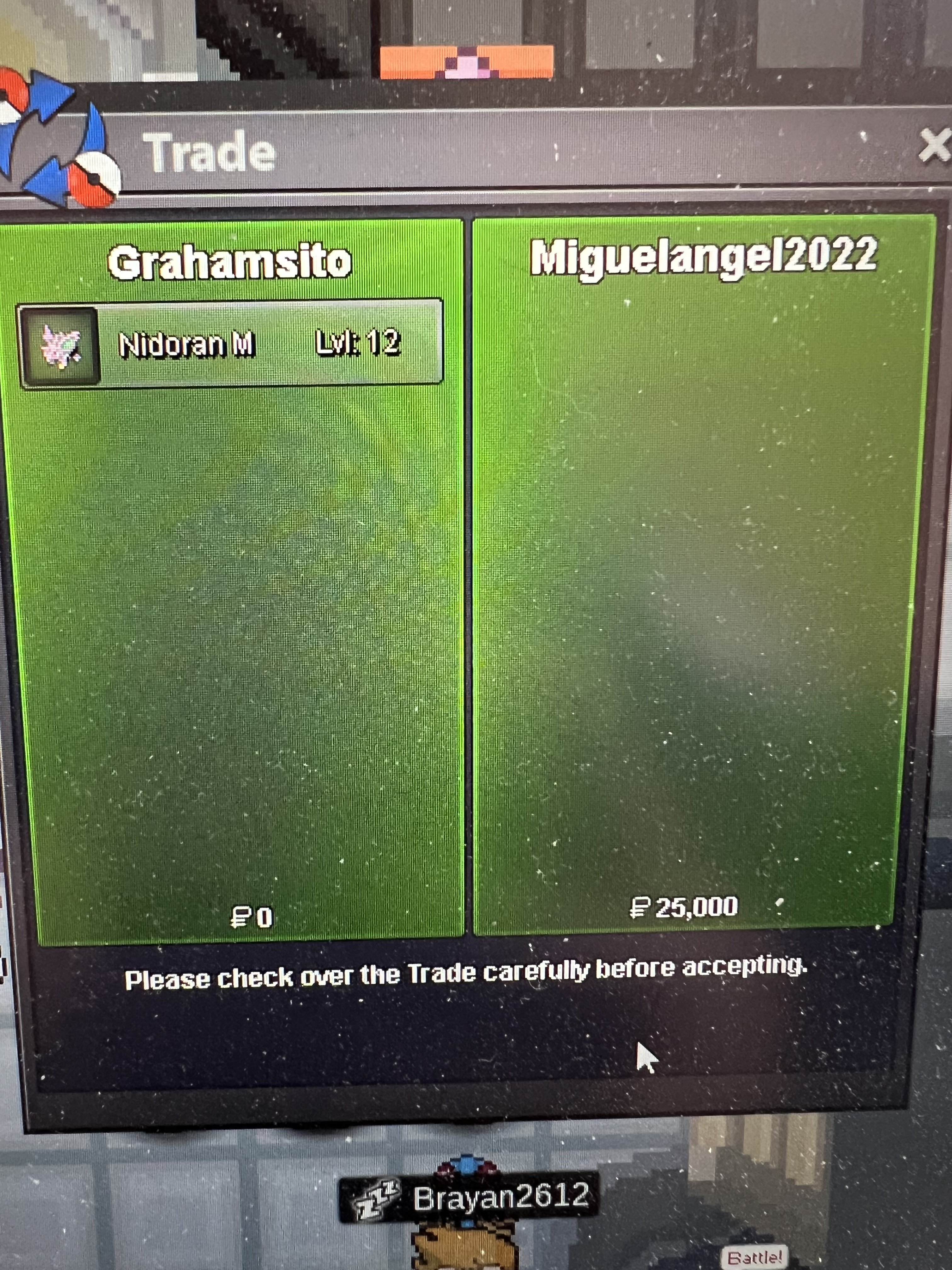
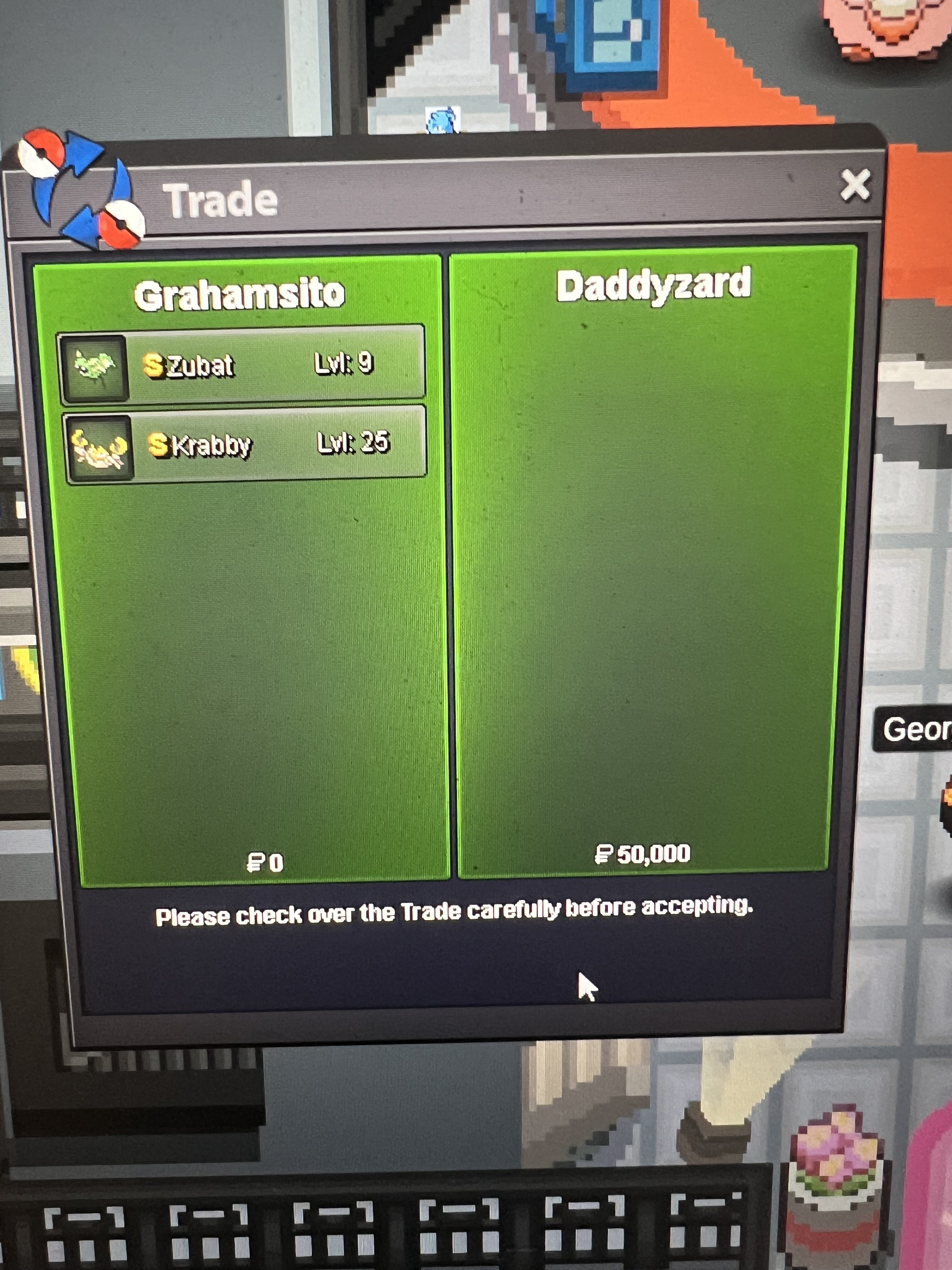
New additions to the shop!!(Can contact through discord for bidding) grahamsito (CLOSED) Starting bid 250k Min bid 50k 48h auction from the 1st bid accept cc : 450k rr : 450k rare candies : 5kBunaaii, please contact any of us through discord or ign. in this case it would be mine @grahamsito
Account
Navigation
Search
Configure browser push notifications
Chrome (Android)
- Tap the lock icon next to the address bar.
- Tap Permissions → Notifications.
- Adjust your preference.
Chrome (Desktop)
- Click the padlock icon in the address bar.
- Select Site settings.
- Find Notifications and adjust your preference.
Safari (iOS 16.4+)
- Ensure the site is installed via Add to Home Screen.
- Open Settings App → Notifications.
- Find your app name and adjust your preference.
Safari (macOS)
- Go to Safari → Preferences.
- Click the Websites tab.
- Select Notifications in the sidebar.
- Find this website and adjust your preference.
Edge (Android)
- Tap the lock icon next to the address bar.
- Tap Permissions.
- Find Notifications and adjust your preference.
Edge (Desktop)
- Click the padlock icon in the address bar.
- Click Permissions for this site.
- Find Notifications and adjust your preference.
Firefox (Android)
- Go to Settings → Site permissions.
- Tap Notifications.
- Find this site in the list and adjust your preference.
Firefox (Desktop)
- Open Firefox Settings.
- Search for Notifications.
- Find this site in the list and adjust your preference.