




New Trade Zone
Trade Zone is now live
Use the new Trade Zone for auctions and instant-price trades so Pokemon and item offers are easy to find.


Tsunakun
Registered User
-
Joined
-
Last visited
Everything posted by Tsunakun
-
-
2.701.000
-
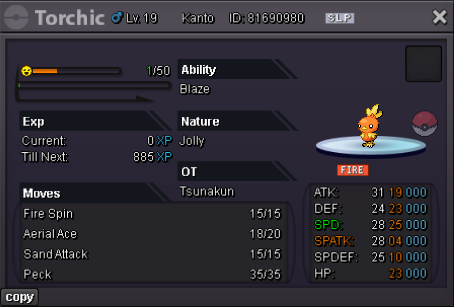
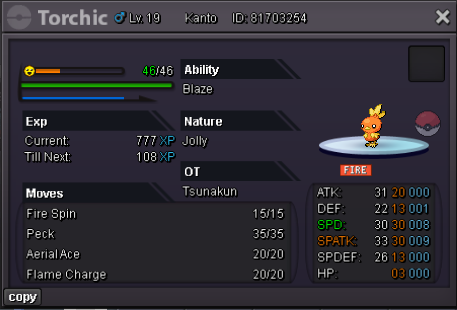
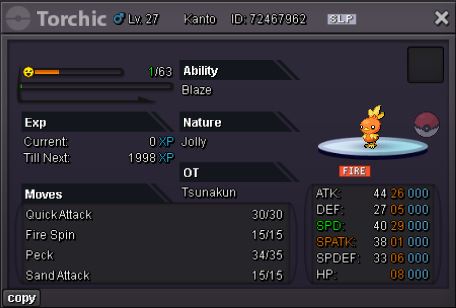
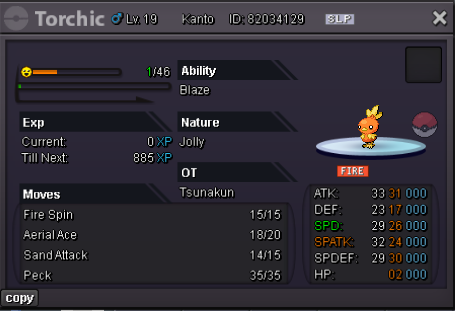
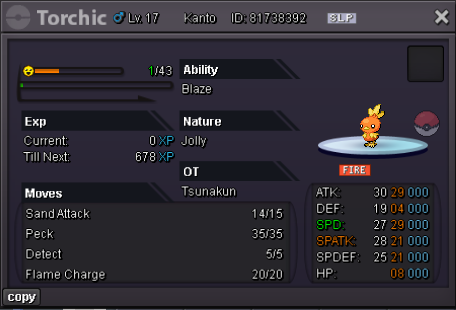
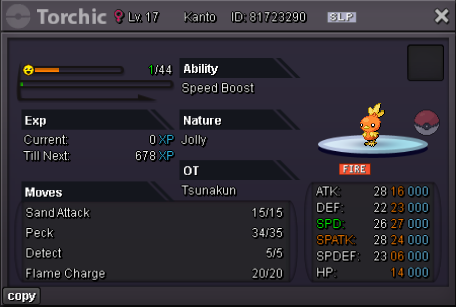
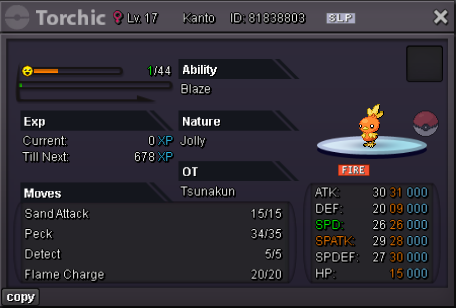
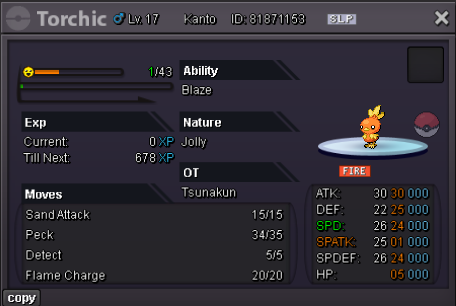
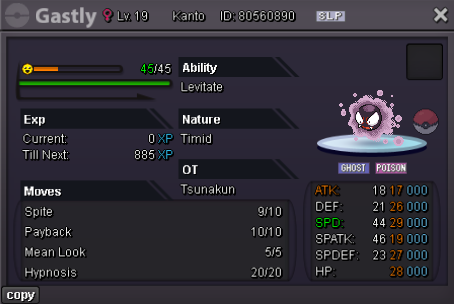
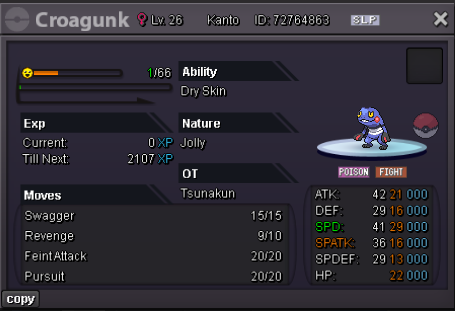
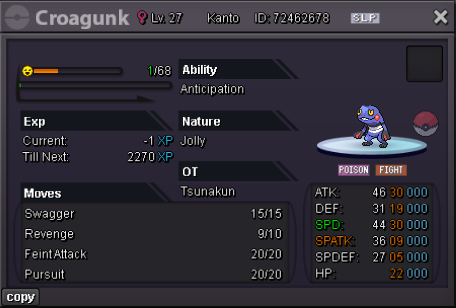
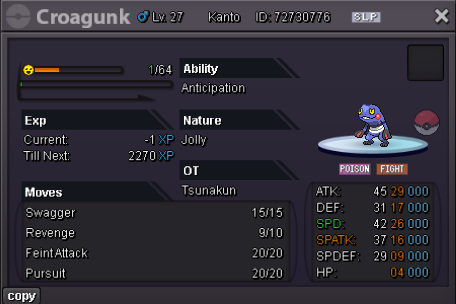
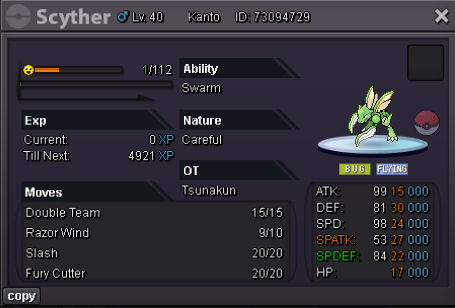
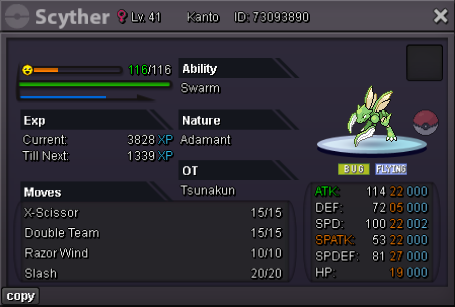
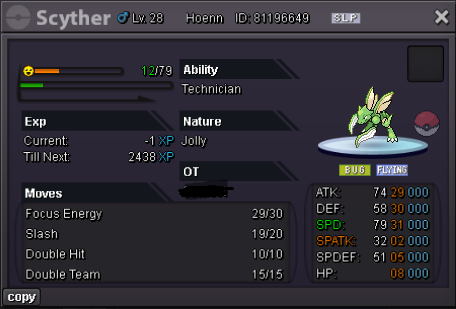
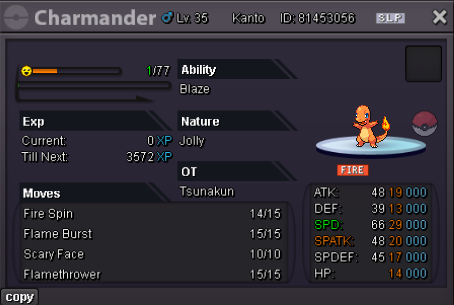
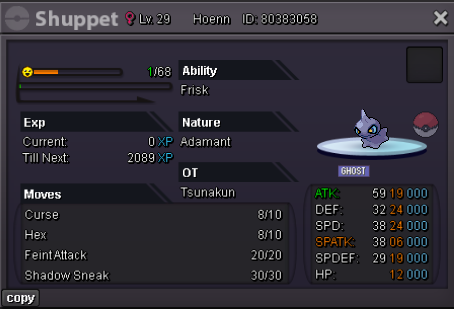
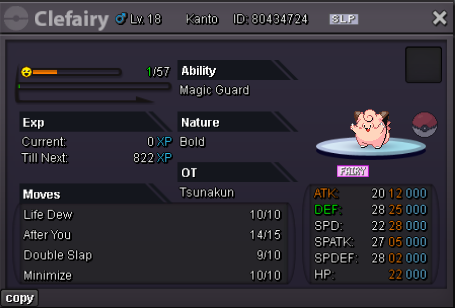
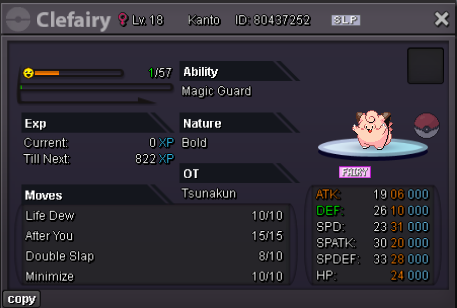
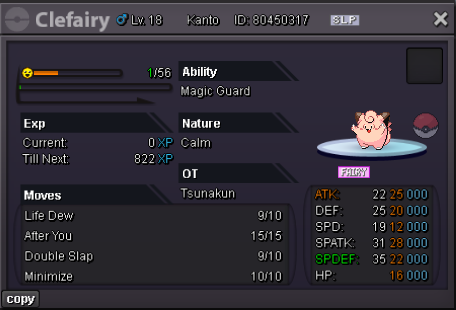
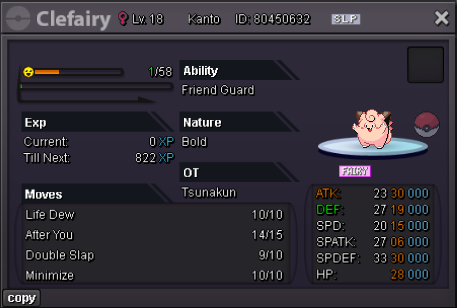
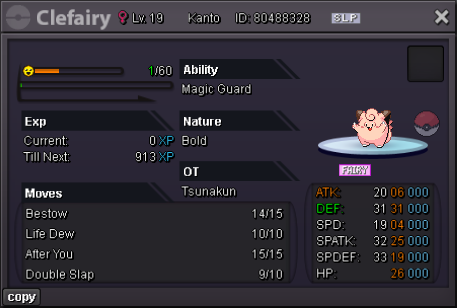
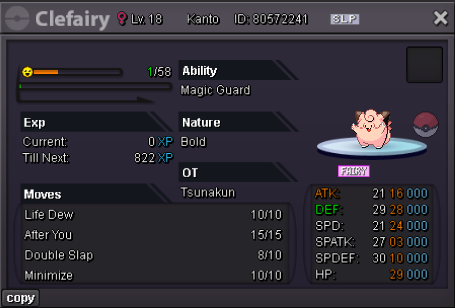
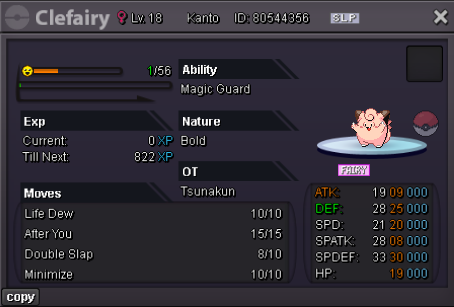
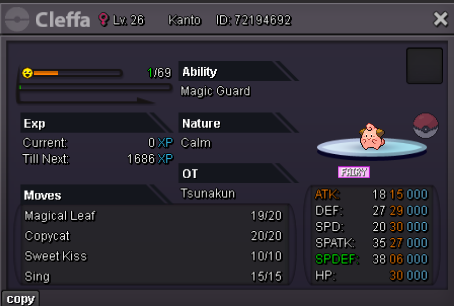
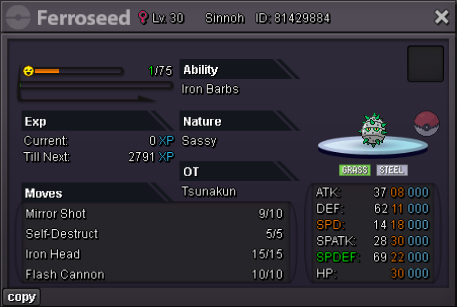
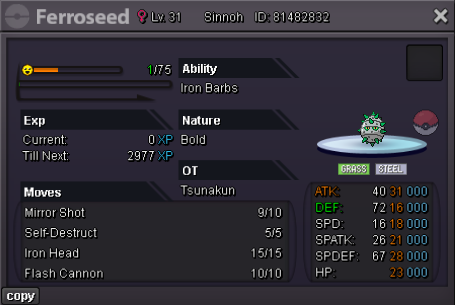
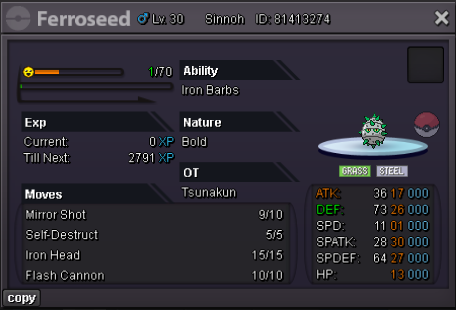
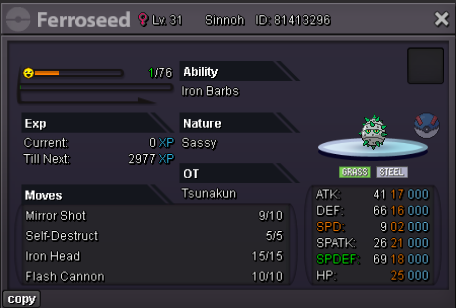
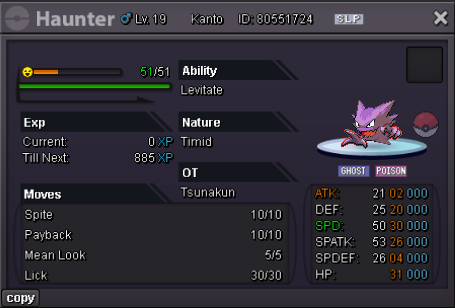
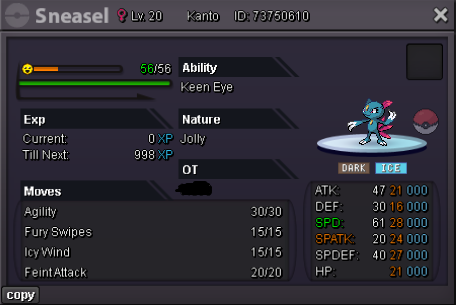
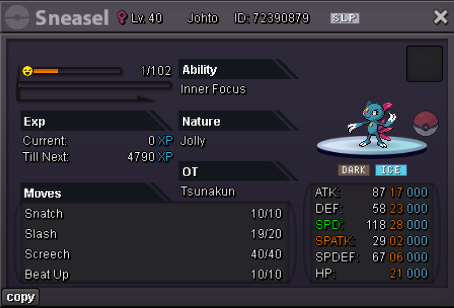
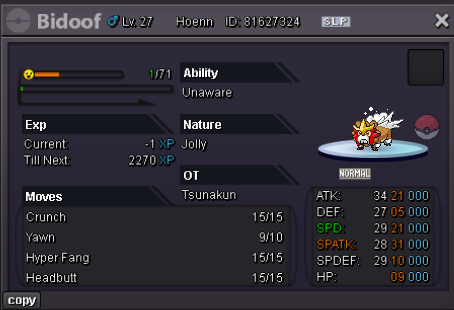
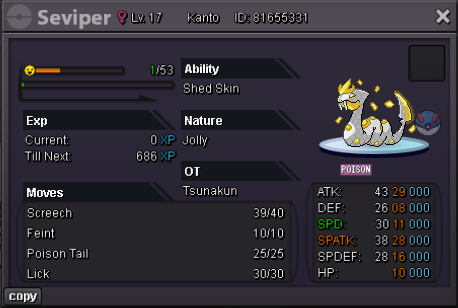
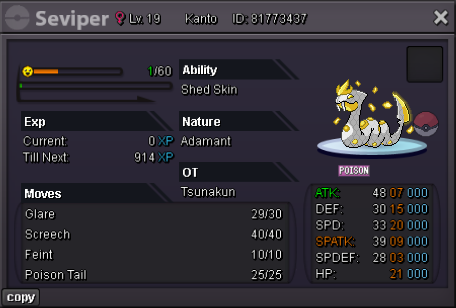
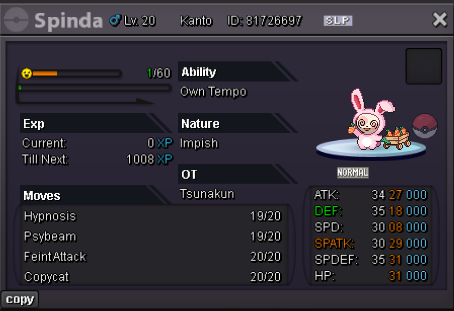
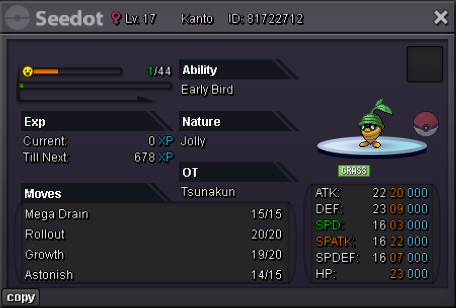
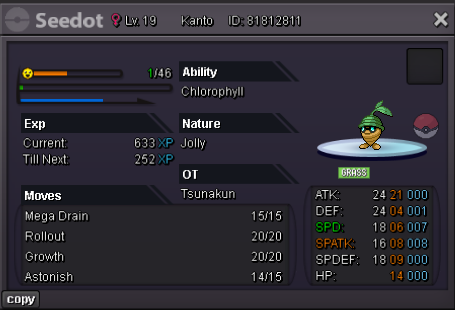
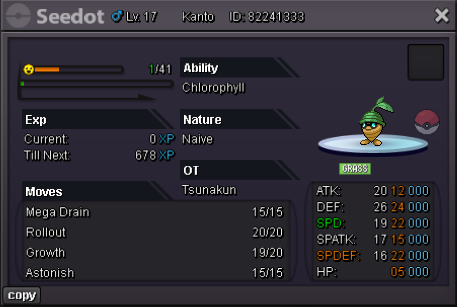
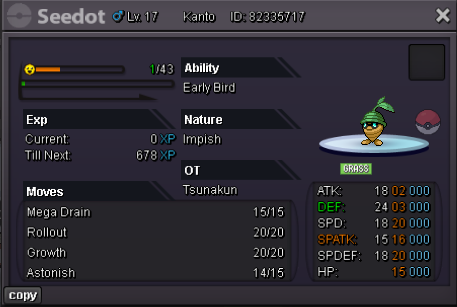
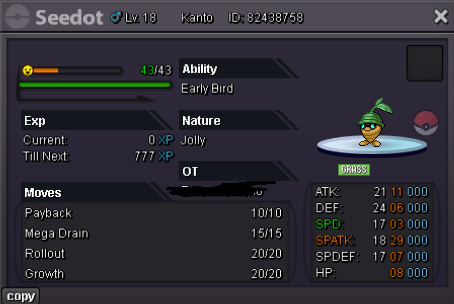
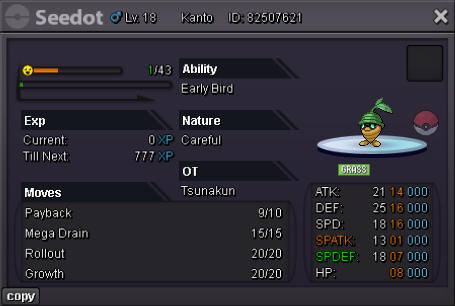
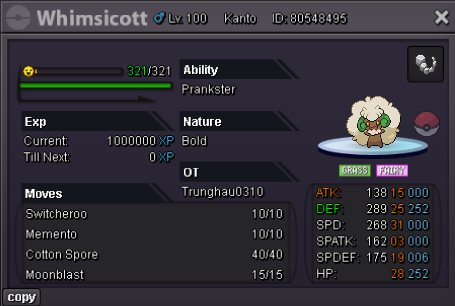
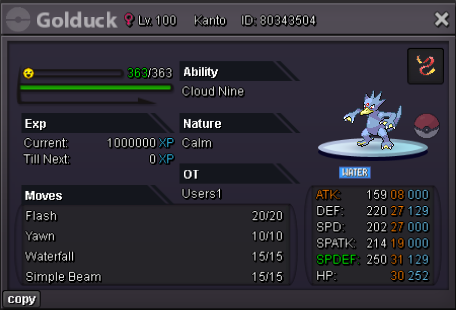
Untrained pokes now updated / Shiny&Event Forms soon!
-
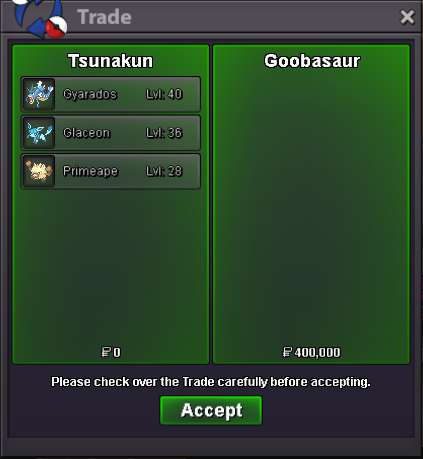
congratz to @Goobasauru won the auction can be closed!
-
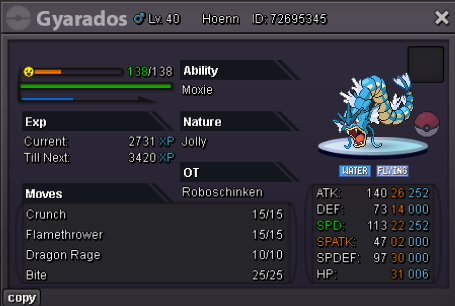
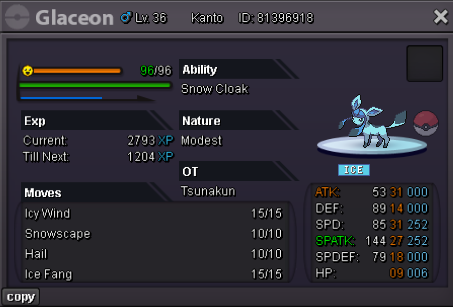
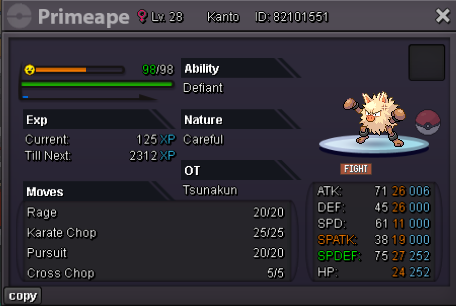
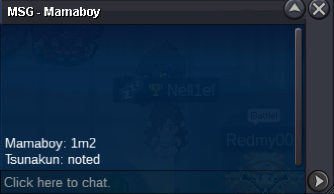
Bundle Auction Starting Price : 400k Min bid : 20k Insta: No Insta Make sure you have the necessary funds before you bid on an auction auction will end 24h after fist bid, if someone bids in the last 15 minutes, we will add 15 minutes more to the timer accordingly to auction rules, Thank you and happy biding
-
-
i wanna keep my bid and waiting for the trade ty!
-
-
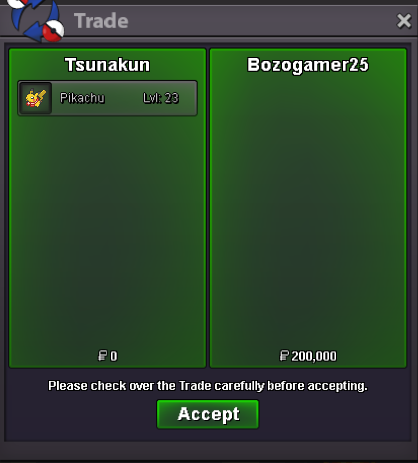
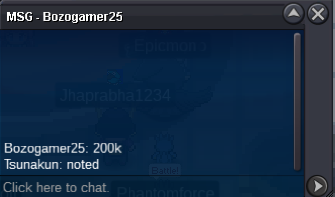
@Bozogamer25won the auction can be closed
-
Cute Pikachu Starting Price : 100k Min bid : 20k Insta: No Insta Make sure you have the necessary funds before you bid on an auction auction will end 24h after fist bid, if someone bids in the last 15 minutes, we will add 15 minutes more to the timer accordingly to auction rules, Thank you and happy biding
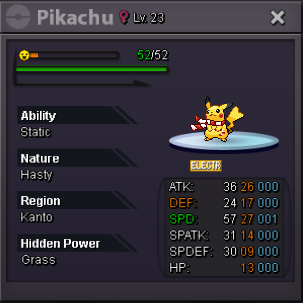 @Alciuzwon the auction can be closed
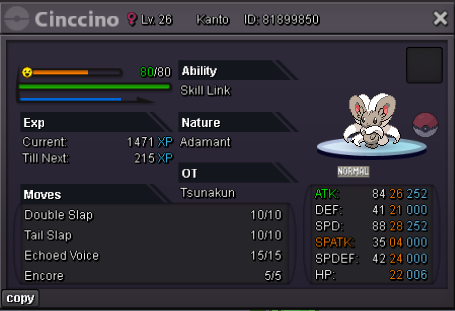
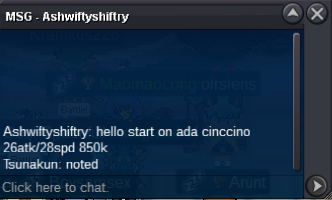
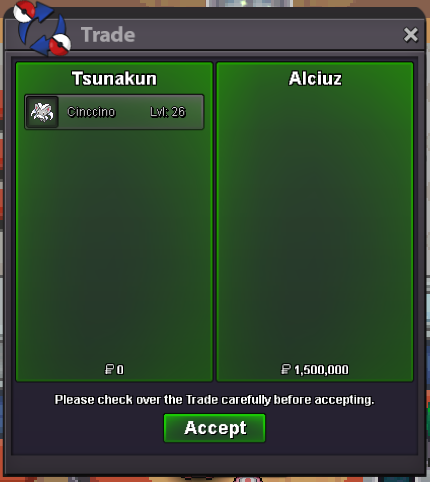 @Noirss im online for the tradeEpic Cinccino Starting Price : 850k Min bid : 50k Insta: No Insta Make sure you have the necessary funds before you bid on an auction auction will end 24h after fist bid, if someone bids in the last 15 minutes, we will add 15 minutes more to the timer accordingly to auction rules, Thank you and happy biding
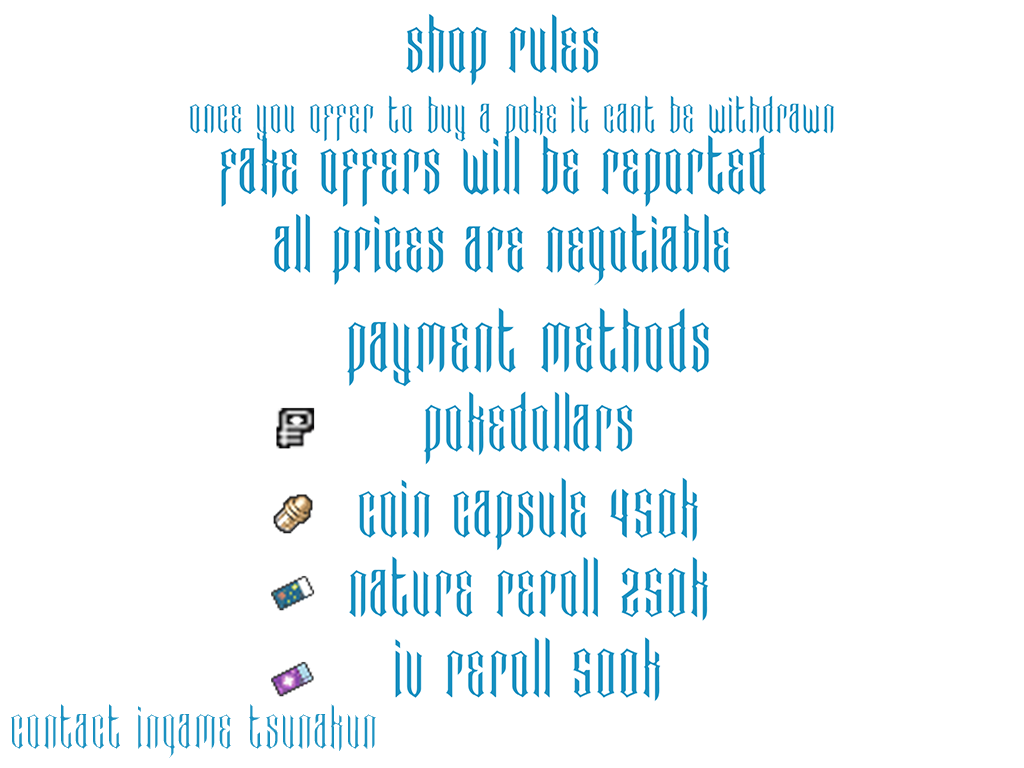
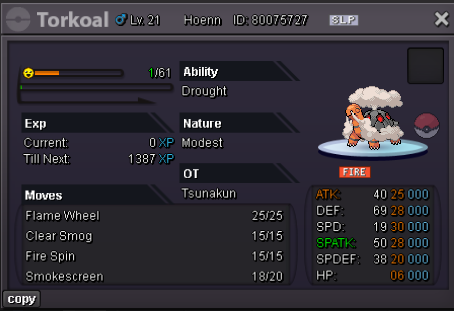
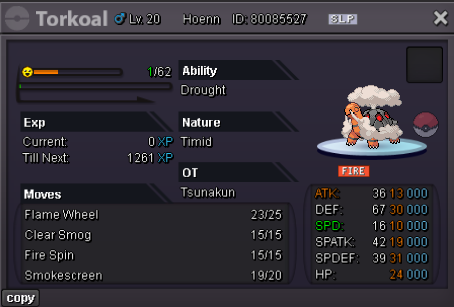
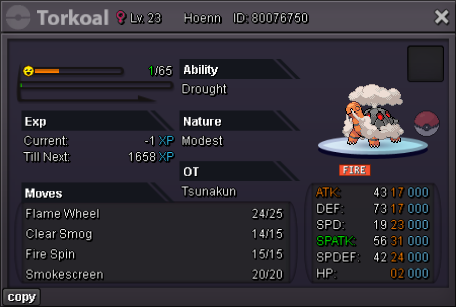
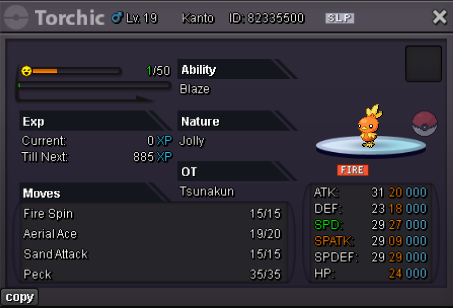
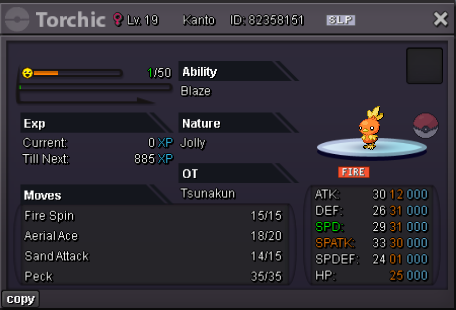
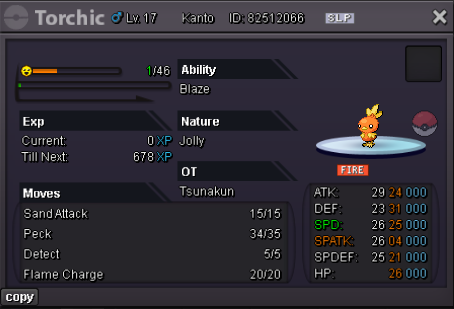
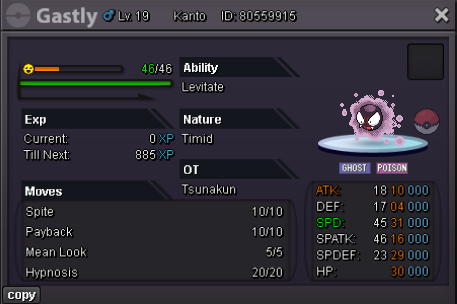
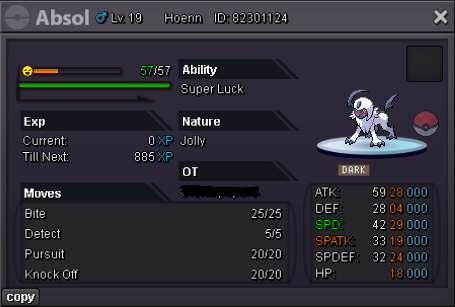
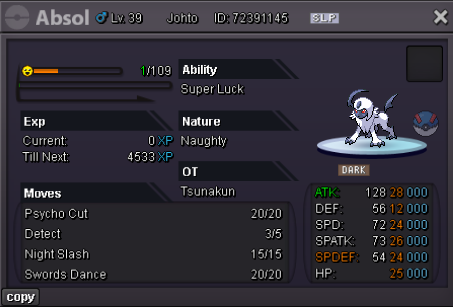
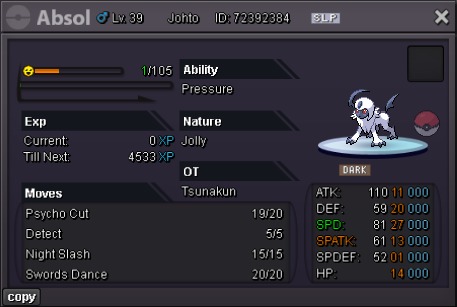
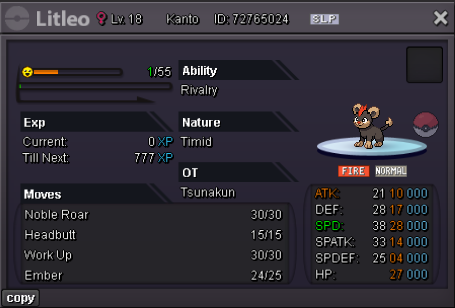
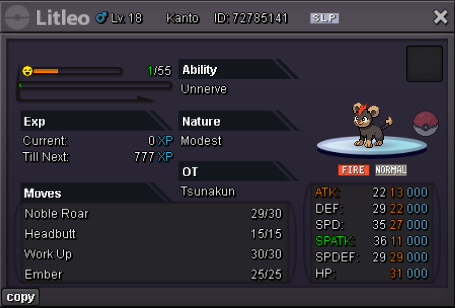
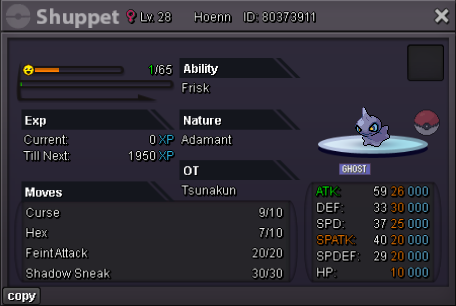
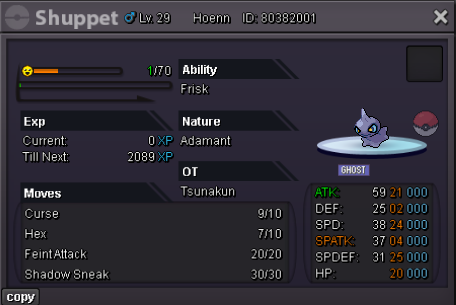
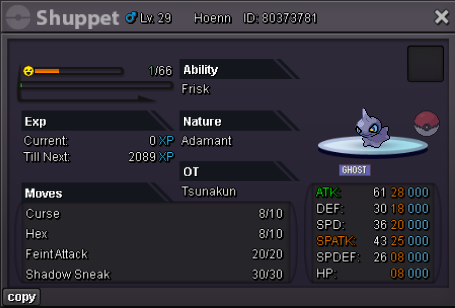
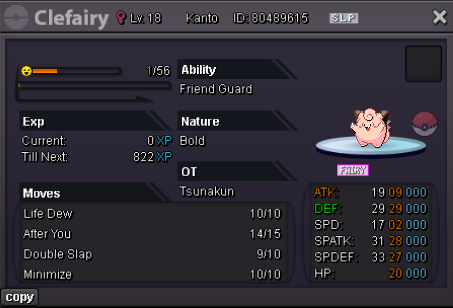
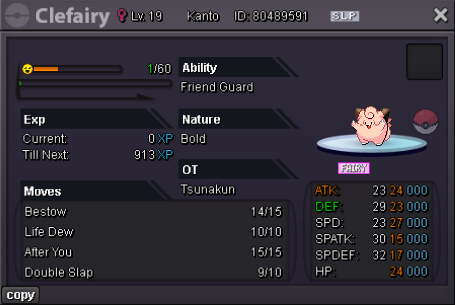
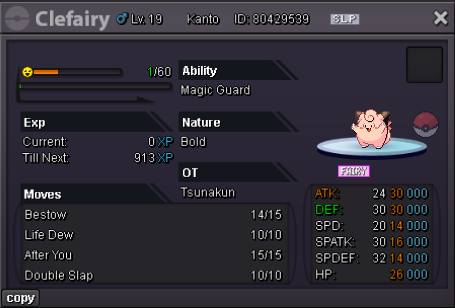
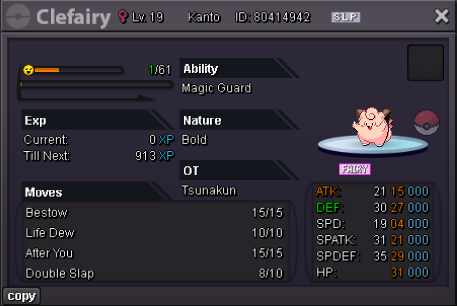
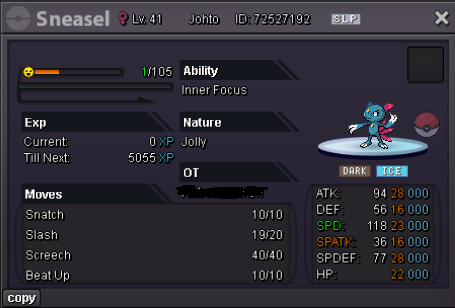
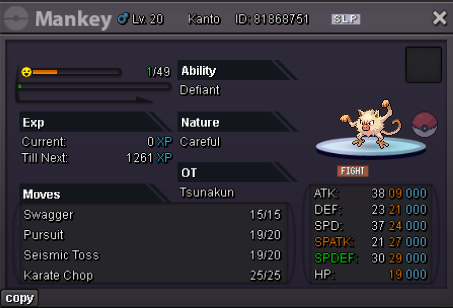
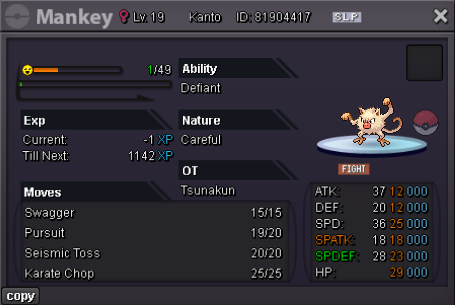
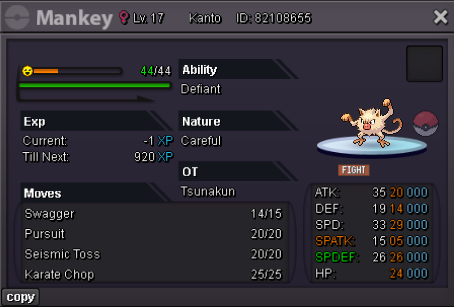
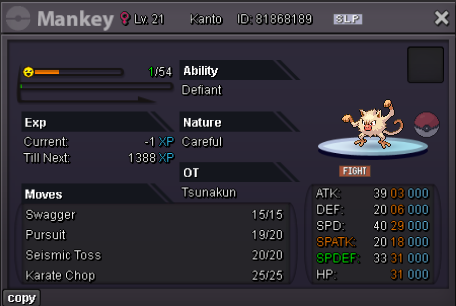
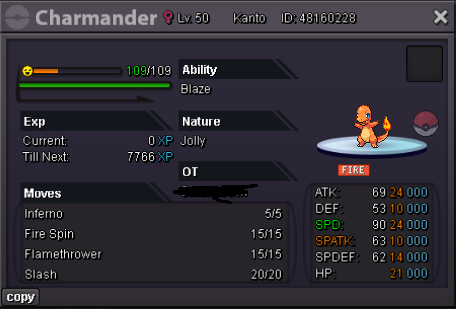
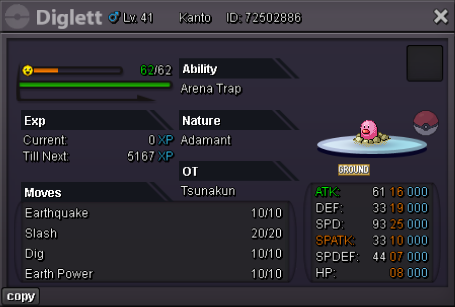
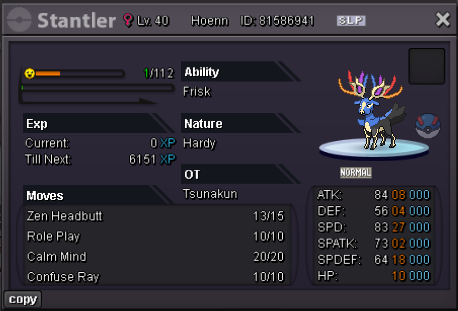
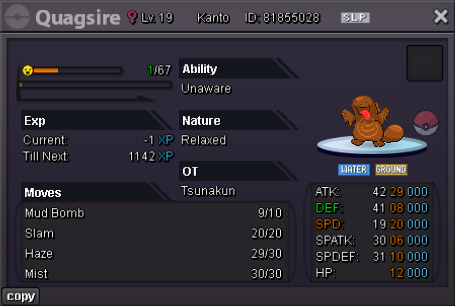
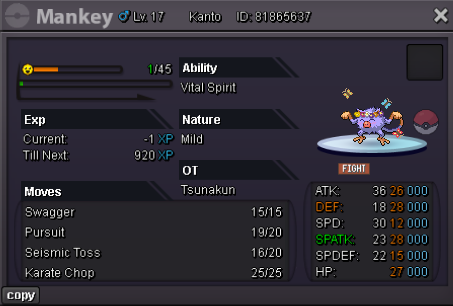
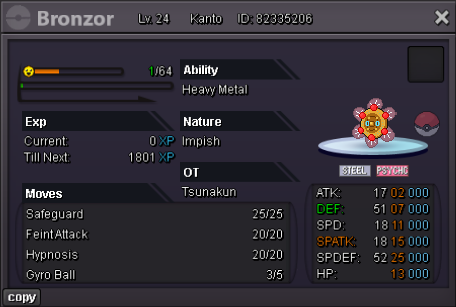
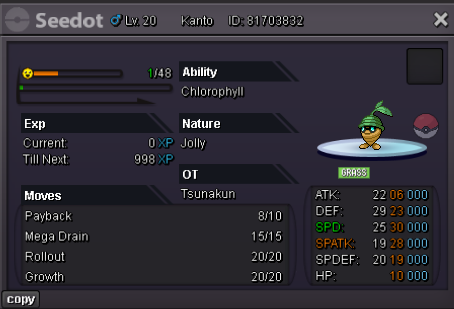
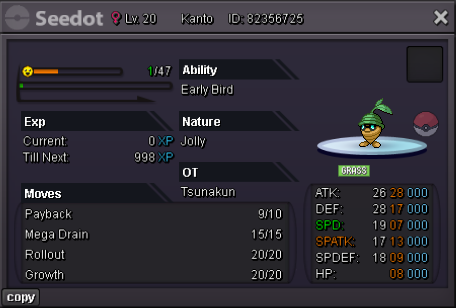
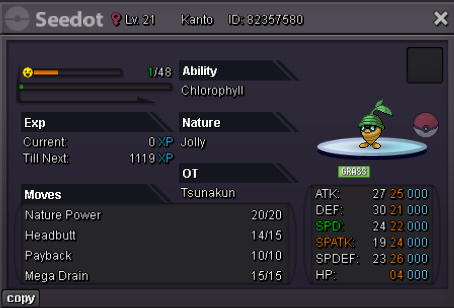
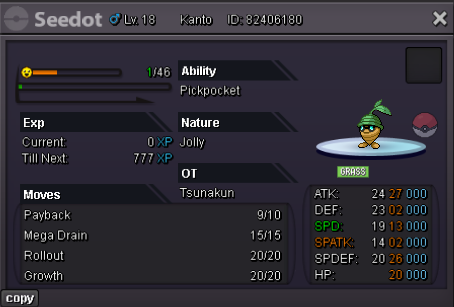
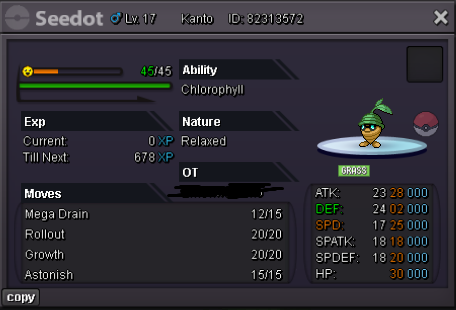
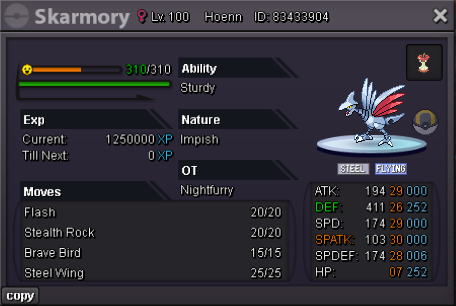
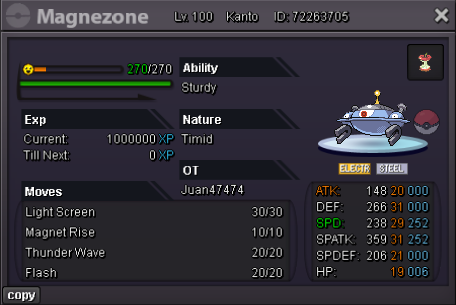
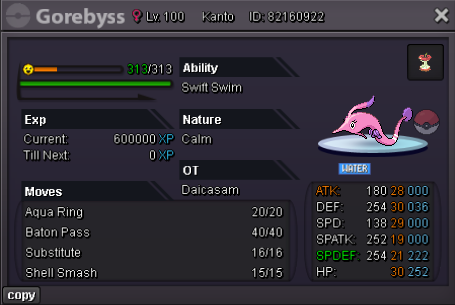
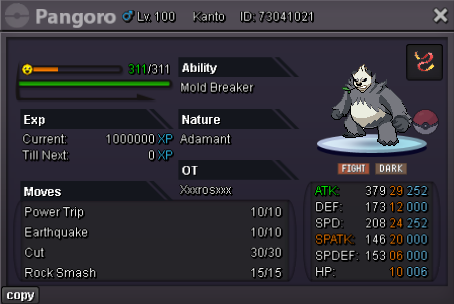
 Can be closedbump265k120kbumpbumpbumpWelcome! •out of stock •in stock Boss Lending Service(expect on sundays) 5k Each Poke for 12Hours Untrained Pokemons Event/Shiny Forms


Account
Navigation
Search
Configure browser push notifications
Chrome (Android)
- Tap the lock icon next to the address bar.
- Tap Permissions → Notifications.
- Adjust your preference.
Chrome (Desktop)
- Click the padlock icon in the address bar.
- Select Site settings.
- Find Notifications and adjust your preference.
Safari (iOS 16.4+)
- Ensure the site is installed via Add to Home Screen.
- Open Settings App → Notifications.
- Find your app name and adjust your preference.
Safari (macOS)
- Go to Safari → Preferences.
- Click the Websites tab.
- Select Notifications in the sidebar.
- Find this website and adjust your preference.
Edge (Android)
- Tap the lock icon next to the address bar.
- Tap Permissions.
- Find Notifications and adjust your preference.
Edge (Desktop)
- Click the padlock icon in the address bar.
- Click Permissions for this site.
- Find Notifications and adjust your preference.
Firefox (Android)
- Go to Settings → Site permissions.
- Tap Notifications.
- Find this site in the list and adjust your preference.
Firefox (Desktop)
- Open Firefox Settings.
- Search for Notifications.
- Find this site in the list and adjust your preference.