New Trade Zone
Trade Zone is now live
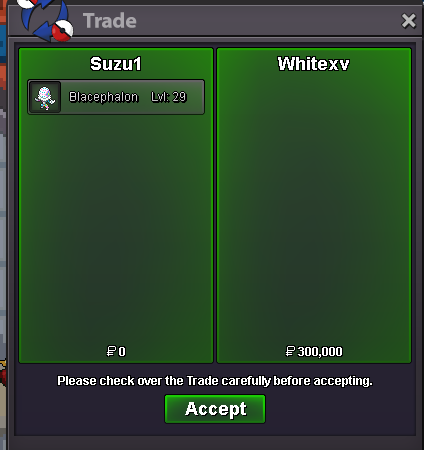
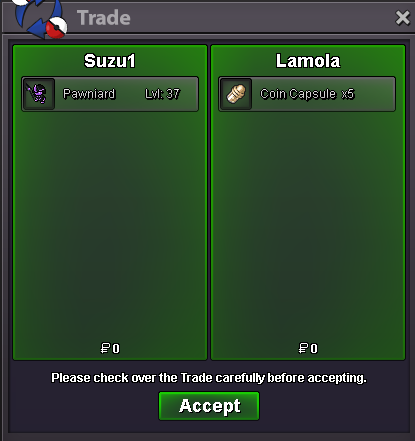
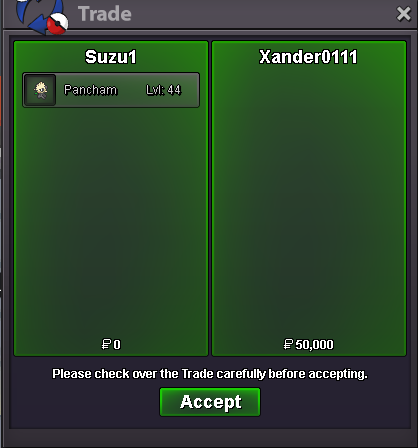
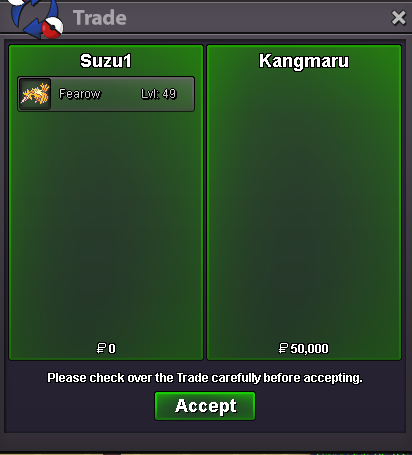
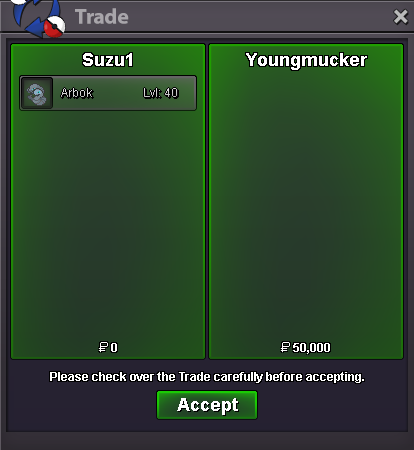
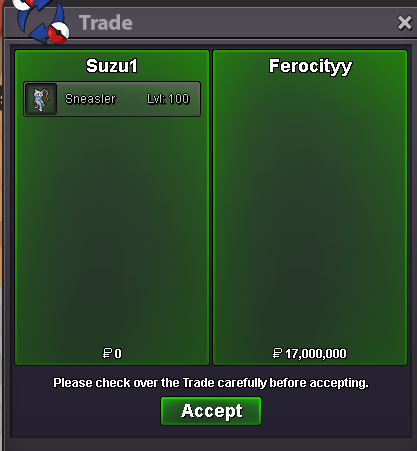
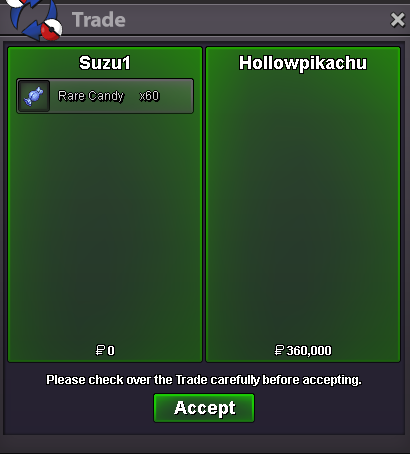
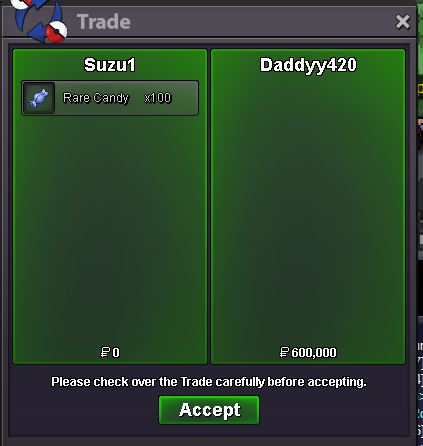
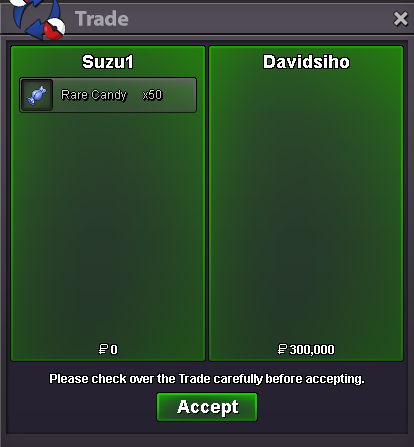
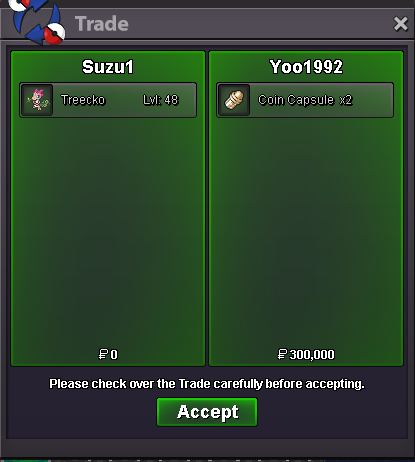
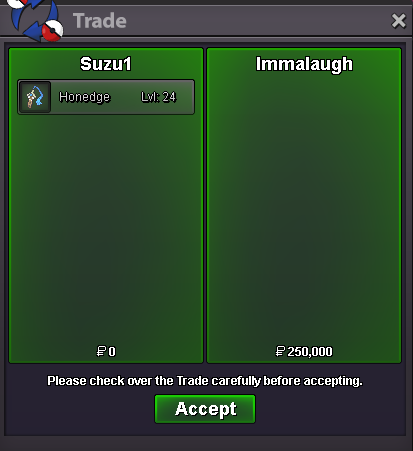
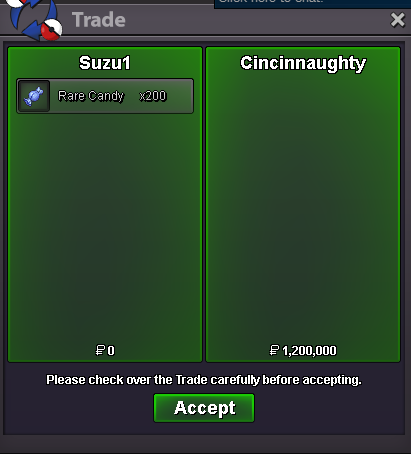
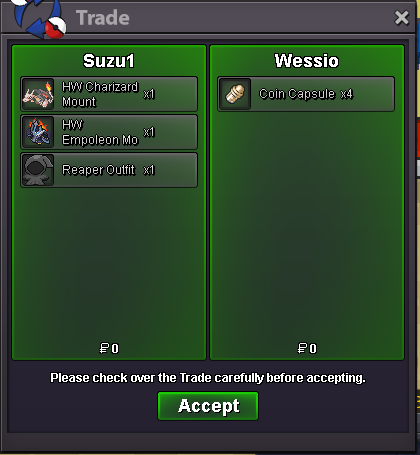
Use the new Trade Zone for auctions and instant-price trades so Pokemon and item offers are easy to find.


Suzu1
Registered User
-
Joined
-
Last visited
Everything posted by Suzu1
-
start dragonite
-
suzu1 - goldstartpm on discord: verseey or ingame when u onlineyour offer is appreciated. but the owner dont want it to be lowered.Hello Everyone!! First of all I would like to say thanks to everyone who kept shopping here in PokéMart. Shop will get a Major update at the start of the Event Xmas 2025. Also, I want some suggestions/thoughts over anything related to this shop feel free to pm me about it on forum private message or in discord. Every suggestion is equally respected don't hesitate to let me know. Thank you.you cant start your own auction@Ferocityy has won the auction.15 mins rule
Account
Navigation
Search
Configure browser push notifications
Chrome (Android)
- Tap the lock icon next to the address bar.
- Tap Permissions → Notifications.
- Adjust your preference.
Chrome (Desktop)
- Click the padlock icon in the address bar.
- Select Site settings.
- Find Notifications and adjust your preference.
Safari (iOS 16.4+)
- Ensure the site is installed via Add to Home Screen.
- Open Settings App → Notifications.
- Find your app name and adjust your preference.
Safari (macOS)
- Go to Safari → Preferences.
- Click the Websites tab.
- Select Notifications in the sidebar.
- Find this website and adjust your preference.
Edge (Android)
- Tap the lock icon next to the address bar.
- Tap Permissions.
- Find Notifications and adjust your preference.
Edge (Desktop)
- Click the padlock icon in the address bar.
- Click Permissions for this site.
- Find Notifications and adjust your preference.
Firefox (Android)
- Go to Settings → Site permissions.
- Tap Notifications.
- Find this site in the list and adjust your preference.
Firefox (Desktop)
- Open Firefox Settings.
- Search for Notifications.
- Find this site in the list and adjust your preference.