




New Trade Zone
Trade Zone is now live
Use the new Trade Zone for auctions and instant-price trades so Pokemon and item offers are easy to find.


Meikhashop
Registered User
-
Joined
-
Last visited
Everything posted by Meikhashop
-
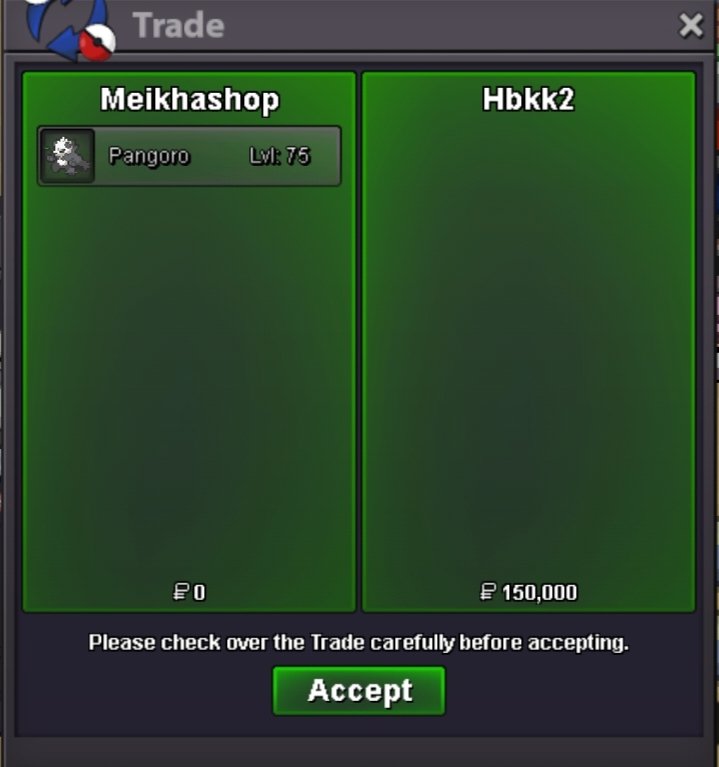
TYSM❤️ HBKK2 VISIT AGAIN
-
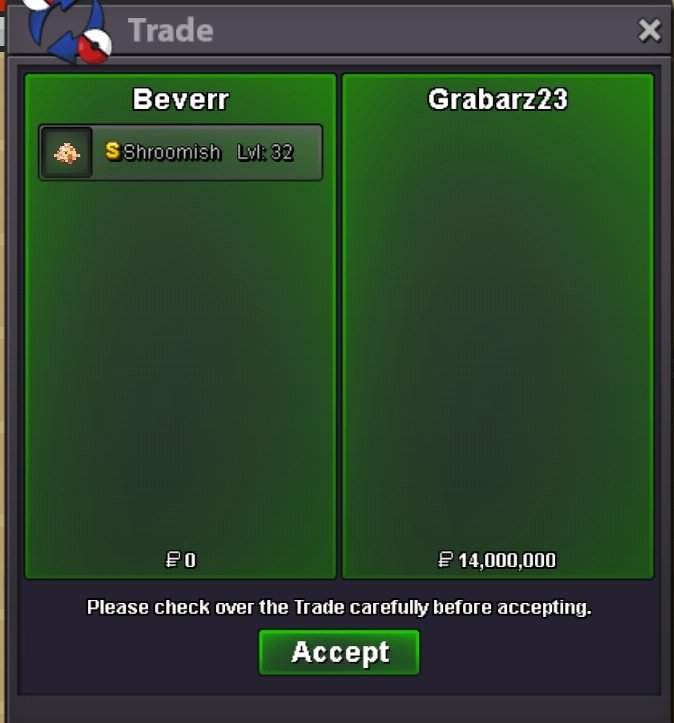
Ty all for participation
-
Congratulations @Grabarz23you won Lemme know when you ready for trade Trade will be done by my main beverr Discord: addisonbevere
-
Push 1hrs 21min left
-
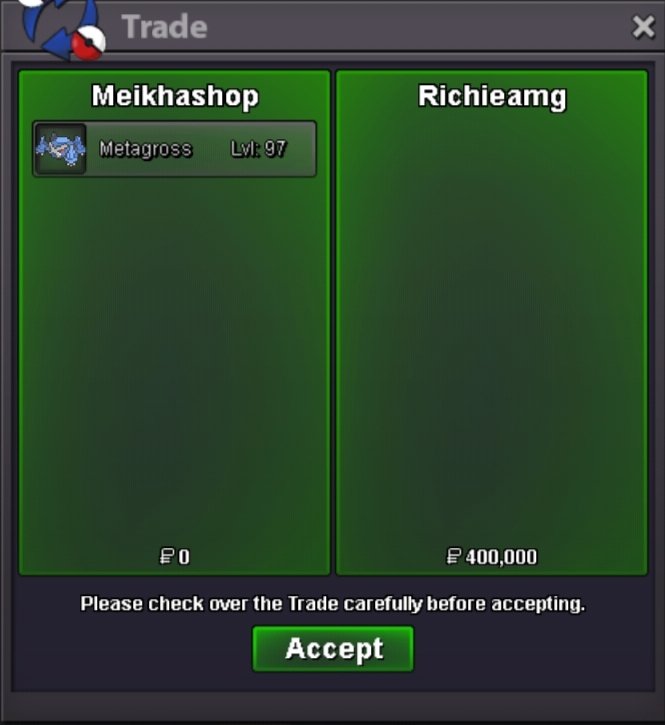
Ty for participation
-
Aunction end Winner - @Richieamg Ready to trade My discord - addisonbevere
-
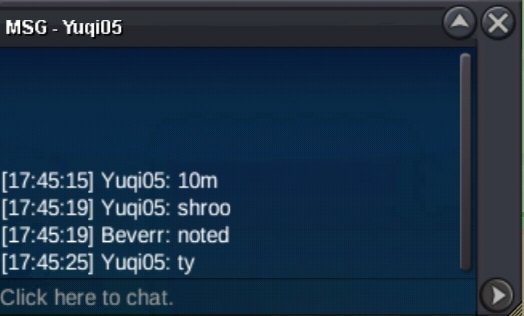
Push 11 hrs lefthttps://www.tickcounter.com/countdown/9258539/my-countdown S.O~5m Min bid 500k Duration 48hrs after first bid NO insta 15min rule apply Accept Cc~500k Pokedollar Contact: IGN Beverr Alt Meikhashop Discord addisonbevere
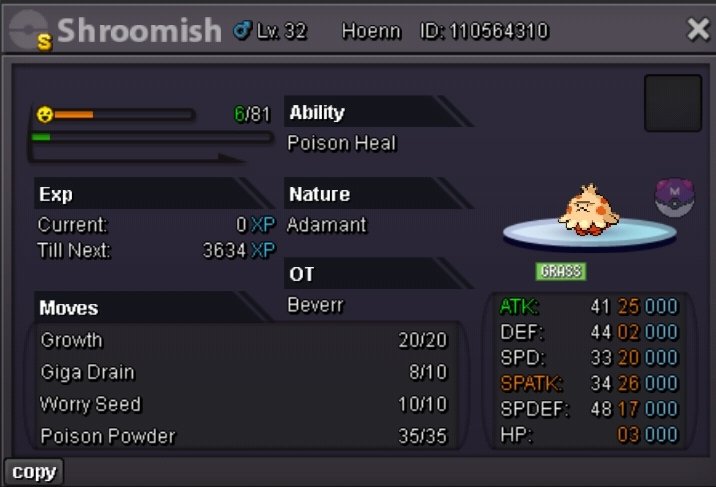
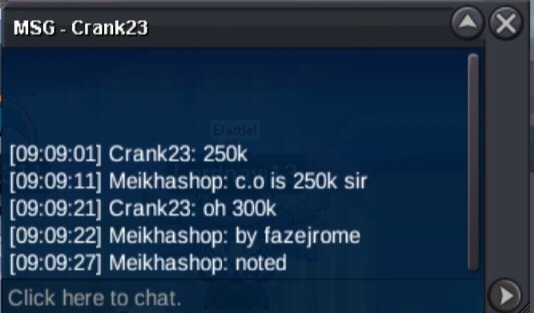
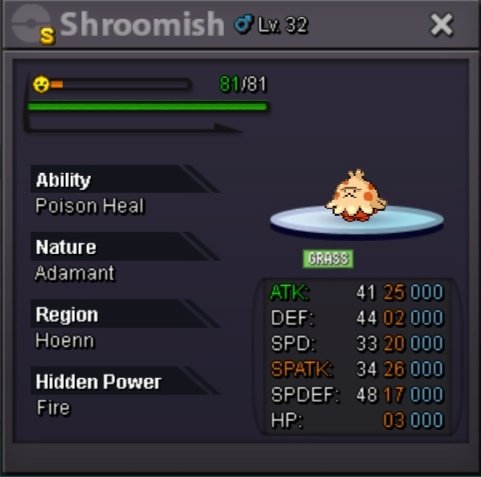 https://www.tickcounter.com/countdown/9254507/my-countdown S.O~50k Min bid~50k No insta 15min rule active Duration 36 hours after start Accept cc = 500k Pokedollar Contact: Discord: addisonbevere My shop Guild page recruitment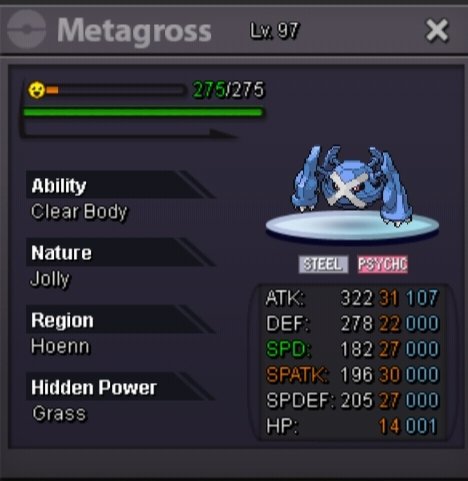
 TYSM❤️ AGRESIVITY VISIT AGAIN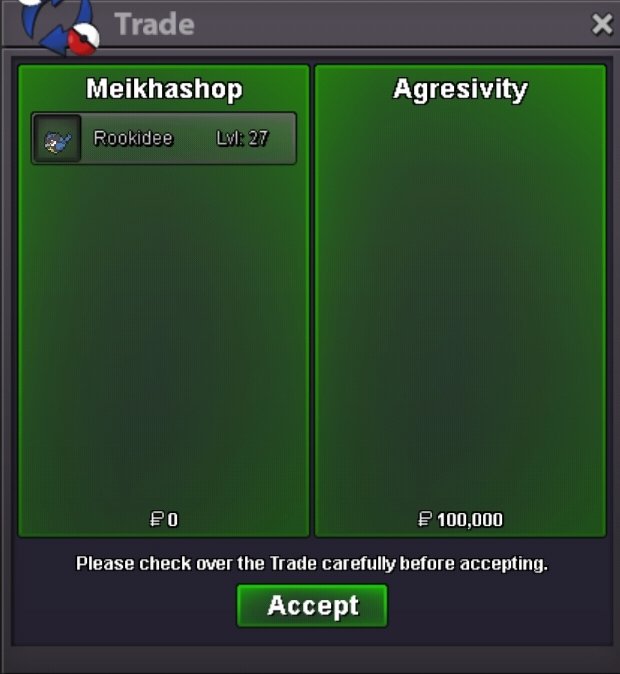
 TYSM❤️ RYELLE VISIT AGAIN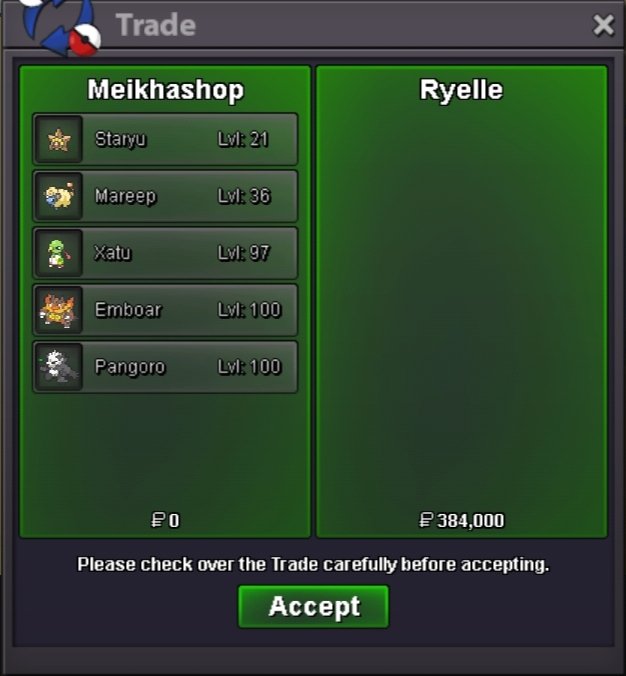
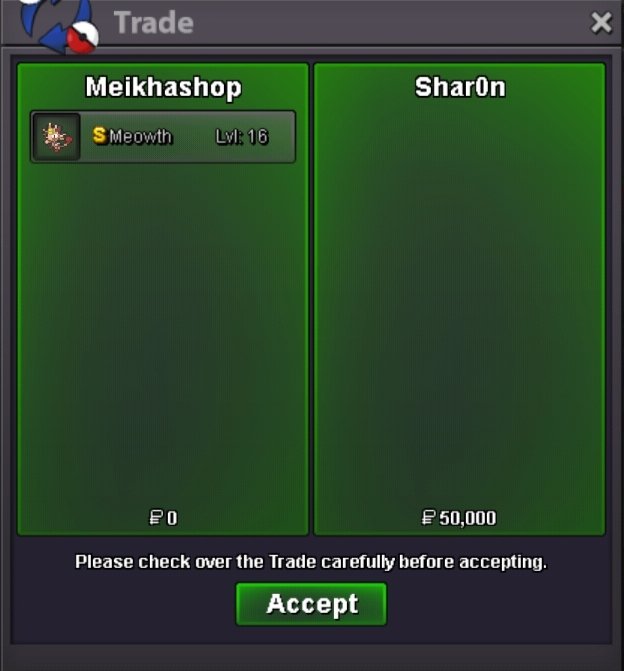
 TYSM❤️ YUDAYAPS12 & SHAR0N VISIT AGAIN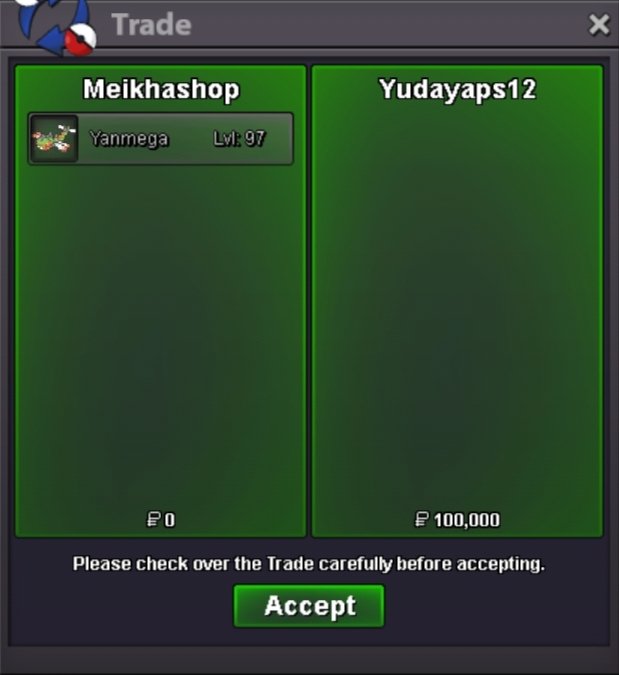
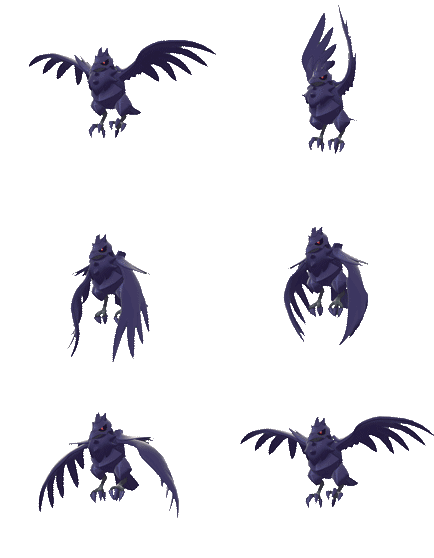 There one more bronzong 100kTYSM❤️ VIETVQV99 VISIT AGAIN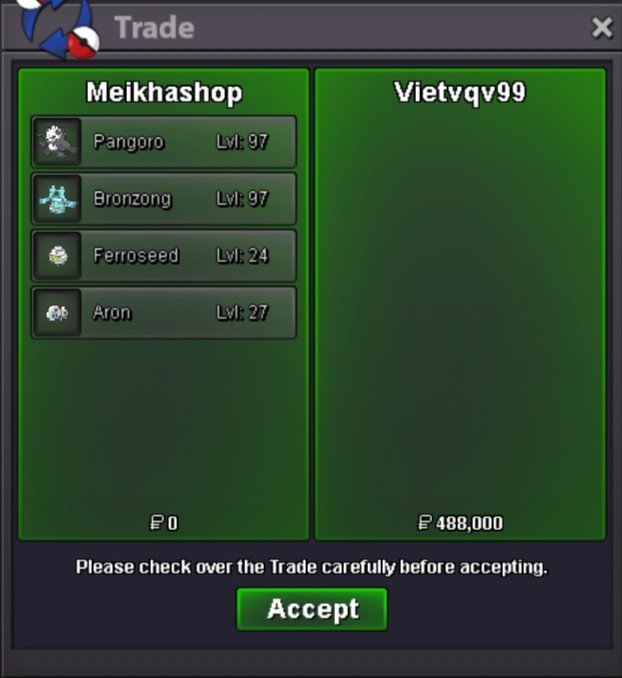
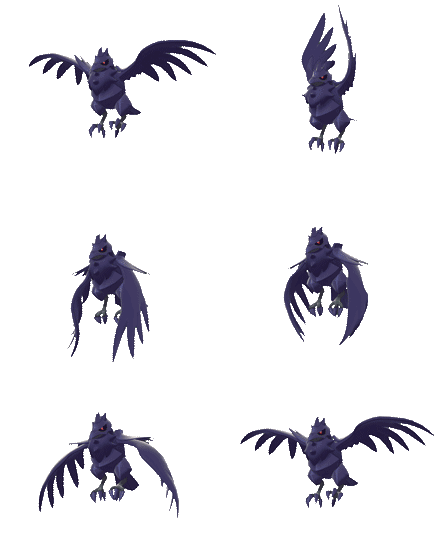 TYSM❤️ IDKLUNA VISIT AGAIN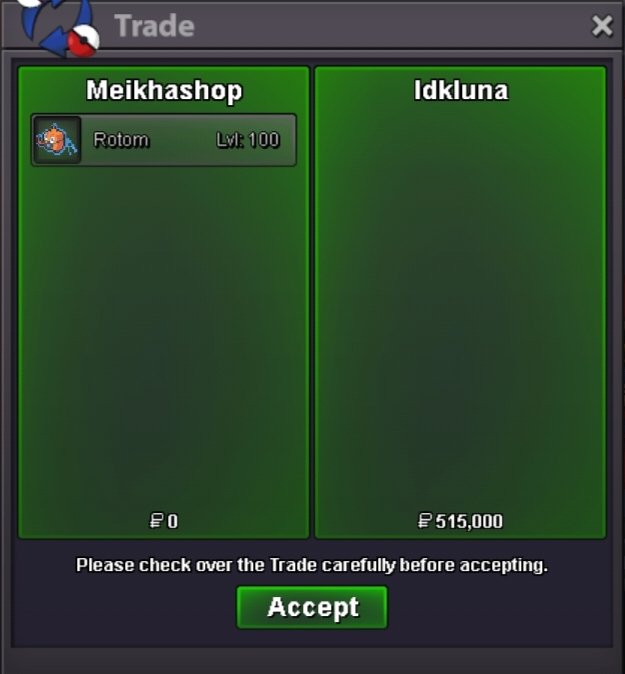
 TYSM❤️ INUSTUR VISIT AGAIN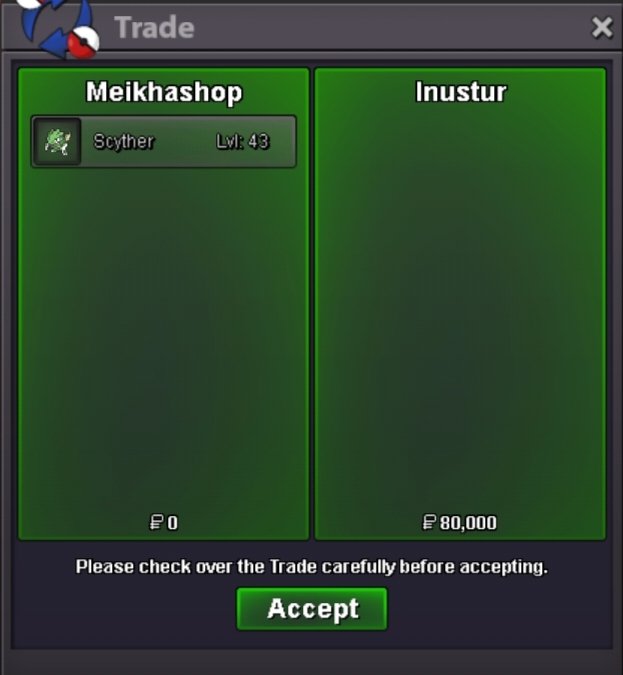
 TYSM❤️ TITE2911 VISIT AGAIN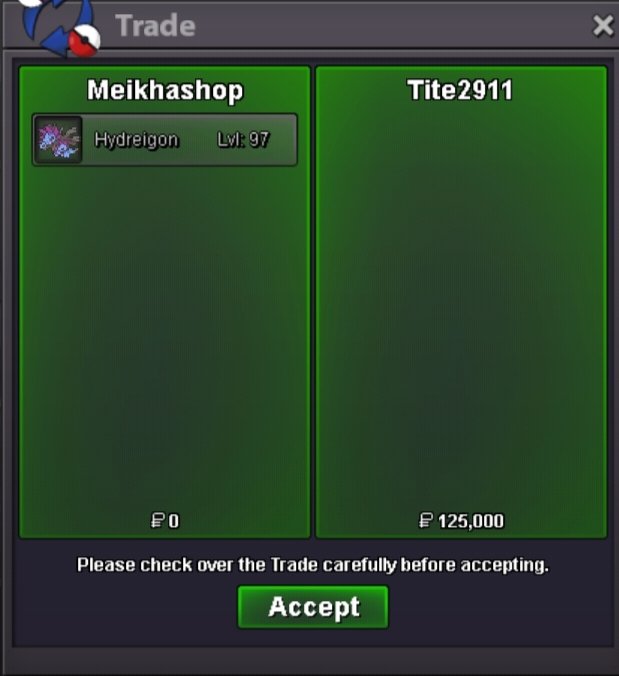


Account
Navigation
Search
Configure browser push notifications
Chrome (Android)
- Tap the lock icon next to the address bar.
- Tap Permissions → Notifications.
- Adjust your preference.
Chrome (Desktop)
- Click the padlock icon in the address bar.
- Select Site settings.
- Find Notifications and adjust your preference.
Safari (iOS 16.4+)
- Ensure the site is installed via Add to Home Screen.
- Open Settings App → Notifications.
- Find your app name and adjust your preference.
Safari (macOS)
- Go to Safari → Preferences.
- Click the Websites tab.
- Select Notifications in the sidebar.
- Find this website and adjust your preference.
Edge (Android)
- Tap the lock icon next to the address bar.
- Tap Permissions.
- Find Notifications and adjust your preference.
Edge (Desktop)
- Click the padlock icon in the address bar.
- Click Permissions for this site.
- Find Notifications and adjust your preference.
Firefox (Android)
- Go to Settings → Site permissions.
- Tap Notifications.
- Find this site in the list and adjust your preference.
Firefox (Desktop)
- Open Firefox Settings.
- Search for Notifications.
- Find this site in the list and adjust your preference.