New Trade Zone
Trade Zone is now live
Use the new Trade Zone for auctions and instant-price trades so Pokemon and item offers are easy to find.

Joksch96
Registered User
-
Joined
-
Last visited
Everything posted by Joksch96
-
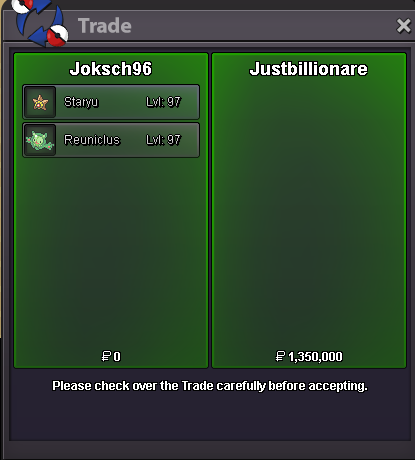
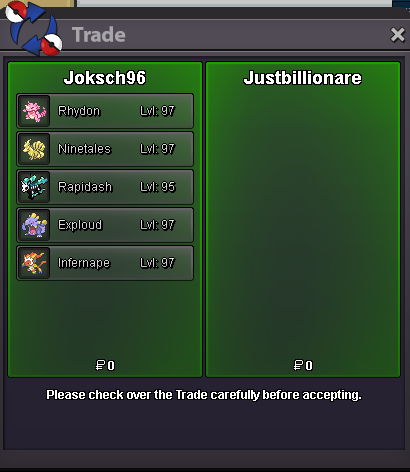
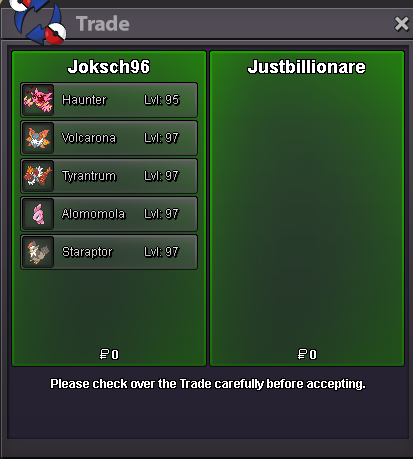
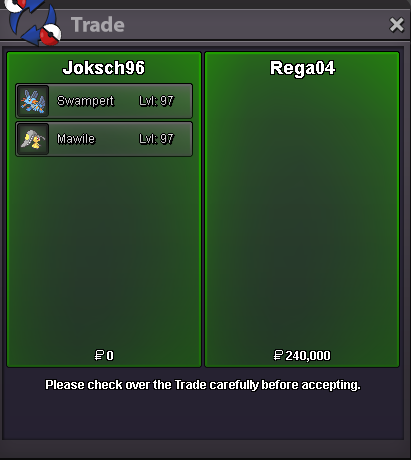
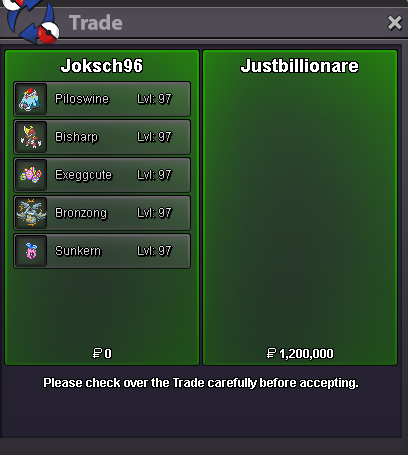
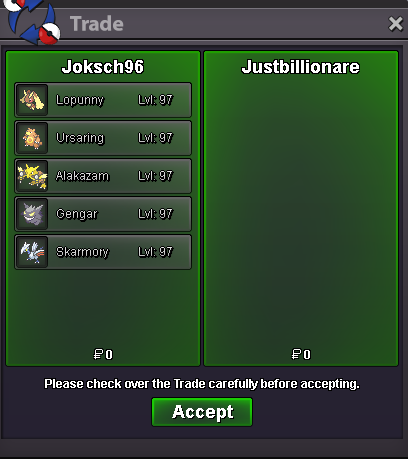
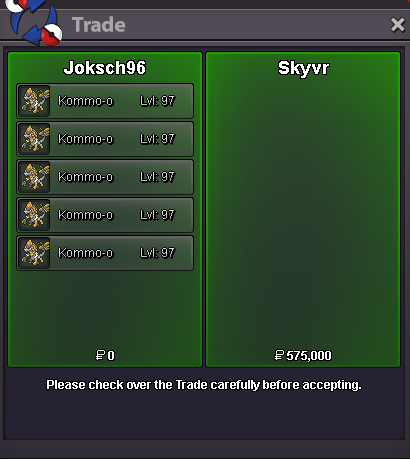
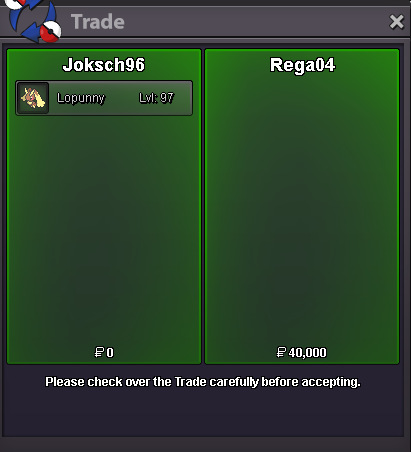
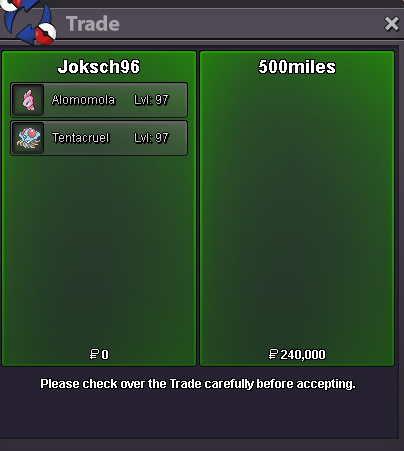
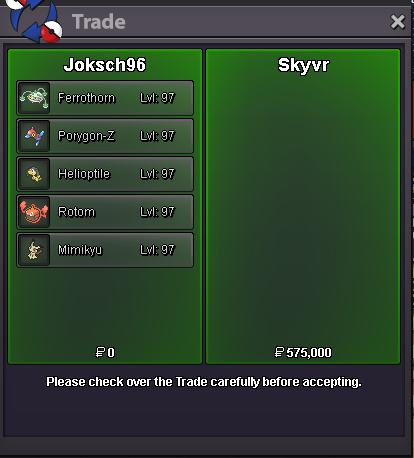
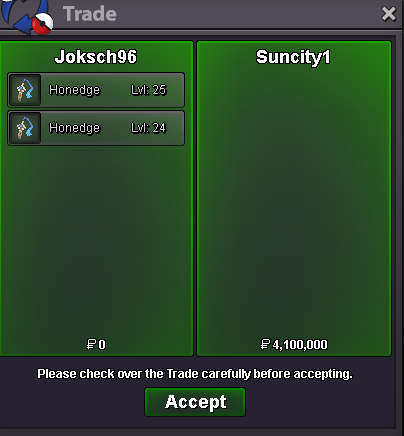
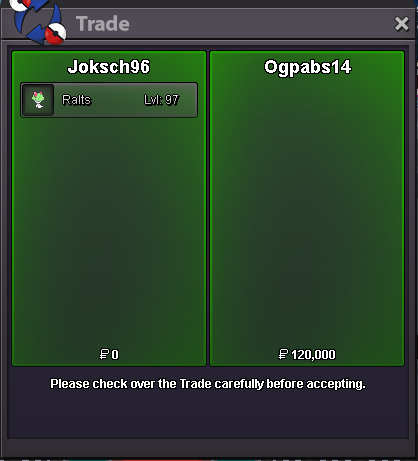
Sure lets trade tmrw and hopefully everything goes well Real life always goes first add me ingame then Joksch96i will be in vermi in around 30minsOh mb 210k blasRaise blastoiseStartits at 300k already matealright loose on ur end with money would have raised beldum and drill but its fine cya aroundwait how did they end when beldum and drill started at 22:46This is no Bundle Start offer each: 250k Min bid each: 50k Length: 24hrs after meeting s.o Accept CC=470k GL EveryoneCongratulations @Fr0d00 you won pmme ingame 🙂Start Lapras and Blastoise
Account
Navigation
Search
Configure browser push notifications
Chrome (Android)
- Tap the lock icon next to the address bar.
- Tap Permissions → Notifications.
- Adjust your preference.
Chrome (Desktop)
- Click the padlock icon in the address bar.
- Select Site settings.
- Find Notifications and adjust your preference.
Safari (iOS 16.4+)
- Ensure the site is installed via Add to Home Screen.
- Open Settings App → Notifications.
- Find your app name and adjust your preference.
Safari (macOS)
- Go to Safari → Preferences.
- Click the Websites tab.
- Select Notifications in the sidebar.
- Find this website and adjust your preference.
Edge (Android)
- Tap the lock icon next to the address bar.
- Tap Permissions.
- Find Notifications and adjust your preference.
Edge (Desktop)
- Click the padlock icon in the address bar.
- Click Permissions for this site.
- Find Notifications and adjust your preference.
Firefox (Android)
- Go to Settings → Site permissions.
- Tap Notifications.
- Find this site in the list and adjust your preference.
Firefox (Desktop)
- Open Firefox Settings.
- Search for Notifications.
- Find this site in the list and adjust your preference.