New Trade Zone
Trade Zone is now live
Use the new Trade Zone for auctions and instant-price trades so Pokemon and item offers are easy to find.

Littlez
Suspended
-
Joined
-
Last visited
Everything posted by Littlez
-
-
2.3m
-
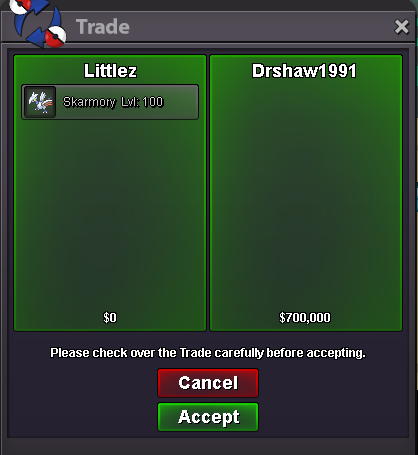
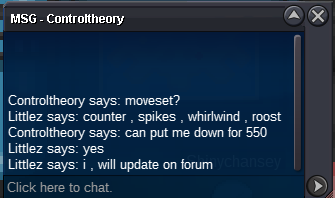
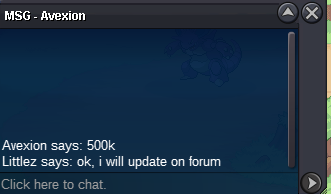
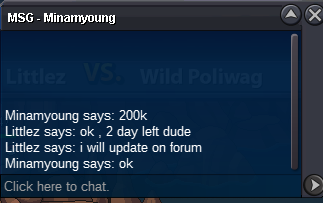
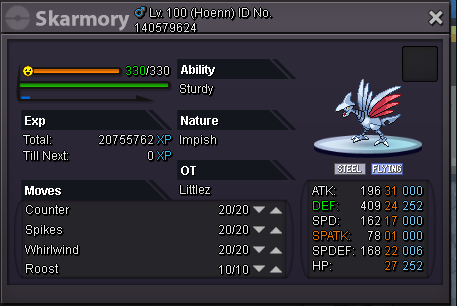
add skarmorySold 700k by Drshaw1991 Only cash or cc = 350k Min bid = 50k Ending Time : feb 24,2018 10.00 AM UTC+7
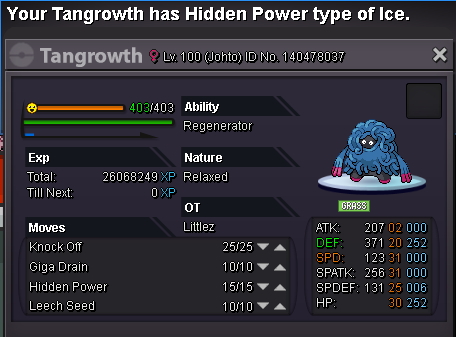
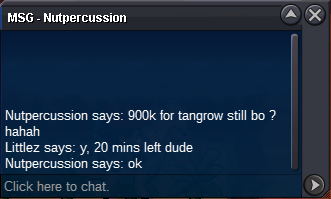
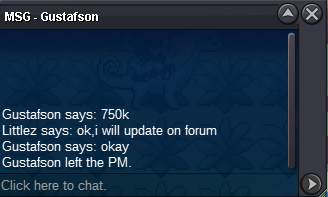
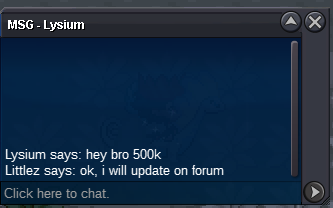
 Re: WTS Epic impish h.a Garchomp <r>sold instant 4.3m + 2cc<br/> <IMG src="https://www.picz.in.th/images/2018/02/15/sold833501e79de9ea79.png"><s></e></IMG></r>Re: WTS Epic impish h.a Garchomp <r><IMG src="https://www.picz.in.th/images/2018/02/15/1.5m.png"><s></e></IMG></r>Re: WTS Epic impish h.a Garchomp <t>add garchomp</t>Re: WTS Epic Hp Ice Heliolisk <r><IMG src="https://www.picz.in.th/images/2018/02/15/sold.png"><s></e></IMG></r>Hi, i want to pay a artist for create my template contact me on dicord [glow=red]Littlez#3657[/glow] or add friend in game [glow=red]/friend Littlez[/glow] :Shy:
Account
Navigation
Search
Configure browser push notifications
Chrome (Android)
- Tap the lock icon next to the address bar.
- Tap Permissions → Notifications.
- Adjust your preference.
Chrome (Desktop)
- Click the padlock icon in the address bar.
- Select Site settings.
- Find Notifications and adjust your preference.
Safari (iOS 16.4+)
- Ensure the site is installed via Add to Home Screen.
- Open Settings App → Notifications.
- Find your app name and adjust your preference.
Safari (macOS)
- Go to Safari → Preferences.
- Click the Websites tab.
- Select Notifications in the sidebar.
- Find this website and adjust your preference.
Edge (Android)
- Tap the lock icon next to the address bar.
- Tap Permissions.
- Find Notifications and adjust your preference.
Edge (Desktop)
- Click the padlock icon in the address bar.
- Click Permissions for this site.
- Find Notifications and adjust your preference.
Firefox (Android)
- Go to Settings → Site permissions.
- Tap Notifications.
- Find this site in the list and adjust your preference.
Firefox (Desktop)
- Open Firefox Settings.
- Search for Notifications.
- Find this site in the list and adjust your preference.