




New Trade Zone
Trade Zone is now live
Use the new Trade Zone for auctions and instant-price trades so Pokemon and item offers are easy to find.


Fabion
Registered User
-
Joined
-
Last visited
Everything posted by Fabion
-
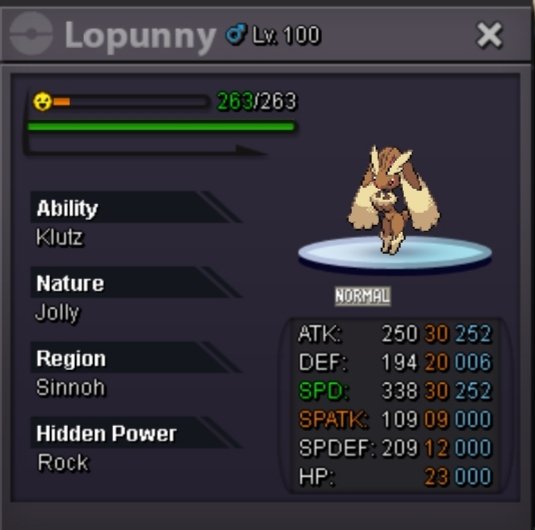
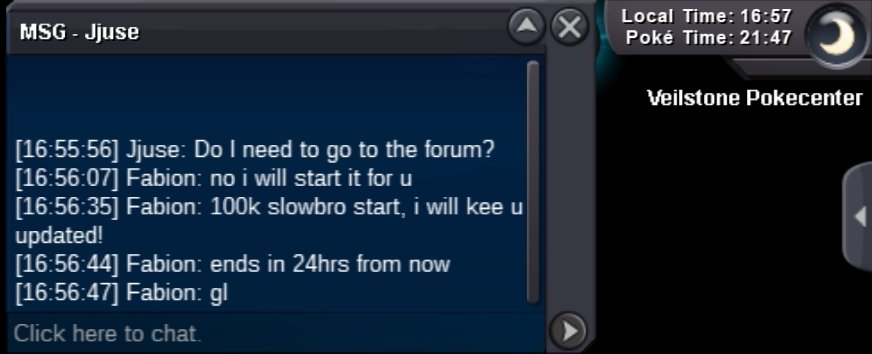
The auction will last 24hrs Time left: https://countingdownto.com/?c=6480347 Accept Cash / CC=450k / Reroll Ticket=750k Minimum Bid = 50k 15 minutes rule applies Gastly Co 100k Cloyster Co 200k
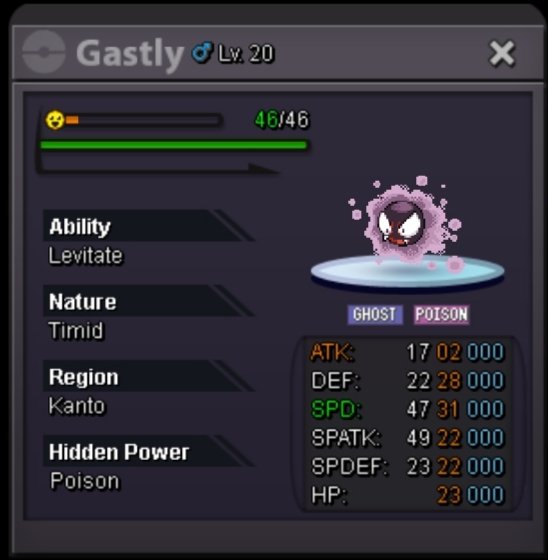
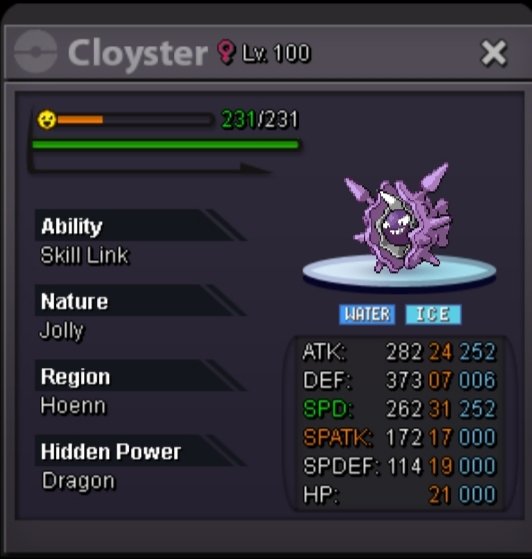
-
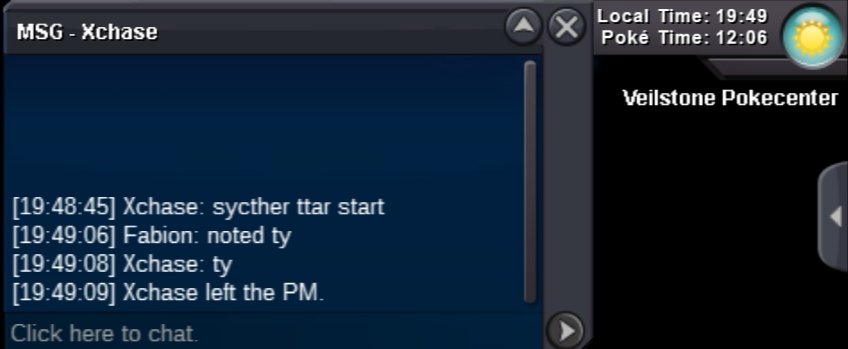
Start alakazam
-
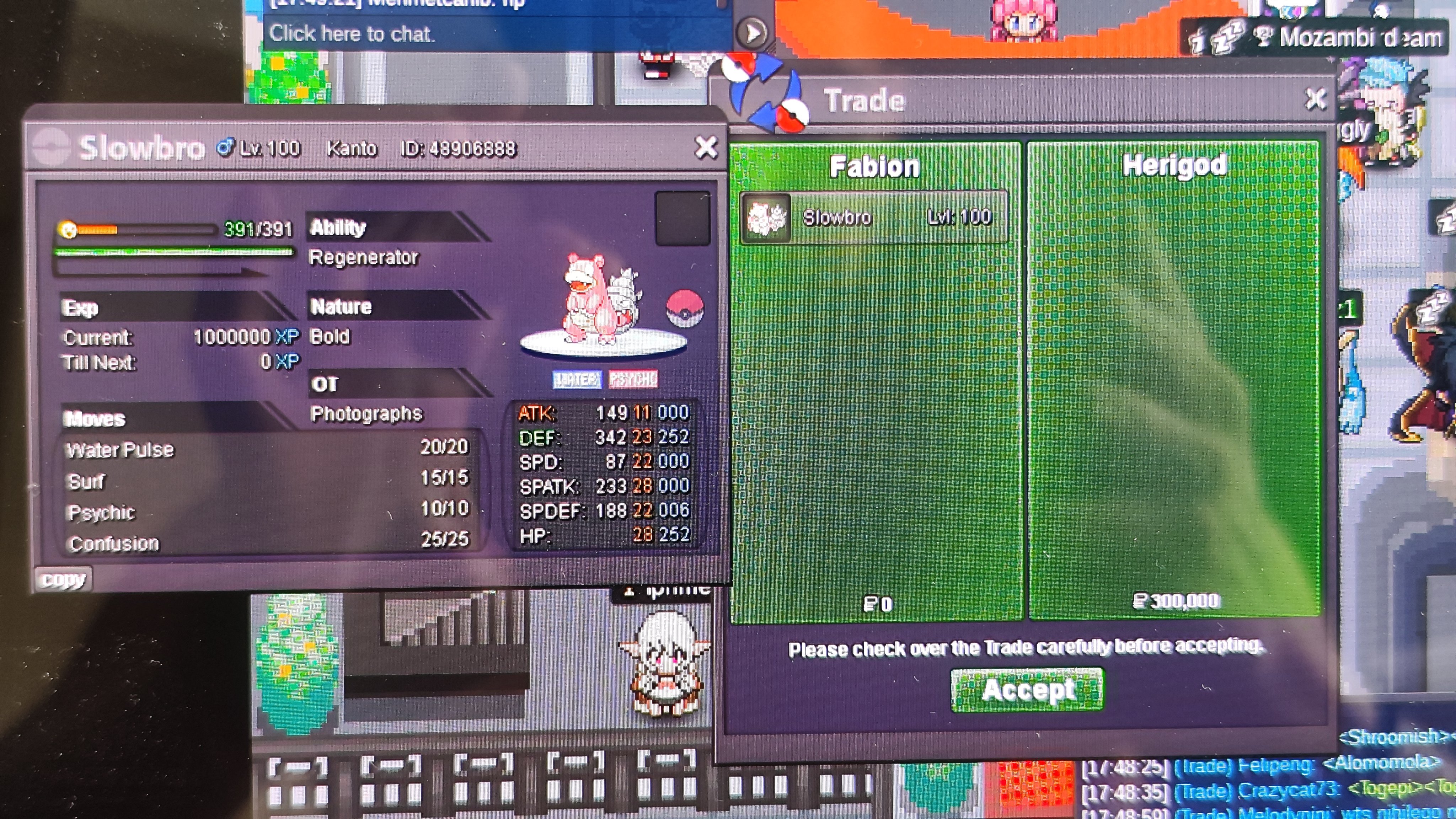
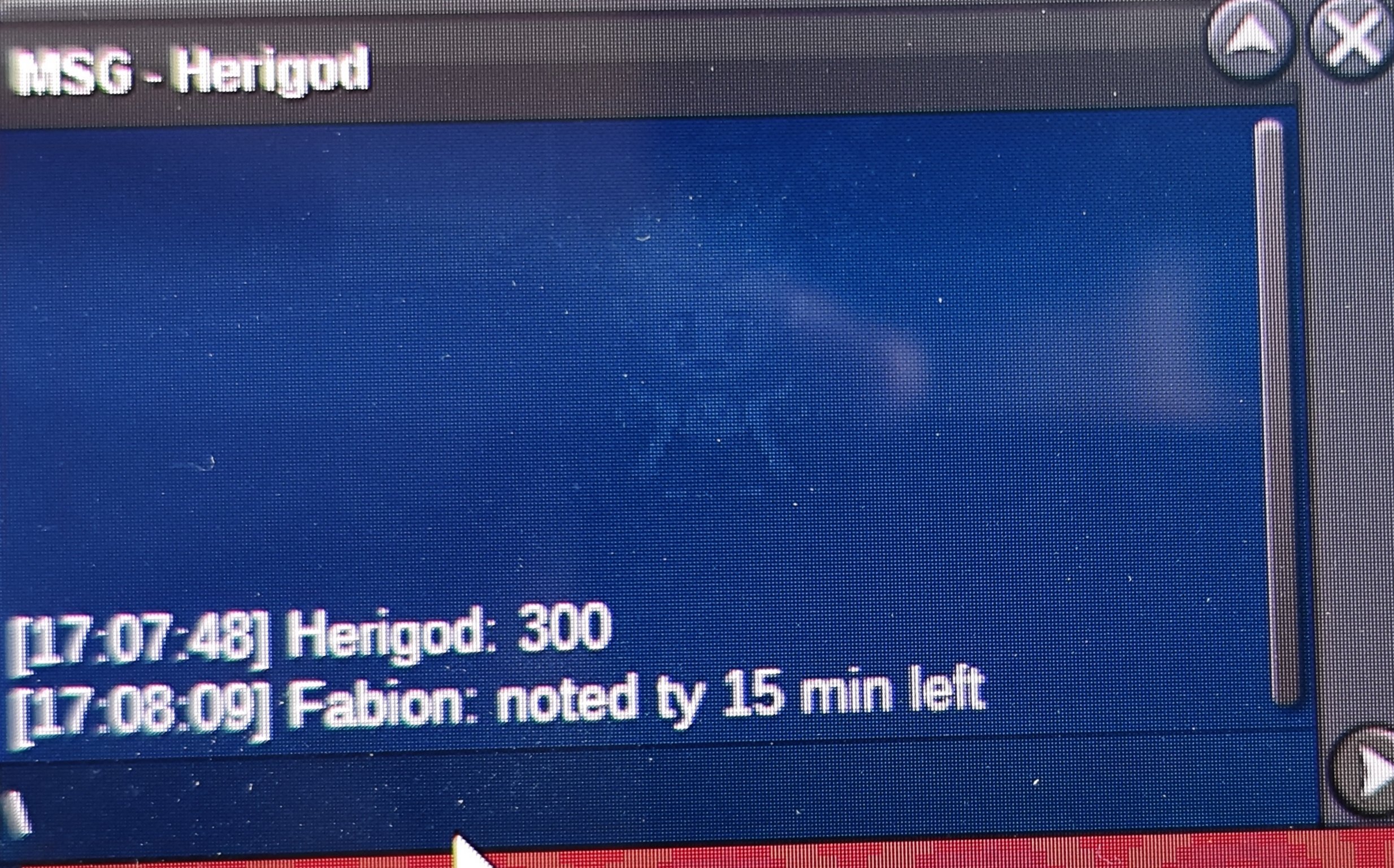
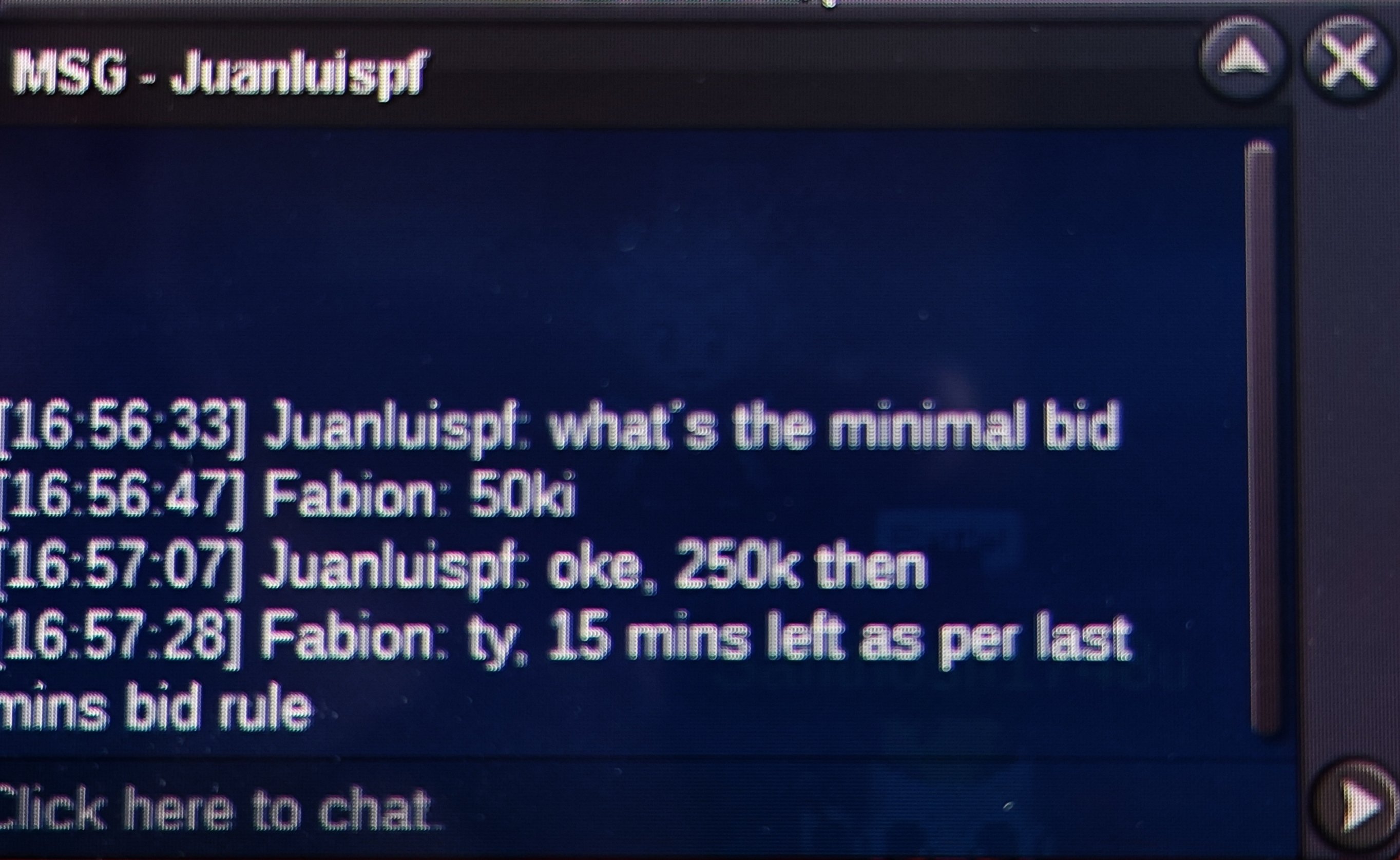
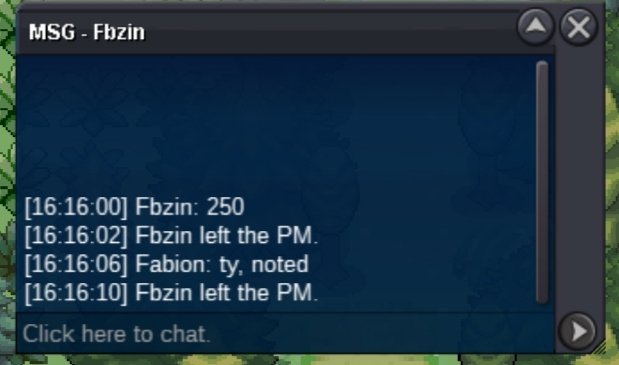
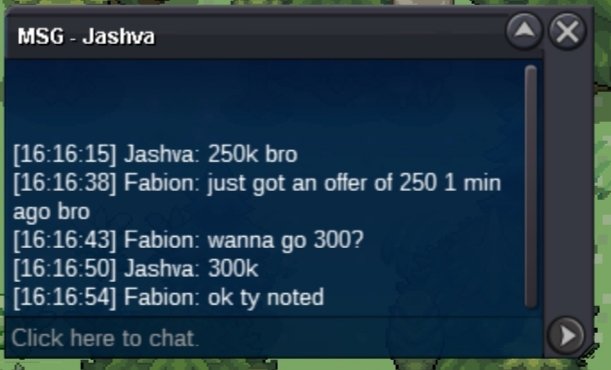
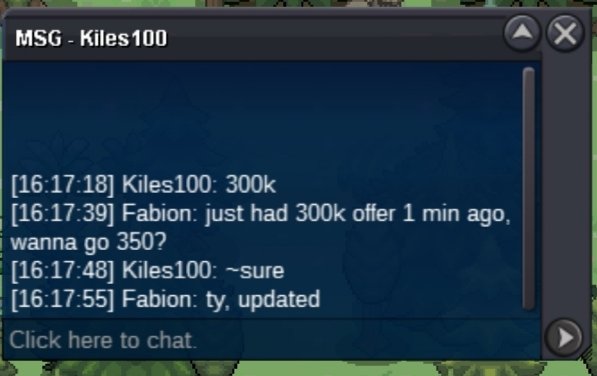
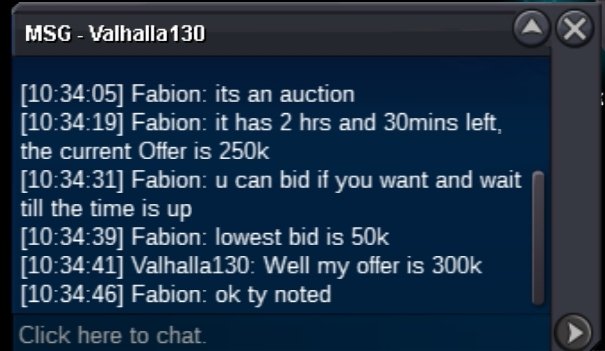
@Herigodhey buddy you won the auction, pm me ingame to complete the tradeAs written above the minimum bid is 50k, current offer is 250k, u have to go 300kTime left: https://countingdownto.com/?c=6469474 • Accept cash / CC = 450k / Reroll Ticket 750k . • 15 minutes rule applies . • Minimum bid 50k Current offer: 250k
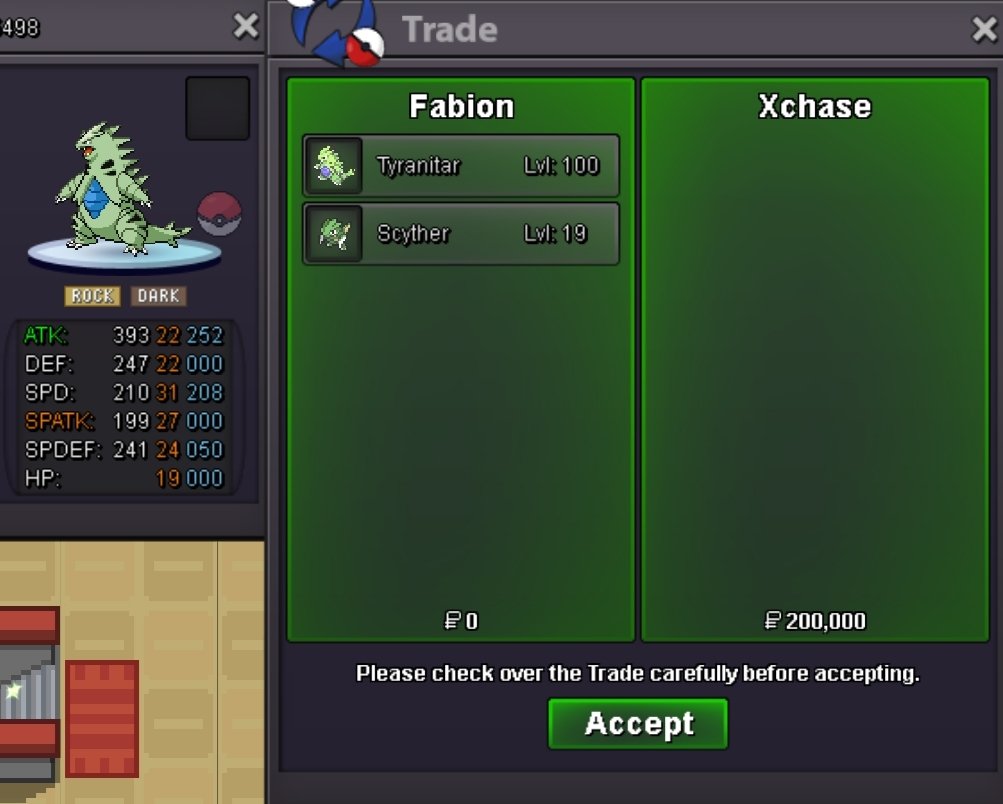
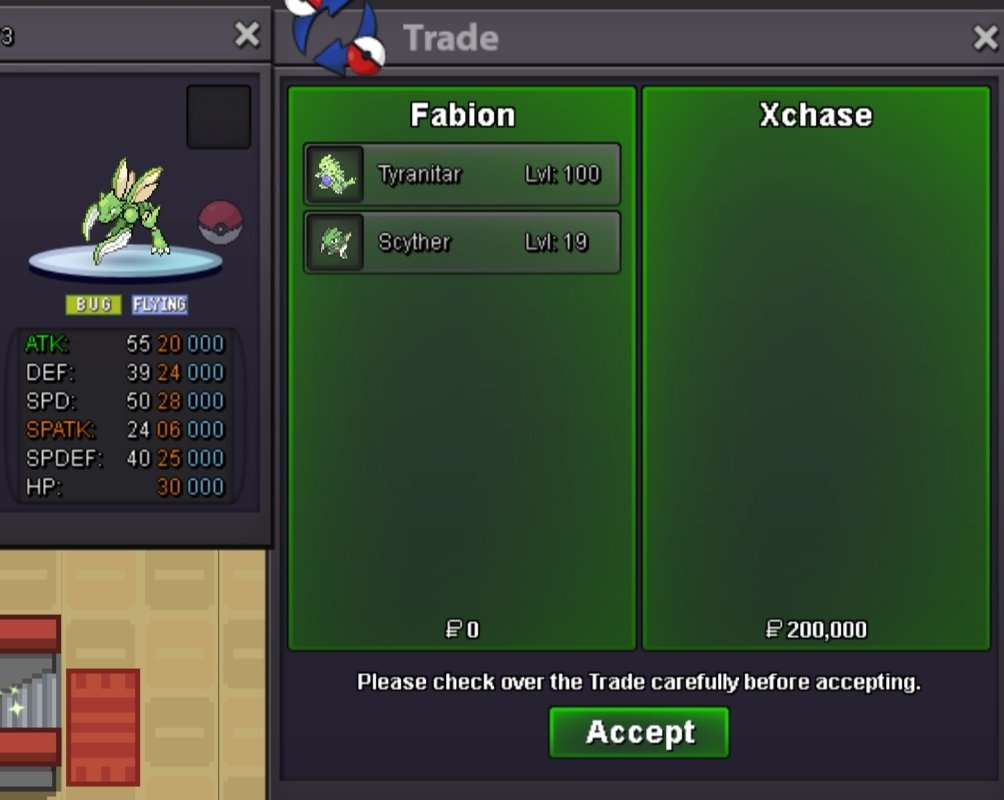
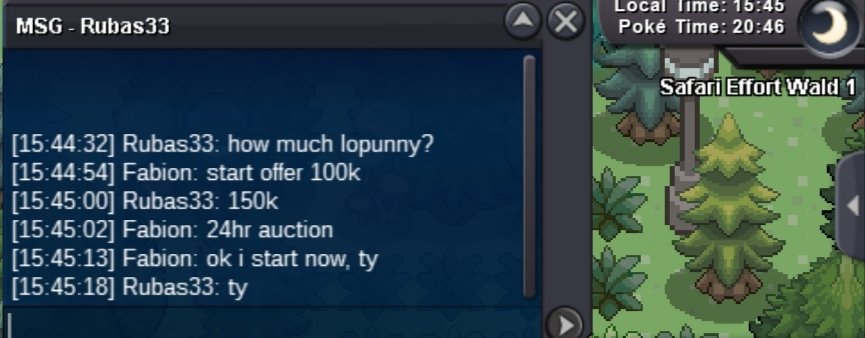
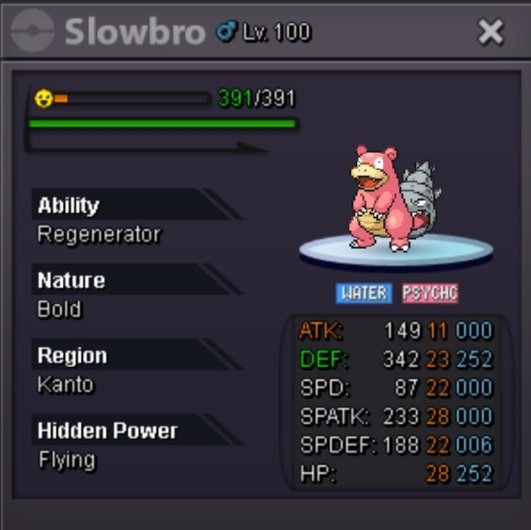 Hello man, sorry i have been busy these couple days, pm me in discord fabionmy so we can arrange the trade.@Xchaseyou won both, pm me ingame2hours & 30mins left11 hrs leftThe auction will last 24hrs since start. Time left: https://countingdownto.com/?c=6464311 • Accept cash / CC = 450k / Reroll Ticket 750k . • 15 minutes rule applies . • Minimum bid 50k Current offer: 100k Current offer: 100k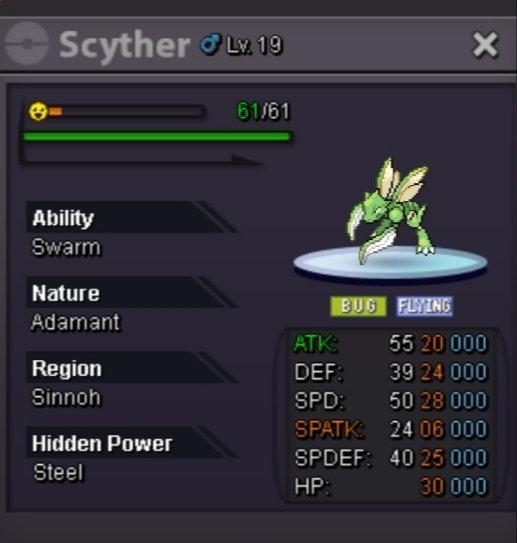
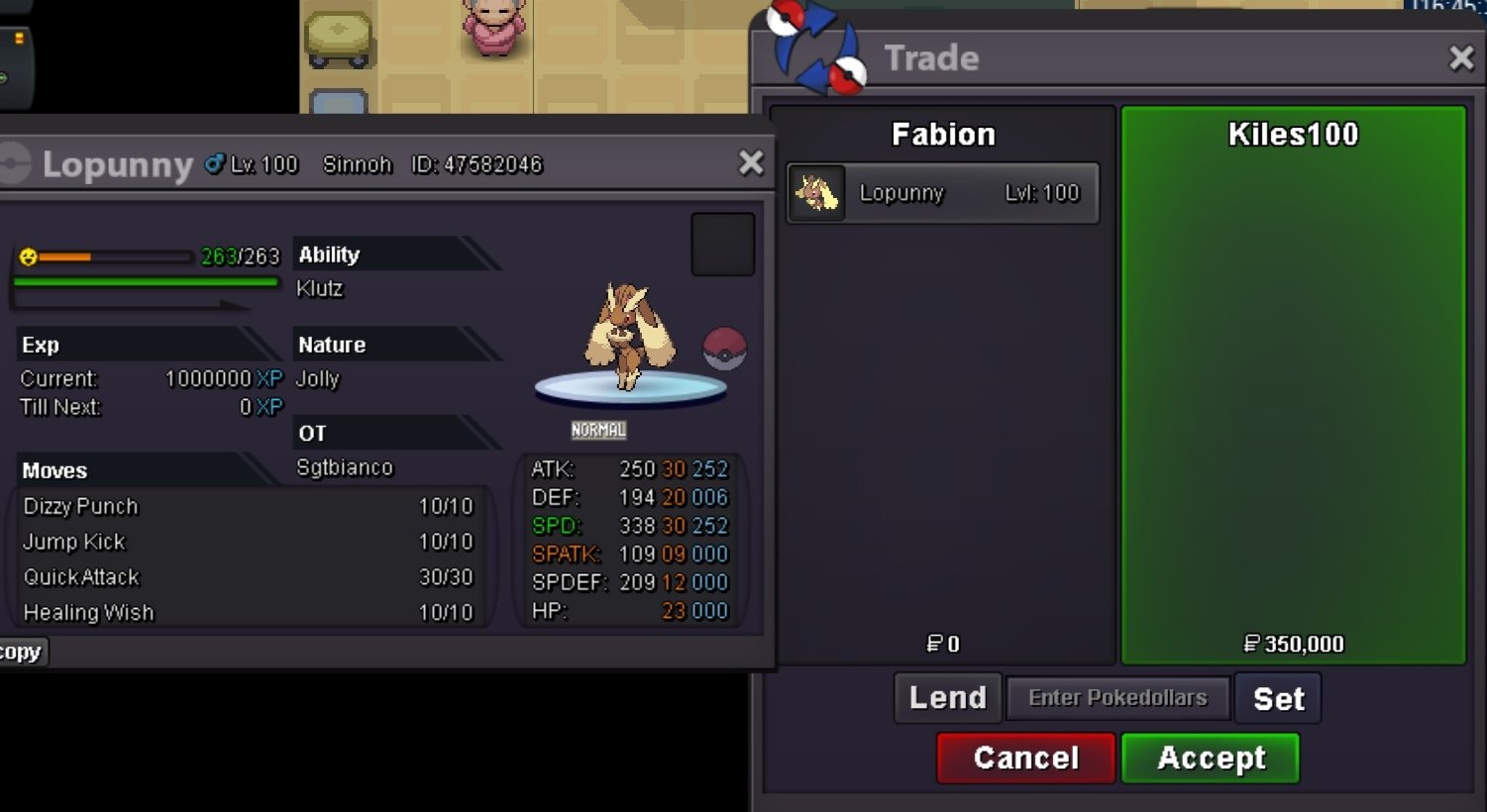
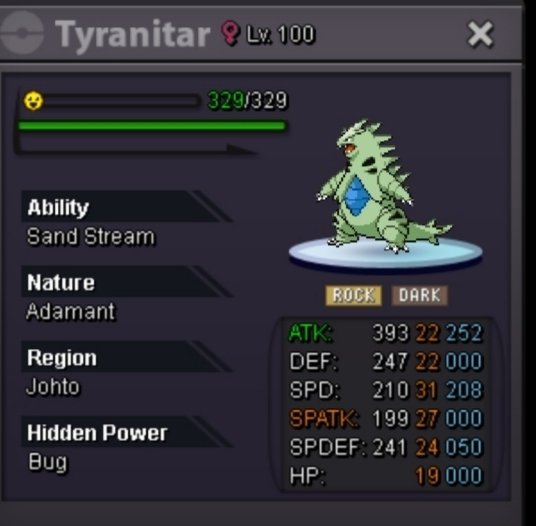 The auction will last 24hrs since start. Time left: https://countingdownto.com/?c=6462460 • Accept cash / CC = 450k / Reroll Ticket 720k . • 15 minutes rule applies . • Minimum bid 50k Current Offer: 350k
 Noted, 15 mins left from now
Account
Navigation
Search
Configure browser push notifications
Chrome (Android)
- Tap the lock icon next to the address bar.
- Tap Permissions → Notifications.
- Adjust your preference.
Chrome (Desktop)
- Click the padlock icon in the address bar.
- Select Site settings.
- Find Notifications and adjust your preference.
Safari (iOS 16.4+)
- Ensure the site is installed via Add to Home Screen.
- Open Settings App → Notifications.
- Find your app name and adjust your preference.
Safari (macOS)
- Go to Safari → Preferences.
- Click the Websites tab.
- Select Notifications in the sidebar.
- Find this website and adjust your preference.
Edge (Android)
- Tap the lock icon next to the address bar.
- Tap Permissions.
- Find Notifications and adjust your preference.
Edge (Desktop)
- Click the padlock icon in the address bar.
- Click Permissions for this site.
- Find Notifications and adjust your preference.
Firefox (Android)
- Go to Settings → Site permissions.
- Tap Notifications.
- Find this site in the list and adjust your preference.
Firefox (Desktop)
- Open Firefox Settings.
- Search for Notifications.
- Find this site in the list and adjust your preference.