




New Trade Zone
Trade Zone is now live
Use the new Trade Zone for auctions and instant-price trades so Pokemon and item offers are easy to find.

Yavu25elim
Registered User
-
Joined
-
Last visited
Everything posted by Yavu25elim
-
@Zoruami we must tag hım to solve problem 😅
-
it does not matter. The auction had to continue. the rules are written. I don't think you can open an additional auction as you wish. Now a trade moderator will take the Pokemon from false winner and gonna transfer @Airl1947. i know it bcz before i was a false winner 😄
-
Still there is 15 mins rule and @Airl1947has won the auction by using magic words. all participants forgot about the auction 🤦
-
-
-
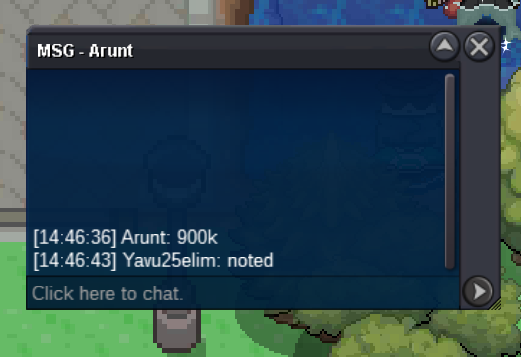
600k by @Arunt
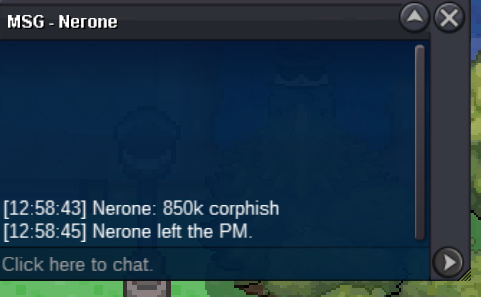
 350k by @Nerone
 300k by @1tengen
 Auction will end 20:36:01 GMT
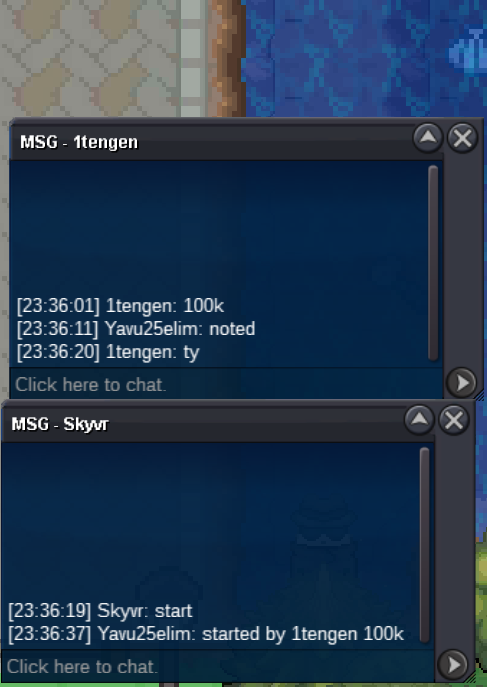 sorry I am late but already started 1 min ago before you
Start Offer: 1k. Min Bid: 50k Duration: Auction will end 24 Hours later from 1st bid Reroll Ticket: 530k Coin Capsule: 380k
sorry I am late but already started 1 min ago before you
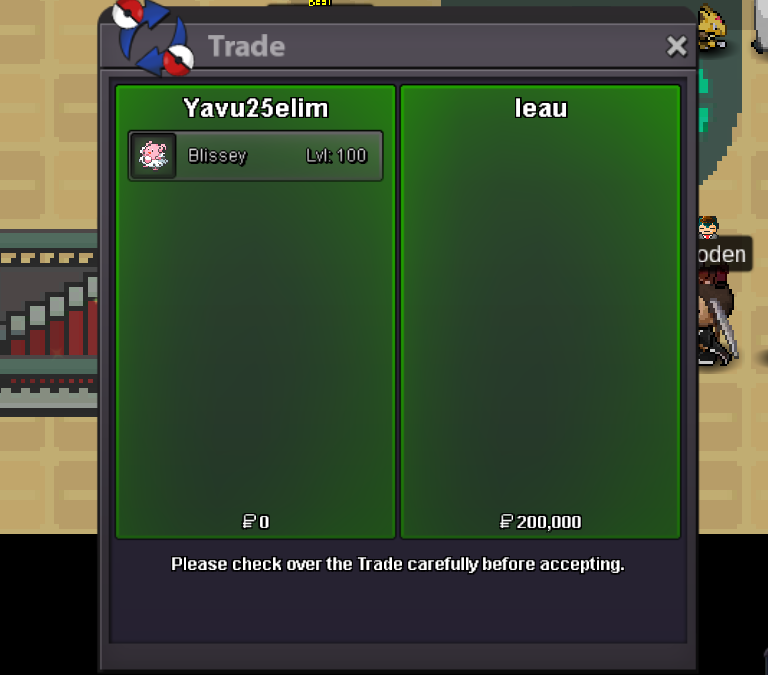
Start Offer: 1k. Min Bid: 50k Duration: Auction will end 24 Hours later from 1st bid Reroll Ticket: 530k Coin Capsule: 380k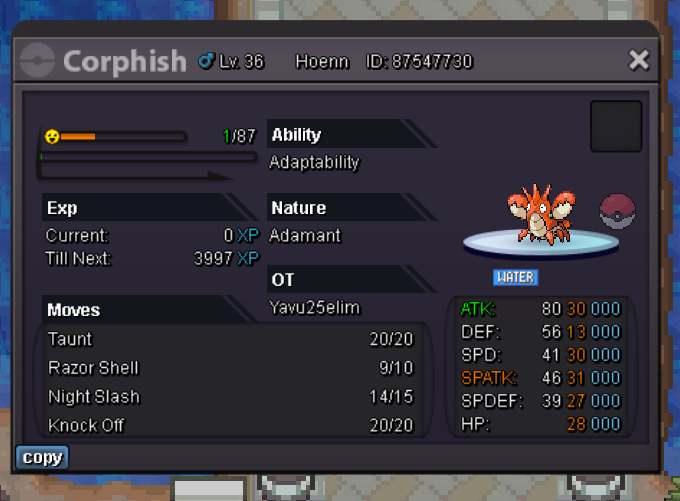 2 of them SOLD. Waitin for leao to sell Blissey.
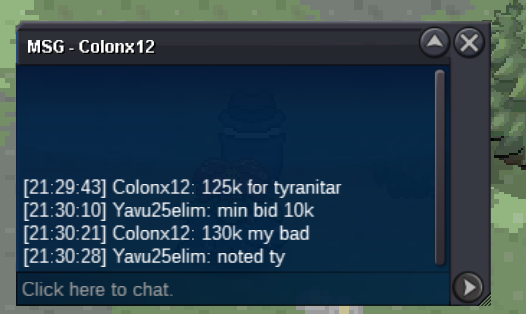
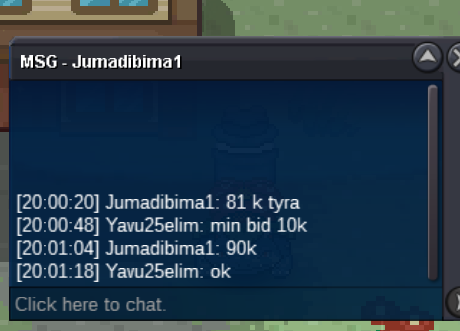
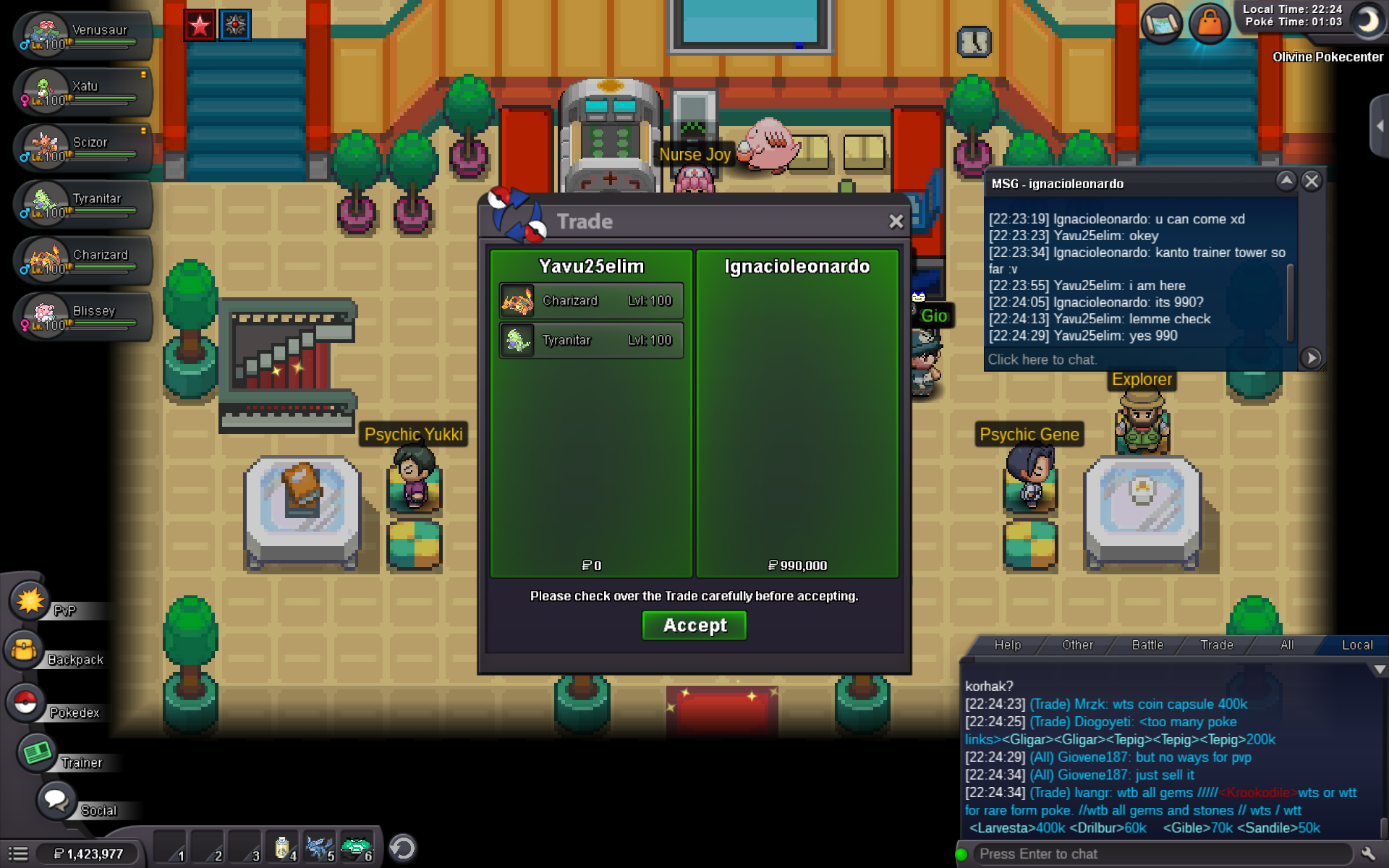 All auctions has done.Auction has done for Blissey. We are going for both Charizard and Tyranitar.Last 15 mins. After this point, every offer will start again from 15 mins bcz of auction rules.We are going on 410k. He has cancelledTtar c.o 120k by @Croxro1
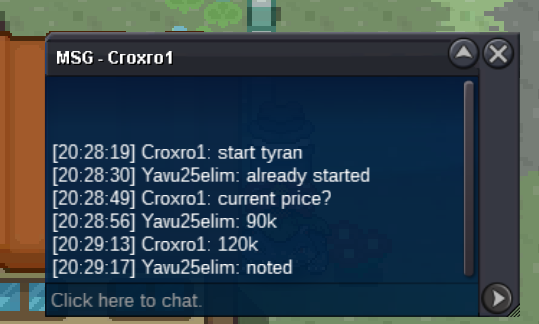 Blissey c.o 200k by @Leau
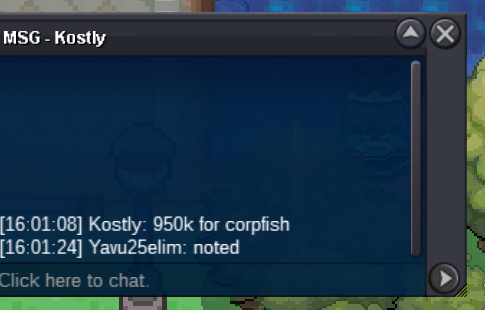
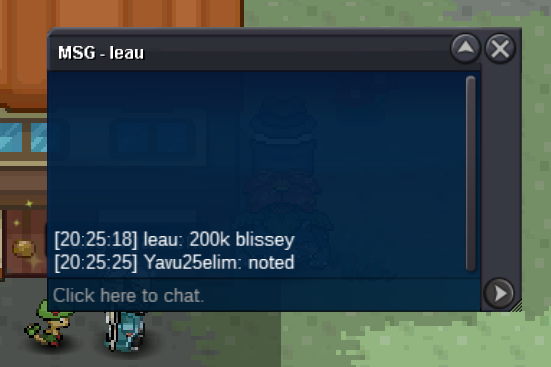 150k for Blissey by @Cheqian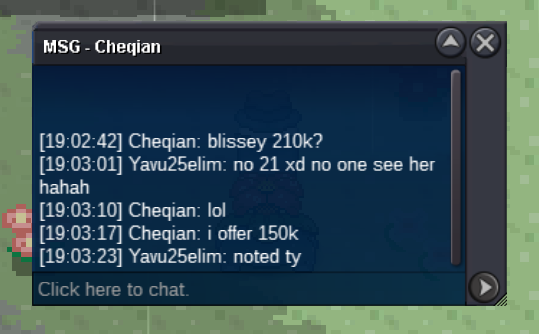


Account
Navigation
Search
Configure browser push notifications
Chrome (Android)
- Tap the lock icon next to the address bar.
- Tap Permissions → Notifications.
- Adjust your preference.
Chrome (Desktop)
- Click the padlock icon in the address bar.
- Select Site settings.
- Find Notifications and adjust your preference.
Safari (iOS 16.4+)
- Ensure the site is installed via Add to Home Screen.
- Open Settings App → Notifications.
- Find your app name and adjust your preference.
Safari (macOS)
- Go to Safari → Preferences.
- Click the Websites tab.
- Select Notifications in the sidebar.
- Find this website and adjust your preference.
Edge (Android)
- Tap the lock icon next to the address bar.
- Tap Permissions.
- Find Notifications and adjust your preference.
Edge (Desktop)
- Click the padlock icon in the address bar.
- Click Permissions for this site.
- Find Notifications and adjust your preference.
Firefox (Android)
- Go to Settings → Site permissions.
- Tap Notifications.
- Find this site in the list and adjust your preference.
Firefox (Desktop)
- Open Firefox Settings.
- Search for Notifications.
- Find this site in the list and adjust your preference.