New Trade Zone
Trade Zone is now live
Use the new Trade Zone for auctions and instant-price trades so Pokemon and item offers are easy to find.

Yavu25elim
Registered User
-
Joined
-
Last visited
Everything posted by Yavu25elim
-
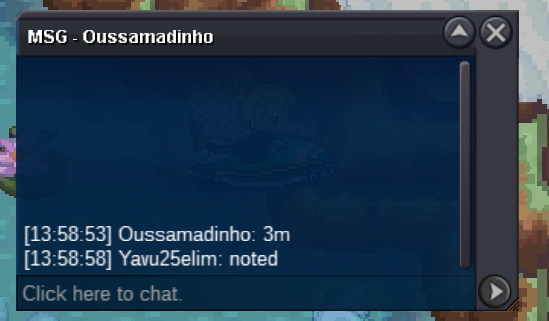
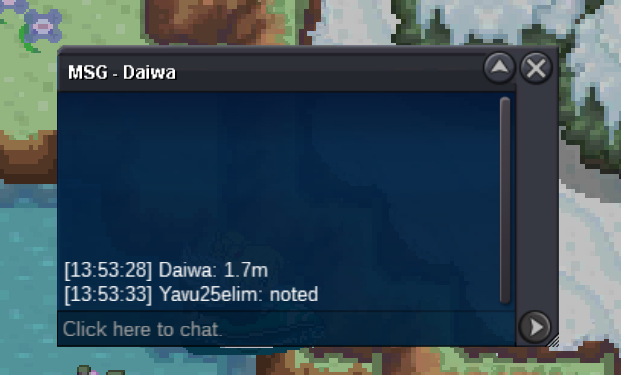
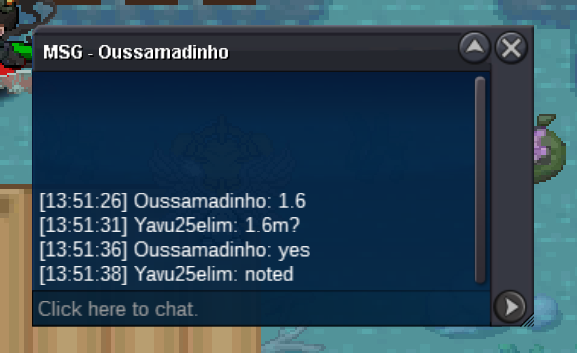
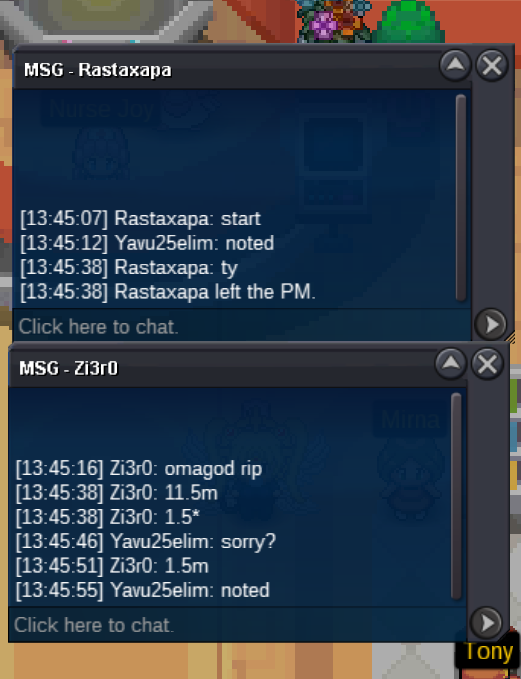
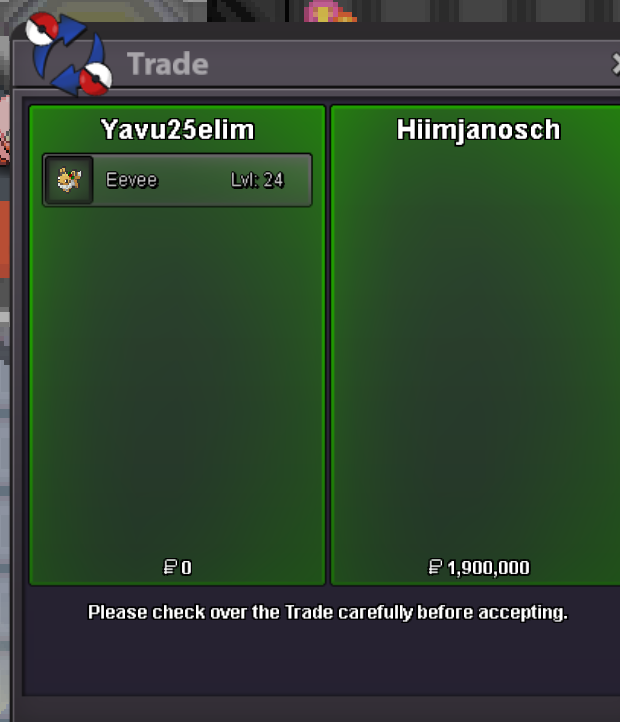
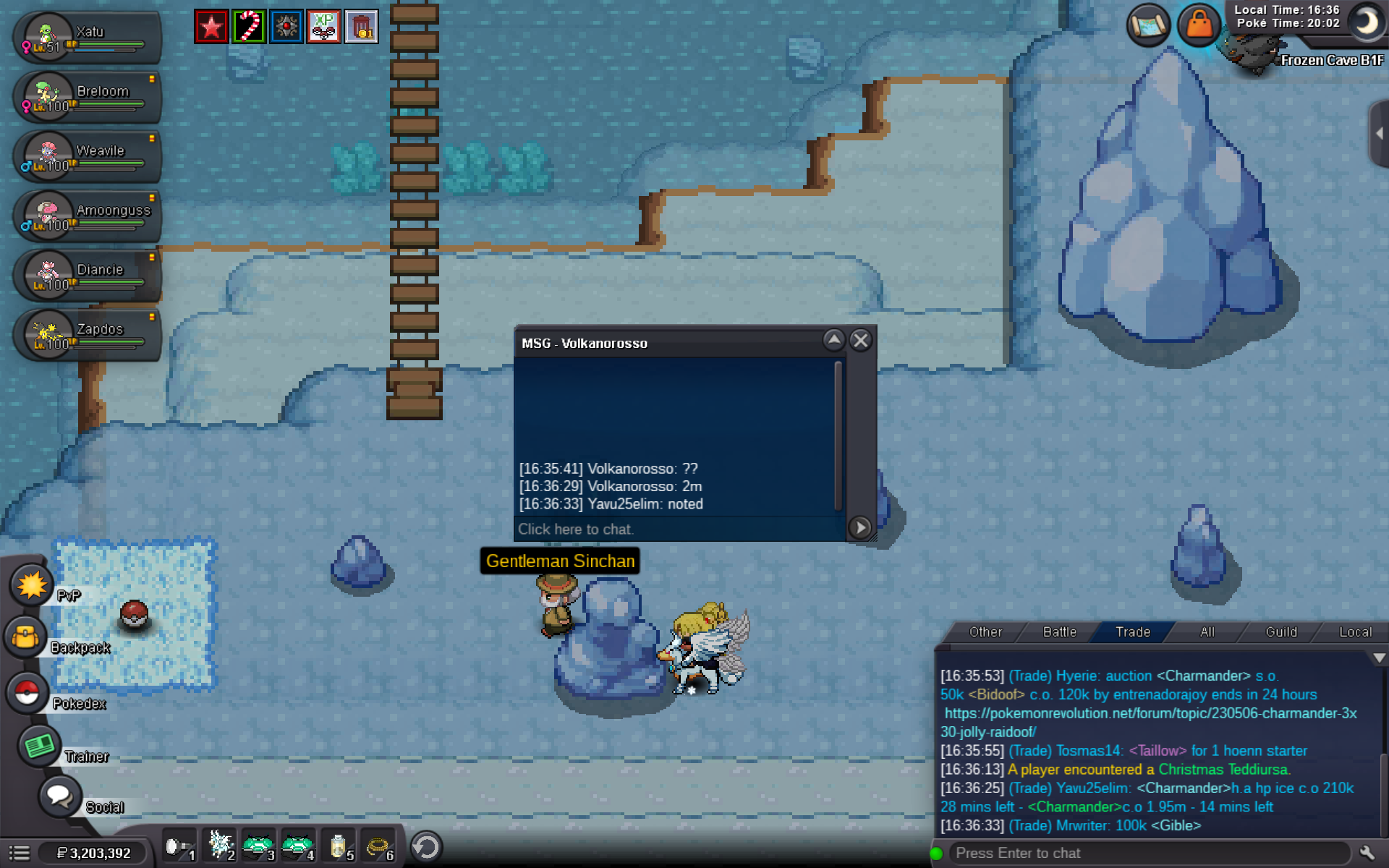
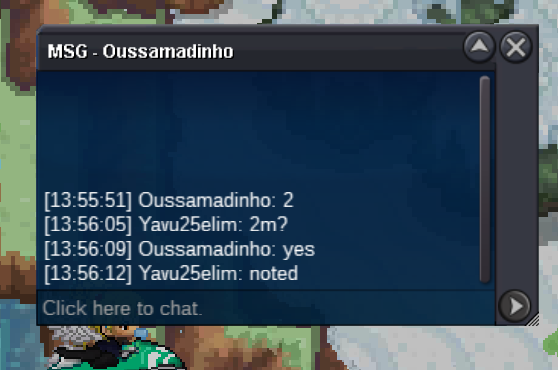
C.o 2m by jadeash
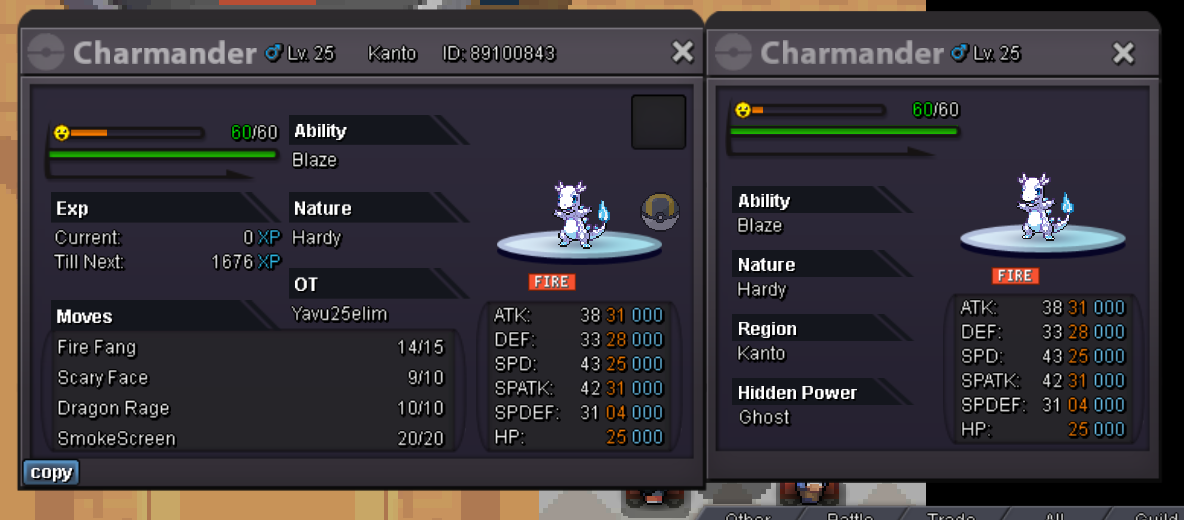
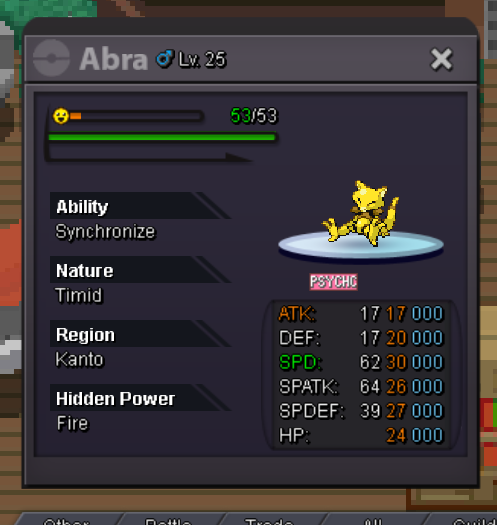
 Start Offer 1k Min Bid 100k Insta 20m Acceptable Payments cc 400k - IV rerolls 500k Auction Ends January 2 (05.00 PM gmt 0) https://countingdownto.com/?c=5237587
 55 Minutes leftOMG, Prof Oak New Clue is so important!Start Offer 1k Min Bid 50k Acceptable Payments CC 400k - IV Rerolls 500k Auction Ends 24 Hours Later From 1st Bid https://countingdownto.com/?c=5232405 (HP Poison)
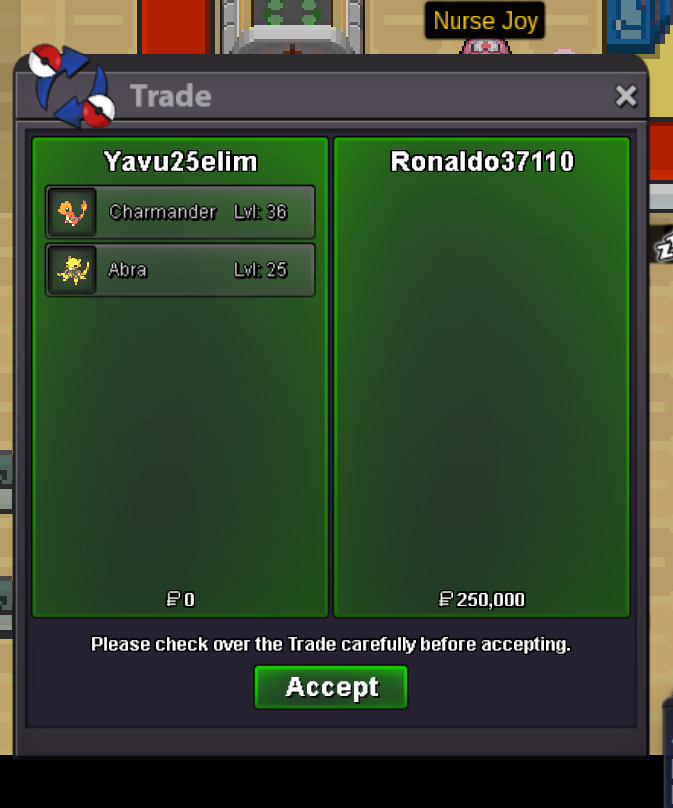
 @Ronaldo37110 you won. PM me on game while you are onlineYes c.o by youEach Start Offer 1k Each Min Bid 1k Not a bundle auction! CC 400k - IV RR 500k Acceptable Auction ends 24 hours later from now. https://countingdownto.com/?c=5228962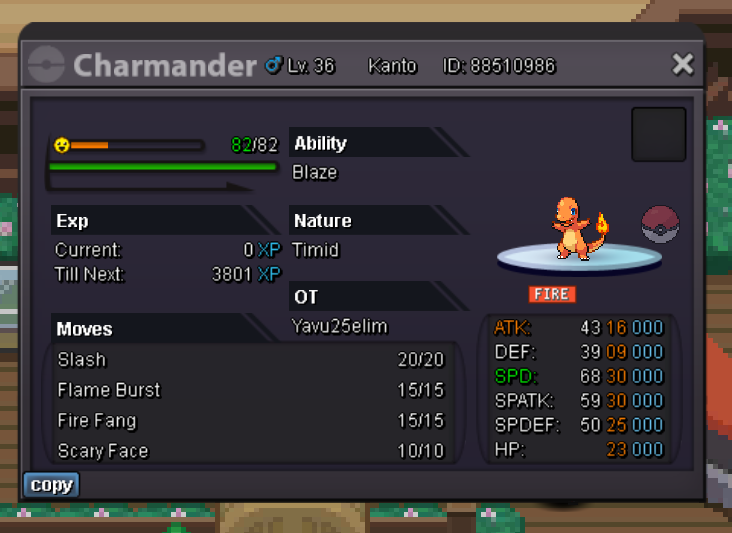
Account
Navigation
Search
Configure browser push notifications
Chrome (Android)
- Tap the lock icon next to the address bar.
- Tap Permissions → Notifications.
- Adjust your preference.
Chrome (Desktop)
- Click the padlock icon in the address bar.
- Select Site settings.
- Find Notifications and adjust your preference.
Safari (iOS 16.4+)
- Ensure the site is installed via Add to Home Screen.
- Open Settings App → Notifications.
- Find your app name and adjust your preference.
Safari (macOS)
- Go to Safari → Preferences.
- Click the Websites tab.
- Select Notifications in the sidebar.
- Find this website and adjust your preference.
Edge (Android)
- Tap the lock icon next to the address bar.
- Tap Permissions.
- Find Notifications and adjust your preference.
Edge (Desktop)
- Click the padlock icon in the address bar.
- Click Permissions for this site.
- Find Notifications and adjust your preference.
Firefox (Android)
- Go to Settings → Site permissions.
- Tap Notifications.
- Find this site in the list and adjust your preference.
Firefox (Desktop)
- Open Firefox Settings.
- Search for Notifications.
- Find this site in the list and adjust your preference.