




New Trade Zone
Trade Zone is now live
Use the new Trade Zone for auctions and instant-price trades so Pokemon and item offers are easy to find.

Aquilesxx25xx
Registered User
-
Joined
-
Last visited
Everything posted by Aquilesxx25xx
-
thanks u i will be now this poke ,i already give the poke but he dont accept
-
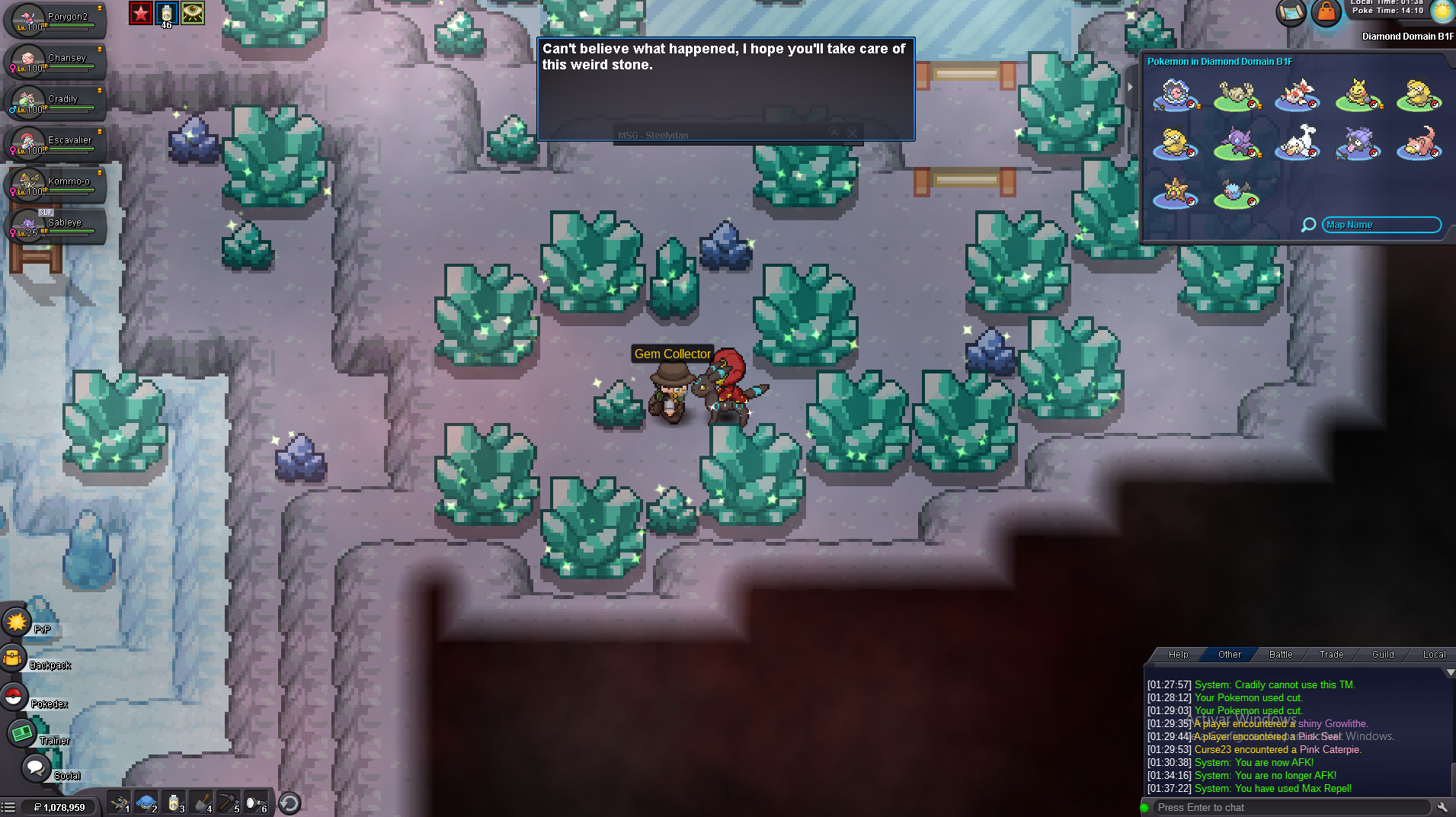
good evening, I'm a player, I'm sad because I used my trained pokemon for a quest because I was requesting a saberye for mega evolution and it turns out that I used mine. In the end, the pokemon was not returned to me and I lost it because of the quest, it was the one I had for pvp with my ot 22, but I need to know if I can recover it somehow, if possible, can you send me a message? please i need some help I probably omitted something from the reading of the quest but I am a Spanish speaker so if it was my fault I would like to see if I have a solution thank you very much for understanding
-
I want you to take into account the bug problems because for these reasons I am losing most of "Trades" and get most of my money invested.
