New Trade Zone
Trade Zone is now live
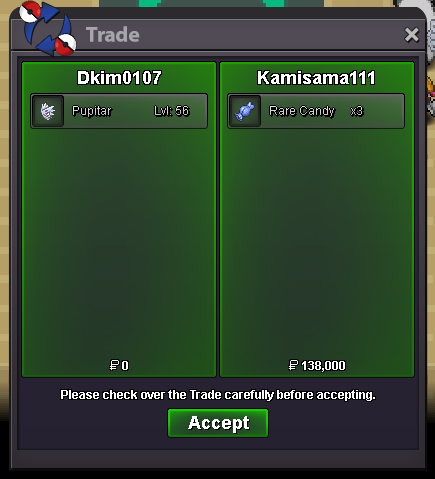
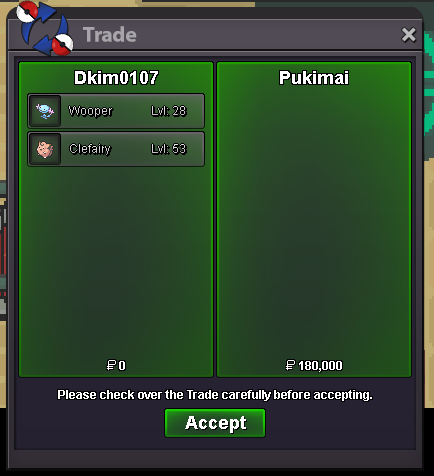
Use the new Trade Zone for auctions and instant-price trades so Pokemon and item offers are easy to find.


Dkim0107
Registered User
-
Joined
-
Last visited
Everything posted by Dkim0107
-
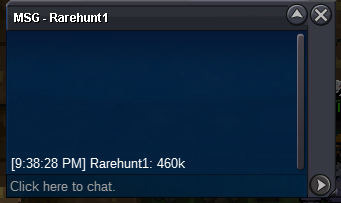
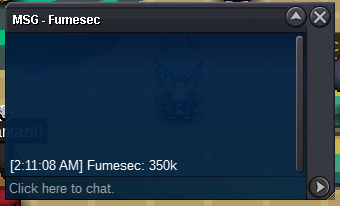
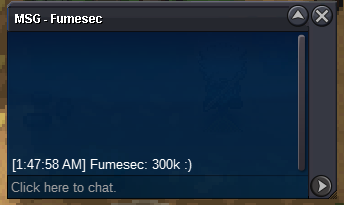
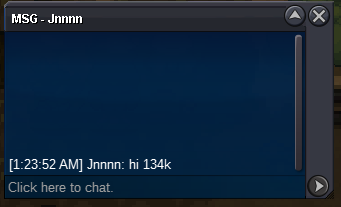
c.o 650k
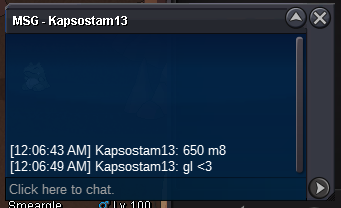 c.o 600k
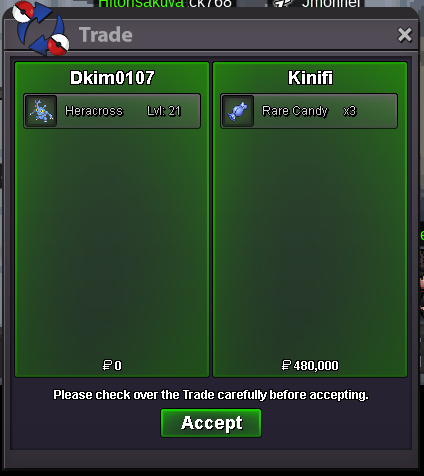
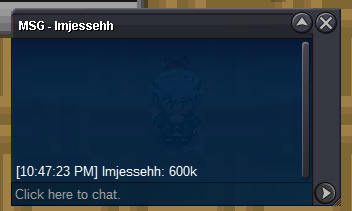 c.o 480k
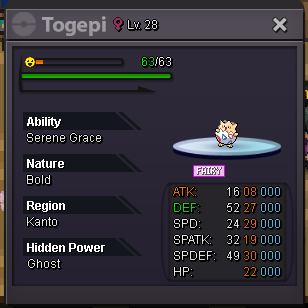
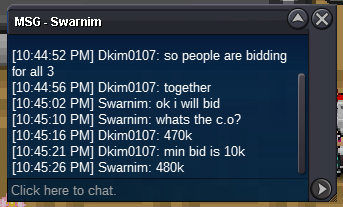 this is an invalid bid. the minimum bid is 10k.Hey guys, I am willing to sell these 3 epic pvp pokemon! This auction will be 48 hours after first bid. Message me in game, forums, or on discord if you have any questions. C.O 1.7M s.o 100K min bid 10K no insta cc: 370K IV RR: 500K Nature RR: 250K Rare Candy: 7K Master Ball: 40k THE WINNER OF THIS AUCTION WILL WIN ALL 3 OF THESE POKES! GOOD LUCK EVERYONE!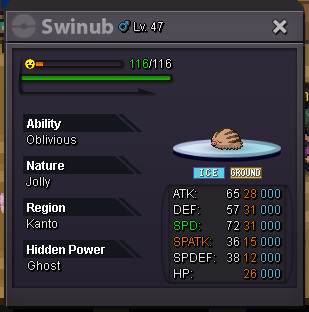
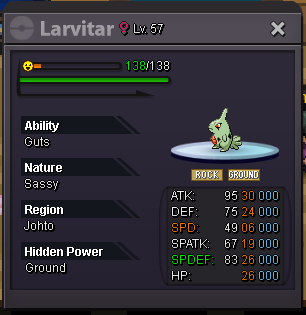
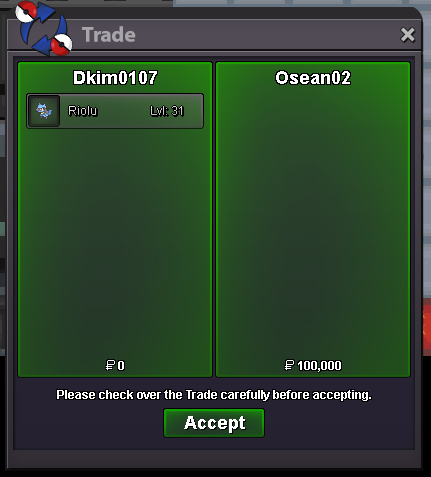
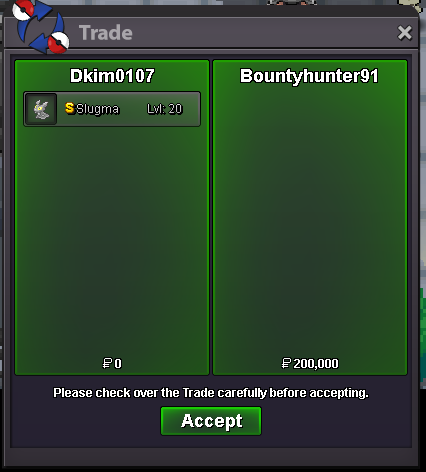
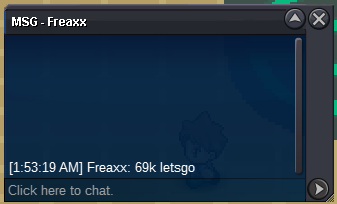
 sold insta! trade happened on gold servers and a guild member traded for me.c.o 69k
 Hey guys, I am willing to sell this hp fire sassy foongus. This auction will be only 24 hours. Message me in game, forums, or on discord if you have any questions. s.o 10k min bid 1k insta: 1m cc: 370K IV RR: 500K Nature RR: 250K Rare Candy: 7K Master Ball: 40k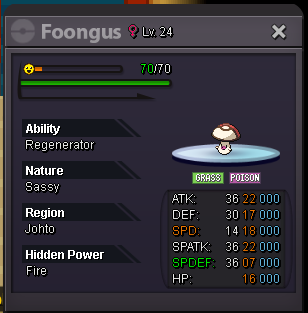
Account
Navigation
Search
Configure browser push notifications
Chrome (Android)
- Tap the lock icon next to the address bar.
- Tap Permissions → Notifications.
- Adjust your preference.
Chrome (Desktop)
- Click the padlock icon in the address bar.
- Select Site settings.
- Find Notifications and adjust your preference.
Safari (iOS 16.4+)
- Ensure the site is installed via Add to Home Screen.
- Open Settings App → Notifications.
- Find your app name and adjust your preference.
Safari (macOS)
- Go to Safari → Preferences.
- Click the Websites tab.
- Select Notifications in the sidebar.
- Find this website and adjust your preference.
Edge (Android)
- Tap the lock icon next to the address bar.
- Tap Permissions.
- Find Notifications and adjust your preference.
Edge (Desktop)
- Click the padlock icon in the address bar.
- Click Permissions for this site.
- Find Notifications and adjust your preference.
Firefox (Android)
- Go to Settings → Site permissions.
- Tap Notifications.
- Find this site in the list and adjust your preference.
Firefox (Desktop)
- Open Firefox Settings.
- Search for Notifications.
- Find this site in the list and adjust your preference.