New Trade Zone
Trade Zone is now live
Use the new Trade Zone for auctions and instant-price trades so Pokemon and item offers are easy to find.

Shitokuari
Registered User
-
Joined
-
Last visited
Everything posted by Shitokuari
-
bump
-
Price nite lowerd to 800k
-
new poke added
-
shop is gonna close!
-
-
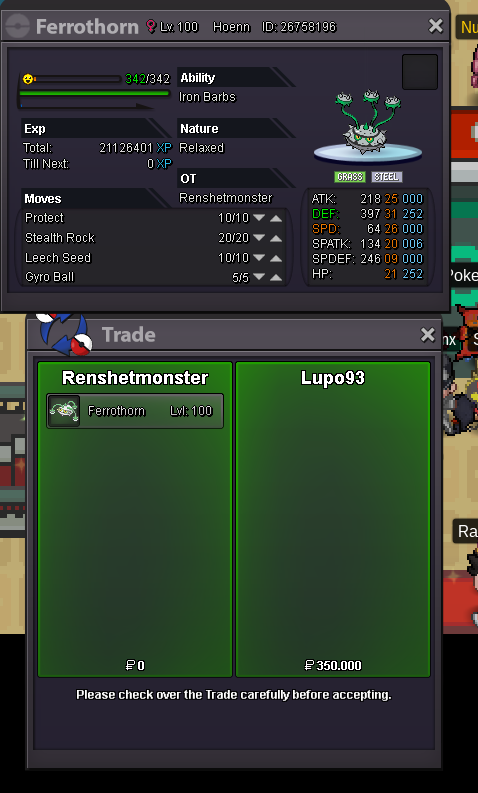
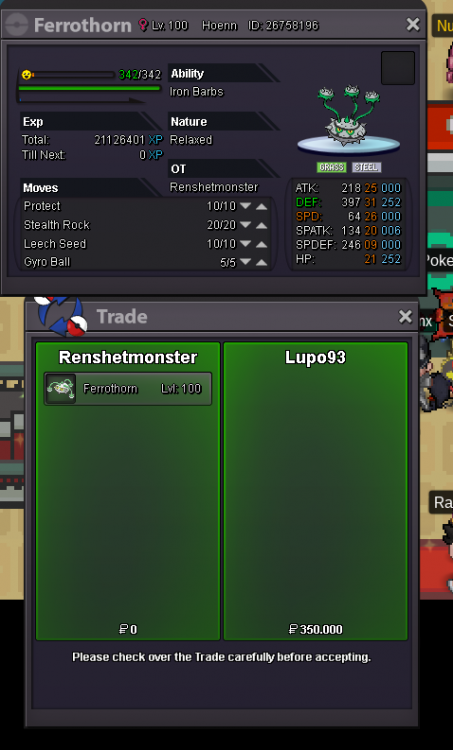
ferro sold
-
lupo im on pm me ig or come verm
-
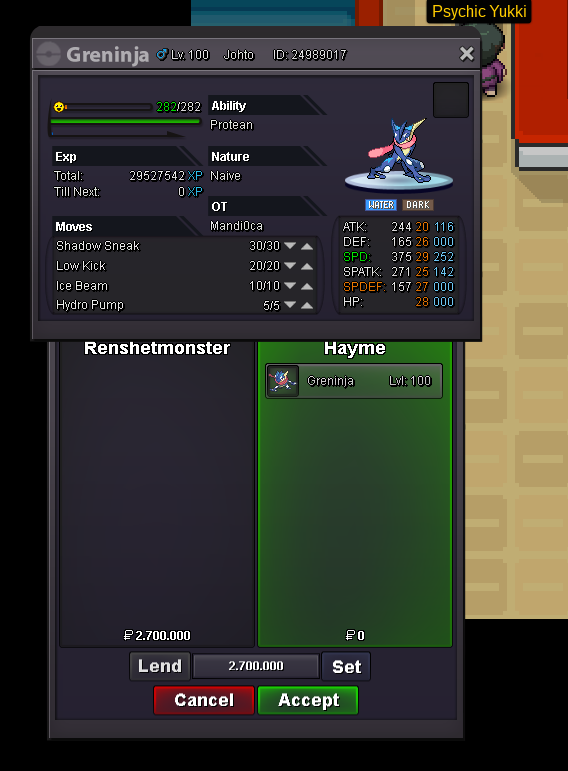
greninja reservated for 4 days

-
okay i come on
-
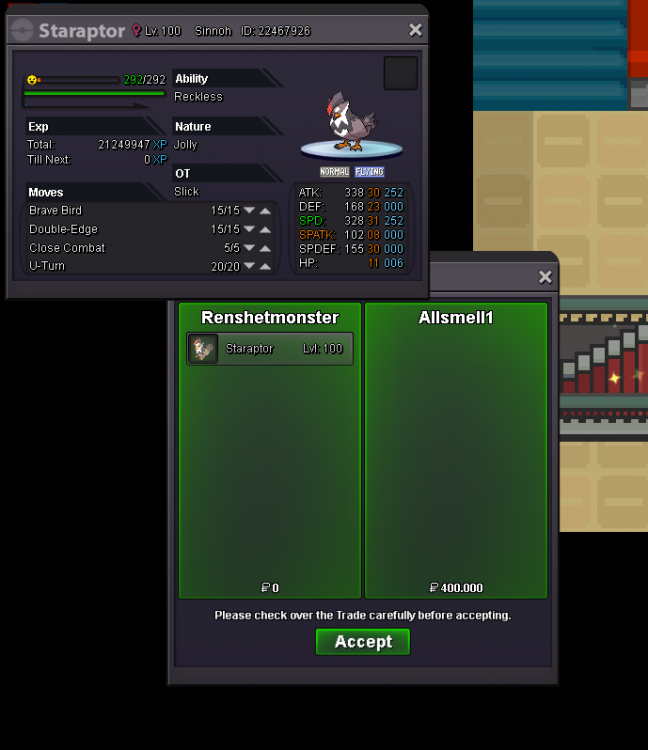
star sold removing it now
-
okay when server up i come on and sell it im in verm
-
I wts these poke pm me ig: Renshetmonster or on discord : 3D Waffle#4574 S.O 700k Insta 900k end 1 day after first bid
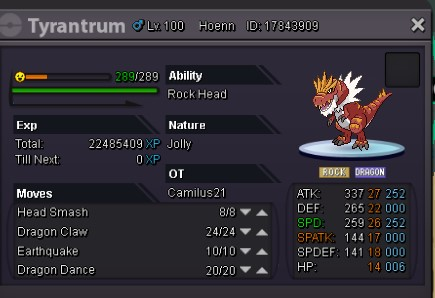
-
u have dratini?
-
no longer need can close
-
i read them but i was pretty certain ur rules were speaking against eachother but mb than
-
and here is ur proof
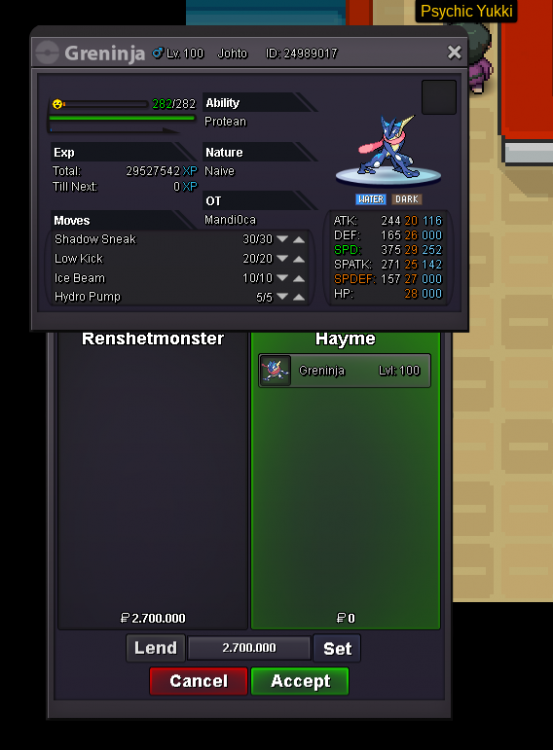
-
hold on, the only thing im trying to say is u shouldt give him a warning for it??? u should edit the text than??? give me a warning because i see something in ur text that isnt right is called mini modding?
-
thb ur wrong Logan. in the msg u just send it said u can change insta price at any time. so he IS allowed to sell it for a different price. so u cant give him a warning for it. u see you can change your insta price ANYTIME so sadly for u u cant give him a warning for it

-
-
S.o greninja 2.5
-
ill sell it for 300k
-
updated conceldurr added
-
as the title said, i wtb a epic ada h.a dratini or evo i have a good/high budget
-
the pictures are to big. lmao joke gl guys luv u <3
-