




New Trade Zone
Trade Zone is now live
Use the new Trade Zone for auctions and instant-price trades so Pokemon and item offers are easy to find.

Bidder
Registered User
-
Joined
-
Last visited
Everything posted by Bidder
-
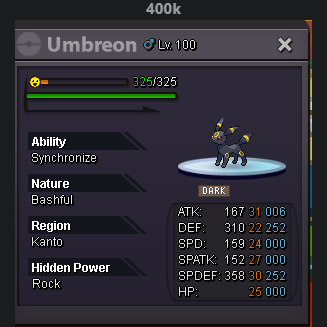
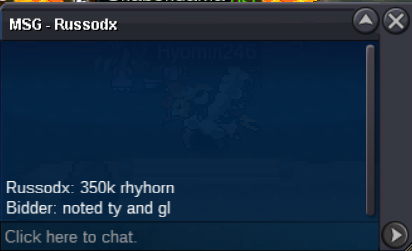
i'd take this for 250k
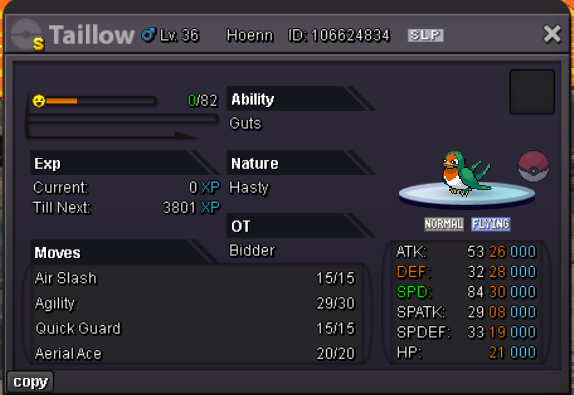
 AUCTION RHYHORN C.O. 4.5m by Achyuki Min. Bid. 50k Ends 72h after start Starts: 08:44pm 07/09 gmt+3 Ends: 08:48pm 10/09 gmt+3 Insta: N/A TAILLOW C.O. 1.05m by Manniek21 Min. Bid. 50k Ends 72h after start Starts: 08:44pm 07/09 gmt+3 Ends: 08:44pm 10/09 gmt+3 Insta: N/A Acceptable as payment: CC - 450k RR - 650k Cash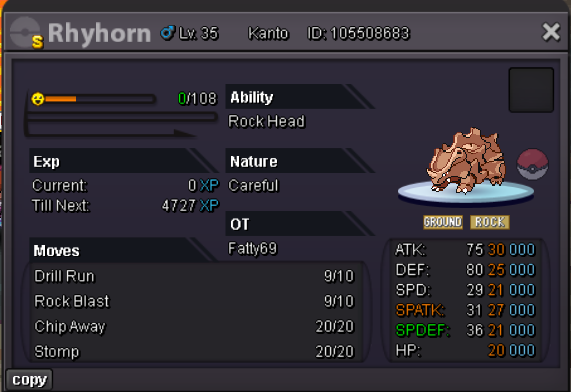
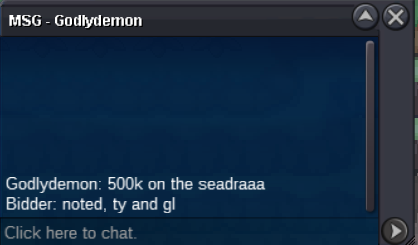
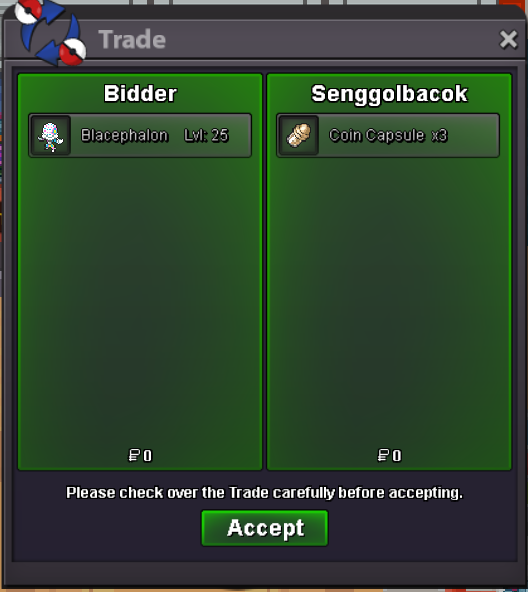
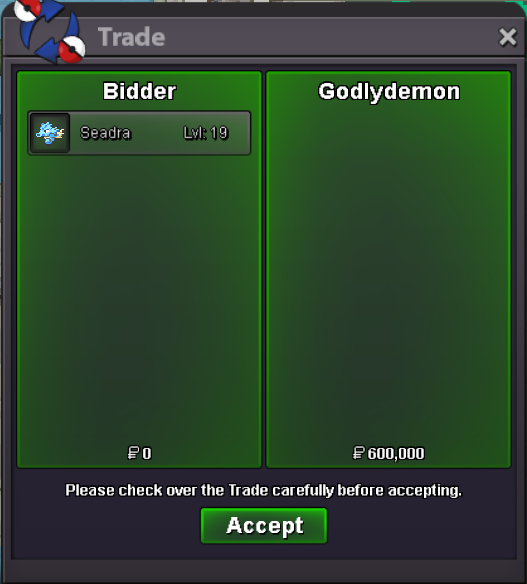
 u were a bit too late unfortunately. the auction ended over an hour agoauction is over, @Godlyd3mon wins the seadra and @Senggolbacok wins the blacephalon. thank you for participation ^^9h left33h leftseadra c.o. 500k
 seadra c.o. 200k
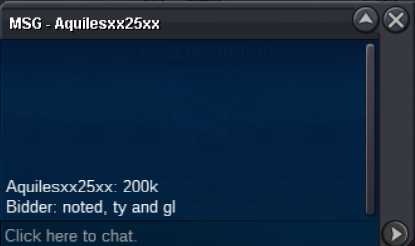 blace c.o. 1.35m
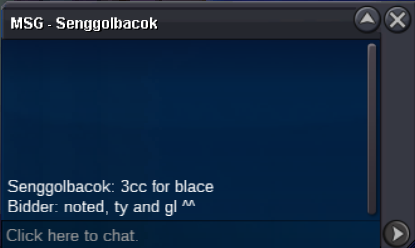 AUCTION SEADRA C.O. 600k Min. Bid. 50k Ends 48h after start Starts: 09:44pm 04/09 (gmt+3) Ends: 09:44pm 06/09 (gmt+3) Insta: N/A BLACEPHALON C.O. 1.35m Min. Bid. 50k Ends 48h after start Starts: 09:44pm 04/09 (gmt+3) Ends: 09:44pm 06/09 (gmt+3) Insta: N/A ////////////////////// Accept as payment: CC = 450k RR = 650k Cash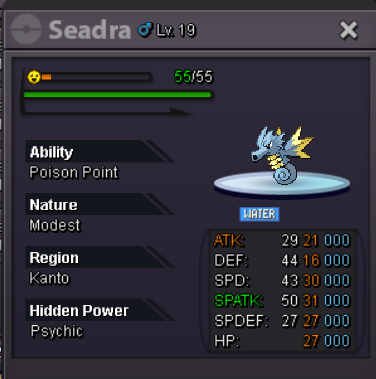
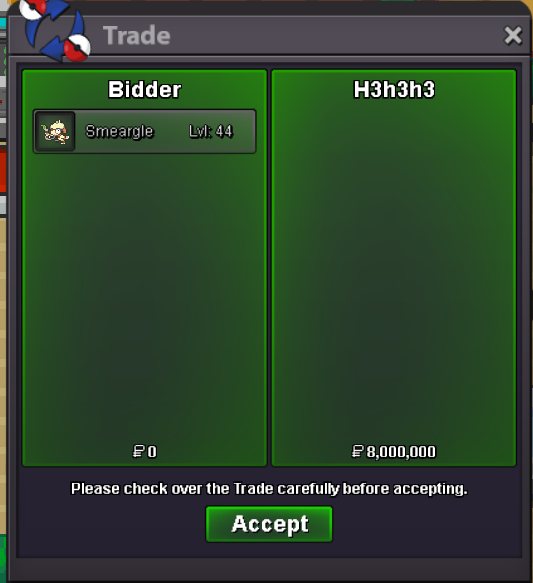
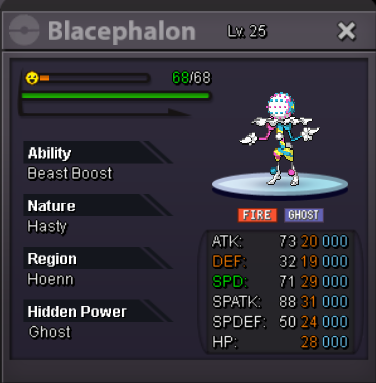 the auction has ended, @H3h3h3 is the winner ^^BumpBumpUpc.o. 3m
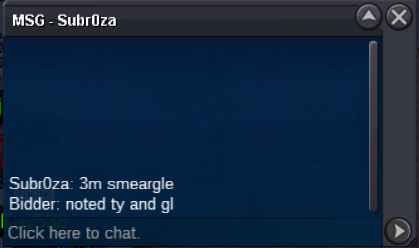 CROSS-SERVER AUCTION S.O. 1m Min. Bid. 100k No Insta Ends 72 after first bid Auction started: 31/08 08:56pm (gmt+3) Auction ended: 03/09 09:07pm (gmt+3) Acceptable as payment: Cash CC = 450k IV RR = 650k
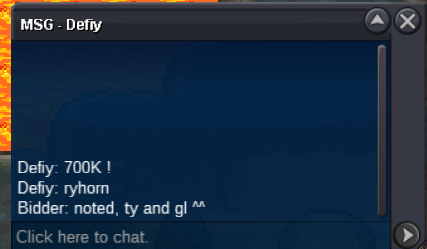
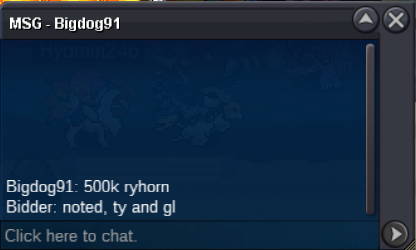
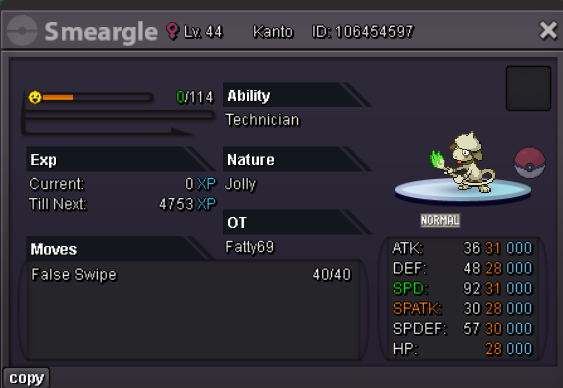 3.2m3m2.7m


Account
Navigation
Search
Configure browser push notifications
Chrome (Android)
- Tap the lock icon next to the address bar.
- Tap Permissions → Notifications.
- Adjust your preference.
Chrome (Desktop)
- Click the padlock icon in the address bar.
- Select Site settings.
- Find Notifications and adjust your preference.
Safari (iOS 16.4+)
- Ensure the site is installed via Add to Home Screen.
- Open Settings App → Notifications.
- Find your app name and adjust your preference.
Safari (macOS)
- Go to Safari → Preferences.
- Click the Websites tab.
- Select Notifications in the sidebar.
- Find this website and adjust your preference.
Edge (Android)
- Tap the lock icon next to the address bar.
- Tap Permissions.
- Find Notifications and adjust your preference.
Edge (Desktop)
- Click the padlock icon in the address bar.
- Click Permissions for this site.
- Find Notifications and adjust your preference.
Firefox (Android)
- Go to Settings → Site permissions.
- Tap Notifications.
- Find this site in the list and adjust your preference.
Firefox (Desktop)
- Open Firefox Settings.
- Search for Notifications.
- Find this site in the list and adjust your preference.