




New Trade Zone
Trade Zone is now live
Use the new Trade Zone for auctions and instant-price trades so Pokemon and item offers are easy to find.

Sussy
Registered User
-
Joined
-
Last visited
Everything posted by Sussy
-
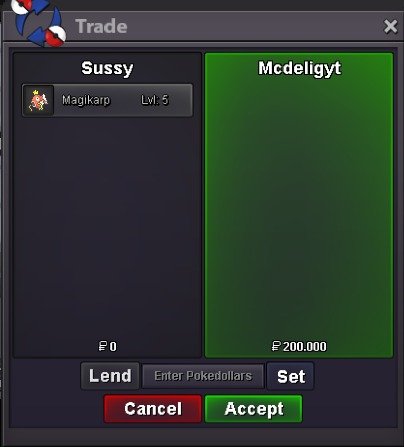
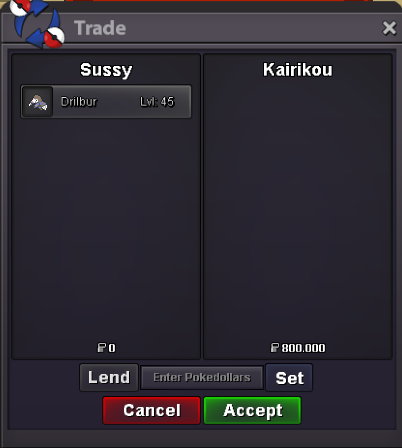
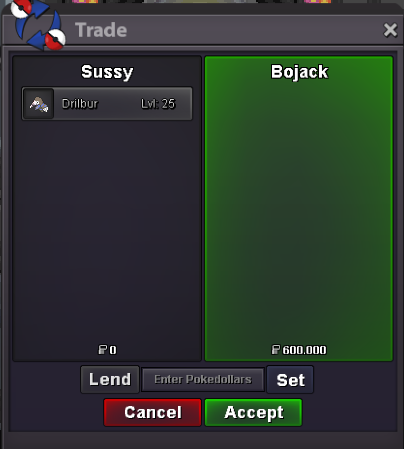
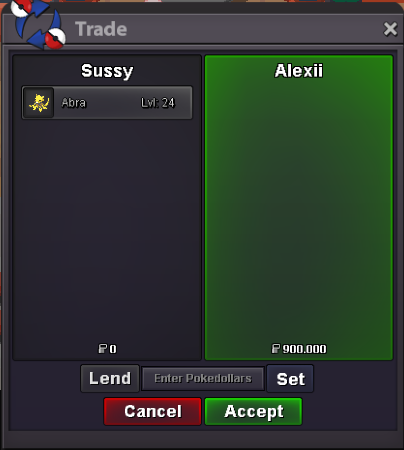
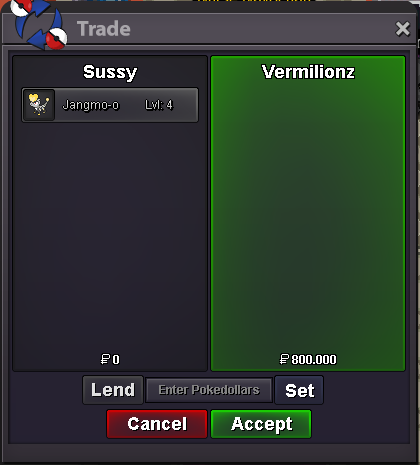
can i buy ribombeesure, can you reach me in game700k, the prices are written on themWELCOME TO SUSSY'S POKEMON SHOP ^^Contact^^ In-Game : Sussy Discord : eyoeylul ^^ Payment Methods ^^ $ PokeDollar IV Reroll : 700k Coin Capsule : 500k Nature Reroll : 300k Rare Candies : 6k POKEMONS TRAİNED Spoiler POKEMONS UNTRAINED Spoiler Thanks you for visiting my shop
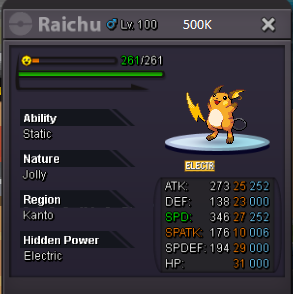
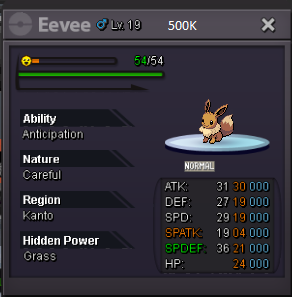
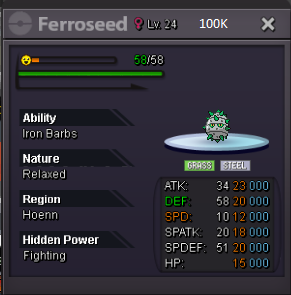


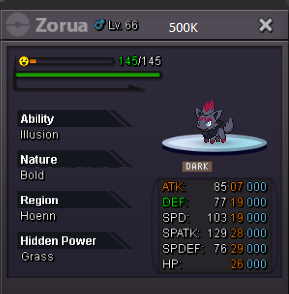


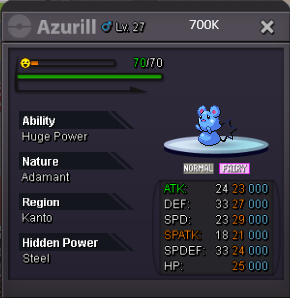

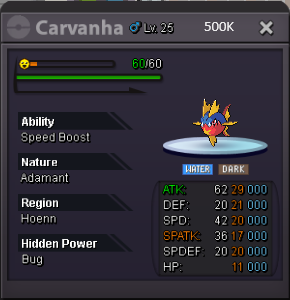


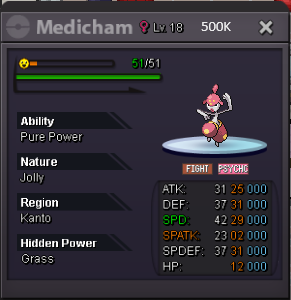

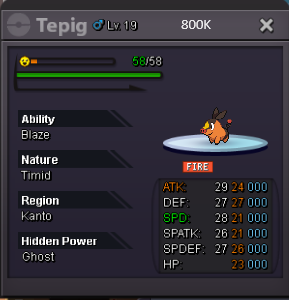

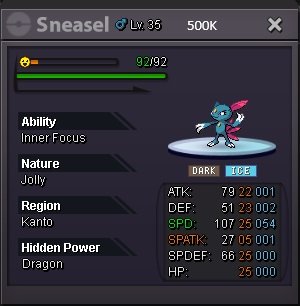
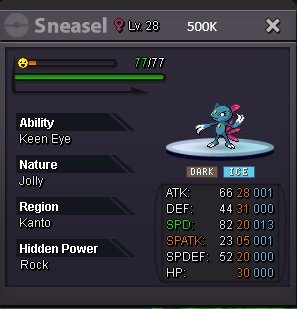
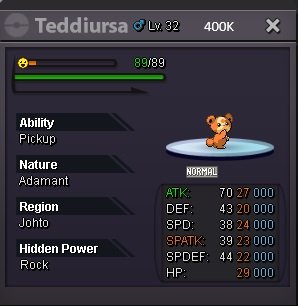
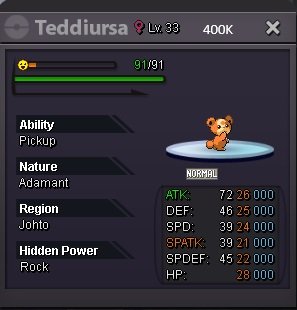
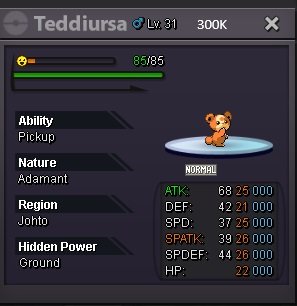
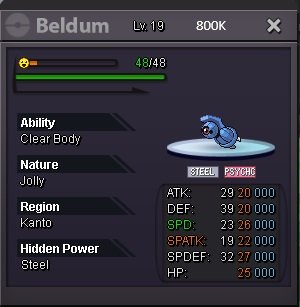
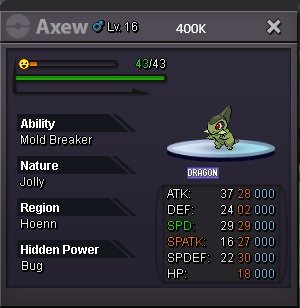
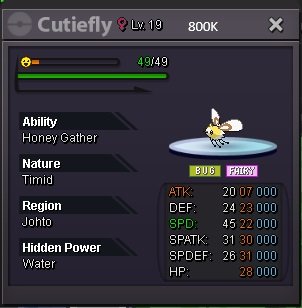
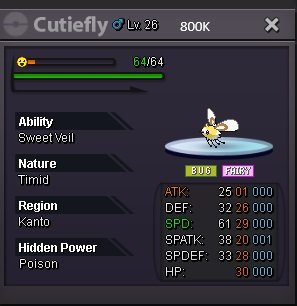
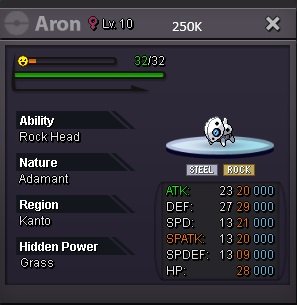
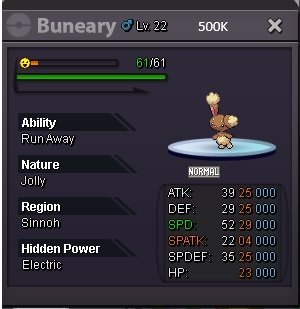
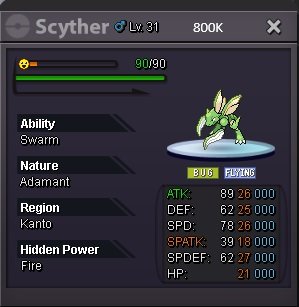
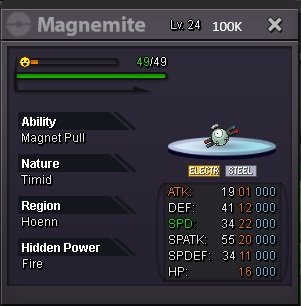
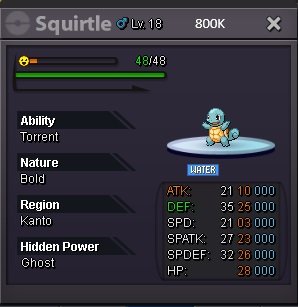
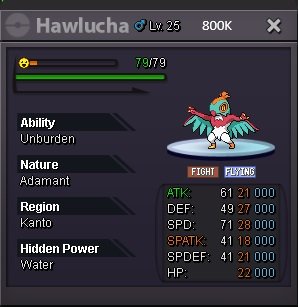
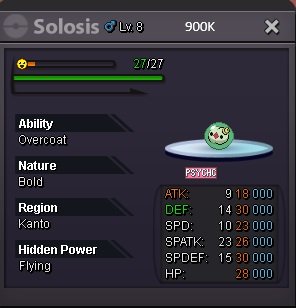
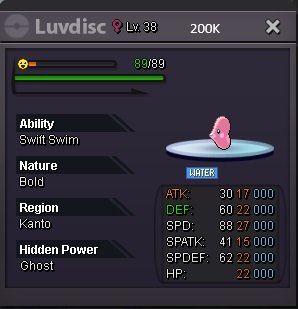
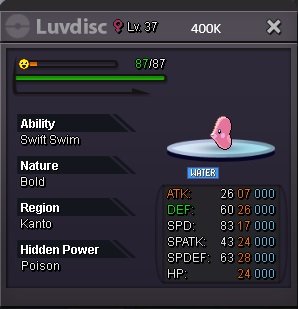
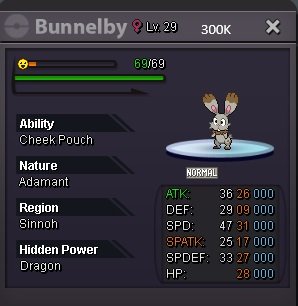
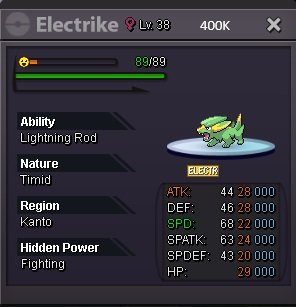
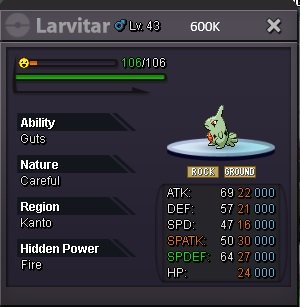
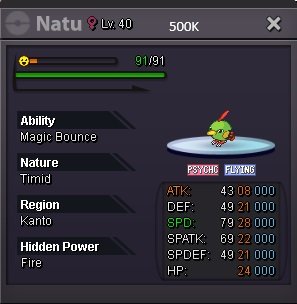
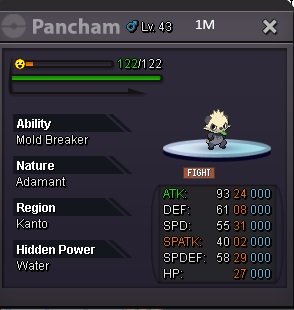
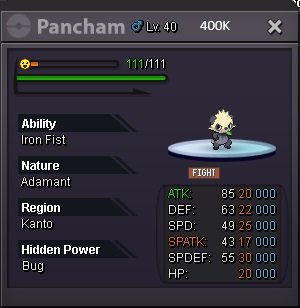
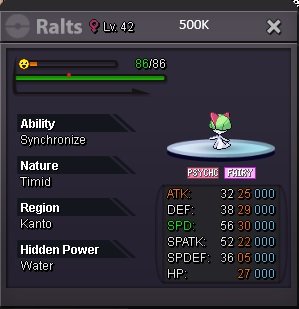
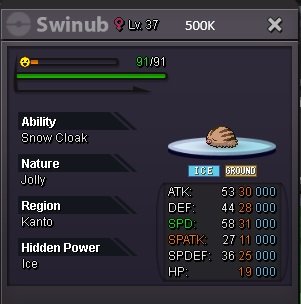
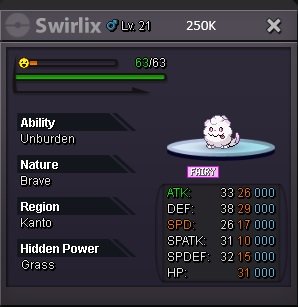
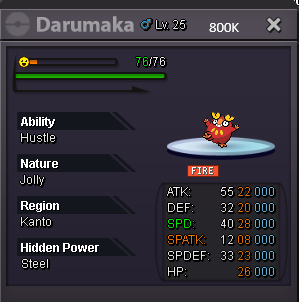
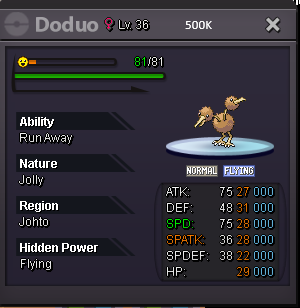
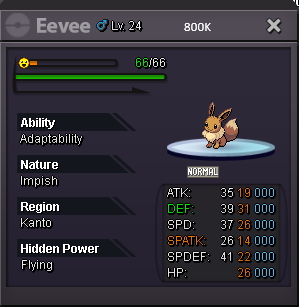
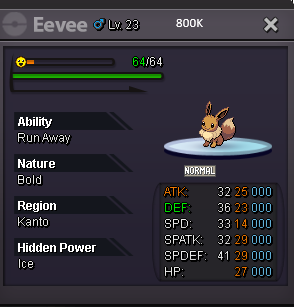
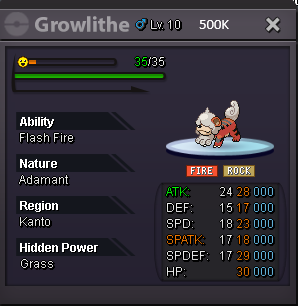
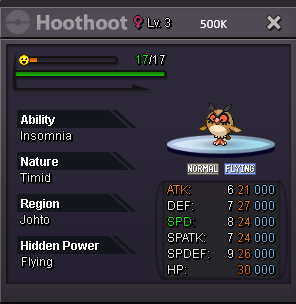
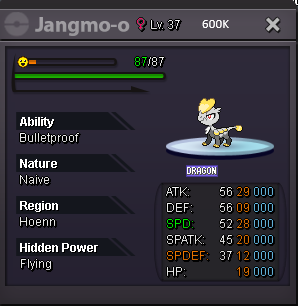
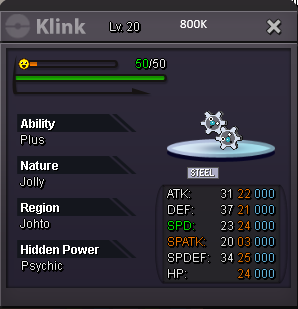
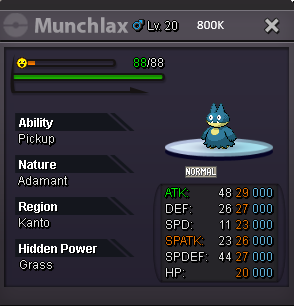
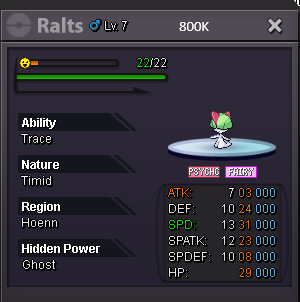
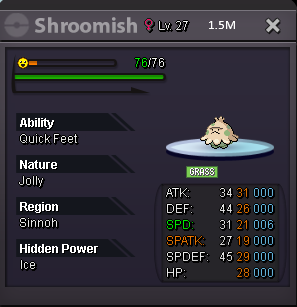
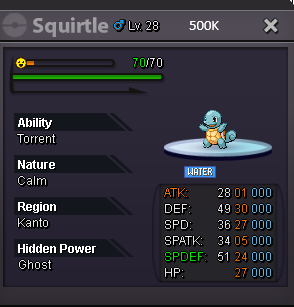
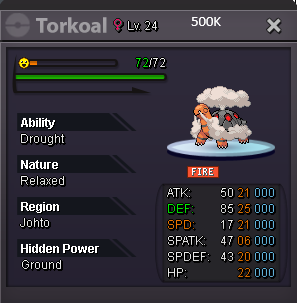
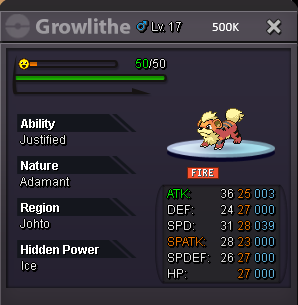
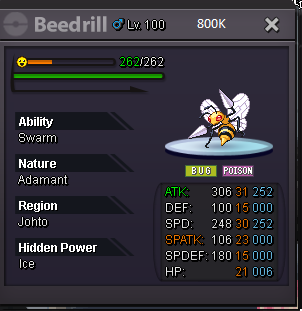
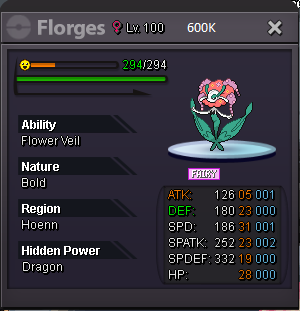
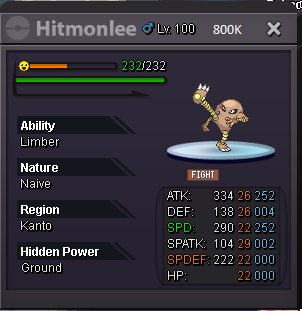
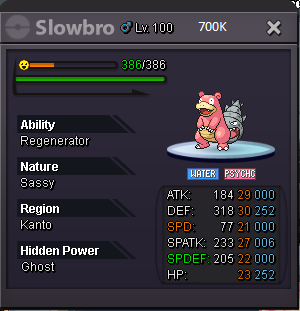
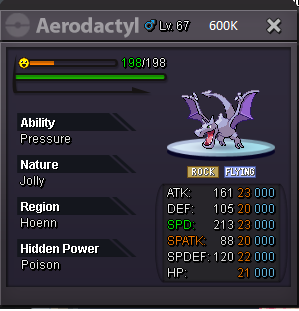
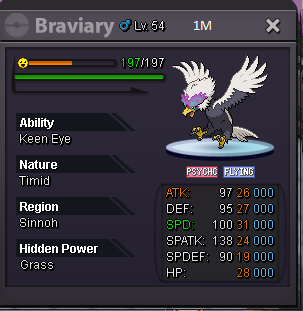
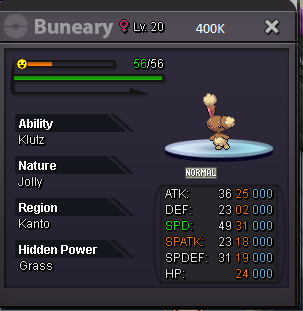
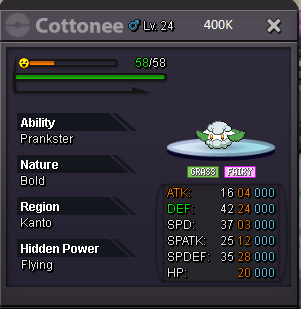
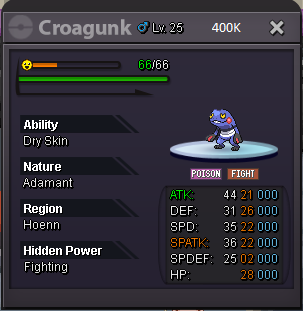
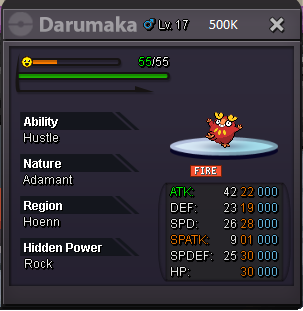
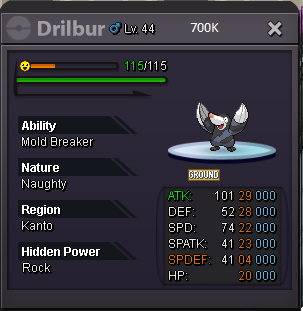
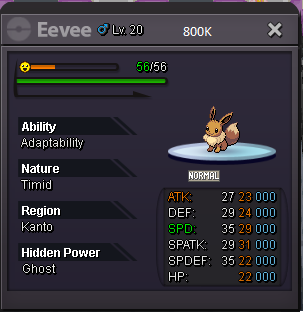
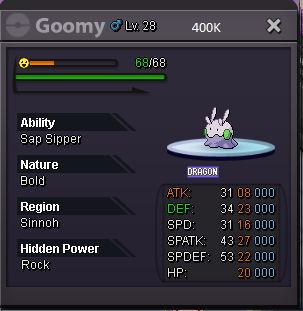
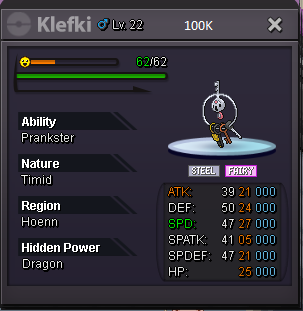
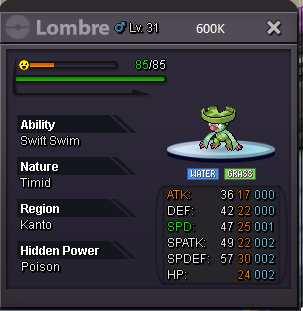
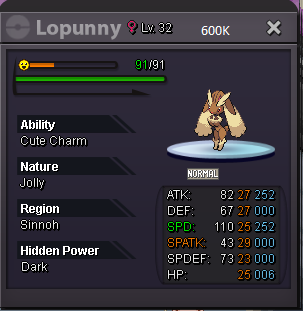
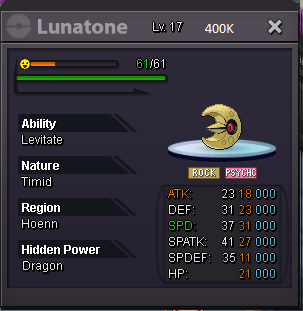
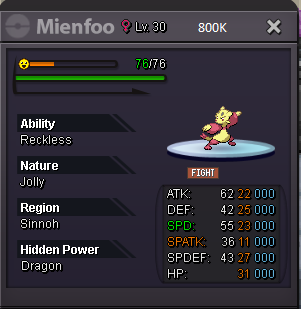
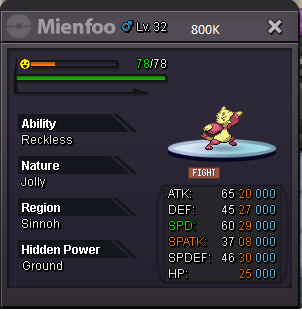
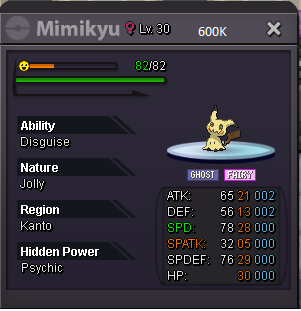
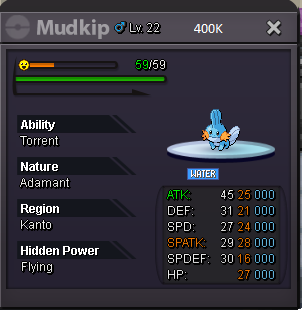
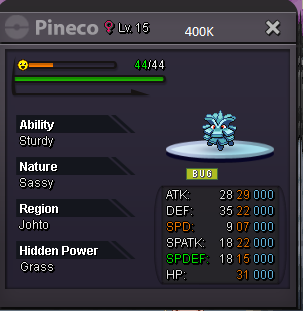
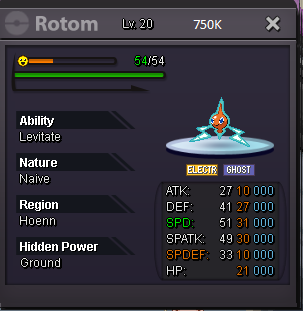
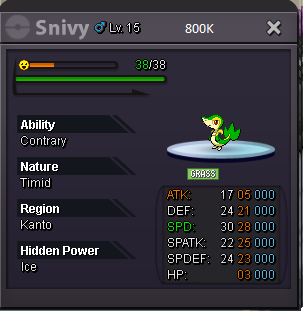
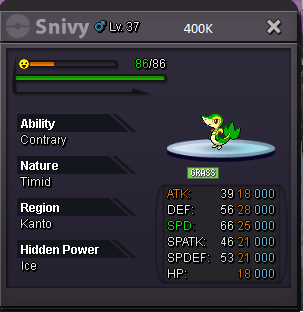
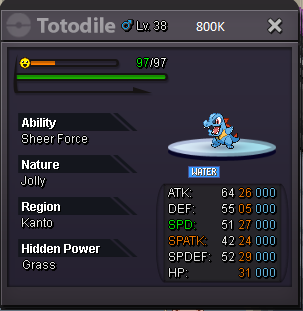
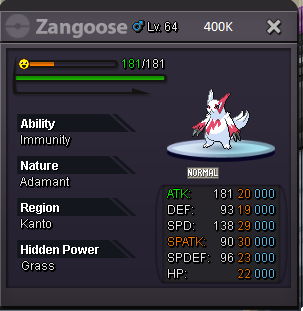
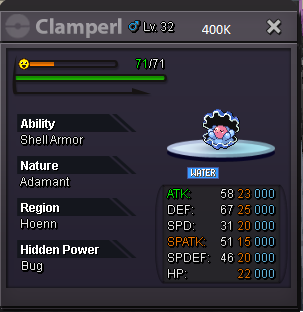
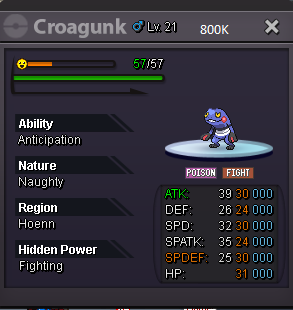
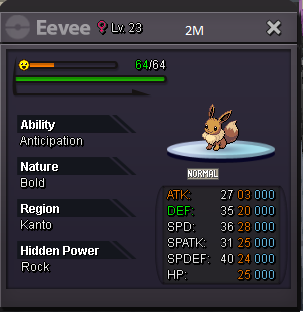
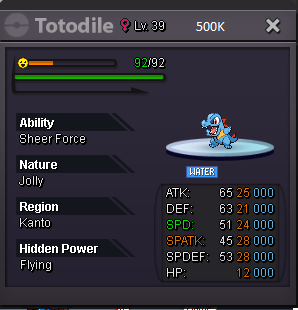
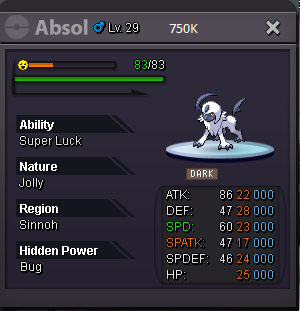
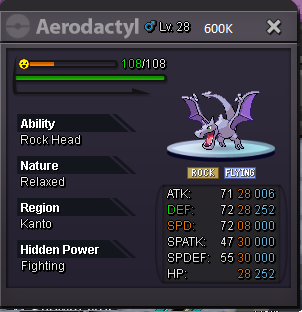
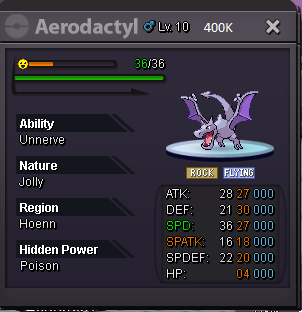
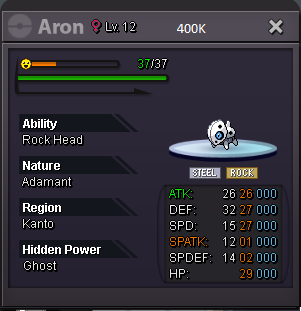
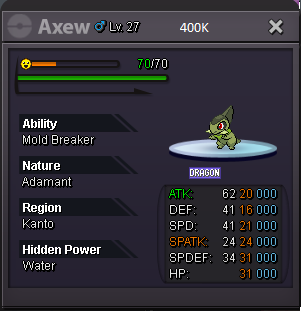
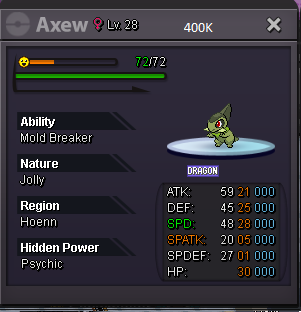
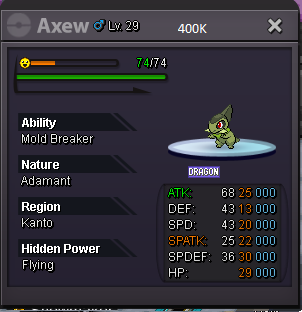
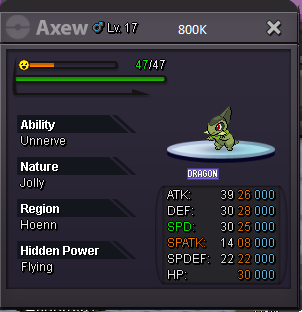
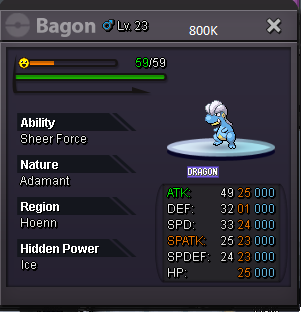
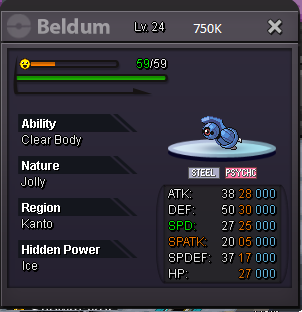
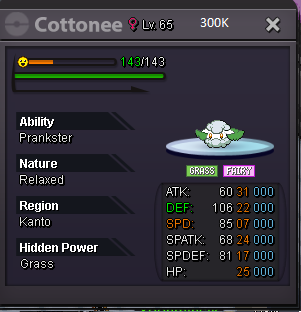
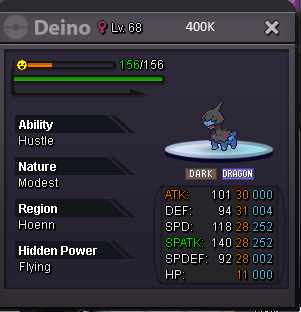
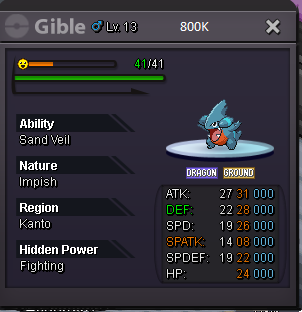
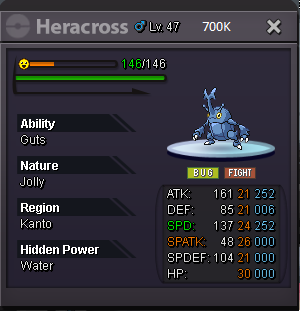
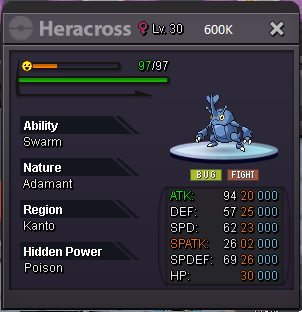
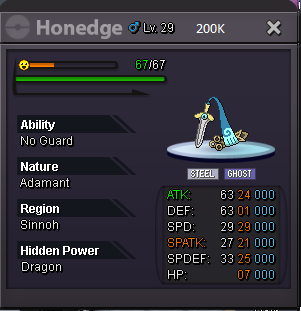
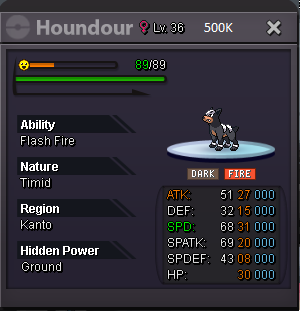
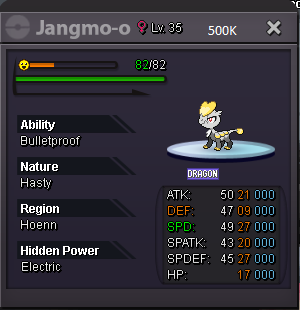
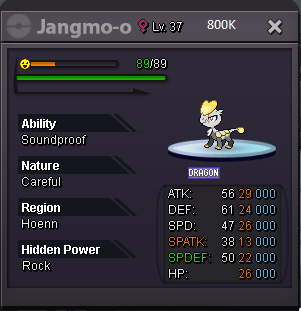
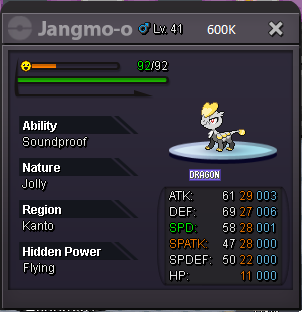
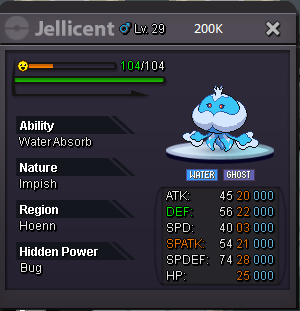
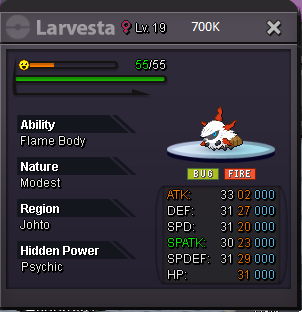
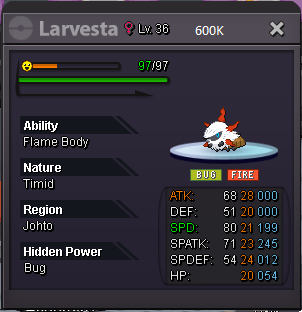
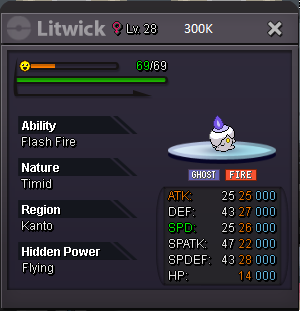
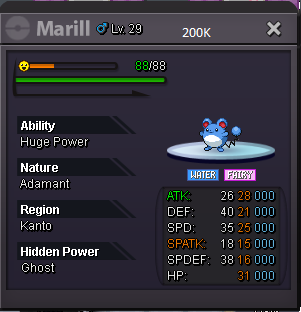
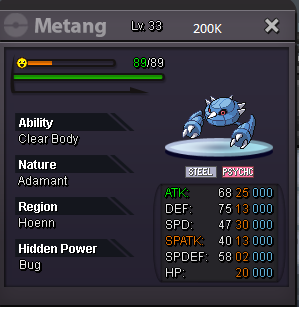
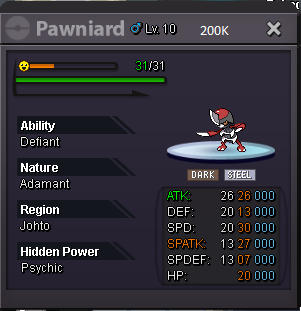
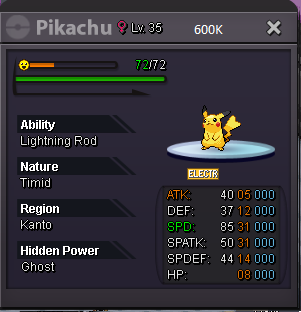
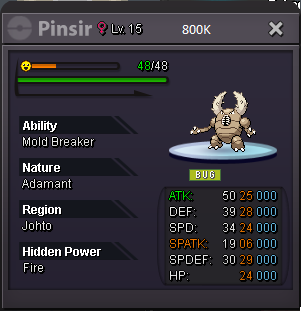
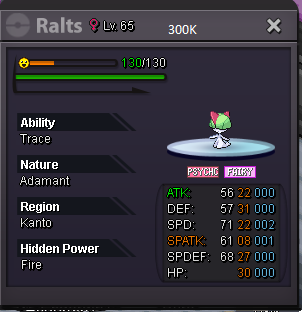
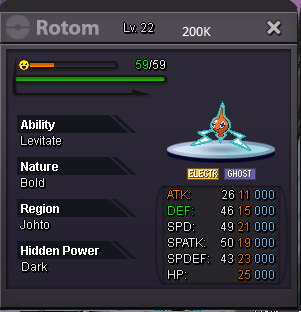
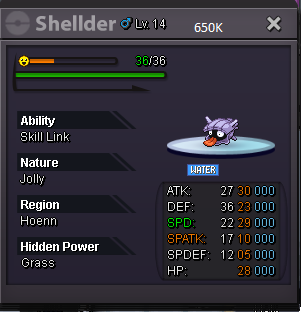
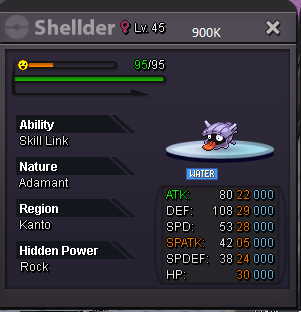
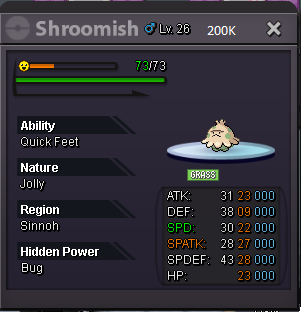
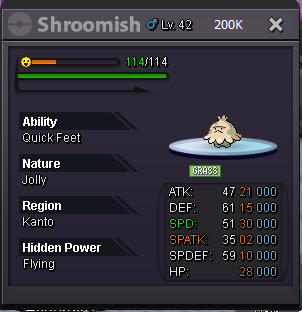
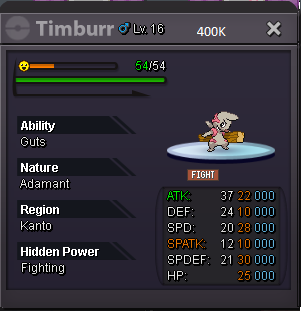
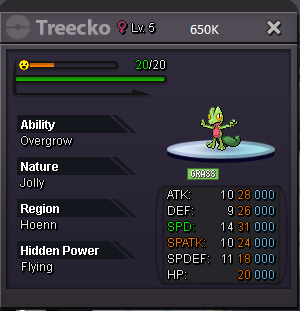
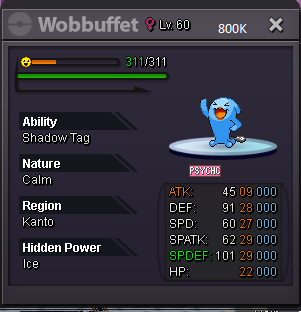 S.o : 700k Min raise : 100k Insta : 2m S.o : 700k Min raise : 100k Insta : 2m 24 hours auctions after first offer Accept cc : 400k Rr : 700kinsta vapo800k vapo600k vapostart vaporeonstartyou won, congrats, let me know when you are onlineAuction started 12:54 AM (gmt +3) 15/10/2021S.o : 600k Min raise : 100k Insta : 3m 24 hours auctions after first offer Accept cc : 400k Rr : 700k
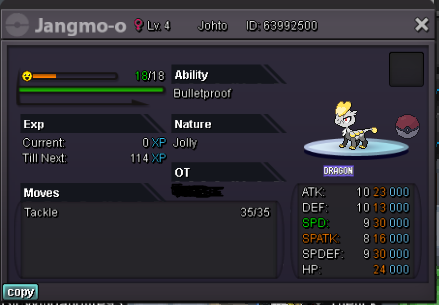 S.o : 500k Min raise : 100k Insta : 3m 24 hours auctions after first offer Accept cc : 350k Rr : 700k
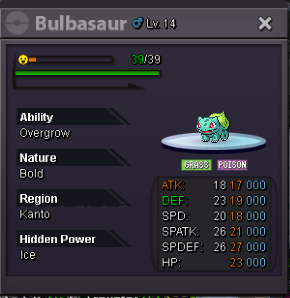 sorry, not accepted because you bid after the auction endedyou won the auction , you can contact me when you are online




Account
Navigation
Search
Configure browser push notifications
Chrome (Android)
- Tap the lock icon next to the address bar.
- Tap Permissions → Notifications.
- Adjust your preference.
Chrome (Desktop)
- Click the padlock icon in the address bar.
- Select Site settings.
- Find Notifications and adjust your preference.
Safari (iOS 16.4+)
- Ensure the site is installed via Add to Home Screen.
- Open Settings App → Notifications.
- Find your app name and adjust your preference.
Safari (macOS)
- Go to Safari → Preferences.
- Click the Websites tab.
- Select Notifications in the sidebar.
- Find this website and adjust your preference.
Edge (Android)
- Tap the lock icon next to the address bar.
- Tap Permissions.
- Find Notifications and adjust your preference.
Edge (Desktop)
- Click the padlock icon in the address bar.
- Click Permissions for this site.
- Find Notifications and adjust your preference.
Firefox (Android)
- Go to Settings → Site permissions.
- Tap Notifications.
- Find this site in the list and adjust your preference.
Firefox (Desktop)
- Open Firefox Settings.
- Search for Notifications.
- Find this site in the list and adjust your preference.