




New Trade Zone
Trade Zone is now live
Use the new Trade Zone for auctions and instant-price trades so Pokemon and item offers are easy to find.

Hermusdxd
Suspended
-
Joined
-
Last visited
Everything posted by Hermusdxd
-
bumpin up
-
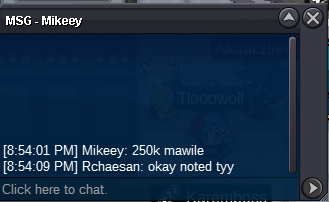
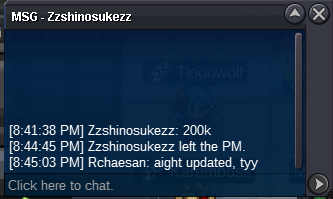
WELCOME TO HERMUSDXD'S MAWILE AUCTION IGN : HERMUSDXD (GOLD) RCHAESAN (SILVER) Discord : Hai#6752 ACCEPT CC (350K) - IV REROLL (650K) C.O 900K BY MYSTICWIND MIN BID 50K INSTA 6M DURATION : https://www.timeanddate.com/countdown/party?iso=20221203T2027&p0=108&font=cursive GOODLUCK!!
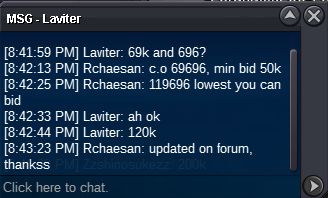
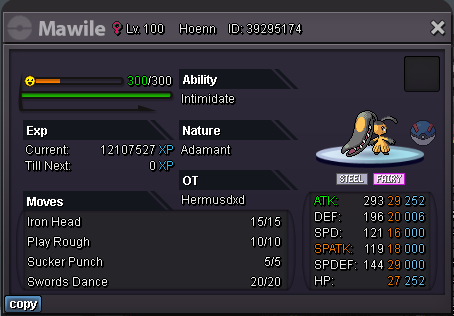 reach me when u online on discord Hai#67528.56mauction ends, thank you so much @Anhklopper123@Hohlyeraser contact me on discord to rearrange meeting, Hai#67528 mins 10 mins15 mins left letsgo2.3m adamant 1 hr 15minz left
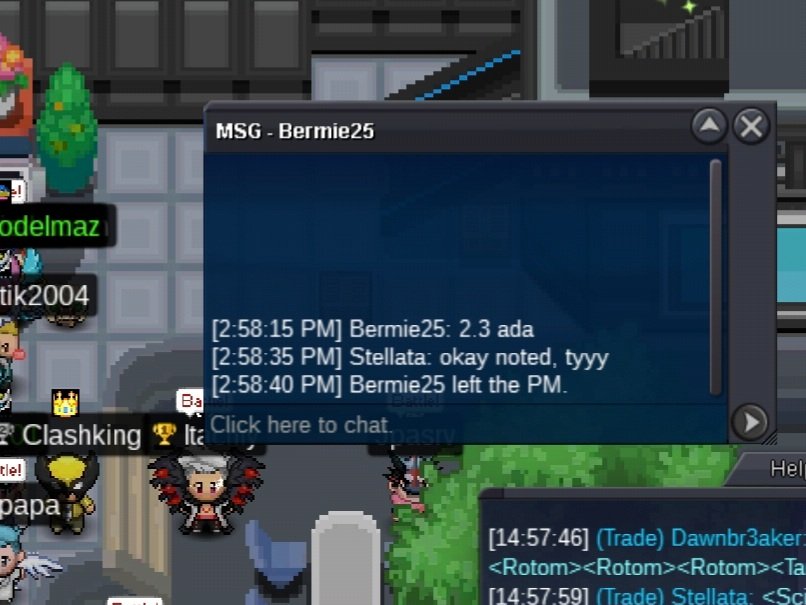 lowest you can bid is 1madam
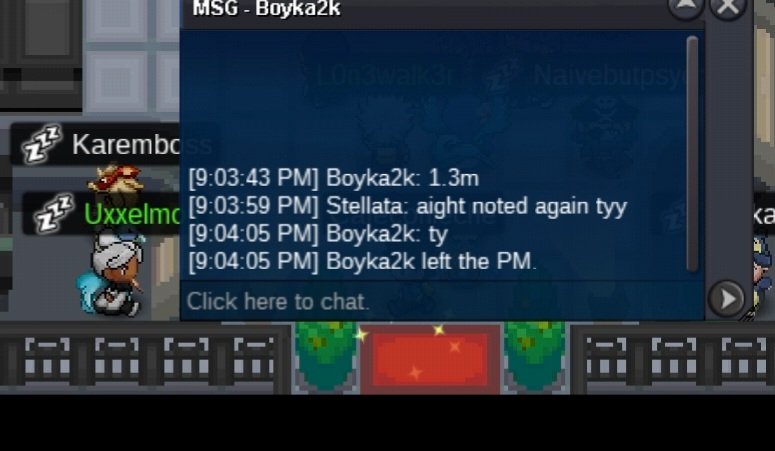
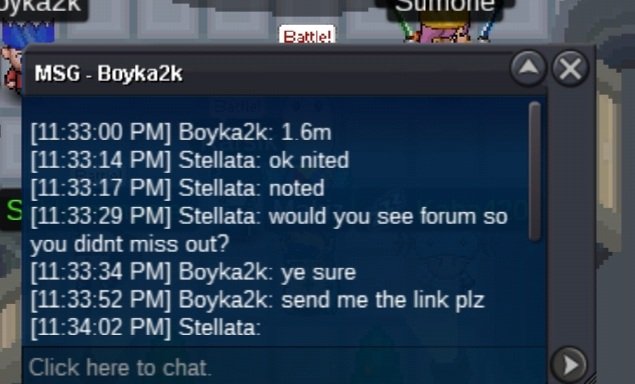 1m on ada
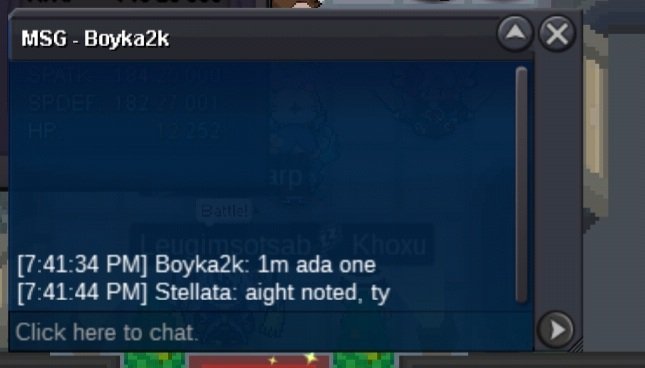 since cc 380k ea, your offer didnt reach min bid (c.o 700k, lowest bid you can do is 800k)bumpok noted https://www.timeanddate.com/countdown/party?iso=20220929T1615&p0=108&font=cursive goodluck!WELCOME TO HERMUSDXD'S SCIZOR AUCTION EPIC-SEMIEPIC-BUDGET PVP SCIZOR ON AUCTION IGN : HermusDXD (GOLD) Stellata (SILVER) Discord : Hai#6752 ACCEPT CC (380K) - IV REROLL (650K) ACTIVE AUCTION SCIZOR #1 C.O 2M5 BY KILES100 MIN BID 100K INSTA 6M DURATION https://www.timeanddate.com/countdown/party?iso=20220929T1615&p0=108&font=cursive SCIZOR #2 C.O 1M1 BY BANGJAGO MIN BID 100K INSTA 4M DURATION https://www.timeanddate.com/countdown/party?iso=20220929T1615&p0=108&font=cursive GOOD LUCK
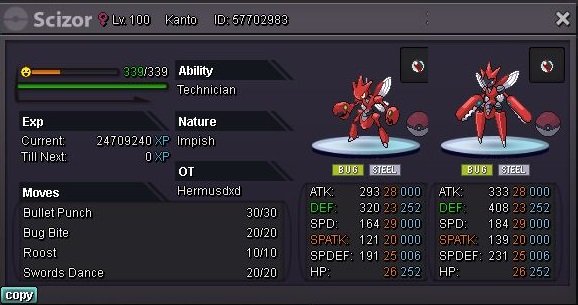 bump
bump
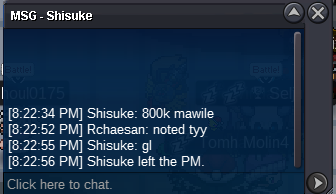
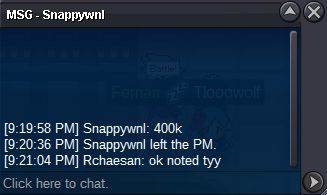
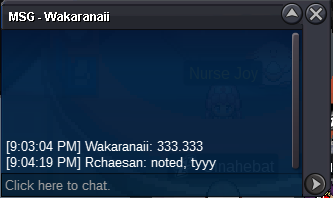

Account
Navigation
Search
Configure browser push notifications
Chrome (Android)
- Tap the lock icon next to the address bar.
- Tap Permissions → Notifications.
- Adjust your preference.
Chrome (Desktop)
- Click the padlock icon in the address bar.
- Select Site settings.
- Find Notifications and adjust your preference.
Safari (iOS 16.4+)
- Ensure the site is installed via Add to Home Screen.
- Open Settings App → Notifications.
- Find your app name and adjust your preference.
Safari (macOS)
- Go to Safari → Preferences.
- Click the Websites tab.
- Select Notifications in the sidebar.
- Find this website and adjust your preference.
Edge (Android)
- Tap the lock icon next to the address bar.
- Tap Permissions.
- Find Notifications and adjust your preference.
Edge (Desktop)
- Click the padlock icon in the address bar.
- Click Permissions for this site.
- Find Notifications and adjust your preference.
Firefox (Android)
- Go to Settings → Site permissions.
- Tap Notifications.
- Find this site in the list and adjust your preference.
Firefox (Desktop)
- Open Firefox Settings.
- Search for Notifications.
- Find this site in the list and adjust your preference.