




New Trade Zone
Trade Zone is now live
Use the new Trade Zone for auctions and instant-price trades so Pokemon and item offers are easy to find.

Ignacioleonardo
Registered User
-
Joined
-
Last visited
Everything posted by Ignacioleonardo
-
Bump
-
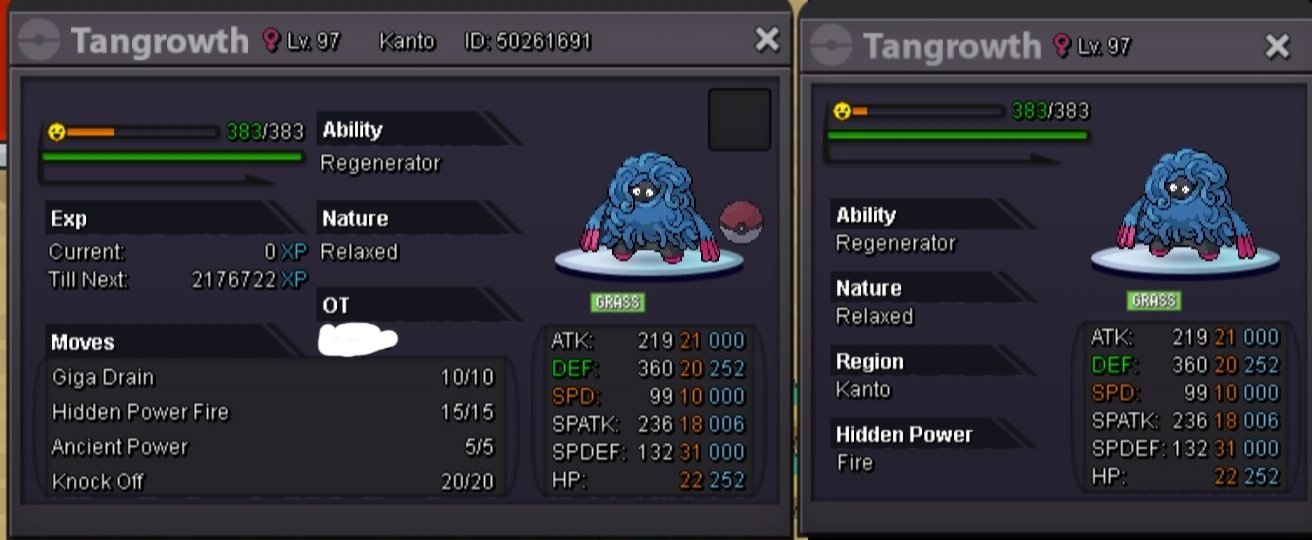
S.O. : 600k winner: 600k by RichardRochtard Min bid : 100k Time start: 13 September 10 AM GMT +7 TIme ends: 14 September 10 AM GMT +7 Server: gold Contact: IGN: ignacioleonardo Discord: IgnacioLeon#6536
-
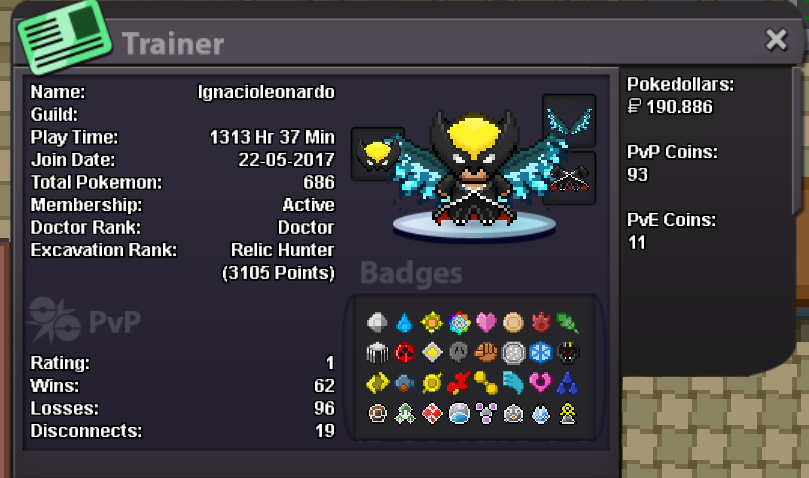
IGN: ignacioleonardo I'm 15 years old Goal in PRO : have fun n play with friend Favorite aspect in PRO : battling(boss or pvp) highest rating in the last pvp season 404 Why did you choose Predators? Because sounds cool Guild island is your main aim to join us ? not really
-
when I was doing the darkrai quest, after i entered the dark realm I accidently go to the right and exit to the dark realm. after that i try encountered a pokemon and i relog the game. when i login i was in the dark realm. After that I continue the quest and complete it. soon after completing the quest, I will catch darkrai and get a sync from pc, but when i want to go inside the alucard castle i can't go inside. After that I completed the mega gengar quest, also the hard mode and gained the reward . Next after a few days and i read the forum that I have to defeat a boss without a single pokemon fainted to enter the alucard's castle again, I try it and I am able to catch darkrai, but I didnt get reward from it. My friend that i get Ivs lock reroll after catching darkrai.