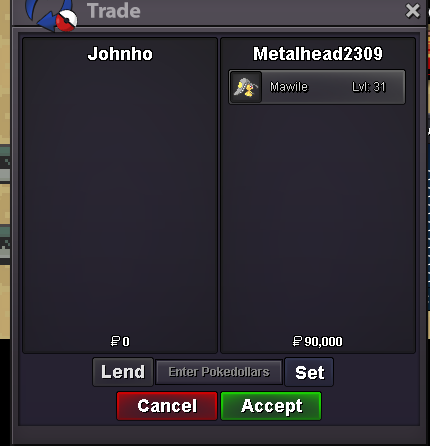
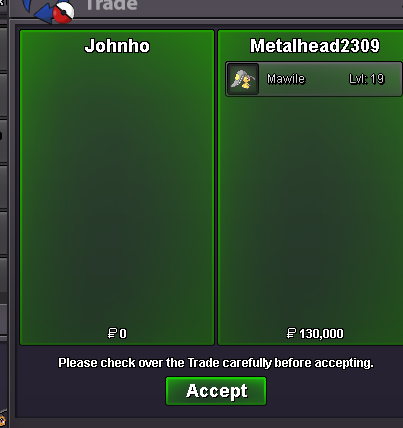
New Trade Zone
Trade Zone is now live
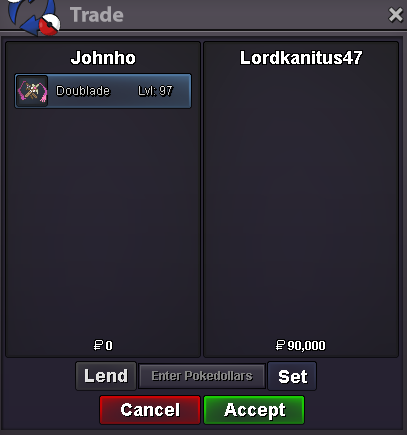
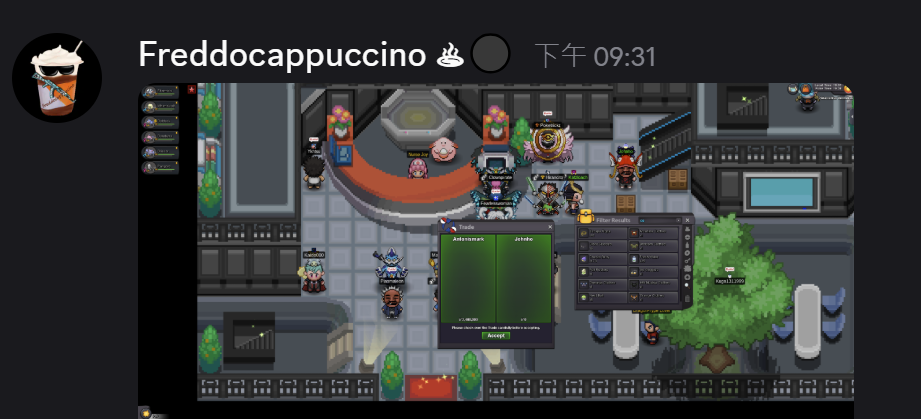
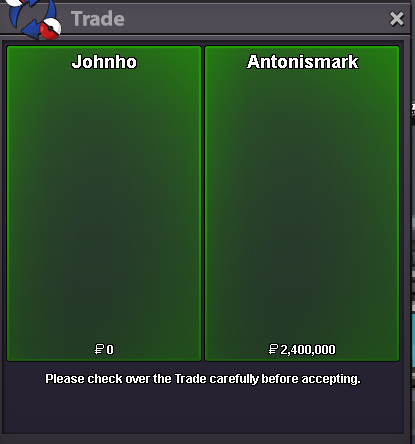
Use the new Trade Zone for auctions and instant-price trades so Pokemon and item offers are easy to find.

Johnho
Registered User
-
Joined
-
Last visited
Everything posted by Johnho
-
low speed troom 25+ usra start:100k c.o 500k by Qwertyqwerty08 (in game) minbid:100k,no insta 12 hours (after start price)
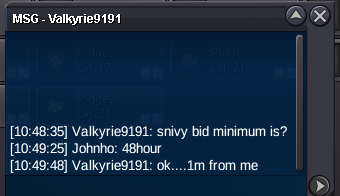
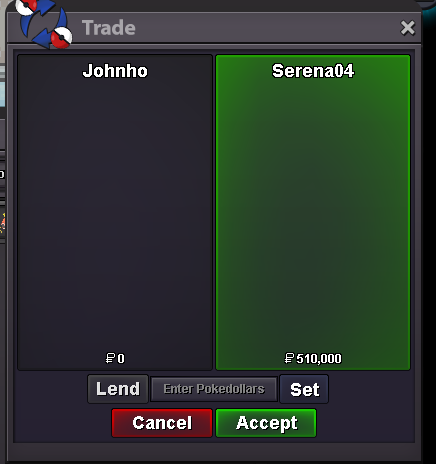
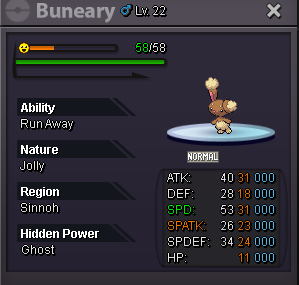
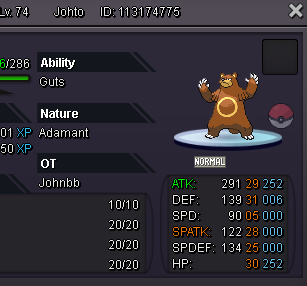 hi ,snivy min bid 200kEPIC jolly Buneary 31/31 start : 500k 700k (by Vuonglam) - end - Min bid : 100k INSTA : / Auction : 48h after first bid (15min Auction rule) EPIC H.A Snivy timid 30X3+ 20+ start : 1m 1.6m (by Konservatif) - end - Min bid : 200k INSTA : / Auction : 48h after first bid (15min Auction rule)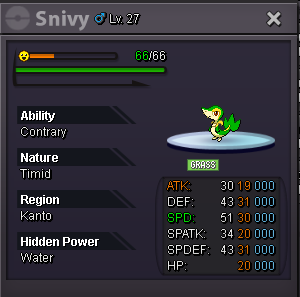
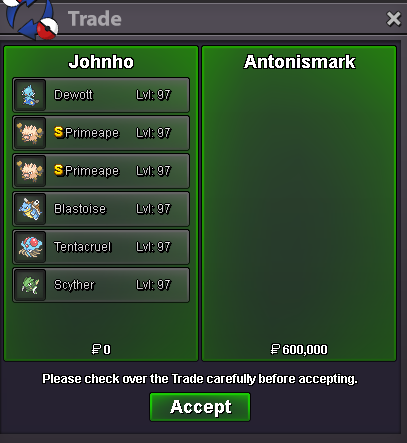
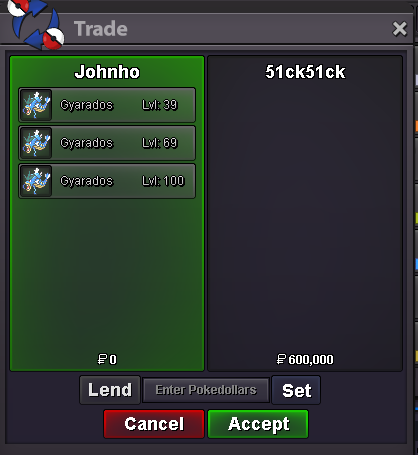
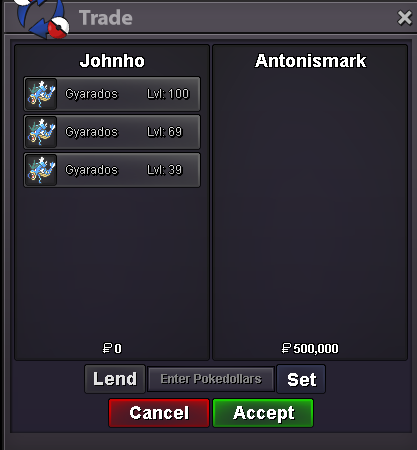
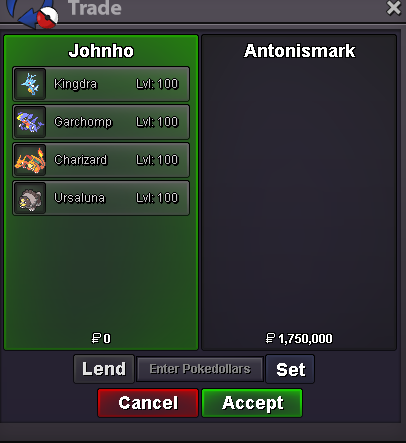
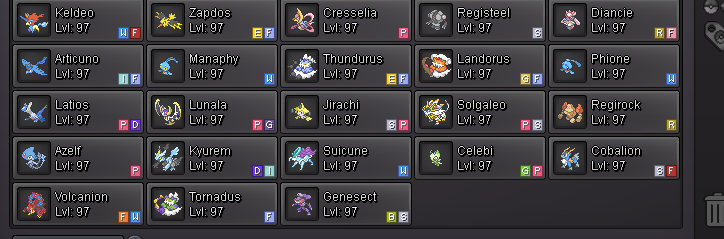
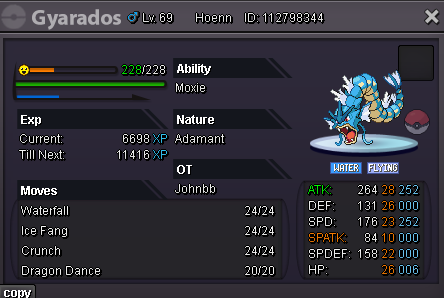
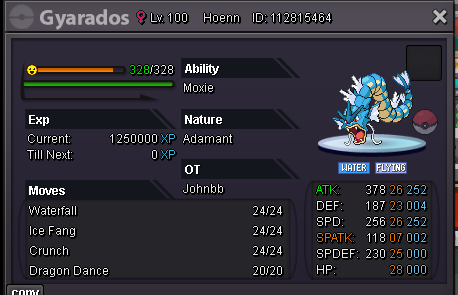
 500k Krookodilestart with Antonismarkbundle auction Trainer tower ready Lv39 Lv69 Lv100 Fullset. (Moxie 22+ Gyarados) *Please note that at levels 39 and 69, you’ll need to use an alt account to lend it to your main account. Start : 150k min : 50k insta/ Sicksick 600k win. Auction : 24h after first bid (15min Auction rule) Accepted Payments: Pokedollars, Coin Capsules (x1 Coin Capsule = 500k), IV Reroll Tickets (x1 IV Reroll Ticket = 750k)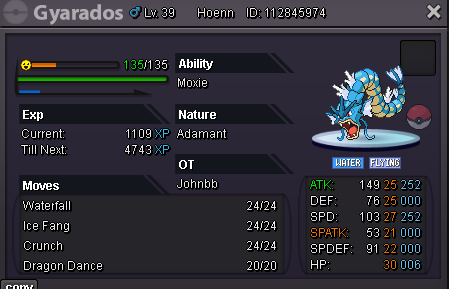
Account
Navigation
Search
Configure browser push notifications
Chrome (Android)
- Tap the lock icon next to the address bar.
- Tap Permissions → Notifications.
- Adjust your preference.
Chrome (Desktop)
- Click the padlock icon in the address bar.
- Select Site settings.
- Find Notifications and adjust your preference.
Safari (iOS 16.4+)
- Ensure the site is installed via Add to Home Screen.
- Open Settings App → Notifications.
- Find your app name and adjust your preference.
Safari (macOS)
- Go to Safari → Preferences.
- Click the Websites tab.
- Select Notifications in the sidebar.
- Find this website and adjust your preference.
Edge (Android)
- Tap the lock icon next to the address bar.
- Tap Permissions.
- Find Notifications and adjust your preference.
Edge (Desktop)
- Click the padlock icon in the address bar.
- Click Permissions for this site.
- Find Notifications and adjust your preference.
Firefox (Android)
- Go to Settings → Site permissions.
- Tap Notifications.
- Find this site in the list and adjust your preference.
Firefox (Desktop)
- Open Firefox Settings.
- Search for Notifications.
- Find this site in the list and adjust your preference.