New Trade Zone
Trade Zone is now live
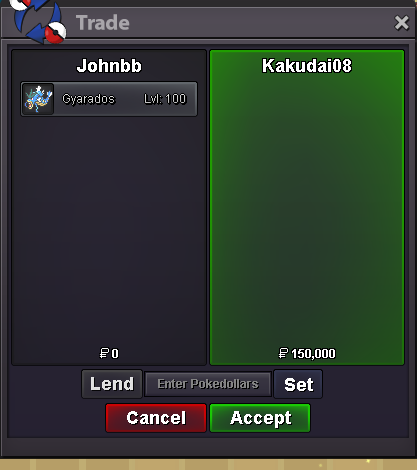
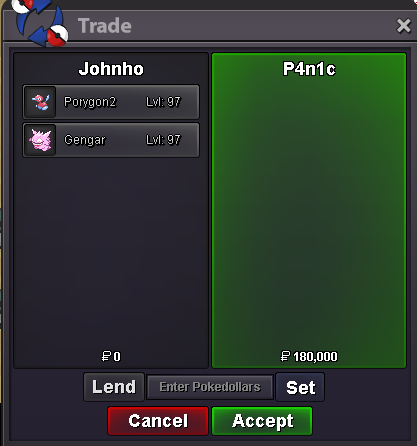
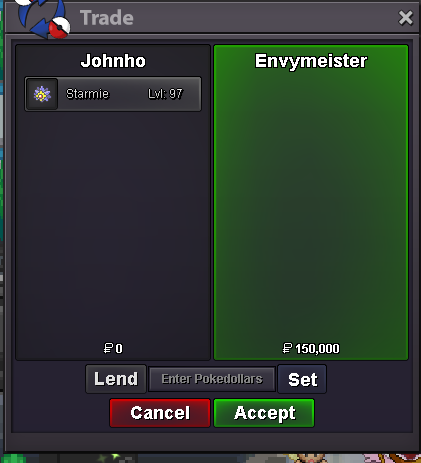
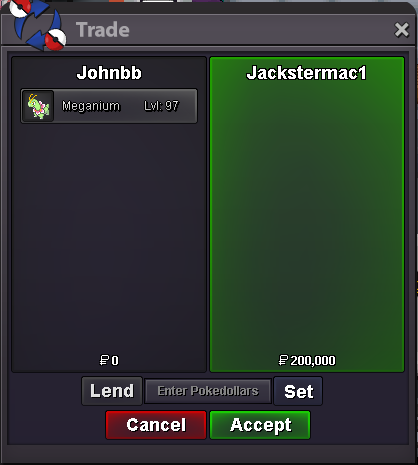
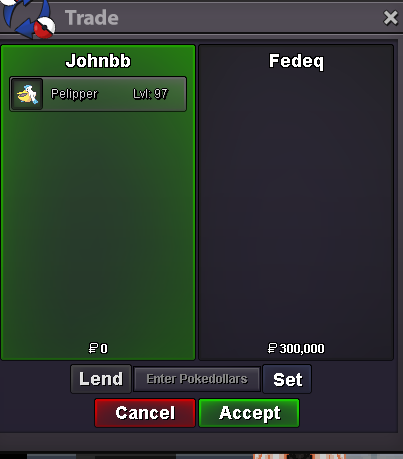
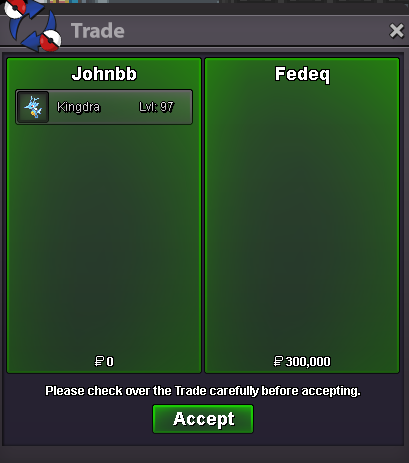
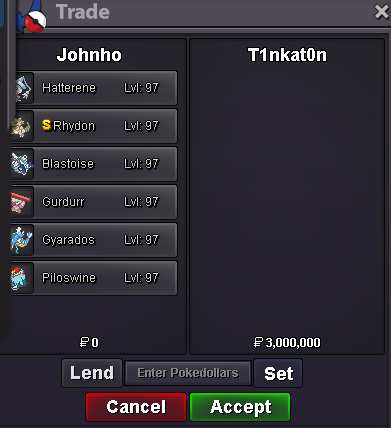
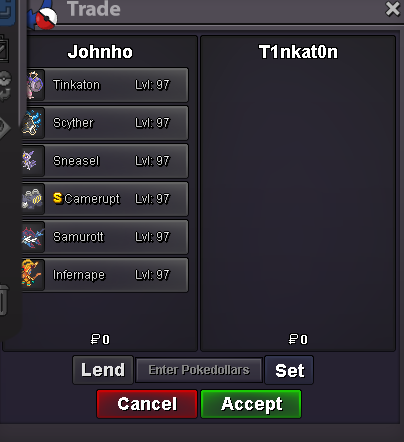
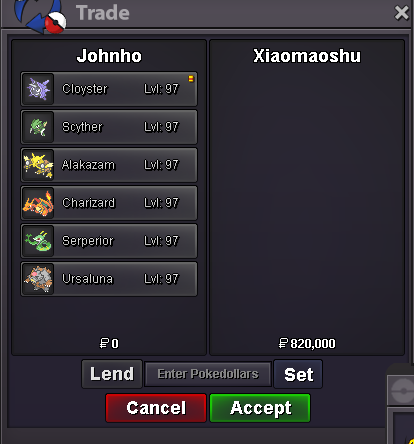
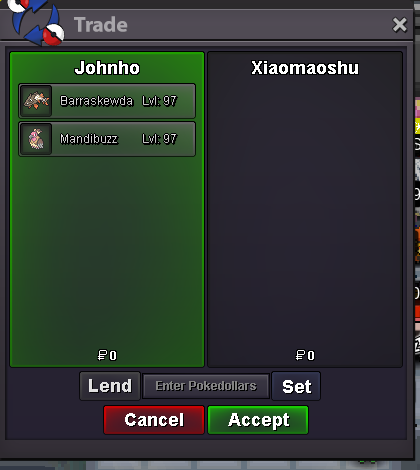
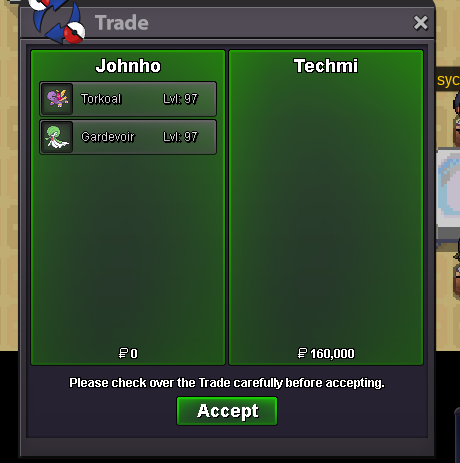
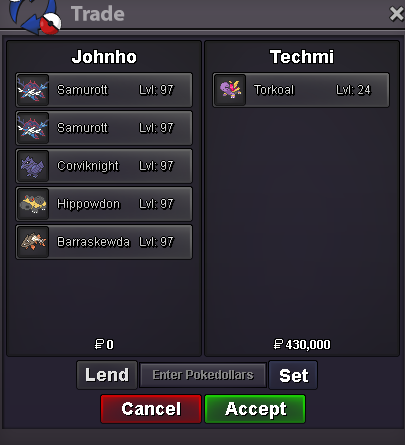
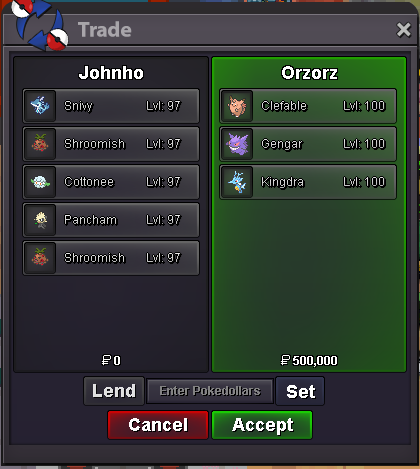
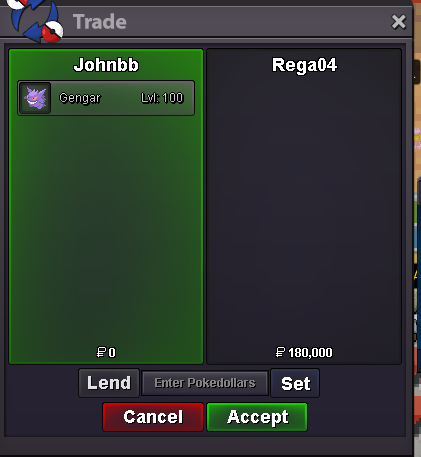
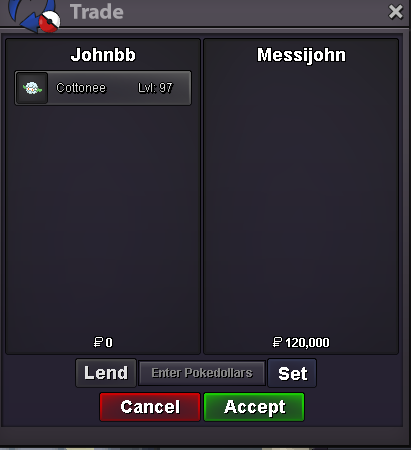
Use the new Trade Zone for auctions and instant-price trades so Pokemon and item offers are easy to find.

Johnho
Registered User
-
Joined
-
Last visited
Everything posted by Johnho
-
up newThe customer wishes to keep their identity private to prevent if necessary: March 22, 2026, 12:01-12:59 (UTC+8)
 413poke ?


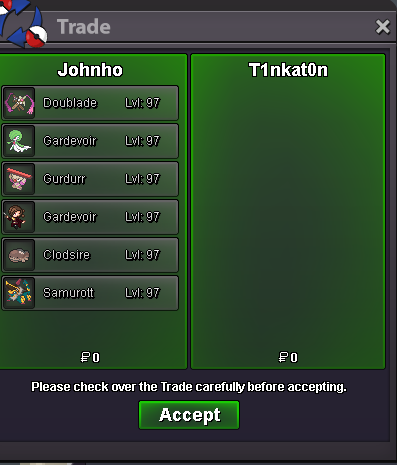
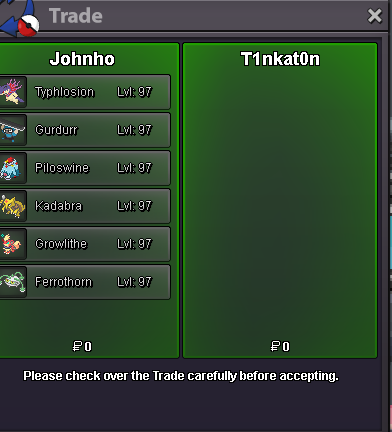
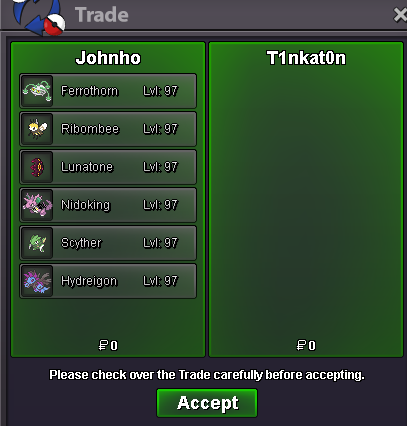
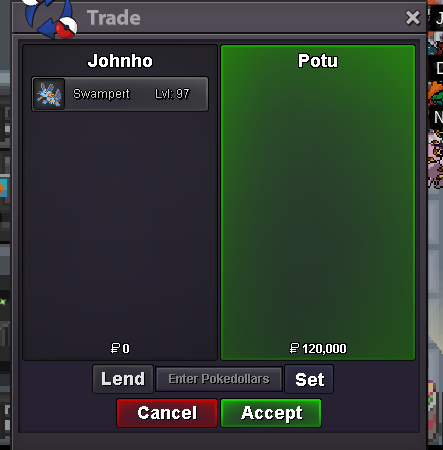
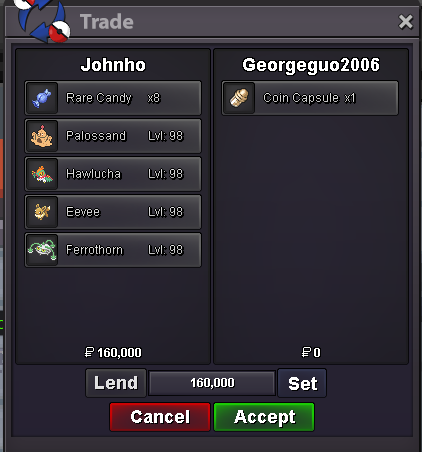
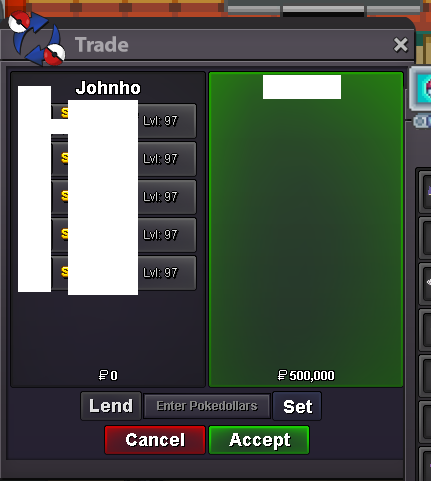
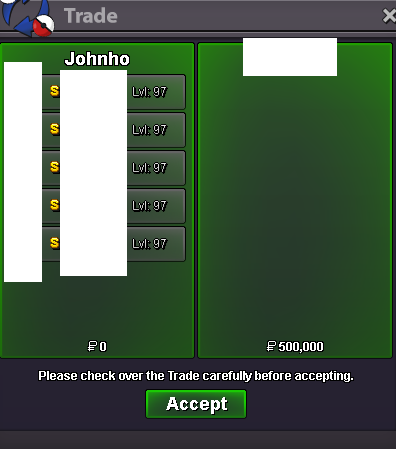
 I rarely comment, but I wanted to encourage you to keep updating! The UI is clean and it’s a great project.😍 My PvP knowledge is stuck in Gen 5 after a 10-year break. Your PRO meta analysis is incredibly helpful for a returning player like me. I hope you can add some off-meta builds later. However, since PRO PvP is heavily dominated by legendaries, it’s tough for regular Pokémon to compete . Plus, grinding for PvP-viable legendaries can take a beginner over a year!🥲UPDATE 18.03.26 10+newᴡᴇʟᴄᴏᴍᴇ ᴛᴏ ᴍʏ ꜱʜᴏᴘ🌠all Pokemon are fairly priced — no inflated prices. contact on discord for quick deals👇 ɪɢɴ ▹ Johnho | ᴅɪꜱᴄᴏʀᴅ▹ johnho_ | Message Me ⸻⸻⸻⸻⸻⸻⸻⸻ ᴘᴀʏᴍᴇɴᴛ PokeDollars Coin Capsule : 500k Reroll Ticket : 720k Nature Reroll Ticket : 350k Rare Candy : 6k⸻⸻⸻⸻⸻⸻⸻⸻ Price ▹ 100k-399K Price ▹ 400K-999K Price ▹ 1M+ Price ▹| 80K:1 | 150K:2 | 200K:3 | PvP able with minor flaws, but still a great deal | 🎁Spend 500k on any Poke in my shop and get 1 free Shiny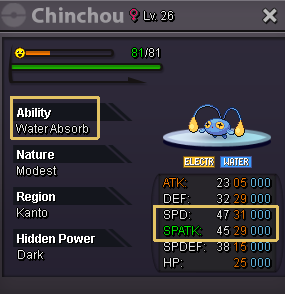
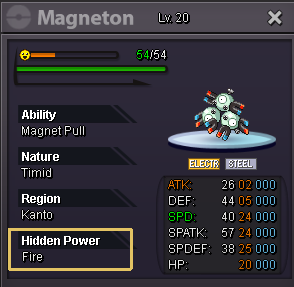
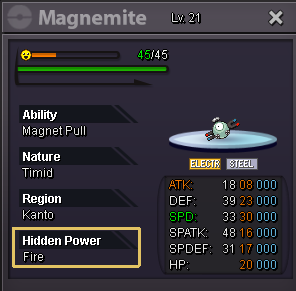
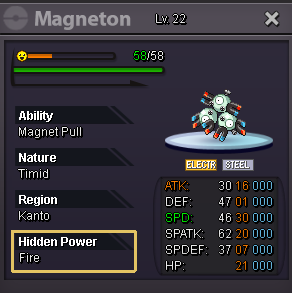
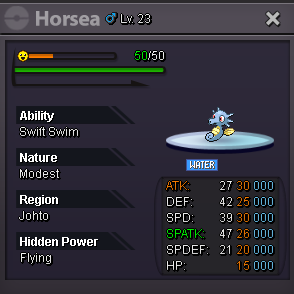
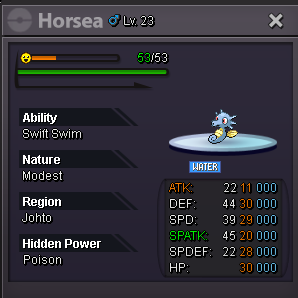
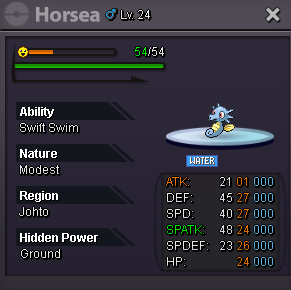
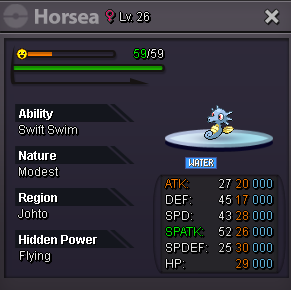
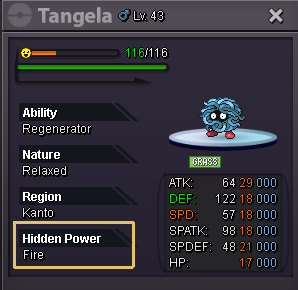
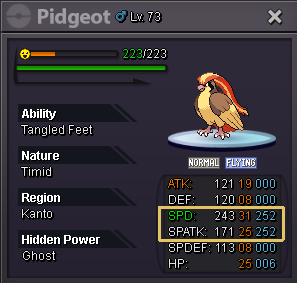 IGN:Johnho (UTC-05:00) Eastern Time (US & Canada) :Grin:2m :Grin: :Grin:Re: Chronos' PokeHouse [New Pokemon Added 09/28] <t>already contact with daen:Grin:</t>insta goth. can you pm me ingame
Account
Navigation
Search
Configure browser push notifications
Chrome (Android)
- Tap the lock icon next to the address bar.
- Tap Permissions → Notifications.
- Adjust your preference.
Chrome (Desktop)
- Click the padlock icon in the address bar.
- Select Site settings.
- Find Notifications and adjust your preference.
Safari (iOS 16.4+)
- Ensure the site is installed via Add to Home Screen.
- Open Settings App → Notifications.
- Find your app name and adjust your preference.
Safari (macOS)
- Go to Safari → Preferences.
- Click the Websites tab.
- Select Notifications in the sidebar.
- Find this website and adjust your preference.
Edge (Android)
- Tap the lock icon next to the address bar.
- Tap Permissions.
- Find Notifications and adjust your preference.
Edge (Desktop)
- Click the padlock icon in the address bar.
- Click Permissions for this site.
- Find Notifications and adjust your preference.
Firefox (Android)
- Go to Settings → Site permissions.
- Tap Notifications.
- Find this site in the list and adjust your preference.
Firefox (Desktop)
- Open Firefox Settings.
- Search for Notifications.
- Find this site in the list and adjust your preference.