New Trade Zone
Trade Zone is now live
Use the new Trade Zone for auctions and instant-price trades so Pokemon and item offers are easy to find.

Jackie12345678
Registered User
-
Joined
-
Last visited
Everything posted by Jackie12345678
-
1.6m hp fire
-
1m hp fire froakie
-
2.5m
-
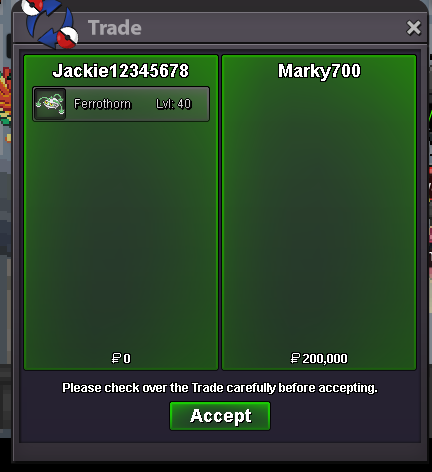
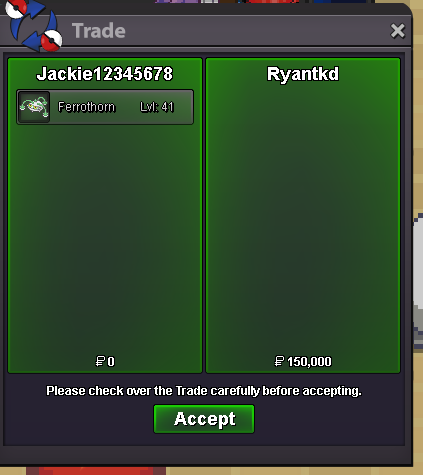
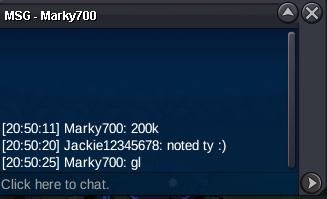
c.o 200k on impish ferro by @Marky700
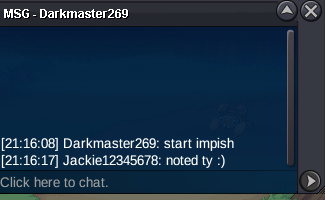
 1st ferro started by @Darkmaster269
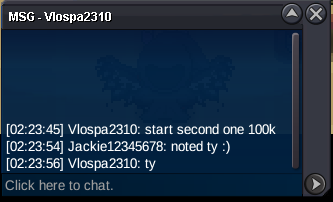
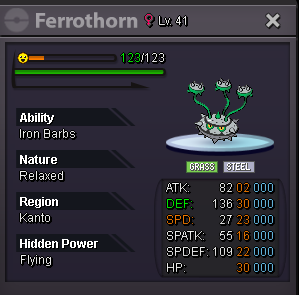
 2nd ferro started by @Vlospa2310
 Auction Details Start Price: 100k End Point: 24 Hours (after start) Insta Price: no insta Minimum Raise: 50K Accepted Payments: Pokedollars , cc = 500k , rr = 720k Server Name: gold Auction Details Start Price: 100k End Point: 24 Hours (after start) Insta Price: no insta Minimum Raise: 50K Accepted Payments: Pokedollars , cc = 500k , rr = 720k Server Name: gold Important Reminders This is a Gold Server auction. You may bid from any server but you must transfer to Gold Server upon winning the auction. If you intend to purchase with an alternate account or from other server, please specify the account name and/or server name alongside your bid. Please check the Trade Rules and Auction Rules if you are new to trading in PRO.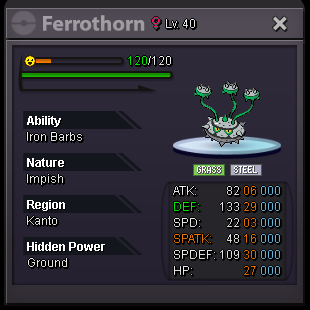
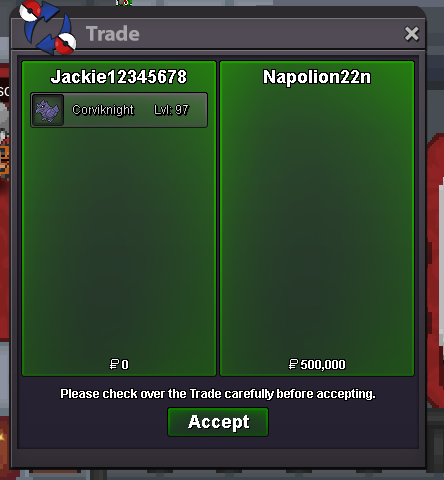
 start allstartCorviknight has been given as well.
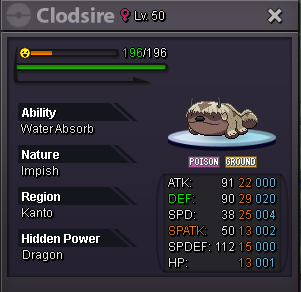
 Clodsire has been given.
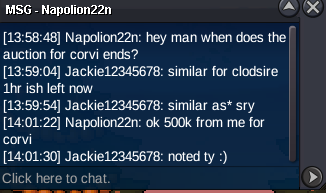
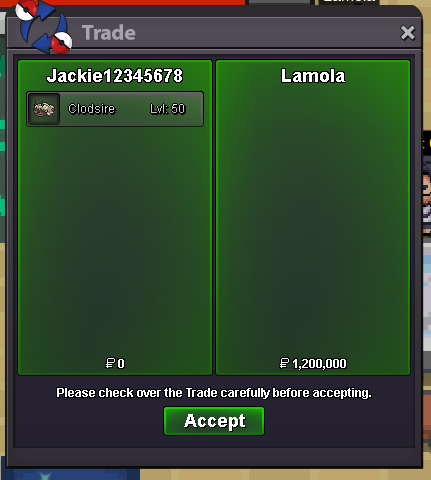 Congrats @Napolion22n on winning the corviknight at 500k and @Lamola on winning halloween clodsire at 1.2m. PM me ingame to collect your pokes 🙂co 500k for corvi by @Napolion22n
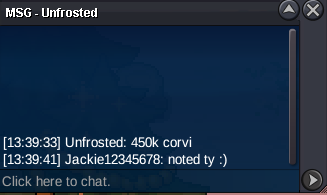
 co 450k on corvi by @Unfrosted
 co clodsire 1.2m by @Lamola
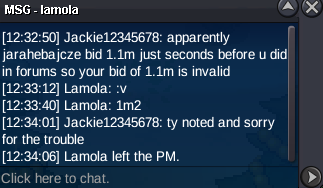 co 1m on clodsire by @Esdeath4401
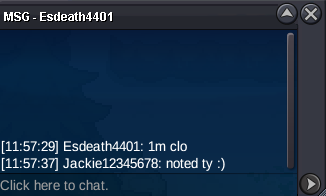 co 800k on clodsire by @Prokhan
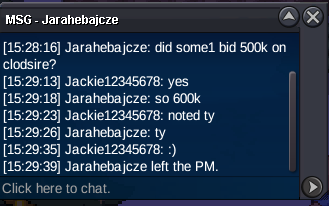
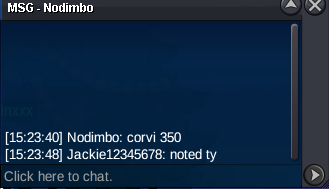
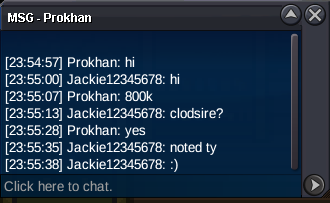 corvi 400k by @Jarahebajcze
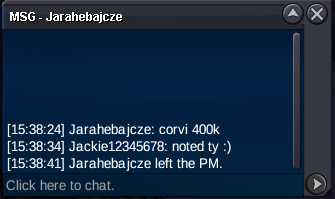 600k clodsire by @Jarahebajcze
 350k corvi by @Nodimbo
 S.O CORVI 300K MIN BID 50K INSTA 1.5M ENDS 24 HRS AFTER START S.O CLODSIRE 500K MIN BID 100K INSTA 3M ENDS 24HRS AFTER START Accepted payments : CC=500K IV RRs=720k Rare candies=6.5k ea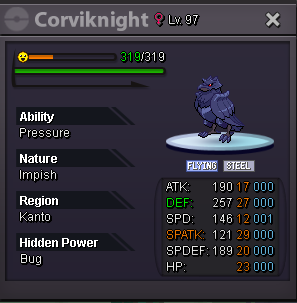
 1.7m mimi(ill transfer if i win)1.4m(ill transfer if i win)