New Trade Zone
Trade Zone is now live
Use the new Trade Zone for auctions and instant-price trades so Pokemon and item offers are easy to find.

Pinkbanana
Registered User
-
Joined
-
Last visited
Everything posted by Pinkbanana
-
bump
-
-
hey Goude, thank you for noticing me :)
-
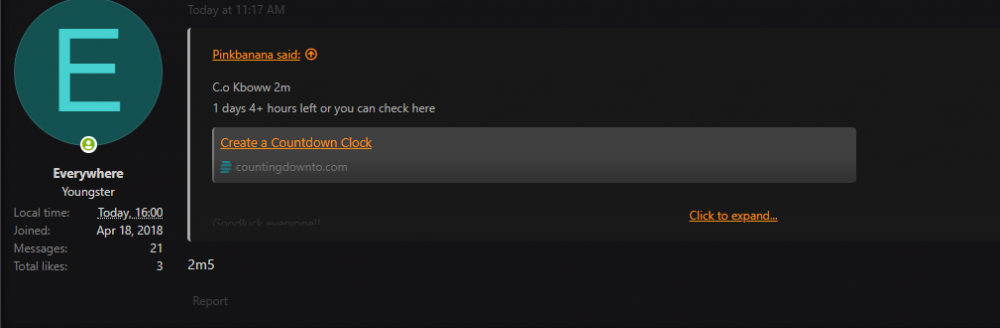
c.o 2m5 by Everywhere
-
ok noted- c.o Everywhere 2m5
-
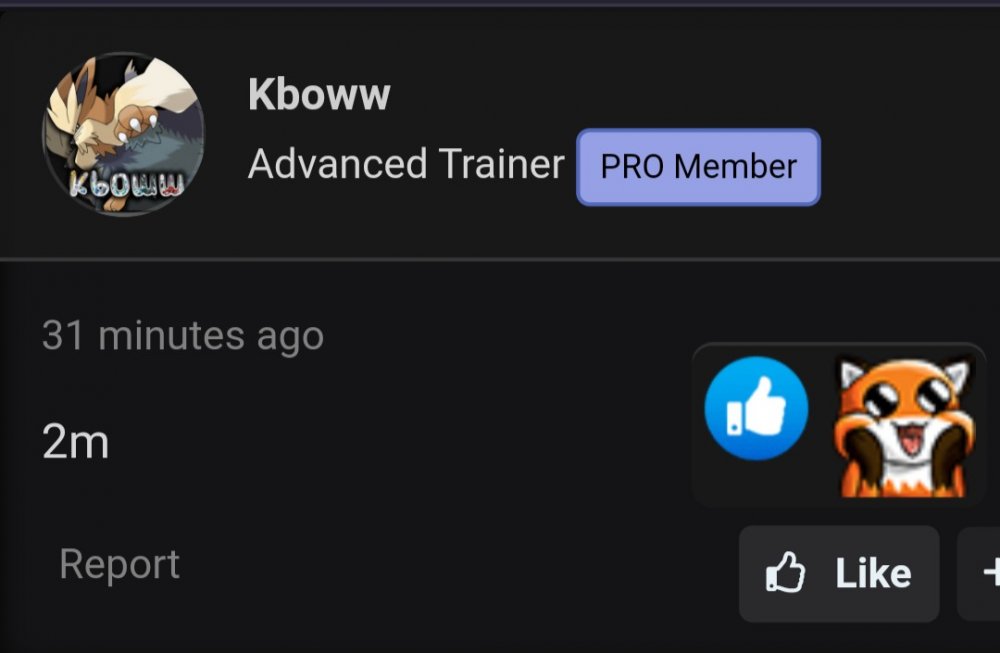
C.o Kboww 2m 1 days 4+ hours left or you can check here https://countingdownto.com/?c=3172336 Goodluck everyone!!
-
C.o Kboww 2m 1 days 4+ hours left or you can check here https://countingdownto.com/?c=3172336 Goodluck everyone!!
-
Bump and here is to check auction time https://countingdownto.com/?c=3172336
-
Bump and here is to check the auction time https://countingdownto.com/?c=3172336
-
c.o 1m1 by HermusDxD

-
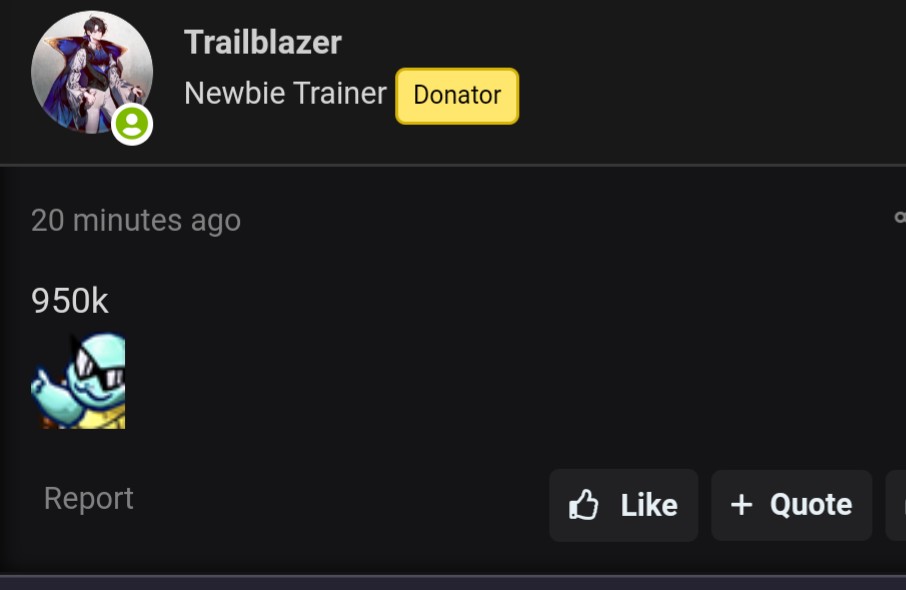
C.o 950k by Trailblazer
-
Ok noted. Sableye c.o Trailblazer
-
-
OK 4m from me
-
Accept reroll?
-
Bump is allowed once per day @Hawluchaa
-
Started by Dekisugi at Thursday 4.20 pm +1 Gmt Here is the time https://countingdownto.com/?c=3172336
-
Started by Dekisugi at Thursday 4.20 pm +1 Gmt Here is the time https://countingdownto.com/?c=3172336
-
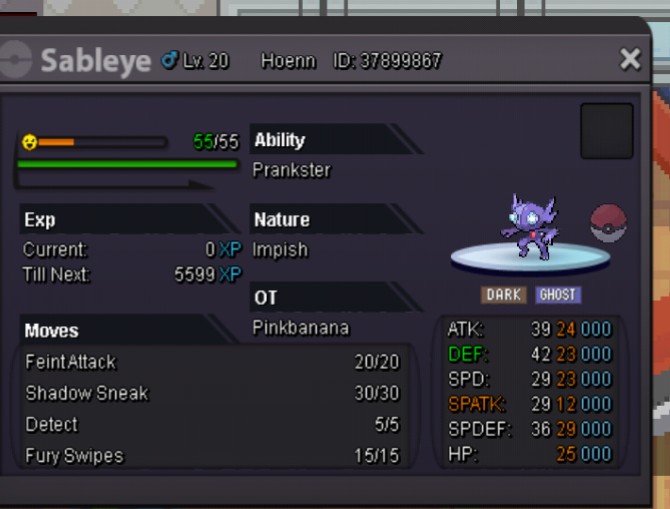
Epic 23+ impish sableye S.o 800k Min bid 150k No insta Auction time: 3 days after 1st bid Note: winner from silver need to pick up poke from gold Accept cc=380k, rr=700k
-
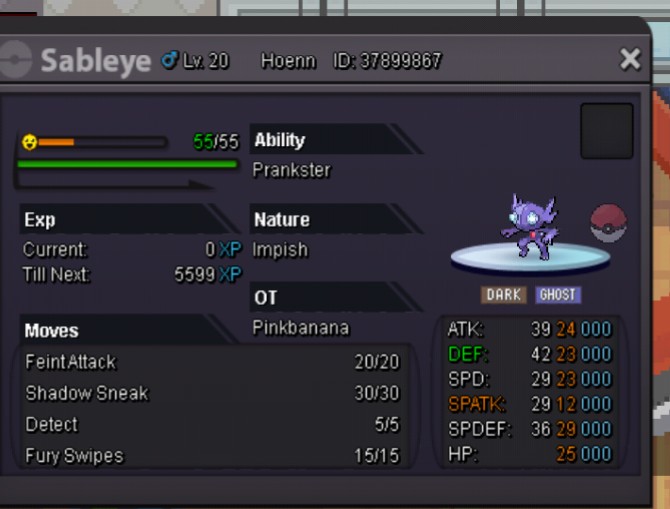
Epic 23+ impish sableye S.o 800k Min bid 150k No insta Auction time: 3 days after 1st bid Accept cc=380k, rr=700k
-
1m
-
Buy charizard and mandibuzz 200k
-
300k 4th
-
start 2nd one, 200k 4th and 250k 1st
-
any update or info when it gonna work again?